A:AnswerThe way I understand this equipment is it's a Point to Point type device. I'm not sure you can use it for what you described. That doesn't mean I'm right all I'm saying is I dont believe the intent is for cameras. I would reach out to the manufacturer and get their input to confirm
Thanks
A:AnswerDo you have a HDMI on cable box? Ill assume the TV does. If BOTH have HDMI the answer is YES. But only buy 1 GWHDBBKIT as having 2 will interfere with each other. That info is NOWHERE on retail box
A:AnswerThank you for choosing IOGEAR and we apologize for the inconvenience. The GWHDBBKIT will transmit a signal from one device like a PS4 or Cable box to the receiver. The GWHDBBKIT will not connect the PS4 to your cable box. To better service you and understand your set up, please feel to contact our customer support at 1-866-946-4327 or email us: support@iogear.com. Once again, thank you for choosing IOGEAR.
A:AnswerIOGEAR says : The apple airplay is a wireless streaming device . Please contact technical support so we can clarify this question . 866-946-4327 or send and email to support@iogear.com
A:AnswerIOGEAR says: Wireless kits will work with most devices including and XBOX that have an HDMI connection , so the answer is Yes . Thank you for choosing IOGEAR .
A:AnswerIOGEAR says : There are several wireless kits that will suite your needs. Visit IOGEAR.com or call support at 866-946-4327
Thank you for choosing IOGEAR
A:AnswerIOGEAR says: If the shoulder mount camera has HDMI the GW3DHDKIT or other wireless kit should be able to connect to the transmitter however it will only transmit to a receiver connect to a TV not LAPTOP . Please contact IOGEAR support if you have any further questions at 866-946-4327. Thank you for choosing IOGEAR
A:AnswerIOGEAR says: The GW3DHDKIT has 2 inputs and one output. You could connect the Cable box to the input of the GW3DHDKIT transmitter. Connect the output back to the TV that was hardwired to the cable box. Then place the wireless receiver on the remote TV. You would have the same content shown on both TV's . If you have any further questions please contact support at 866-946-4327 or email to support@iogear.com. Thank you for choosing IOGEAR.
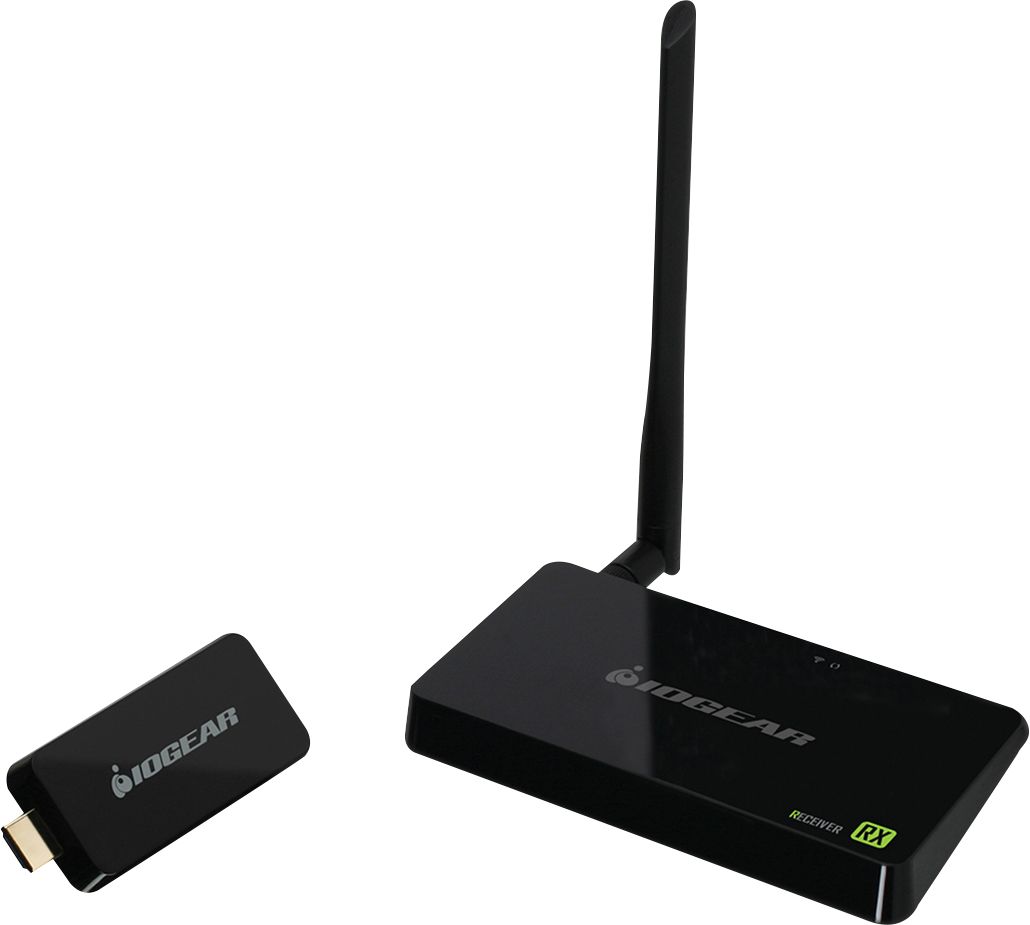
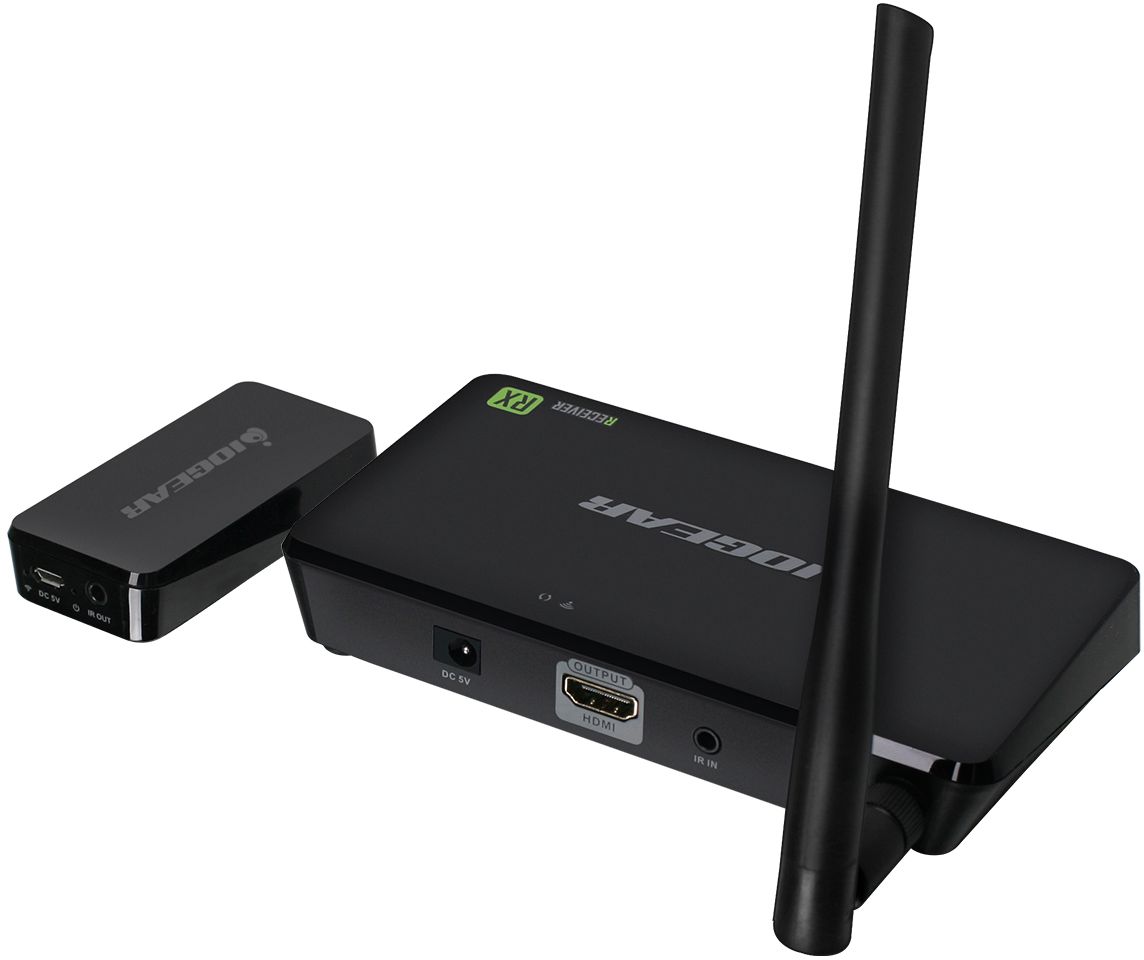
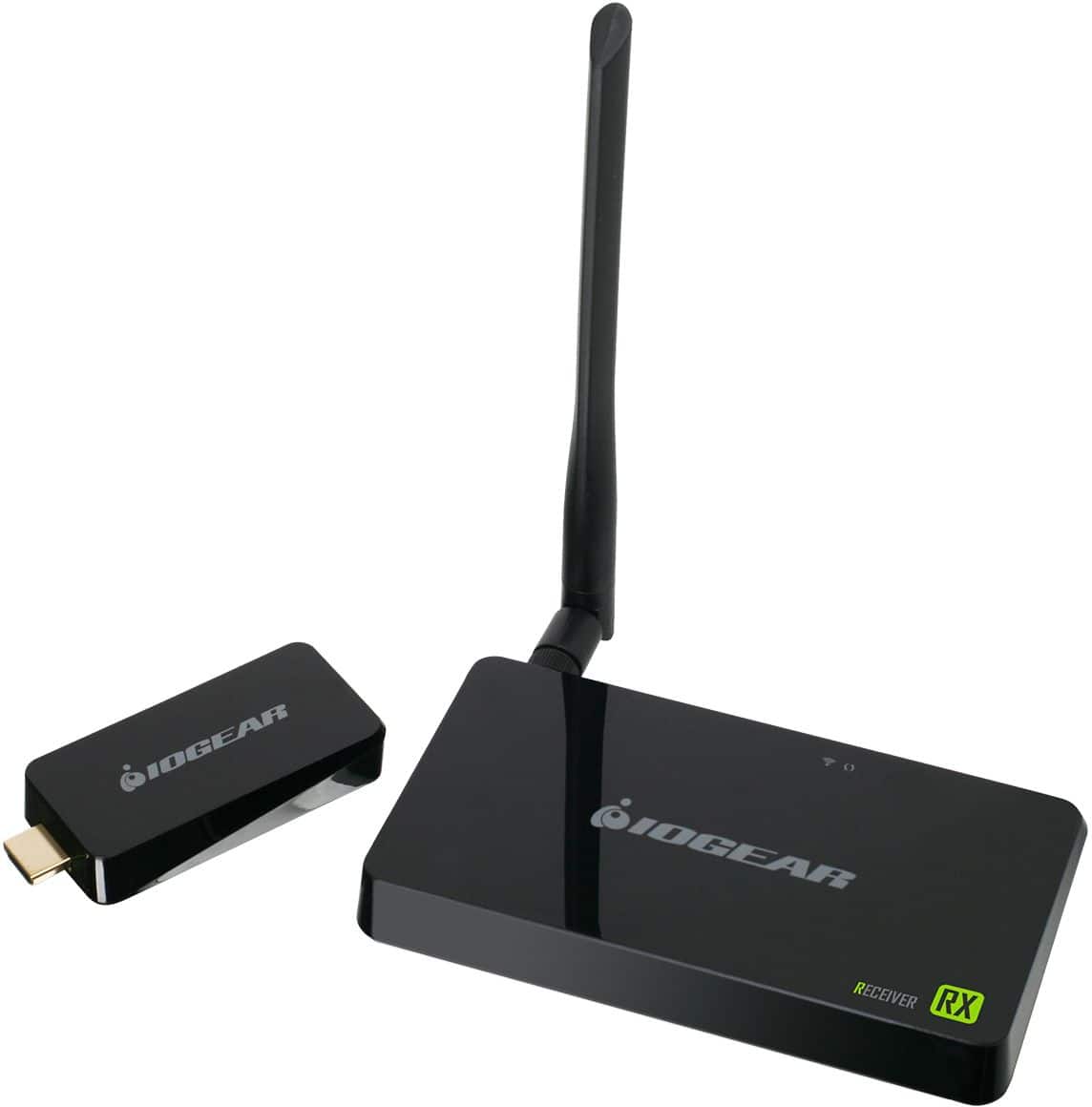
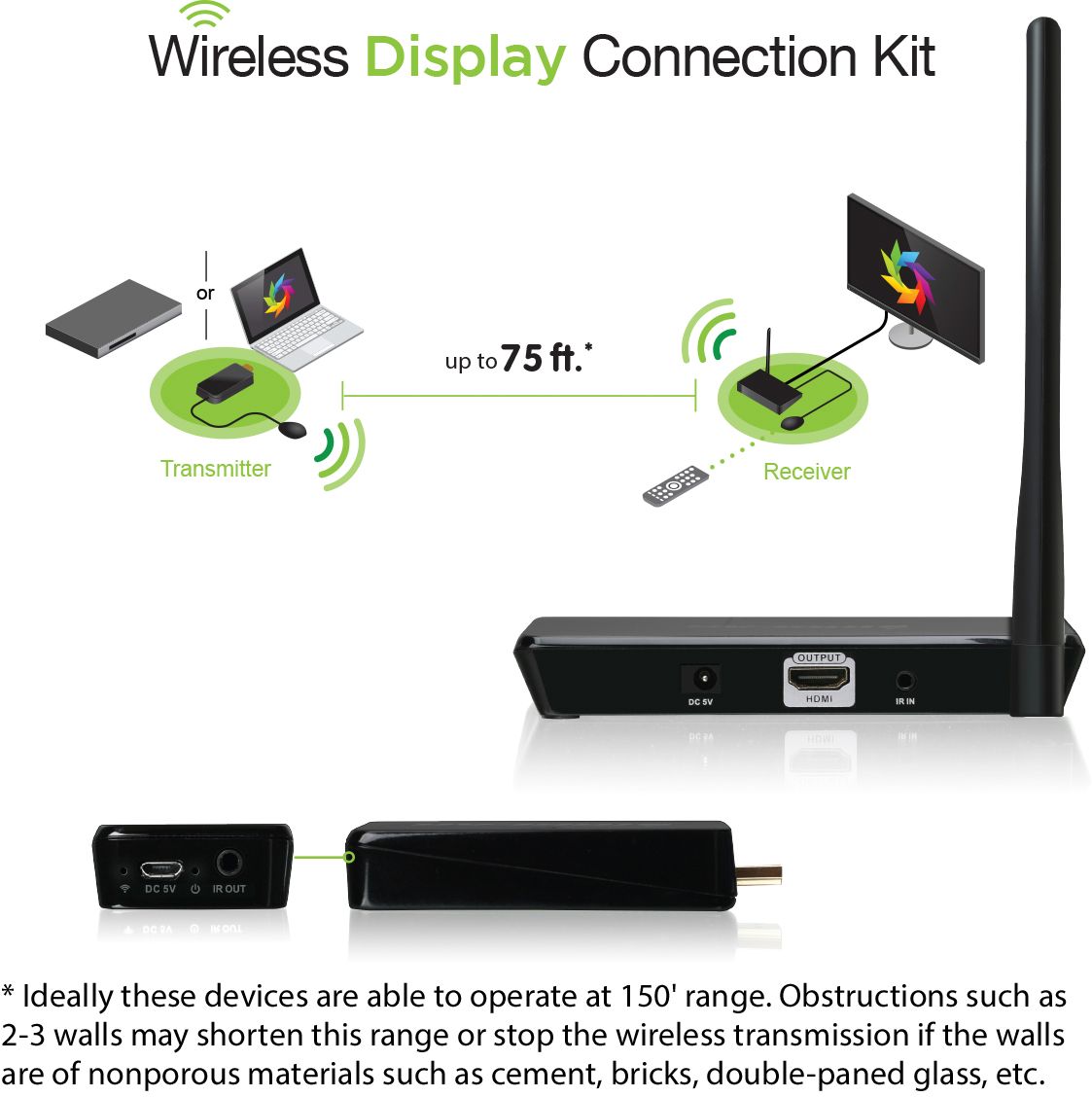
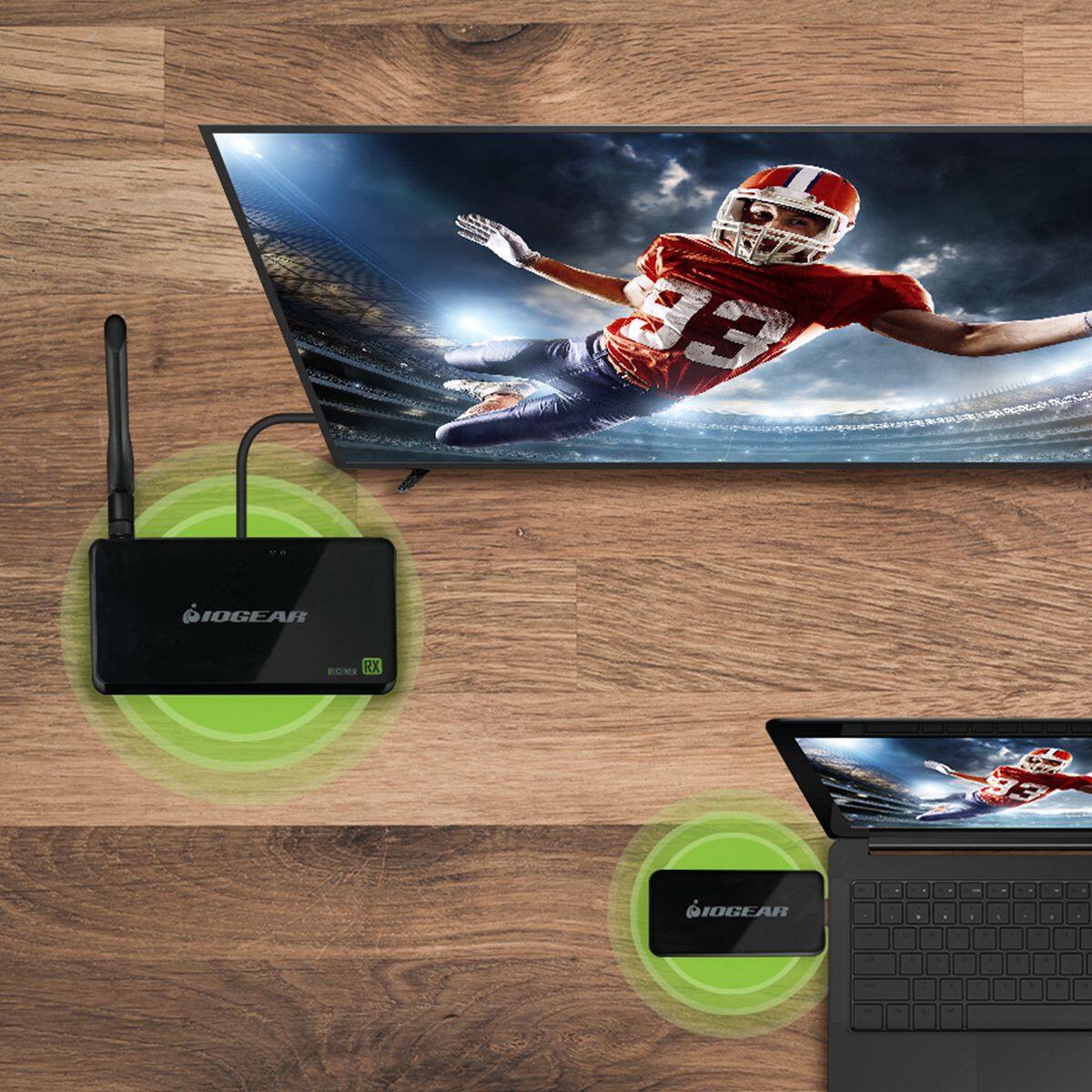
A:AnswerThis is only to be used in place of an HDMI cable. So for example if you have a cable box on one side of the room and a TV completely on the other side instead of running a long HDMI cable across the whole room you would be able to use this HDMI wireless adapter and will be able to stream both audio and video without wires. I'm using the device in our conference room so that you can stream from a laptop to a projector wirelessly with out any wires. Think of what an HDMI cable does it transmits both audio and video from a device to a tv screen or monitor. This is exactly what this device does but instead of having a wire you doing the same thing wirelessly.
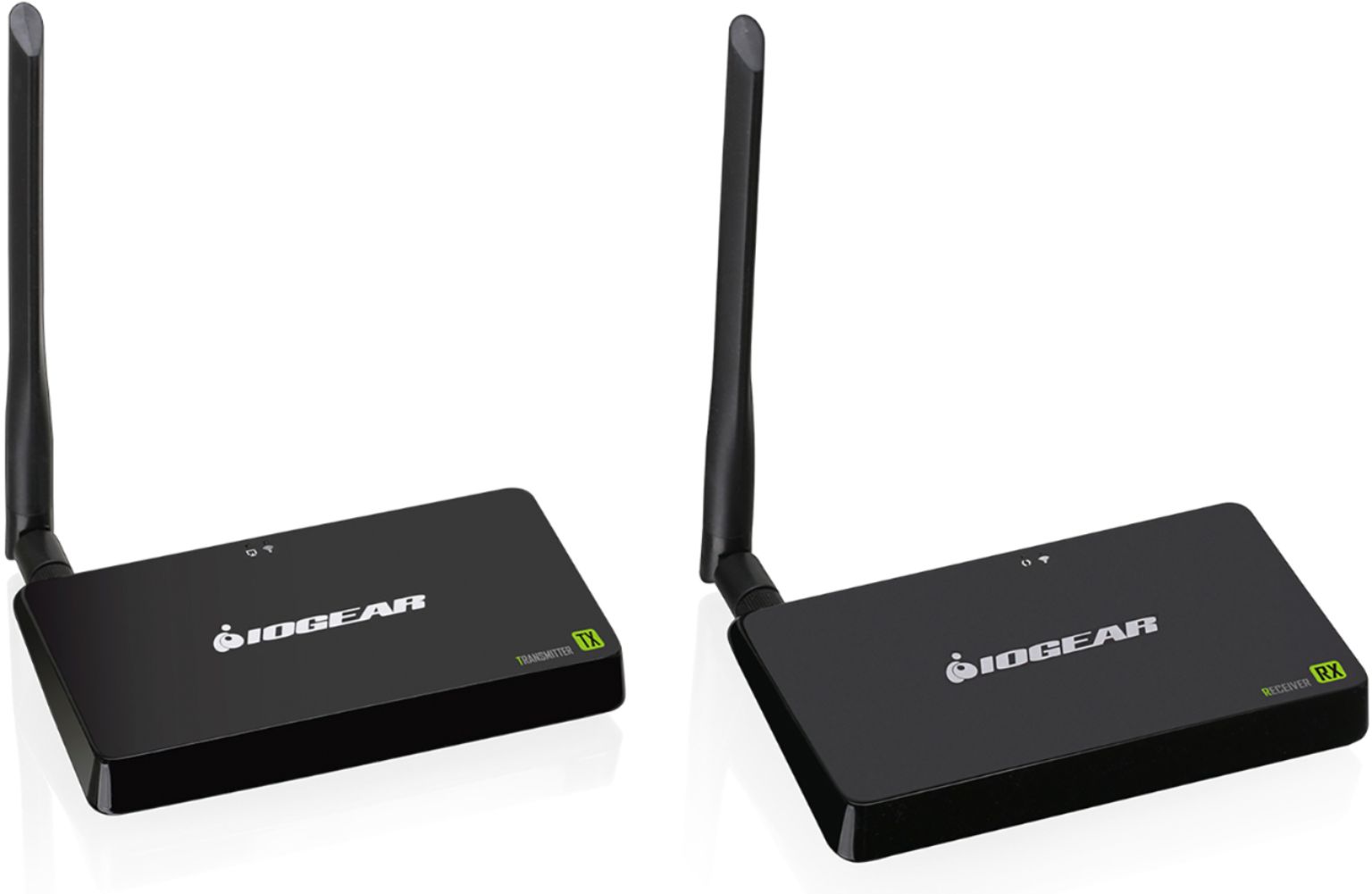
A:AnswerIOGEAR says: Thank you for choosing IOGEAR. The GWHDBBKIT is a one to one kit only . One Transmitter to one Receiver . Only one kit can run in a general area. We have a wireless kit that can connect up to 4 receivers . GWHDMS52MBK4 Once again than you for choosing IOGEAR.
A:AnswerYes it will mirror to other tv's...connect it at the Hopper (if you have Dish) or whatever source you have and follow the instructions that came with your device in order to connect to a second tv..