A:AnswerWe're sorry to hear about the difficulties you are experiencing. Please reach out to https://homesupport.irobot.com/s/contact-support-info, so we may properly diagnose your issue.
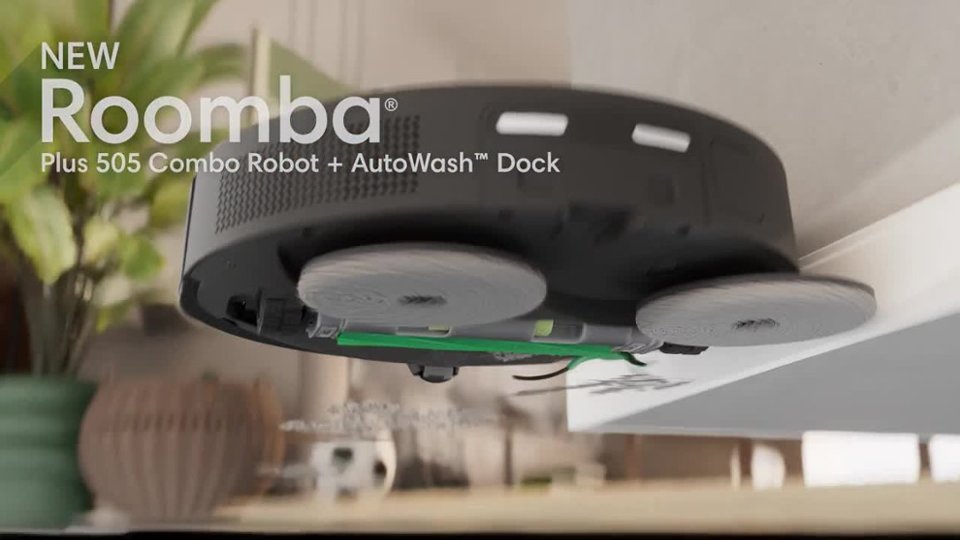
A:AnswerYes, you can turn off the mopping feature on a Roomba Combo 505 in two ways: either by physically removing the mopping system (the Combo Bin, cleaning pad, and tank) for a vacuum-only job, or by using the iRobot Home app to create a "No Mop Zone" on the map for specific areas. For completely disabling mopping, removing the mopping hardware is the most direct method.
A:AnswerHello Rylo,
Please check out the following article for all the approved cleaning solutions for your robot - https://homesupport.irobot.com/s/article/roomba-combo-cleanser
Please note that using unapproved cleaning solutions can void your warranty.
A:AnswerHello Cathy, We are sorry to hear about the inconvenience. Please reach out to https://homesupport.irobot.com/s/contact-support-info, so we may properly diagnose your issue.
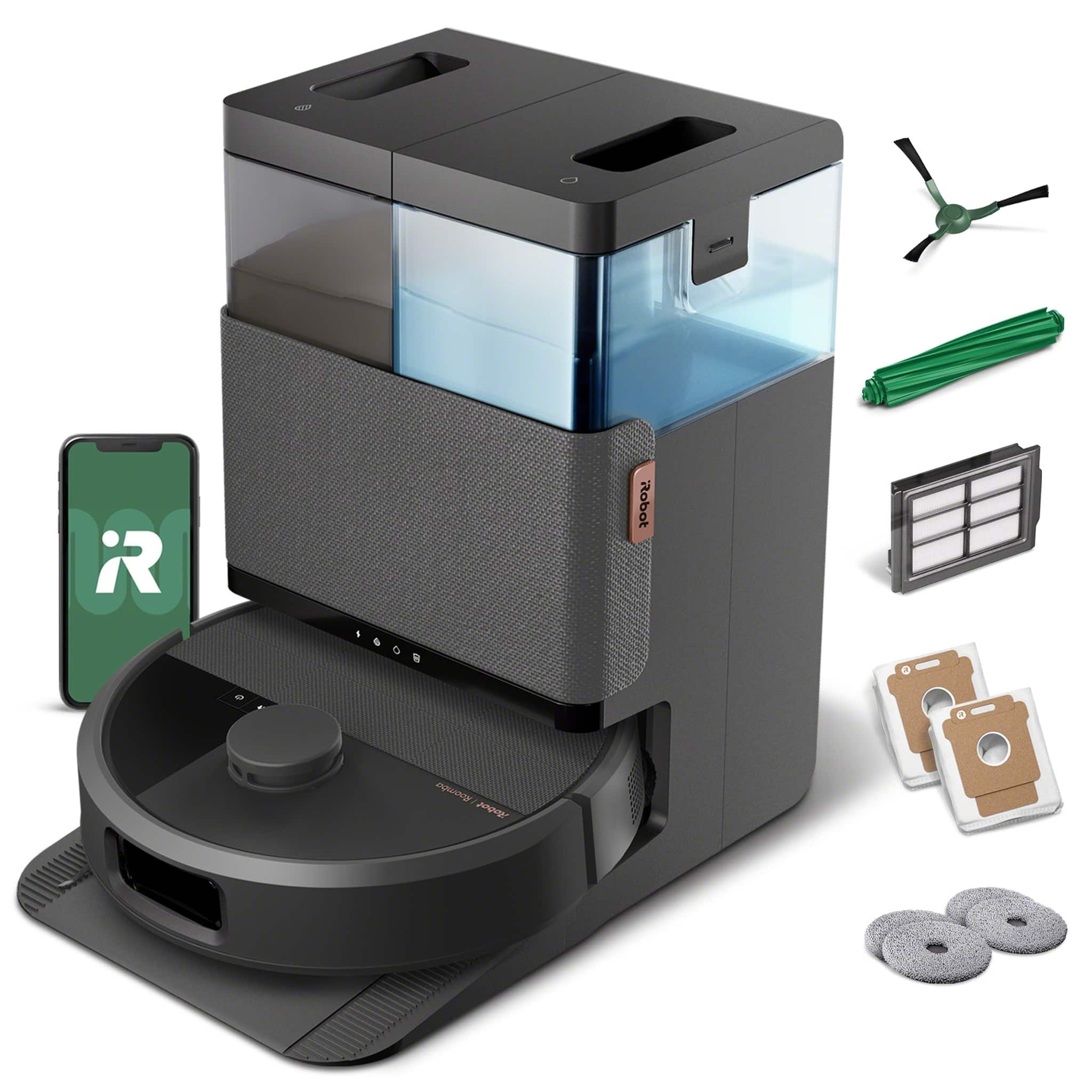
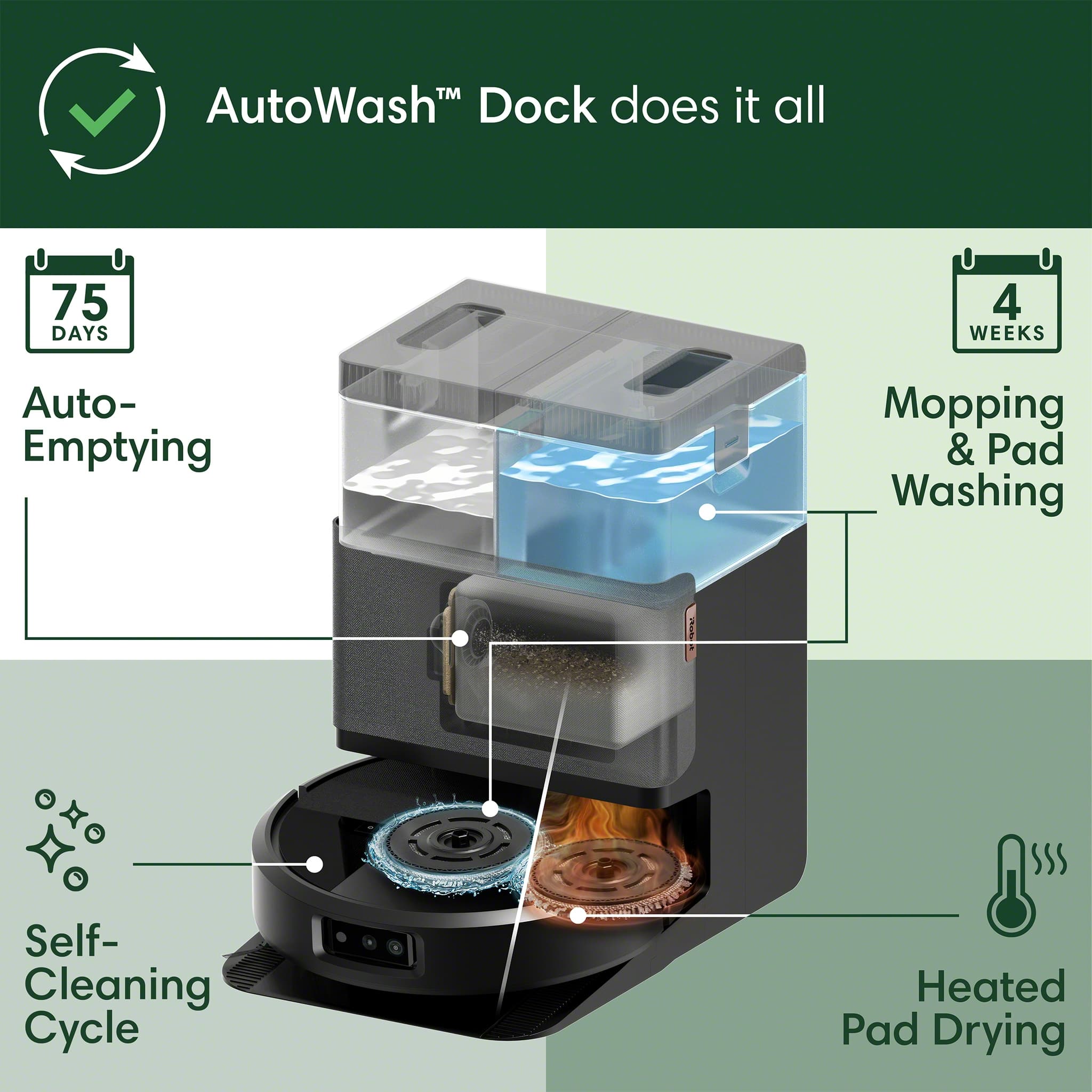
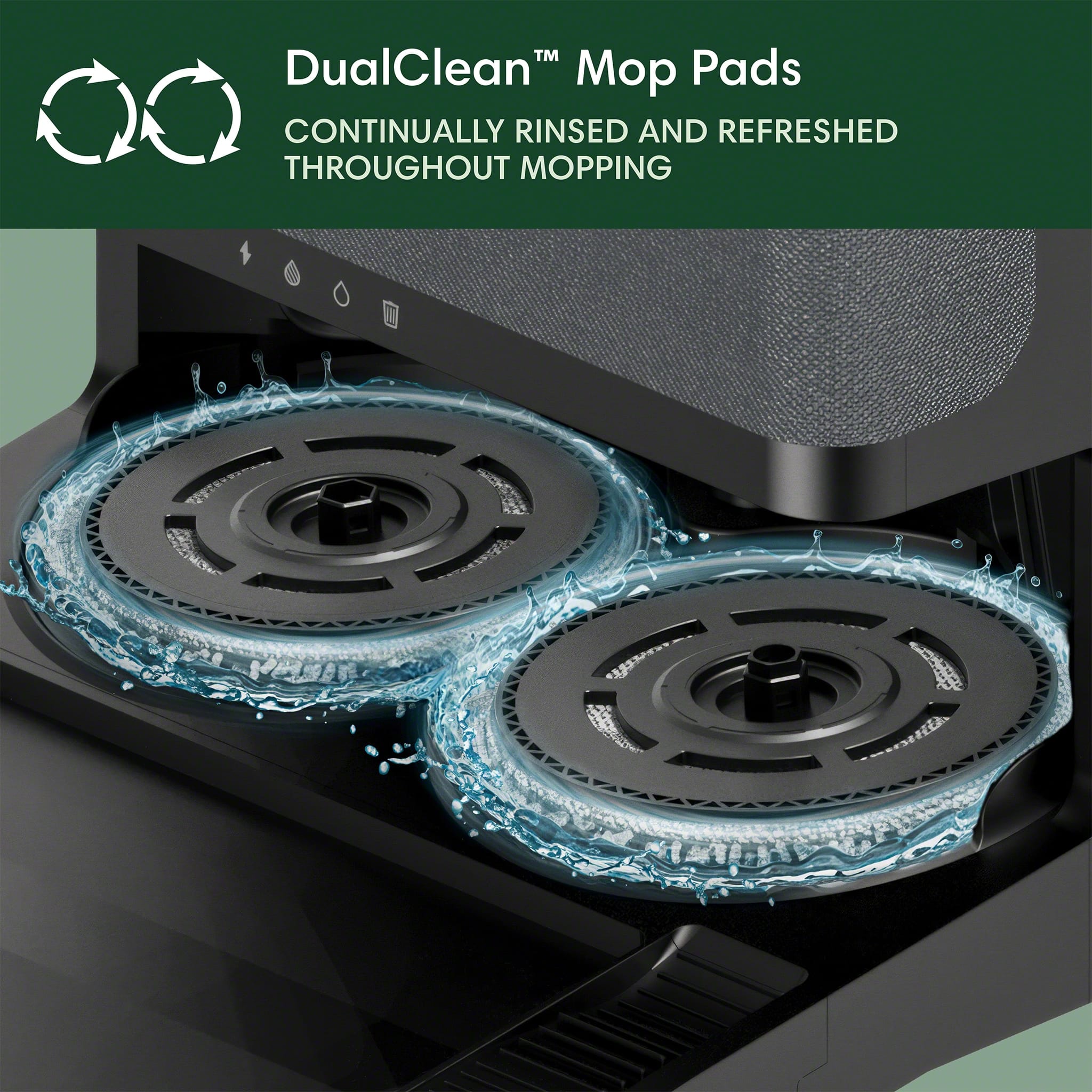
A:AnswerIt comes with the side brush, two sets of mop pads, and two vacuum bags that are in the compartment - so not necessarily! I would get some more vacuum bags and parts for the future, but all you need is the iRobot app on your phone for setup when you first get it.