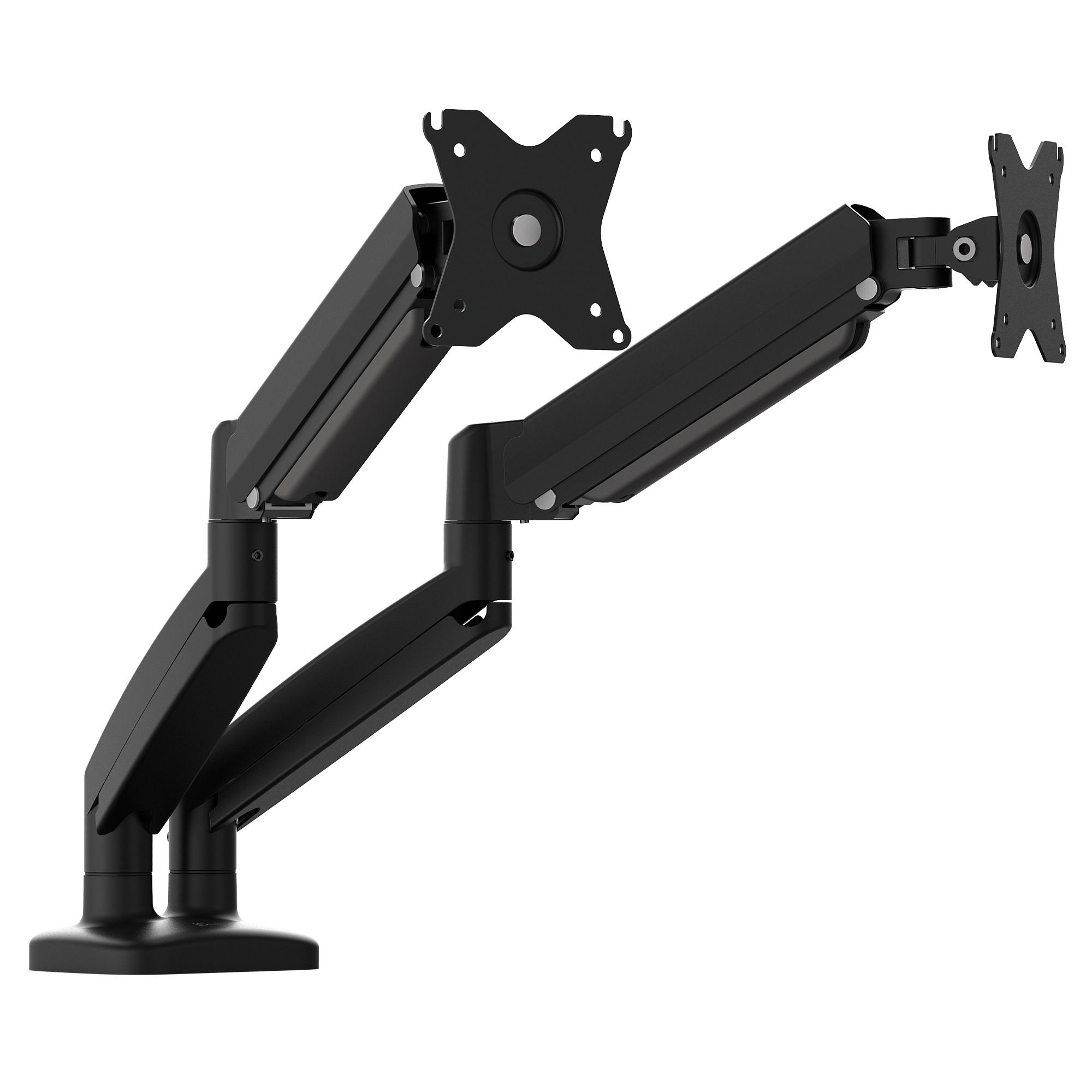
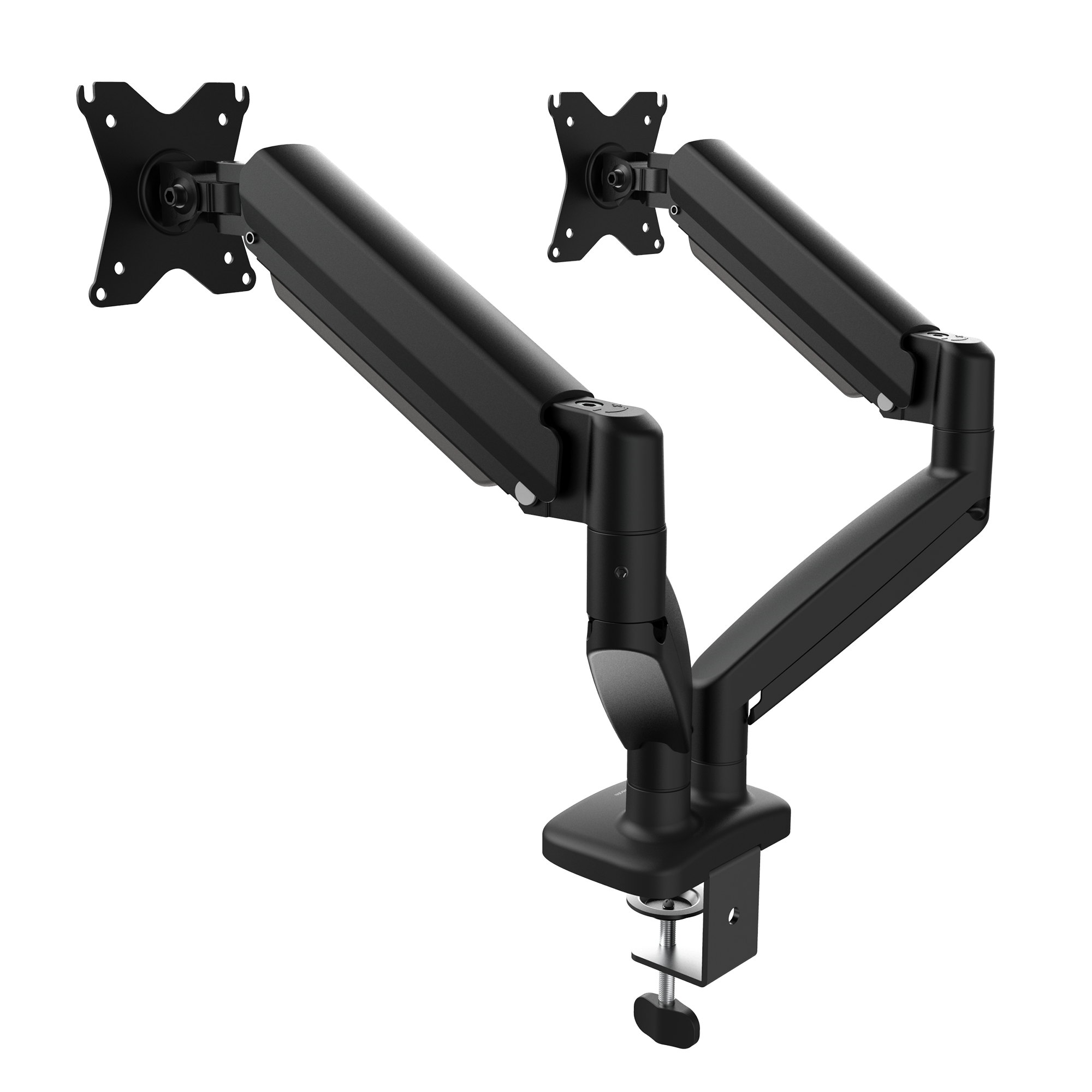
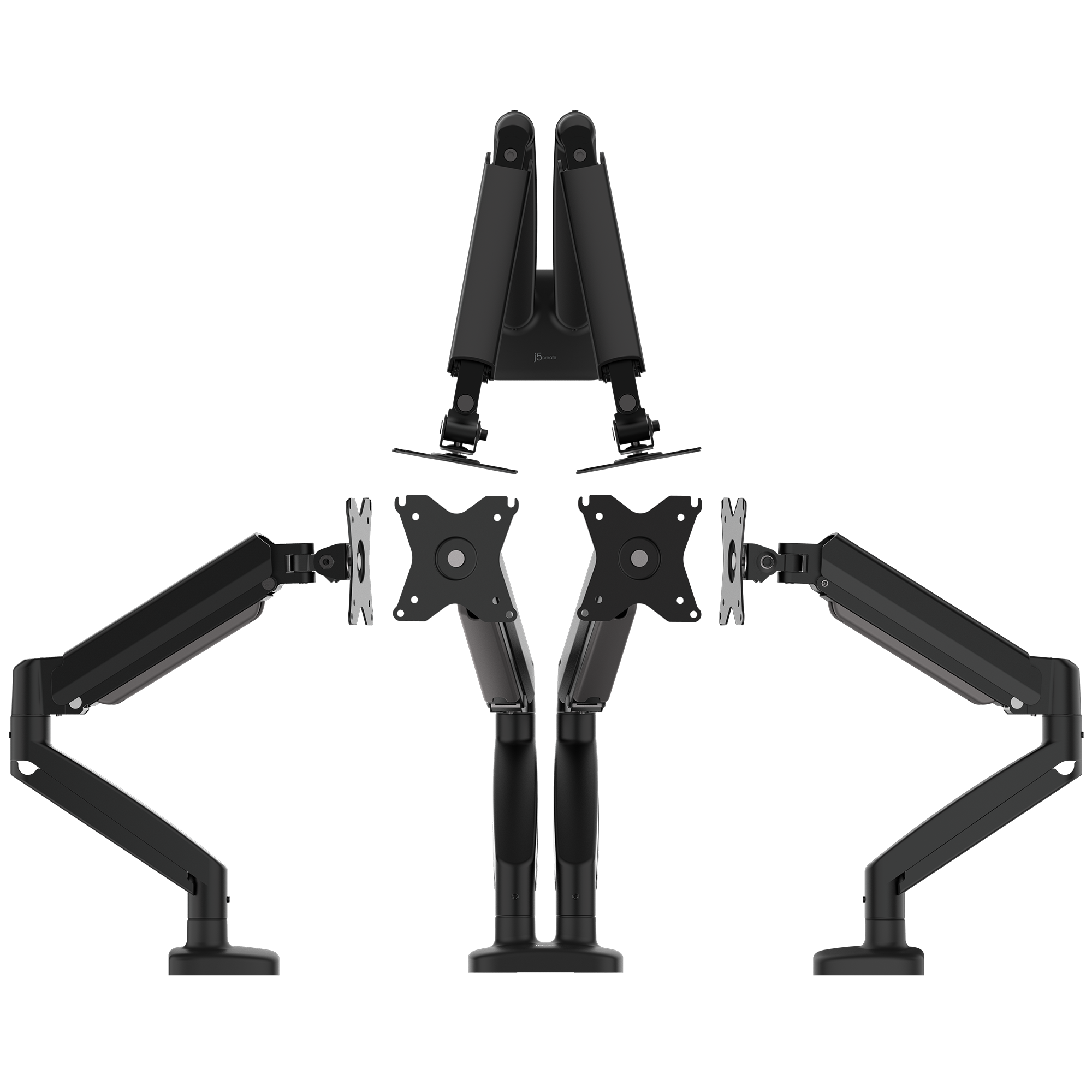
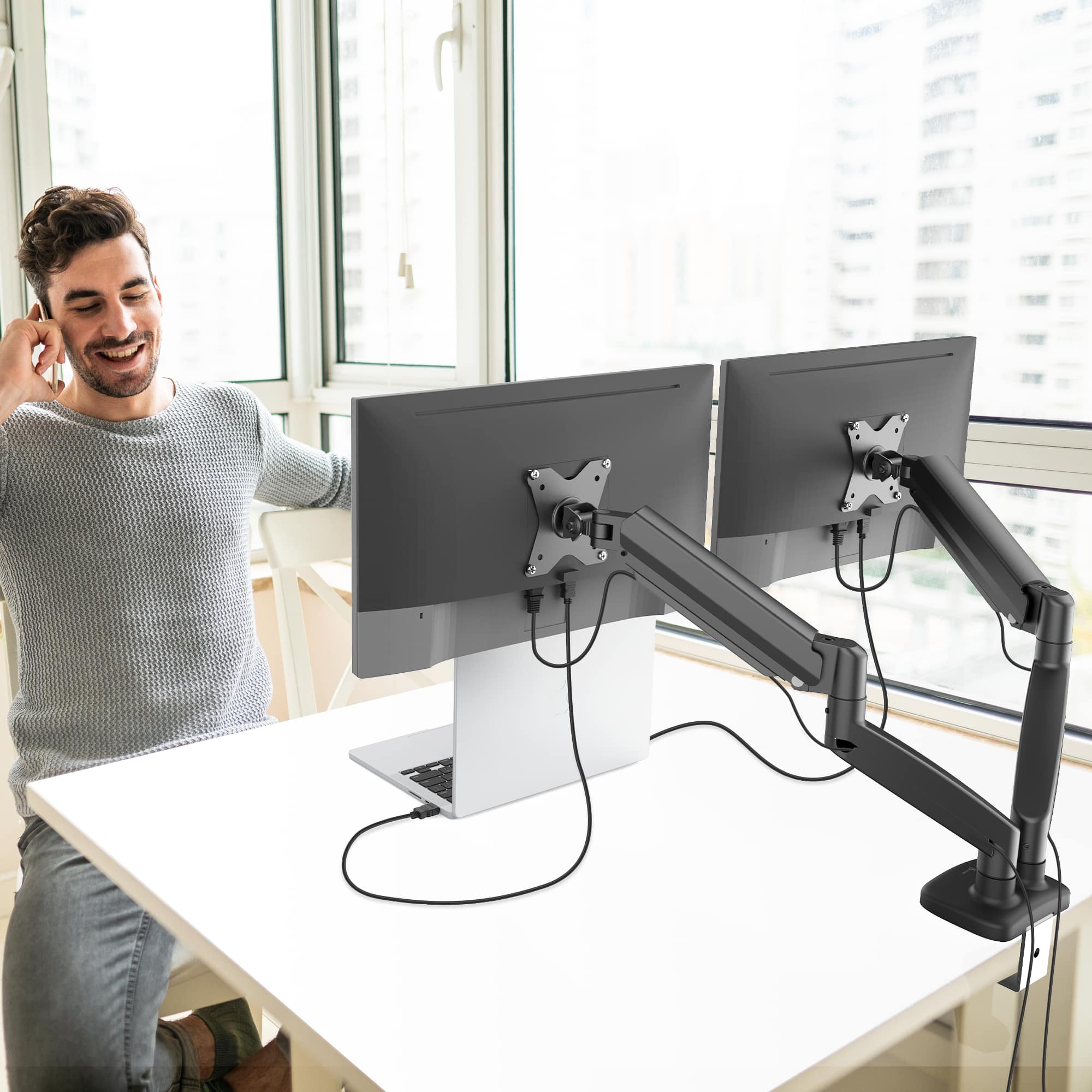
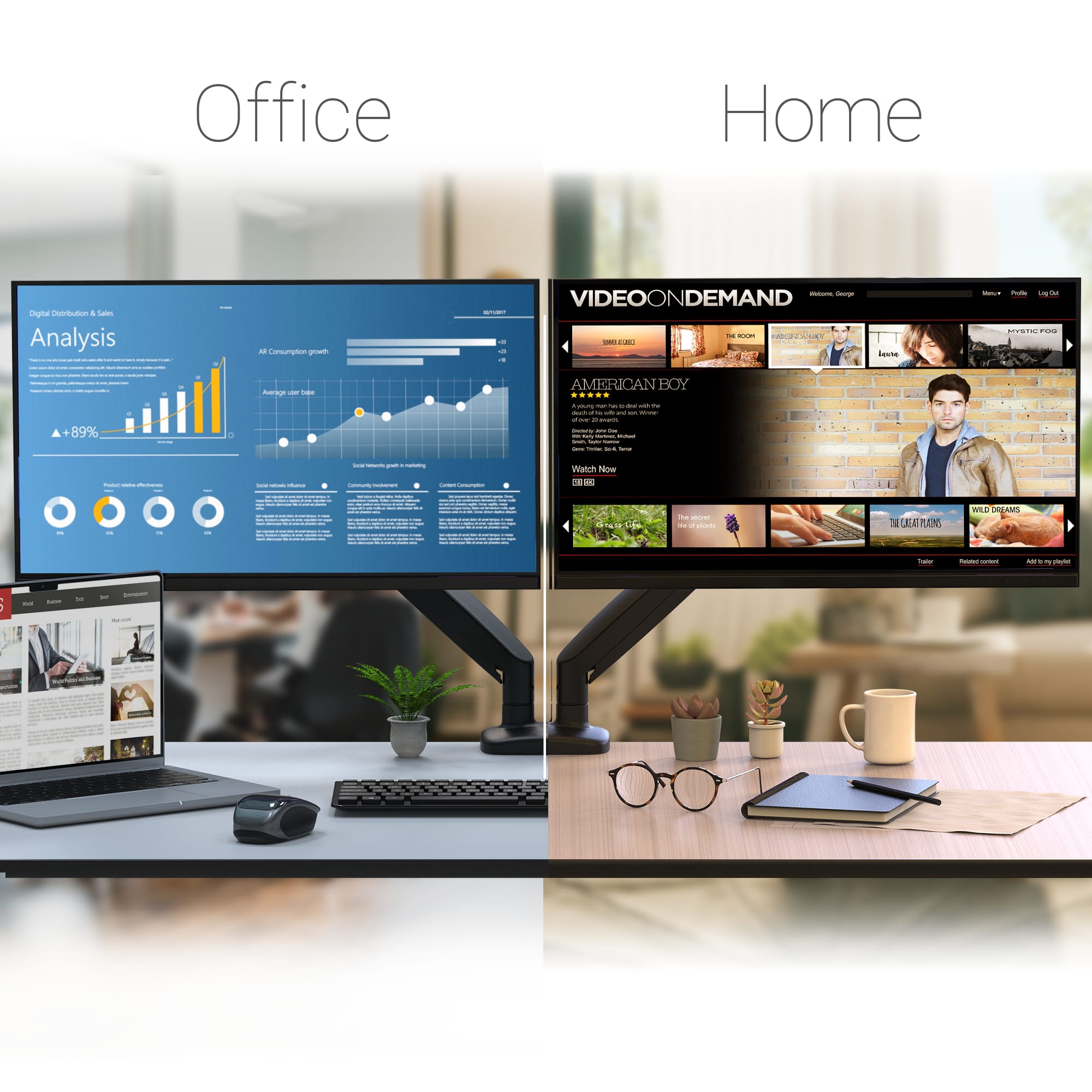
A:AnswerYou have 16” from center of monitor to center of mount. Beyond that, they will overlap. So 34” and 27” MIGHT work without overlap but doubt it on the 32”/34” combo. This is 32” lg monitors with actual width of 28”. The mounts are stretched to their limits.
A:AnswerI was unsure about this at first too. However, once the monitors are attached, the weight of them should easily move the gas springs up and down.
A:AnswerFor those like myself who did not find the previous answer helpful for actually taking the covers off, here is how I got mine removed:
1. Pick an end on either of the cord covers and push the cover towards the middle from both directions (squeeze in) with your thumbs. Essentially, you are trying tot get the clips to disengage.
2. Work your way to the other end, exerting the same pushing exertion the whole way. Don’t yank the cover after getting the first clamps loosened, because this can cause the clips to break.