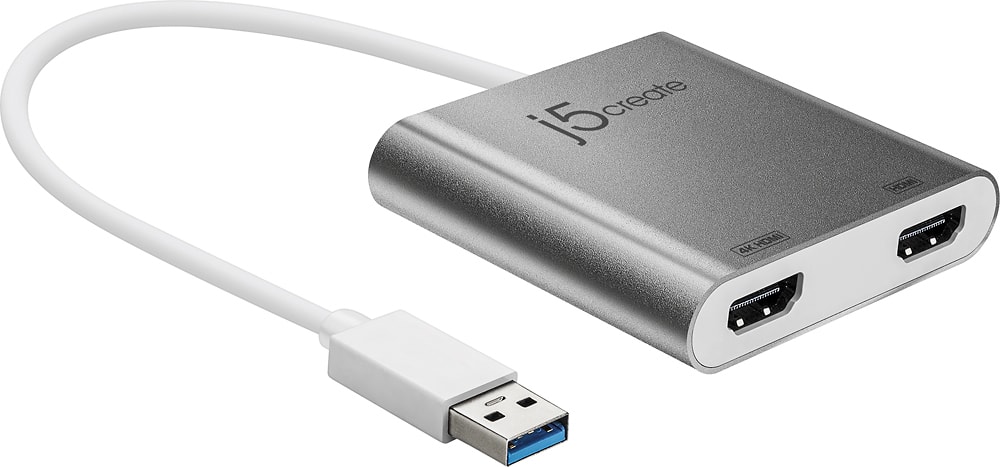
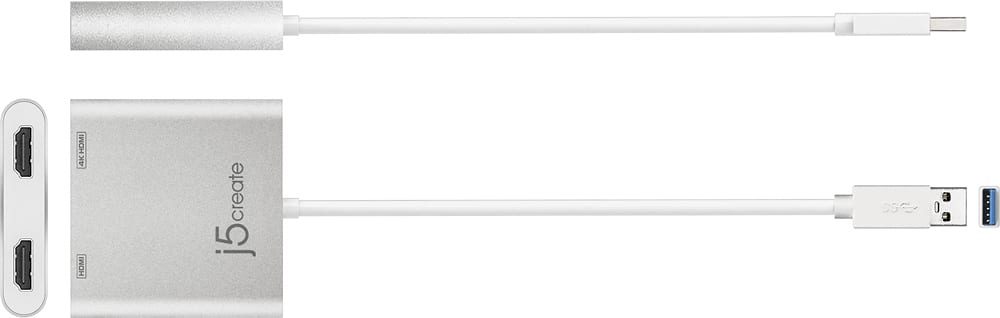
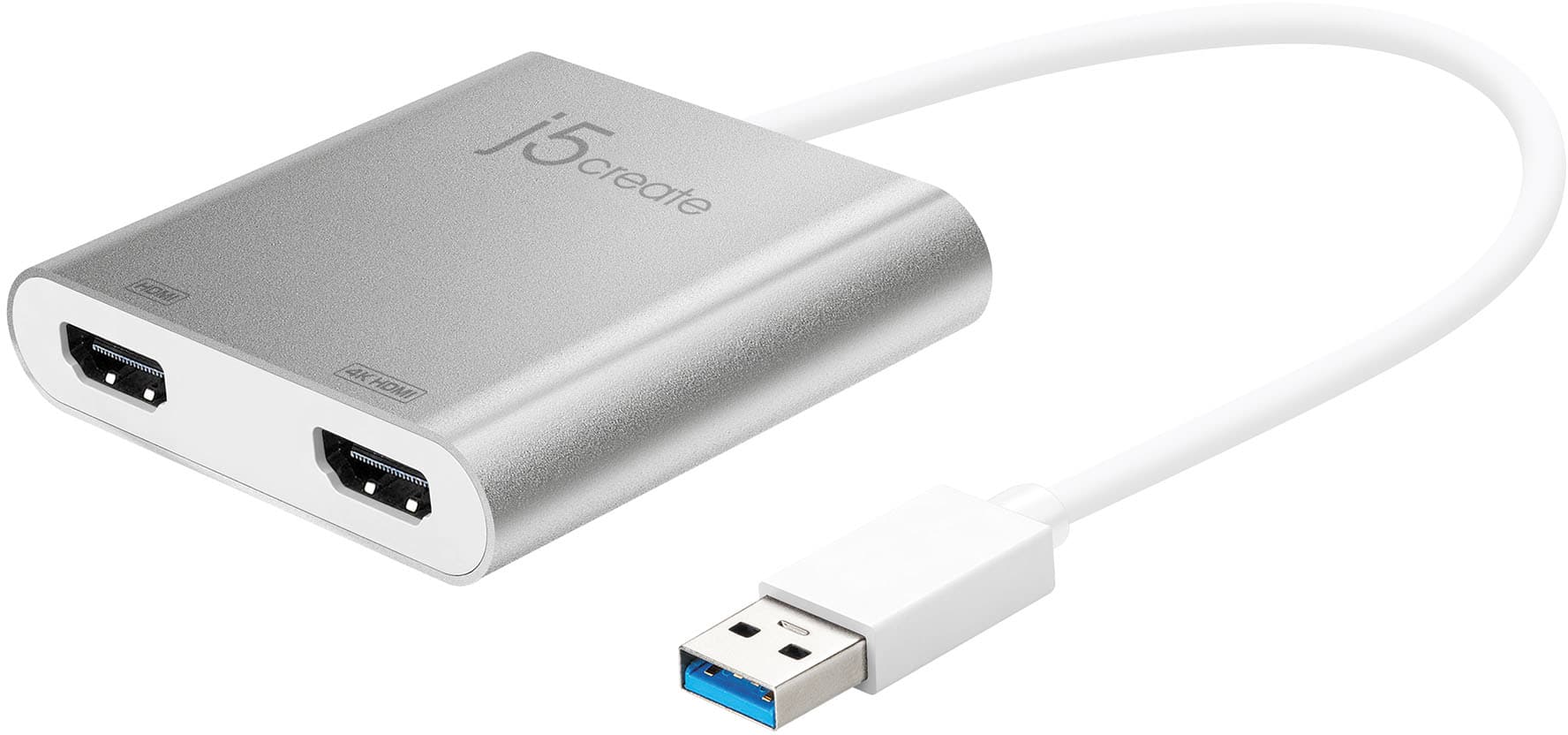
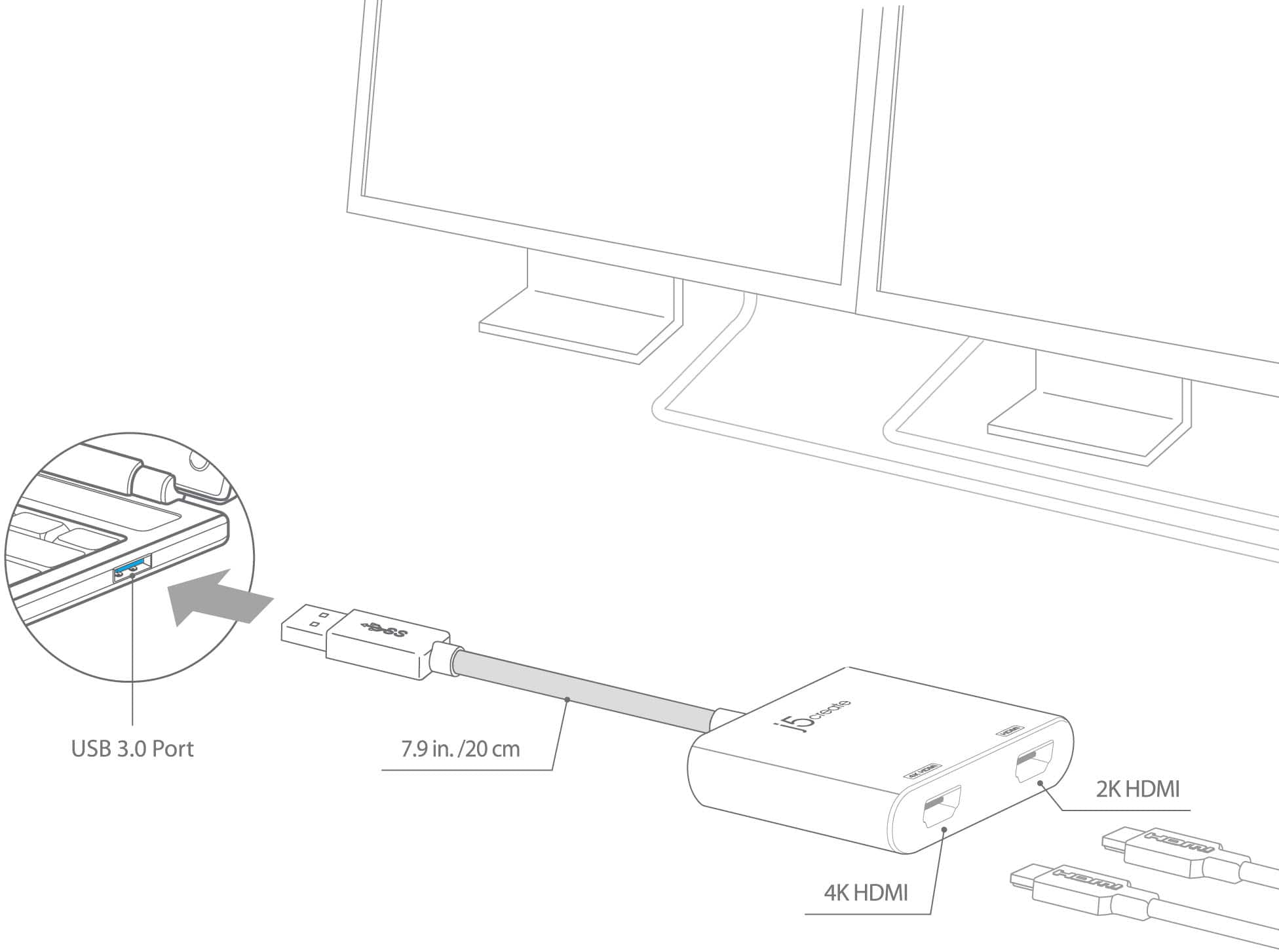
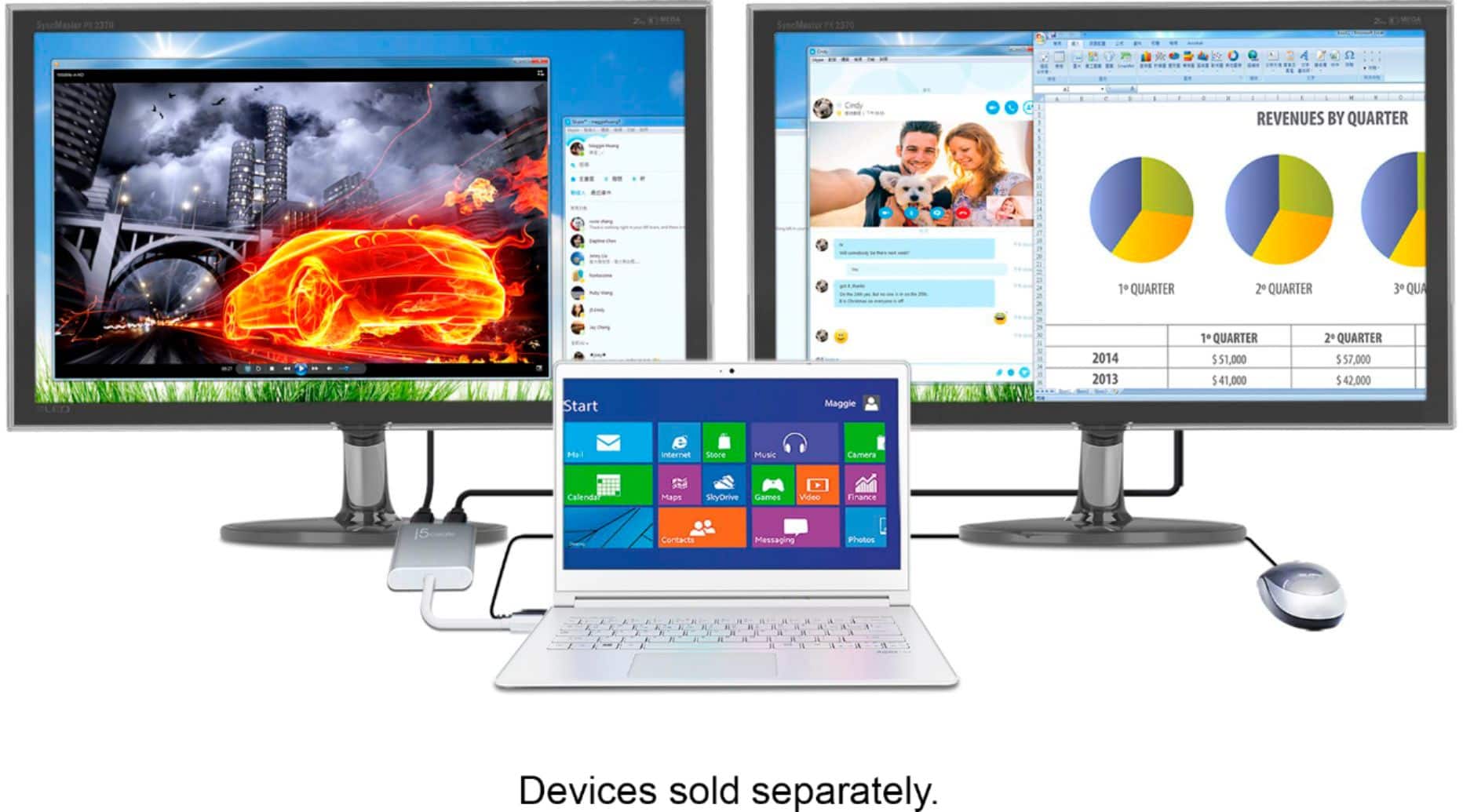
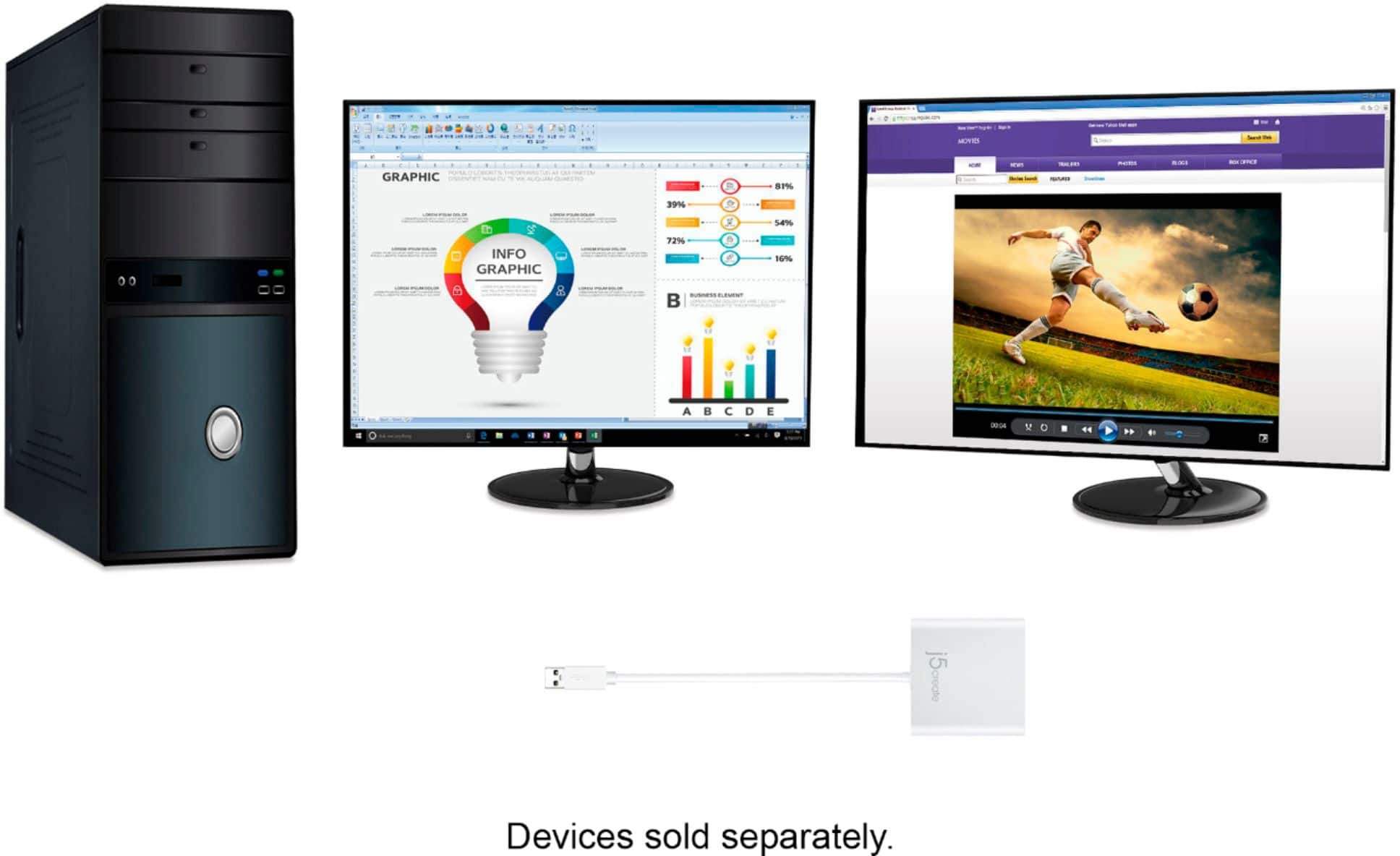
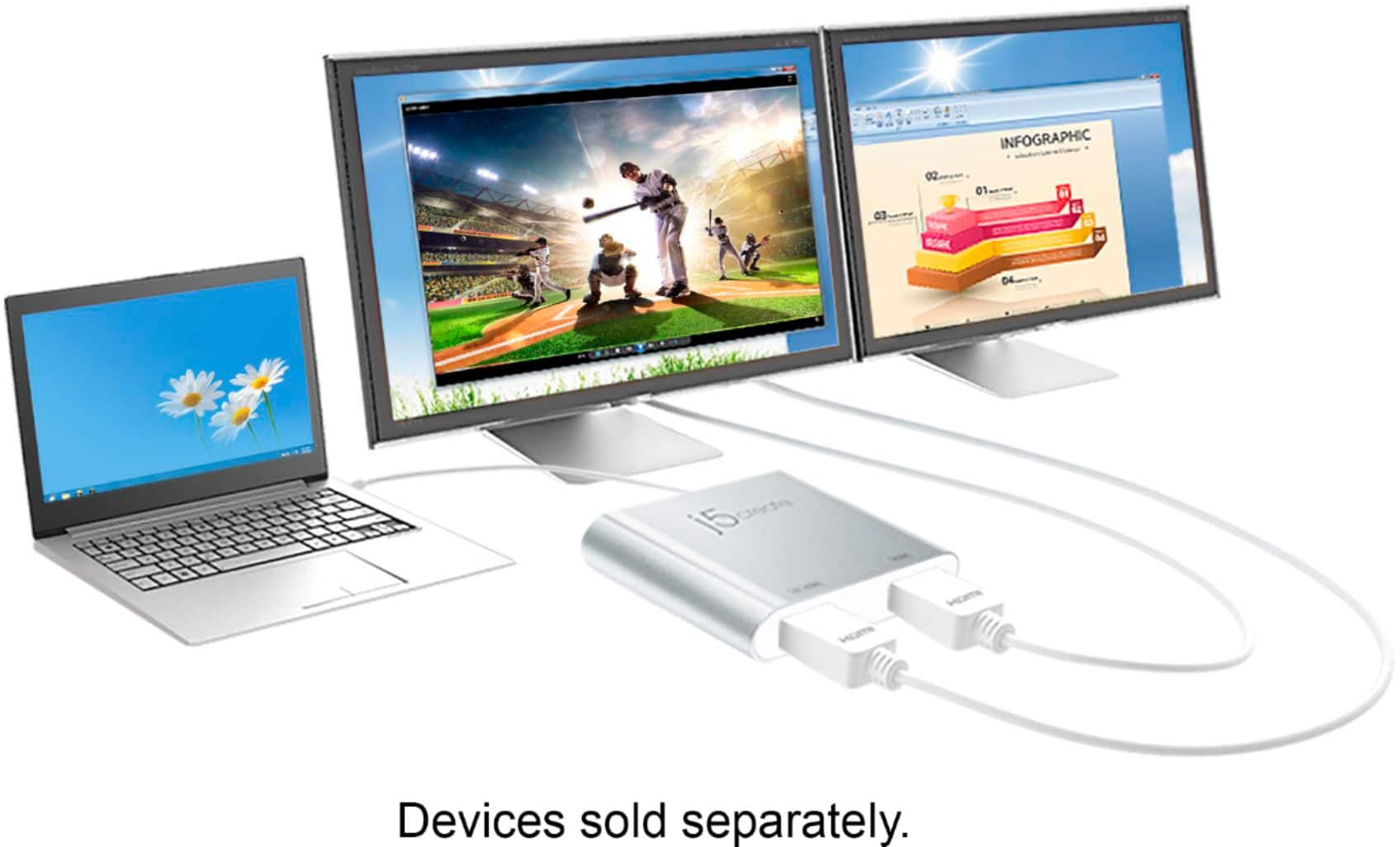
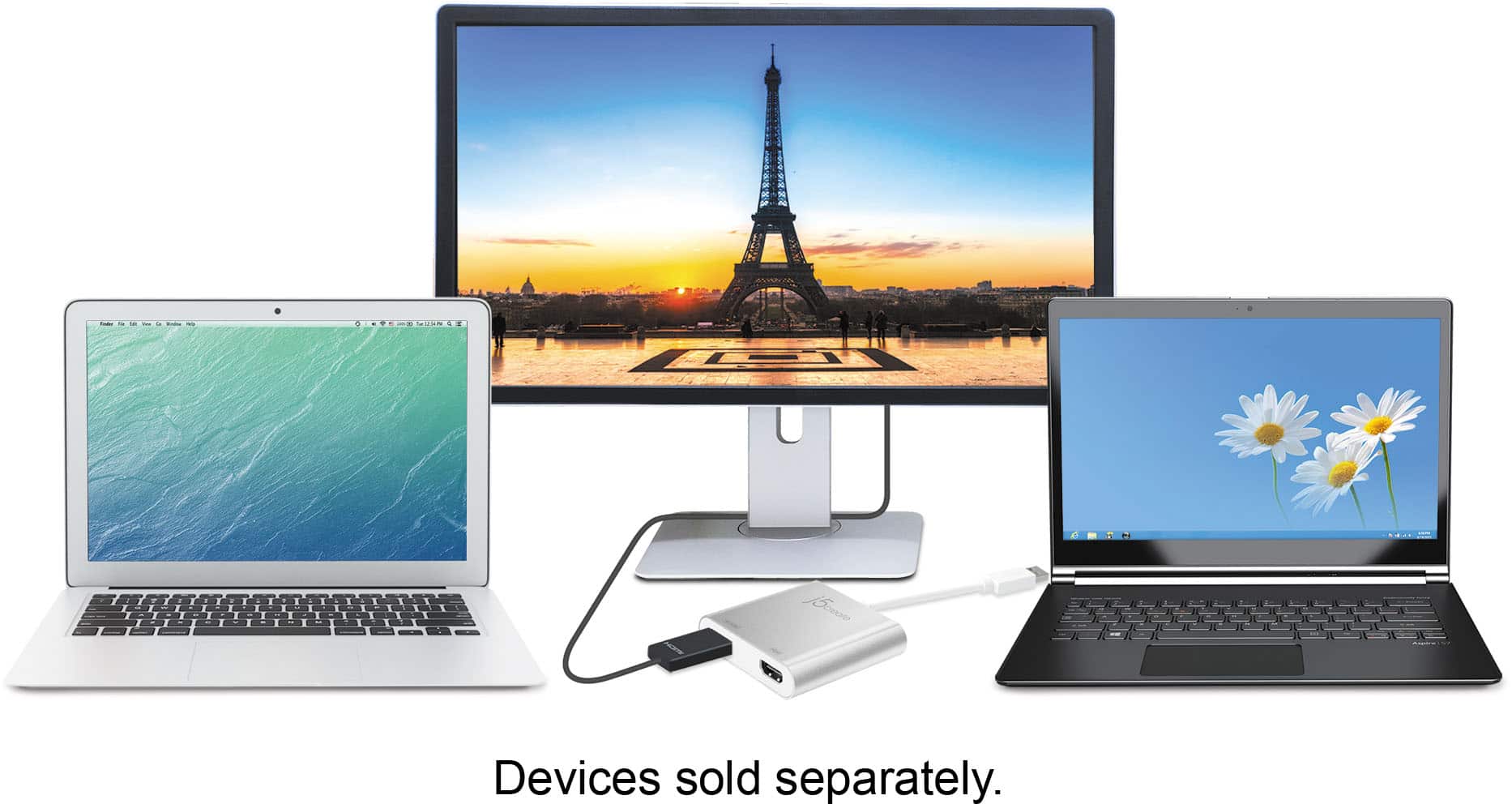
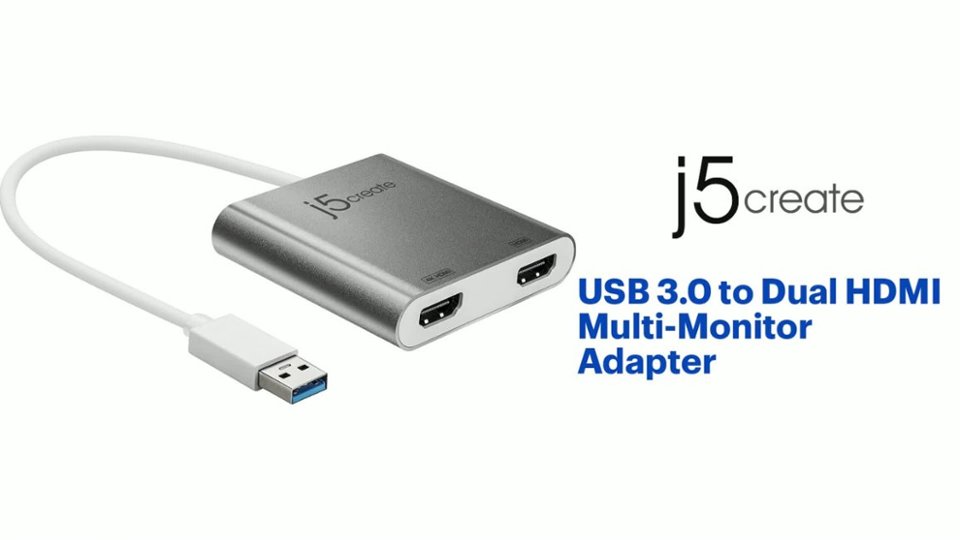
A:AnswerOne of the HDMI ports output resolutions up to 4K, while the other output up to 2048 x 1152 or both 2048 x 1152 @ 60 Hz. Will not support 120 Hz and HDR capabilities.
A:AnswerAs long your Mac has a USB-A port. The JUA365 requires an installation of a driver, which can be found on j5create website under the "Support" tab > "Downloads/Drivers". Please make sure all kernel extension for our driver was not blocked in System Preferences > Security & Privacy > General.
A:AnswerIt will allow 2 external displays for your computer. However, the Adapter requires an installation of a driver for proper functionality. Driver can be found on our website under the "Support" tab > "Downloads/Drivers".
A:Answerif the Stylo 5 supports DisplayPort Alt Mode over USB-C for video out, the JCC153G or JCC155G will work. If not, the JUA165C will also be another option for non-DisplayPort Mode support. The JUA365 will not work for phones, since it requires a driver. Only available for Windows and Macs. Please refer to the manufacturer of your hardware for more information on your device.
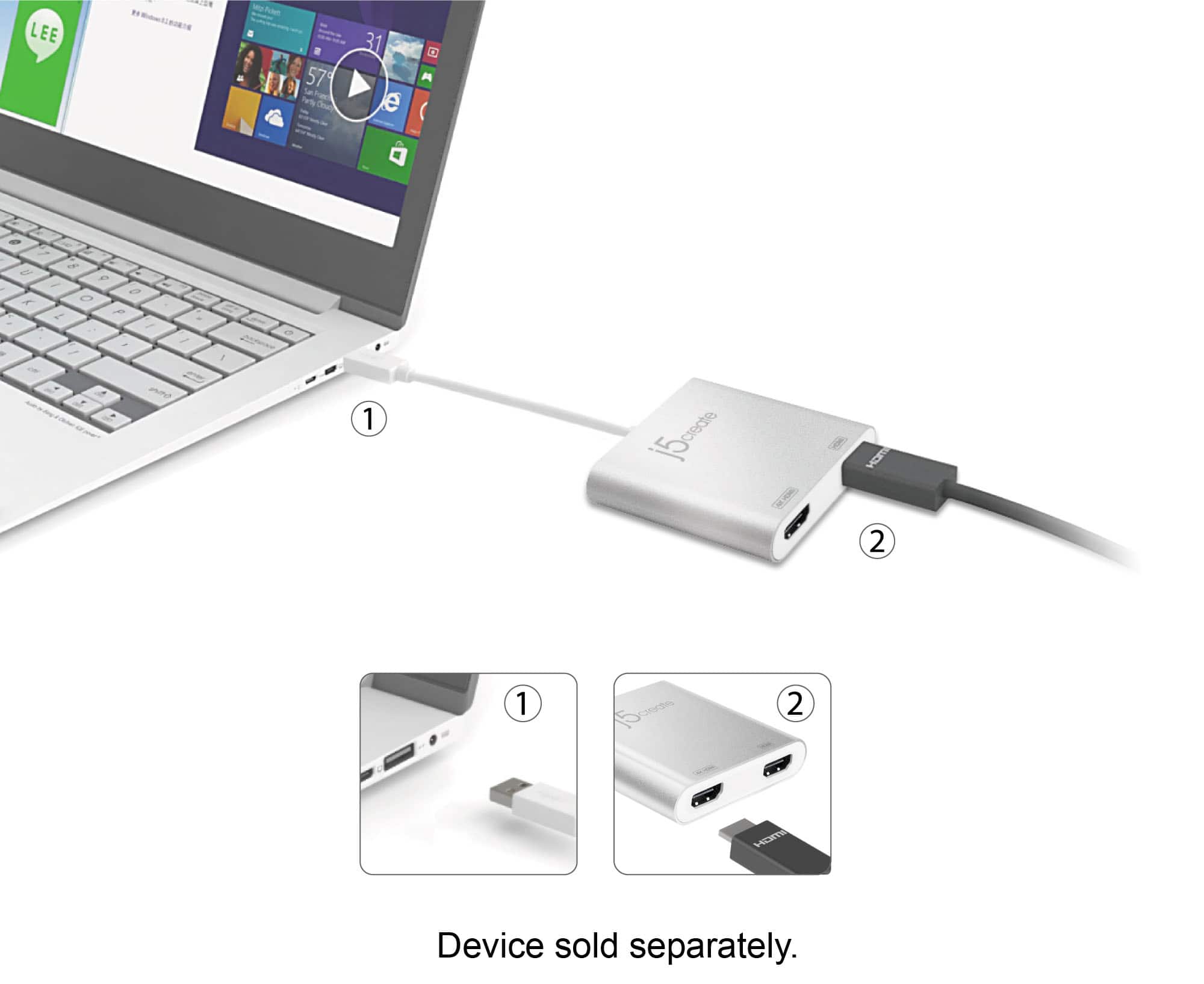
A:AnswerShould not be a problem. I am using a laptop with two external monitors. All you need is a free USB port and monitors with an HDMI connection. Follow setup instructions for multiple displays if using Windows OS in extended mode.
A:AnswerPlease check your System Preferences > Security & Privacy > General tab. Towards the bottom there should be a message. Please allow our software through.
Then open System Preferences > Security & Privacy, select the Privacy tab. Along the left-pane, locate and select the Screen Recording > locate DJTVirtualDisplayAgent. Uncheck and re-check the box beside it and then disconnect and reconnect your j5create device from your computer.
** If you require further assistance; please contact the j5create Technical Support team and we will be glad to further assist if necessary.
Thank you, j5
A:AnswerThe JUA365 is compatible with your computer. Please download the required drivers through j5create website under "Support" > "Downloads/Drivers". Thank you.