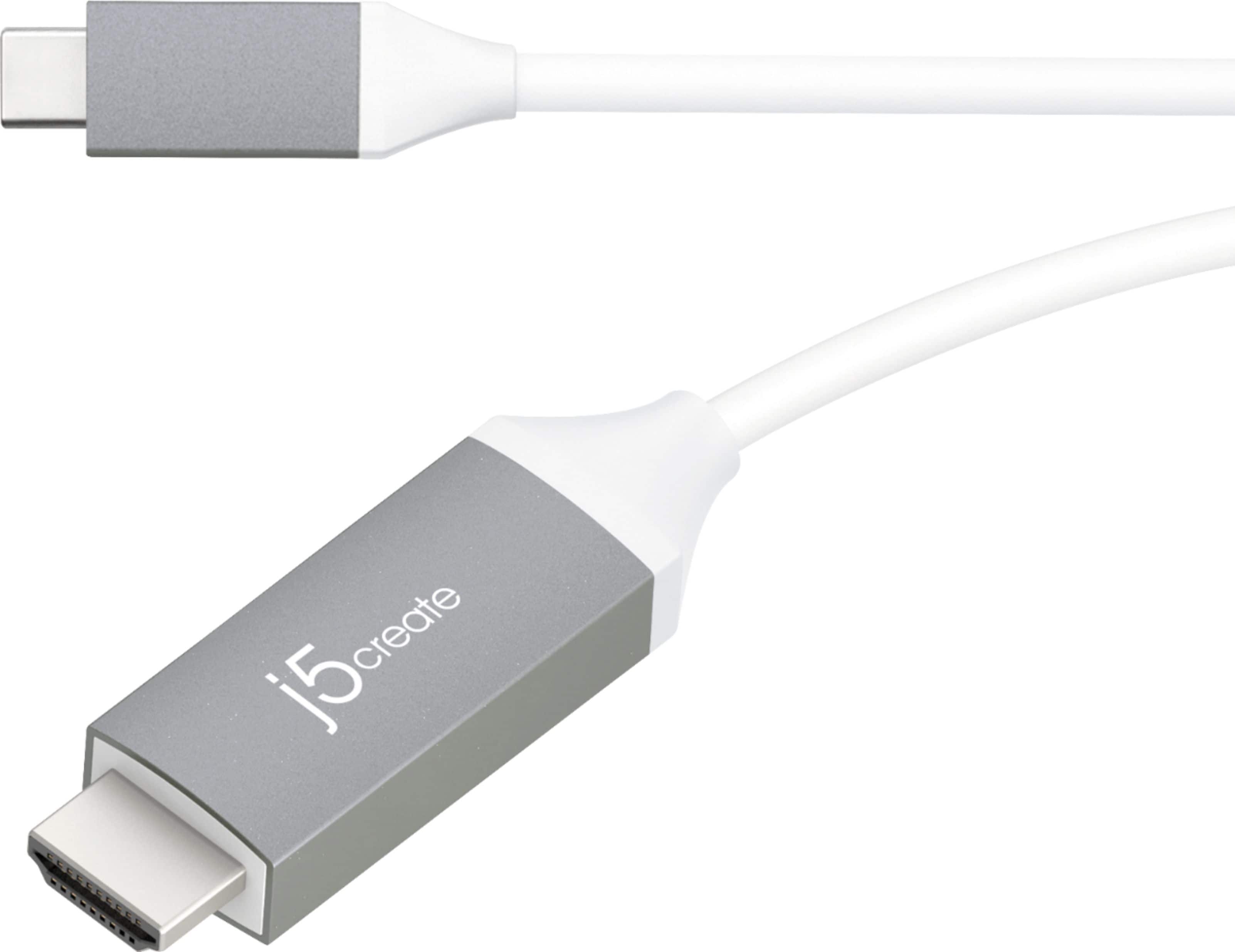
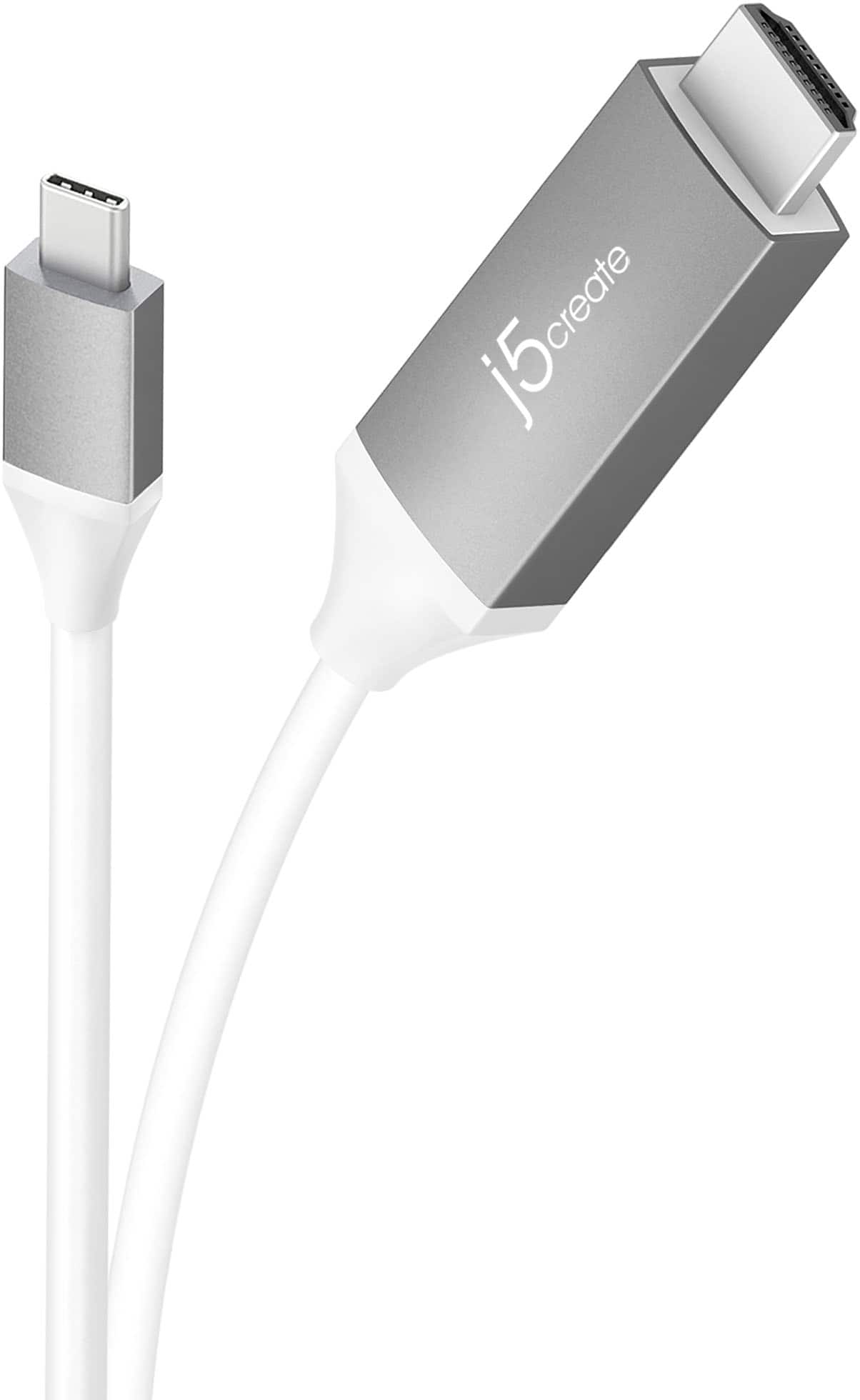
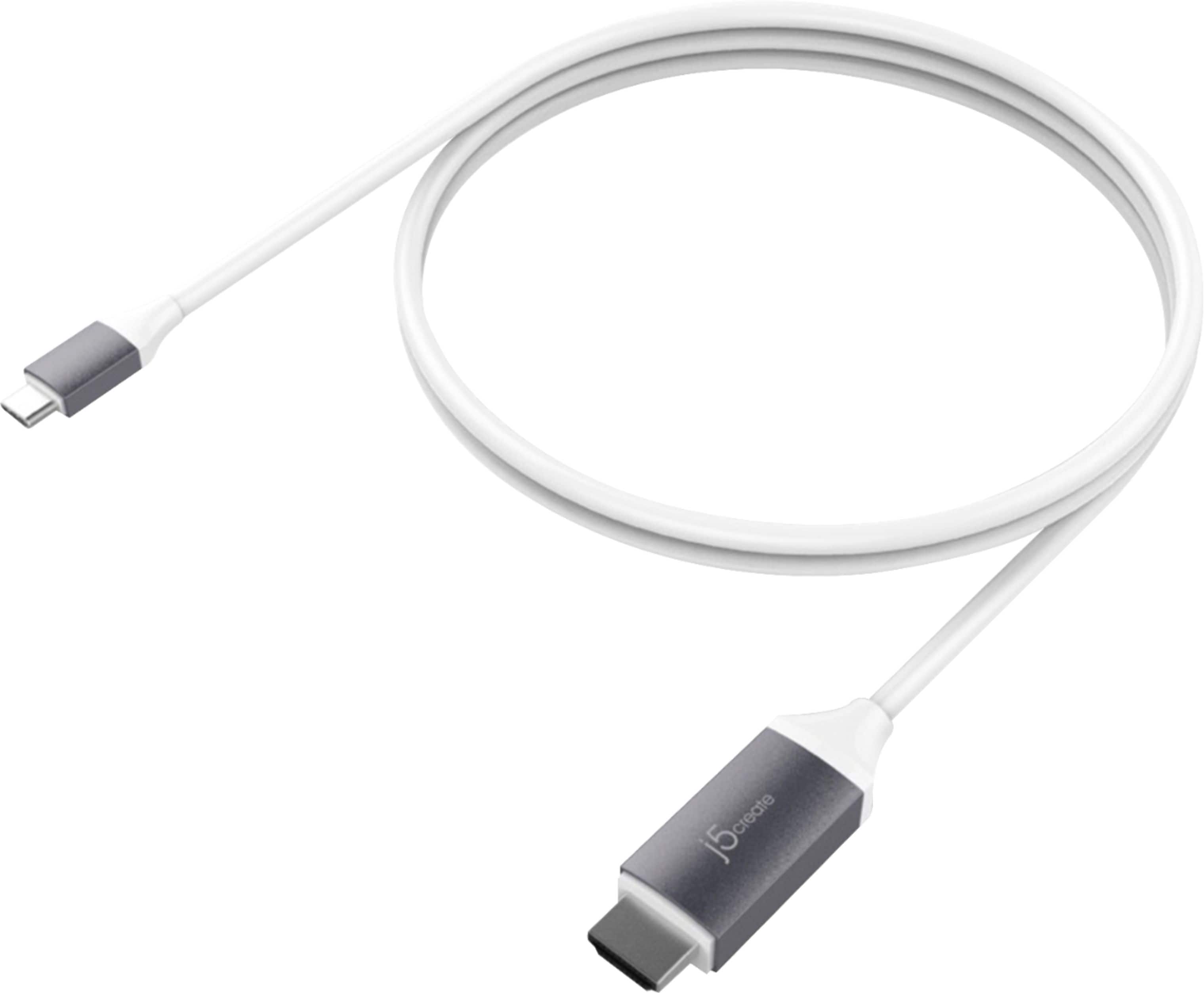
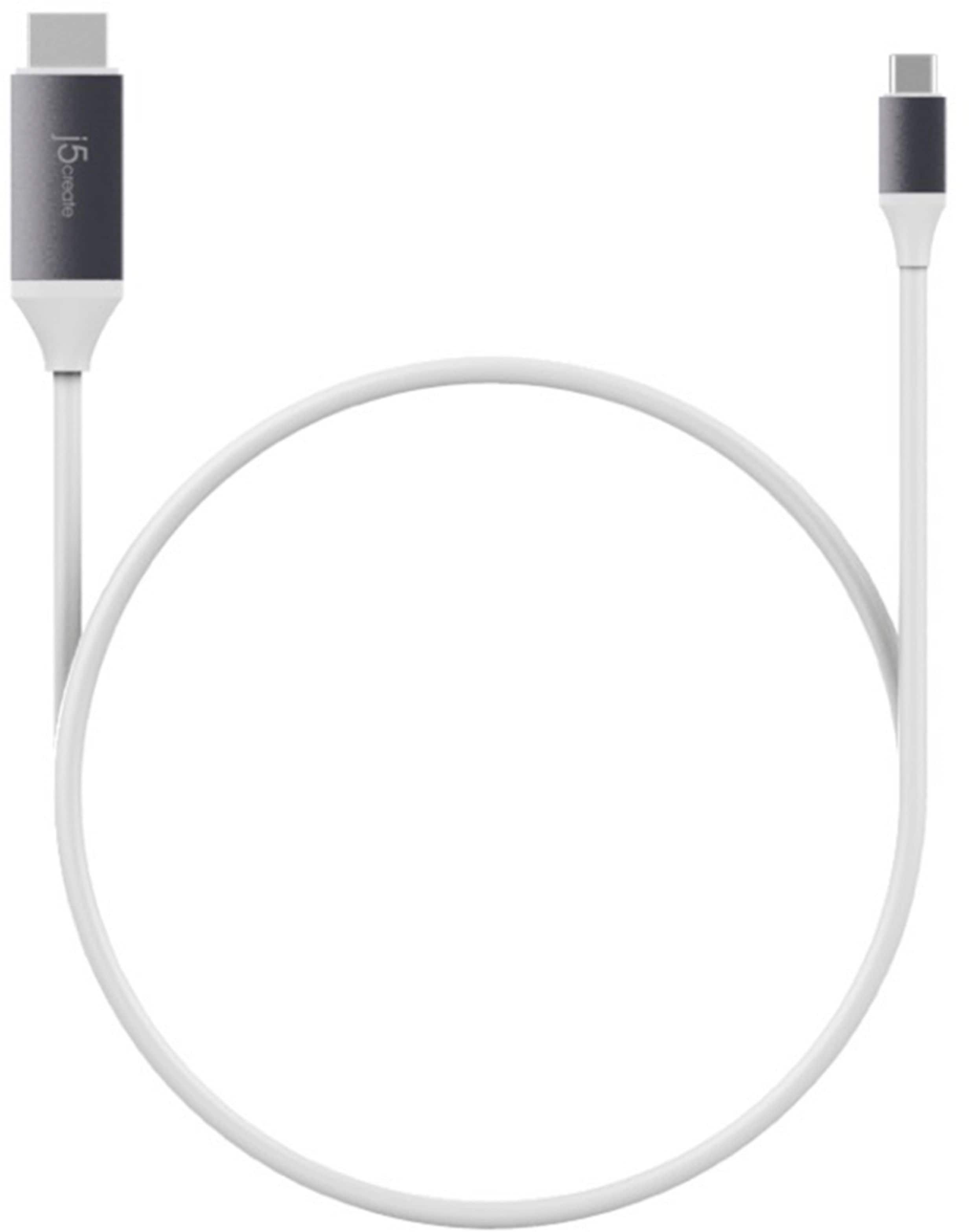
A:AnswerPlease contact our customer service team. They can be reached through our website. There information is also on the back of your device packaging
A:AnswerYes, the JCC153G will work with your iPhone as long as the iPhone has a USB-C port on it. Due to HDCP, you may have issues watching Netflix and etc, however, YouTube should be working.
** Feel free to contact the Technical Support team mentioned on the packaging for further assistance or if you have any other questions and someone will be glad to assist you.
A:AnswerThank you for submitting a question. Yes, the JCC153G will work with the Samsung Note 8 - simply plug in the USB-C male end into the phone and the HDMI male end into the external monitor, TV, projector and it should be working.
** Feel free to contact the j5create Technical Support team for further assistance or if you have any other questions and someone will be glad to assist you.
A:AnswerIf the tablet supports DP alt-mode/video/display via the USB-C port, then yes, the JCC153G can provide you with video and audio. If you wish to stream, then we would recommend a capture card such as the JVA02, the JVA04. The JCC153G will not stream, but simply allow you to mirror the tablet to the TV.
** Feel free to contact the Technical Support team mentioned on the packaging for further assistance or if you have any other questions and someone will be glad to assist you.
A:AnswerThe JCC153G requires a USB-C female port to connect, it may not work by using a converter adapter.
** Feel free to contact the Technical Support team mentioned on the packaging for further assistance or if you have any other questions and someone will be glad to assist you.
A:AnswerYes, that should work for you.
** Feel free to contact the Technical Support team mentioned on the packaging for further assistance or if you have any other questions and someone will be glad to assist you.
A:AnswerBecause the Lg phone requires a feature called DP alt-mode, the JCC153G will not work for you. Instead, we recommend using the JUA165C instead and that will work for you.
** Feel free to contact the Technical Support team mentioned on the packaging for further assistance or if you have any other questions and someone will be glad to assist you.
A:AnswerHello Shopper,
I am sorry to hear that you have been experiencing some difficulties while attempting to watch Disney+.
Netflix, Hulu, Disney+, and other online streaming video services are protected under High-Bandwidth Digital Copyright Protection (HDCP). This protection is used to prevent the illegal copying of digital content.
These streaming services require that hardware being used is compliant with the version of HDCP applied to its content. The j5create - 6' USB Type C-to-HDMI Cable is compliant with HDCP version 2.2.
However, all other hardware must also be compliant, such as the phone, cable, and television.
If possible, I recommend that you try another phone, cable, or television to see if the issue persists.
A:AnswerNo, the JCC153G is intended to be plugged into a computer's USB-C thunderbolt 3 port and the HDMI male end into a TV's HDMI port.
** Feel free to contact the Technical Support team mentioned on the packaging for further assistance or if you have any other questions and someone will be glad to assist you.
A:AnswerNo, the moto does not support DP alt-mode feature which is required for this cable to work. Instead, we recommend the JUA165C instead.
** Feel free to contact the Technical Support team mentioned on the packaging for further assistance or if you have any other questions and someone will be glad to assist you.
A:AnswerIt does not appear that phone supports a feature called DP alt-mode and therefore the JCC153G will not work for you. We recommend the JUA165C instead and that will work for you.
** Feel free to contact the Technical Support team mentioned on the packaging for further assistance or if you have any other questions and someone will be glad to assist you.
A:AnswerNo, your phone does not support the DP alt-mode required feature and that will not work for you. We recommend the JUA165C instead and that will work with your phone.
** Feel free to contact the Technical Support team mentioned on the packaging for further assistance or if you have any other questions and someone will be glad to assist you.
A:AnswerYes, the JCC153G will work in order to mirror your phone screen to the TV.
** Feel free to contact the Technical Support team mentioned on the packaging for further assistance or if you have any other questions and someone will be glad to assist you.
A:AnswerYes, the JCC153G will indeed display the phone screen to the TV.
** Feel free to contact the Technical Support team mentioned on the packaging for further assistance or if you have any other questions and someone will be glad to assist you.
A:AnswerWe do not using converters as they do not always work. If you have Thunderbolt 2 and wish to obtain an extended mode monitor, we recommend the JDC159 instead.
** Feel free to contact the Technical Support team mentioned on the packaging for further assistance or if you have any other questions and someone will be glad to assist you.
A:AnswerUnfortunately because the iPhone has Lightning port on it and the JCC153G requires a USB-C, it is not compatible.
** Feel free to contact the Technical Support team mentioned on the packaging for further assistance or if you have any other questions and someone will be glad to assist you.
A:AnswerThe JCC153G is compatible with laptops and desktop computers; however, it requires that the computer support display/video via the USB-C port on the computer. If the PC does not support such feature, it will not display and in that case, we can recommend a different device that will work for you.
** Feel free to contact the Technical Support team mentioned on the packaging for further assistance or if you have any other questions and someone will be glad to assist you.
A:AnswerUnfortunately no, the JCC153G is intended to be plugged into the Mac via USB-C male end and out to an external TV, monitor, projector. The JDC52 would be needed to connect the Xbox to the TV.
** Feel free to contact the Technical Support team mentioned on the packaging for further assistance or if you have any other questions and someone will be glad to assist you.