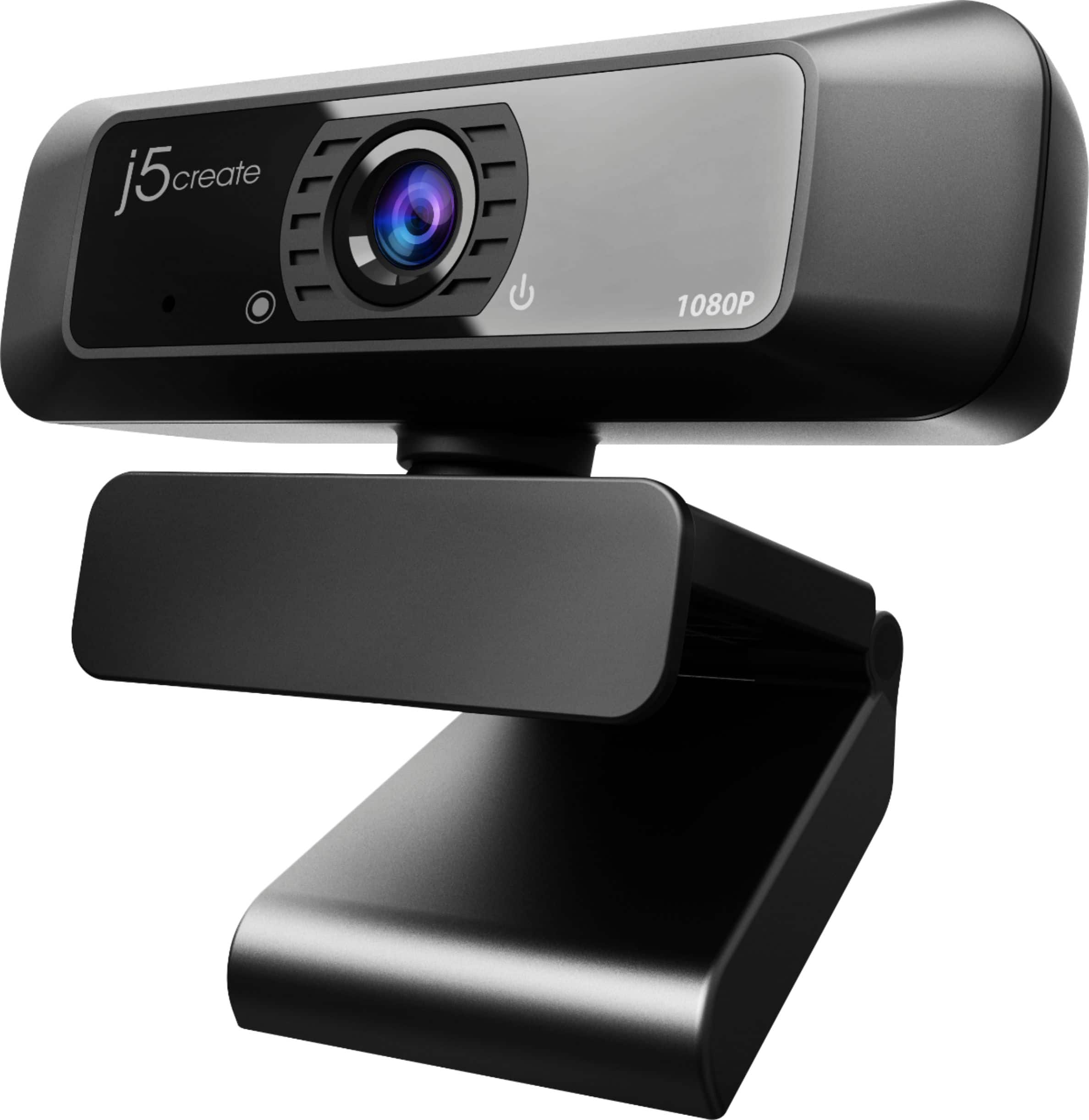
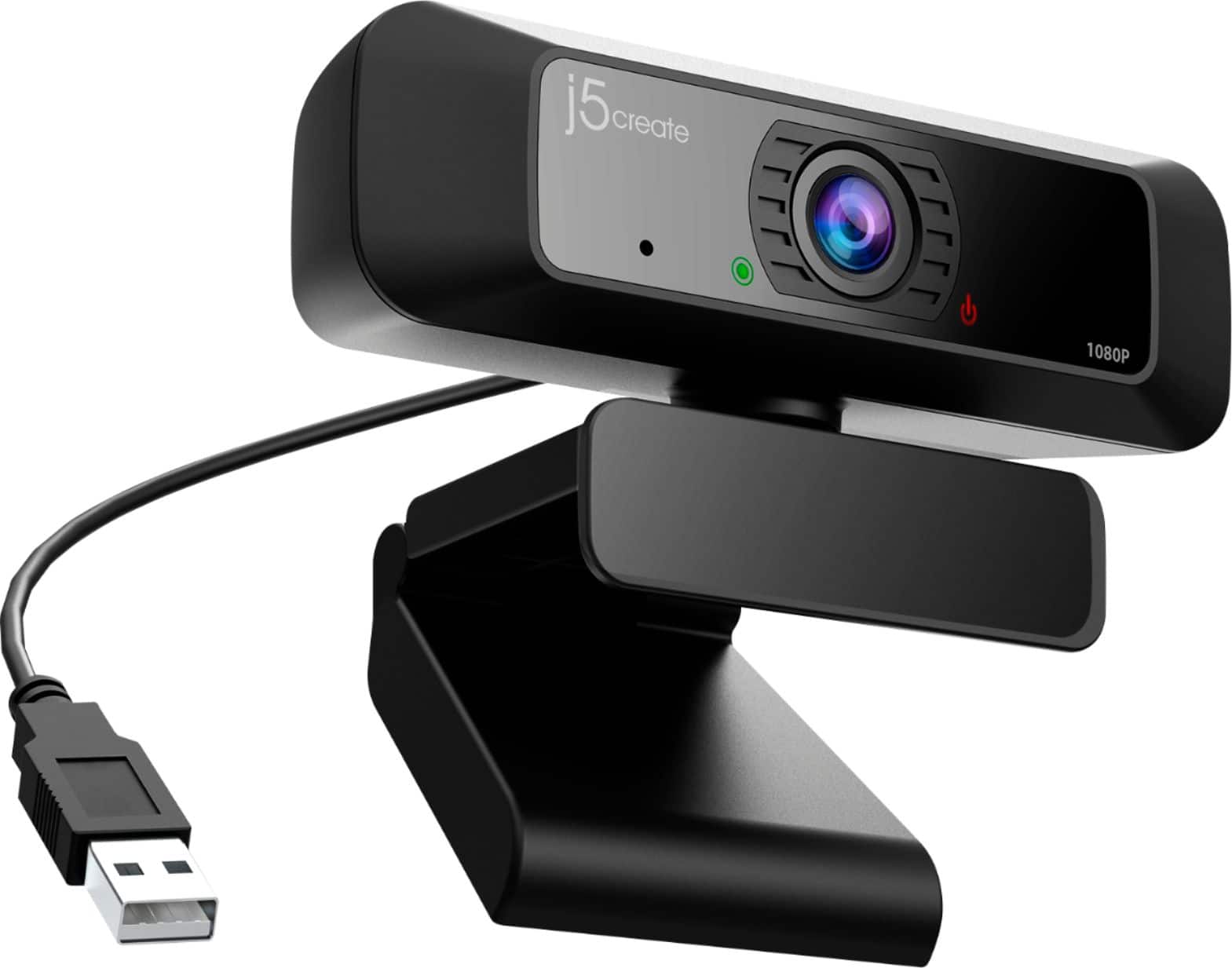
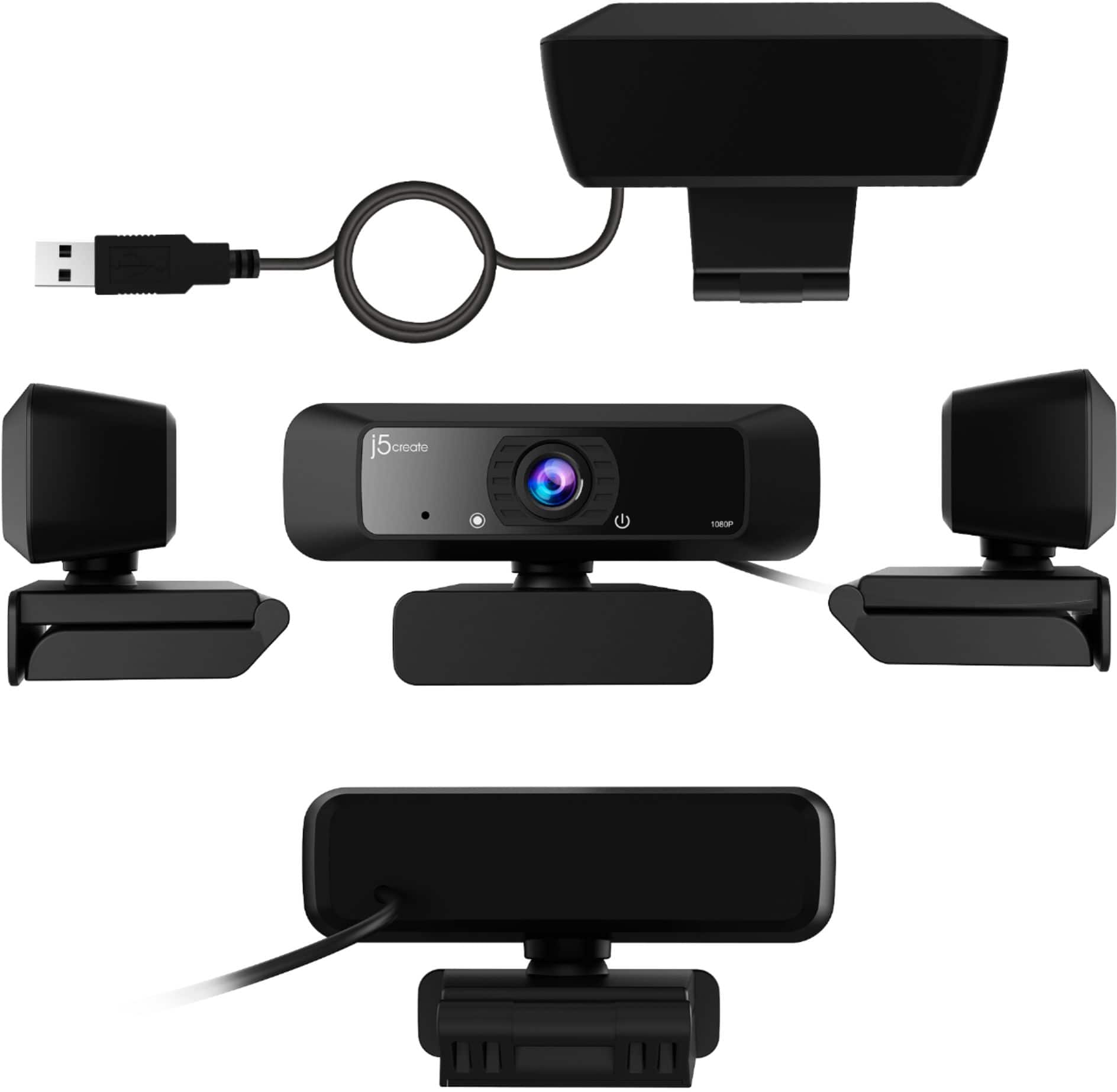
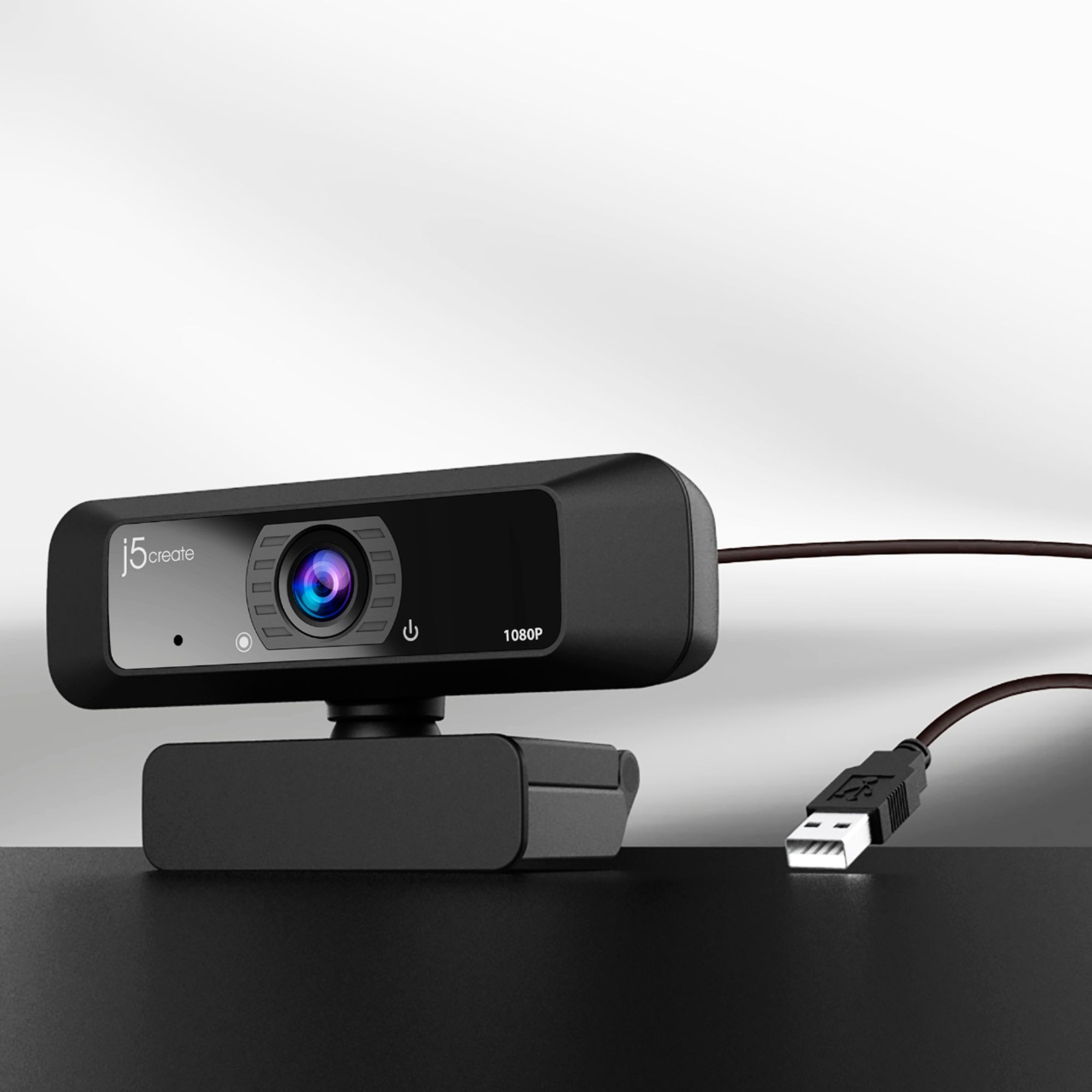
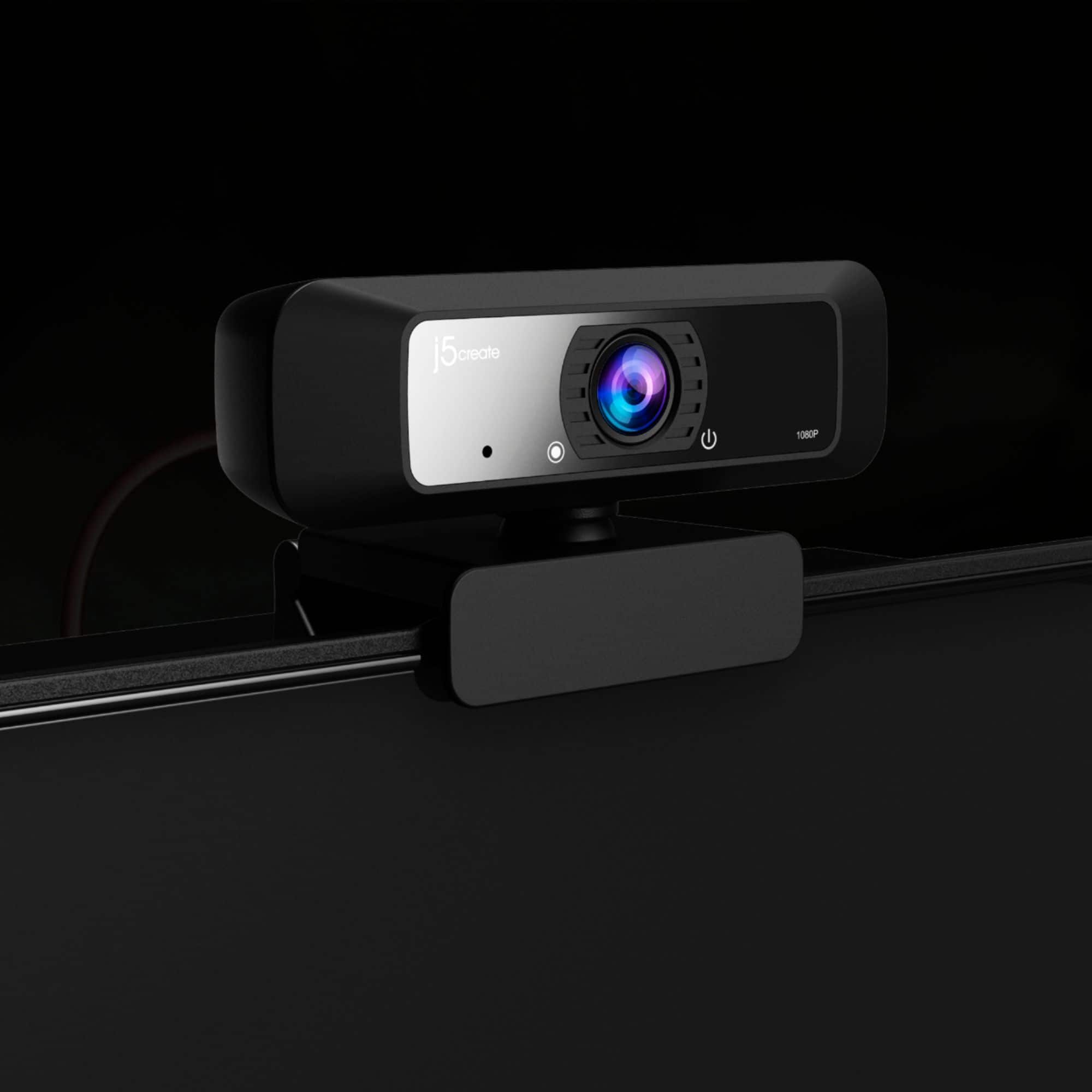
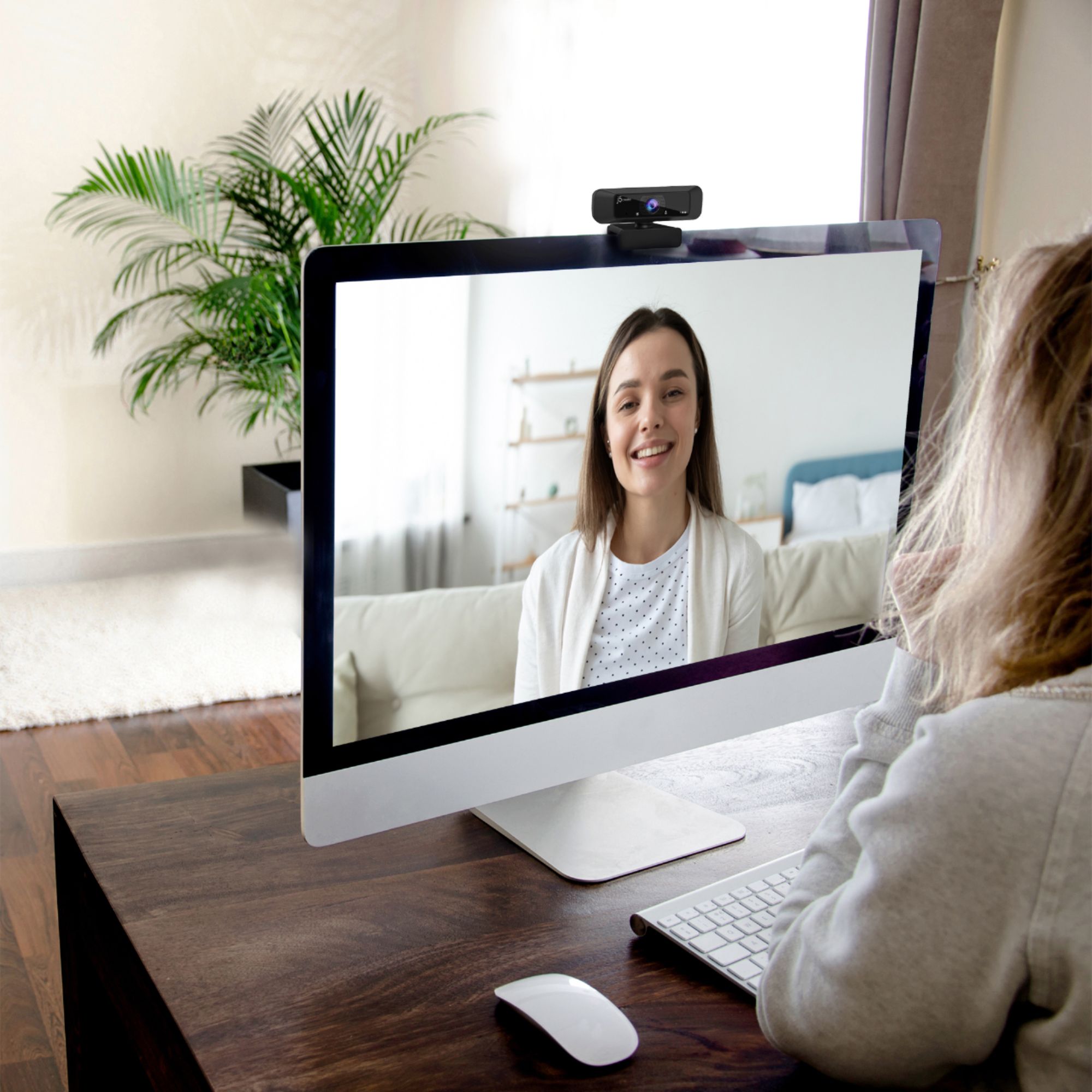
A:AnswerHello the JVCU100 and JVCU90 have similar specs. The JVCU100 is the webcam that we currently sell. If you have any other questions please reach out to customer support team by visiting the j5create website then click on the "SUPPORT" tab at the top right of the webpage. Thank you.
A:AnswerWhen it comes to your intentions of streaming while gaming, you would need a different device such as a capture card i.e. JVA02, JVA06. If you require further assistance, feel free to contact support on the casing and a rep will be happy to help.
A:AnswerTry another connection point. I bought one of these and it worked great for about a week - then it developed a "Crackling" noise every time I spoke. It was obviously a short in the cord somewhere. I had to return mine.
A:AnswerBecause the JVCU100 webcam is plug and play, the adjustments for brightness and etc are to be made in the software being used in conjunction with the camera and not on the webcam itself.
A:AnswerDepending on how far away you are from the white board, will determine how well your viewers will be able to see what you are writin; however the writing will not be backwards like a mirror.
A:AnswerYes, the JVCU100 is compatible with all windows 10 systems. If you require assistance setting up your webcam, please contact our customer service team. Their information can be found on the device packaging as well as the device manual.
A:AnswerThat will be in your computer settings, of course that depends what platform the webcam is connected to. Please contact our Customer Service Department, so that they can get more information from you; in order to properly answer your question. Their information can be found on our website under the "Support" tab. Thank you.