A:AnswerSorry to hear about your SB 250. Please submit a case request at www.jbl.com/support-contact.html and the Customer Service team will be more than happy to further assist you.
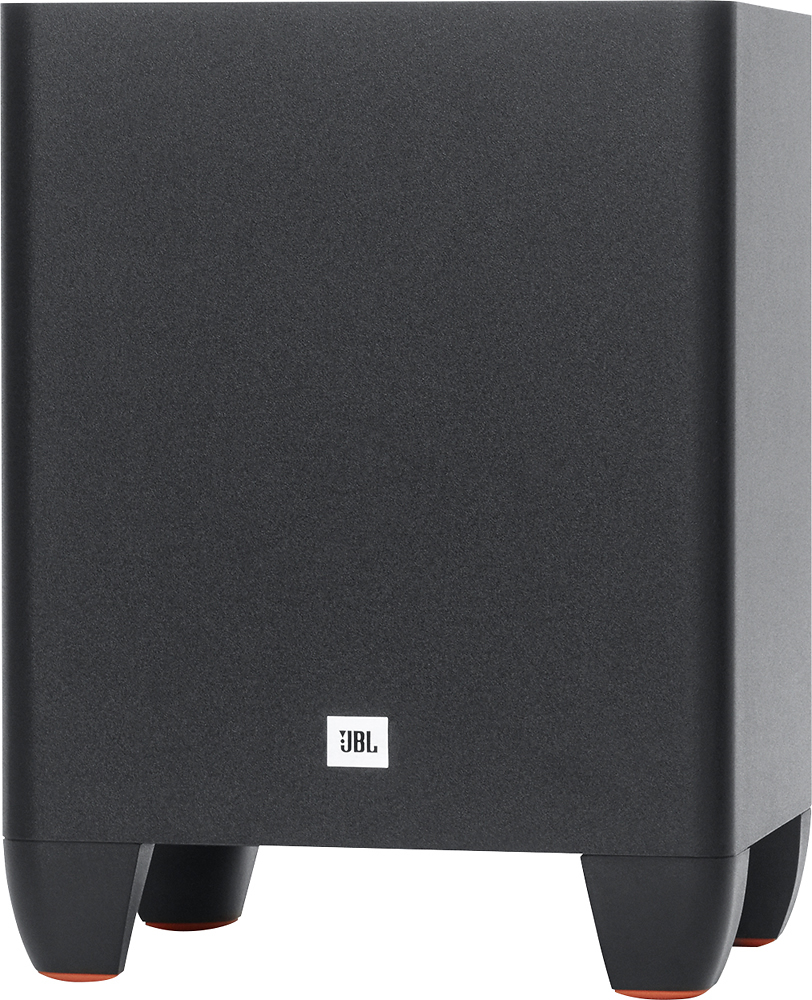
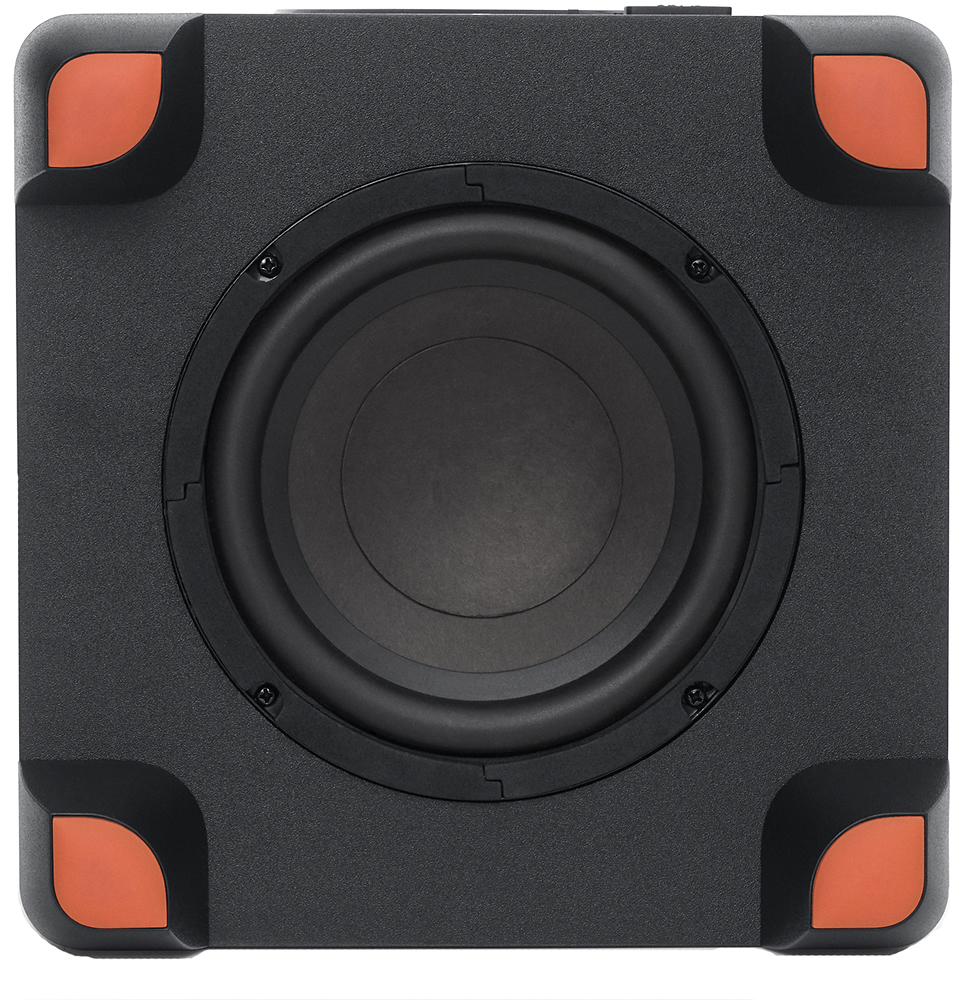
A:AnswerThe SB250's subwoofer is designed to enhance your listening experience by providing you deeper and cleaner low ends. The remote that comes with the SB250 has its own Bass Level controls so that you can adjust the subwoofer's output depending on your preference.
A:AnswerThe SB250 comes with a 1 year warranty protecting you against manufacturing defects. So if you're having issue with the SB250, please submit a request at www.jbl.com/contactus for information regarding your warranty options.
A:AnswerWe would like to work with you directly to help you with your issue. Please submit a case request at https://www.jbl.com/support-contact.html and the Customer Service Team will be more than happy to assist you.
A:AnswerWe would like to work with you directly to help you with your issue. Please submit a case request at https://www.jbl.com/support-contact.html and the Customer Service Team will be more than happy to assist you.
A:AnswerI had the same problem. I reset it. Since it came in demo mode. Check user guide or look.online for instructions on how to take it off demo mode.