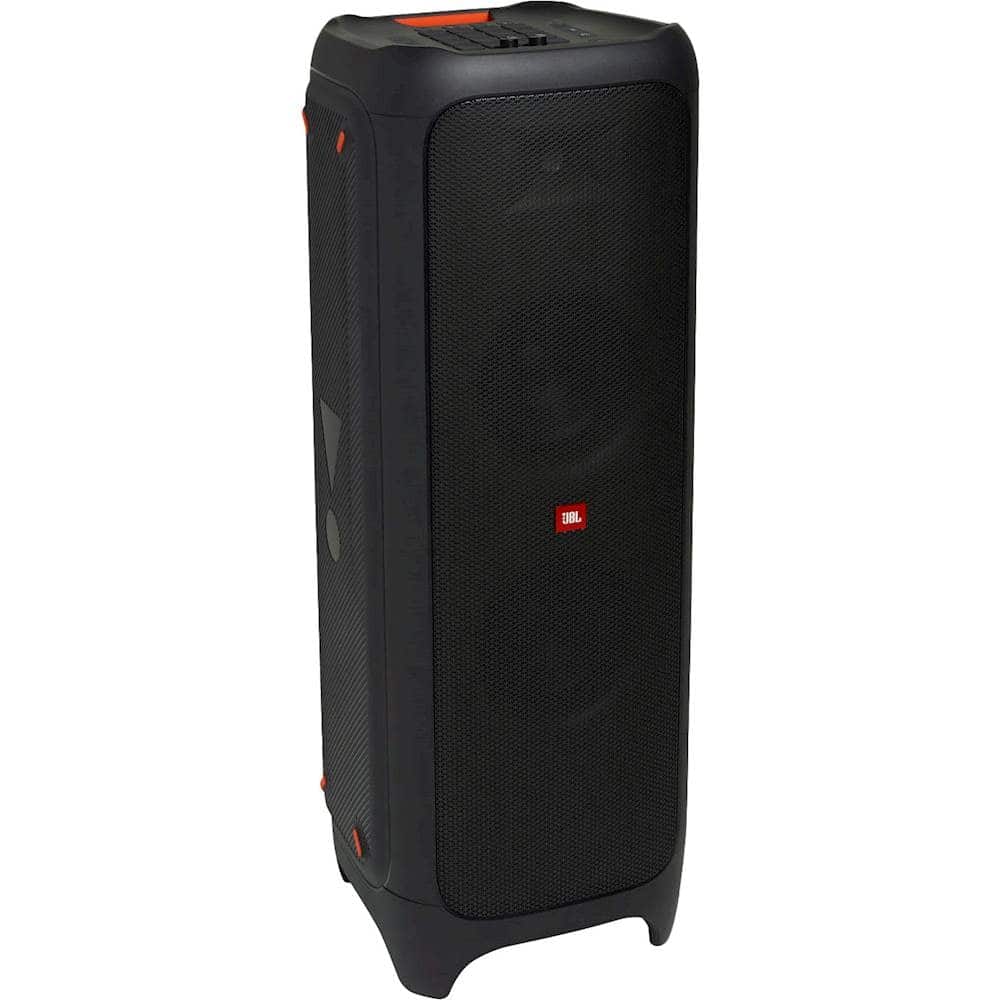
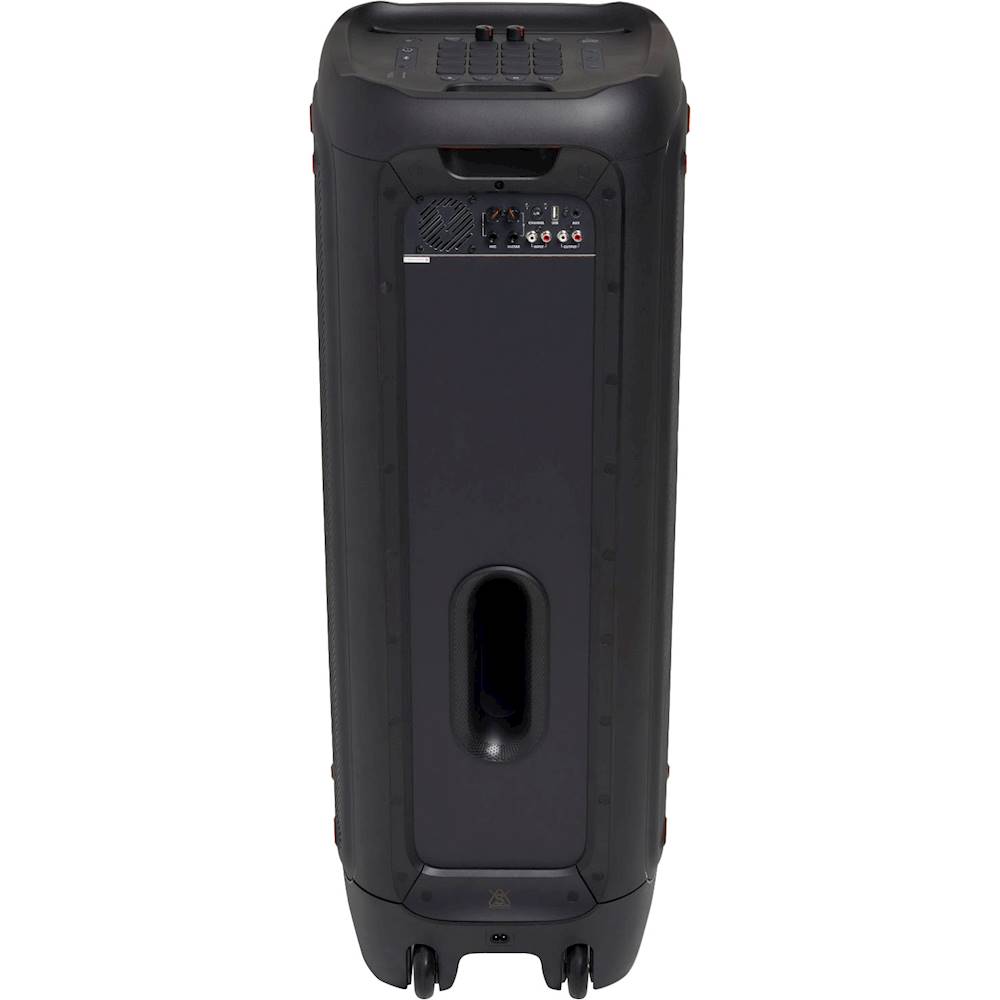
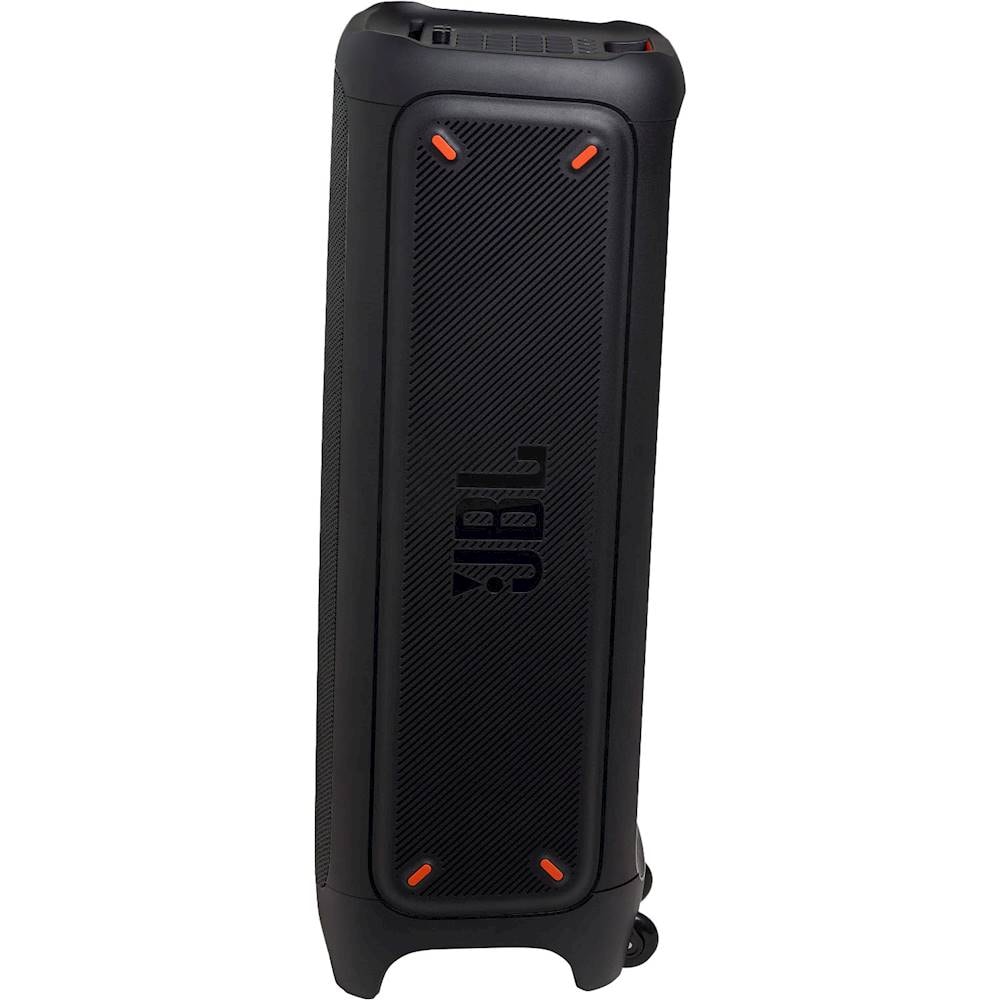
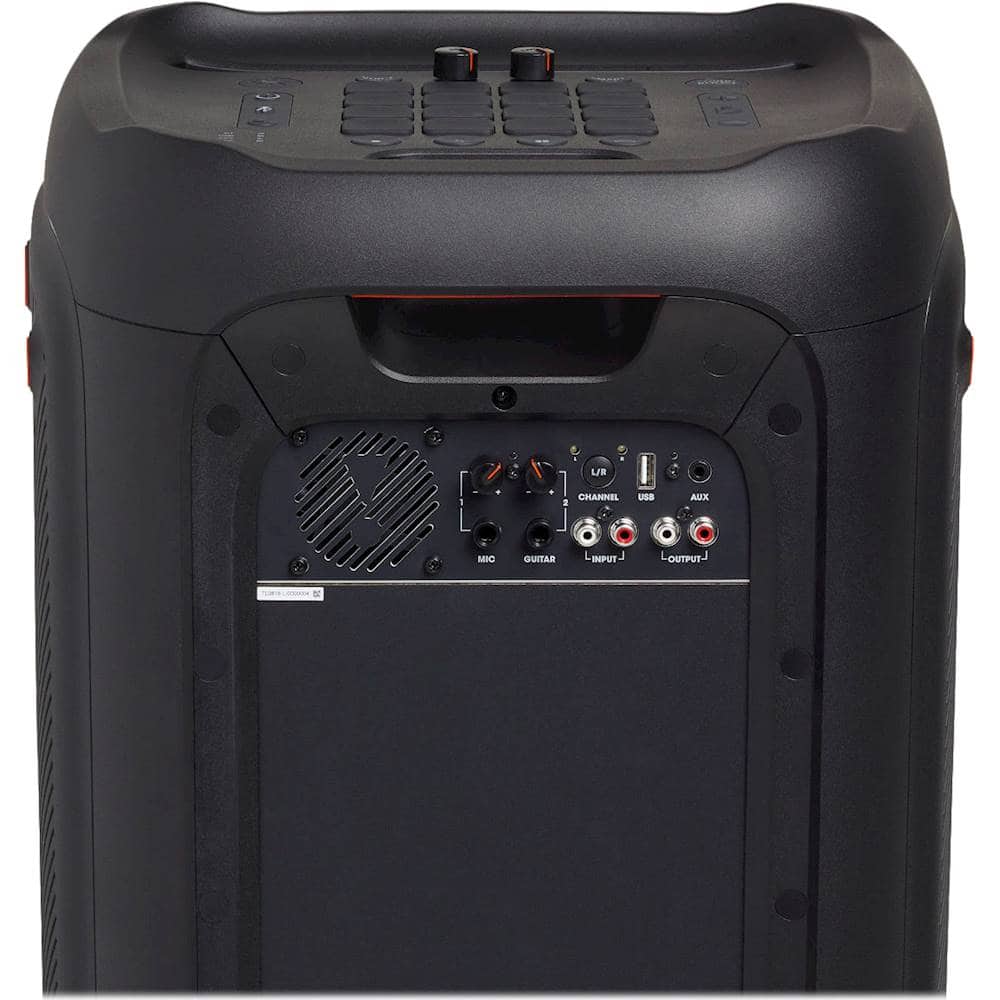
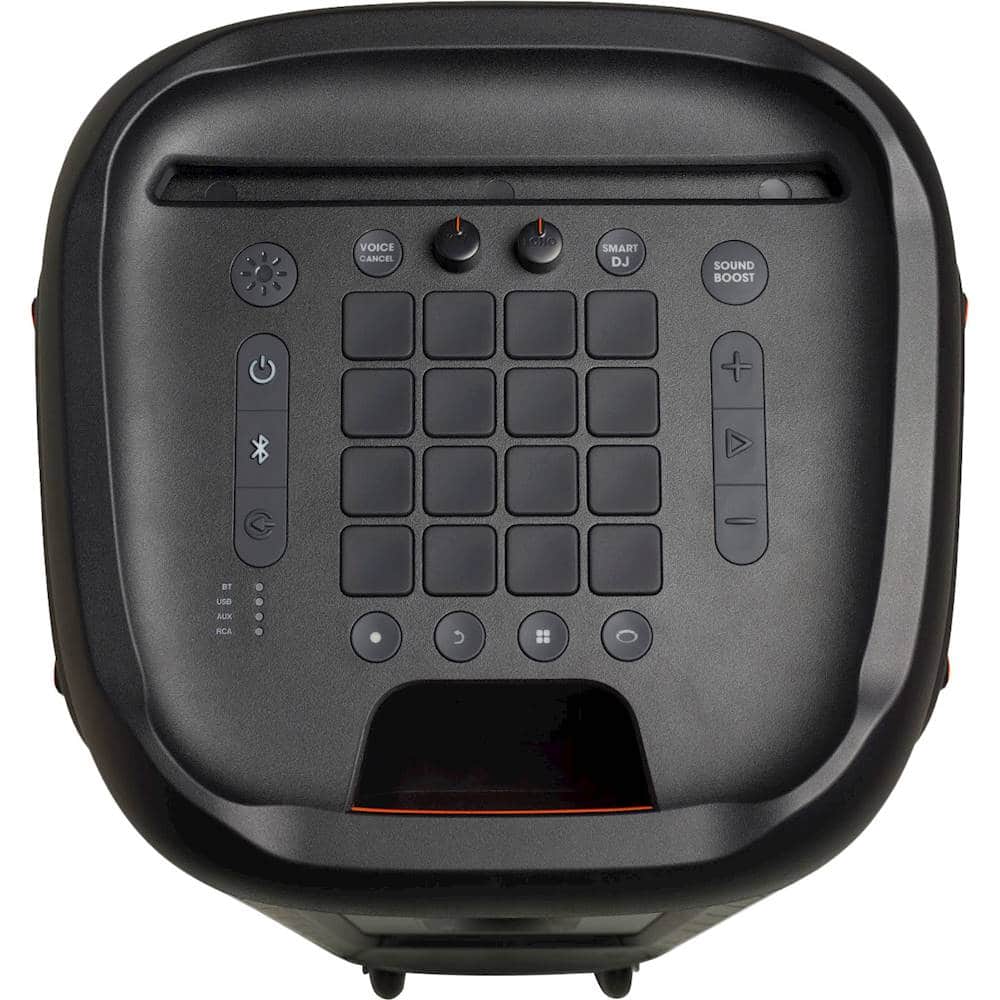
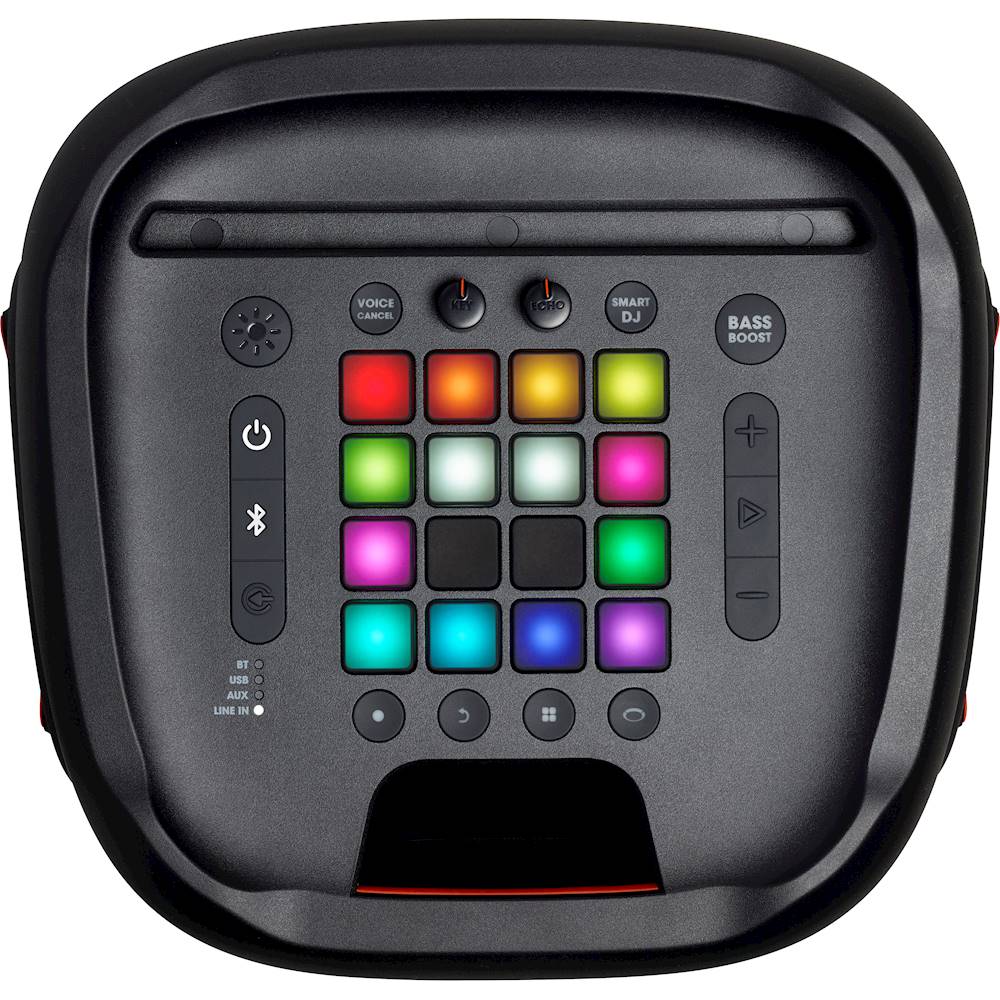
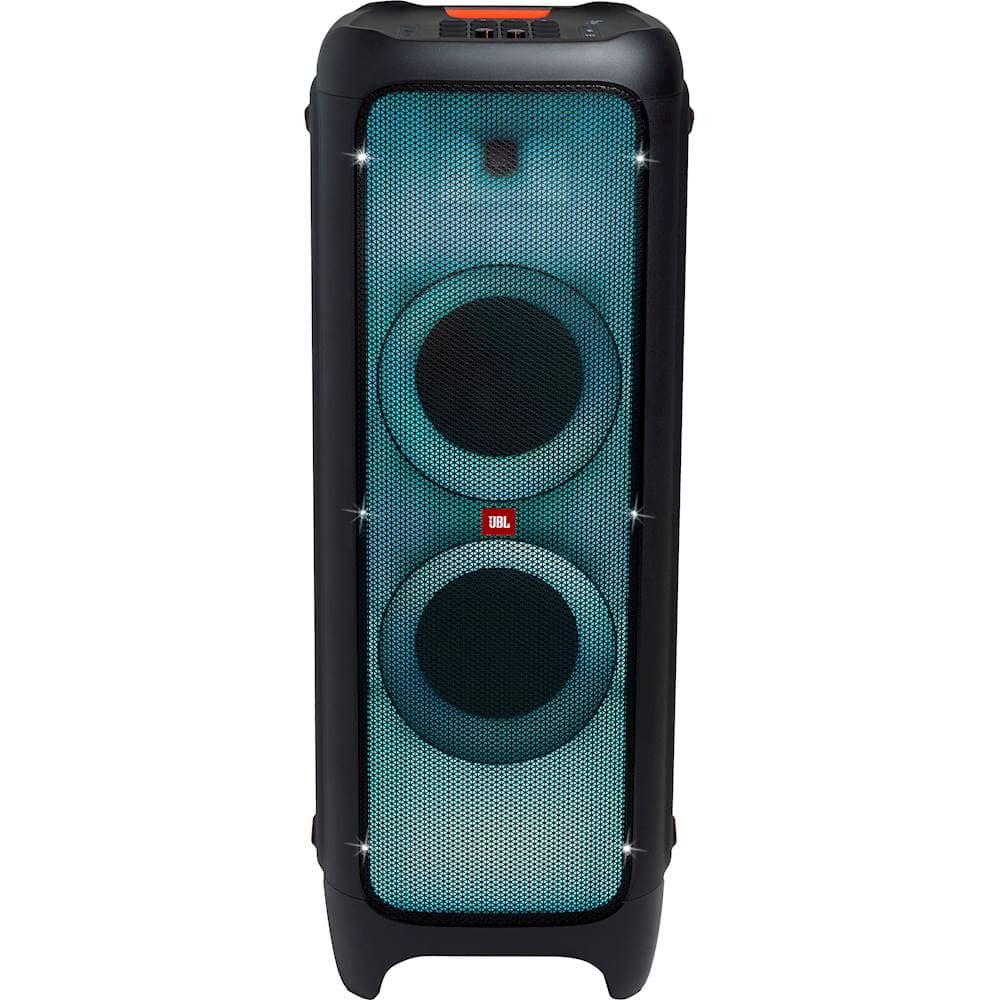
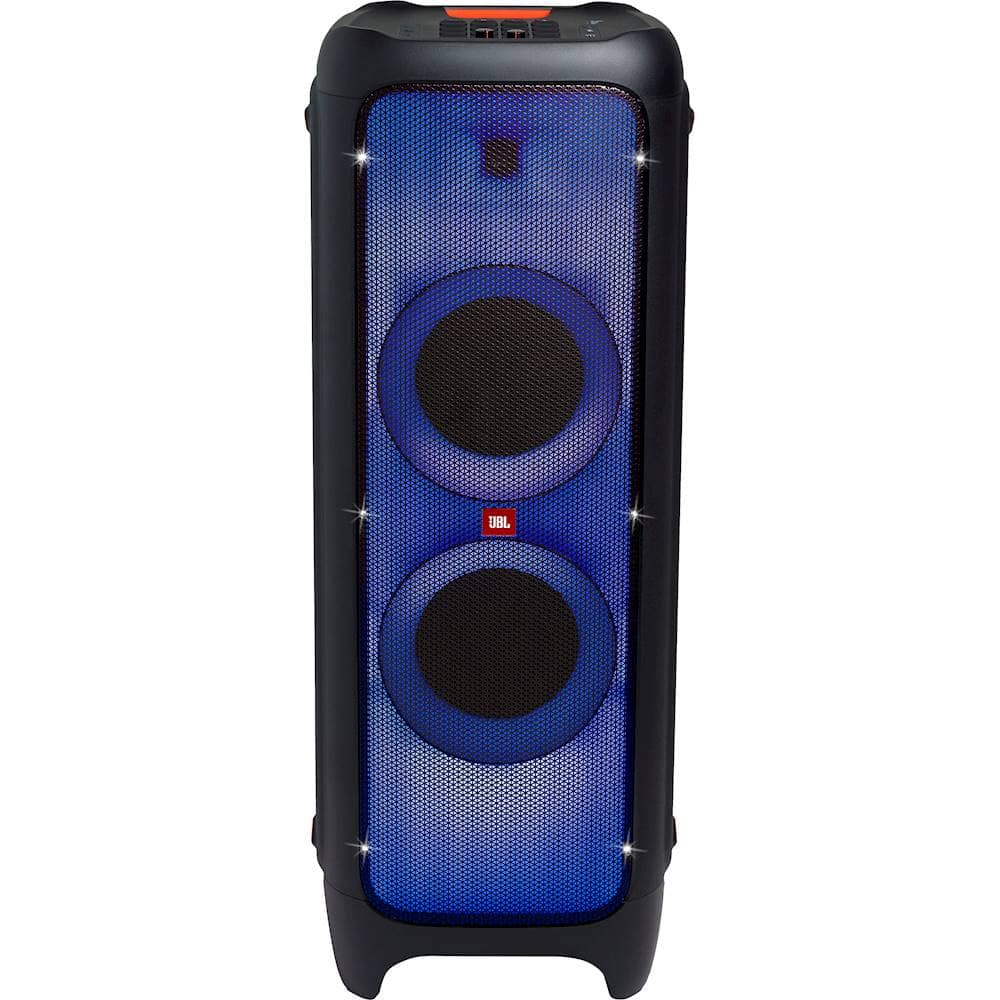
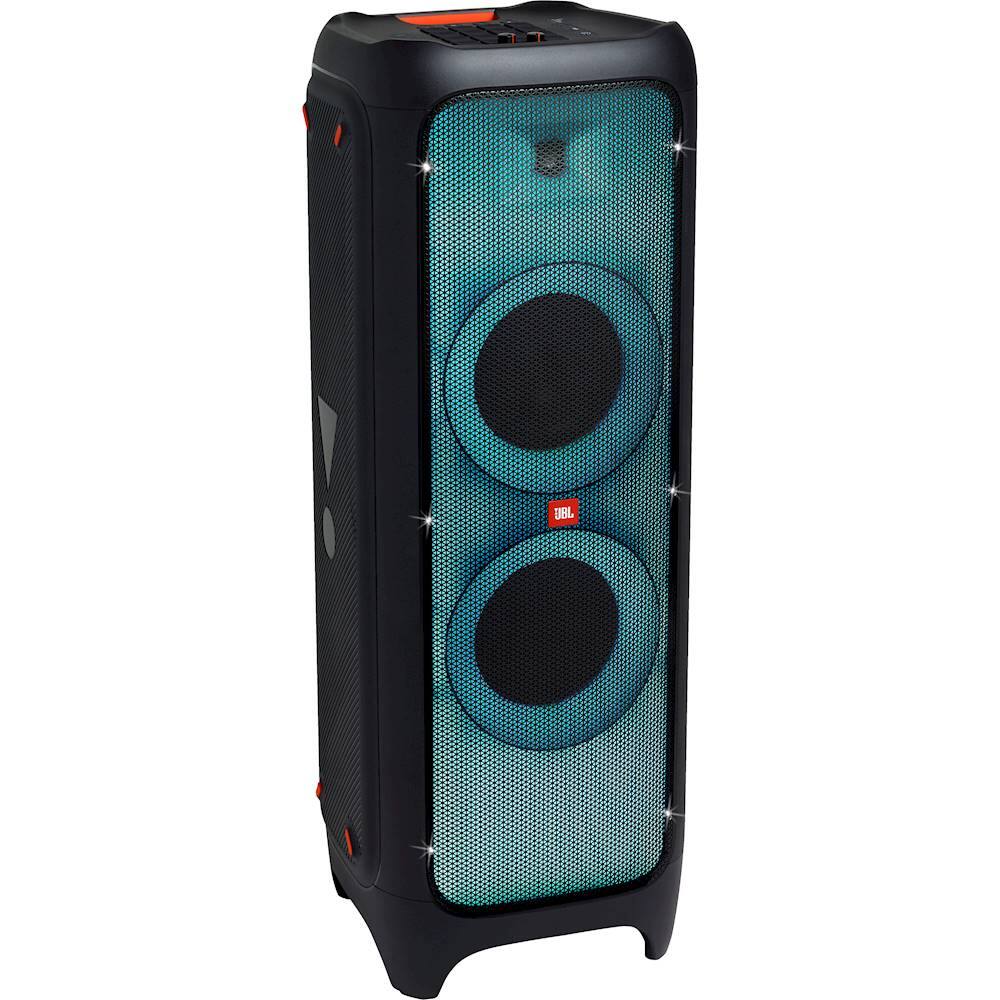
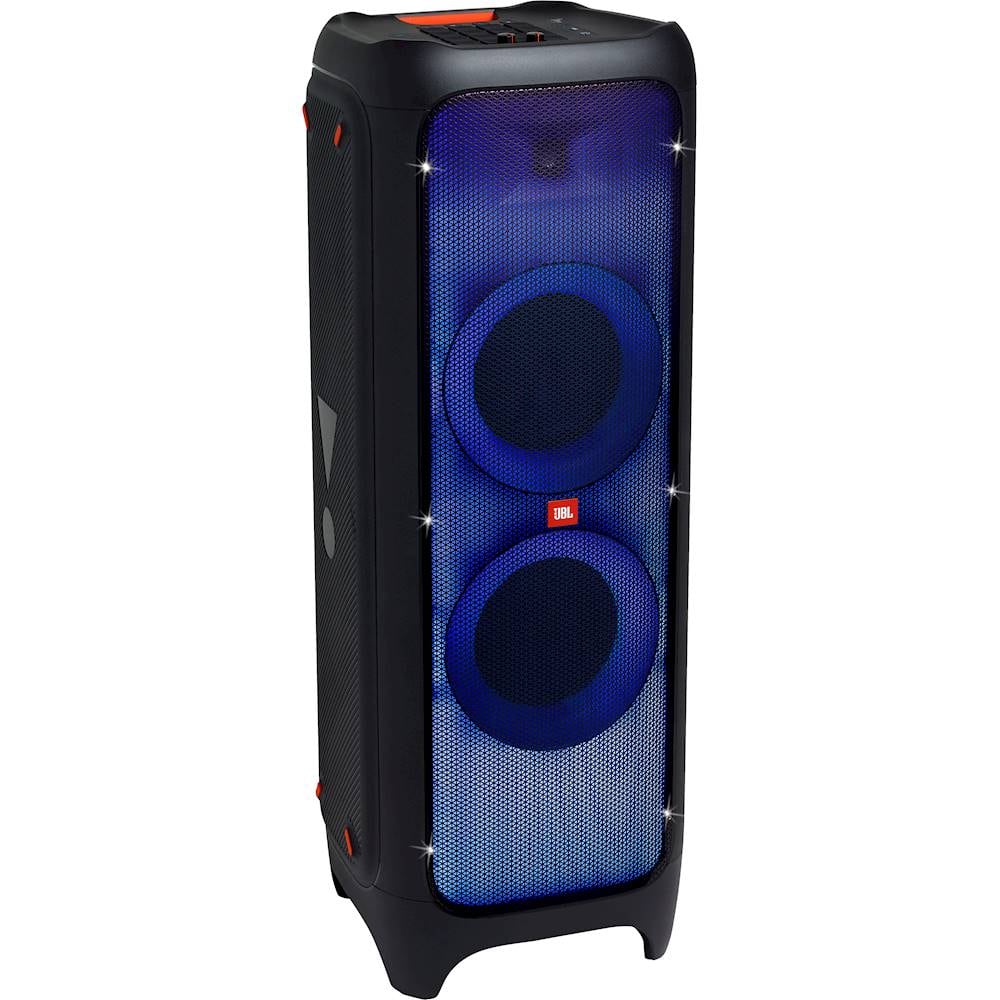
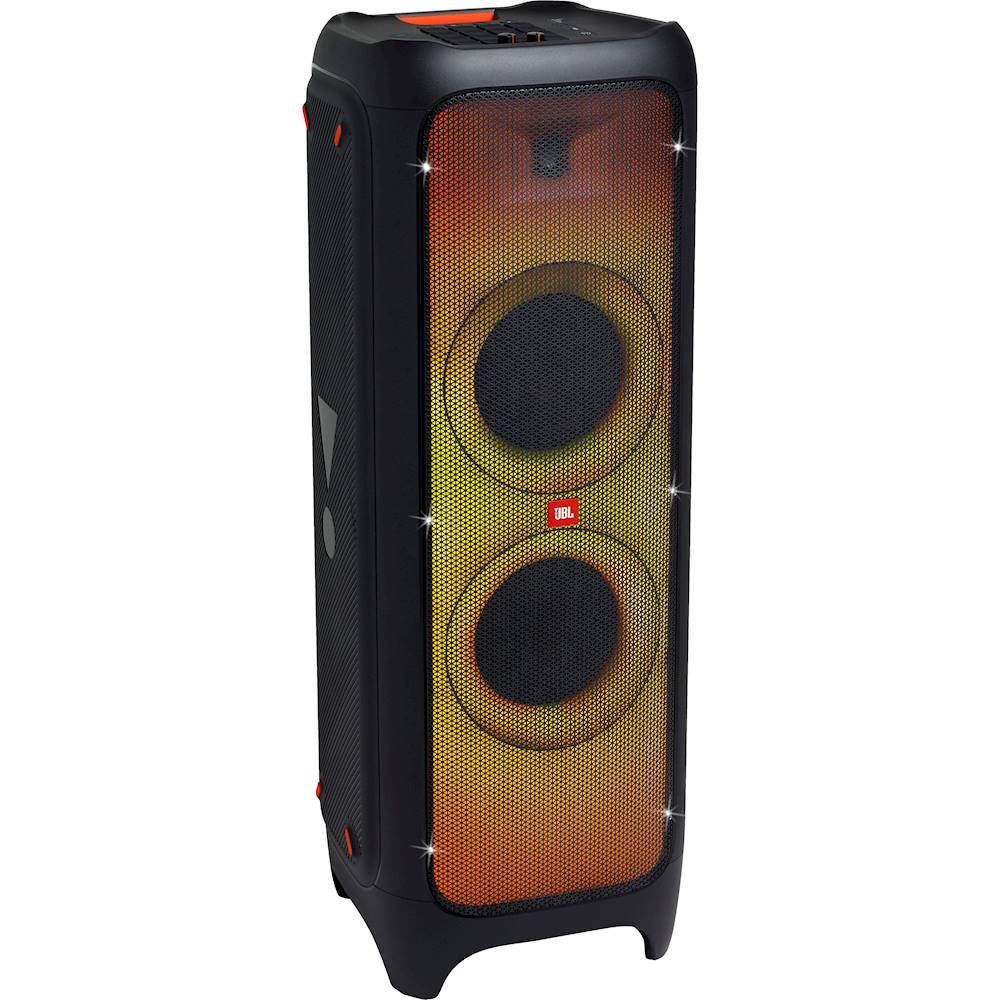
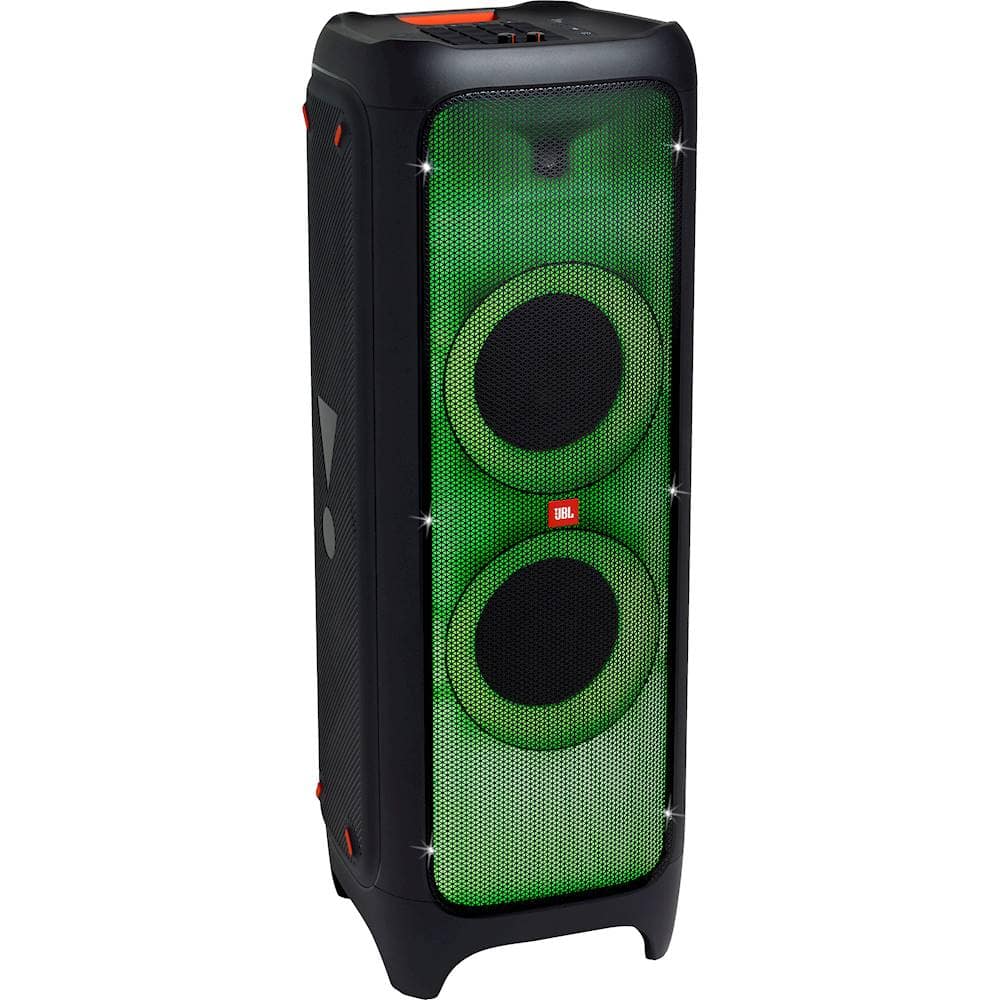
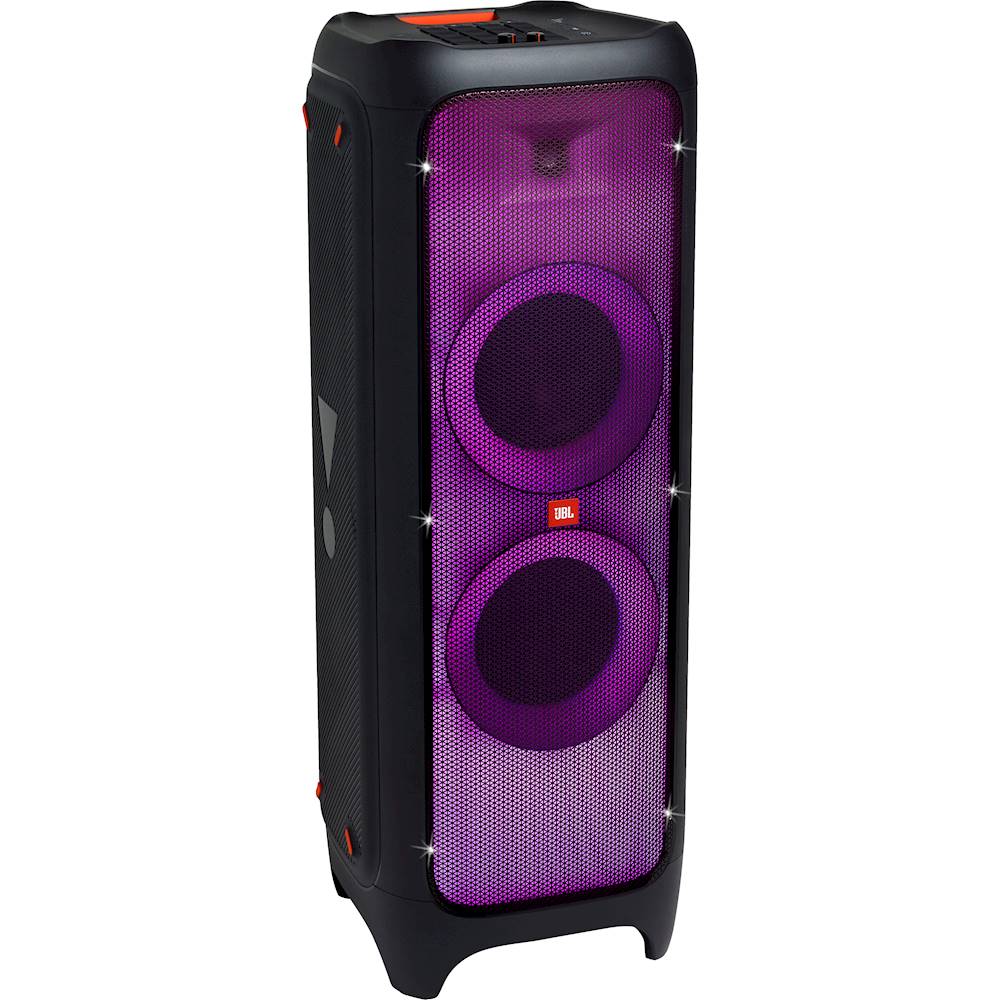
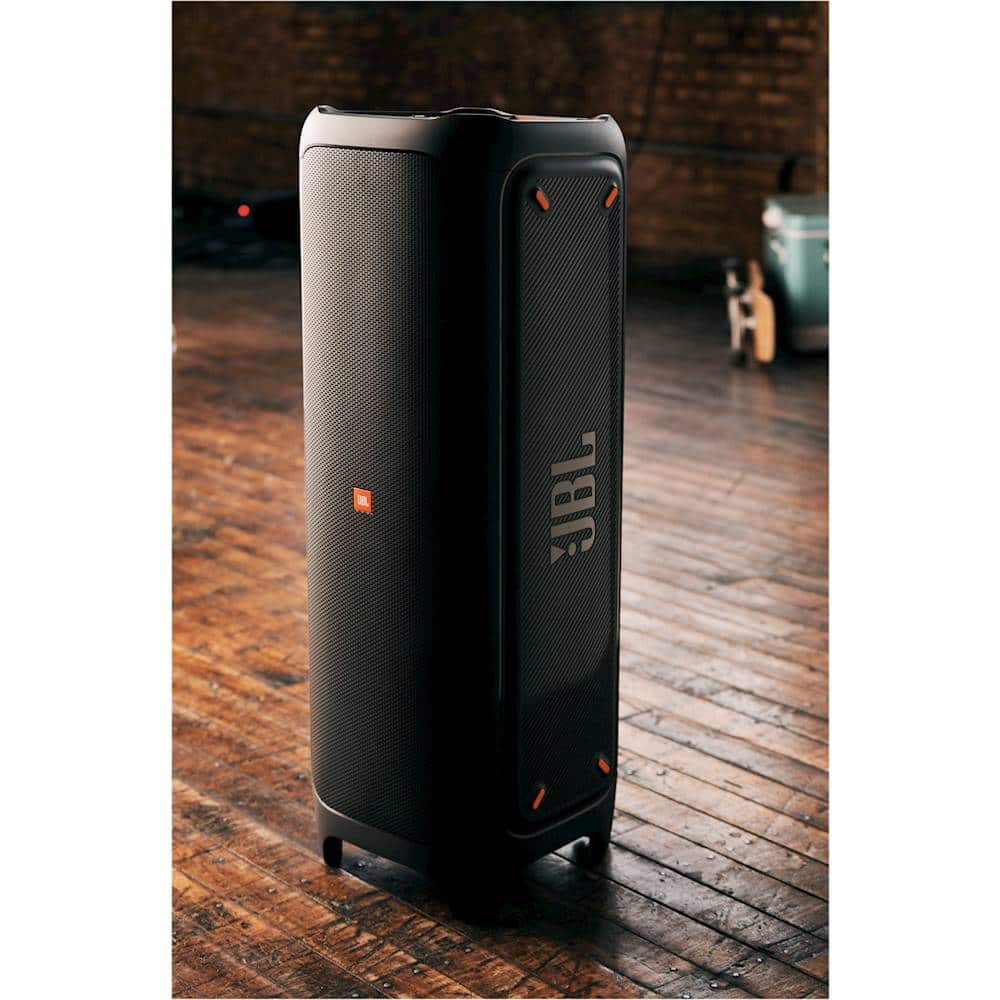
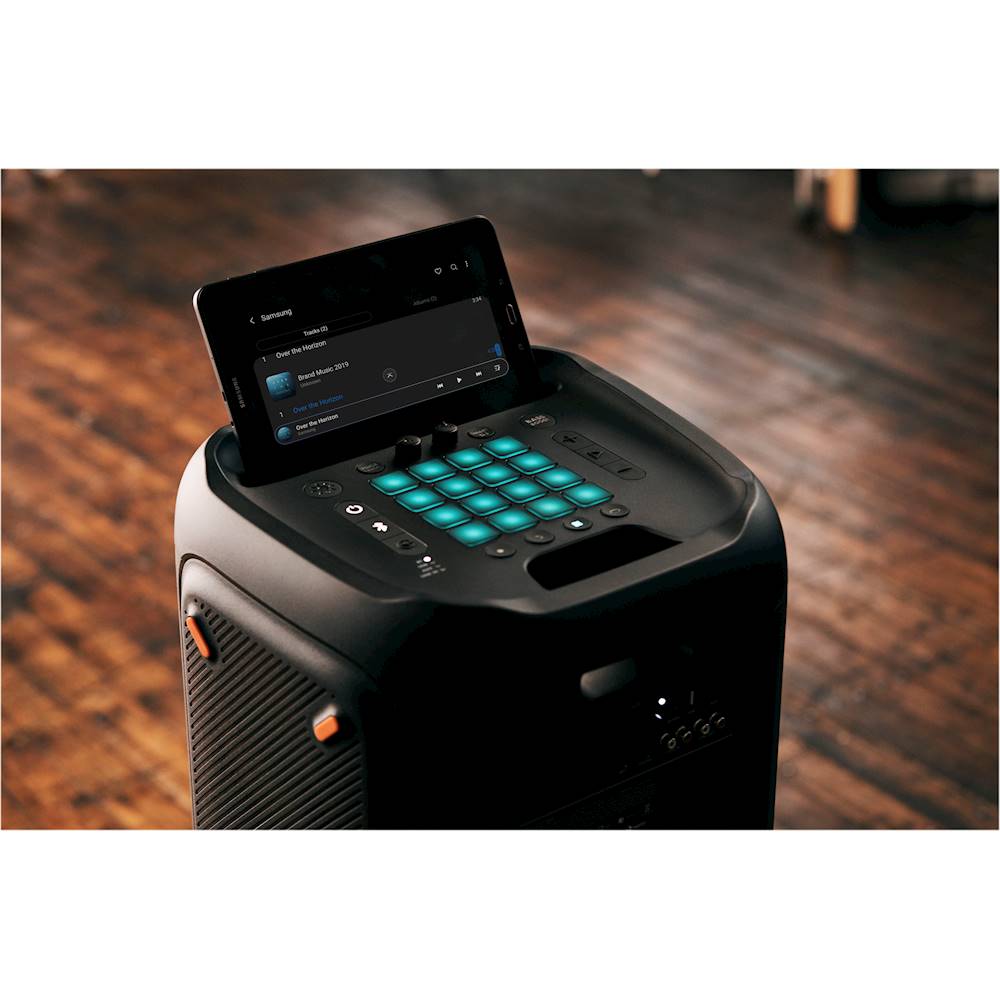
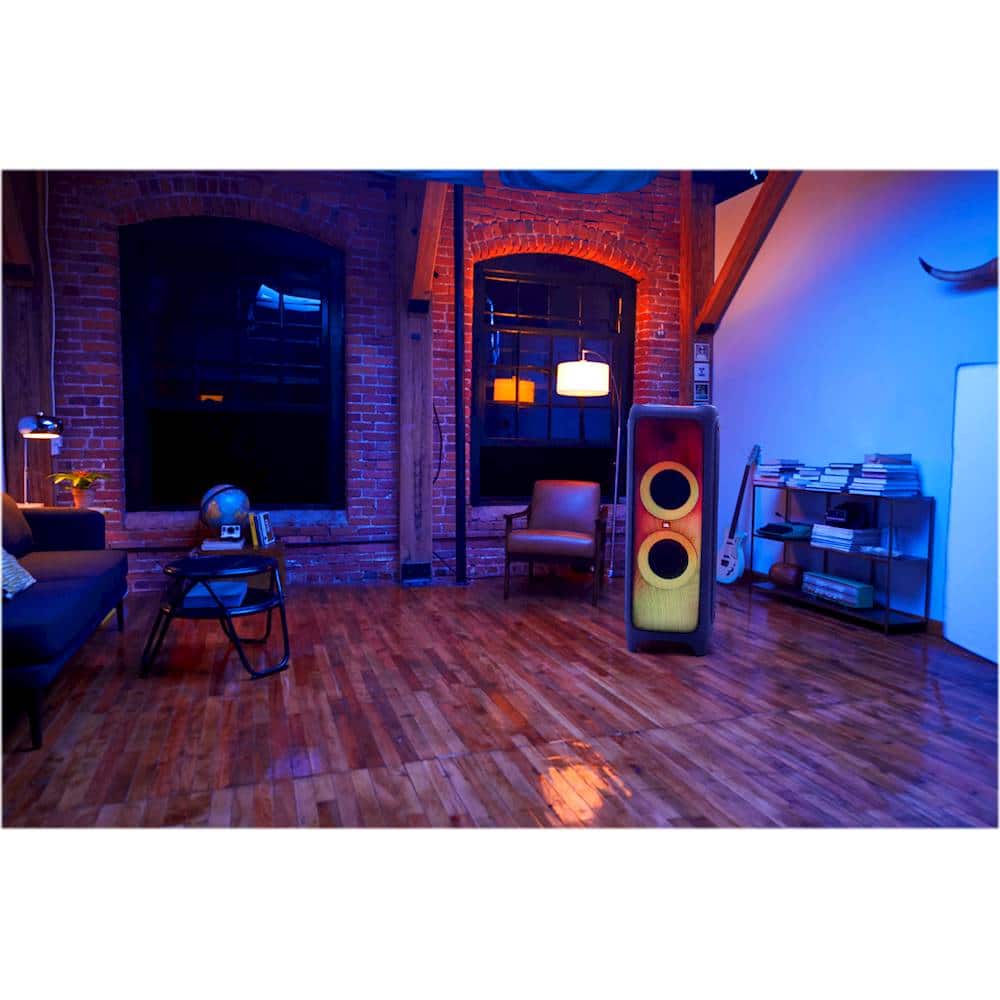
A:AnswerOur JBL Partybox 1000 is a standalone speaker that needs to be plugged into a power source when in use. This product doesn't have a built-in battery.
A:AnswerOur JBL PartyBox 1000 comes with:
1 x JBL Party Speaker
1 x AC Power Cord (AC Plug varies by Region)
1 x Air Gesture Wristband
1 x Quick-Start Guide
1 x Warranty Card
1 x Safety Sheet
It doesn't come with a mic or a remote.
A:AnswerThanks for reaching out. If the noise coming out from the fan caused damage to the unit and is unusual, we'd like to work with you directly. Please contact our customer support via our official website or toll-free hotline. We're here to help.
A:AnswerThe packaging of our JBL Partybox 1000 has a dimension of 1158mm in height, 472mm in width, and 468mm in diameter. The JBL Partybox 1000 with the packaging also weighs 39.1kg.
A:AnswerThank you for bringing this to our attention. We'd like to work with you directly to address the issues you're experiencing with your JBL Partybox 1000. If needed, we'd also like to get more information so we can check your options. Please contact our customer support via our official website or toll free number.
A:AnswerPlease make sure that the microphone is properly connected at the mic input and check on the volume level at the top of the input. If the issue still persists, you may contact the seller directly or our customer support service via our official website or toll-free hotline.
A:AnswerThank you for your question. In our JBL PartyBox App, our JBL PartyBox 1000 is not listed as a compatible speaker. There is no way to change the Bluetooth Name.
A:AnswerThank you for bringing this to our attention. We'd like to work with you directly to address the power issues you're experiencing with your JBL Partybox 1000. If needed, we'd also like to get more information so we can check your options. Please contact our customer support via our official website or toll free number.
A:AnswerOur JBL Partybox 1000 doesn't have a battery integrated as this speaker needs to be plugged in when in use. The LED light shows white (constant) when it powers on.
A:AnswerOur JBL PartyBox 1000 is a standalone speaker. It is not advisable to connect this with your amplifier/ receiver since this product is a powered speaker with an already built-in amplifier. We recommend our JBL Stage A190 as front surround speakers for your planned 5.1 setup. If you need more help, please reach out to our Customer Support.
A:AnswerI’ve personally been unable to hook it to anything else but just pairing two speakers Together ..I tried And been on able to hook them even to the JBL 300s that I have
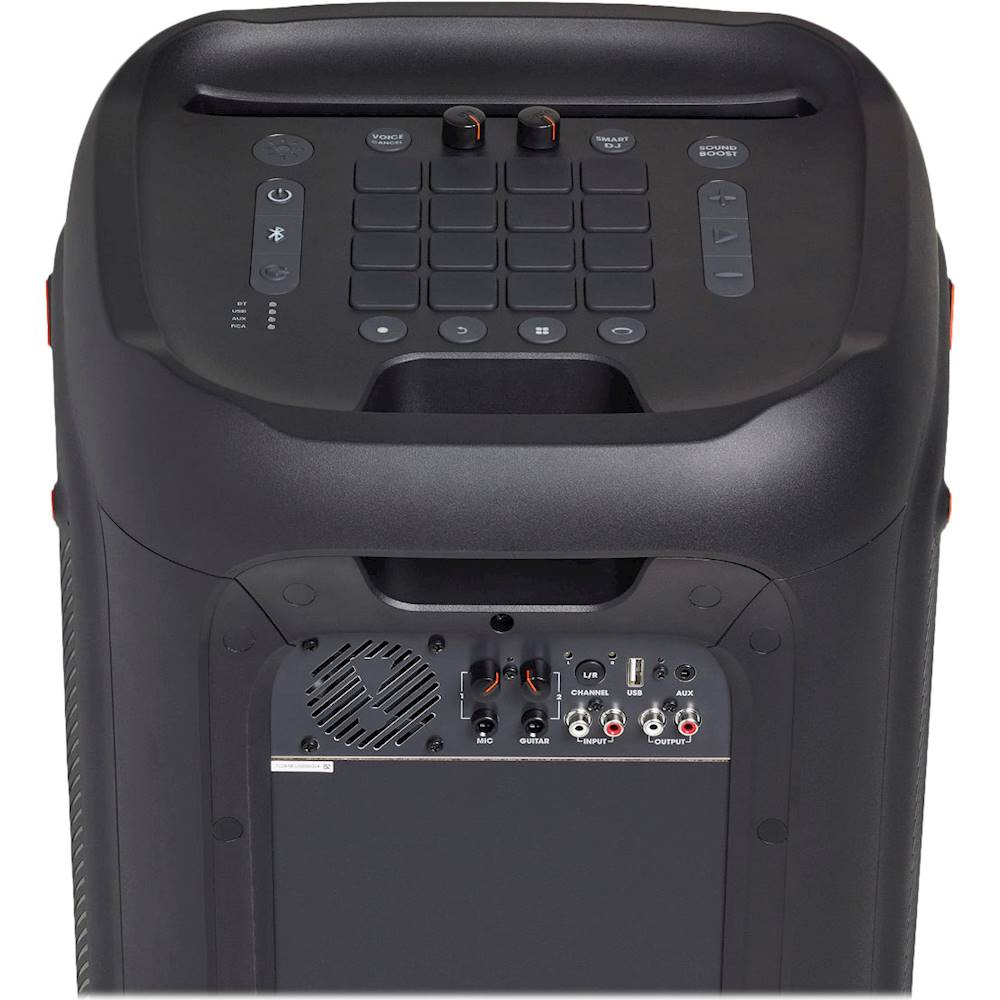
A:AnswerYes, our JBL Partybox 1000 has RCA. You could use the RCA inputs and outputs of both speakers so you could connect them with your Bluetooth amplifier.
A:AnswerYou could isolate this issue by trying to use a different phone. If all phones are experiencing the same problem, please move the speaker to another room or spot to avoid any wireless interference present in the current location. If you need more help, please reach out to our Customer Support.
A:AnswerThanks for your inquiry. Our Partybox 1000 can be paired with 2 microphones that has a 6.35 mm (1⁄4 inch) jack. The next best option after wired microphones is a UHF wireless microphone system.