A:AnswerJohn,
Your TV has a compatible 200x200 VESA pattern and is under the weight capacity of the mount, should work with no issues! Contact us directly using the support button on our site if you have any additional questions, thanks.
A:AnswerAustin,
Without knowing the full model number of your TV I cannot confirm compatibility. Contact us directly using the support button on our site and pass along this info, we'll let you know if it'll work.
A:AnswerYour TV has a compatible 200x200 VESA pattern (bolt pattern) and is under the weight capacity of the M300 so your TV should work with no issues! Feel free to contact us directly using the support button on our site if you have any additional questions, thanks.
A:AnswerSeamus, While Samsung usually has quite standard VESA patterns, I can't say for sure if it would be compatible without the model number. If you can please email us directly at [email protected] and pass on your TV's model number we'll be more than happy to let you know if your TV will be compatible with the M300.
A:AnswerJack,
I've looked up your TV, and it has a 200x200 VESA pattern, and it weighs 25lbs so it is absolutely compatible with the M300. If you have any other questions please feel free to contact us directly at [email protected]
A:AnswerTerry,
Get in contact with us using the support button on our site and pass along the full model number. I can't give you a definite answer without this info, talk soon.
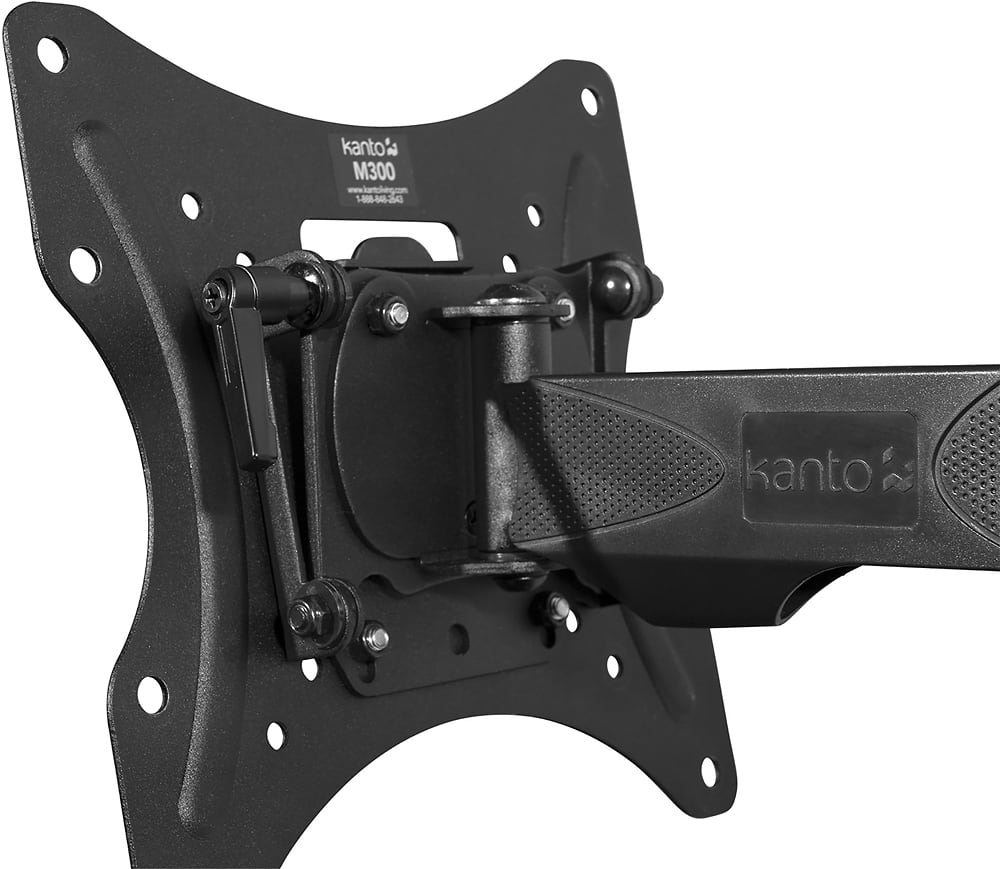
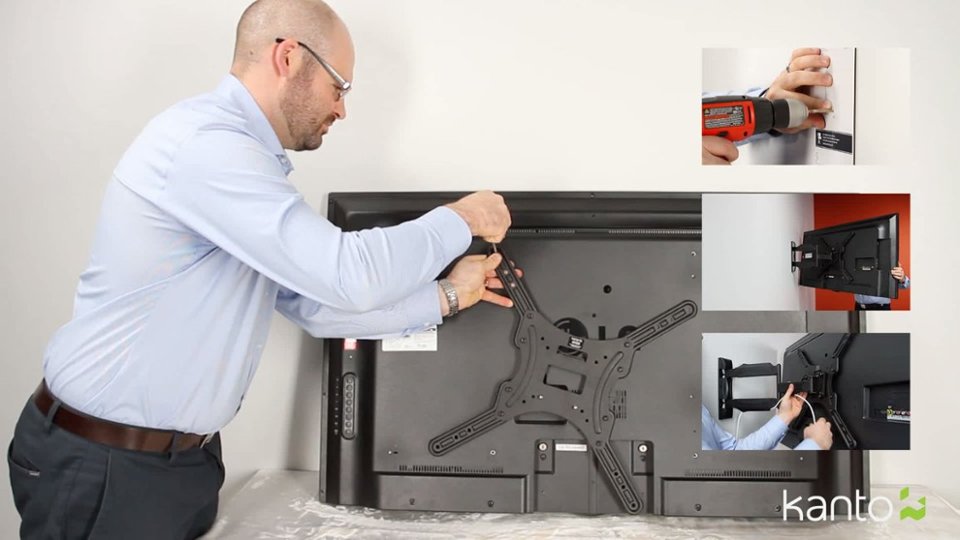
A:AnswerMike, As long as you can easily access the back of your TV, it is only 2 nuts that need to be removed in order to take the TV off the M300. I hope that helps, feel free to contact us directly through the support button on our website if you have any other questions and we'll be happy to help.
A:AnswerHI, the M300 is compatible with your TV, however it will require an unusual extension arm set up in order to be compatible. If you can please contact us directly at [email protected] we will be more than happy to help show you how the extension arms will need to be set up, and also help if you have any other questions.
A:AnswerBrian,
Get in contact with us using the support button on our site and pass along the full model number. I can't give you a definite answer without this info, talk soon.
A:AnswerMike, The mount itself is 10.1lbs, and the shipping box is 11.2lbs. I hope that helps, if you have any other questions please feel free to contact us directly through the support button on our website.
A:AnswerHi Frank, Our mounts can only be mounting using the methods outlined in our manual, which is directly into a wood stud or into brick or concrete. For any other type of installation we recommend consulting a professional installer to determine if your wall is able to safely hold the weight of the mount and TV, and how to install correctly. If you have any other questions please contact us directly through the support tab on our website and we'll be happy to help.
A:AnswerI believe someone already answered this but it will extend about 19-1/2". Contact us directly using the support button on our site if you have any other questions, thanks.
A:AnswerThere is nothing preventing you from mounting your TV in portrait but it will be dependent on the VESA pattern (bolt pattern) on the back of your TV. Contact us directly using the support button on our site so we can verify your TV's compatibility, thanks.
A:AnswerMost smaller Vizio TV's are quite light and typically use a 200x200 VESA bolt pattern. You shouldn't have any issues but if you'd like to confirm compatibility contact us directly using the support button on our site, thanks.
A:AnswerIf you could please email us directly at [email protected] and pass along your TV's full model number and we would be happy to determine compatibility for you and assist you further with this.
A:AnswerIf you could please email us directly at [email protected] and pass along your TV's full model number and we would be happy to determine compatibility for you.