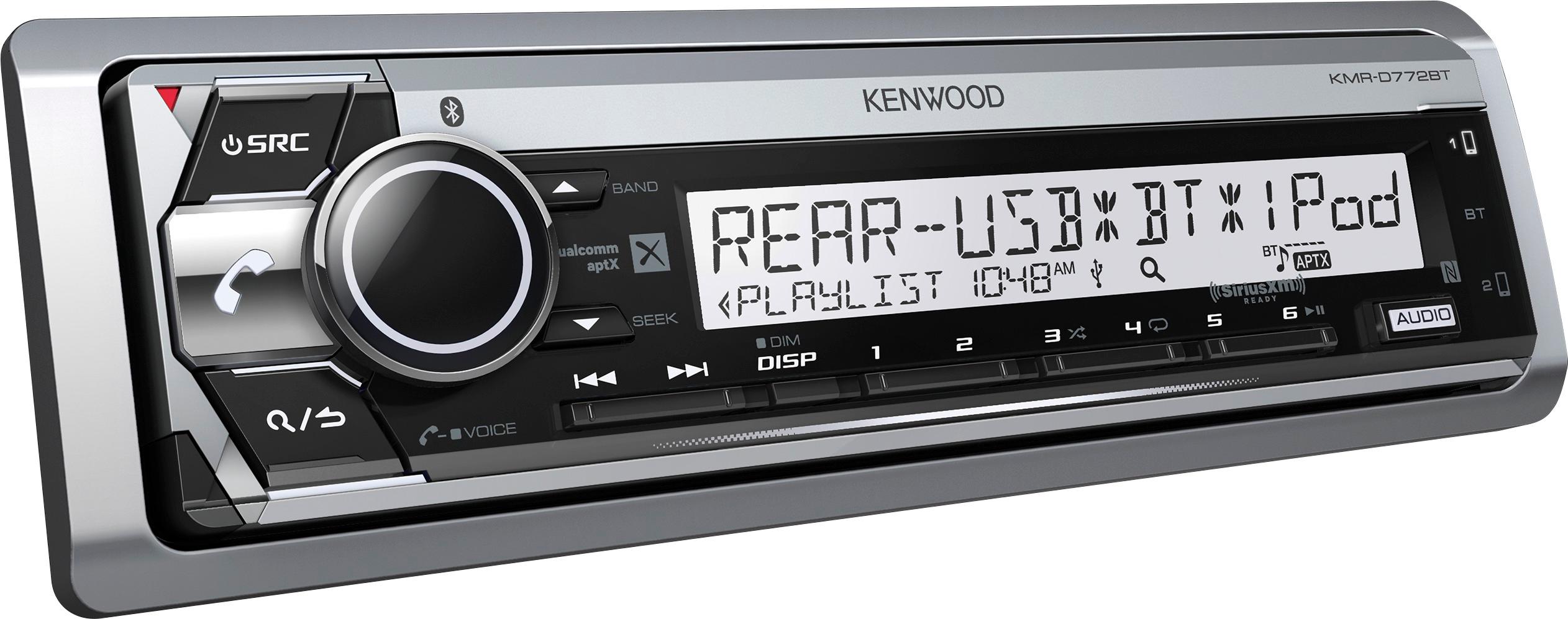
A:AnswerUsually when this happens its a setting on your phone,the unit will place bt2 for phones that wont be primary (not taking calls and mostly doing music playback)
Essentially the unit is not receiving all the permissions from that phone to make it a primary phone,make sure HFP profile is on in the phone,initialize under the bt settings on the radio and test another phone after all of this to be sure where the issue is coming from.
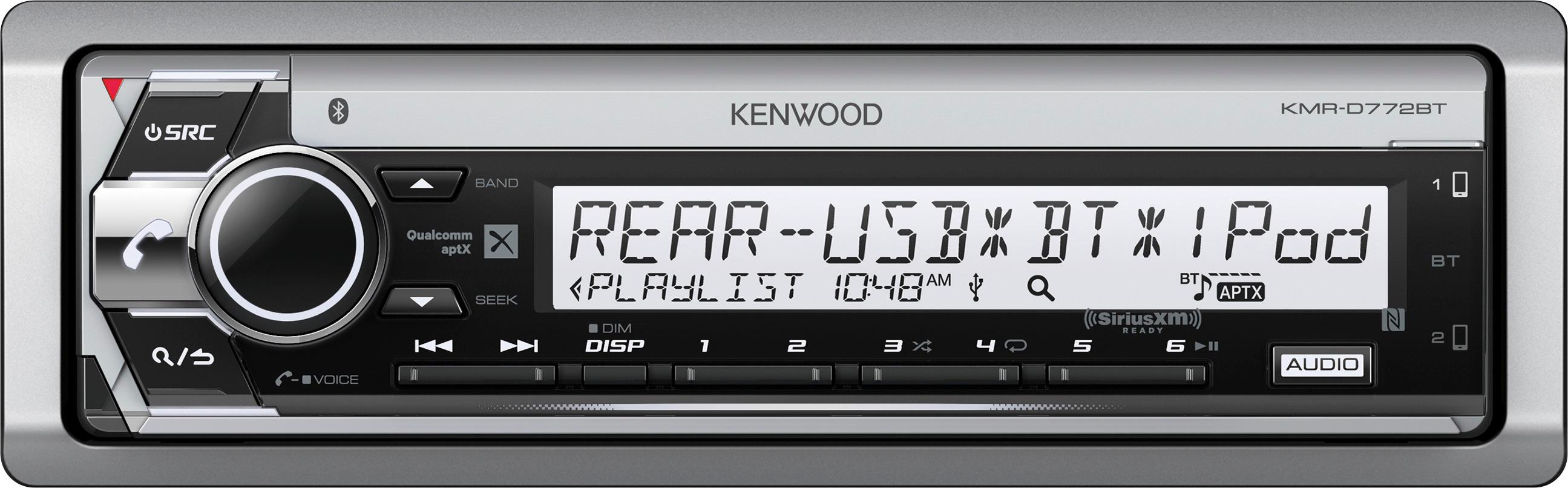
A:AnswerThere is not a button for high power mode. Depending on your setup the radio does have options for adjusting our EQ settings, audio settings, if running an amp there are also adjustments for that as well.
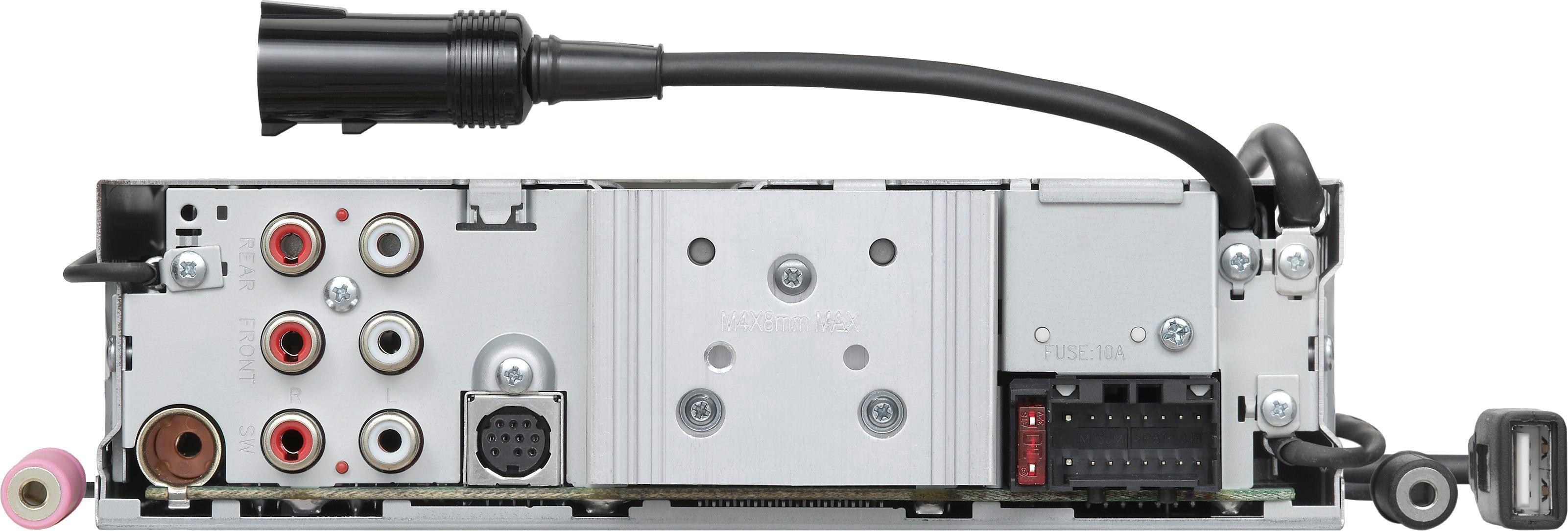
A:AnswerYeah, easy peasy. You need to call Sirius likely, and they'll send over a signal IIRC. There may be a code involved that you'd have to enter on the head unit (that is, this aftermarket radio in question) provided by Sirius, but it's all easy. You may want to confirm the antenna you have is compatible, but otherwise you should be able to delete the separate receiver, or repurpose it in another vehicle or application. Several years ago the plugs for the antennas were all universal, but I quit installing car stereo in 2008 or so.
A:AnswerThey often have wild promotions where you can get a really good deal, but any free yearly membership promotions that i'm aware of have been tied to an OEM equipped vehicle at purchase, or actual Sirius/XM branded products. I don't know that the receivers have ever really had anything that sweet to be honest. Push back with the representative on the phone. Tell them that's too expensive, but you'd really like to use their service, and etc. I think it's pretty common to be able to score a subscription at a very reasonable price.