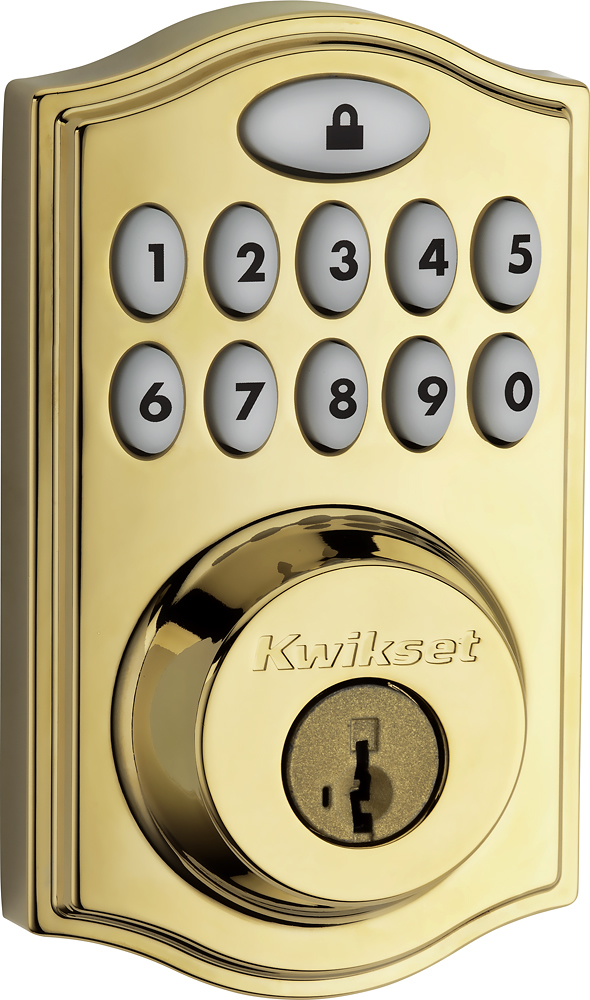
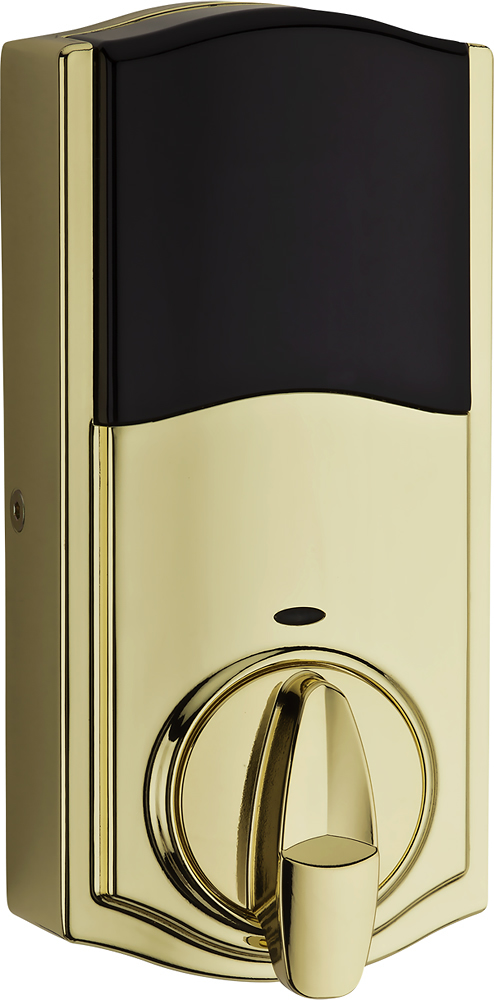
A:AnswerIf you are replacing an existing lock, you can do this with a Phillips screwdriver. 4 screws total, and up and running in about 5 minutes. Very good tutorial video. Save your money and call someone if you can't figure it out.
A:AnswerKwikset model # 914TRL ZB-HA122 L03 UL SMTCD CP TPR RCALFD, 914TRL ZB-HA122 15 UL SMTCD CP TPR RCALFD, 914TRL ZB-HA122 11P UL SMTCD CP TPR RCALFD for the 914 series. Kwisket model # 99100-043, 99100-044, 99100-045 for the 910 series have the ability to communicate with the Time Warner Intelligent Home.
A:AnswerThe only reason I'm concerned is the in the Specifications it says it is Zigbee and Kwikset sells 2 versions (Z-Wave and Zigbee). I want to make sure it is compatible with my Wink.
A:AnswerI installed this myself, including pairing it to my Xfinity Home Touchpad control. You don't really need a locksmith, but if you prefer to use one, then any should be able to do it. You will need to know how to gain access to the Technician access of your Xfinity Home touchpad for pairing the doorlock to it. You'll either have to setup an appointment for an Xfinity tech to come do it, or you can find out how to do it yourself with some snooping on the internet.
A:AnswerNo. It only works with deadbolt locks that have a handle you can turn. The Smart Lock fits over the lock handle that is already on your door, and turns it open and closed.