A:AnswerYou can connect game controllers to a Chromebook. Here is a link to more information: https://www.howtogeek.com/312986/turn-your-chromebook-into-a-gaming-laptop-with-android-apps-and-a-gamepad/
A:AnswerYes I watch Hulu streaming service all the time on my Chromebook which is very similar to Xfinity streaming service. Its just like watching tv :)
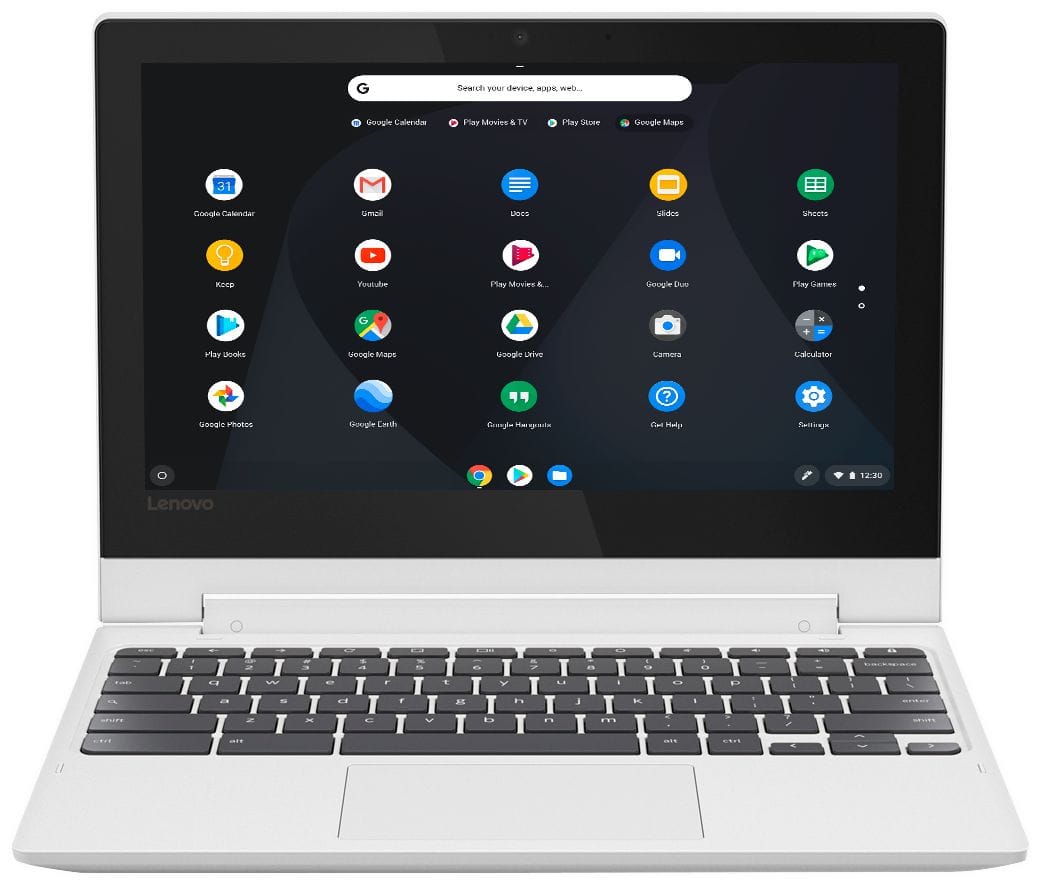
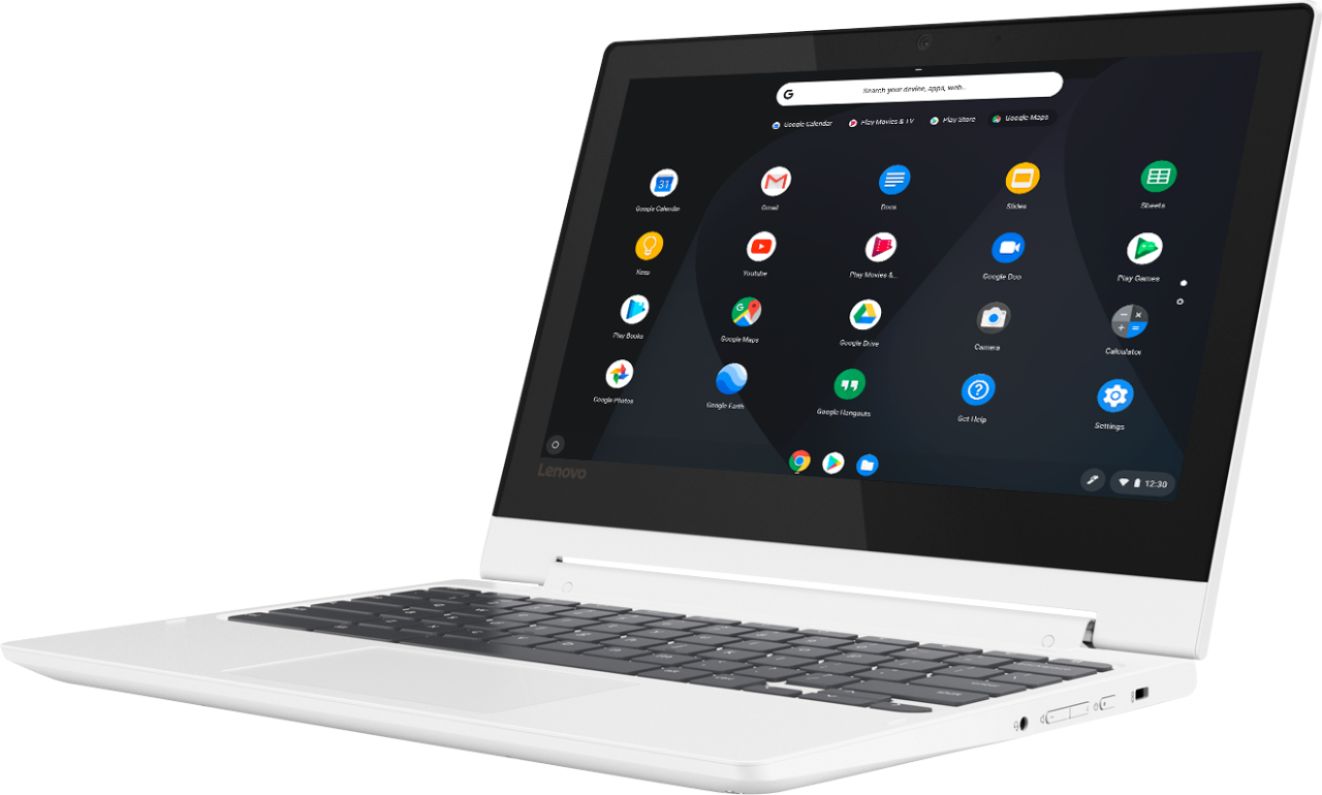
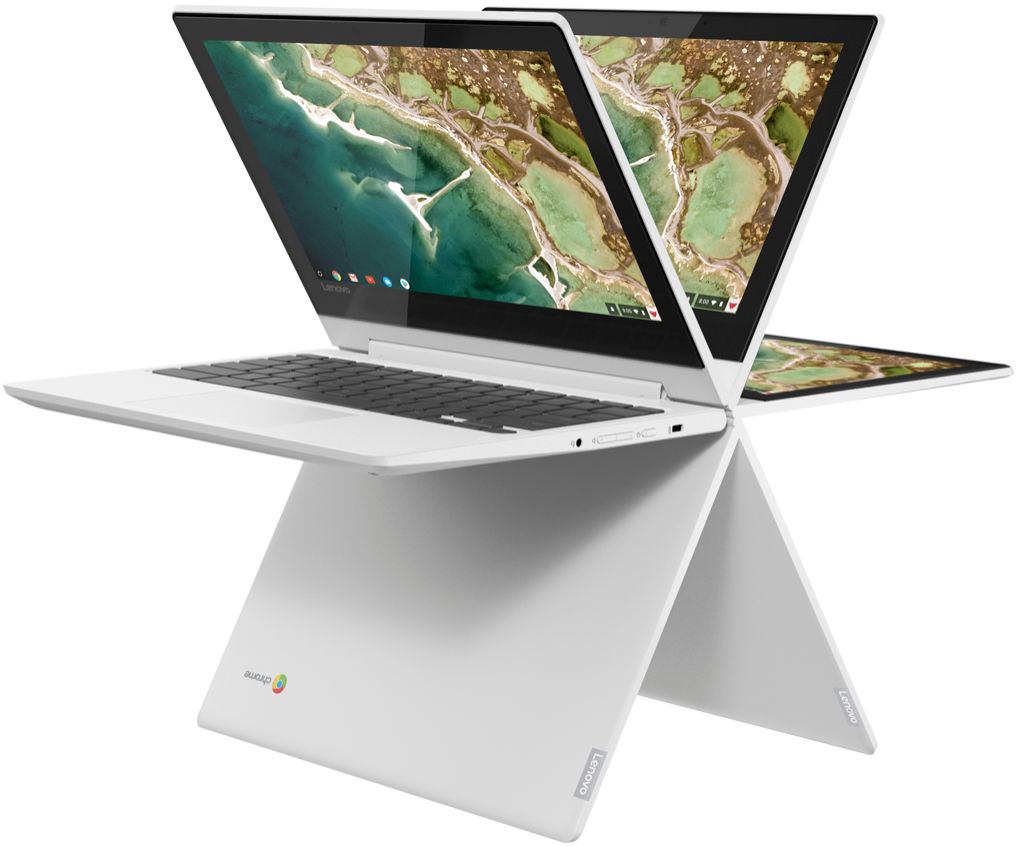
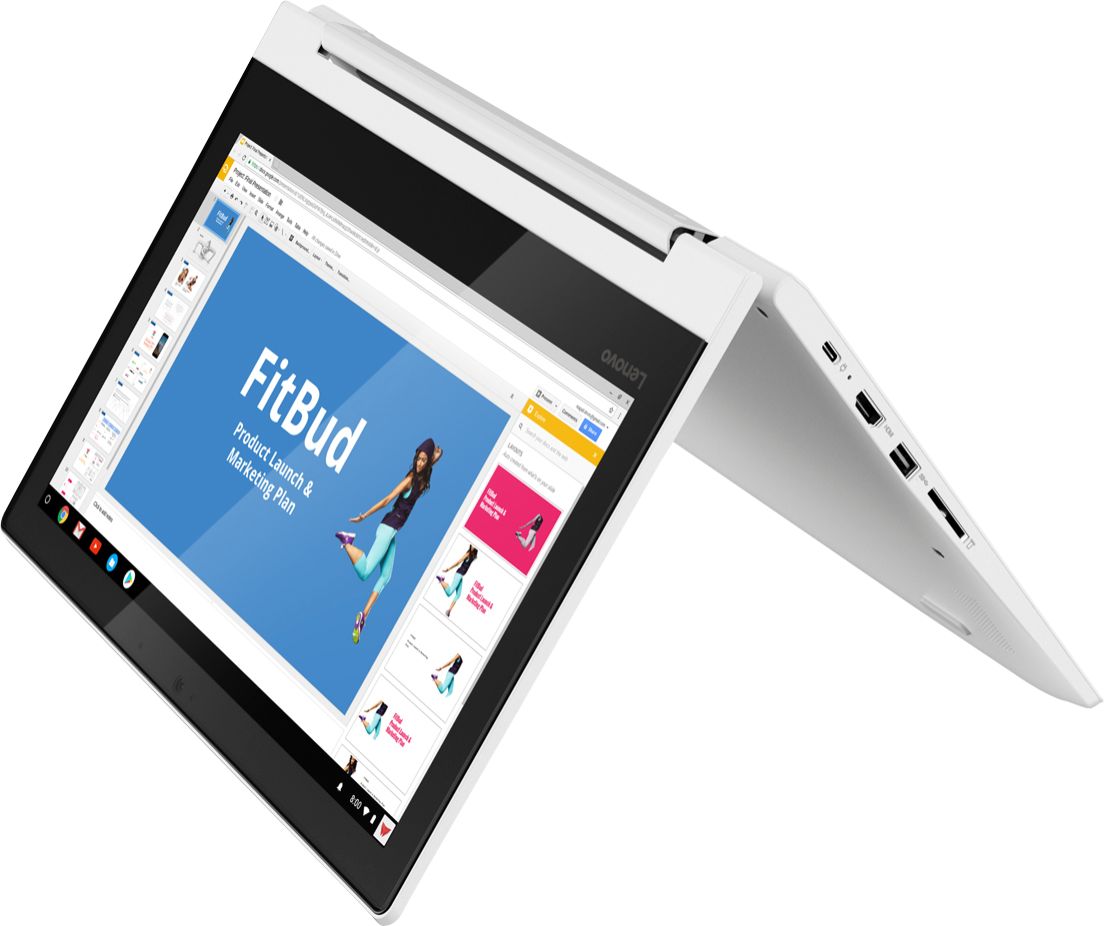
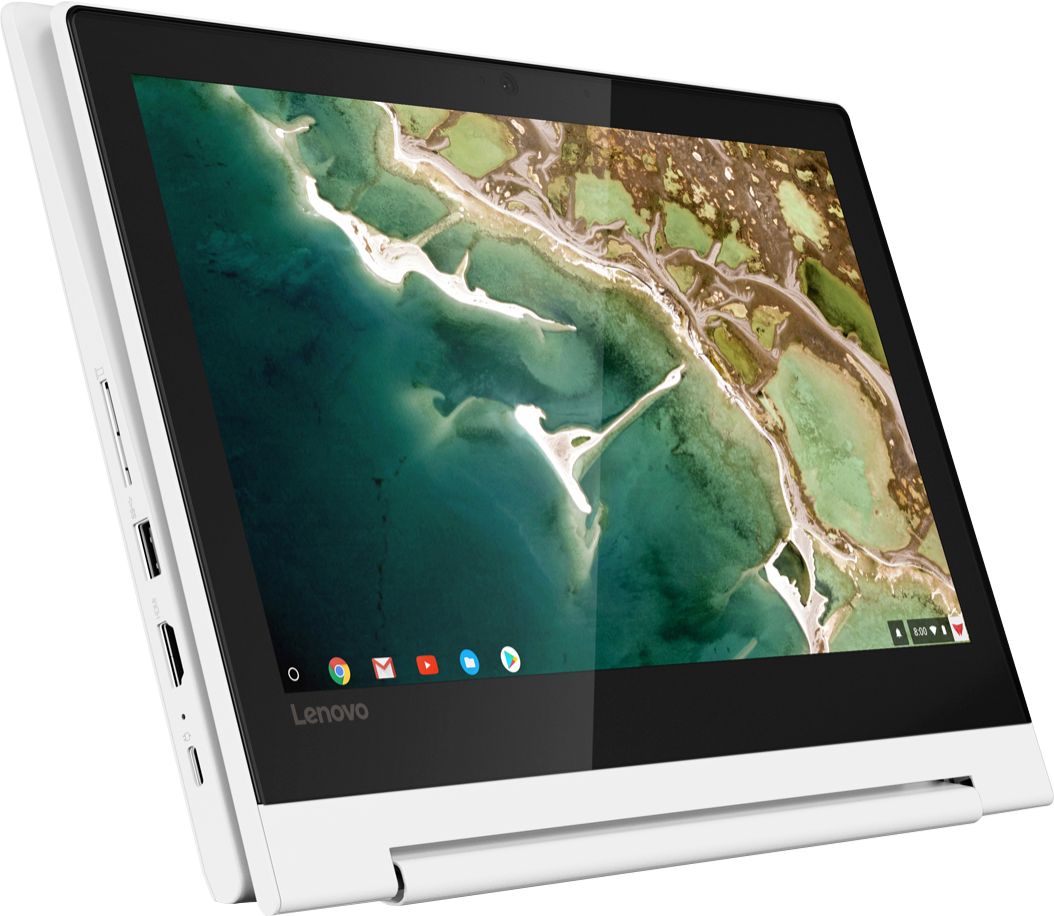
A:AnswerThe keyboard on this unit is not detachable, it flips open to become a tablet. very good computer though. I find myself using it as a tablet most of the time. The touchscreen is amazing. And battery life is great too.
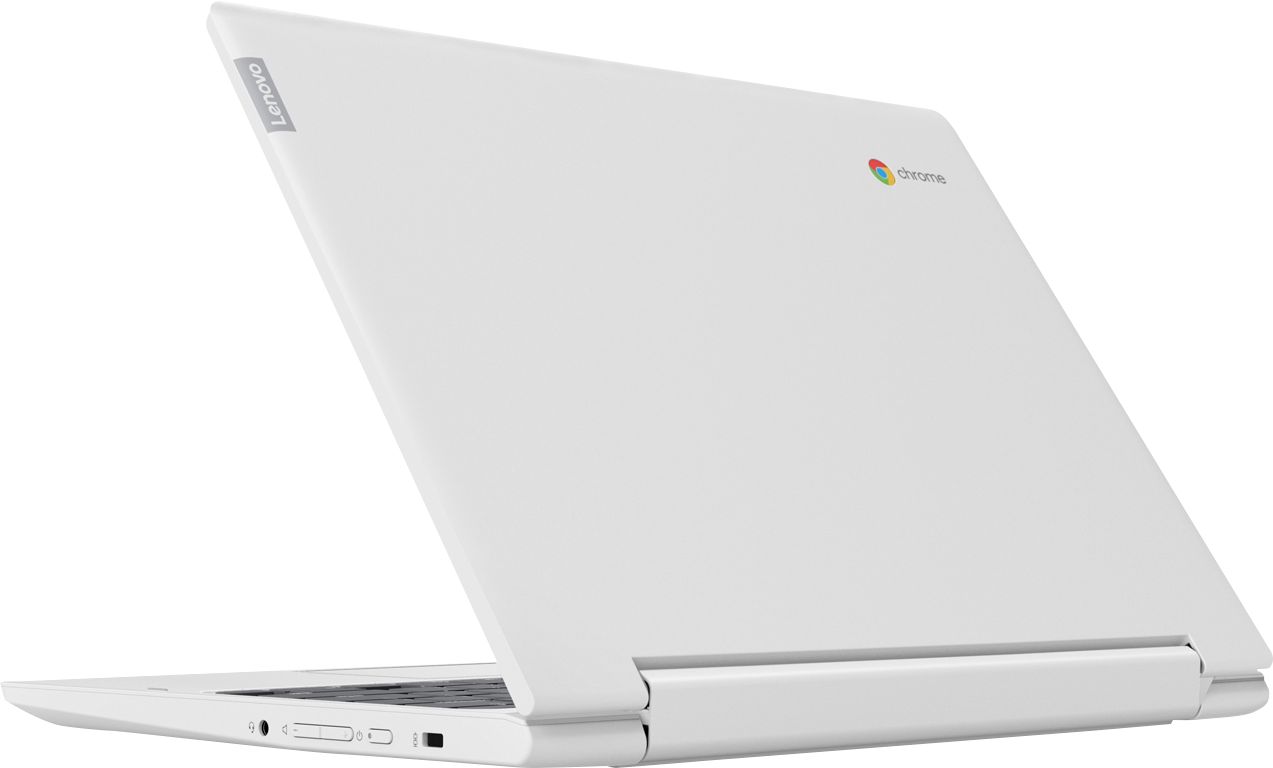
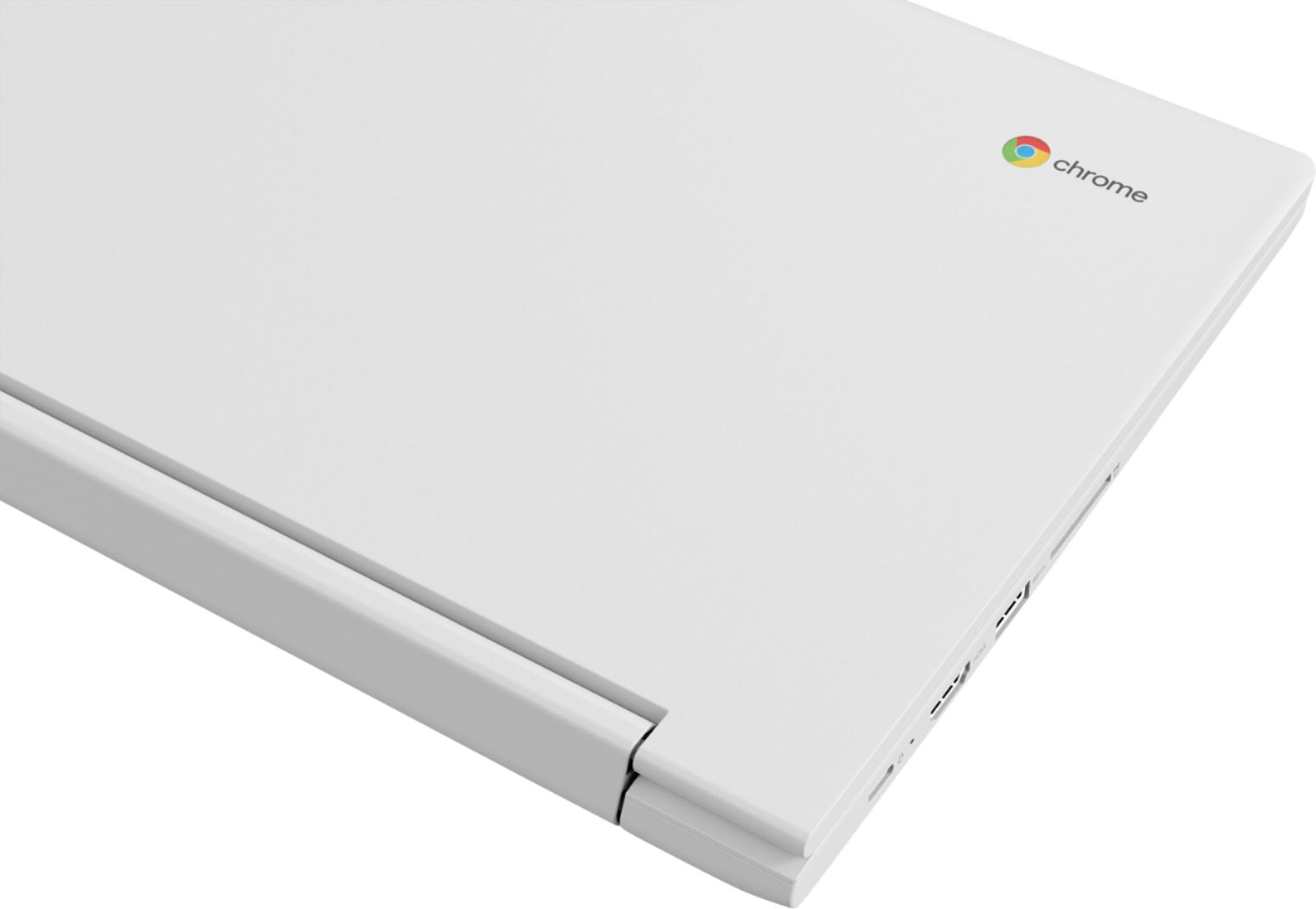
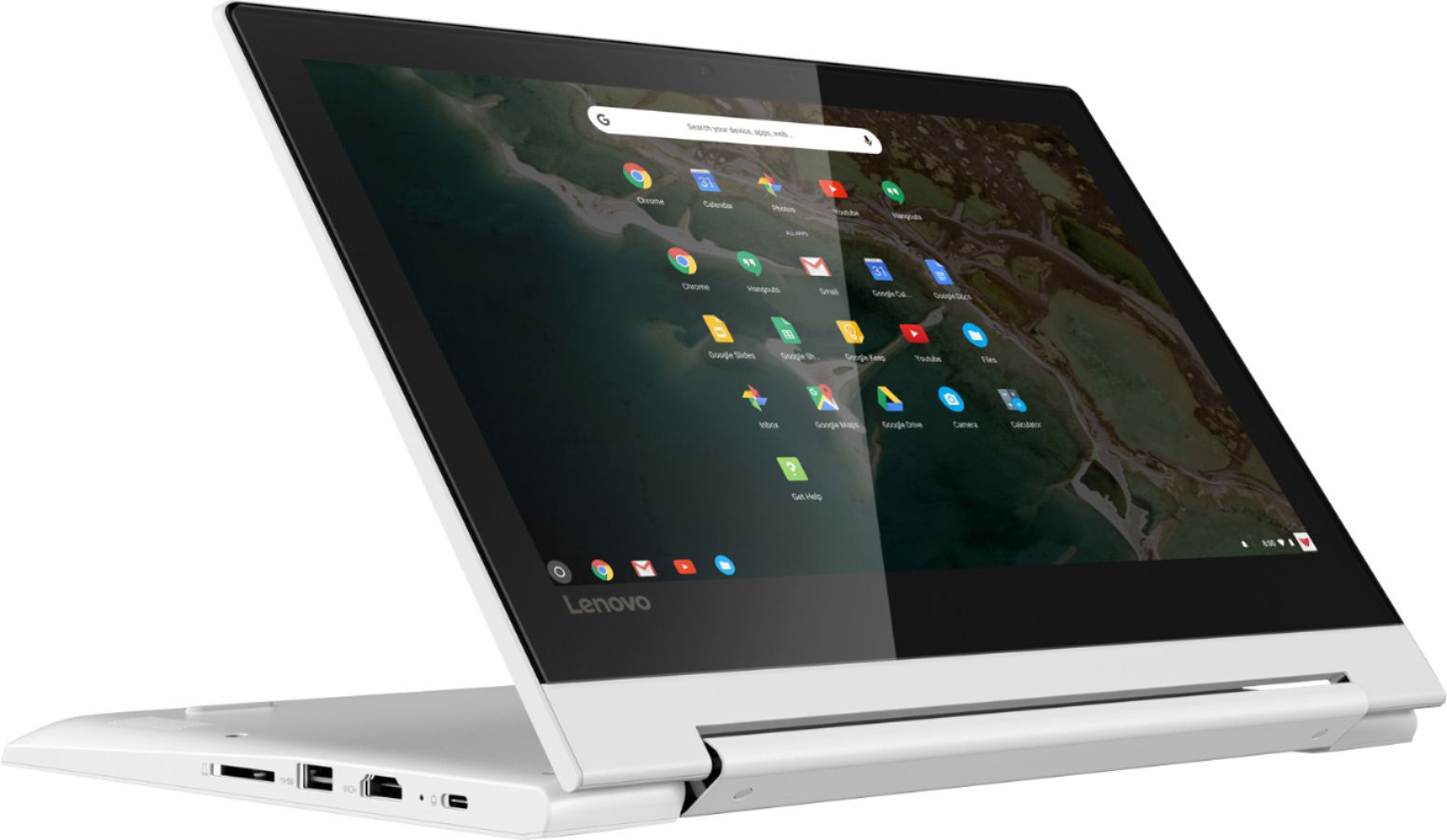
A:AnswerThis computer is powered through USB-C, so you should be able to power it that way. You can connect a USB drive as well. I'm not sure on the protective case.
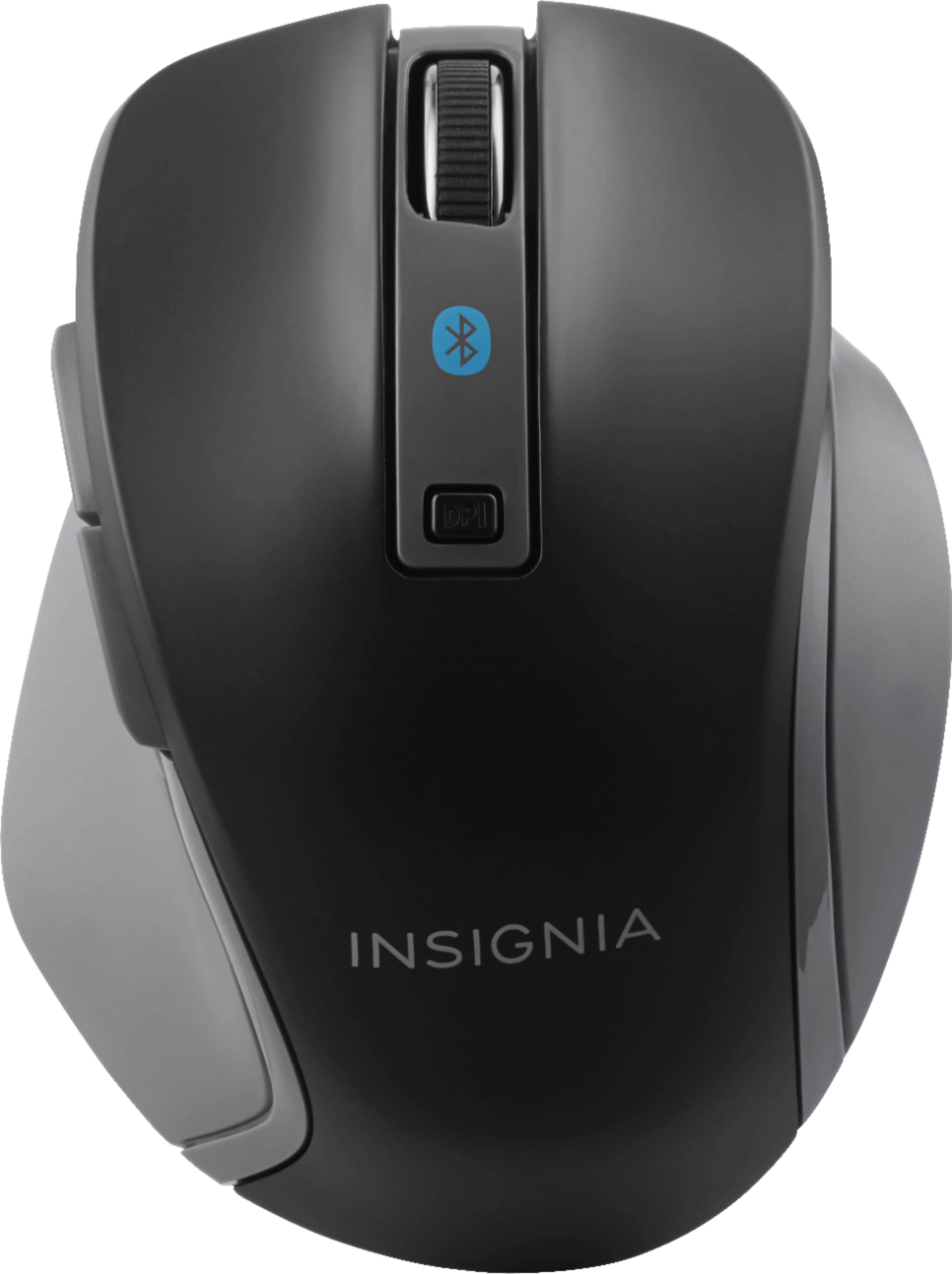
A:AnswerBluetooth and most USB mice both work with this Book. I'd reccomend Bluetooth that way you're not using up the device's only USB port in case you want to plug in a flash drive.
A:AnswerShort answer, yes. You could use an SD card to expand the memory but keep in mind that Chrome OS is cloud-based; it's typical for people using Chromebooks to utilize the Google Drive system for most of their storage. You get 15GB for free and for a monthly fee you can get even more. Going back to the SD card, some Chromebooks of this size have an SD card port that isn't entirely flush with the side of the body of the laptop; you might have it sticking out. You can also connect most USB hard drives to the device to really expand memory, but that would be somewhat bulky.
A:AnswerYou can put an SDHC card into the slot. I picked 128Gig for $20. The Lenovo Chromebook takes full size and it sticks out about 1/2 inch. You might look for one that takes a micro SDHC.
A:AnswerYou can watch Netflix two ways: Through the Chrome browser or by installing the Netflix android app. However, since this Book doesn't support 1080p, I'd use another device if you're picky about resolution. Otherwise, this is a wonderful computer for watching Netflix on!
A:AnswerIf your needing to write documents in Spanish you can download a Spanish keyboard through google and it will give you options to impute in Spanish for google docs and such.