A:AnswerLinux is past beta on Chromebooks like this one. It is simple to enable the Linux developer environment in the advanced settings, and you can quickly choose/change how much of the storage is set aside for Linux.
I got Linux Steam to install, after Googling a few library errors Linux kept giving. Once I got the right libraries downloaded Linux has been working great. And Linux apps take some time to startup since it has to start up the developer environment first.
A:AnswerIf "thumb drive" is what I know as "flash drive," the answer is yes. There are 2USB ports, 1 on each side. If they aren't the same, I don't have a clue which is why I delayed in my response.
A:AnswerThere is a diagnostics section in the "About ChromeOS" section of settings, which shows battery stats and can run a test. It seems to have a long battery life that doesn't drain quickly if you aren't running demanding programs. Being a Lithium battery if you can keep it charged above 20% and below 80% then you should get the most out of the batteries charge cycles.
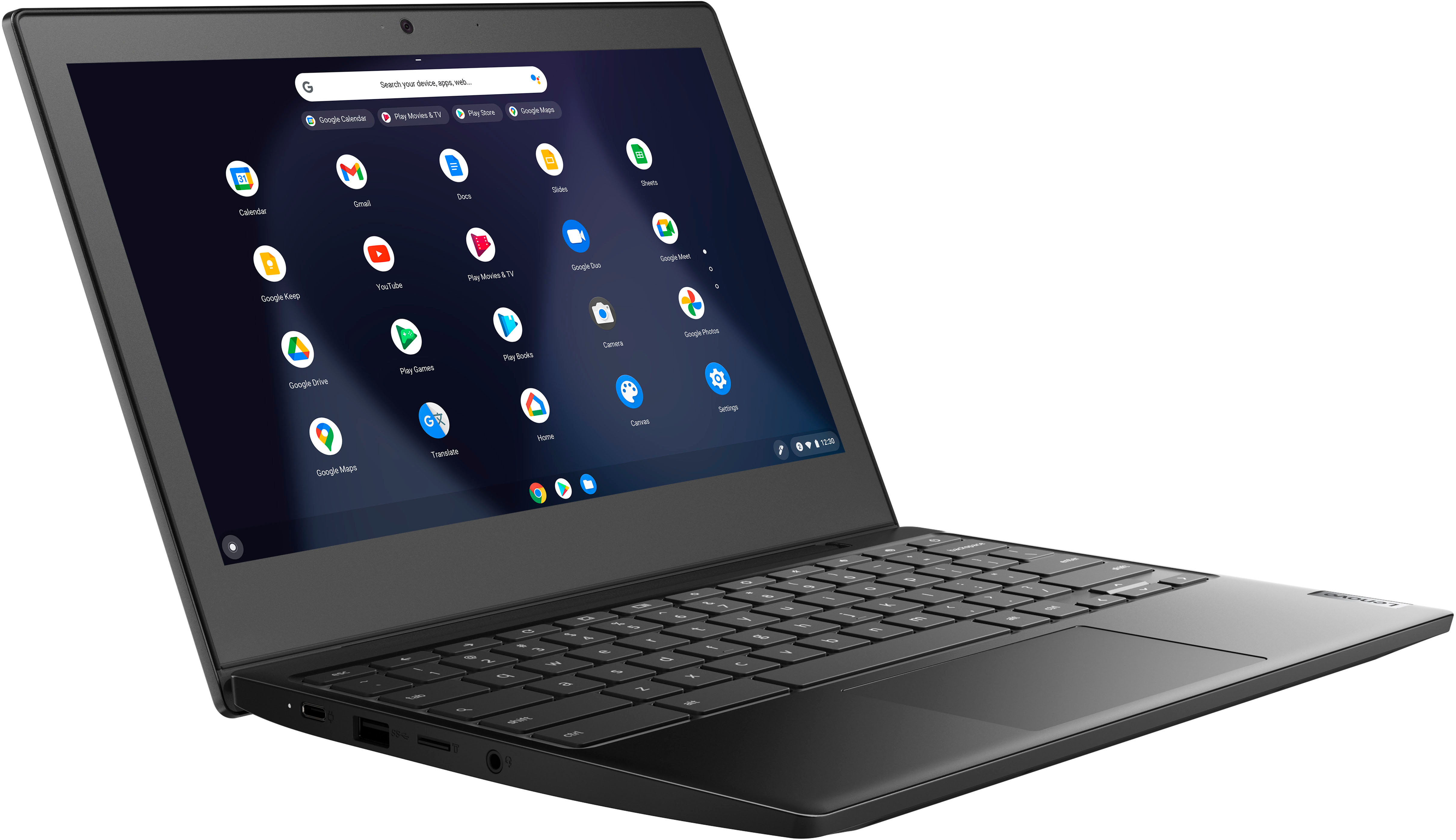
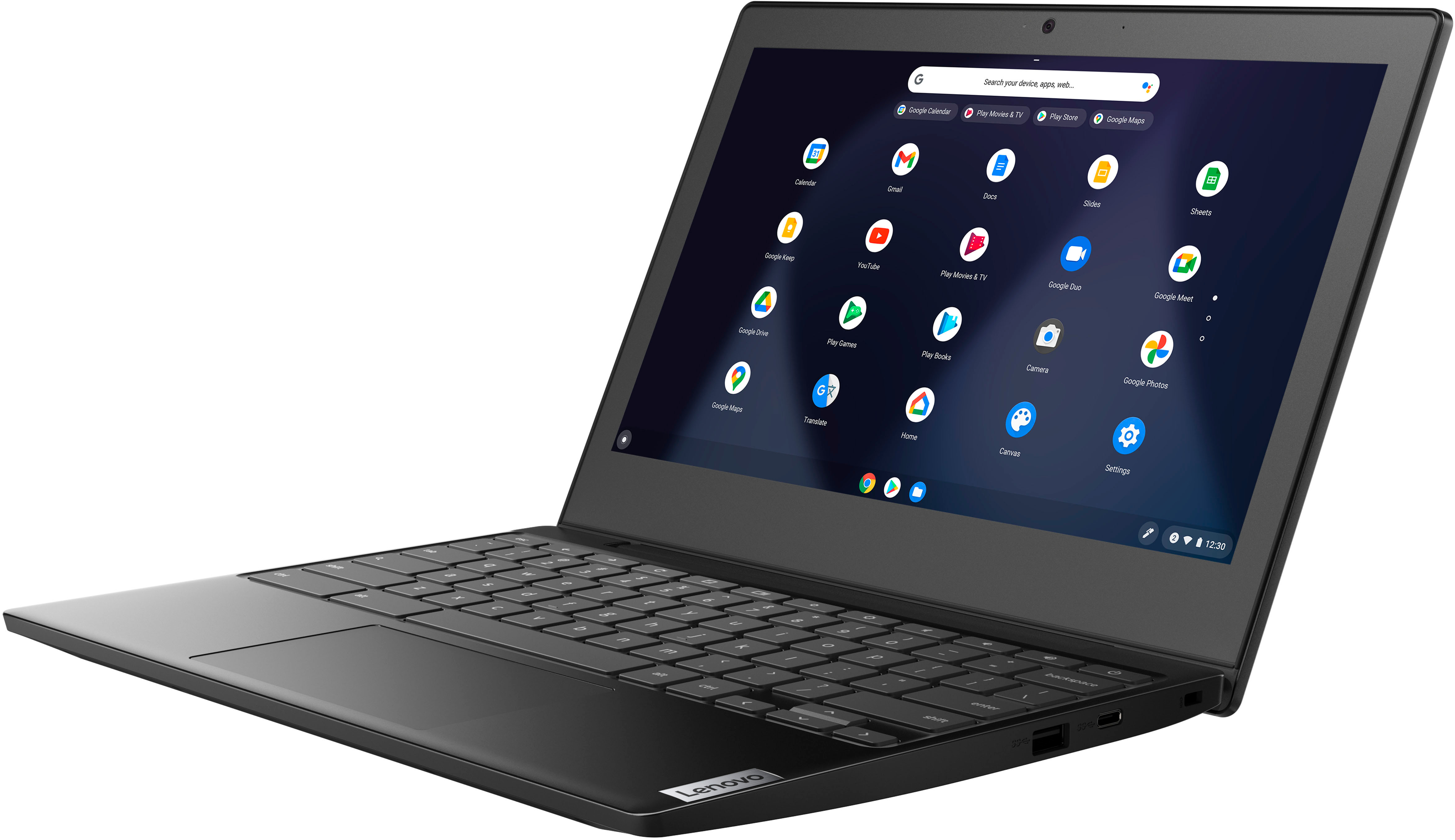
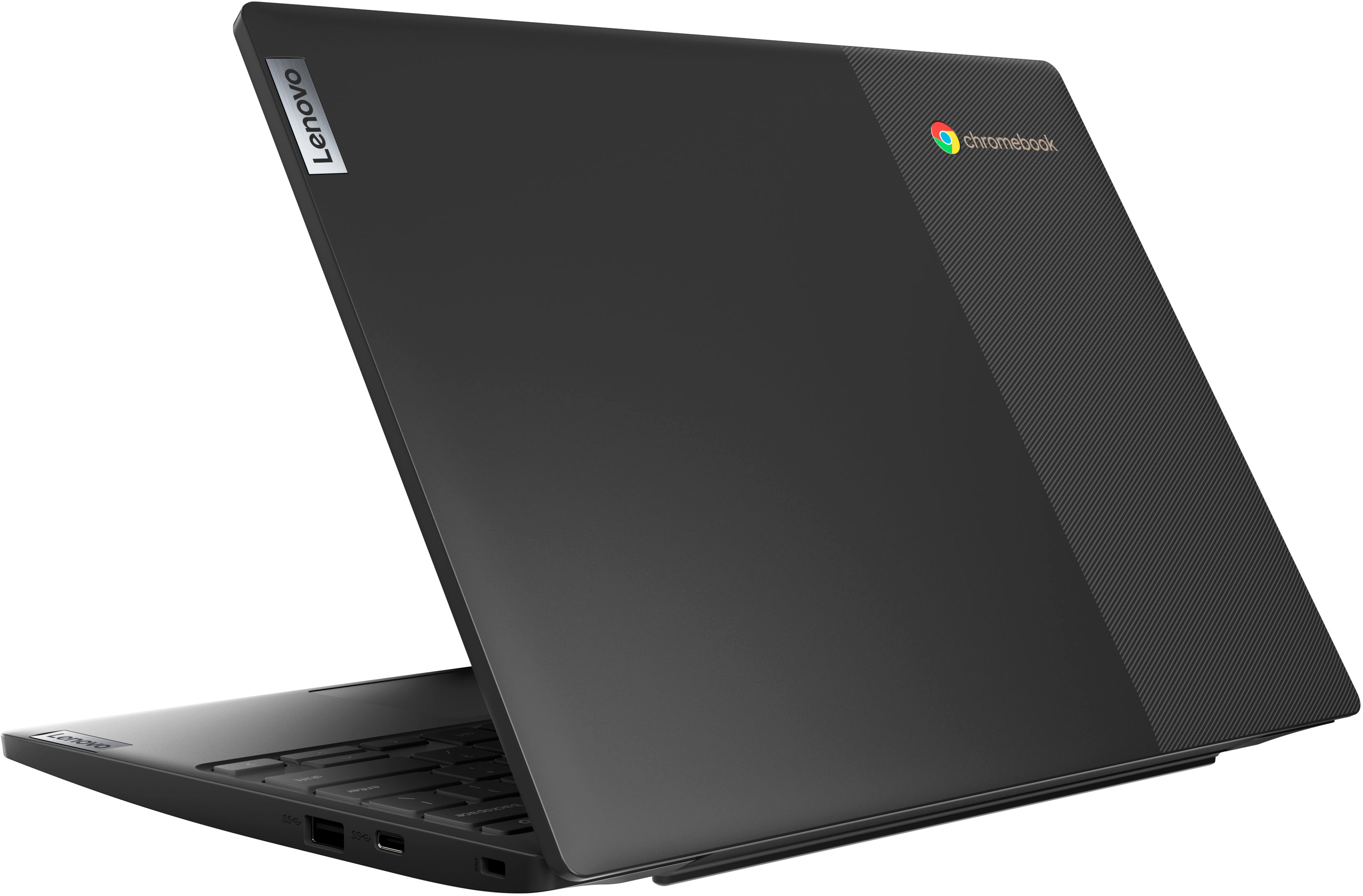
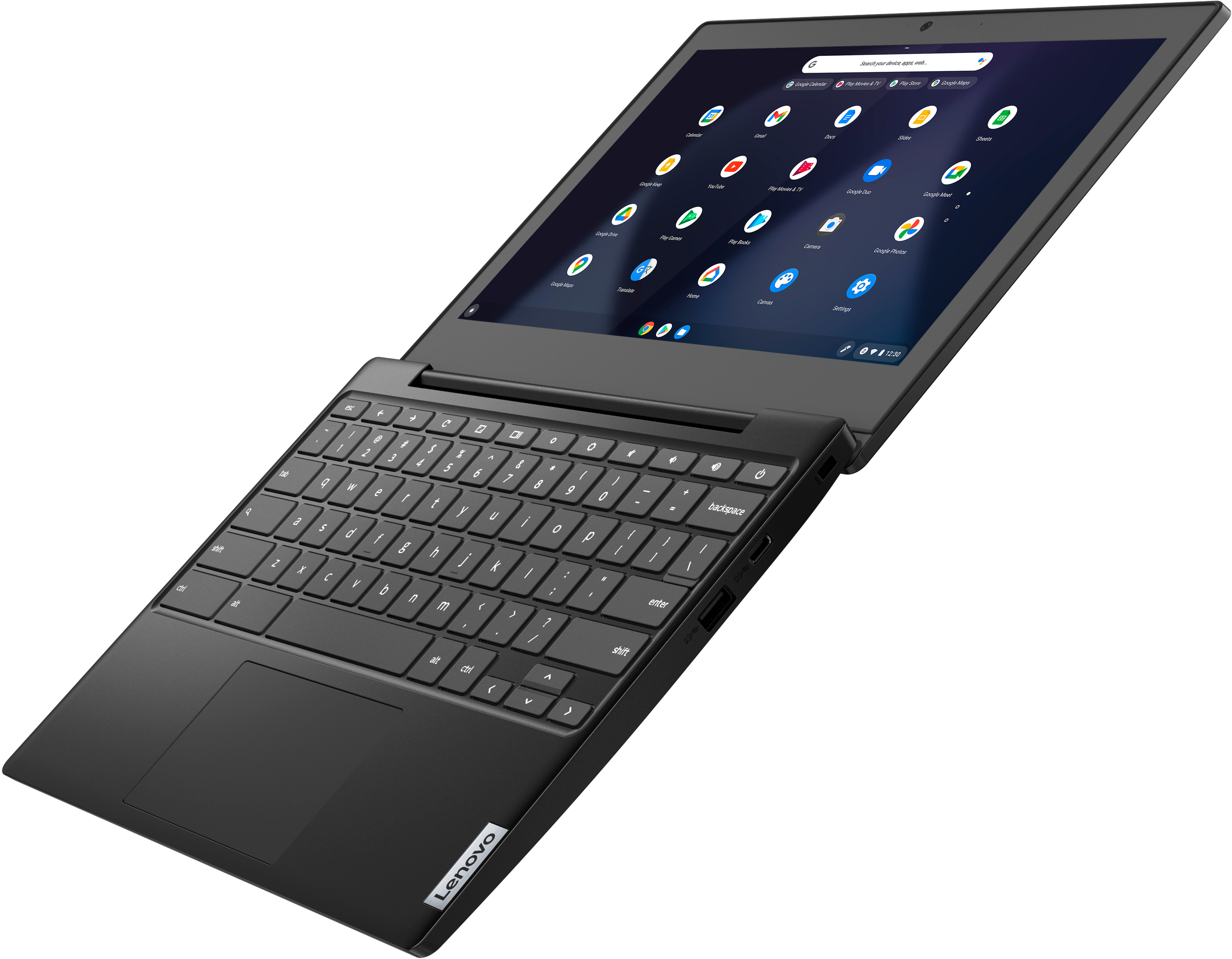
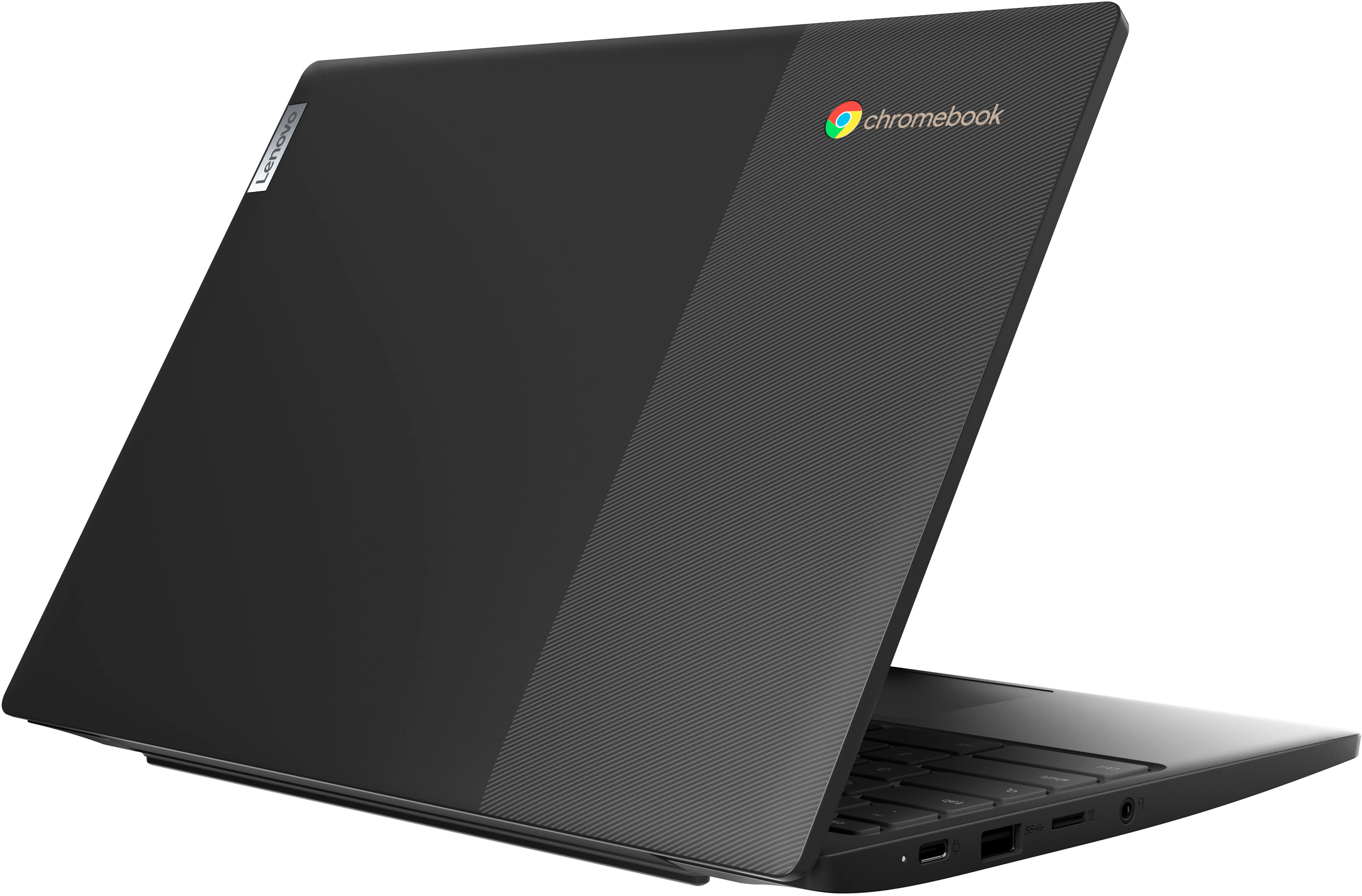
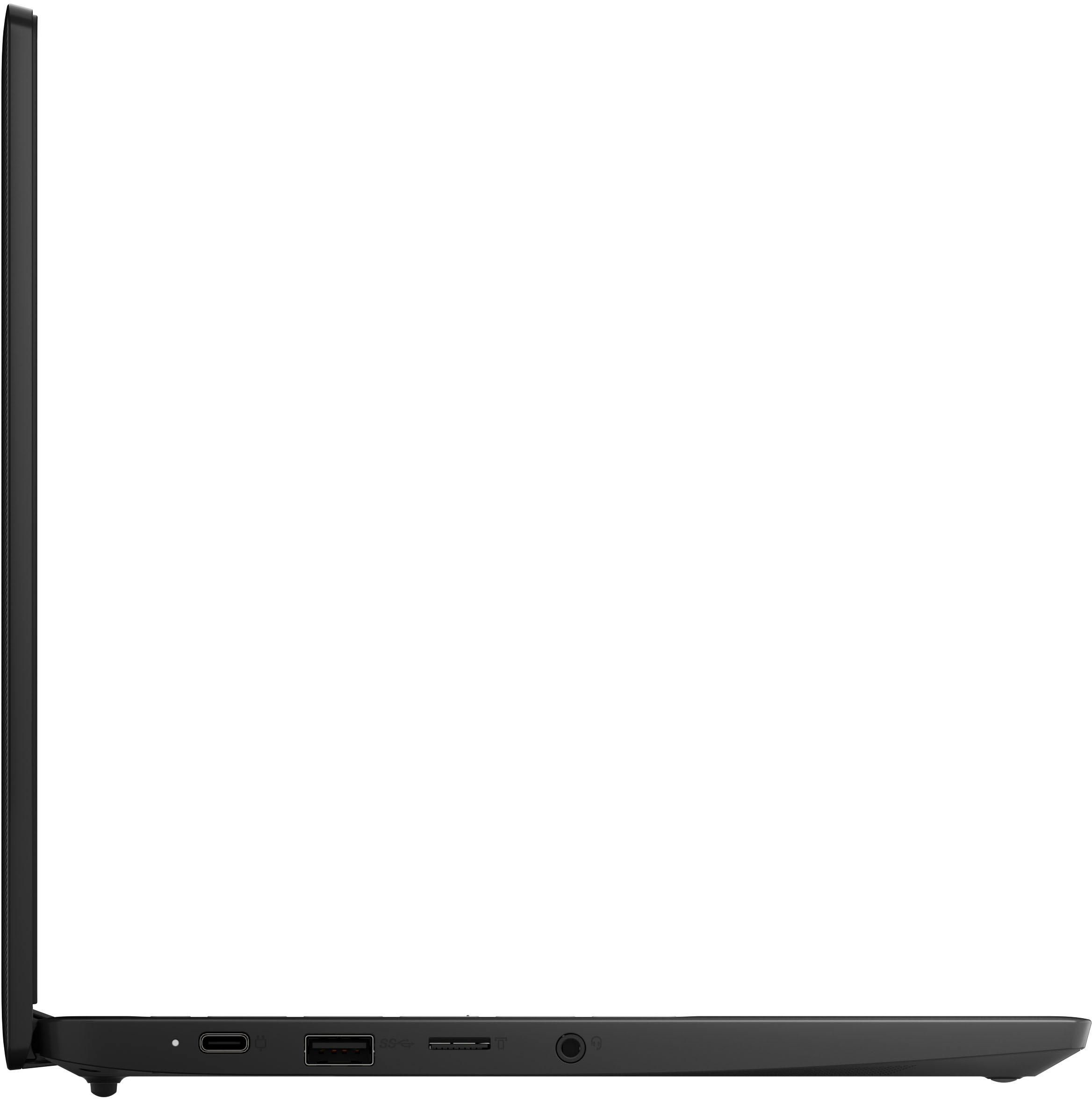
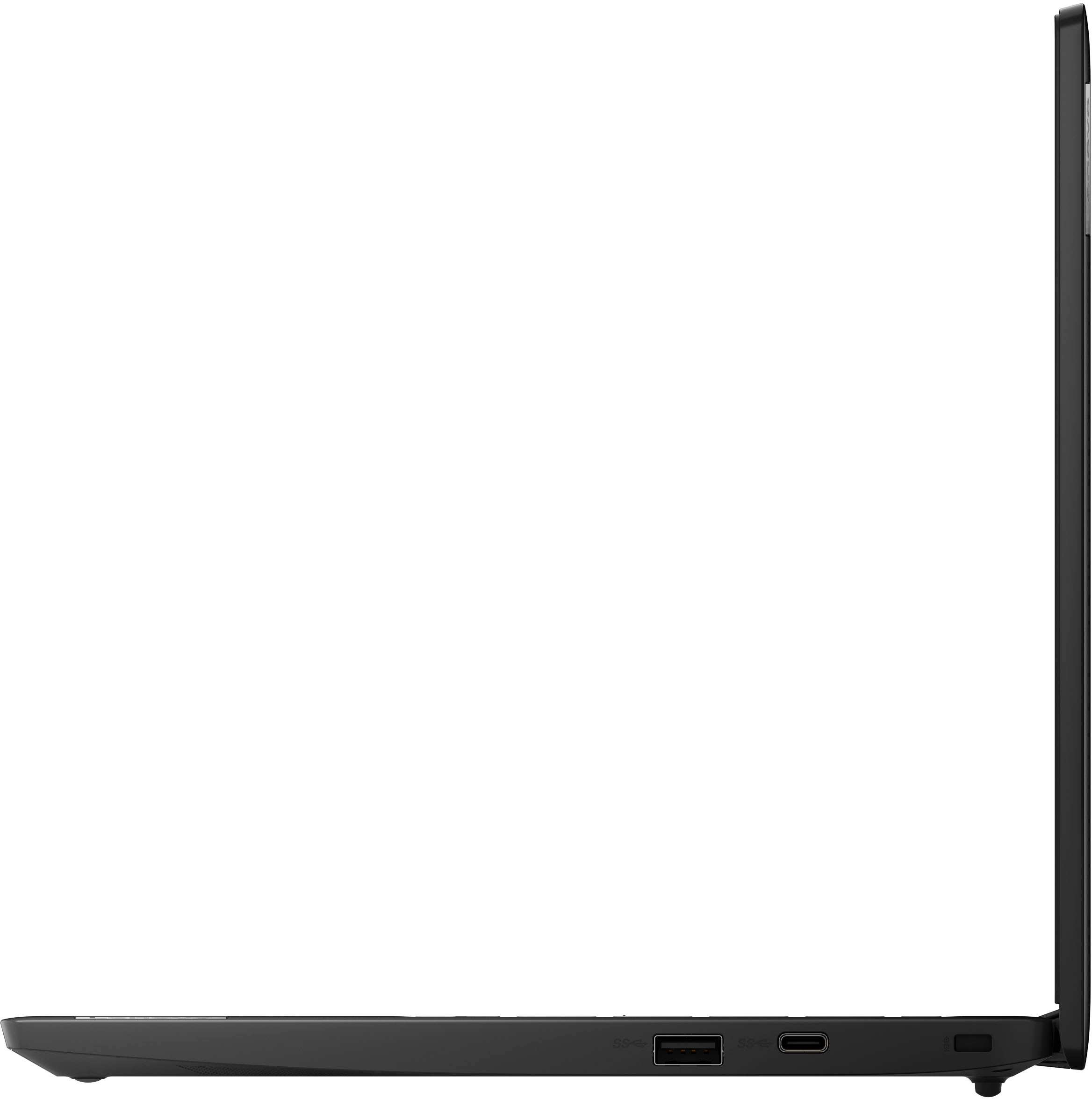
A:AnswerThis Lenovo Chromebook 3 11 model number 82BA001FUS, ships with these ports: 2x USB 3.2 Gen 1 Type A, 2x USB-C 3.2 Gen 1 (support data transfer, Power Delivery, and DisplayPort) with video out, 1x Card reader, 1x Headphone / microphone combo jack (3.5mm). You can connect this Chromebook 3 11 to a wired network ethernet cable, by using a USB to ethernet adapter, like this one: https://www.bestbuy.com/site/best-buy-essentials-usb-to-ethernet-adapter-white/6451327.p?skuId=6451327
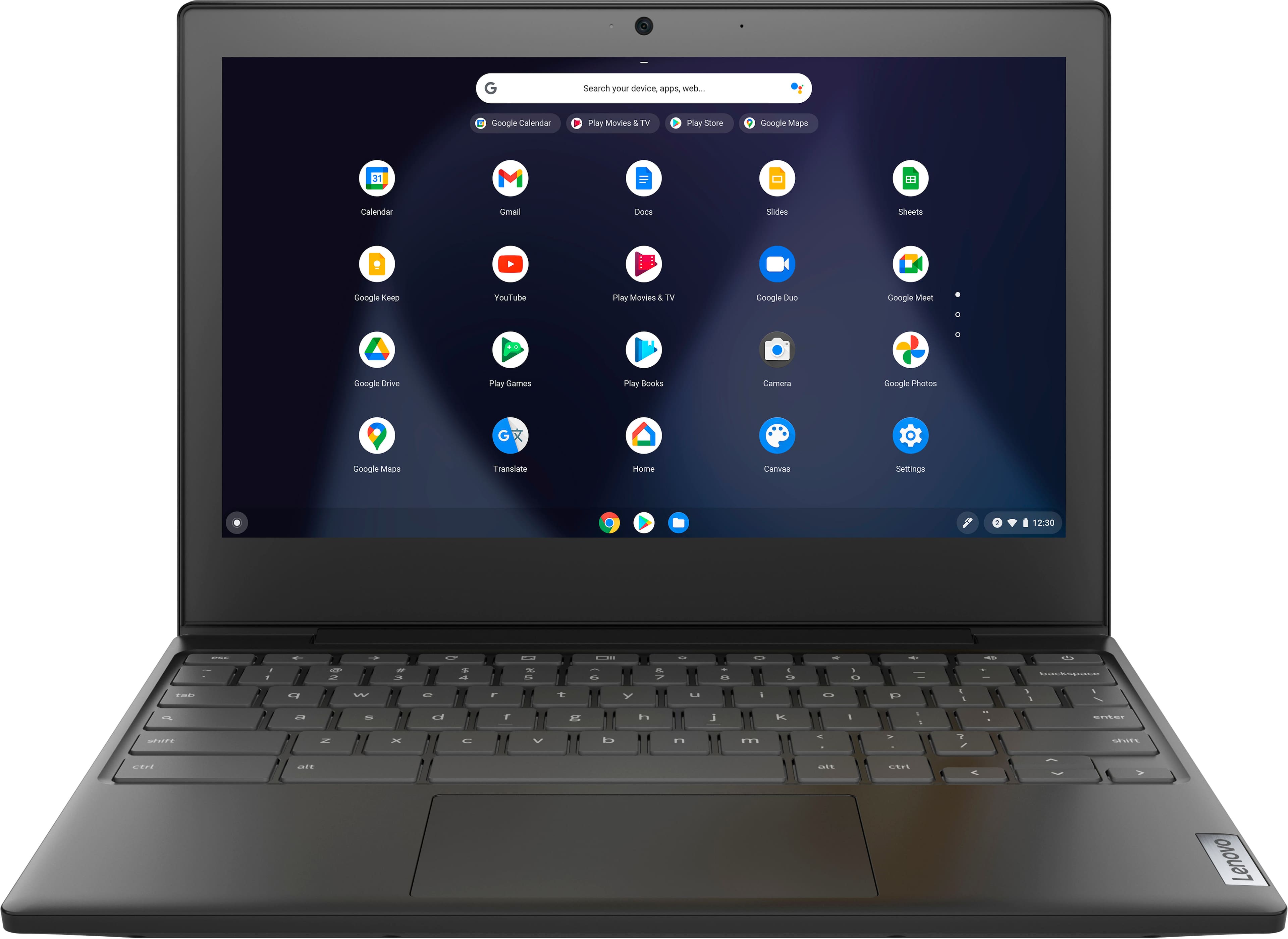
A:AnswerThis Lenovo Chromebook 3 11 model number 82BA001FUS, is compatible with any printer that is compatible with the Chrome Operating System. We recommend you check with your printer manufacturer's web site for the compatibility and requirements of your specific printer model. Here is a link to instructions for connecting a compatible printer to a Chromebook: https://support.google.com/chromebook/answer/7225252?hl=en.
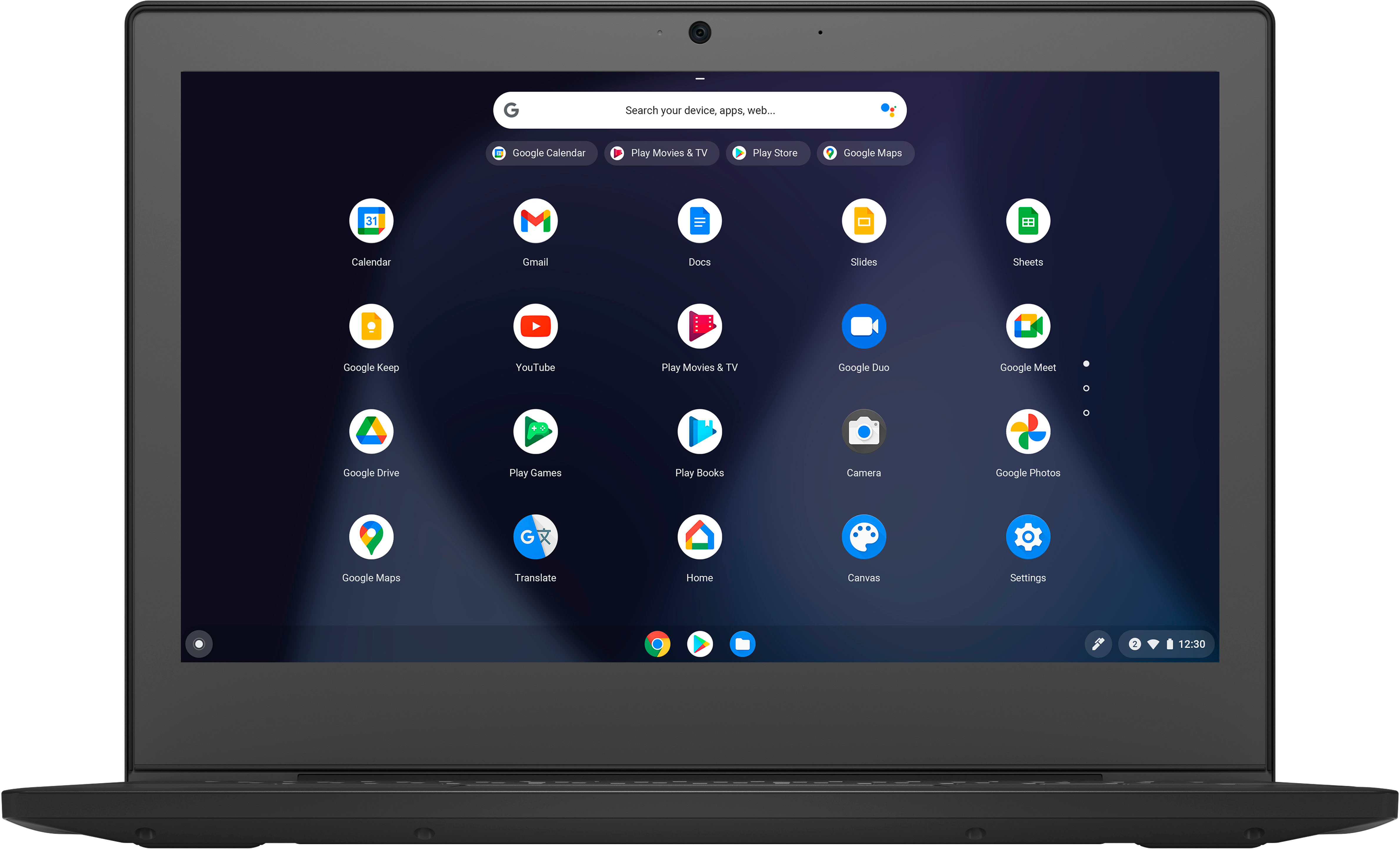
A:AnswerAlong with the Chrome Operating System, this lenovo Chromebook 3 11 model number 82BA001FUS, ships with these APPs installed: Google Assistant, Google Play Store, Android Studio.
A:AnswerThis Lenovo Chromebook 3 11 model number 82BA001FUS, ships with a 64GB eMMC 5.1 solid state hard drive soldered on the systemboard and is not upgradeable. There is a MicroSD Card Reader Slot that can be used for expanding external storage space as well as using a USB external hard drive that is compatible with the Chrome OS. All external storage media is sold separately.
A:AnswerThat will depend on the requirements and compatibility of the specific games you want to download and run. This lenovo Chromebook 3 11 model number 82BA001FUS, ships with the Chrome Operating System installed and is compatible with Google Play Store APPs. Not all Google Play Store APPs are optimized for the Chrome OS. We recommend you check with the specific game's software publisher's web sites of the games you want to run, for their compatibility with the Chrome operating system and the minimum/recommended hardware requirements (Is a Graphics card required, the processor speed and the minimum required system RAM and the minimum available hard drive space) to run their program, then compare those requirements to this Chromebook's configuration.
A:AnswerThis Lenovo Chromebook 3 11, model number 82BA001FUS, ships with the Chrome Operating System and uses Google Docs for office type programs. Google Docs is completely compatible with Microsoft Office Programs and this is a free service through the Google Server. If you currently have a Microsoft Office 365 Account, you can access that existing account through a Chromebook. Here is a link to more information: https://support.microsoft.com/en-gb/office/how-to-access-microsoft-office-on-a-chromebook-32f14a23-2c1a-4579-b973-d4b1d78561ad#:~:text=Open%20the%20browser%20on%20your,with%20your%20Microsoft%20365%20subscription.