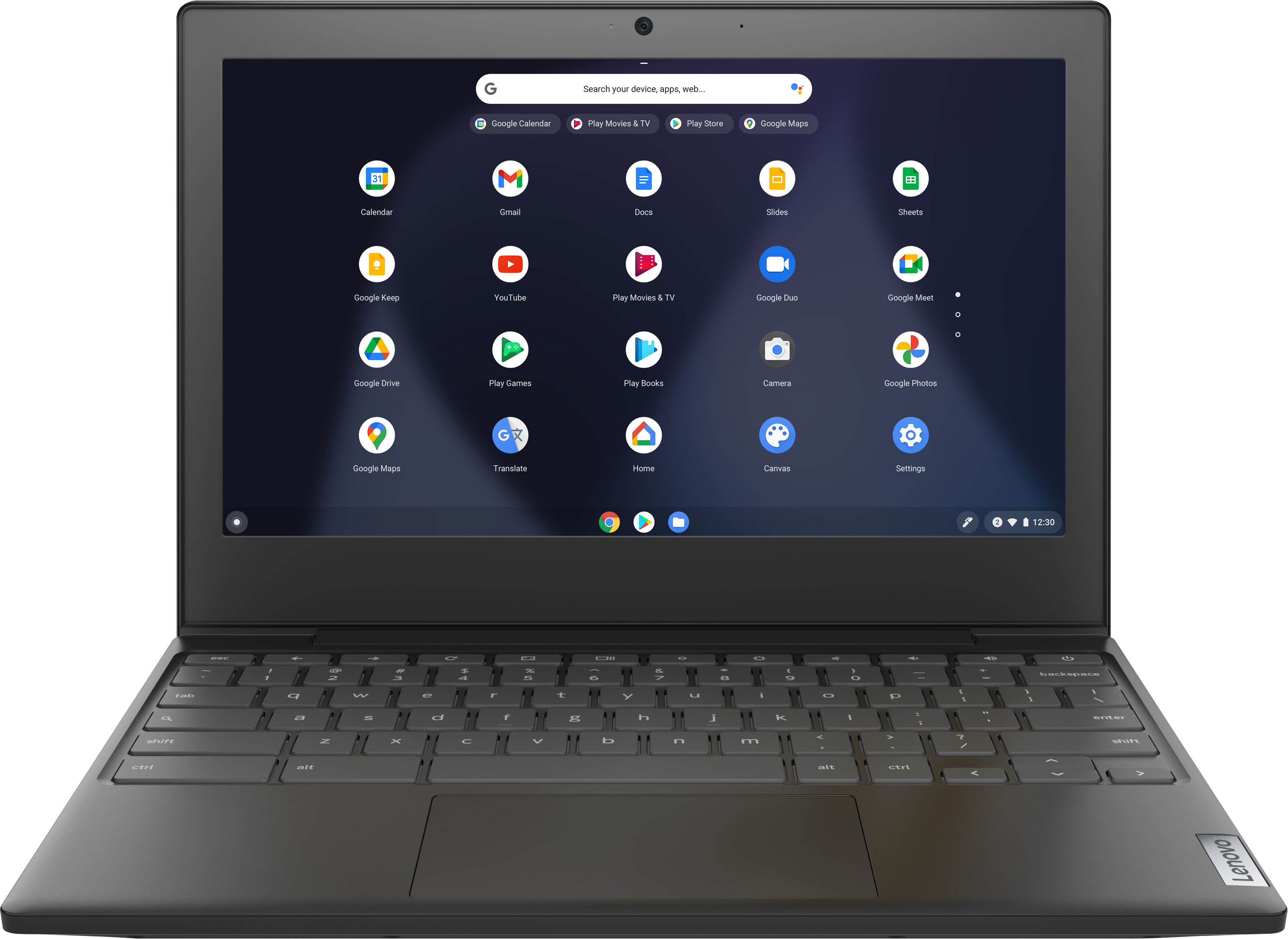
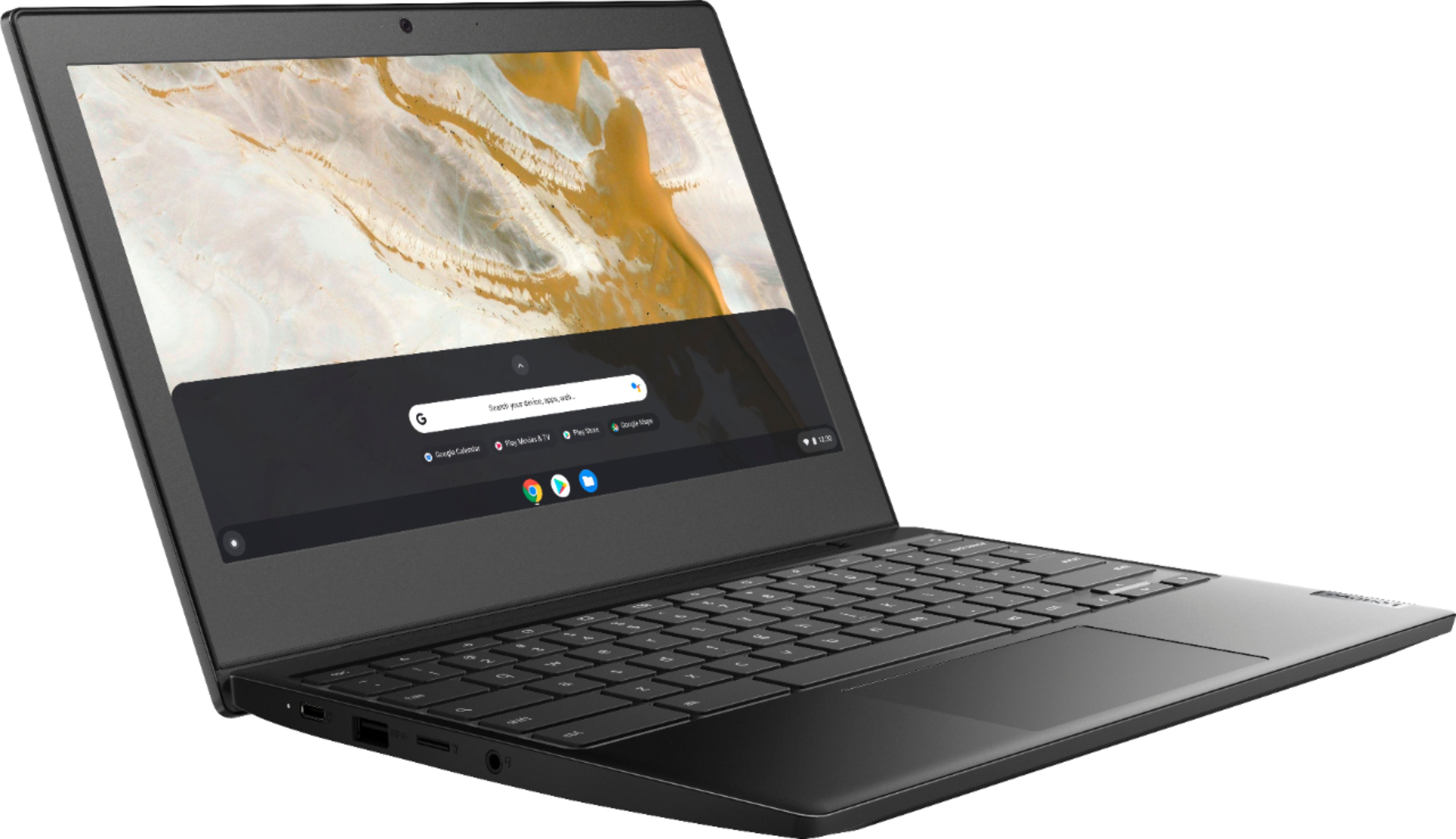
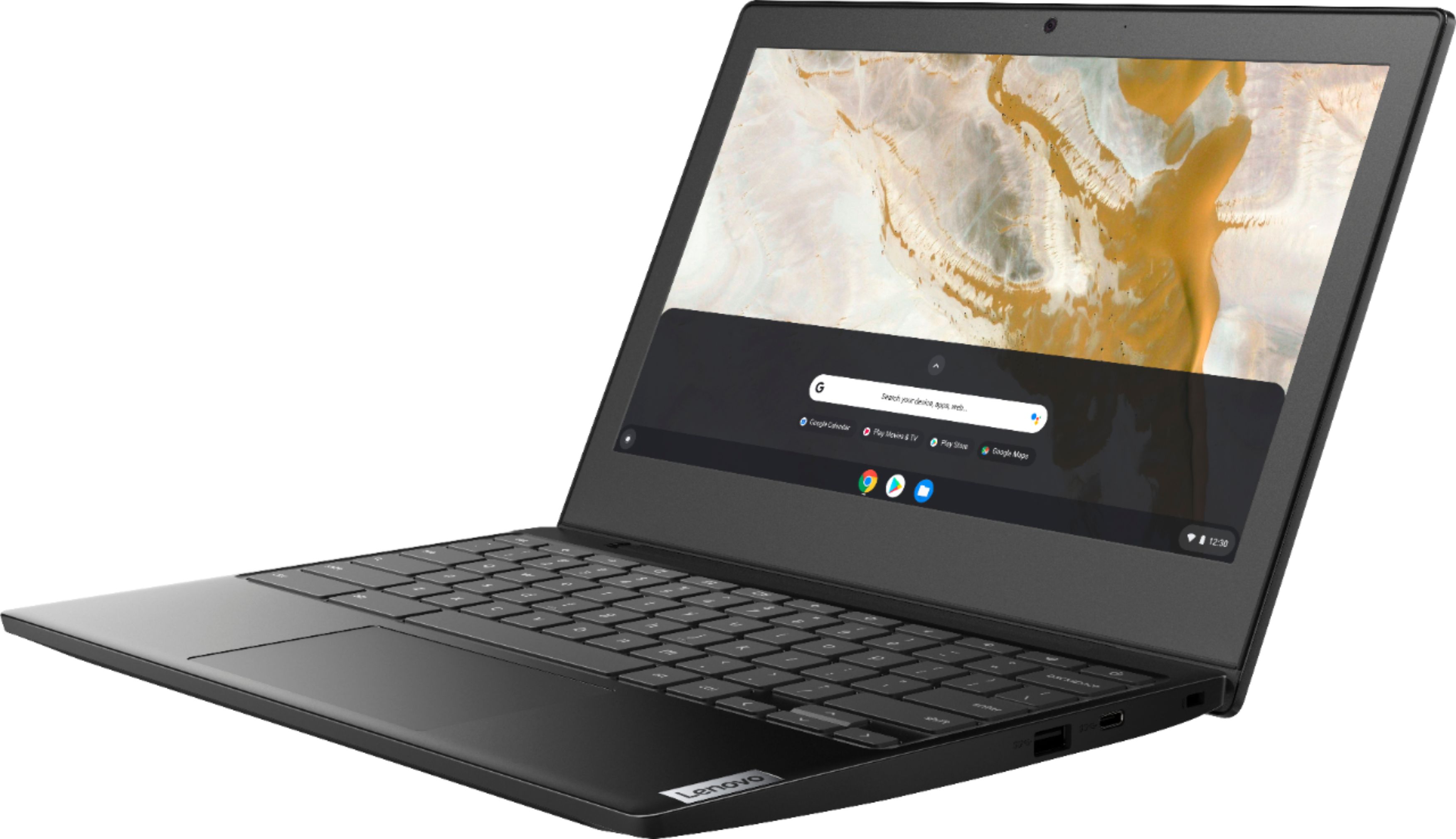
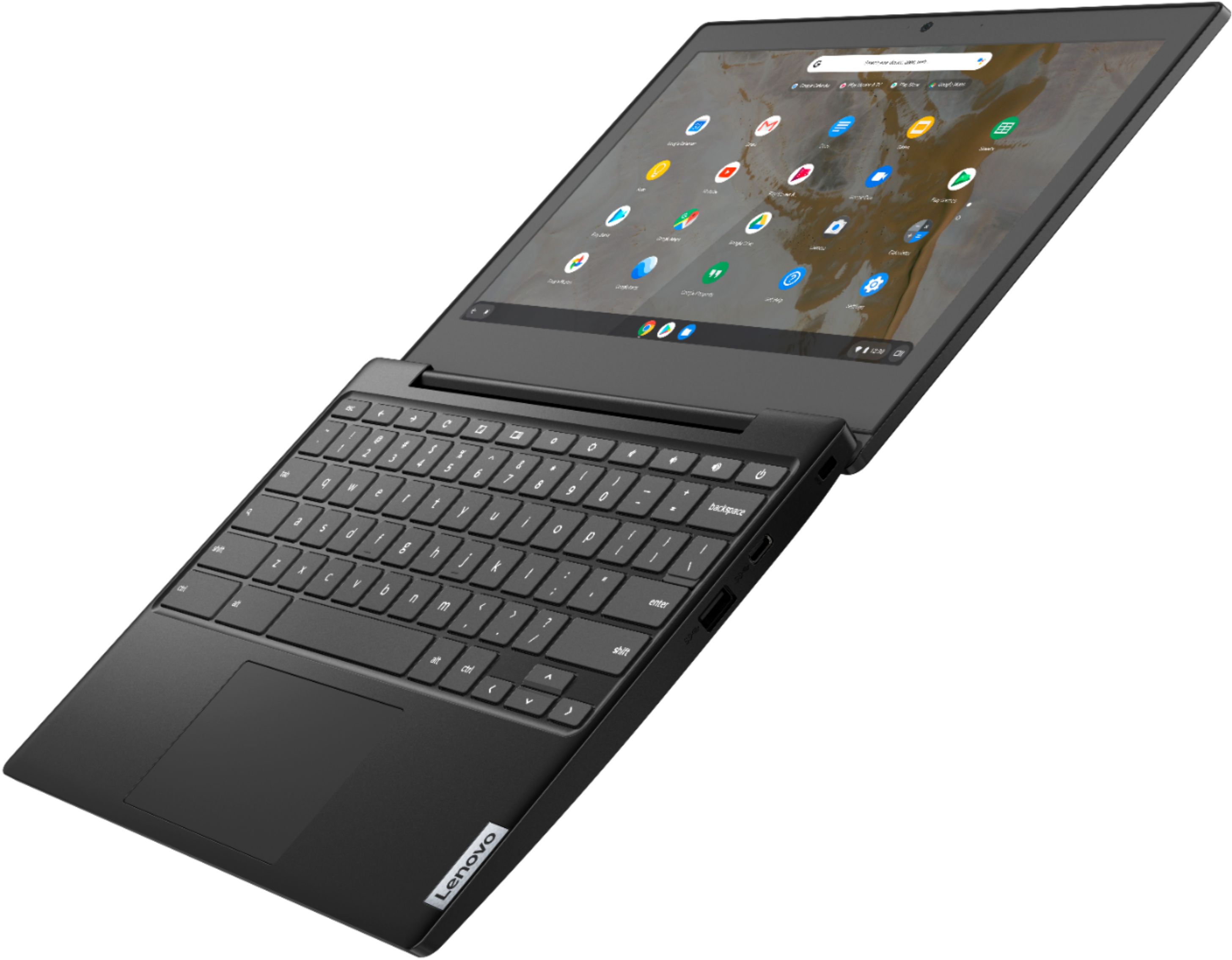
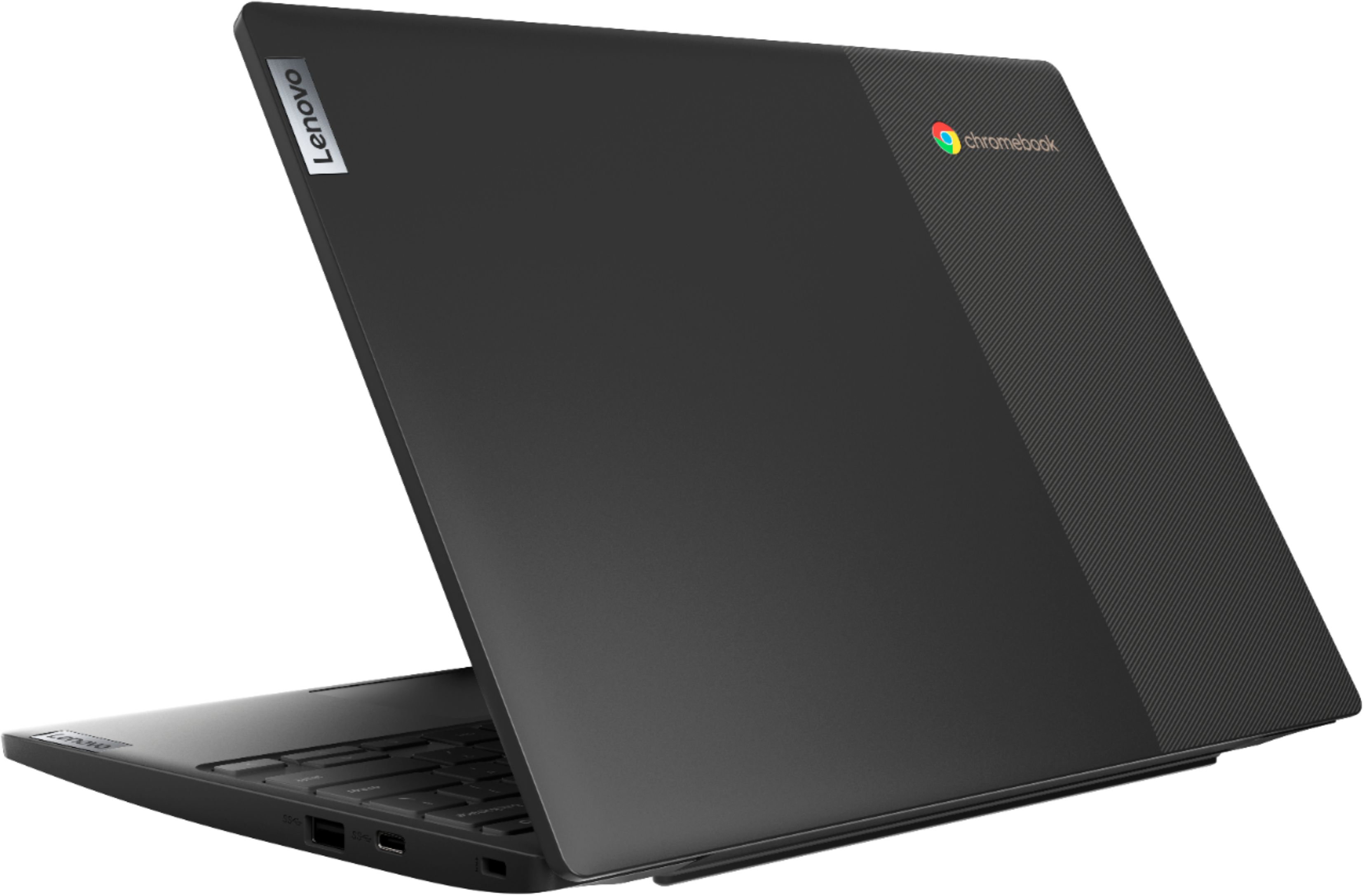
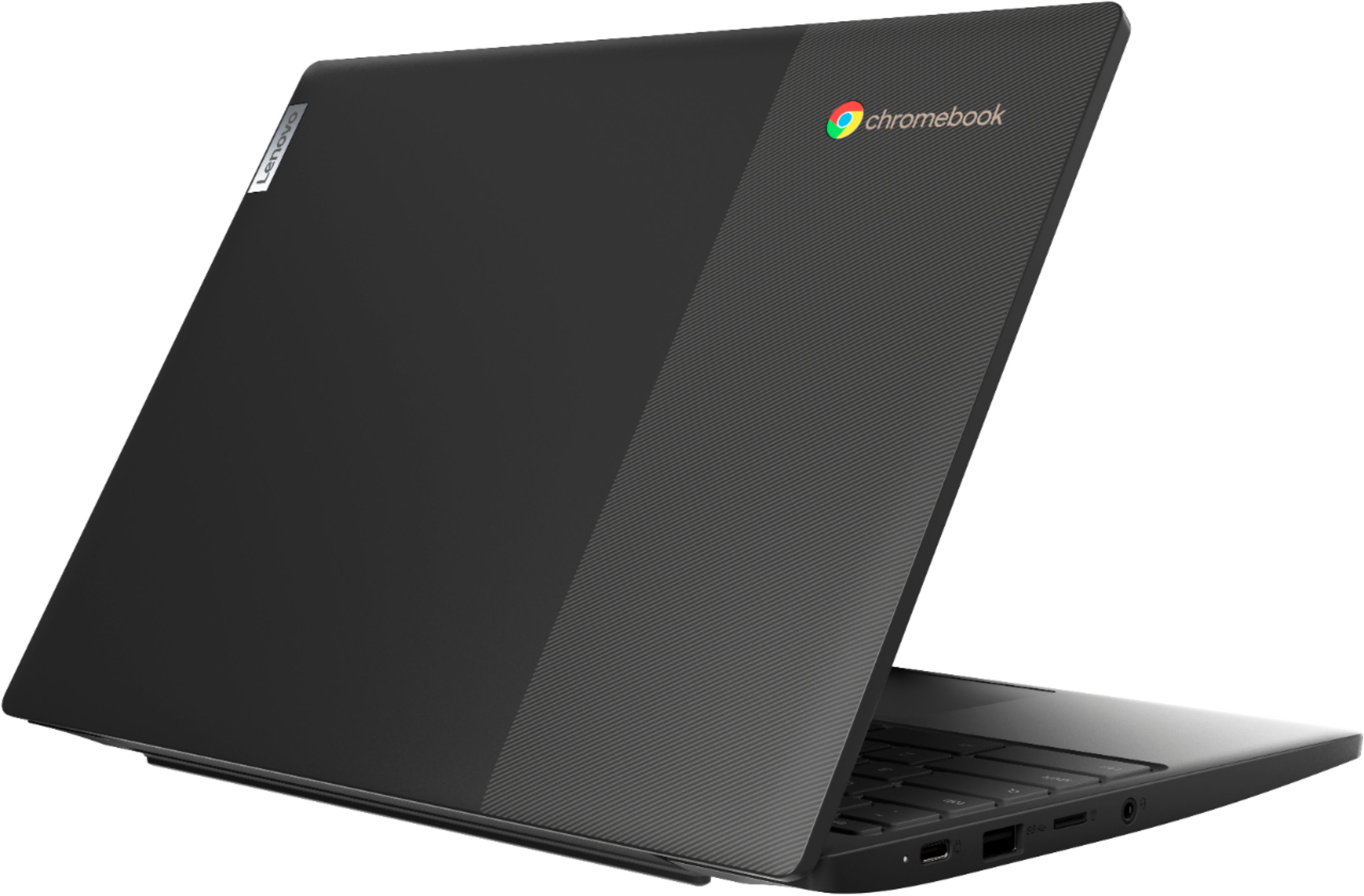
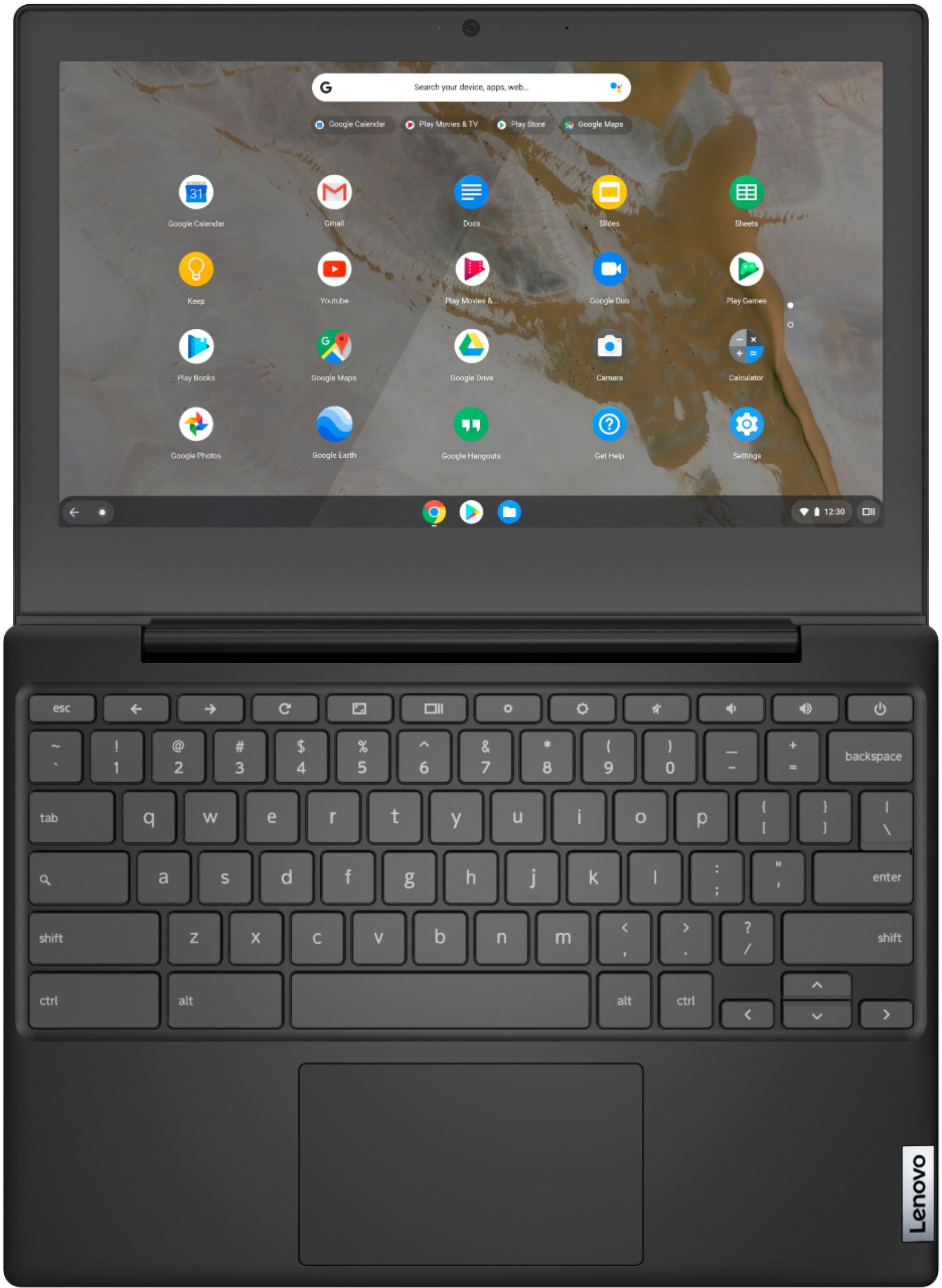
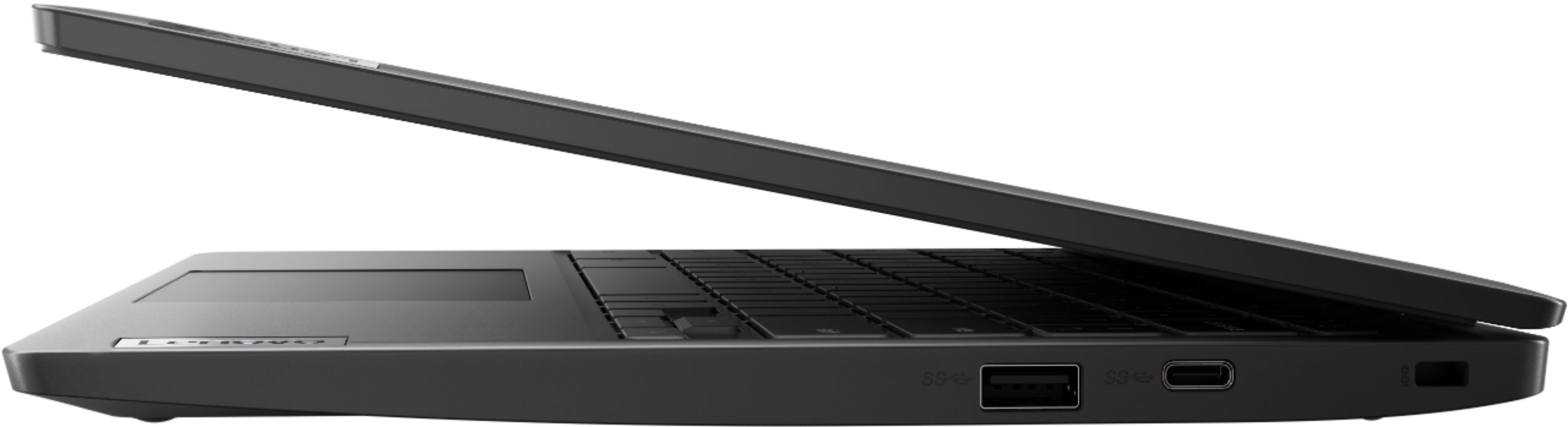
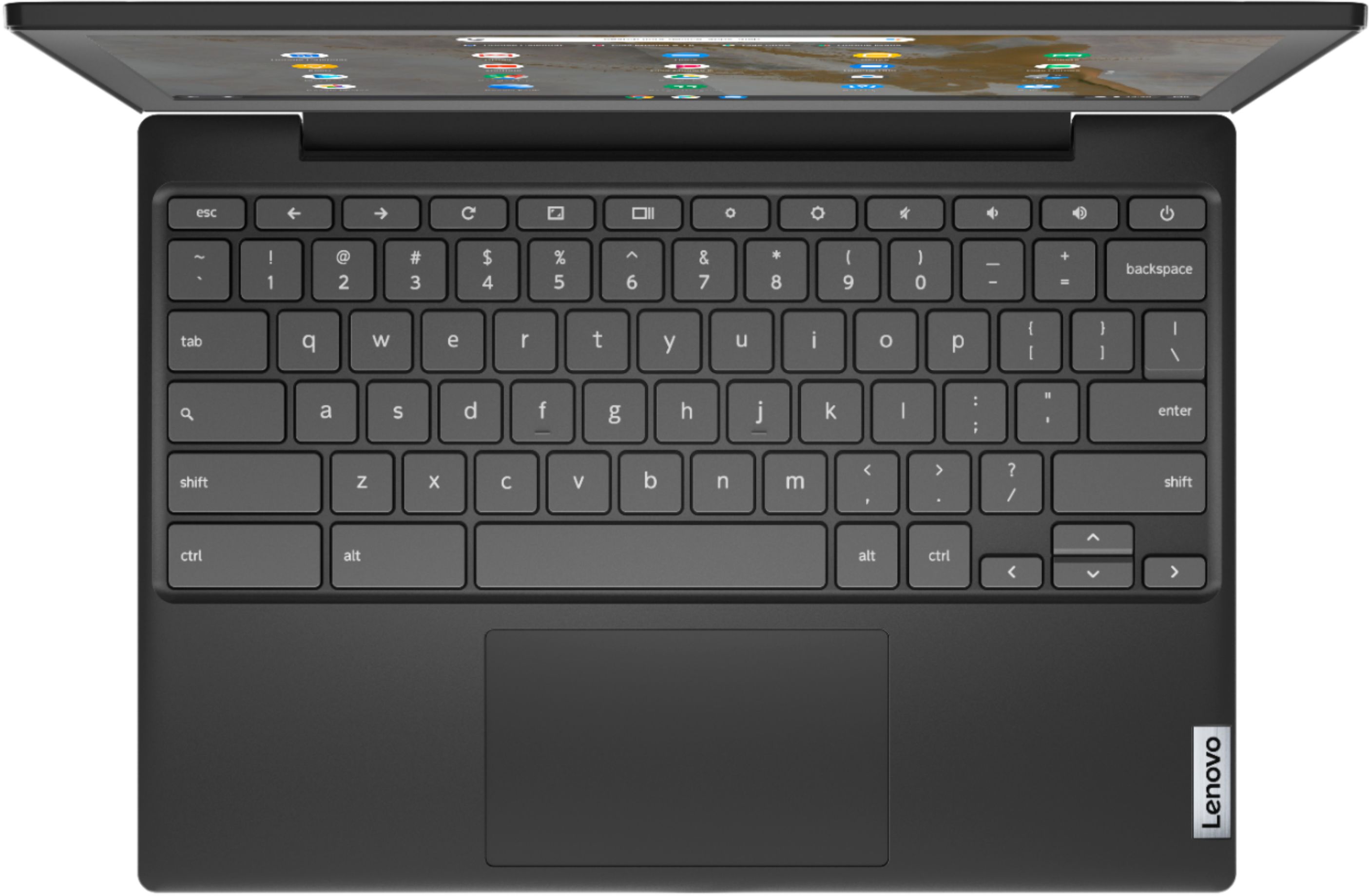
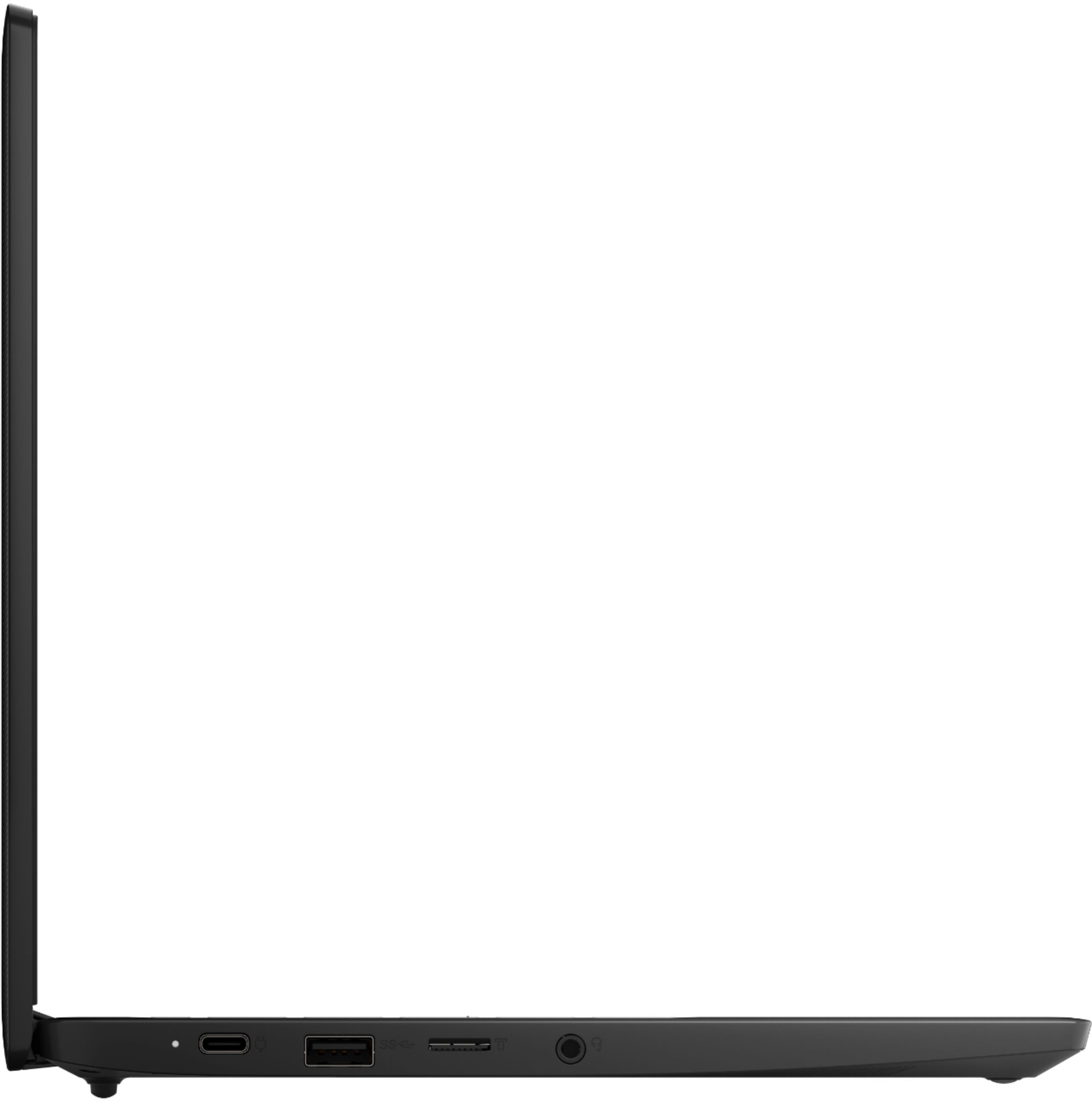
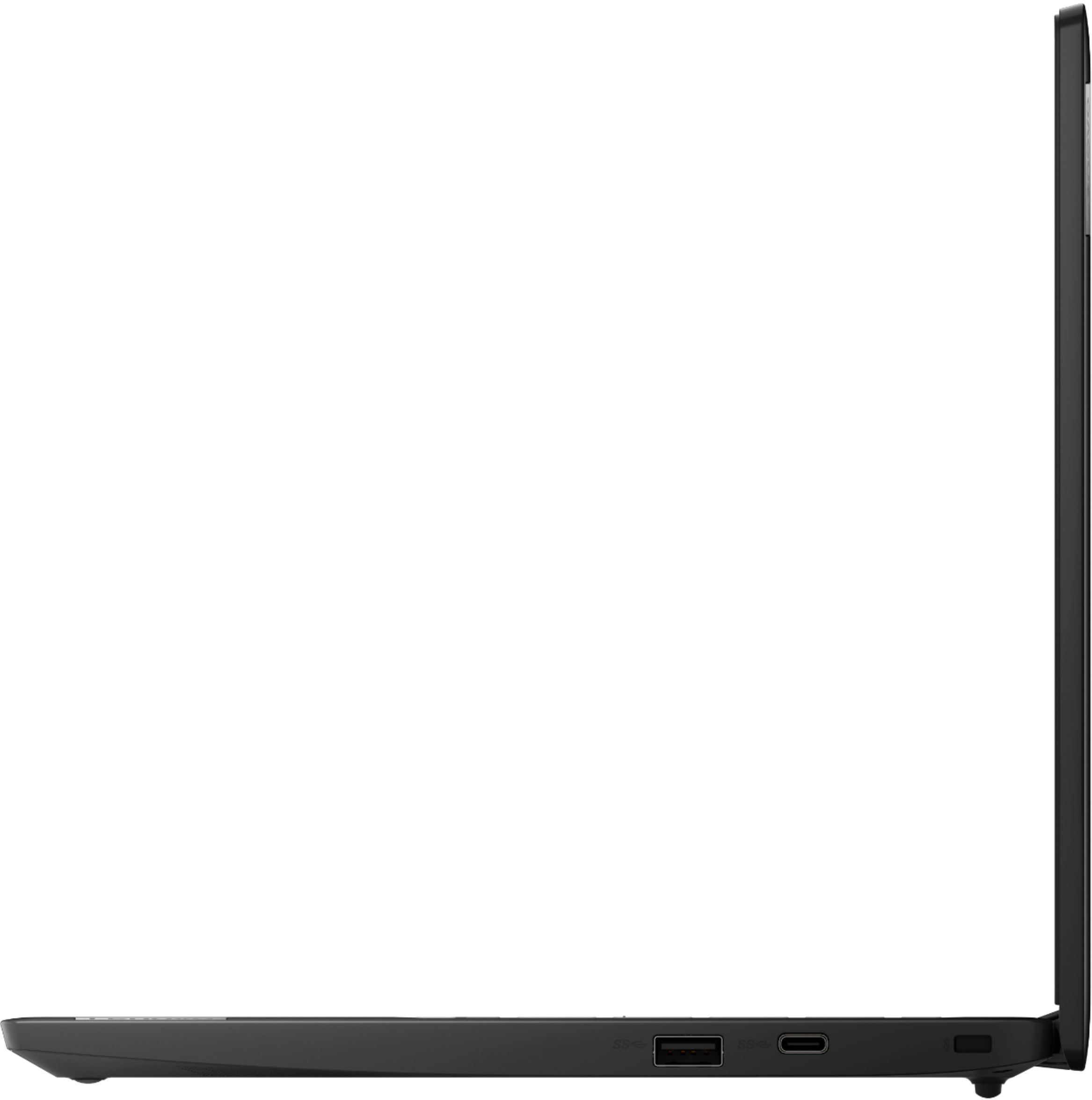
A:AnswerThe Lenovo Chromebook 3 11 model number 82H40000US, ships with 2x USB-C 3.2 Gen 1 (support data transfer, Power Delivery and DisplayPort 1.2) ports with video out capability. You can connect an HDMI monitor to this chromebook by using a USB-c to HDMI adapter, like this one: https://www.bestbuy.com/site/insignia-usb-c-to-hdmi-adapter-white/6424886.p?skuId=6424886
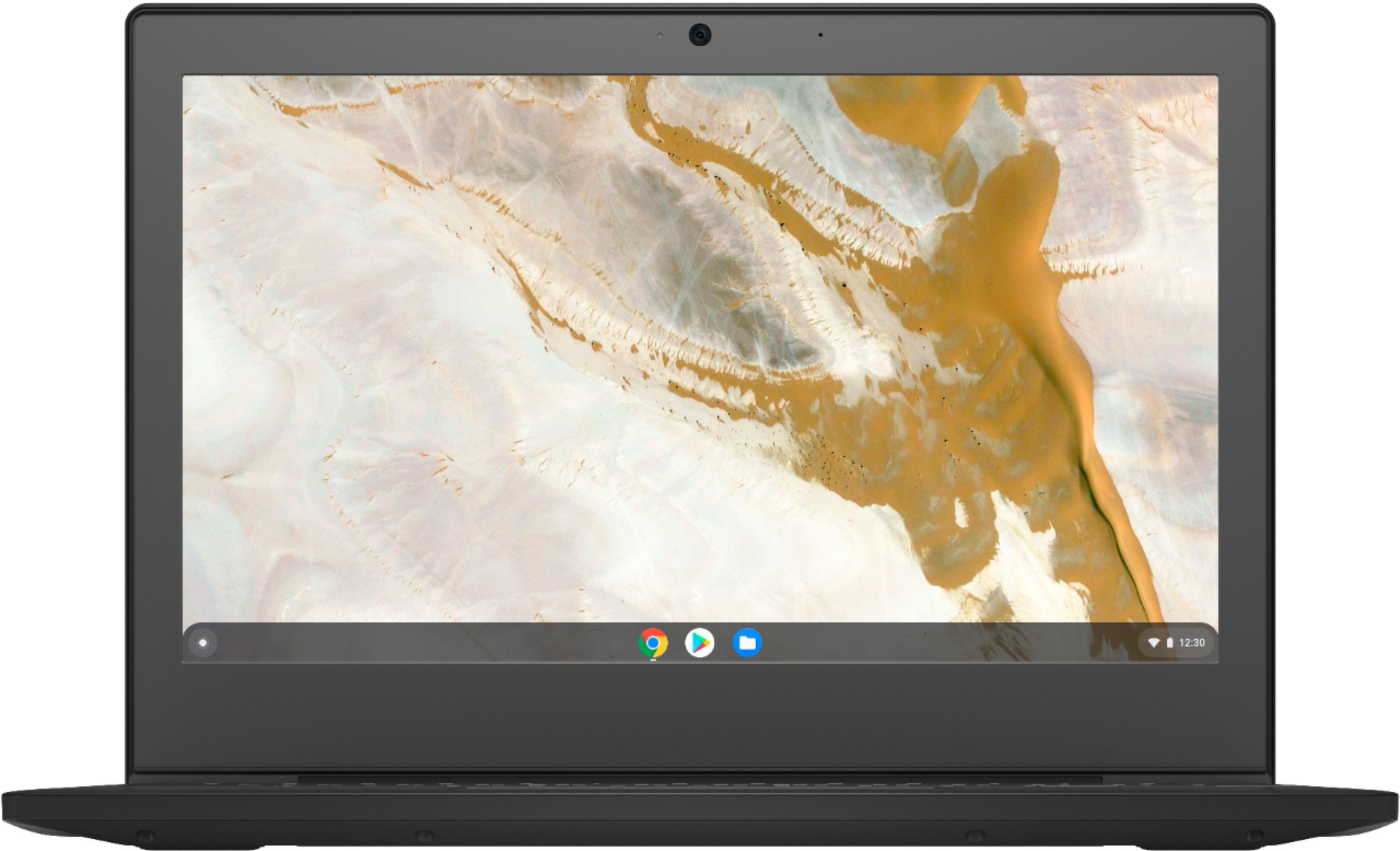
A:AnswerThat will depend on the requirements and compatibility of the video creation APP you want to use. The Lenovo Chromebook 3 11 model number 82H40000US, ships with a 720p (HD) webcam and microphone, built in. It uses the Chrome Operating System and is compatible with Google Play Store APPs. We recommend you check with the video creation APP's software publisher's web site, of the APP you will be using, for their compatibility with the Chrome operating system and the minimum/recommended hardware requirements (Is a Graphics card required, the processor speed and the minimum required system RAM and the minimum available hard drive space) to run their program, then compare those requirements to this system's configuration.
A:AnswerThat will depend on the requirements and compatibility of the specific APPs you want to use with the Lenovo Chromebook 3 11. This model ships with the Chrome Operating System and is compatible with Google Play Store APPs. We recommend you check with the specific APPs software publisher's web site, of the specific APPs you want to use, for their compatibility with the Chrome operating system and the minimum/recommended hardware requirements (Is a Graphics card required, the processor speed and the minimum required system RAM and the minimum available hard drive space) to run their program, then compare those requirements to this system's configuration.
A:AnswerThe Lenovo Chromebook 3 11 uses Google Docs for office type programs. Google Docs is completely compatible with Microsoft Office Programs and this is a free service through the Google Server. If you must have the actual Microsoft Office Programs, you can purchase Microsoft Office 365 for this Chromebook at the Google Play Store or if your school provides you with Microsoft Office software, get the Product Activation code for the Chromebook version of Microsoft Office 365.
A:AnswerThat will depend on the requirements and compatibility of the camera and/or the memory card format the camera uses. The Lenovo Chromebook 3 11 model number 82H40000US, ships with the Chrome Operating System and has a MicroSD Card Reader slot onboard. We recommend you check with the camera manufacturer's web site for their compatibility with the Chrome operating system and the minimum/recommended hardware requirements (Is a Graphics card required, the processor speed and the minimum required system RAM and the minimum available hard drive space) to run their program, then compare those requirements to this system's configuration.
A:AnswerThat will depend on the requirements and compatibility of the external hard drive. The Lenovo Chromebook 3 11 ships with the Chrome Operating System and is compatible with Google Play Store APPs. We recommend you check with the specific external hard drive's manufacturer's web site, of the model hard drive you want to use, for their compatibility with the Chrome operating system and the minimum/recommended hardware requirements (Is a Graphics card required, the processor speed and the minimum required system RAM and the minimum available hard drive space) to run their program, then compare those requirements to this system's configuration.
A:AnswerThat will depend on the requirements and compatibility of the specific APPs you want to use. The Lenovo Chromebook 3 11 ships with the Chrome Operating System and is compatible with Google Play Store APPs. We recommend you check with the specific APPs software publisher's web site for their compatibility with the Chrome operating system and the minimum/recommended hardware requirements (Is a Graphics card required, the processor speed and the minimum required system RAM and the minimum available hard drive space) to run their program, then compare those requirements to this system's configuration.
A:AnswerThat will depend on the requirements and compatibility of the specific APPs you want to use. The Lenovo Chromebook 3 11 model number 82H40000US, ships with a 720p (HD) webcam and microphone built in. This Chromebook uses the Chrome Operating System and is compatible with Google Play Store APPs. We recommend you check with the specific APPs software publisher's web sites of the APPs you want to use, for their compatibility with the Chrome operating system and the minimum/recommended hardware requirements (Is a Graphics card required, the processor speed and the minimum required system RAM and the minimum available hard drive space) to run their program, then compare those requirements to this system's configuration.
A:AnswerThat will depend on the requirements and compatibility of the APP you will need to use. The Lenovo Chromebook 3 11 ships with the Chrome Operating System and is compatible with Google Play Store APPs. We recommend you check with the specific APPs software publisher's web site of the APP you will need to use, for their compatibility with the Chrome operating system and the minimum/recommended hardware requirements (Is a Graphics card required, the processor speed and the minimum required system RAM and the minimum available hard drive space) to run their program, then compare those requirements to this system's configuration.
A:AnswerCurrently, Chromebooks don't support Bluetooth printing. You can print from your Chromebook using most printers that connect to Wi-Fi or a wired network.
A:AnswerThat will depend on the requirements and compatibility of the specific games. The Lenovo Chromebook 3 11 ships with the Chrome Operating System and is compatible with Google Play Store APPs. We recommend you check with the specific game's software publisher's web site for their compatibility with the Chrome operating system and the minimum/recommended hardware requirements (Is a Graphics card required, the processor speed and the minimum required system RAM and the minimum available hard drive space) to run their program, then compare those requirements to this system's configuration.
A:AnswerHi, This model is not user upgradable. A certified technician must do all of the work, so as to not void the warranty. We recommend you consult with your certified technician about your memory upgrade options.
A:AnswerThat will depend on the requirements and compatibility of the software you want to run. The Lenovo Chromebook 3 11 ships with the Chrome Operating System and is compatible with Google Play Store APPs. We recommend you check with the specific software publisher's web site for their compatibility with the Chrome operating system and the minimum/recommended hardware requirements (Is a Graphics card required, the processor speed and the minimum required system RAM and the minimum available hard drive space) to run their program, then compare those requirements to this system's configuration.
A:AnswerThat will depend on the requirements and compatibility of the specific game. The Lenovo Chromebook 3 11 model number 82H40000US, ships with the Chrome Operating System and is compatible with Google Play Store APPs. We recommend you check with the specific game's software publisher's web site for their compatibility with the Chrome operating system and the minimum/recommended hardware requirements (Is a Graphics card required, the processor speed and the minimum required system RAM and the minimum available hard drive space) to run their program, then compare those requirements to this system's configuration.
A:AnswerThis is a Chromebook and runs on Chrome OS. We always recommend you check the requirements and compatibility of any software you will be installing on your new computer before you invest in any computer. Be sure your new computer can support the software you will need to use by checking the software developers website and then comparing the minimum/OS requirements with the specs of this Chromebook.