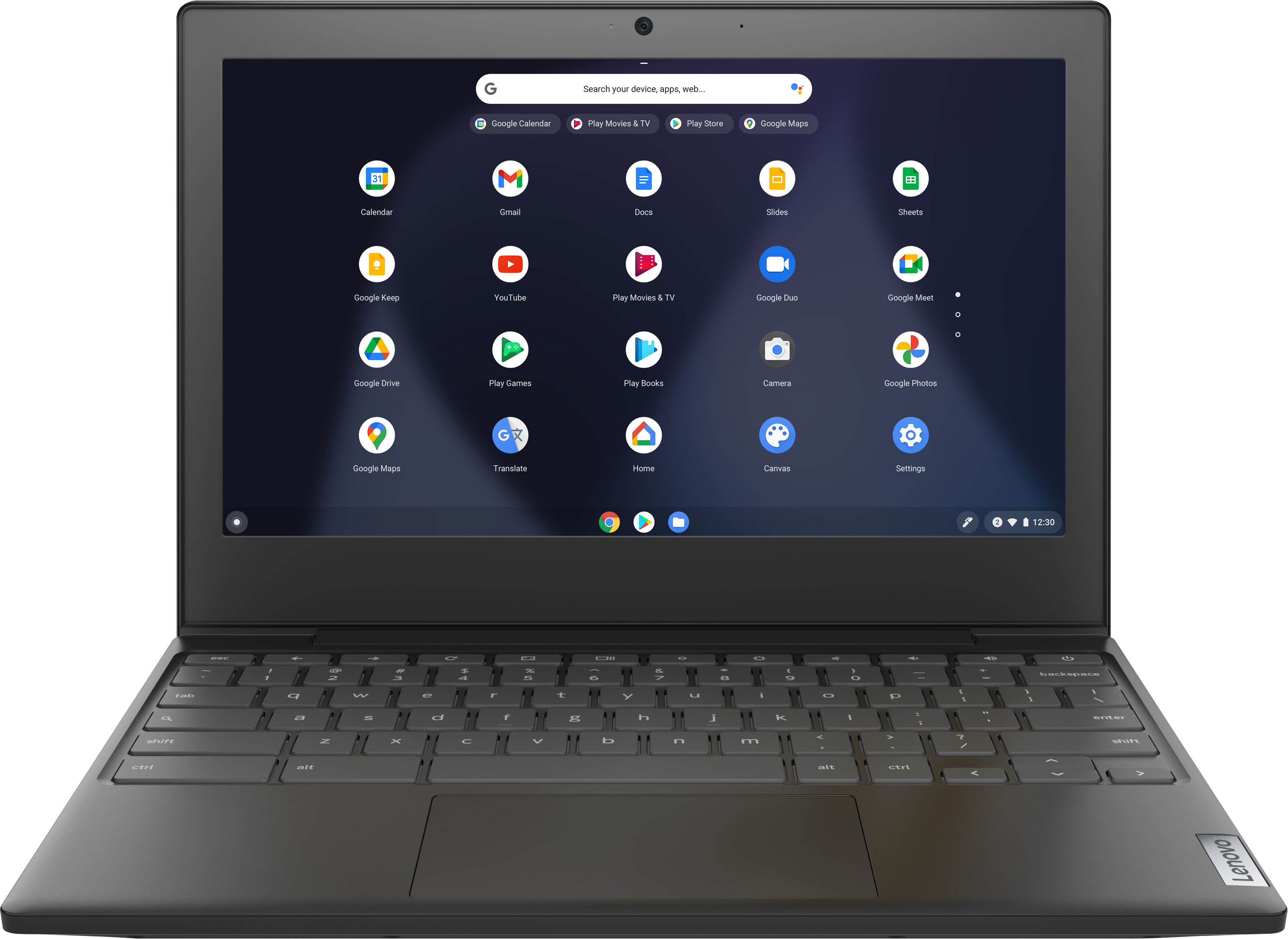
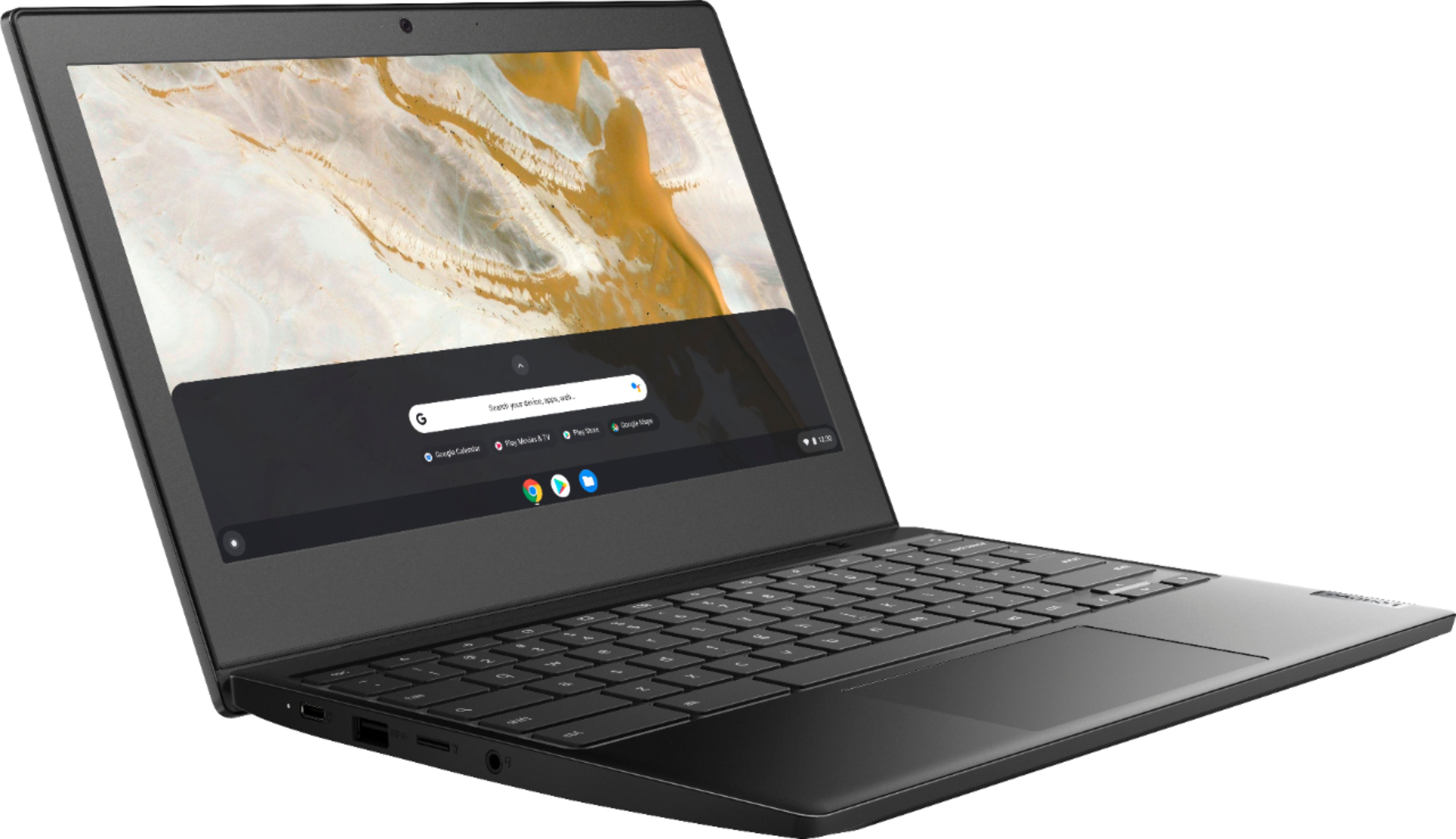
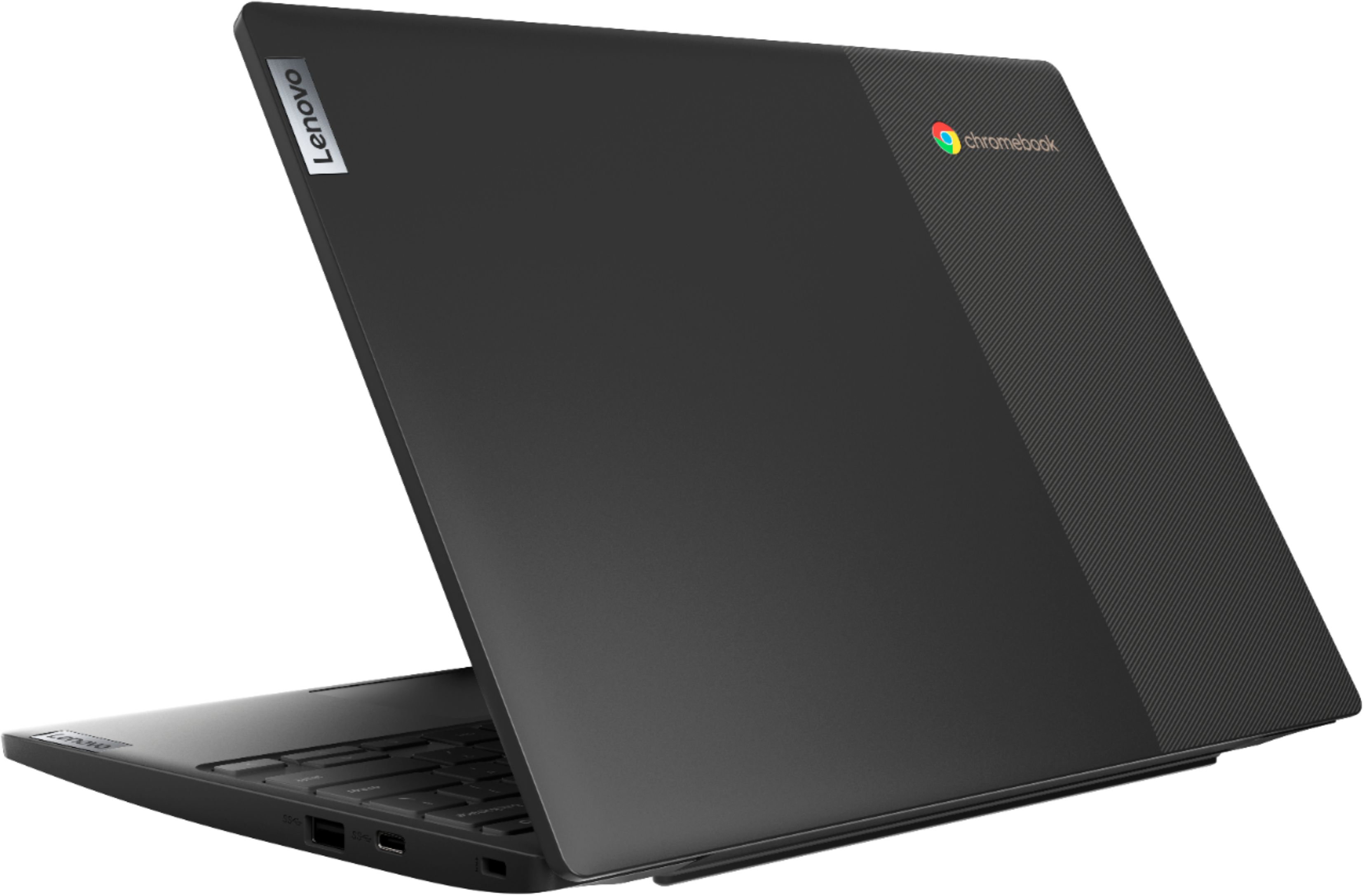
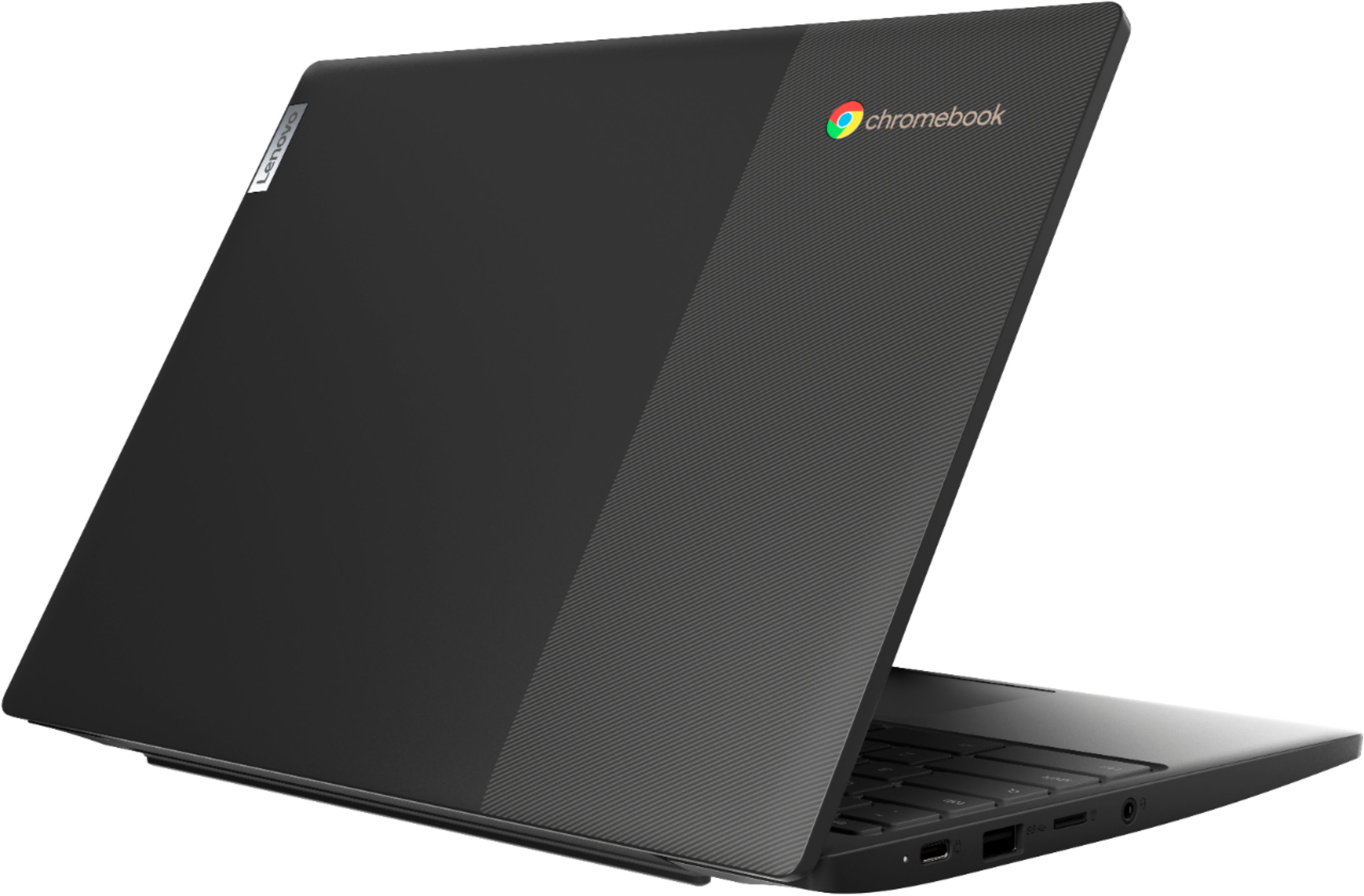
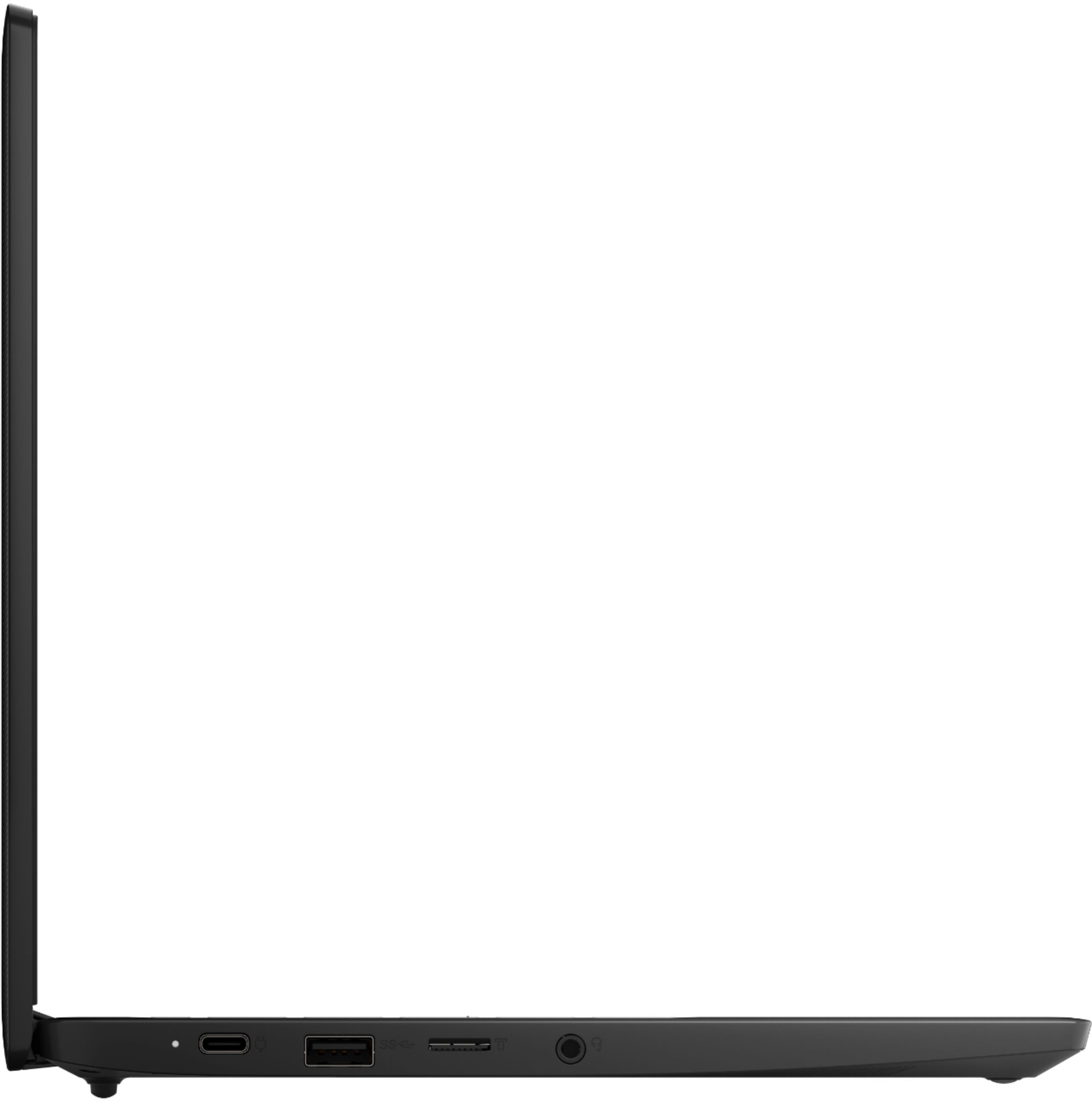
A:AnswerThe Lenovo Chromebook 3 11 model number 82H40000US, is compatible with any printer, wired or wireless, that is compatible with the Chrome Operating System. We recommend you check with your printer manufacturer for the compatibility of your specific printer model. Here is a link to more information about printing from a Chromebook: https://www.theverge.com/2019/4/17/18312056/chromebook-printer-digital-pictures-how-to-connect-cloud. The Lenovo Chromebook 3 11 model number 82H40000US, ships with a microSD Card Reader slot. You can use any capacity MicroSD card that is compatible with the Chrome Operating System. The MicroSD card is sold separately.
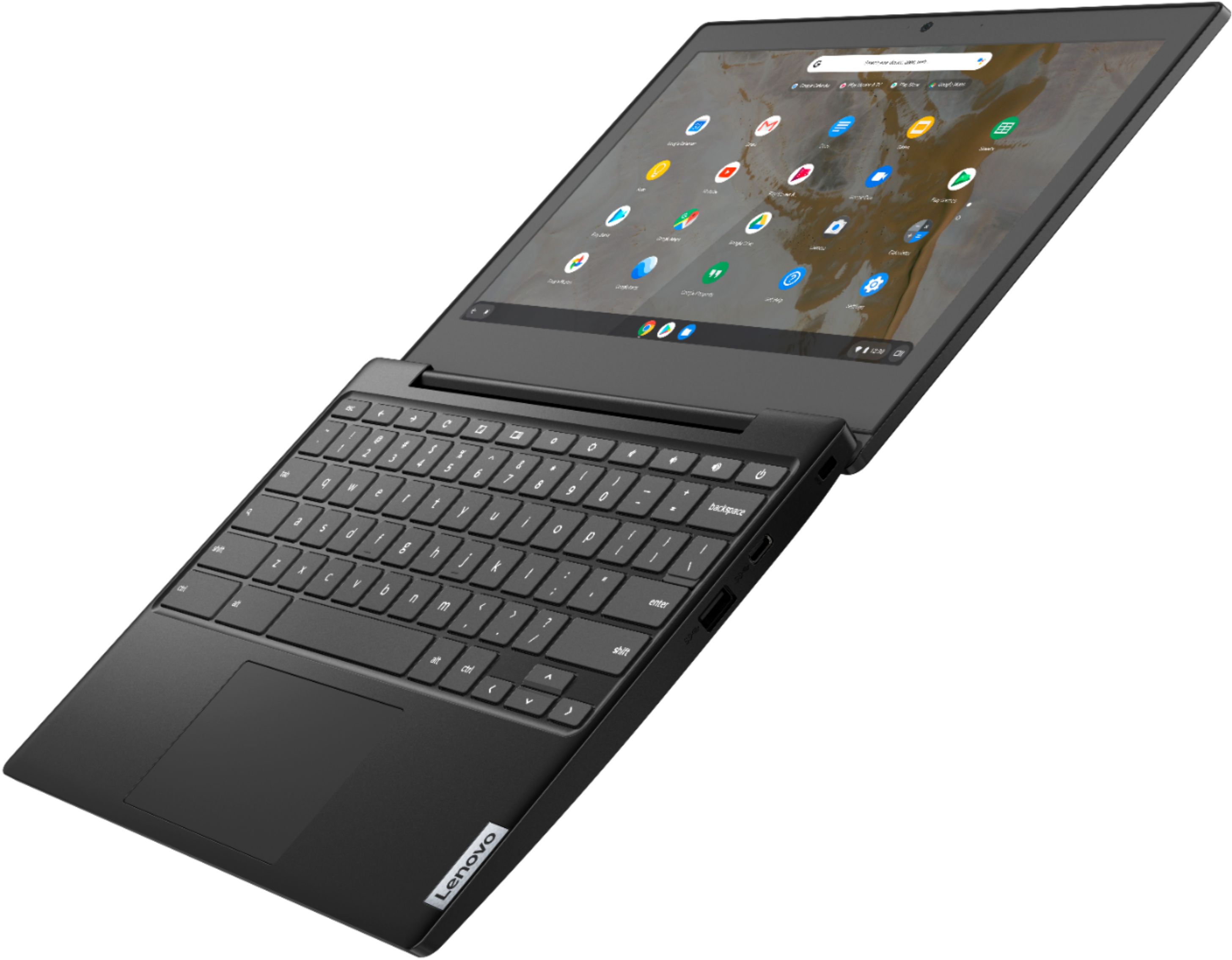
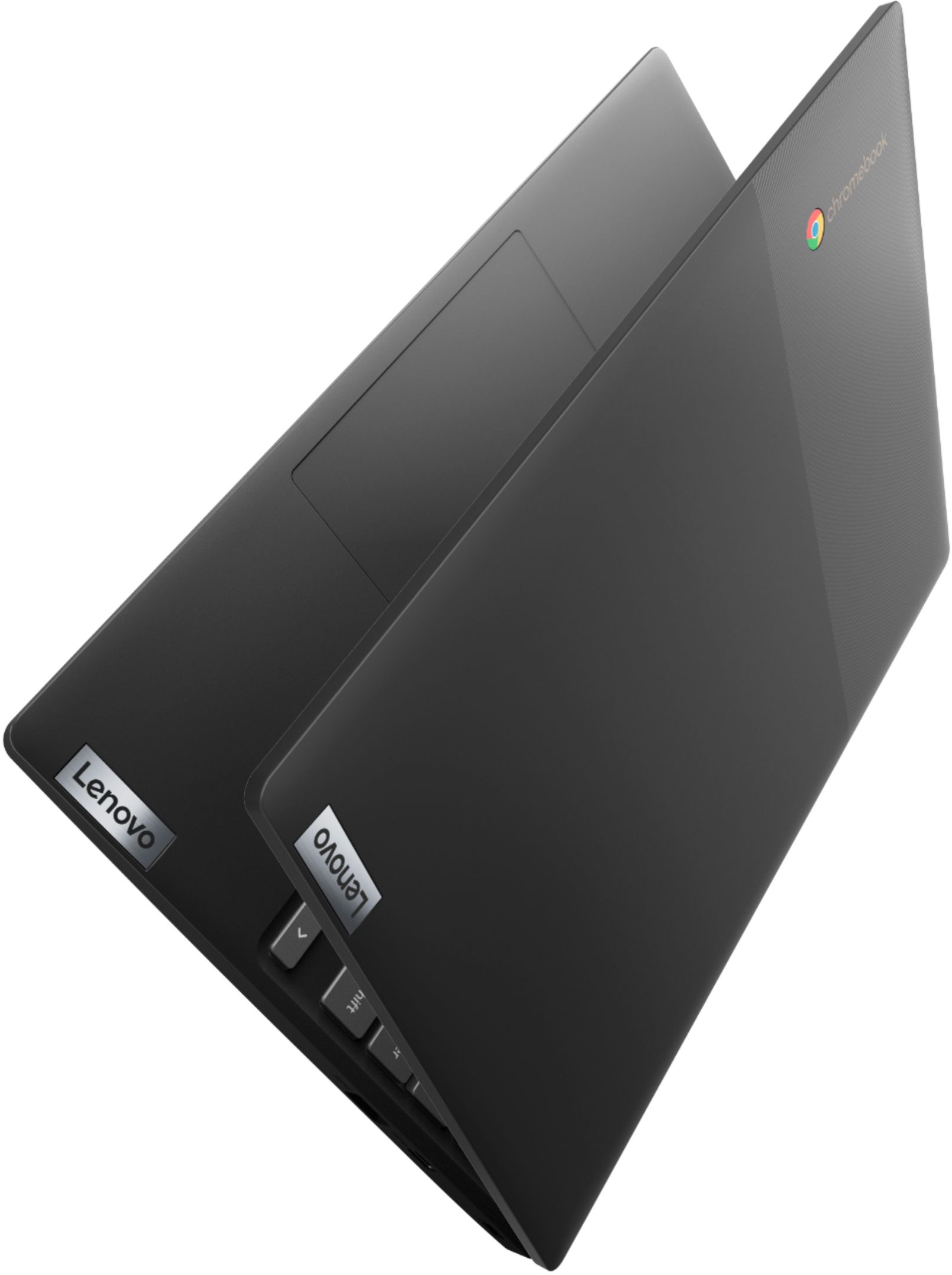
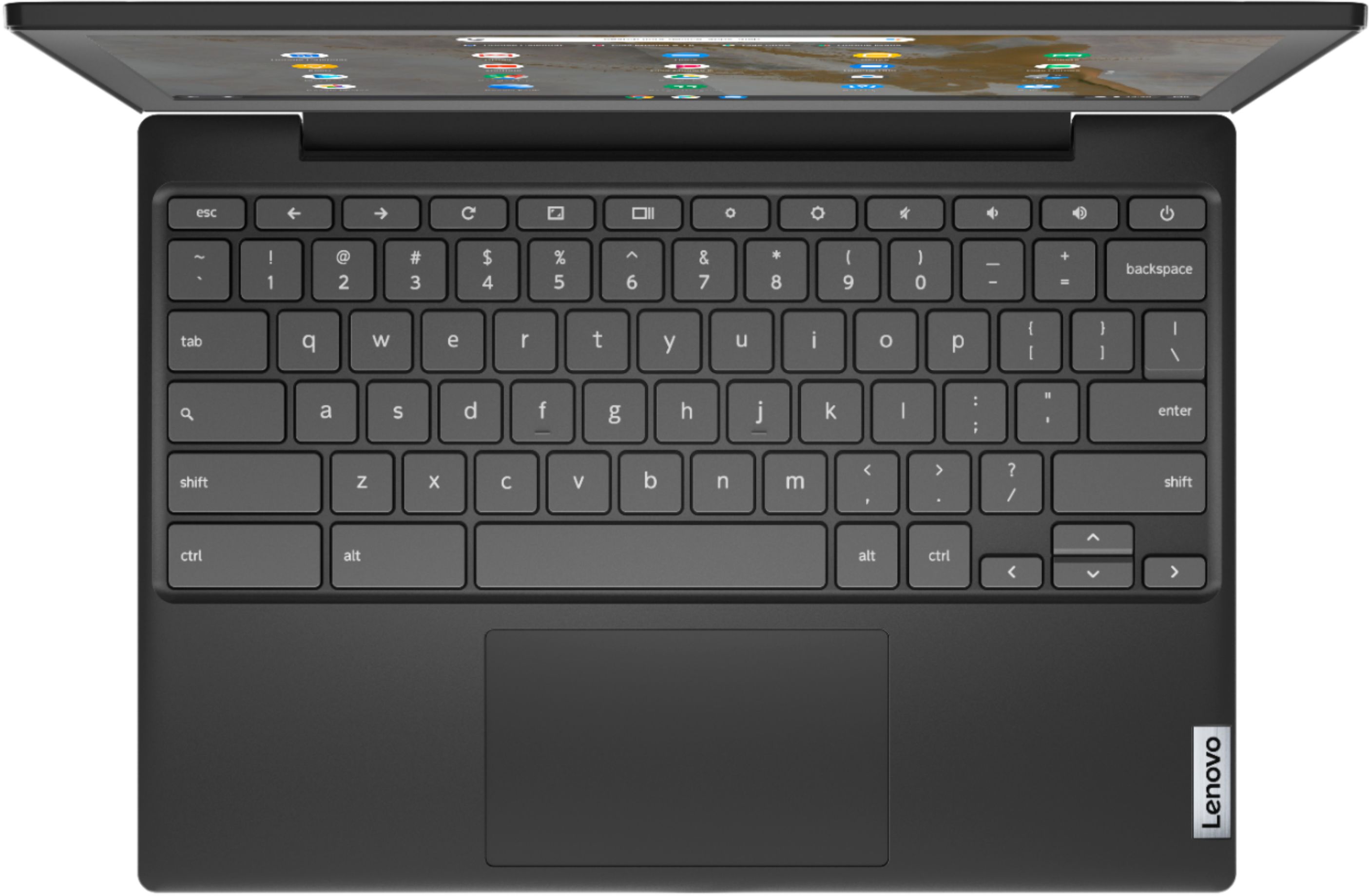
A:AnswerNo. The Lenovo Chromebook 3 11 model number 82H40000US, does not have 360 Degree hinges. It can not go into tablet mode. It operates in traditional laptop model only.
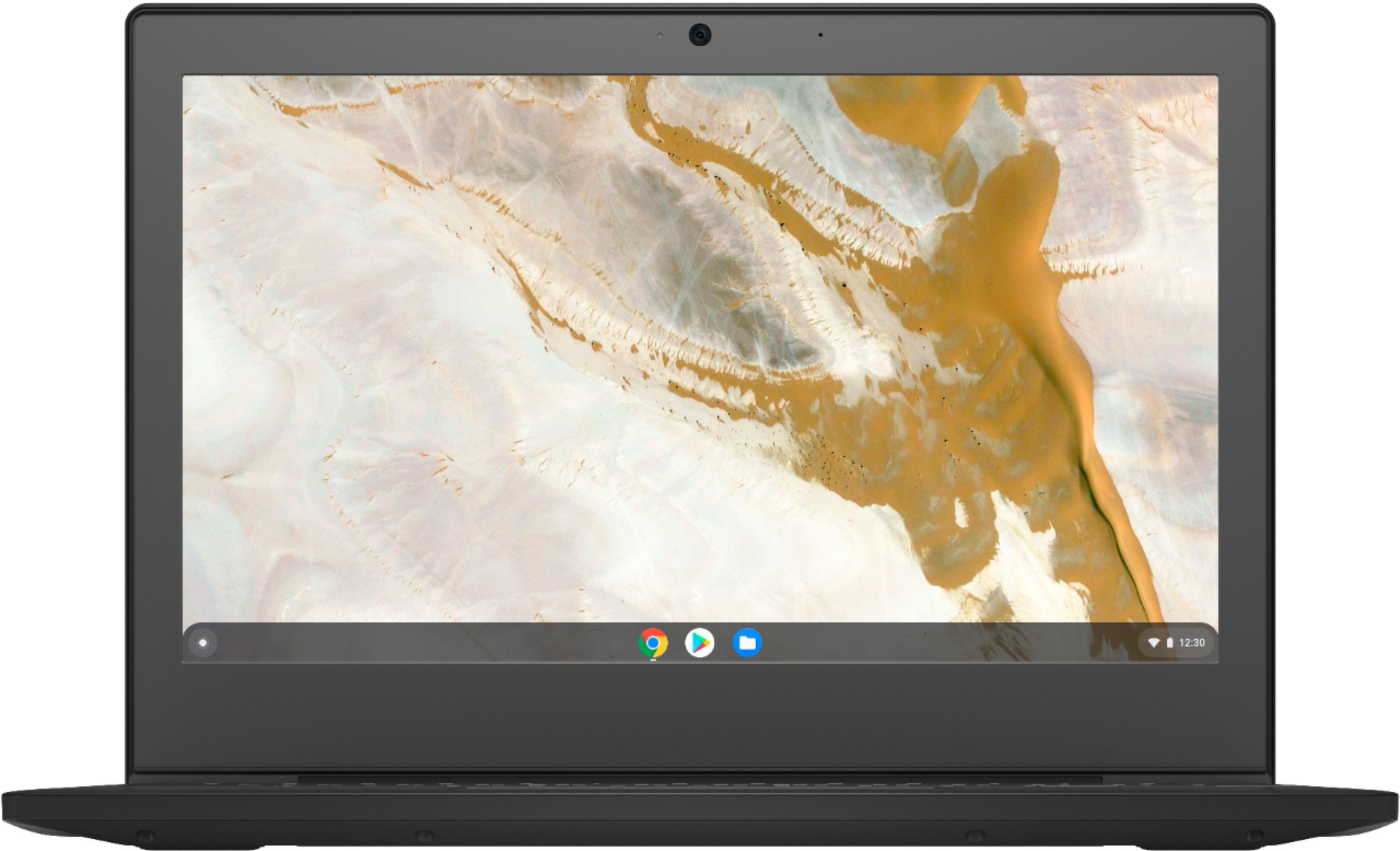
A:AnswerThat really will depend on the requirements and compatibility of the specific APPs you want to use. The Lenovo Chromebook 3 11 model number 82H40000US, ships with the Chrome Operating System and is compatible with Google Play Store APPs. We recommend you check with the specific APPs software publisher's web sites of the specific APPs you will be using, for their compatibility with the Chrome Operating System operating system and the minimum/recommended hardware requirements (Is a Graphics card required, the processor speed and the minimum required system RAM and the minimum available hard drive space) to run their program, then compare those requirements to this system's configuration.
A:AnswerThe Lenovo Chromebook 3 11 model number 82H40000US, ships with a MicroSD card reader slot onboard. You can use the largest capacitiy MicroSD card available that is compatible with the Chrome Operating System.
A:AnswerIt should charge with a regular USB C but it's probably going to take a lot longer since the charger that comes with it is a 45 watt charger. A USB c phone charger it was a lot lower wattage.
A:AnswerYes. The Lenovo Chromebook 3 11 model number 82H40000US, ships with a Micro-SD card slot that can be used to add external storage space to the Chromebook.
A:AnswerLead is used in the solder that is used to connect the internal parts of both the Lenovo Chromebook 3 11 and the AC adapter/charger that ships with the Chromebook 3 11. As long as the Chromebook back panel is not removed, exposing the internals or the AC adapter taken apart, the user will not come in direct contact with any lead based products.
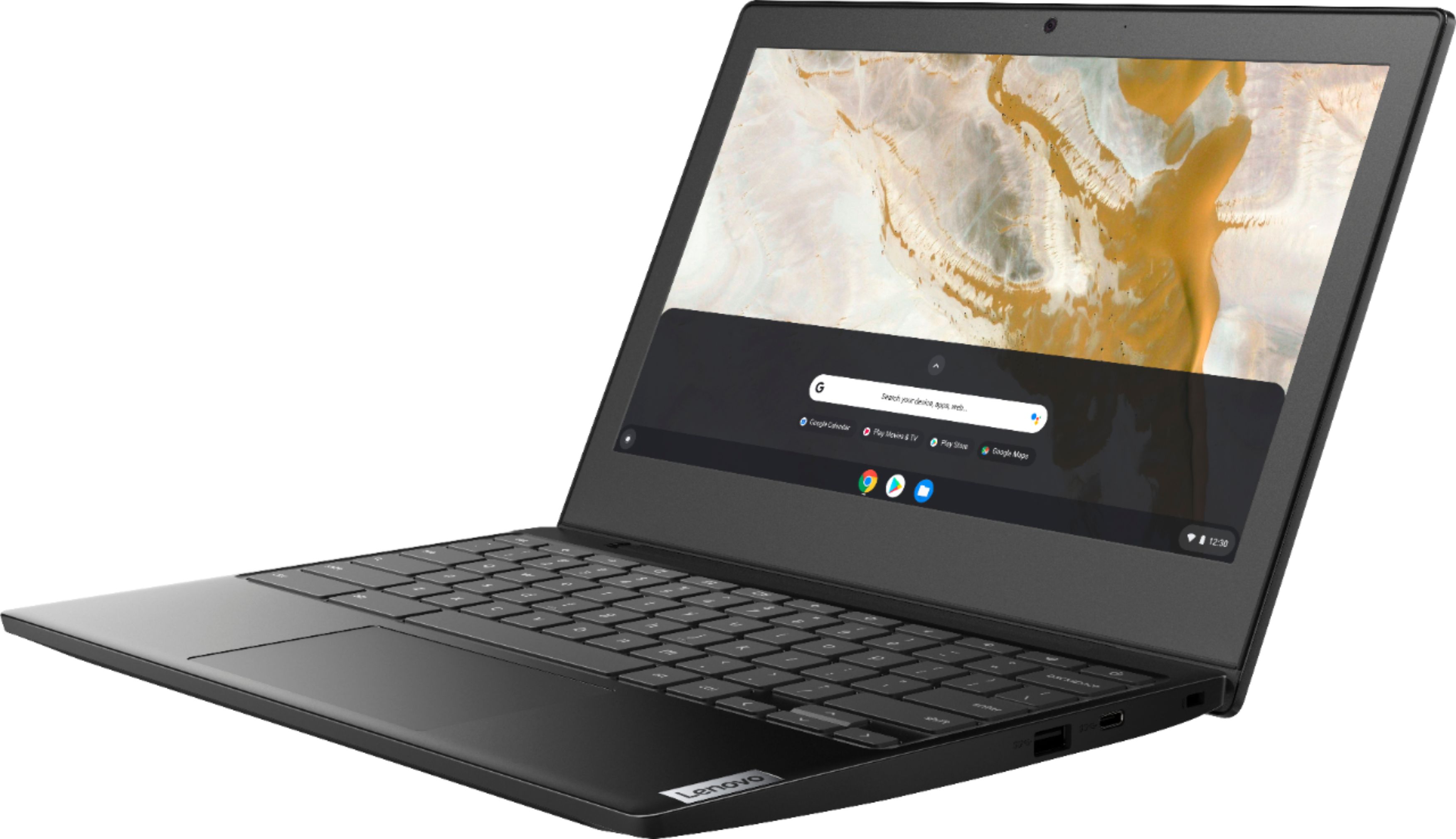
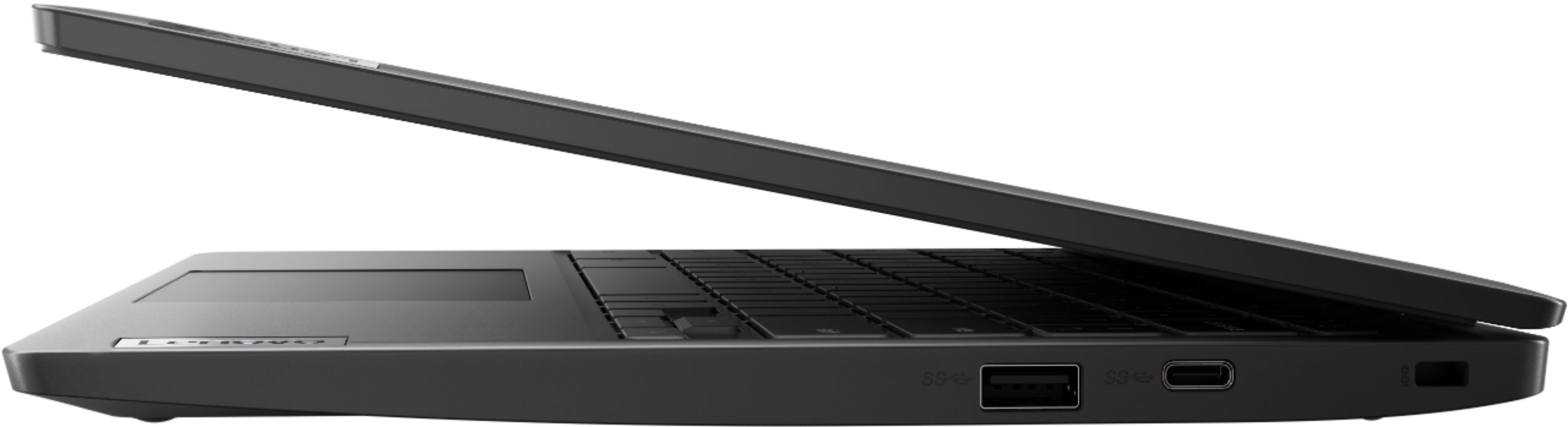
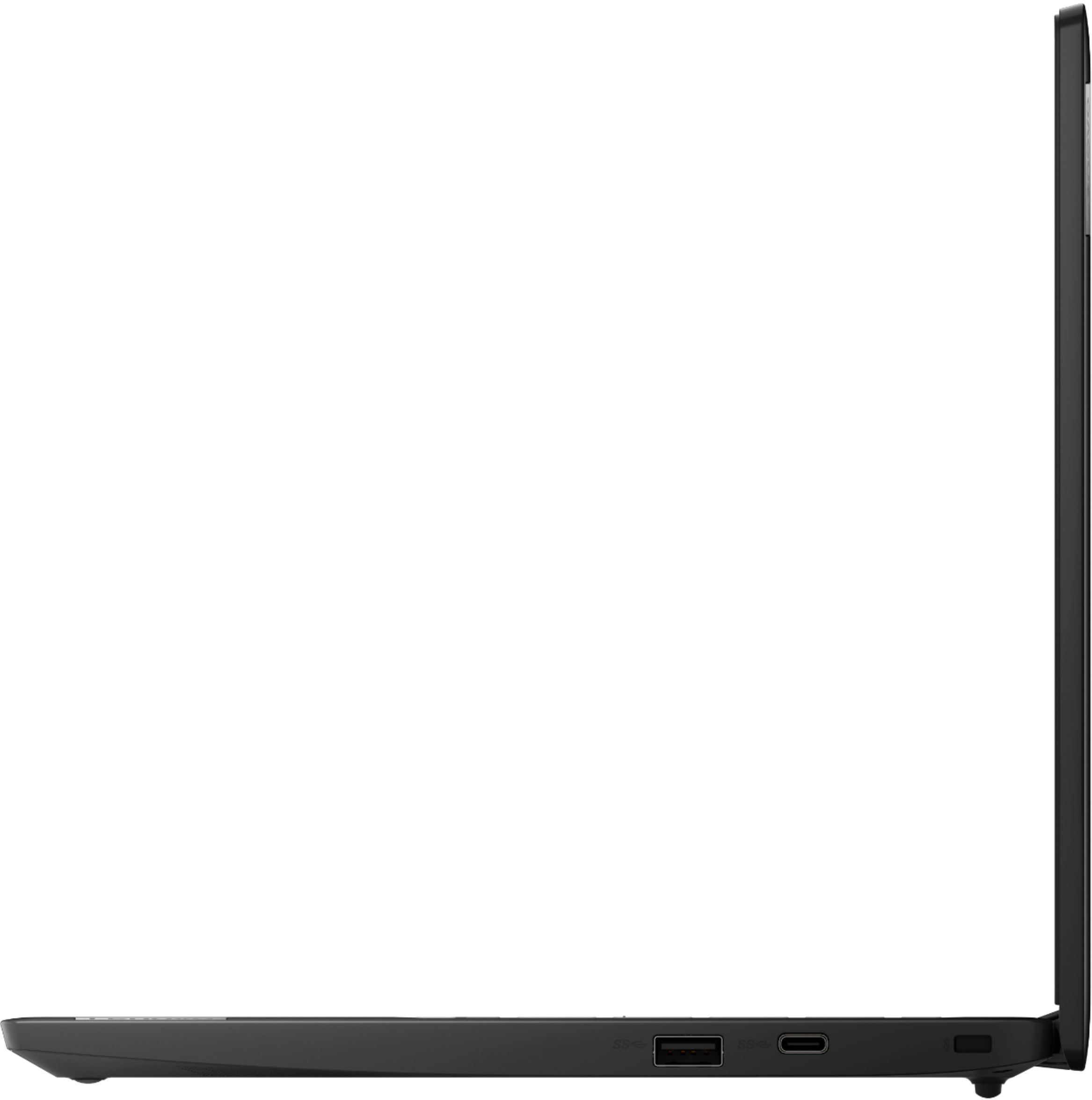
A:AnswerThe Lenovo Chromebook 3 11 has one USB-c port with video out capability for connecting one external monitor, which with the device screen provides two total screens. To connect two external monitors you will need to add a capable dock. Here is a link to more information: https://chromeunboxed.com/chromebook-chrome-os-multi-monitor-display-usb-c-dock#:~:text=Chromebooks%20have%20handled%20extended%20displays%20quite%20well%20for%20some%20time%20now.&text=As%20it%20turns%20out%2C%20this,to%20your%20Chromebook's%20internal%20display.
A:AnswerWe are sorry to hear that you are having issues with your Lenovo Chromebook 3 11. It is possible that resetting your Chromebook back to original settings will correct the issue. Here is a link to instructions for resetting a Chromebook: https://support.google.com/chromebook/answer/183084?hl=en. If the issue continues, we recommend you contact Lenovo Tech Support for Chromebooks at: 800-426-7378.
A:AnswerFor Chrome Operating System devices, CD/DVD drives are limited as to storage of readable files.
Music and video files are not readable without drivers, which cannot be installed on a Chromebook. ChromeOS users may best best off using an SD Card or External Hard drive.
A:AnswerThe Lenovo Chromebook 3 11 model number 82H40000US, uses a USB-c port with video out capability for attaching an external monitor to this Chromebook. You can attach an HDMI external monitor to this Chromebook by using a USB-c to HDMI adapter like this one: https://www.bestbuy.com/site/insignia-usb-c-to-hdmi-adapter-white/6424886.p?skuId=6424886
A:AnswerThe Lenovo Chromebook 3 11 model number 82H40000US, ships with a standard MicroSD card reader for adding additional storage space to this device. You can use size, standard MicroSD card.