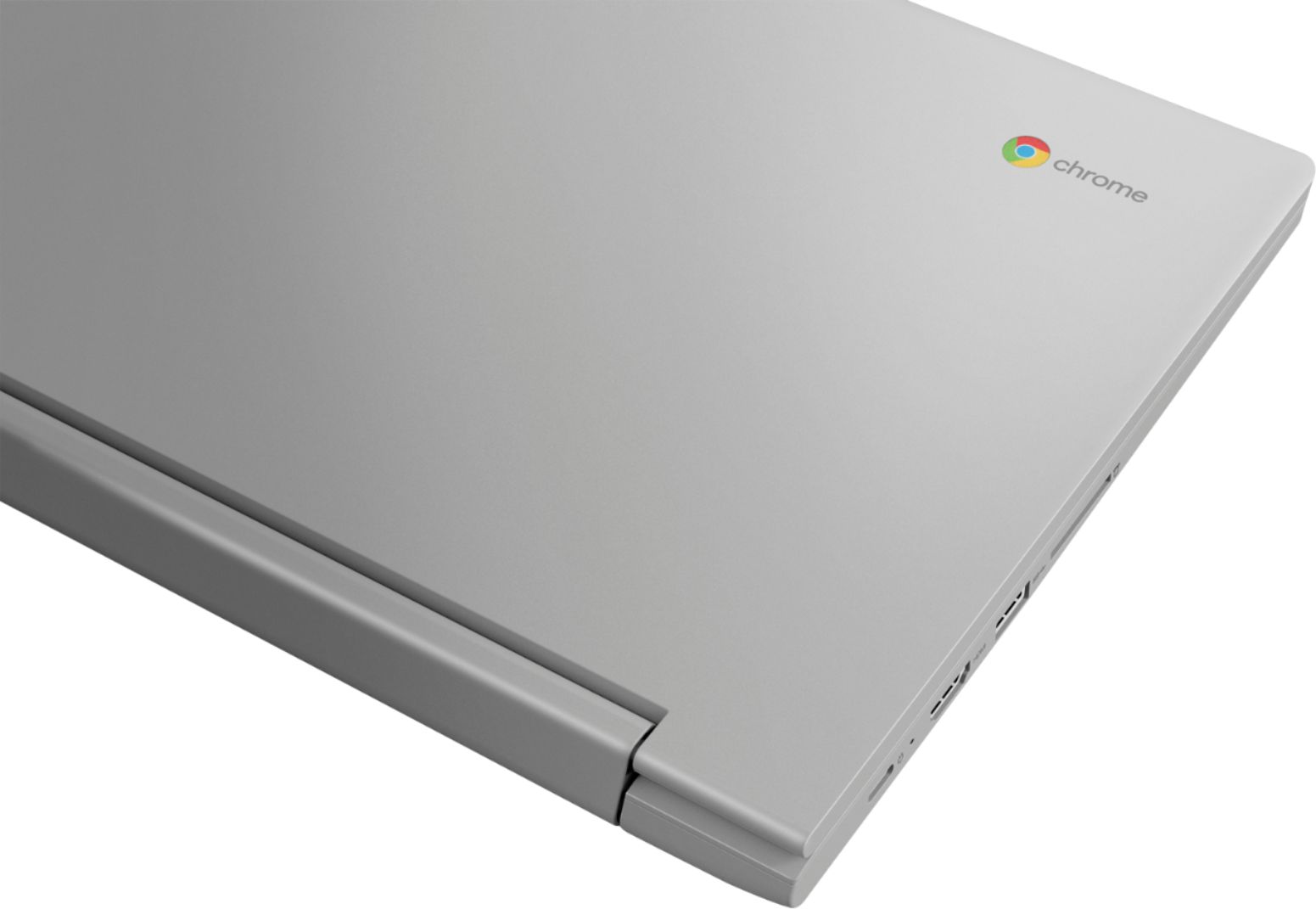
A:AnswerYes. You can either use a Chrome Operating System compatible, universal, USB-based 2.4GHz WiFi receiver to connect a wireless mouse or Bluetooth 5.0.
A:AnswerThat will depend on the requirements and compatibility of both the VPN you use and the specific APP you want to use. The Lenovo Chromebook Flex 3 11 model number 82HG0000US ships with the Chrome Operating System and is compatible with Google Play Store APPs. We recommend you check with both the VPN and specific APPs software publisher's web sites that you will be using, for their compatibility with the Chrome operating system and the minimum/recommended hardware requirements (Is a Graphics card required, the processor speed and the minimum required system RAM and the minimum available hard drive space) to run their program, then compare those requirements to this system's configuration.
A:AnswerYes. It's easy to go split-screen on your Chromebook to view two windows at the same time. To use the split-screen feature, all you'll need to do is open your apps and drag them to the corresponding halves of the screen — the computer will take care of the window resizing for you. This is a Chromebook. It uses Google Docs for office type programs. Google Docs is completely compatible with Microsoft Office Programs and this is a free service through the Google Server. If you must have the actual Microsoft Office Programs, you can purchase Microsoft Office 365 for this Chromebook at the Google Play Store.
A:AnswerThat will depend on the requirements and compatibility of the Cloud Service. The Lenovo Chromebook Flex 3 11 ships with the Chrome Operating System and is compatible with the Google Play Store APPs. We recommend you check with the specific Cloud Service web site for their compatibility with the Chrome operating system and the minimum/recommended hardware requirements (Is a Graphics card required, the processor speed and the minimum required system RAM and the minimum available hard drive space) to run their program, then compare those requirements to this system's configuration.
A:AnswerI cannot answer for the specific model and my info may be outdated. however as of May 2020, I was teaching an online course via zoom on my previous chrome book. Zoom worked fine, except that zoom -at that time at least- did not support using the “Backgrounds” feature With a Chromebook. (That is where you can select a background to look like you’re sitting in Paris or whatever). I missed having that
A:AnswerThat will depend on the requirements and compatibility of the software. The Lenovo Chromebook Flex 3 11 model number 82HG0000US, ships with the Chrome Operating System and is compatible with Google Play Store APPs. We recommend you check with the software publisher's web site for their compatibility with the Chrome operating system and the minimum/recommended hardware requirements (Is a Graphics card required, the processor speed and the minimum required system RAM and the minimum available hard drive space) to run their program, then compare those requirements to this system's configuration.
A:AnswerThe Lenovo Chromebook Flex 3 11 model number 82HG0000US, ships with a 3CELL_45WH_INTERNAL, Lithium Polymer Battery, with a battery life of up to 10 hours, depending on the work the device is performing.
A:AnswerThat will depend on the requirements and compatibility of the software you want to use. The Lenovo Chromebook Flex 3 11 model number 82HG0000US, ships with the Chrome Operating System and is compatible with Google Play Store APPs. We recommend you check with the specific software publisher's web site for their compatibility with the Chrome operating system and the minimum/recommended hardware requirements (Is a Graphics card required, the processor speed and the minimum required system RAM and the minimum available hard drive space) to run their program, then compare those requirements to this system's configuration.
A:AnswerThat will depend on the requirements and compatibility of the APP you want to install. The Lenovo Chromebook Flex 3 11 model number 82HG0000US ships with the Chrome Operating System and is compatible with Google Play Store APPs. We recommend you check with the specific APPs software publisher's web site for their compatibility with the Chrome operating system and the minimum/recommended hardware requirements (Is a Graphics card required, the processor speed and the minimum required system RAM and the minimum available hard drive space) to run their program, then compare those requirements to this system's configuration.