A:AnswerIt will connect to any printer compatible with the Chrome Operating System. We recommend you check with your printer manufacturer for the compatibility of your specific model. Here is a link to more information about printing with a Chromebook: https://support.google.com/chromebook/answer/7225252?hl=en#:~:text=You%20can%20print%20from%20your,you'll%20see%20a%20notification.
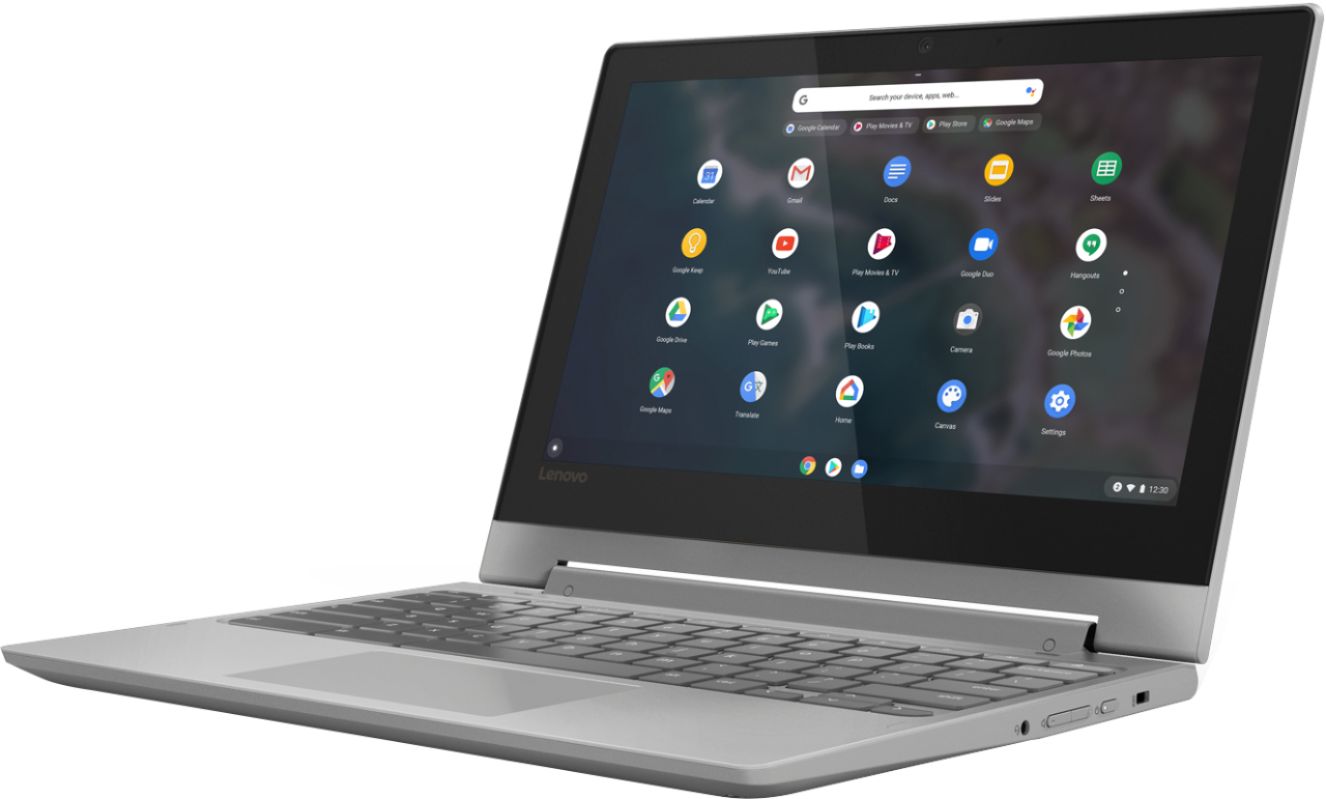
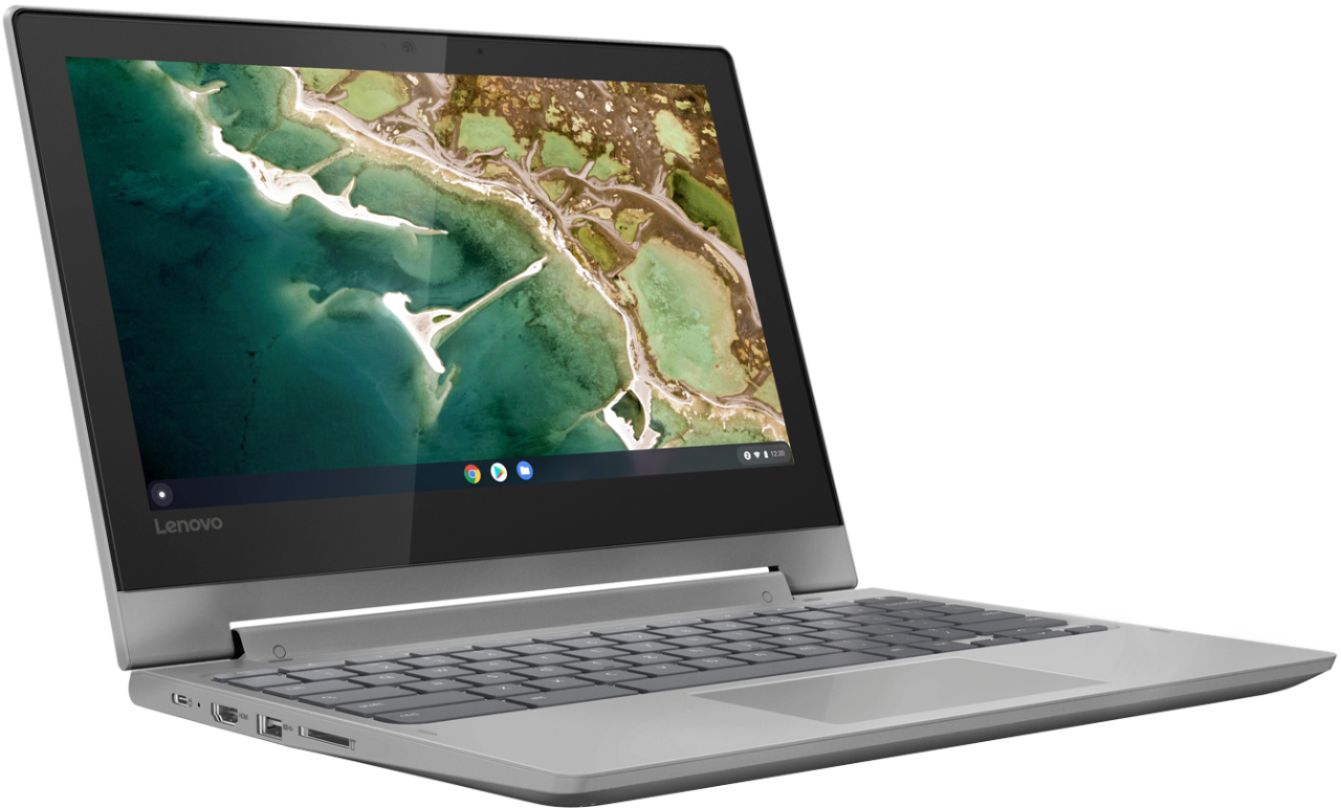
A:AnswerThe Lenovo Chromebook Flex 3 11 model number 82HG0000US, ships with a 3CELL_45WH_INTERNAL, Lithium Polymer Battery, with a battery life of up to 10 hours, depending on the work the device is performing. There is 32GB eMMC solid state hard drive for storage, with a Micro-SD card slot for added storage space. The Chromebook Flex 3 11 weighs 2.64 lbs and uses the Chrome Operating System which includes the Chrome Browser for internet access.
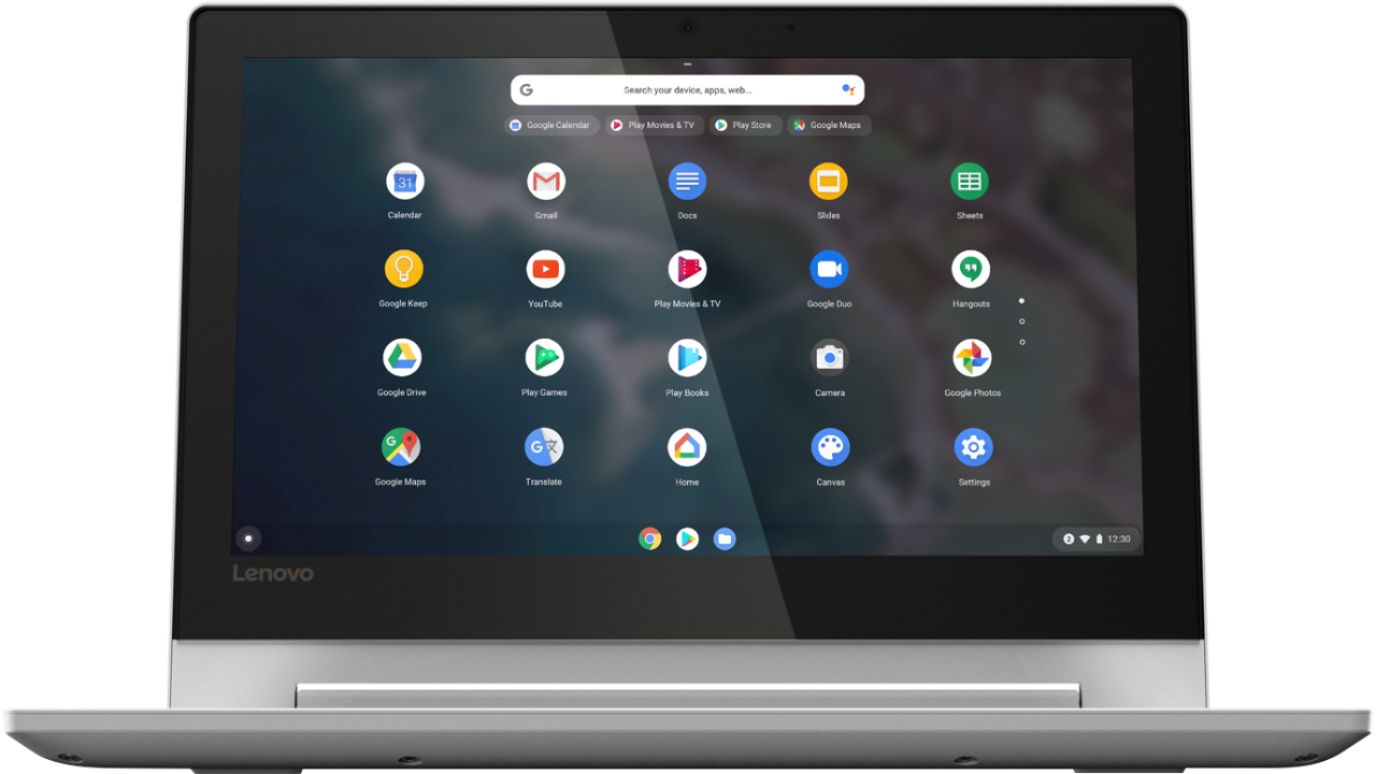
A:AnswerThat will depend on the requirements and compatibility of the specific software you want to use. The Lenovo Chromebook Flex 3 11 model number 82HG0000US, ships with the Chrome Operating System and is compatible with the Google Play Store APPs. We recommend you check with the specific software publisher's web site for their compatibility with the Chrome operating system and the minimum/recommended hardware requirements (Is a Graphics card required, the processor speed and the minimum required system RAM and the minimum available hard drive space) to run their program, then compare those requirements to this system's configuration.
A:AnswerThat really will depend on the software you will need to use with this Chromebook and the requirements and compatibility of that software. The Lenovo Chromebook Flex 3 11 ships with the Chrome Operating System and is compatible with Google Play Store APPs. We recommend you check with the specific software publisher's web sites for the software you will need to use, for their compatibility with the Chrome operating system and the minimum/recommended hardware requirements (Is a Graphics card required, the processor speed and the minimum required system RAM and the minimum available hard drive space) to run their program, then compare those requirements to this system's configuration.
A:AnswerThe Lenovo Chromebook Flex 3 11 Model Number 82HG0000US, ships with 5G, Wide-Range/High-Speed 2x2 802.11AC WiFi capability. It is backward compatible to older b/g/n (2.4GHz and 5.0GHz) frequencies as well.
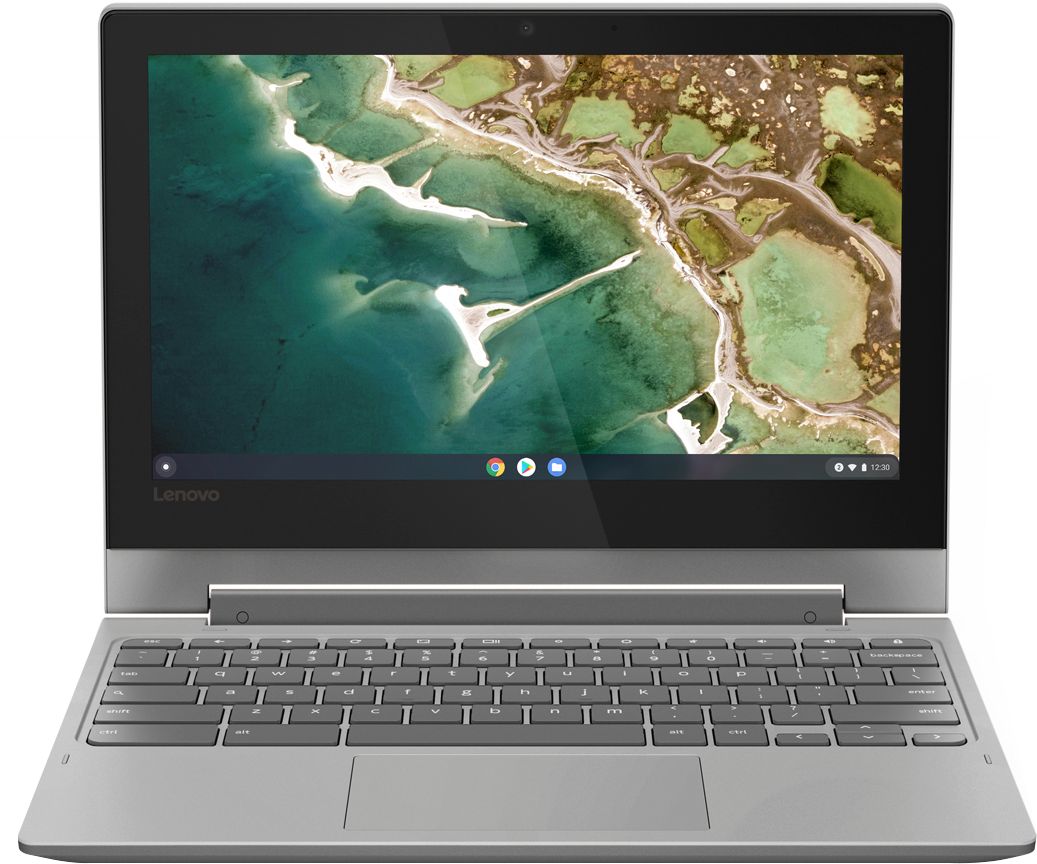
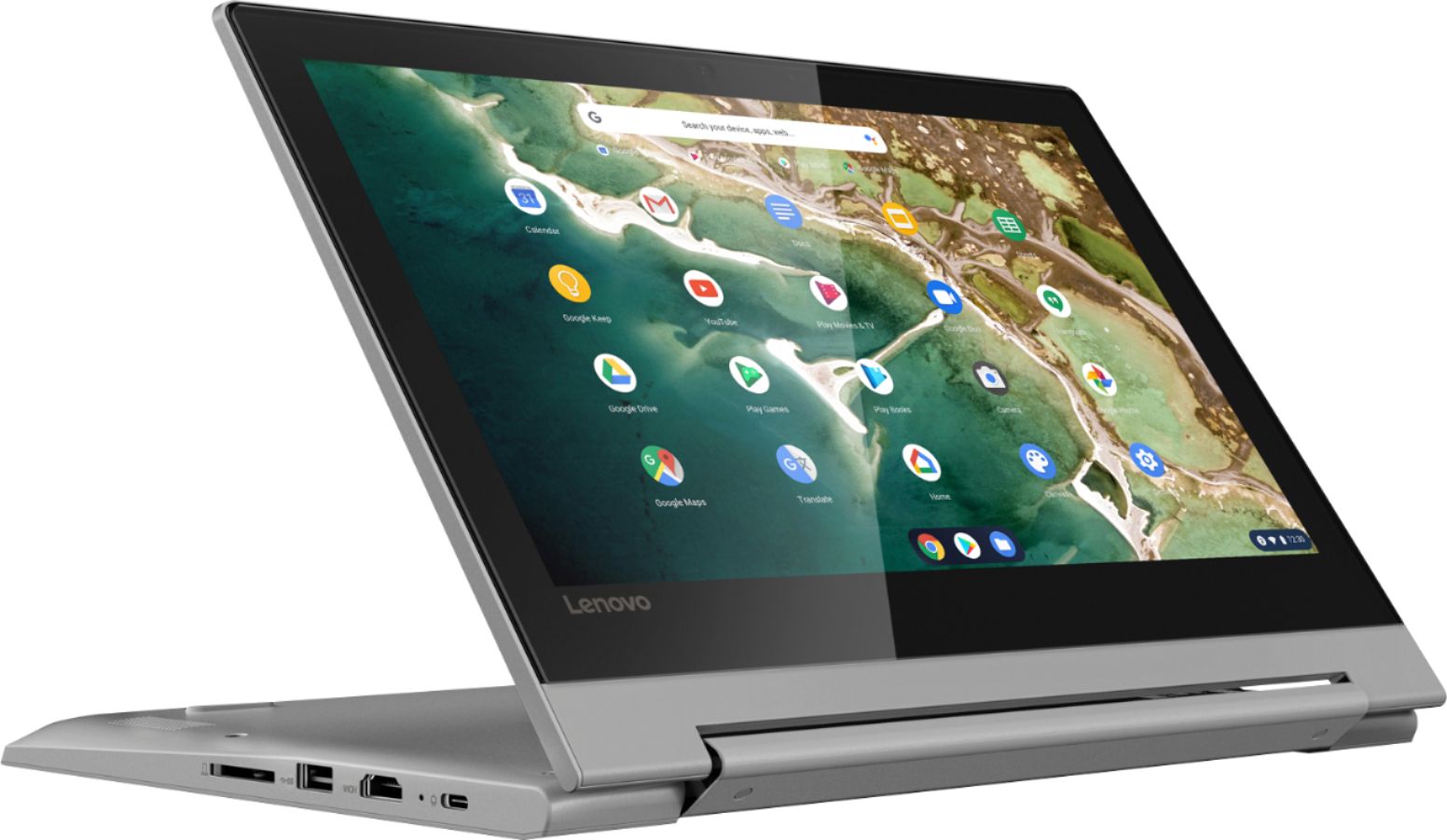
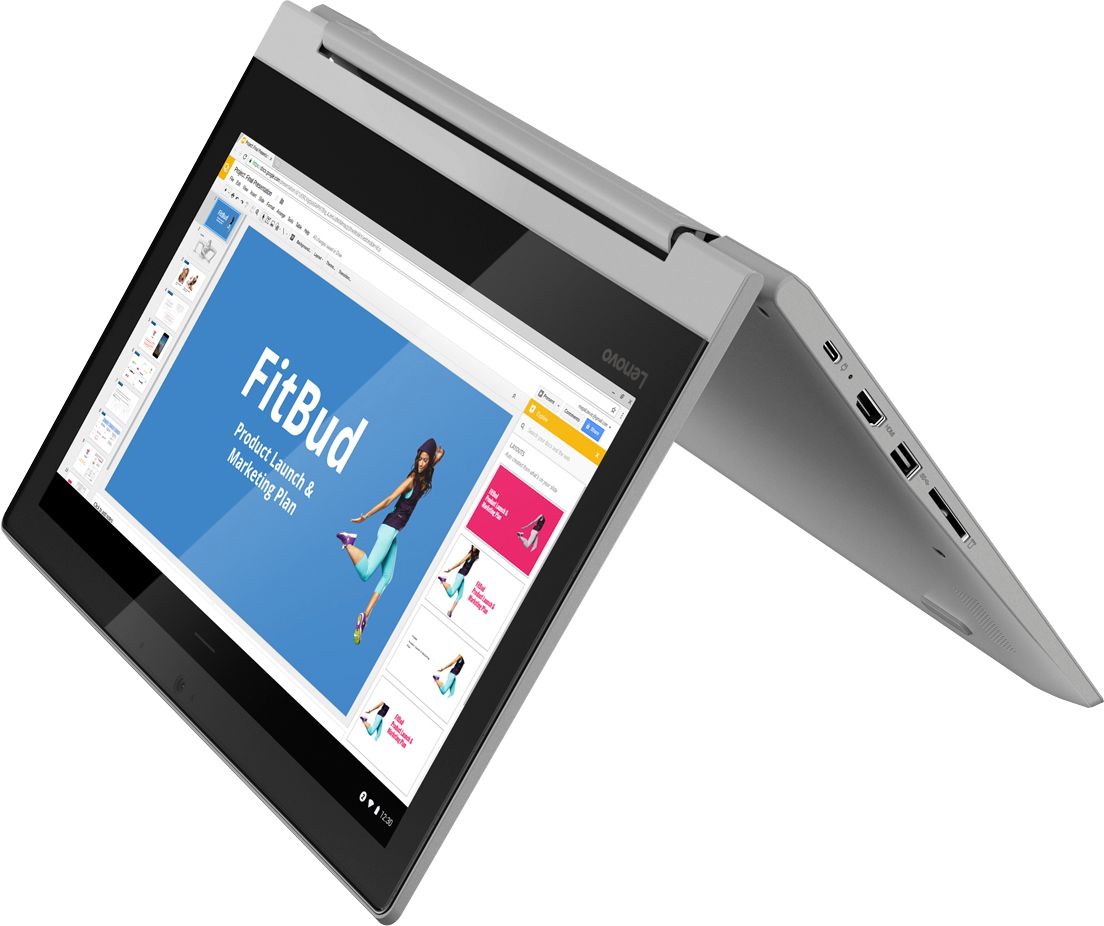
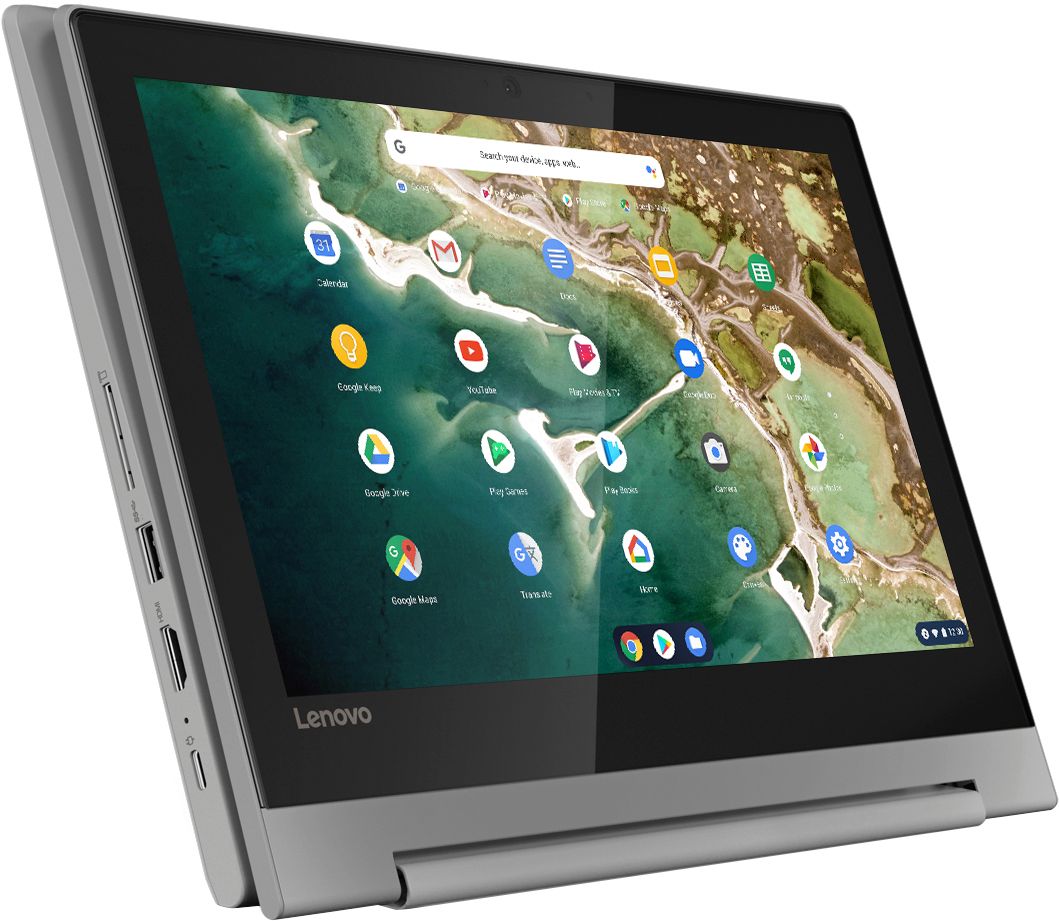
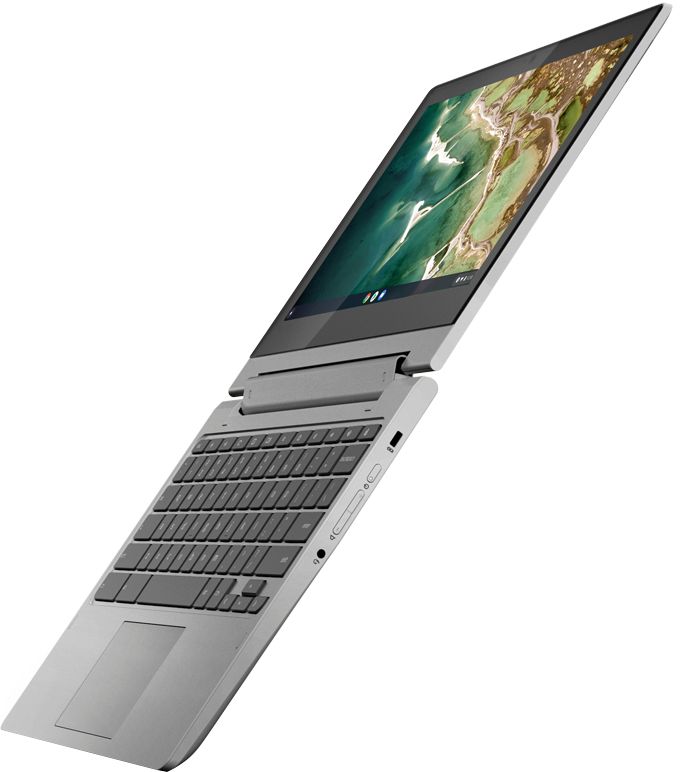
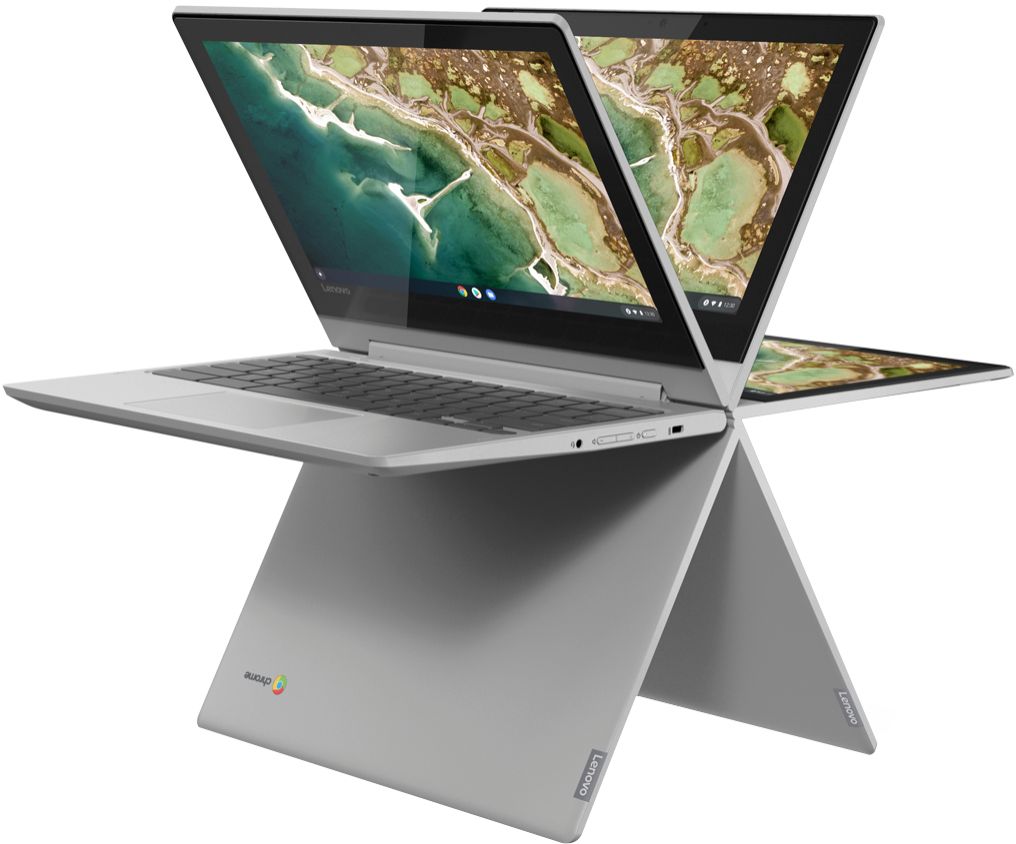
A:AnswerNo. Your iPad uses the iOS Operating System. This Lenovo Chromebook Flex 3 11 uses the Chrome Operating System and is compatible with Google Play Store APPs. Both the function and the specific APPs available on either device will vary depending on the APPs compatibility with a specific operating System. The Chromebook Flex 3 11 does have 360-degree hinges on the screen that allow the user to position the screen either in traditional laptop mode or flip the screen over to use the device in tablet mode. We recommend you check to be sure the APPs you want to use on this Chromebook are available through the Google Play Store.
A:AnswerThat will depend on the requirements and compatibility of the games. The Lenovo Chromebook Flex 3 11 model number 82HG0000US, ships with the Chrome Operating System and is compatible with Google Play Store APPs. We recommend you check with the game's software publisher's web site for their compatibility with the Chrome operating system and the minimum/recommended hardware requirements (Is a Graphics card required, the processor speed and the minimum required system RAM and the minimum available hard drive space) to run their program, then compare those requirements to this system's configuration.
A:AnswerThat really will depend on the software the student will need to use. The Lenovo Chromebook Flex 3 11 ships with the Chrome Operating System and is compatible with Google Play Store APPs. We recommend you check with the specific software publisher's web sites of the software that will be used, for their compatibility with the Chrome operating system and the minimum/recommended hardware requirements (Is a Graphics card required, the processor speed and the minimum required system RAM and the minimum available hard drive space) to run their program, then compare those requirements to this system's configuration.