A:AnswerHello, thanks for your question. That will depend on the system requirements for the game. This is a Chromebook and Runs Chrome OS. We recommend you check with the game's software publisher's web site for their compatibility with the Chrome operating system and the minimum/recommended hardware requirements (Is a Graphics card required, the processor speed and the minimum required system RAM and the minimum available hard drive space) to run their program, then compare those requirements to this system's configuration.
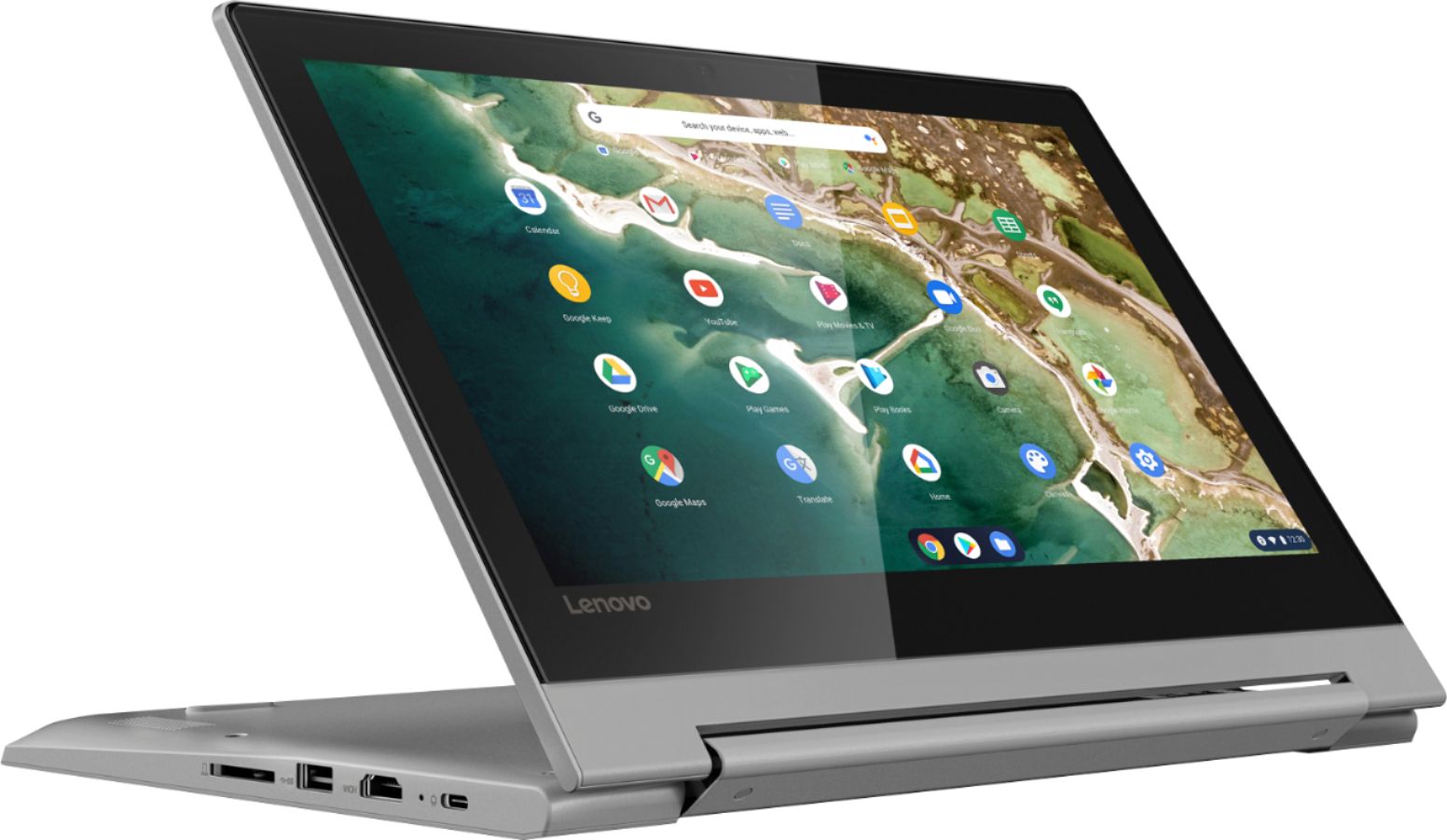
A:AnswerFor the Lenovo Chromebook Flex 3 11 model number 82HG0000US, you will need to use a Micro-SD card, capable of formatting for the Chrome Operating System. Here is a link to more information about using and formatting external memory for the Chrome Operating System: https://www.omgchrome.com/format-sd-card-usb-chromebook/
A:AnswerThat will depend on the requirements and compatibility of the specific game. The Lenovo Chromebook Flex 3 11 model number 82HG0000US, ships with the Chrome Operating System and is compatible with Google Play Store APPs. We recommend you check with the specific game's software publisher's web site for their compatibility with the Chrome operating system and the minimum/recommended hardware requirements (Is a Graphics card required, the processor speed and the minimum required system RAM and the minimum available hard drive space) to run their program, then compare those requirements to this system's configuration.
A:AnswerHi there, Corel WordPerfect Office is not available for Chrome OS but there are a few alternatives with similar functionality. The most popular Chrome OS alternative is WPS Office, which is free. Chromebooks are capable of printing yes.
A:AnswerThat will depend on the requirements and compatibility of the specific APP you want to use. The Lenovo Chromebook Flex 3 11 model number 82HG0000US ships with the Chrome Operating System and is compatible with Google Play Store APPs. We recommend you check with the specific APPs software publisher's web site for their compatibility with the Chrome operating system and the minimum/recommended hardware requirements (Is a Graphics card required, the processor speed and the minimum required system RAM and the minimum available hard drive space) to run their program, then compare those requirements to this system's configuration.
A:AnswerThat will depend on the requirements and compatibility of the APP you want to use. The Lenovo Chromebook Flex 3 11 model number 82HG0000US, ships with the Chrome Operating System and is compatible with Google Play Store APPs. We recommend you check with the specific APPs software publisher's web site for their compatibility with the Chrome operating system and the minimum/recommended hardware requirements (Is a Graphics card required, the processor speed and the minimum required system RAM and the minimum available hard drive space) to run their program, then compare those requirements to this system's configuration. This Chromebook ships with a 720p (HD) webcam and microphone built in.
A:AnswerI'm still researching, but, found this. I'll likely just return mine for a refund, but, haven't decided.
"The ARM-based MediaTek M8173C CPU in your Chromebook does not support 64 bit versions of ChromeOS. The 32 bit version is used for best performance. You cannot update to a 64 bit ChromeOS"
from:
https://support.google.com/chromebook/thread/11589775?hl=en
A:AnswerThe Lenovo Chromebook Flex 3 11 model number 82HG0000US, was first available for sale April, 2020. The specific manufacture date of each Lenovo computer is printed on the outside of the box the computer is shipped in. This model ships with a 3CELL_45WH_INTERNAL, Lithium Polymer Battery, with a battery life of up to 10 hours, depending on the work the device is performing.
A:AnswerThat will depend on the requirements and compatibility of the software you want to use. The Lenovo Chromebook Flex 3 11, model number 82HG0000US, ships with the Chrome Operating System and is compatible with Google Play Store APPs. We recommend you check with the specific software publisher's web site for their compatibility with the Chrome operating system and the minimum/recommended hardware requirements (Is a Graphics card required, the processor speed and the minimum required system RAM and the minimum available hard drive space) to run their program, then compare those requirements to this system's configuration.
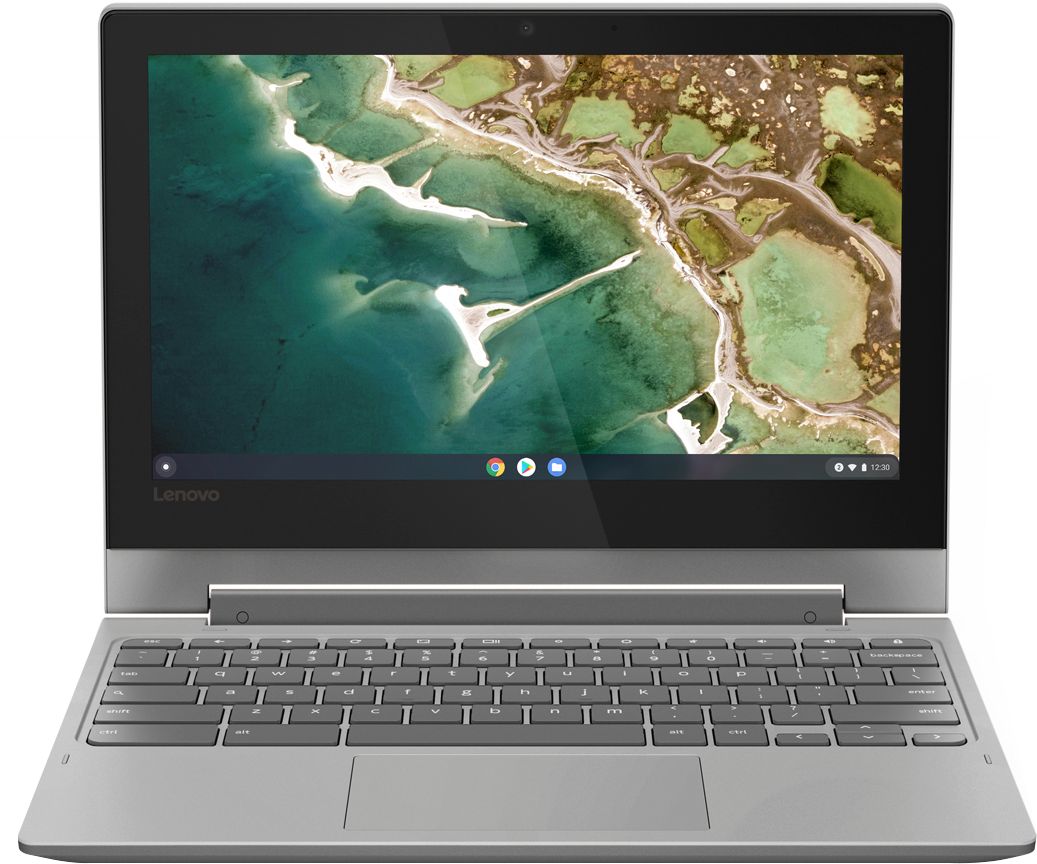
A:AnswerThe Lenovo Chromebook Flex 3 11 ships with a 11.6-Inch (screen size measured diagonally) TN (matte finish) LCD w/LED Backlight screen, with a resolution of 1366 X 768 (HD) and a brightness of 250 nits.
A:AnswerThat will depend on the requirements and compatibility of your printer. The Lenovo Chromebook Flex 3 11 ships with the Chrome Operating System. Here is a link to instructions for pairing a compatible printer to a Chromebook: https://support.google.com/chromebook/answer/7225252?hl=en. We recommend you check with your printer manufacturer for the compatibility of your specific model printer to the Chrome Operating System.
A:AnswerThe Lenovo Chromebook Flex 3 11 model number 82HG0000US, ships with a 11.6-Inch (screen size measured diagonally) TN (matt finish), LCD w/LED Backlight screen, with a resolution of 1366 X 768 (HD) and a brightness level of 250 nits.
A:AnswerChrome OS (operating system) uses Google and Google products, like gmail, Google docs, etc. Everything is saved to your Gmail account for account storage and able to use on different devices just by logging in with your gmail account. Quite convenient. Windows OS (operating system) is Microsoft products; like Microsoft Edge, Microsoft Suite (outlook, word, excel, PowerPoint, etc). Hope this helps.
A:AnswerThe lifespan of a device begins from its initial launch date. The specific lifespan varies between devices and operating systems, but Google tends to support Chrome OS devices for about 6.5 years following its public release date. The Lenovo Chromebook Flex 3 11 was first available for sale on April, 2020.
A:AnswerThe lifespan of a device begins from its initial launch date. The specific lifespan varies between devices and operating systems, but Google tends to support Chrome OS devices for about 6.5 years following its public release date. The Lenovo Chromebook Flex 3 11 was first available for sale on April, 2020.
A:AnswerThe lifespan of a device begins from its initial launch date. The specific lifespan varies between devices and operating systems, but Google tends to support Chrome OS devices for about 6.5 years following its public release date. The Lenovo Chromebook Flex 3 11 was first available for sale on April, 2020.
A:AnswerThis is a Chromebook. It uses Google Docs for office type programs. Google Docs is completely compatible with Microsoft Office Programs and this is a free service through the Google Server. If you must have the actual Microsoft Office Programs, you can purchase Microsoft Office 365 for this Chromebook at the Google Play Store.
A:AnswerThe lifespan of a device begins from its initial launch date. The specific lifespan varies between devices and operating systems, but Google tends to support Chrome OS devices for about 6.5 years following its public release date. The Lenovo Chromebook Flex 3 11 was first available for sale on April, 2020.