A:AnswerHey Natty,
This will depend on the system requirements of the specific, individual titles you wish to play. We recommend you check the software publisher’s website for their recommended requirements to run their software, then compare those requirements to this system's configuration/specifications to help determine compatibility. This would also be beneficial for the driving accessories you wanted to use as well. If you'd like help with this process, you can post another question including more details and we'd be happy to assist you more precisely.
Please feel free to reach out to us with any other questions!
A:AnswerHey Diana,
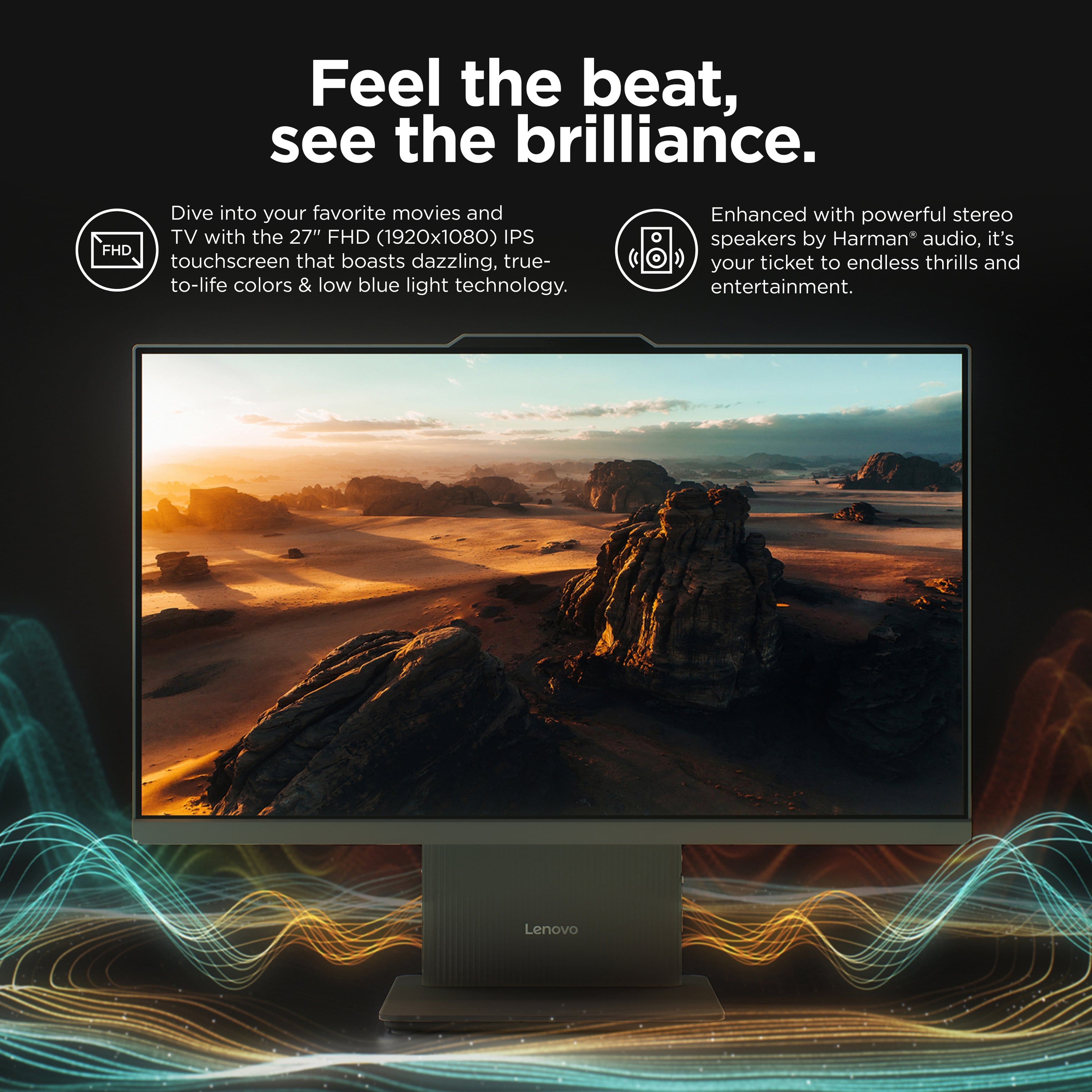
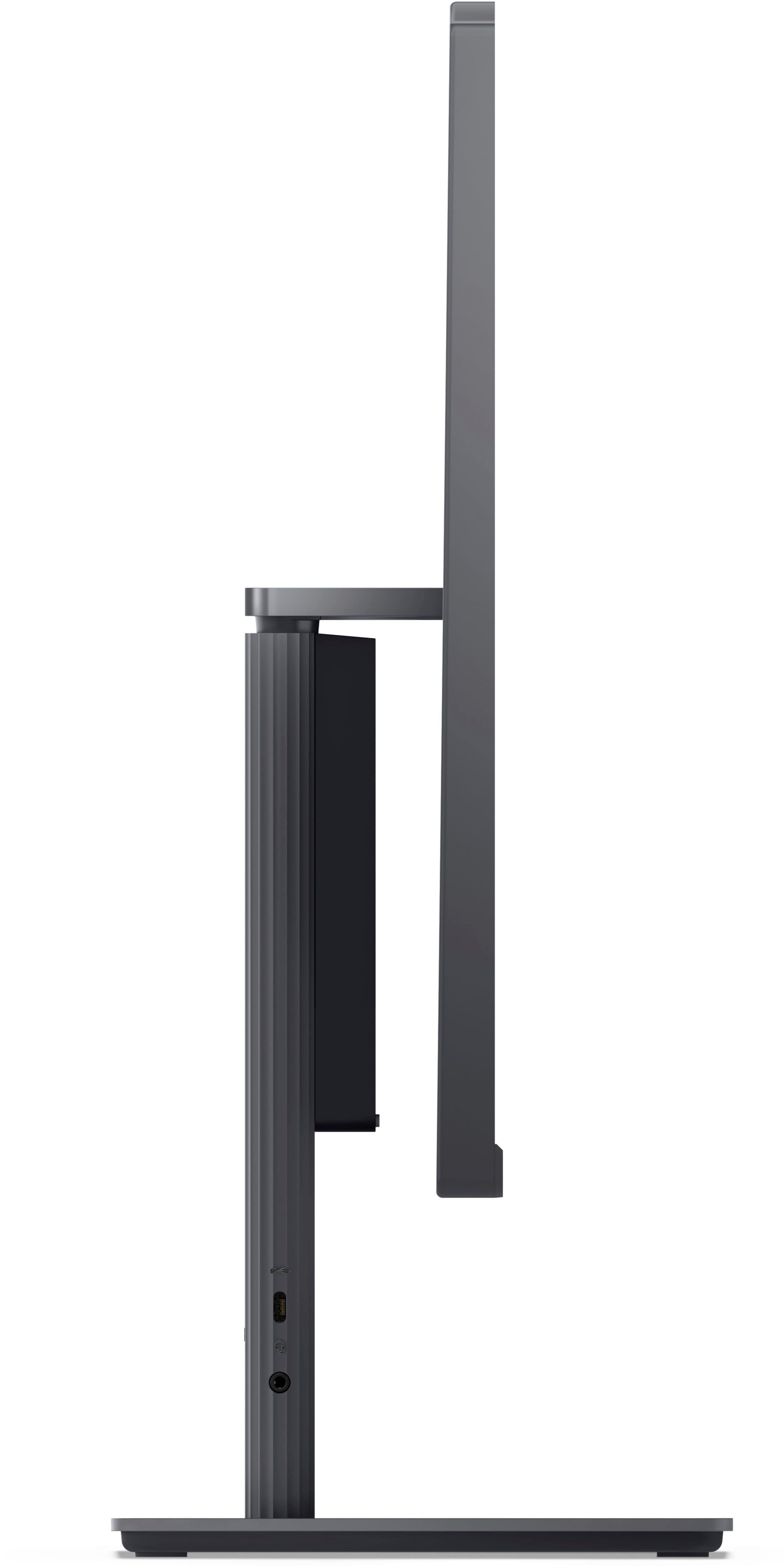
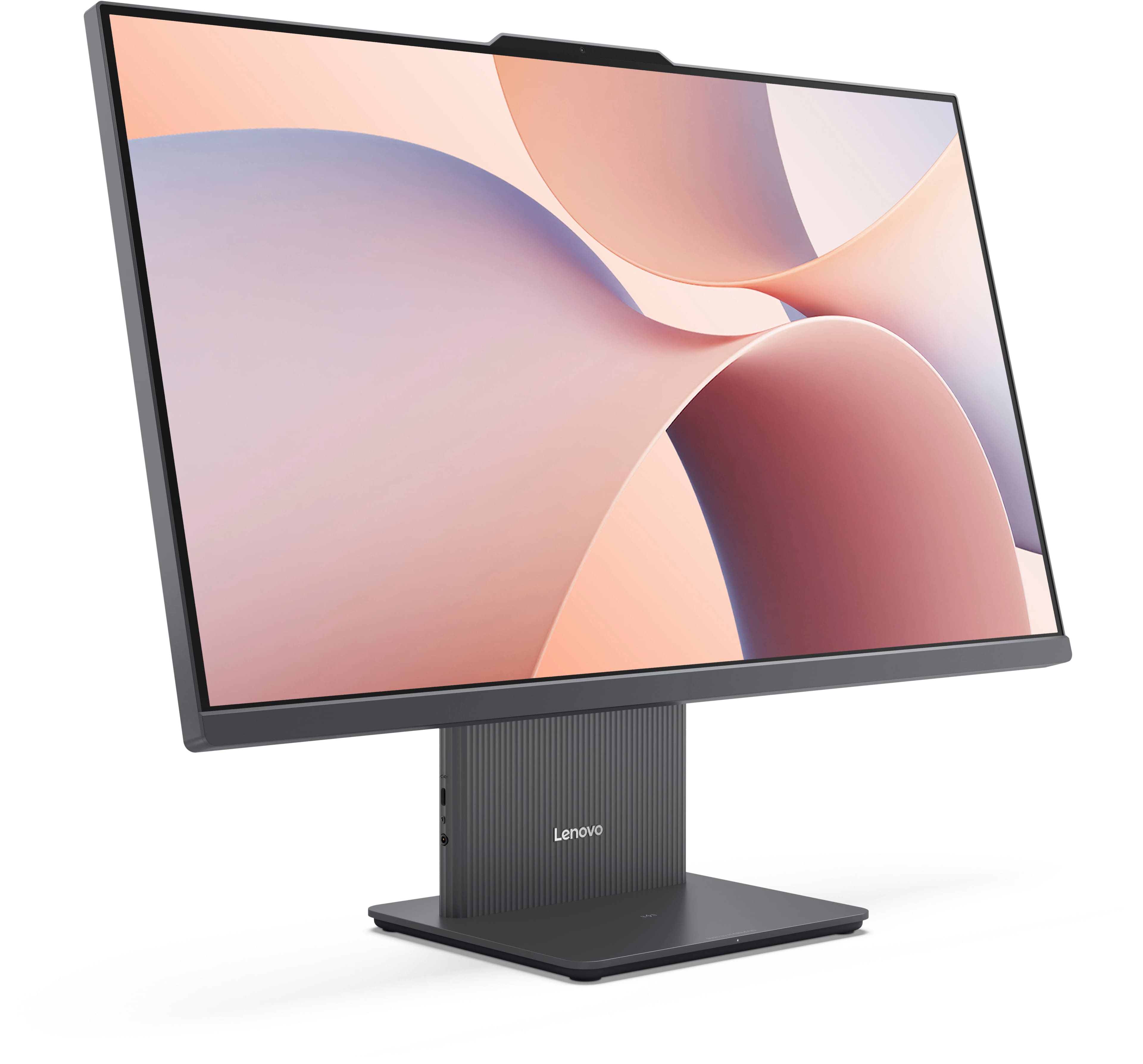
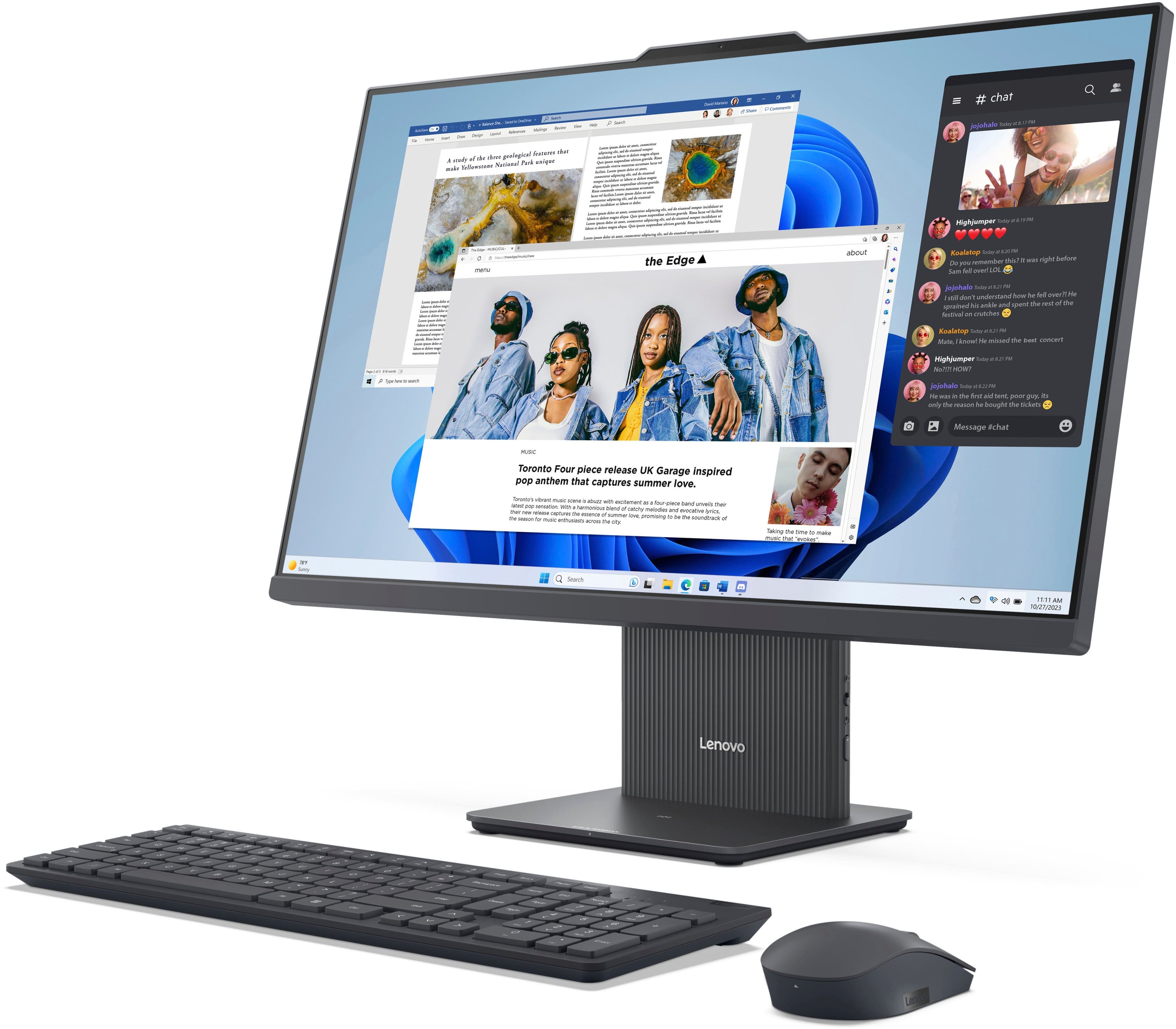
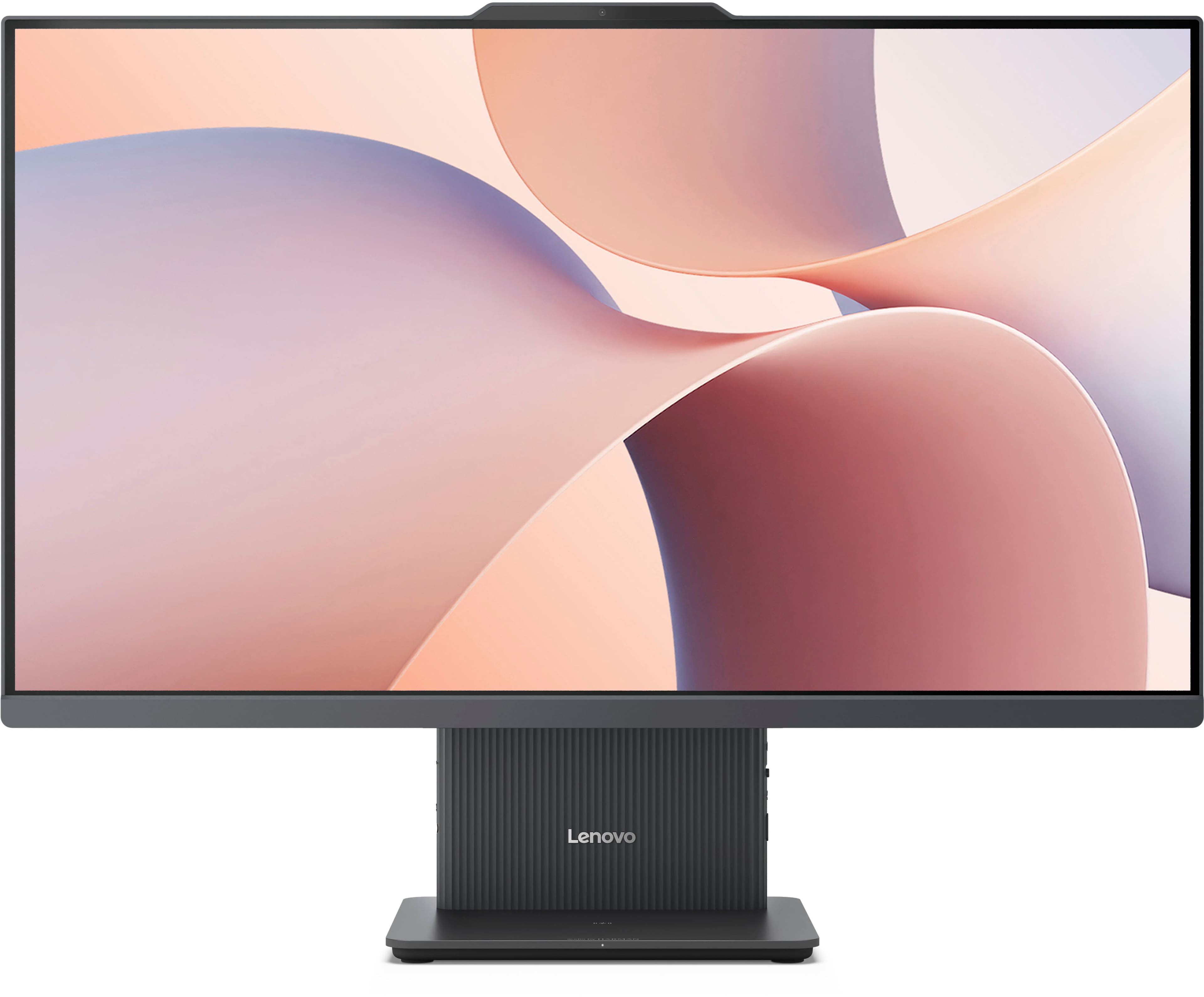
This IdeaCentre AIO 27 features an HDMI-in port, so upon connecting an external device via HDMI, the display will automatically change the displayed content from the All-In-One itself to the external device output.
Please feel free to reach out to us with any other questions!
A:AnswerHey Drew,
This IdeaCentre AIO 27" features an HDMI output port to connect to an external monitor for a dual screen setup.
Please feel free to reach out to us with any other questions!
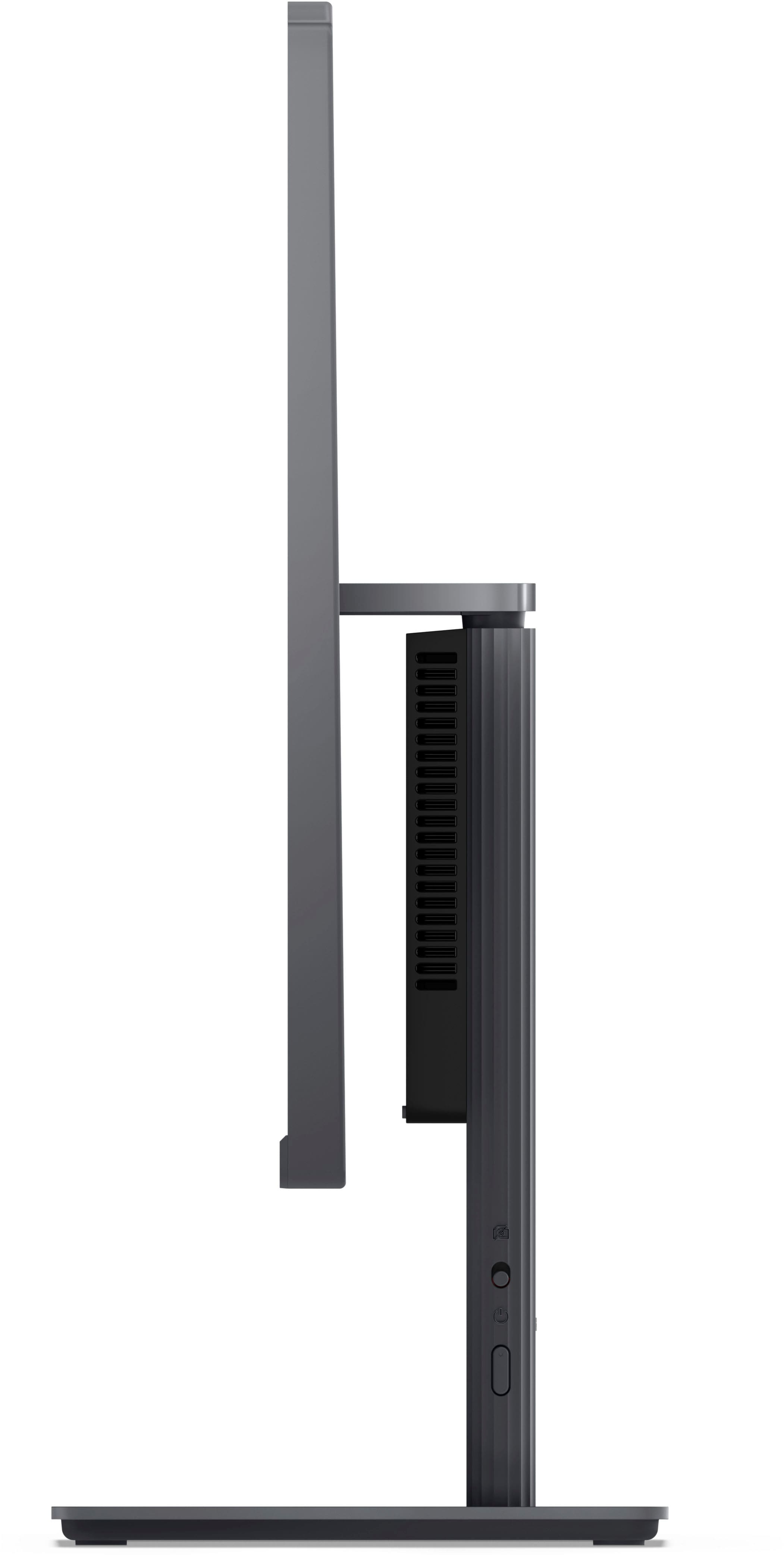
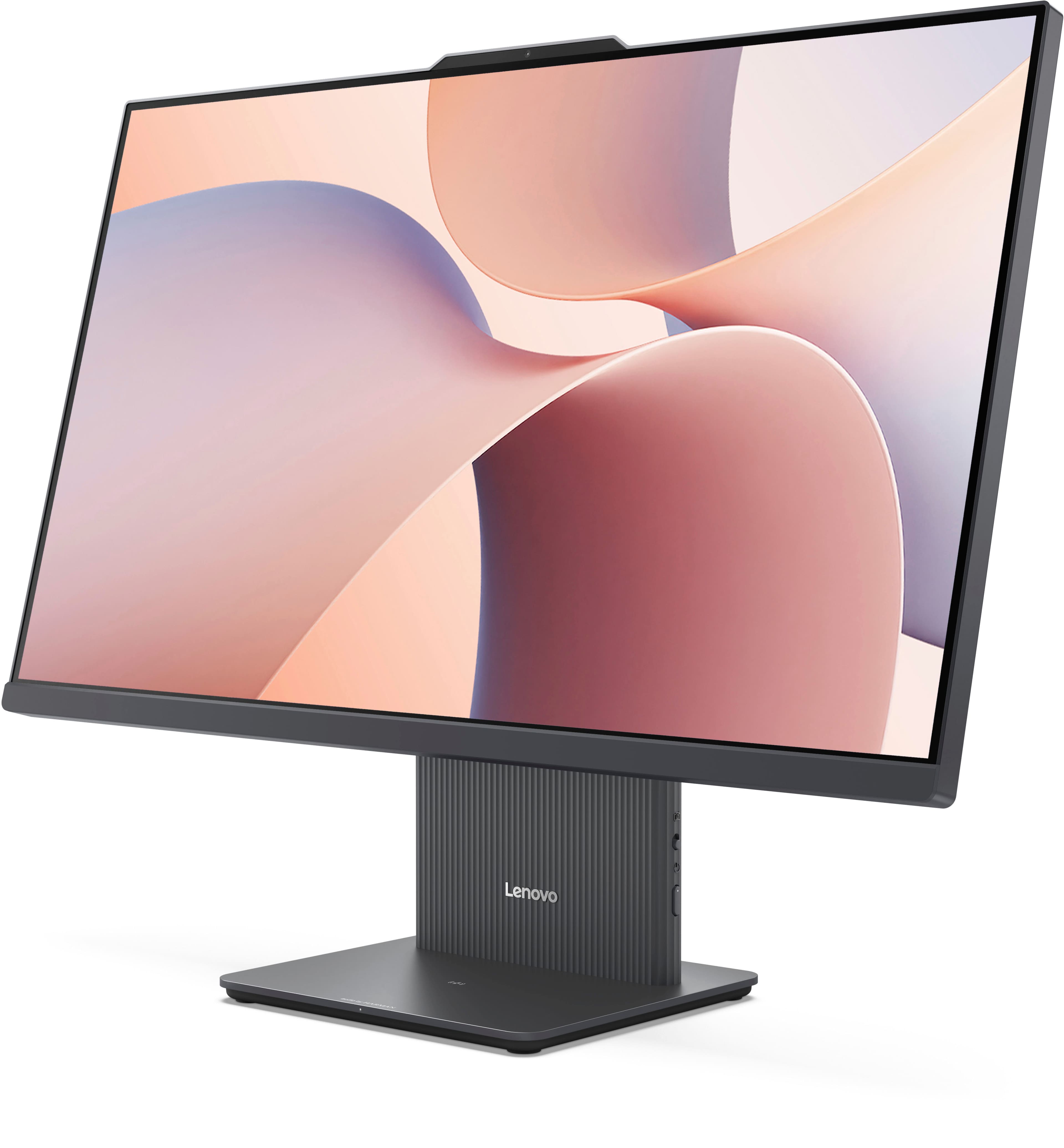
A:AnswerI wonder about that too. But it DOES seem that the screen shuts off after you have clicked the button on the right side of the "stand" twice--click twice. Best I can say!
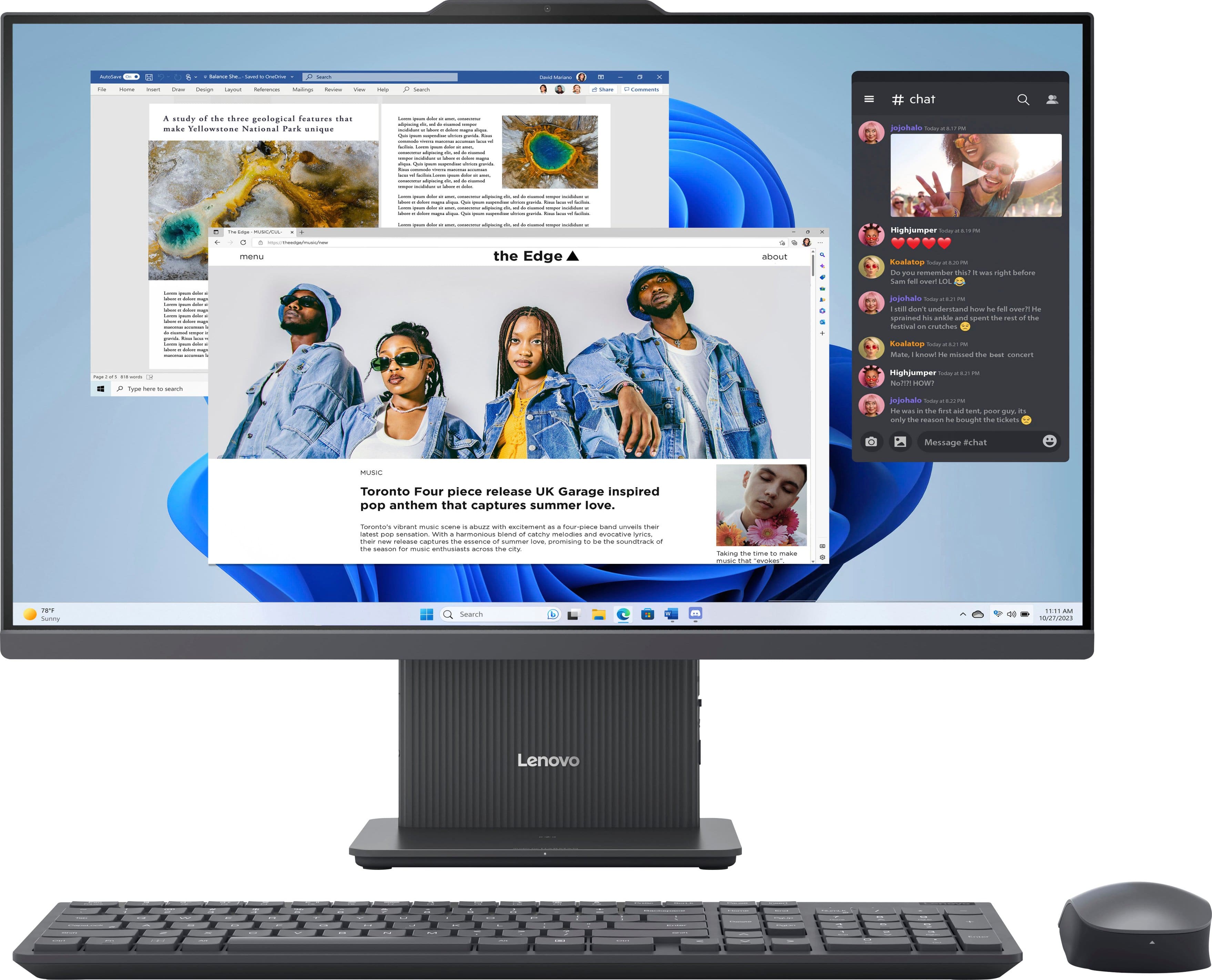









![A study of the three geological cores that make Tellowseas National Park site that
Toronto Four piece release UK Garage Inspired pop anthem that captures summer love.
#chat
- [Various chat messages and comments]
- [Image of a child with a caption]
- [Image of a child with a caption]
- [Image of a child with a caption]
- [Image of a child with a caption]
- [Image of a child with a caption]
- [Image of a child with a caption]
- [Image of a child with a caption]
- [Image of a child with a caption]
- [Image of a child with a caption]
- [Image of a child with a caption]
- [Image of a child with a caption]
- [Image of a child with a caption]
- [Image of a child with a caption]
- [Image of a child with a caption]
- [Image of a child with a caption]
- [Image of a child with a caption]
- [Image of a child with a caption]
- [Image of a child with a caption]
- [Image of a child with a caption]
- [Image of a child with a caption]
- [Image of a child with a caption]
- [Image of a child with a caption]
- [Image of a child with a caption]
- [Image of a child with a caption]
- [Image of a child with a caption]
- [Image of a child with a caption]
- [Image of a child with a caption]
- [Image of a child with a caption]
- [Image of a child with a caption]
- [Image of a child with a caption]
- [Image of a child with a caption]
- [Image of a child with a caption]
- [Image of a child with a caption]
- [Image of a child with a caption]
- [Image of a child with a caption]
- [Image of a child with a caption]
- [Image of a child with a caption]
- [Image of a child with a caption]
- [Image of a child with a caption]
- [Image of a child with a caption]
- [Image of a child with a caption]
- [Image of a child with a caption]
- [Image of a child with a caption]
- [Image of a child with a caption]
- [Image of a child with a caption]
- [Image of a child with a caption]
- [Image of a child with a caption](https://pisces.bbystatic.com/image2/BestBuy_US/images/products/4964021c-69e1-479b-82d6-e47a817e71a6.jpg)

![A study of the three geological features that make Villette National Park unique
the Edge Garage inspired
Toronto Four piece release USE
#chat
[Various chat messages and comments]](https://pisces.bbystatic.com/image2/BestBuy_US/images/products/3e16f24d-0580-4f0d-86cd-0947b7582da6.jpg)