A:AnswerYou can get steam for it but don’t expect many games to run good or at all. This isn’t a laptop for games. This laptop has no dedicated GPU and won’t run anything more than possibly Minecraft.
A:AnswerThis system uses 5G 802.11AC WiFi. It is the latest and fastest WiFi available. You can update drivers for WiFi installed on this device by using the Lenovo Utility software on this device. Also be sure your router firmware is up to date. Check your router manufacturer's web site for firmware updates for your specific router model. This system has Lenovo utilities installed to help maintain the health of the device and keep the operating system software up to date. Type "Lenovo Vantage" in the Cortana Search window (if Lenovo Vantage is not installed on your device, you can download the APP and install it now). Select Lenovo Vantage from the list. In the window that opens, click on "Health and Support". In the expanded menu, select "Hardware Scan" In the window that opens, select "Run Quick Tests". This will scan your entire system for errors. Follow any directions that may pop up. If the problem continues after this scan, now click on "System Update". First select Windows update from the menu. Scan your system to be sure you have the latest version of Windows 10. Once that scan is complete, select "Additional Updates". This will scan your device to be sure there are no new BIOS/Driver updates needed. Follow any instructions that may pop up. If the issue still continues after these updates, we recommend you call Lenovo Tech Support at: 877-453-6686 for additional help.
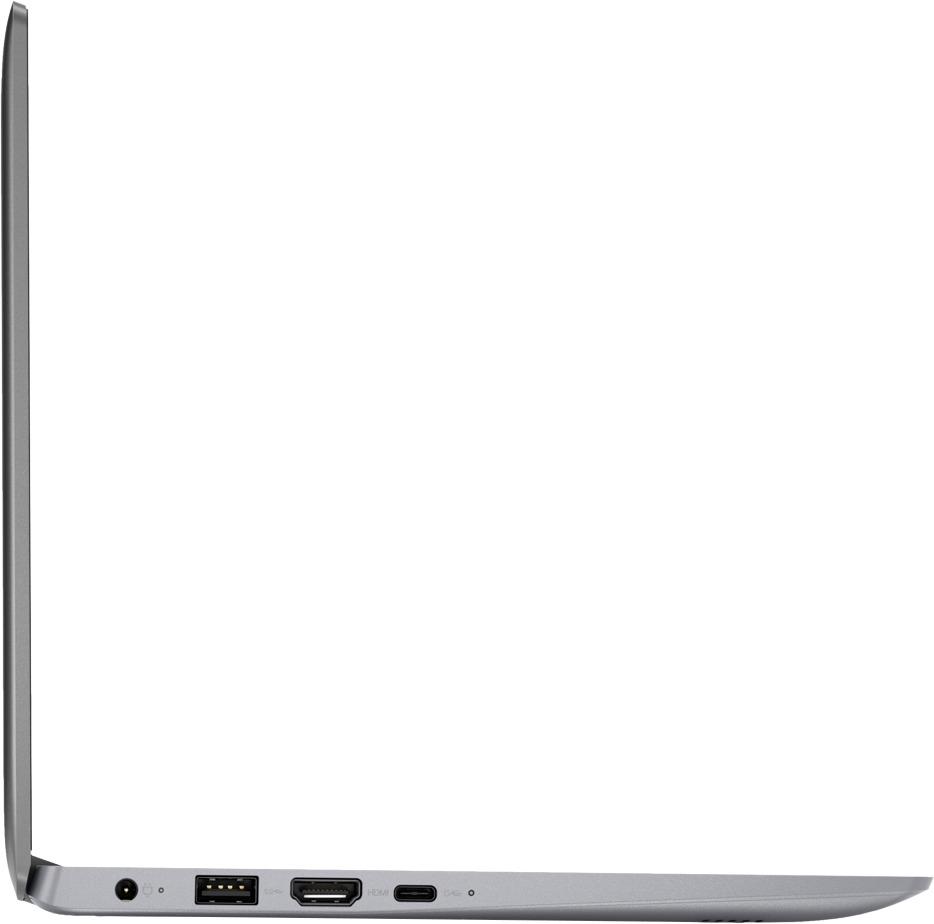
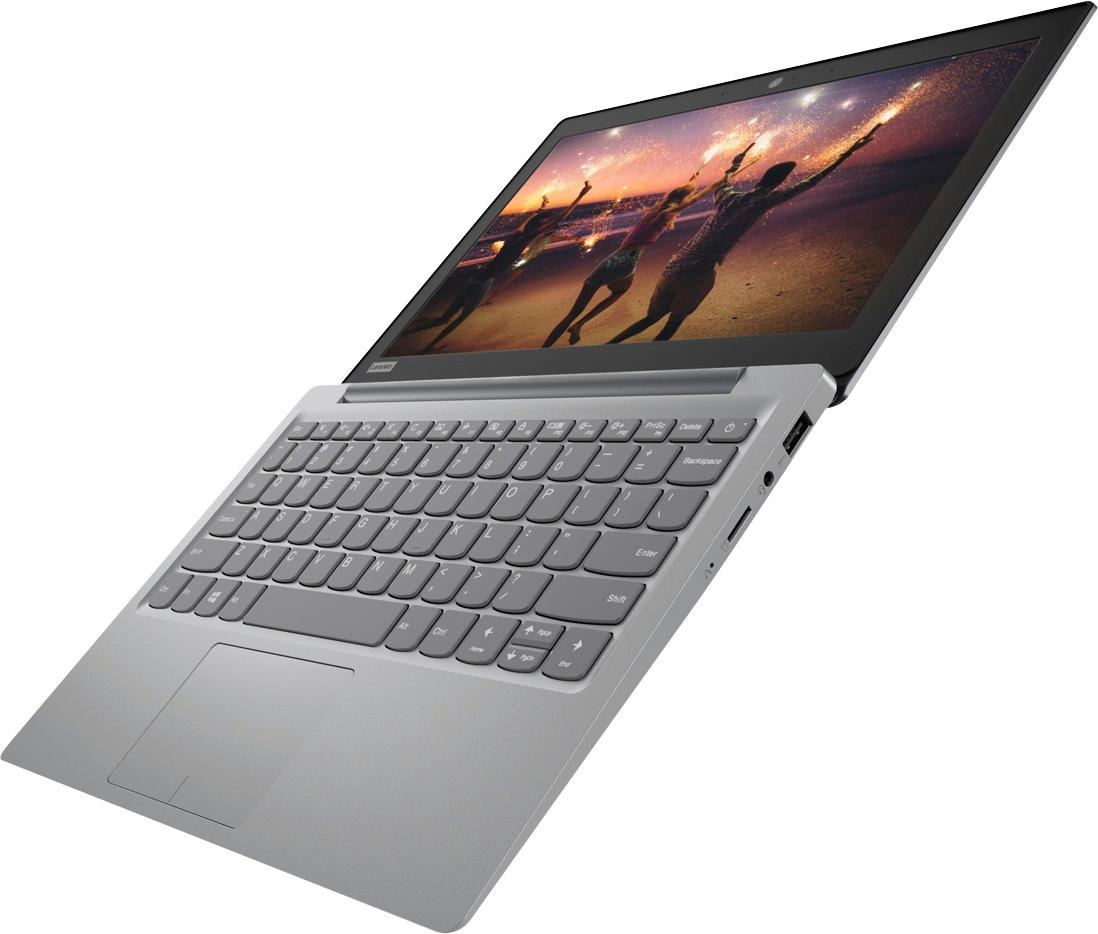
A:AnswerThere is a small slot on the left side of the PC which will accommodate a micro SD card. You can also use a card adapter that plugs into a USB port, but you can't insert a full size SD card.
A:AnswerNo, this model does not have a CD/DVD drive built in. You can use an external CD/DVD drive with this device by plugging in to a USB port on the computer.
A:AnswerThat will depend on the requirements and compatibility of the specific VPN software you will need to use. We recommend you check with the software publisher's web site for their compatibility with Windows 10 Home 64-bit operating system and the minimum/recommended hardware requirements (Is a Graphics card required, the processor speed and the minimum required system RAM and the minimum available hard drive space) to run their program, then compare those requirements to this system's configuration.
A:AnswerPowerSource [UL Listed] 45W 7Ft Extra Long AC-Adapter-Charger for Lenovo-IdeaPad-100S 100 110 110S 120 120S 310 320 510 510S 520 710S Chromebook-N22 N23 N42 Yoga 710 Flex 4 5 Laptop Power-Supply Cord. Got this from Amazon, but it only lasted 30 days. Just purchased the AC Adapter with USB Port and the Belkin USB to Type A USB cable. I found a less expensive USB Type C to Type A USB cable on Amazon. Paid $32 for the Belkin USB Type C to Type A USB cable tax included.
Also, there is an Insignia brand USB Type C to Type A USB cable in the product catalog.
A:AnswerThe laptop has 2.4ghz and 5Ghz wireless card. So yes it will. It also has 2 usb on it to. Setting it up right is all you need to do, and mostly just automatic on windows. Just connect to your WiFi and search for printers on your network.
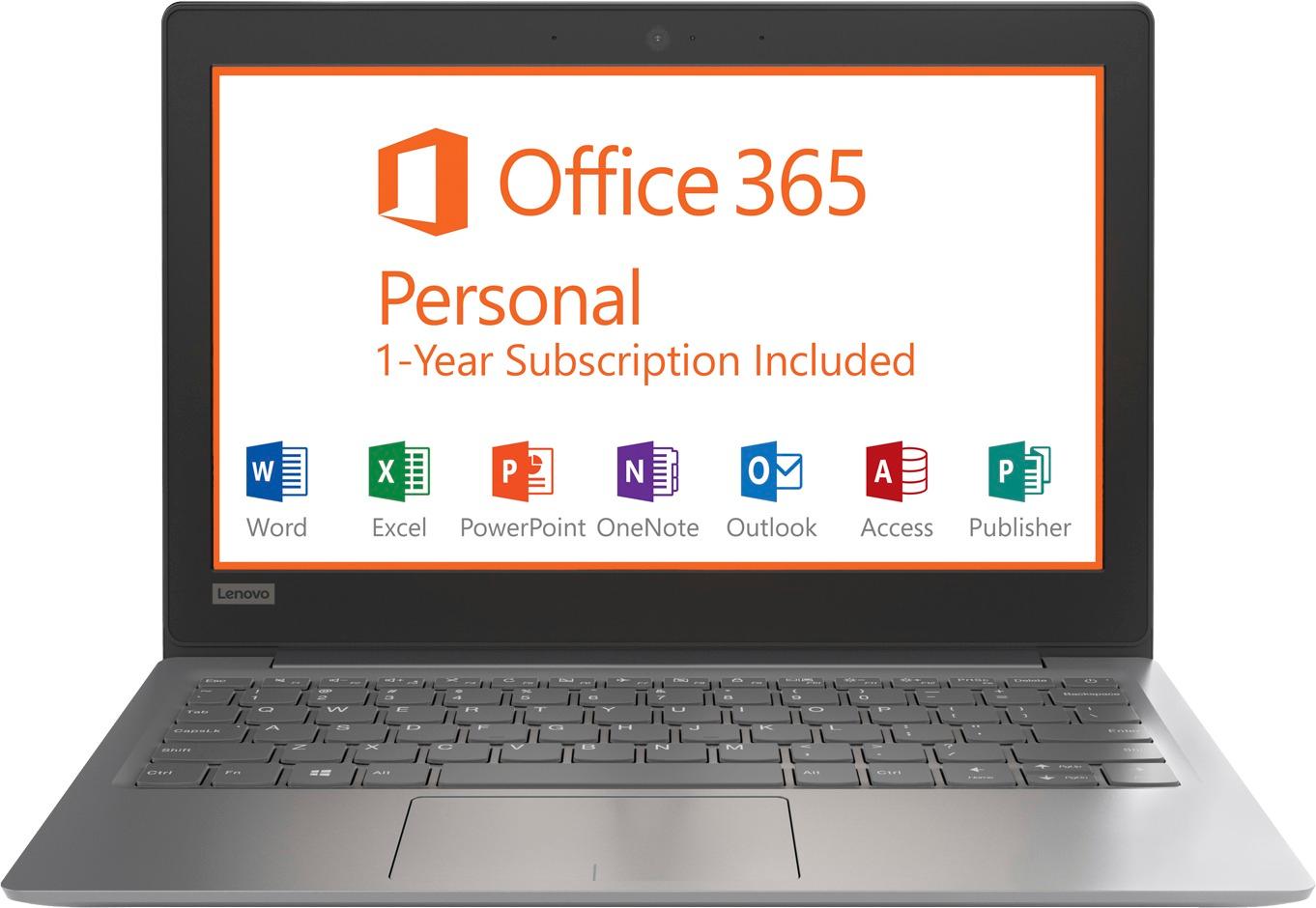
A:AnswerGet Office Libre it is an open source Office suit that does everything Microsoft office does, and more. And it’s free from the open source community at http://libreoffice.org don’t waste money on Microsoft office when this does exactly what MS Office does.