A:AnswerIt will depend on the requirements of the software you want to run. We recommend you check with the software publisher's web site for their compatibility with Windows 10 Home 64-bit operating system and the minimum/recommended hardware requirements (Is a Graphics card required, the processor speed and the minimum required system RAM and the minimum available hard drive space) to run their program, then compare those requirements to this system's configuration.
A:AnswerThe laptop is cheap but it is not going to accomplish your job smoothly because it has only 2GB of RAM! if you need my advice, add $200 more and get this one:
HP - 15.6" Touch-Screen Laptop - Intel Core i3 - 8GB Memory - 1TB Hard Drive - Jet black, woven texture pattern. Best buy has $50 on this one.
A:AnswerUnmute the laptop. Or go into sound settings and check the settings there. As a last resort, go on the web and install audio driver software for windows 10. Maybe you need to install all of the windows upgrades?
A:AnswerBe sure the laptop audio is turned on. Use the HotKey in the F1 position to turn on/off the audio on the laptop. The use the Hotkey in the F3 position to increase the audio volume on the laptop. If this doesn't fix the issue, we recommend you call Lenovo Tech Support at: 877-453-6686.
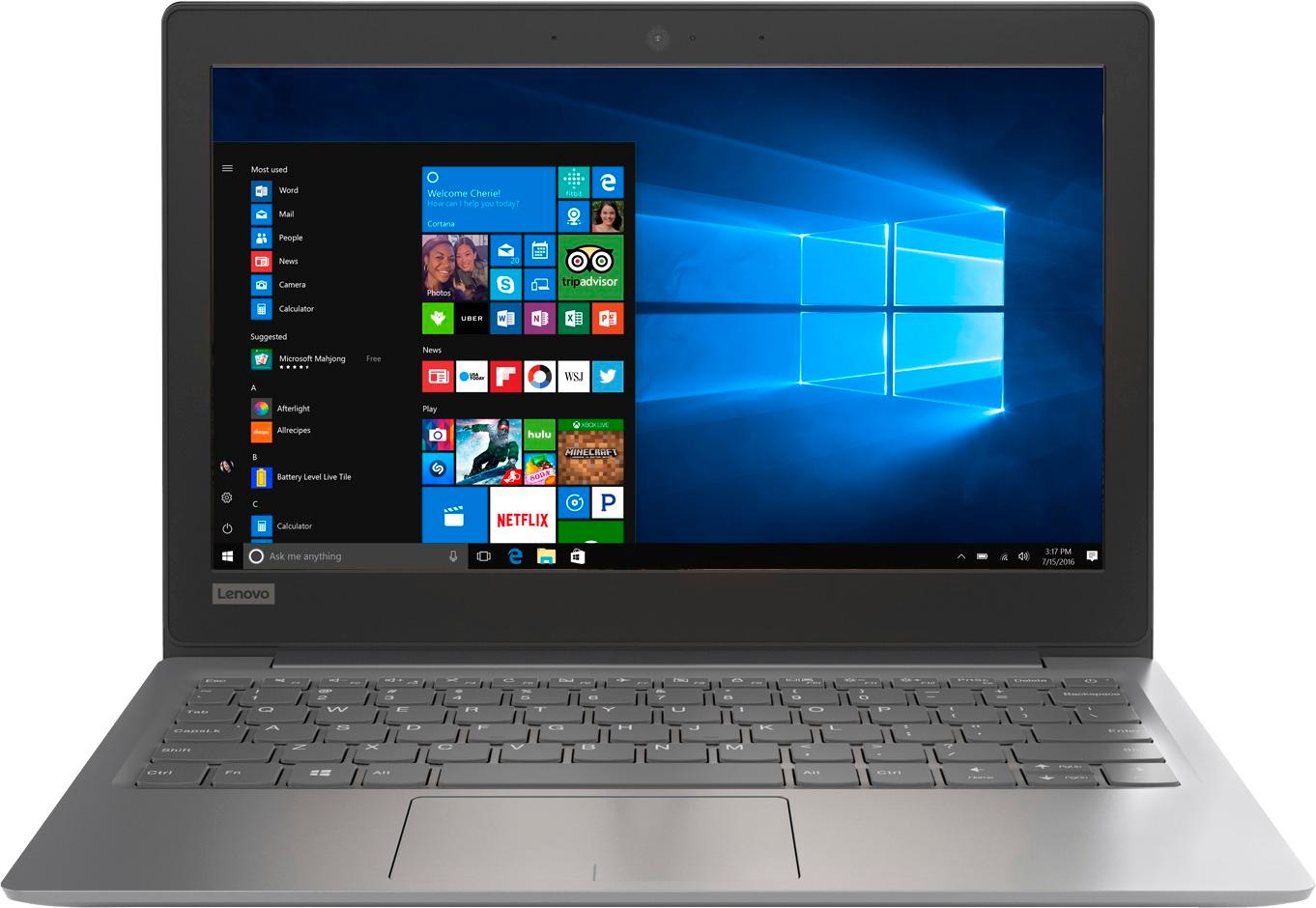
A:AnswerThis model has integrated graphics processing within the Intel Celeron N3350 processor. It is the Intel HD Graphics 500 version. There is no discrete graphics card within this configuration.
A:AnswerThat will depend on the requirements and compatibility of the software. We recommend you check with the software publisher's web site for their compatibility with Windows 10 Home 64-bit operating system and the minimum/recommended hardware requirements (Is a Graphics card required, the processor speed and the minimum required system RAM and the minimum available hard drive space) to run their program, then compare those requirements to this system's configuration.
A:AnswerIt doesn't come with an SD card.
If you mean the 32 GB eMMC hard drive. That is not removable or replaceable unless you are handy with a soldering iron.
A:AnswerThat will depend on the requirements and compatibility of the software. We recommend you check with the software publisher's web site for their compatibility with Windows 10 Home 64-bit operating system and the minimum/recommended hardware requirements (Is a Graphics card required, the processor speed and the minimum required system RAM and the minimum available hard drive space) to run their program, then compare those requirements to this system's configuration.
A:AnswerYes! sign up for a Microsoft account and download some games from the app but it don't have a big hard drive so buy a external hard drive to store some of the games. Enjoy!
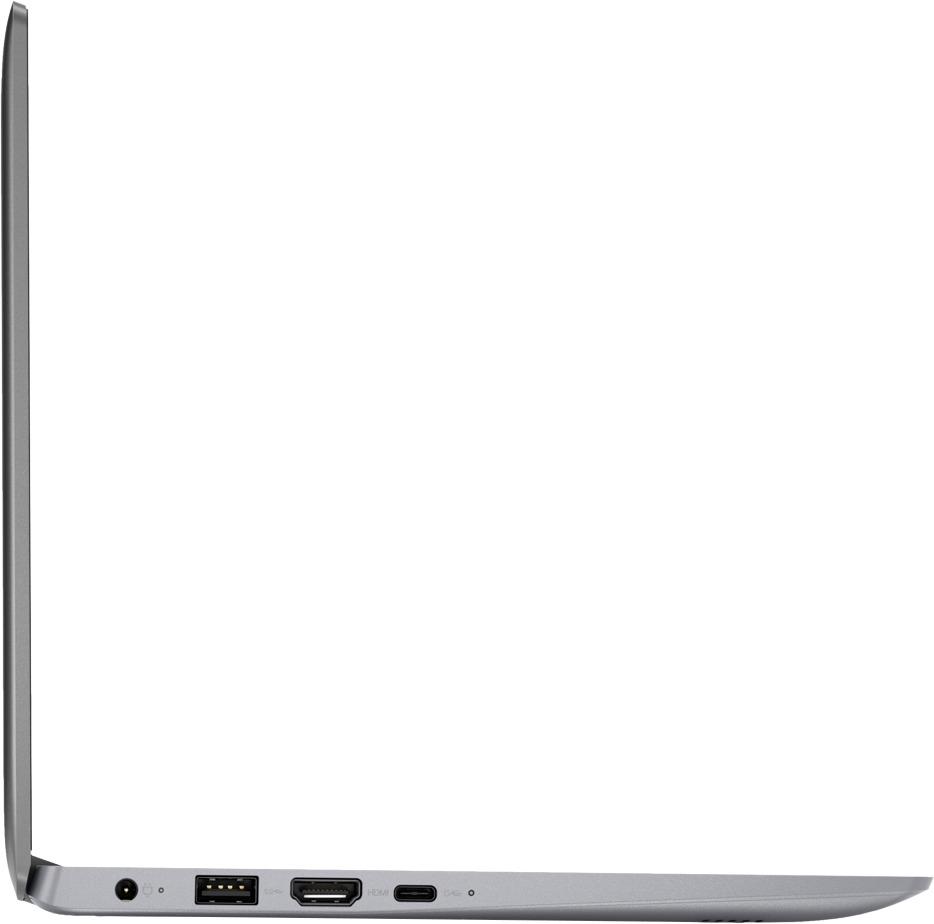
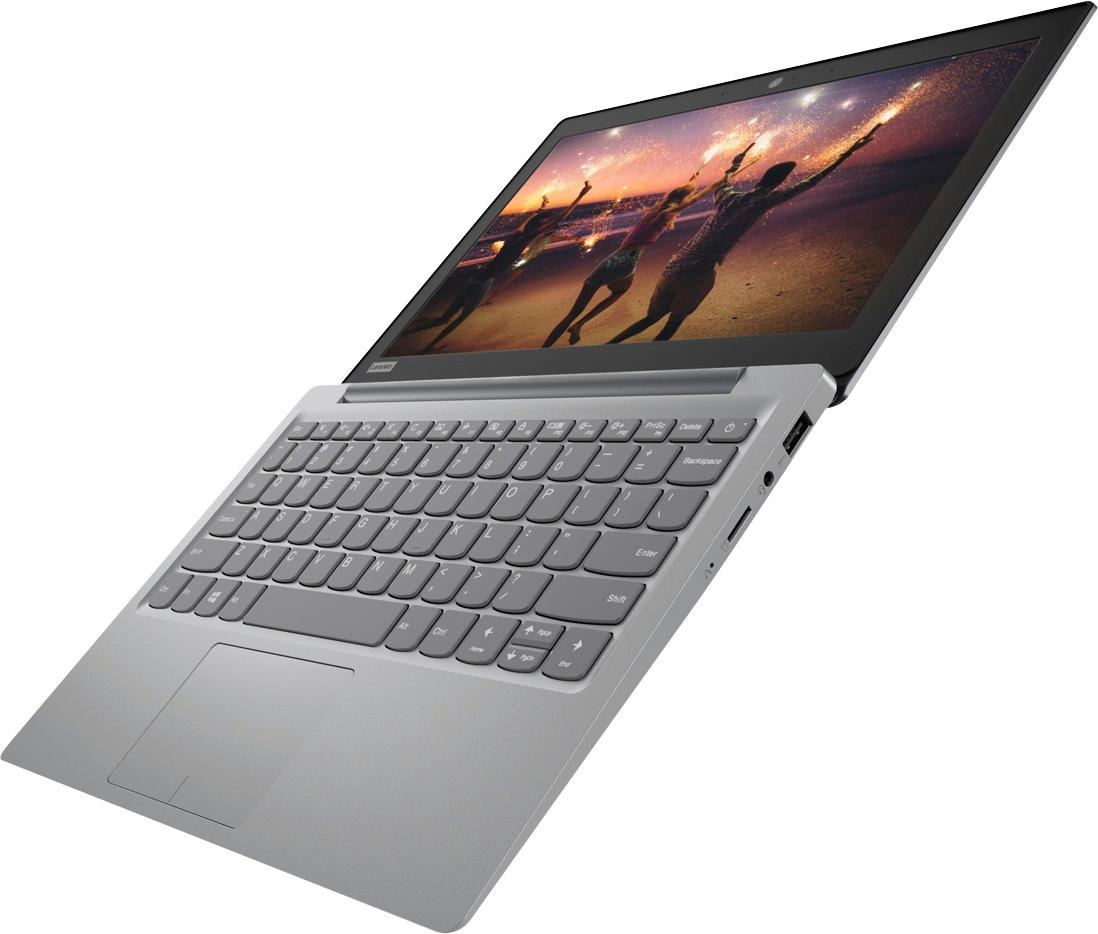
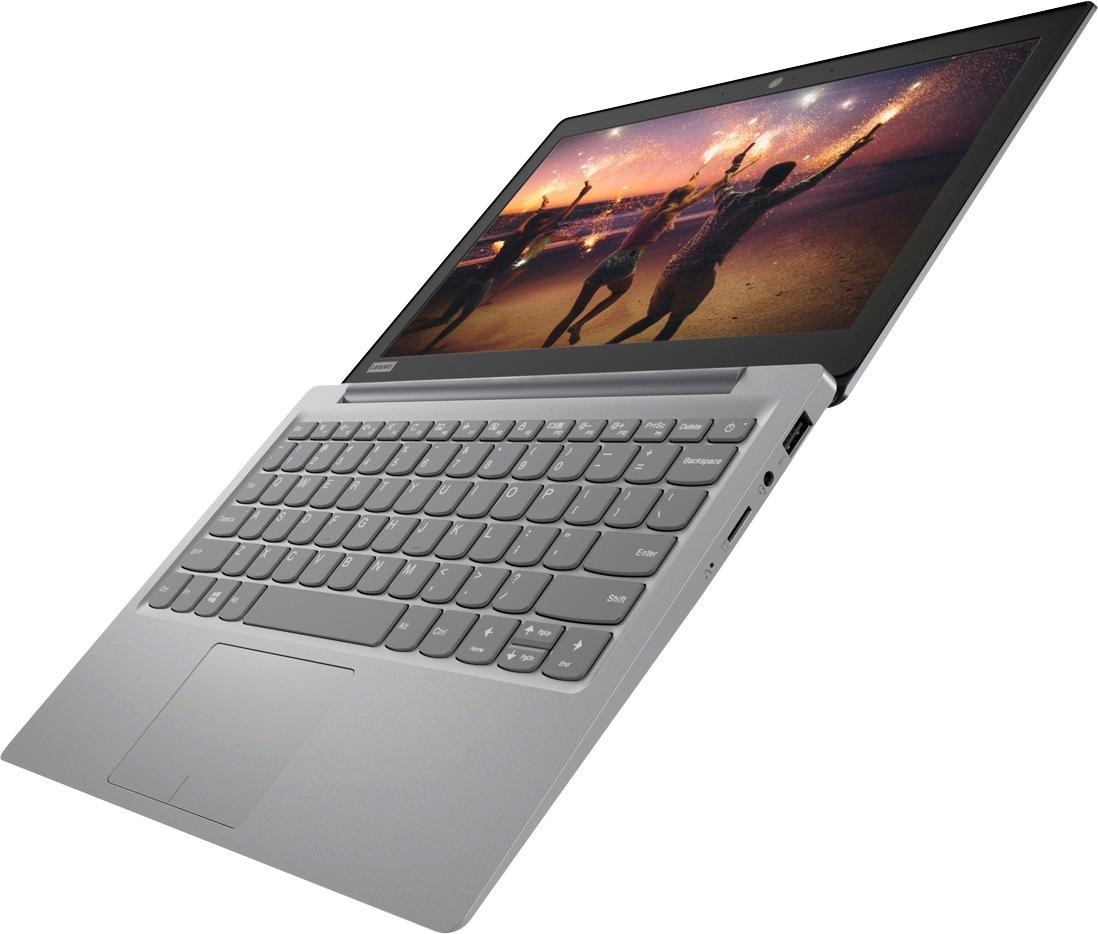
A:AnswerThere is low voltage at the USB ports, not enough to charge another device, but it can power low wattage external devices like Flash Drives, external hard drive and external CD/DVD drives.