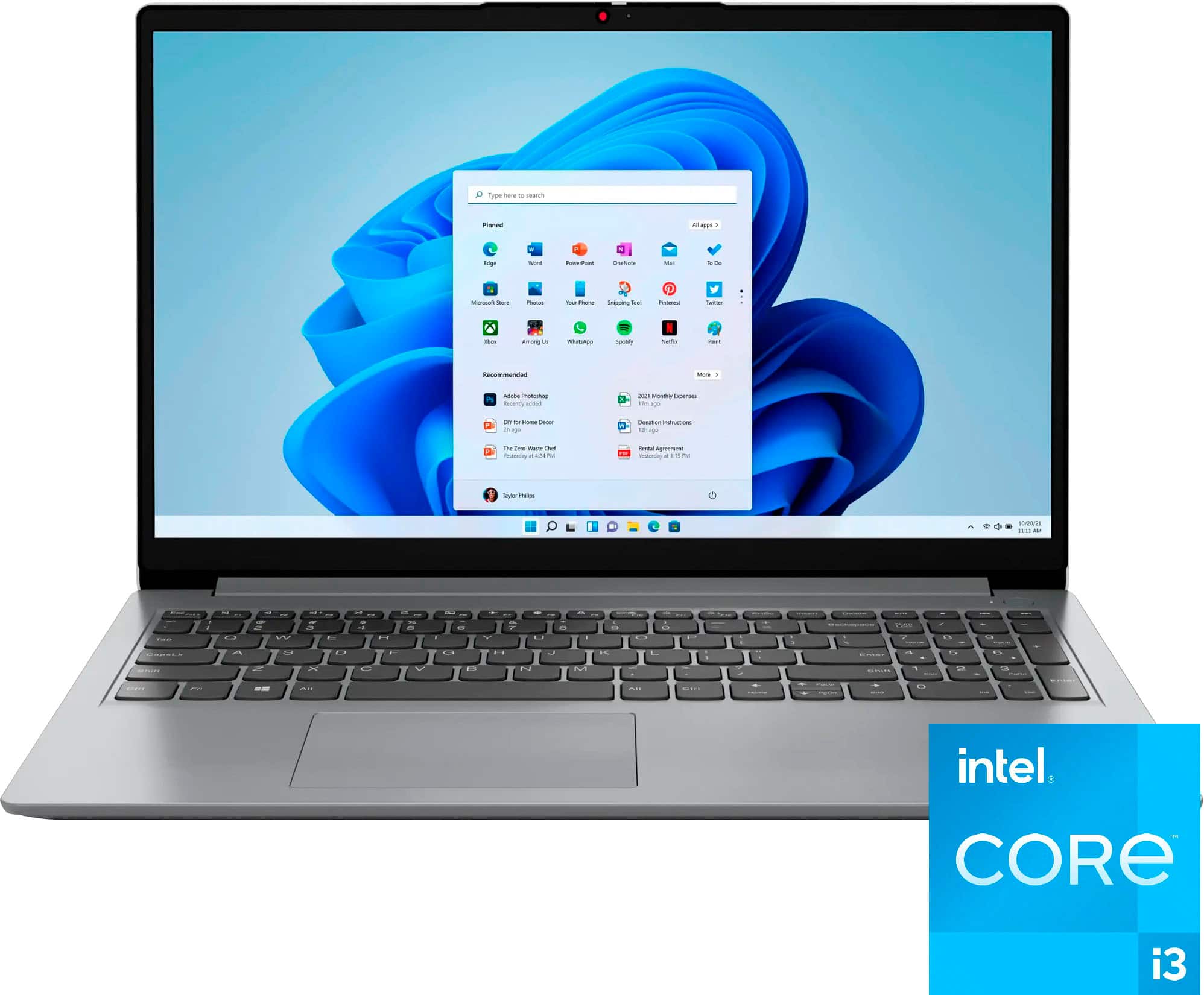
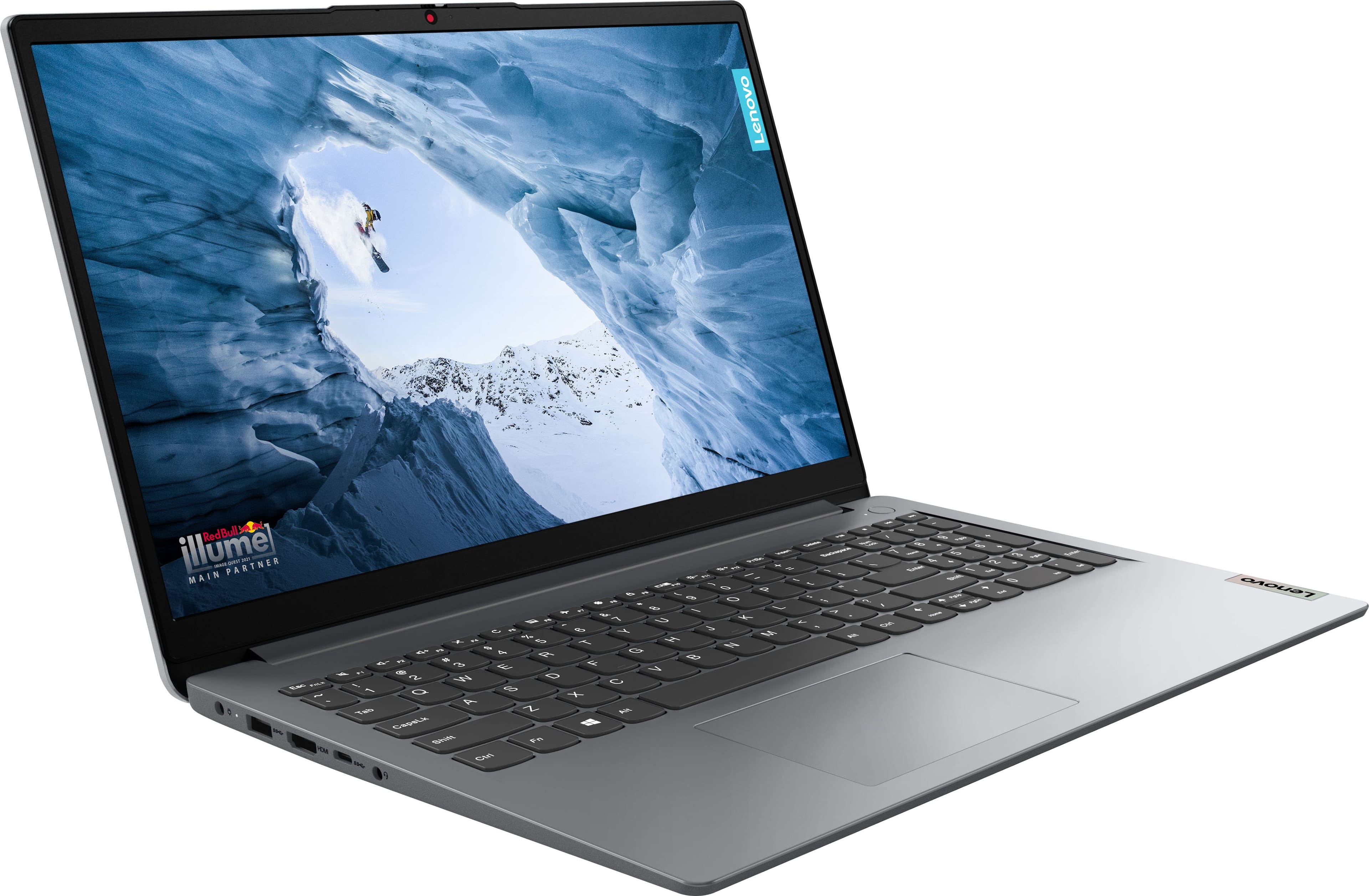
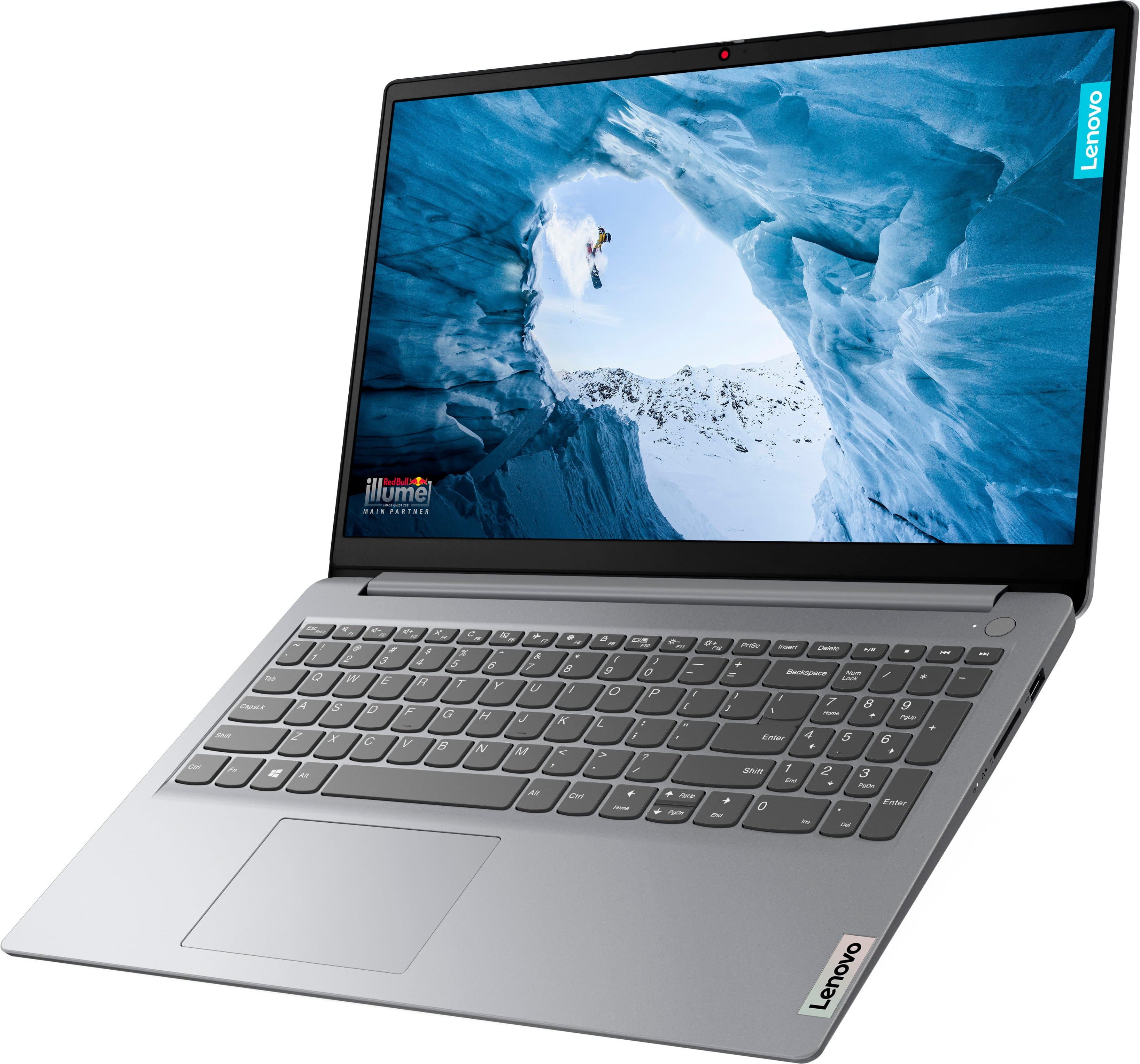
A:AnswerHi, JHutchins. Yes, you can expand the drive up to 1TB (M.2 2242) based on testing with our offerings for storage. But no to adding another drive as this model only has one storage slot.
A:AnswerHi, Greg60504. Your ThinkPad Docking Sation may not work with this model IdeaPad 1i, as it will depend on what port(s) your specific docking station need to function. For example, a lot of our docking stations need "full function" USB-C ports. In other words, a USB-C port that supports Power Delivery, data transfer, and video output (DP 1.4 or other). You can reference the user guide for your docking station for system requirements. If you do not have your user guide, it and other resources can be searched for online via Lenovo Support (https://pcsupport.lenovo.com/us/en).
A:AnswerGreetings from the Intel team. Thank you for your question.
Yes, based on the information provided on the Developer's website, the Lenovo Ideapad 1i meets the system requirements to run FL Studio.
For further information, check FL Studio system requirements:
https://support.image-line.com/action/knowledgebase?ans=82
For detailed information about the Intel® Core™ i3-1215U Processor, visit:
https://ark.intel.com/content/www/us/en/ark/products/226263/intel-core-i3-1215u-processor-10m-cache-up-to-4-40-ghz.html
Thank you for choosing Intel! Emilio_Intel
A:AnswerHi, Jgust. FHD is short for Full-HD or 1080, being the resolution of the display. Also, we believe that this version of the IdeaPad 1i could be a good fit for many users, however, that would depend on how you plan to use your computer specifically. For example, when looking for a computing solution, some need powerful performance machines to run software like AutoCAD or editing software, and others may need a 2-in-1 laptop for writing notes and creating Word documents. If your work revolves around web-based apps, Office apps, and some light multi-tasking, this could work great for you if it also aligns with your design and feature preferences and needs. For guidance in finding the right computing solution, we recommend going into Best Buy stores and working with an advisor to get expert help or you can virtually shop with an expert online via this Best Buy online link: https://www.bestbuy.com/services/triage/shopping?cat=cnt&subcat=comp
A:AnswerHey,
If you need a replacement battery and are within a year of owning your IdeaPad 1i, we recommend contacting Lenovo Support at this number: 877-453-6686, as we can assist you with replacing the internal battery.
Please feel free to reach out to us with any other questions!
A:AnswerYes, you will need to reinstall Windows on your new SSD via a Windows boot drive. You can use a clean USB flash drive to install a fresh copy of Windows on your new SSD. However, because the device already has Windows activated, just look for the Windows key that came with it, and you can use it on your new SSD without buying a Windows 11 activation key. You also need to make sure to have your current files in backup via the cloud or other storage medium you are currently using, and make sure that the current SSD you are replacing is empty if you are not using it anymore. Hope that helps
A:AnswerHi Kris,
Thank you for sharing your feedback with us and for reaching out. We are sorry to hear that you ran into this issue with your IdeaPad 1i. We apologize for the inconvenience that this has caused you, and we'd be happy to work with you to try to resolve this.
If BitLocker is active and cannot be deactivated, due to BitLocker's security protocols and effectiveness at protecting user data, we recommend a full Windows reinstallation. To do so, there are two methods.
To start, you can use the Novo Button reset option:
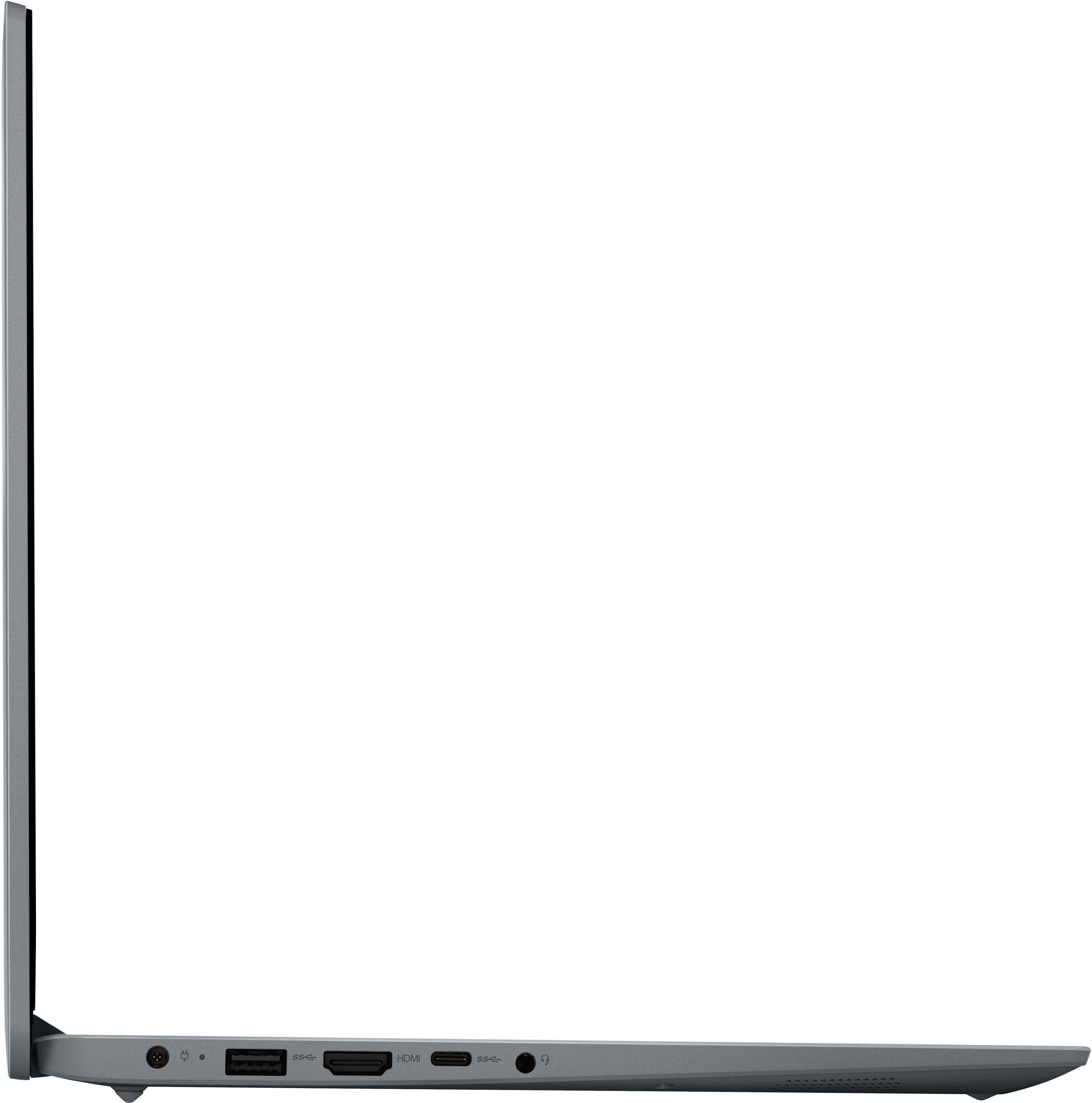
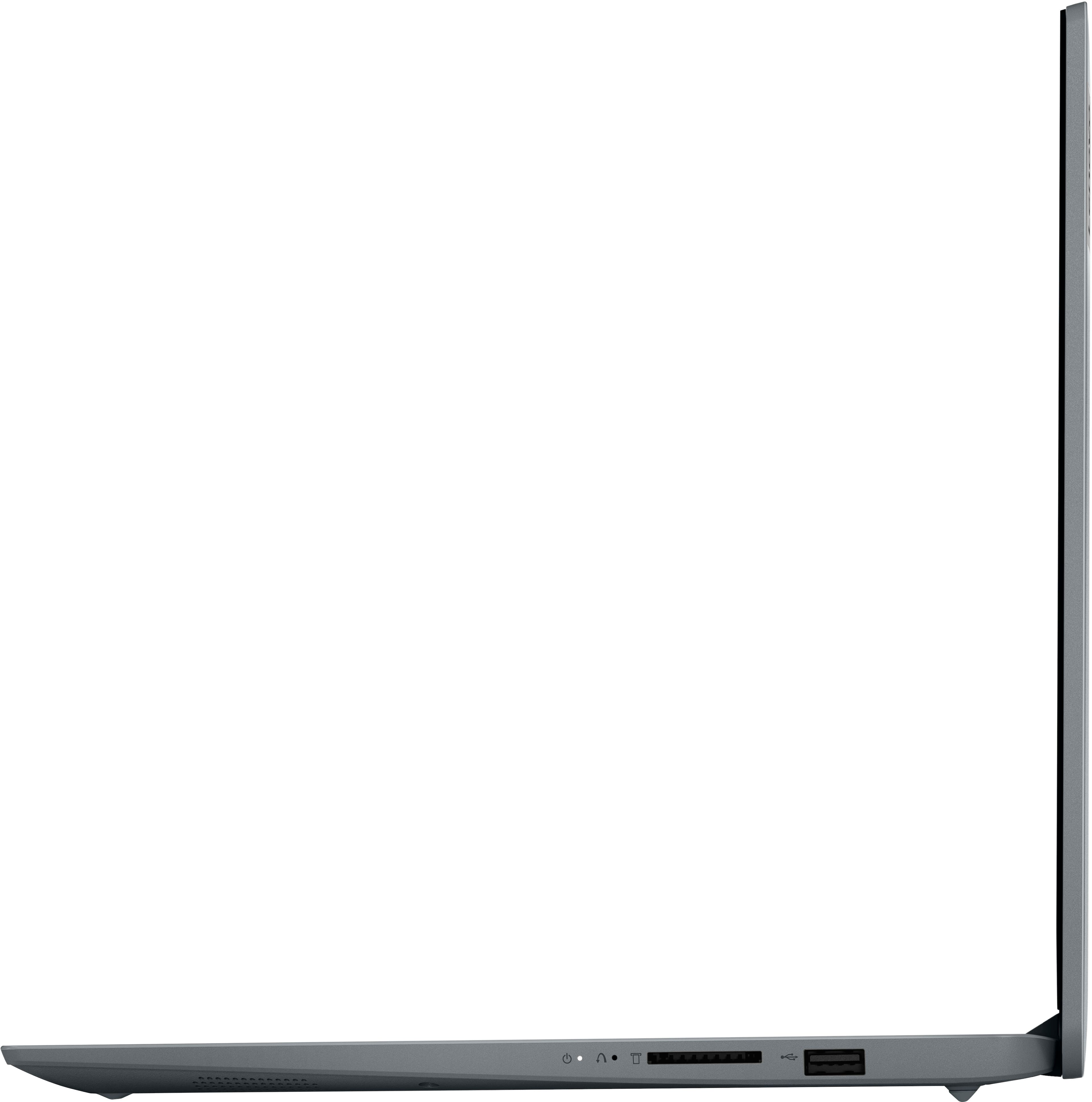
1. There is a small pin hole on the right side of the device, first in line before the other ports on the right side. You will need a pin (a sim ejector tool or end of a paperclip should suffice) to push this reset button.
2. With the computer powered off, push the reset button. The system should boot to a choice screen. Select System Recovery > Troubleshoot > Reset this PC > Remove Everything. This will delete everything from the storage drive except the original factory install of the operating system. You will need to reinstall all programs and files after the reset.
If this reset process is not successful, we then recommend attempting the secondary system restoration process, resetting the system using Lenovo DDRS. By following this link to the Lenovo Digital Download Recovery Service (DDRS) webpage: https://pcsupport.lenovo.com/us/en/products/laptops-and-netbooks/1-series/ideapad-1-15iau7/82qd/82qd00dhus/solutions/ht103653-lenovo-digital-download-recovery-service-ddrs-download-the-files-needed-to-create-a-lenovo-usb-recovery-key, you can follow the written and visual demonstrative steps to create a recovery image to recover the system.
We hope that this helps, and should you run into any issue, please feel free to share any questions that you may have with us here again.
Best regards,
Lenovo
A:AnswerHi JCJ,
We're sorry to hear that you're having trouble with your IdeaPad. To download the WLAN driver for your laptop, you can access the file from the Lenovo Support driver pages for your model IdeaPad: https://pcsupport.lenovo.com/us/en/products/laptops-and-netbooks/1-series/ideapad-1-15iau7/82qd/82qd00dhus/downloads/driver-list/component?name=Networking%3A%20Wireless%20LAN&id=E3519D23-890E-4DE1-9064-DE6E7DA2515B
Please update us when you can regarding this, and don't hesitate to reach out with any other questions or if you need further assistance.
Best,
Lenovo
A:AnswerI recommend Corsair and Crucial as the best companies to buy RAM from. Just make sure you pick DDR4-3200MHZ RAM, and you decide how much RAM you want to buy
A:AnswerHi flamorison2,
Yes, you can use OneDrive with this IdeaPad, and in regard to Microsoft 365, the system can activate a 30-day trial to M365 if you choose.
If you're interested in a long-term solution, here is a link to the Microsoft Office landing page on bestbuy.com to learn more about your Office options: https://www.bestbuy.com/site/microsoft/microsoft-office/pcmcat748300511466.c?id=pcmcat748300511466
Let us know if you have any other questions!
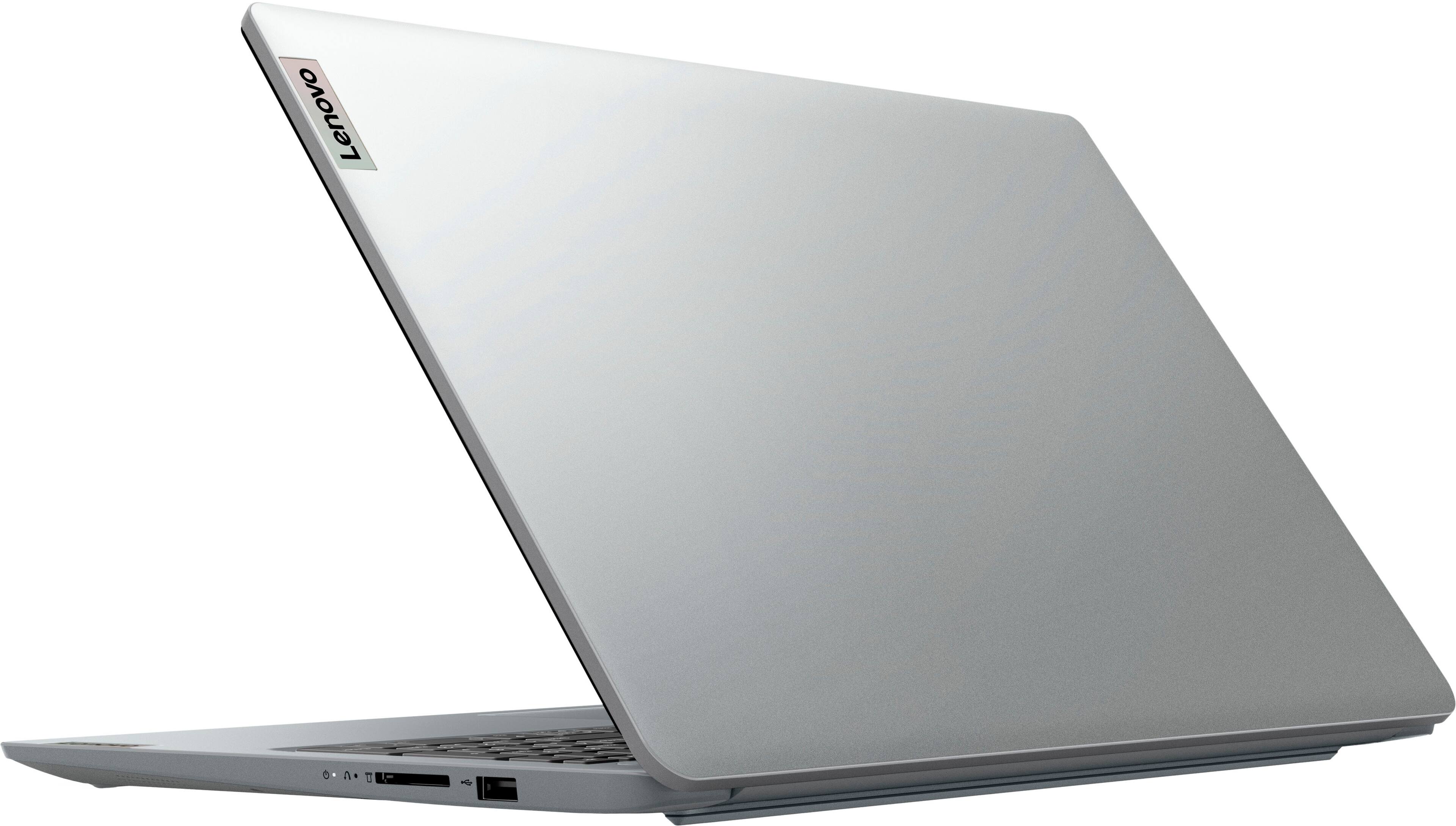
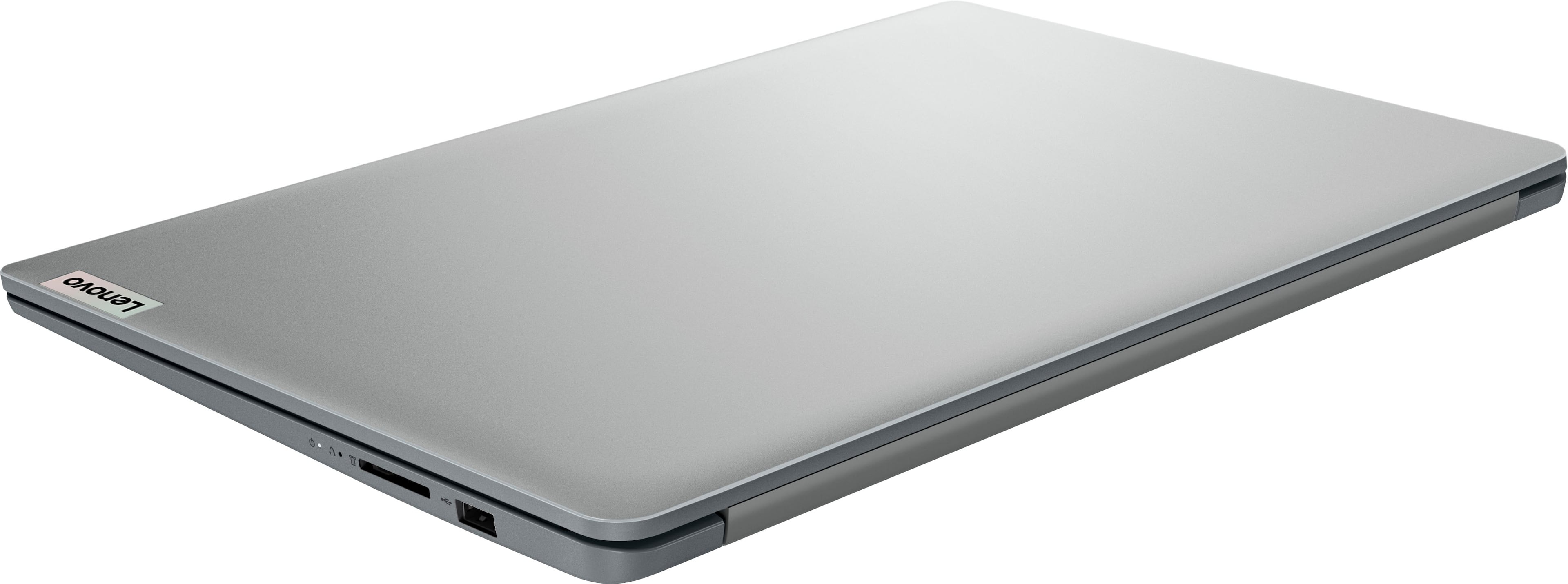
A:AnswerHey, thank you for your question. This IdeaPad does feature an SD card. It only features one storage slot for an M.2 2280 drive, that is in use by the system's 256GB SSD that it comes with.