A:AnswerHey rose, of course. For clarification, S mode is a more secure, lighter version of the Windows 11 Operating System that only allows the downloading of applications from the Microsoft Store. If you try to launch or install an executable or .exe file, the system prevents it. Should you desire to switch to Windows 11 Home, here is a link to a Microsoft webpage that shares how to do so (https://support.microsoft.com/en-us/windows/windows-10-and-windows-11-in-s-mode-faq-851057d6-1ee9-b9e5-c30b-93baebeebc85). Also, Windows Defender is preinstalled and built-into the operating system for malware protection, but feel free to add coverage from an anti-virus provider for added security.
A:AnswerHey, LinStan. Yes, this can be plugged into the wall at all times. If you wish to use your laptop as so, we recommend switching your device out of Windows 11 Home in S mode to standard Windows 11 so you can enable battery charge threshold and other battery degradation prevention settings in the Lenovo Vantage app on your IdeaPad.
A:AnswerHi, Caleb. In short, this model probably won't run the game or additional mods. Based off the system requirements that are listed on this Plaion Support webpage (https://support.plaion.com/en/games/ck3/article/31-System-Requirements/), this IdeaPad falls short of the recommended and minimum requirements for the game. The biggest misalignment with the game's system requirements is that this IdeaPad doesn't feature a strong enough graphics card or GPU. We recommend reviewing the system requirements detailed on the previously linked webpage, then comparing it with the specifications of any computer you're interested in to help ensure you find the right fit for you. Feel free to ask any more questions!
A:AnswerHey, nene. Based off user reviews, lots of students have enjoyed this exact IdeaPad for school use, but if it's the right fit for you, that will depend on how you plan to use your computer specifically. For example, when looking for a computing solution for school, some need powerful performance machines to run software like AutoCAD or editing software, and others may need a thin and light 2-in-1 laptop for writing notes and creating Word documents around campus. If your work revolves around web-based apps, Office apps, and some light multi-tasking, this IdeaPad could be a great fit for you, especially if it also aligns with your design and feature preferences. If you have more questions, feel free to ask them in the Q&A section of whatever item you're interested in, or you could visit your local Best Buy and working with a Blue Shirt to get expert help. If you don't want to step out the door, you can virtually shop with an expert online via this Best Buy online link: https://www.bestbuy.com/services/triage/shopping?cat=cnt&subcat=comp
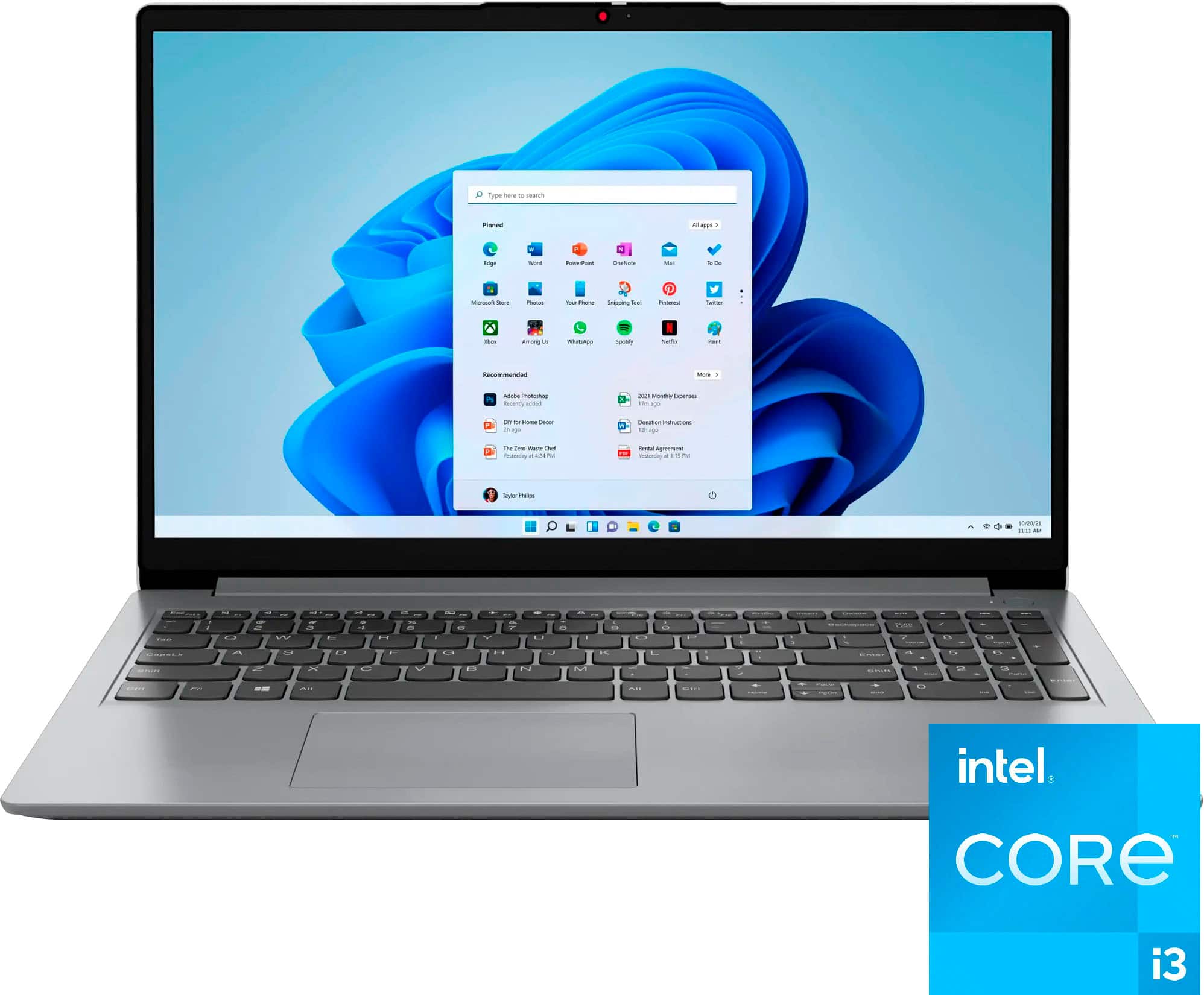
A:AnswerHey, thank you for your question. Best Buy currently does not offer a memory solution (8GB DDR4-3200 SO-DIMM) that is compatible with this model IdeaPad.
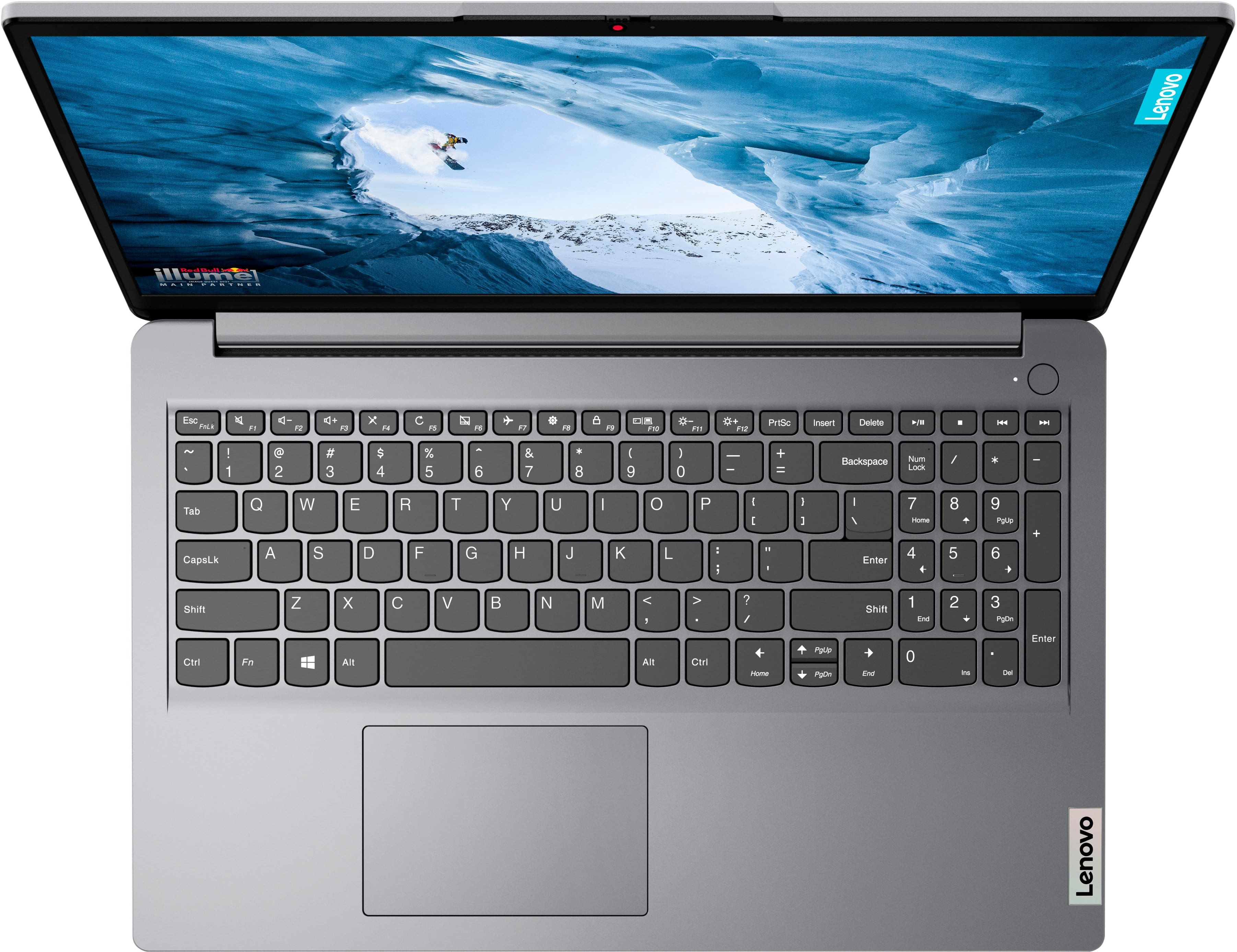
A:AnswerHi, hykaybee, Happy Thursday! This model IdeaPad does not feature a backlit keyboard. But, depending on your needs and preferences, this Lenovo Flex 5i (https://www.bestbuy.com/site/lenovo-flex-5i-14-fhd-touchscreen-2-in-1-laptop-intel-core-i3-1215u-with-8gb-memory-intel-uhd-graphics-256gb-ssd-storm-grey/6571566.p?skuId=6571566) has similar specifications, but with more premium features like a 2-in-1 design, touchscreen with pen input support, and the backlit keyboard you were after. Just another option to look at :) Let us know how else we can help!
A:AnswerGreetings from the Intel team. Thank you for your question.
No, based on the product specifications reference (PREF), the Lenovo Ideapad 1i model 82QD00DHUS doesn't feature Pen support; for further information, check the PSREF:
https://psref.lenovo.com/Product/IdeaPad/IdeaPad_1_15IAU7
For detailed information about the Intel® Core™ i3-1215U processor, visit:
https://ark.intel.com/content/www/us/en/ark/products/226263/intel-core-i3-1215u-processor-10m-cache-up-to-4-40-ghz.html
Thank you for choosing Intel! Emilio_Intel
A:AnswerHey, Bugjunemarie. While apps like OneNote and others that feature pen support and are offered with Microsoft 365 and on your device, this IdeaPad does not have the display technology to use an active stylus or pen. There are other functions that these apps provide, but not all systems have the ability to utilize all features that are offered. Hope this helps!
A:AnswerHi, Mimi. Based off the system requirements that are listed on this Cricut help webpage (https://help.cricut.com/hc/en-us/articles/360009556033-System-Requirements-Design-Space), this IdeaPad 1i can run the Design Space software.
A:AnswerHi, thank you for your question. It does not have the app preinstalled, and in order for it to be installed, this IdeaPad would need to switch out of Windows 11 Home in S mode, as it only allows installation of apps offered in the Microsoft store.
A:AnswerGreetings from the Intel team. Thank you for your question.
As long as the app is available on the Microsoft Store, it can be downloaded. Windows 11 in S mode allows only apps from the Microsoft Store and requires Microsoft Edge for safe browsing.
To ensure that a specific program can be run on this computer, at least the software's system minimum requirements must be met; higher specifications might be required for better performance.
Minimum and recommended system requirements for Lightroom:
https://helpx.adobe.com/lightroom-cc/system-requirements.html
Windows 11 in S mode FAQ:
https://support.microsoft.com/en-us/windows/windows-10-and-windows-11-in-s-mode-faq-851057d6-1ee9-b9e5-c30b-93baebeebc85#:~:text=Windows%2011%20in%20S%20mode%20only%20works%20with%20compatible%20apps,in%20S%20mode%20or%20not.
For detailed information about the Intel® Core™ i3-1215U Processor, visit:
https://ark.intel.com/content/www/us/en/ark/products/226263/intel-core-i3-1215u-processor-10m-cache-up-to-4-40-ghz.html
Thank you for choosing Intel! Emilio_Intel
A:AnswerHi, this IdeaPad is sold as new in box. You can search open-box options on the webpage for this IdeaPad. You should see an option under the "Add to Cart" button, beneath the label that says "More Buying Options".
A:AnswerHi, thank you for your question. This IdeaPad features Wi-Fi 6 connectivity which works with Wi-Fi 6 routers and devices, and it is backwards compatible with previous Wi-Fi standards.
A:AnswerHey, JoeG. This IdeaPad ships with Windows 11 Home in S mode. Windows 11 in S Mode is a more secure, lighter version of the Windows 11 Operating System that only allows the downloading of applications from the Microsoft Store. If you try to launch or install an executable or .exe file, the system prevents it. Should you end up wishing to switch to Windows 11 Home, it is free and should be a quick, simple process. Here is a link to a Microsoft webpage that shares how to do so: https://support.microsoft.com/en-us/windows/windows-10-and-windows-11-in-s-mode-faq-851057d6-1ee9-b9e5-c30b-93baebeebc85
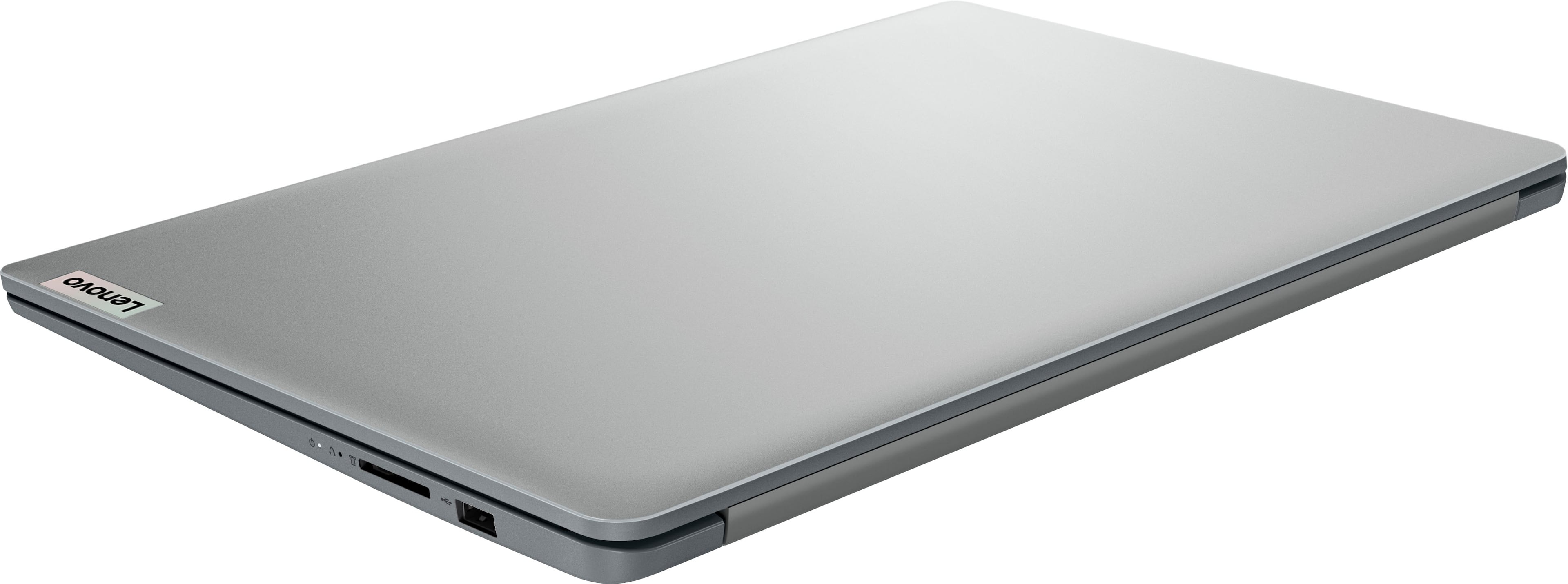
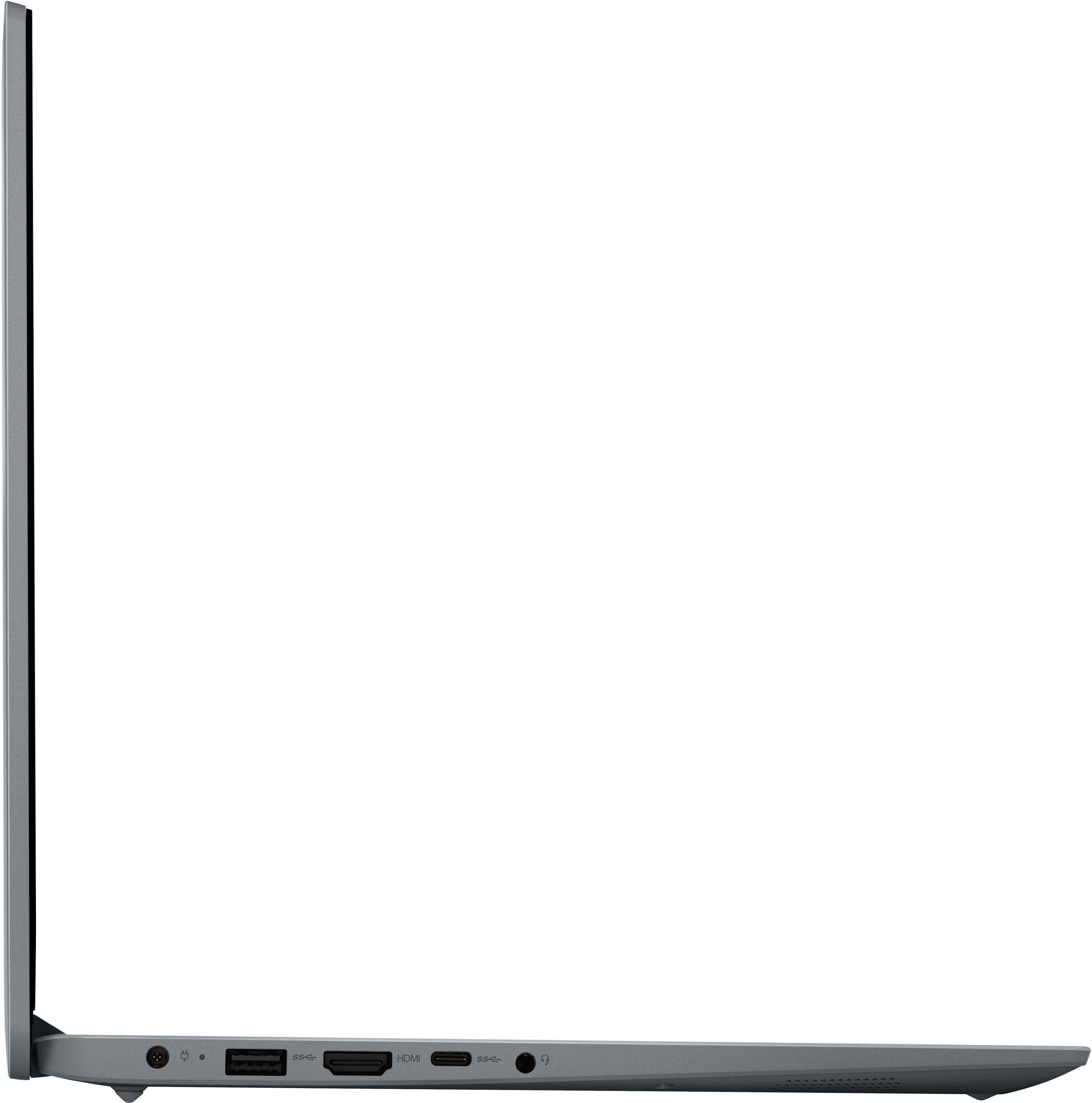
A:AnswerHey, Julie. This IdeaPad does not have an ethernet port; however, you could use a USB 2.0 or 3.0 to ethernet adapter if you need or want a wired connection.
A:AnswerHi, thank you for your question. Based off resources from Artix Support, it should work; however, the device would need to be switched from Windows 11 Home in S Mode to Windows 11 Home standard.
A:AnswerHi, thank you for your question. Based off this site (https://www.minecraft.net/en-us/store/minecraft-java-bedrock-edition-pc#accordionv1-0afde1e050-item-2c8cc44a54), this IdeaPad meets most of the minimum requirements listed for Minecraft Java Edition but falls short of almost all optimum system specifications recommended by Mojang (Minecraft developer) and Xbox Game Studios. It may run the game, it just may not run very well.