A:AnswerCheck to be sure any software you installed is compatible with Windows as incompatible software will cause the laptop to work harder than necessary and/or cause Operating System failure. There is no need to install Microsoft Office software. The software is already part of the operating system, you just need to activate the software with a purchased product key. If you have installed a copy of Microsoft Office, this is conflicting with the existing copy on the system and this will slow your system down. If you have installed a 3rd party anti-virus program, be sure that Windows Defender is turned off and that the trial version of McAfee Anti-Virus software is uninstalled. There can only be one anti-virus program on the system. You may need to restore your system to original factory default settings if any of the programming errors have occurred. You can do that by typing "restore" in the Cortana search window. Just click on the magnifying glass icon at the bottom left of your Windows 10 Desktop. Click on "Reset This PC" Then click on "Get Started" and follow the on screen directions to restore to factory defaults. If the problem persists, we recommend you contact Lenovo Tech Support at: 877-453-6686.
A:AnswerHere is a link to more information about the Open Box product description at the Bestbuy.com web site: https://www.bestbuy.com/site/electronics/outlet-refurbished-clearance/pcmcat142300050026.c?id=pcmcat142300050026
A:AnswerSwitching from S-Mode will not slow your computer down. The APPs/software you install may. We always recommend you check the requirements and compatibility of any software you will be installing on your new computer, before you invest in any computer. Be sure your new computer can support the software you will need to use.
A:AnswerYes. Here is a link to instructions for switching from Windows S-Mode to Windows Home: https://support.microsoft.com/en-us/help/4456067/windows-10-switch-out-of-s-mode
A:AnswerNo. The Lenovo IdeaPad 3 15 Laptop, model number 82H801DQUS, ships with a 256GB M.2 2242 PCIe 3.0x4 NVMe solid state hard drive. The maximum storage capacity this model configuration can support is: one drive, 1x M.2 SSD - M.2 2242 SSD up to 512GB or M.2 2280 SSD up to 1TB. We recommend you consult with your certified technician about your storage upgrade option.
A:AnswerThe Lenovo IdeaPad 3 15 laptop, model number 82H801DQUS, ships with a 256GB M.2 2242 PCIe 3.0x4 NVMe solid state hard drive. The maximum storage capacity this model configuration can support is: one drive, 1x M.2 SSD - M.2 2242 SSD up to 512GB or M.2 2280 SSD up to 1TB. We recommend you consult with your certified technician about your storage upgrade options.
A:AnswerThe Lenovo IdeaPad 3 15 Laptop, model number 82H801DQUS, ships with the maximum supported RAM for this configuration: 12GB 4GB soldered + 8GB SO-DIMM) DDR4-3200MHz RAM. This model also ships with a 256GB M.2 2242 PCIe 3.0x4 NVMe solid state hard drive installed. The maximum supported storage capacity of this model configuration is: one drive, 1x M.2 SSD - M.2 2242 SSD up to 512GB or M.2 2280 SSD up to 1TB. We recommend you consult with your certified technician about your storage upgrade options.
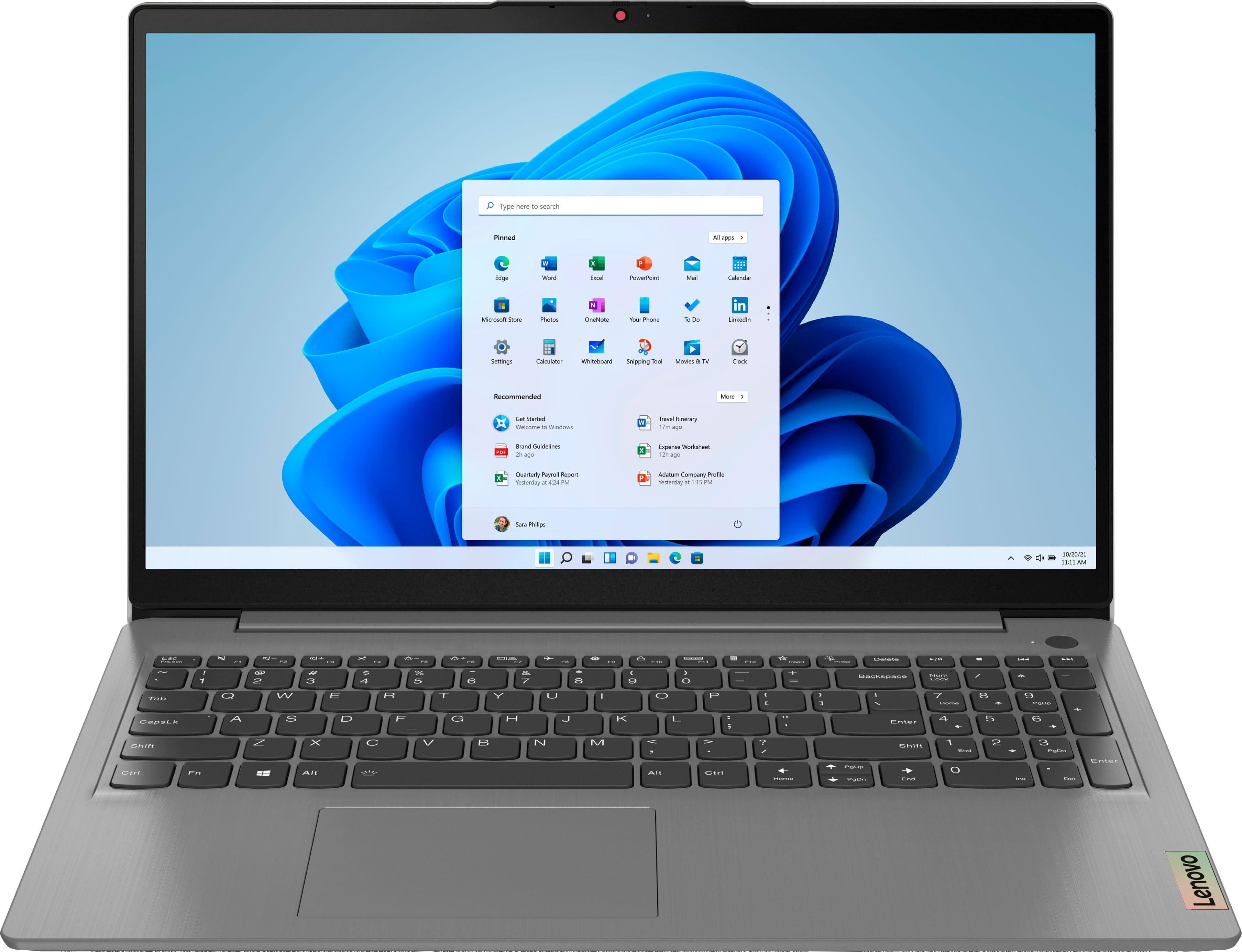
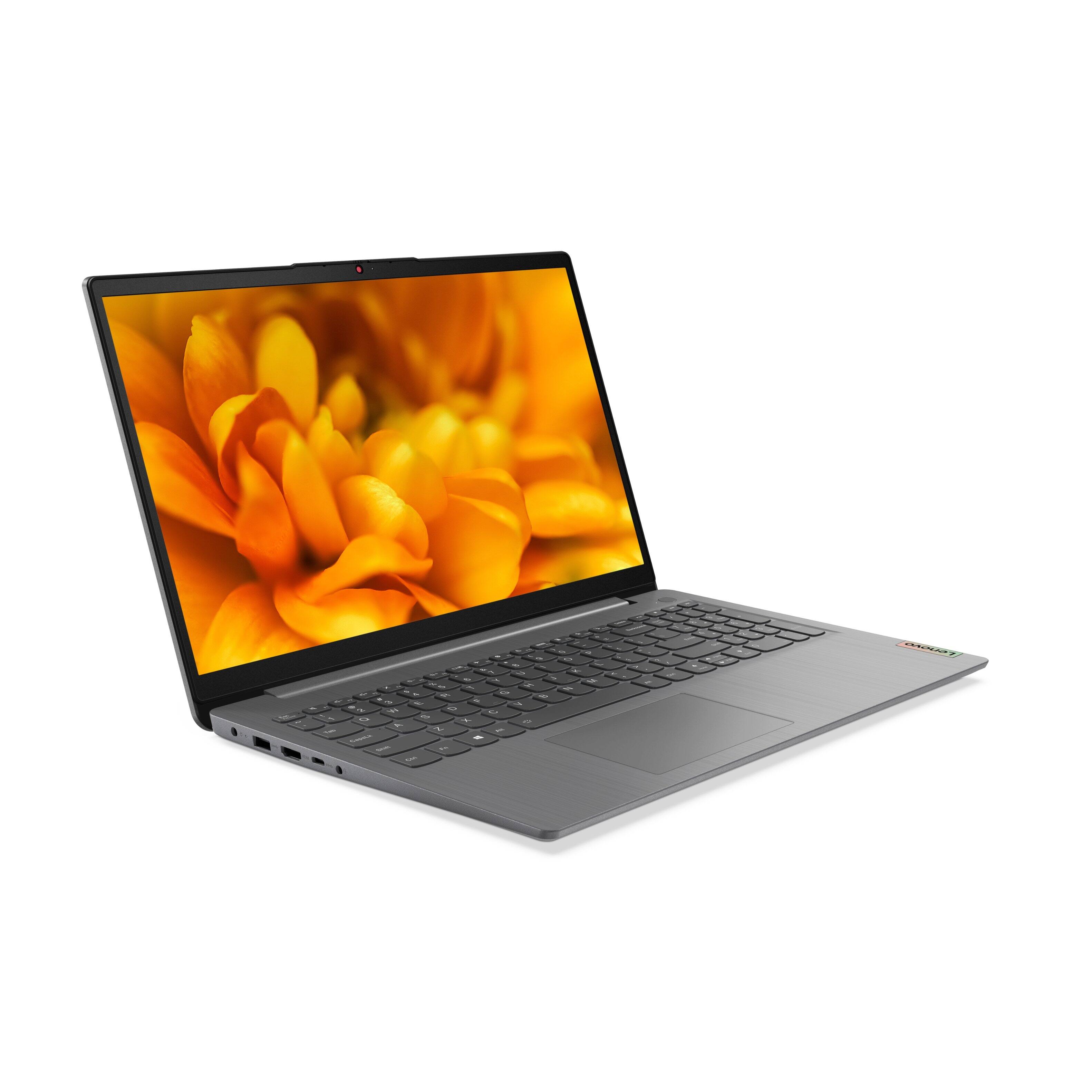
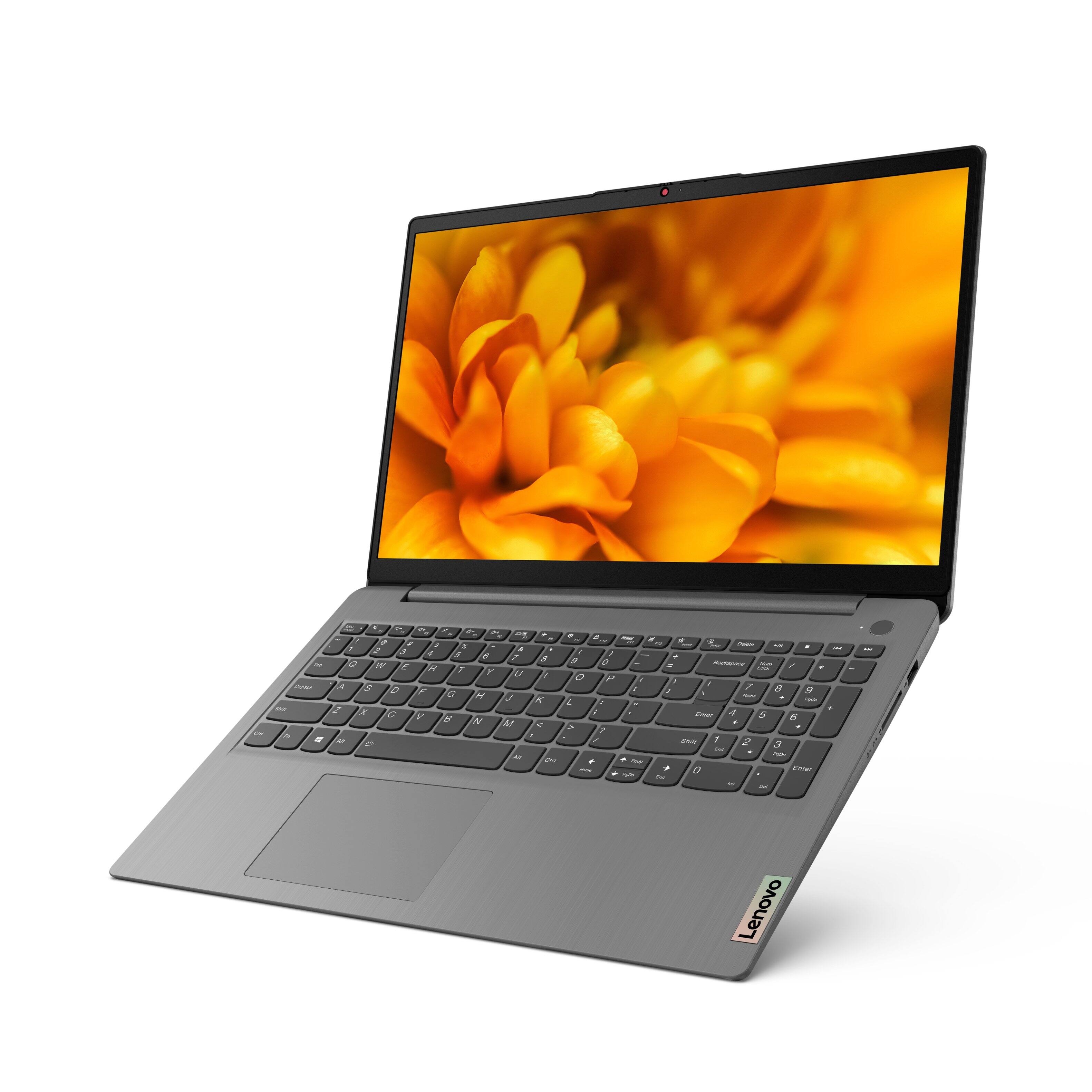
A:AnswerYes. The Lenovo IdeaPad 3 15 laptop, model number 82H801DQUS, ships with a 15.6 inch (screen size measured diagonally) IPS - FHD (1920x1080) 10-point Multi-touch screen, with a brightness level of 300 nits and has an Anti-glare coating. This screen provides 67 Percent of the sRGB (45 Percent NTSC) color gamut.
A:AnswerThe Lenovo IdeaPad 3 15 Laptop, model number 82H801DQUS, ships with a 30-day trial of Microsoft Office 365 included as part of the Windows 10 operating system. In order to keep the program active after the trial period, you will need to purchase a product key. You will not need to download any additional software.
A:AnswerNo. The Lenovo IdeaPad 3 15 Laptop, model number 82H801DQUS, does not have an International Manufacturer's Warranty. There is a limited 1-year Manufacturer's Warranty, covering hardware OEM issues, valid in the USA and Canada only.
A:AnswerThe Lenovo IdeaPad 3 15 Laptop, model number 82H801DQUS, is not compatible with any active/digital pen. You can use a capacitive touch stylus on the touch screen of this model, like this one: https://www.bestbuy.com/site/insignia-stylus-silver/3695185.p?skuId=3695185
A:Answerif you have a multi-device license, you should be able to use your existing User Name and Password to login to to your existing Microsoft Office 365 Account within the Microsoft Office 365 Software already installed on this Lenovo IdeaPad 3 15 Laptop as part of the Windows Operating System software.
A:AnswerThat really will depend on the requirements and compatibility of the device you want to connect to the Lenovo IdeaPad 3 15 Laptop, model number 82H8018SUS. This model ships with Windows 10 S-Mode 64-bit Operating System. Windows 10 S-Mode provides added security by only allowing APPs available ( and therefore certified by Microsoft) at the Microsoft Store. If you don't need the added security or you need to install APPs not available at the Microsoft Store, you can switch to standard Windows 10 Home 64-bit Operating System, at no additional cost. We recommend you check with the device manufacturer's web site, of the specific device you want to connect, for their compatibility with Windows 10 S-Mode 64-bit operating system and the minimum/recommended hardware requirements (Is a Graphics card required, the processor speed and the minimum required system RAM and the minimum available hard drive space) to run their program, then compare those requirements to this system's configuration. If you choose to switch out of S-Mode for Windows 10 Home: Here is a link to instructions for switching from Windows 10 S-Mode to Windows 10 Home: https://support.microsoft.com/en-us/help/4456067/windows-10-switch-out-of-s-mode
A:AnswerThe maximum RAM the Lenovo IdeaPad 3 15 Laptop, model number 82H8018SUS, can support is the 12GB DDR4-3200MHz RAM (4GB Soldered DDR4-3200 + 8GB SO-DIMM DDR4-3200MHz RAM) it ships with. This model ships with a 256GB M.2 2242 PCIe 3.0x4 NVMe solid state hard drive. The maximum storage capacity this model configuration can support is: one drive, 1x M.2 SSD - either M.2 2242 SSD up to 512GB or M.2 2280 SSD up to 1TB. We recommend you consult with your certified technician about your storage upgrade options.
A:AnswerHello there. Thank you for your question. Based on the information provided on the retailer's website, this Lenovo Ideapad 3 touch-screen laptop comes with Windows 11 Home in S Mode operating system.
Thank you for choosing Intel!
A:AnswerHello there. Thank you for your question. Looking at the product page, it appears that this Lenovo Ideapad 3 touch-screen laptop only comes with a 256 GB SSD, it does not come with any HDD.
Thank you for choosing Intel!