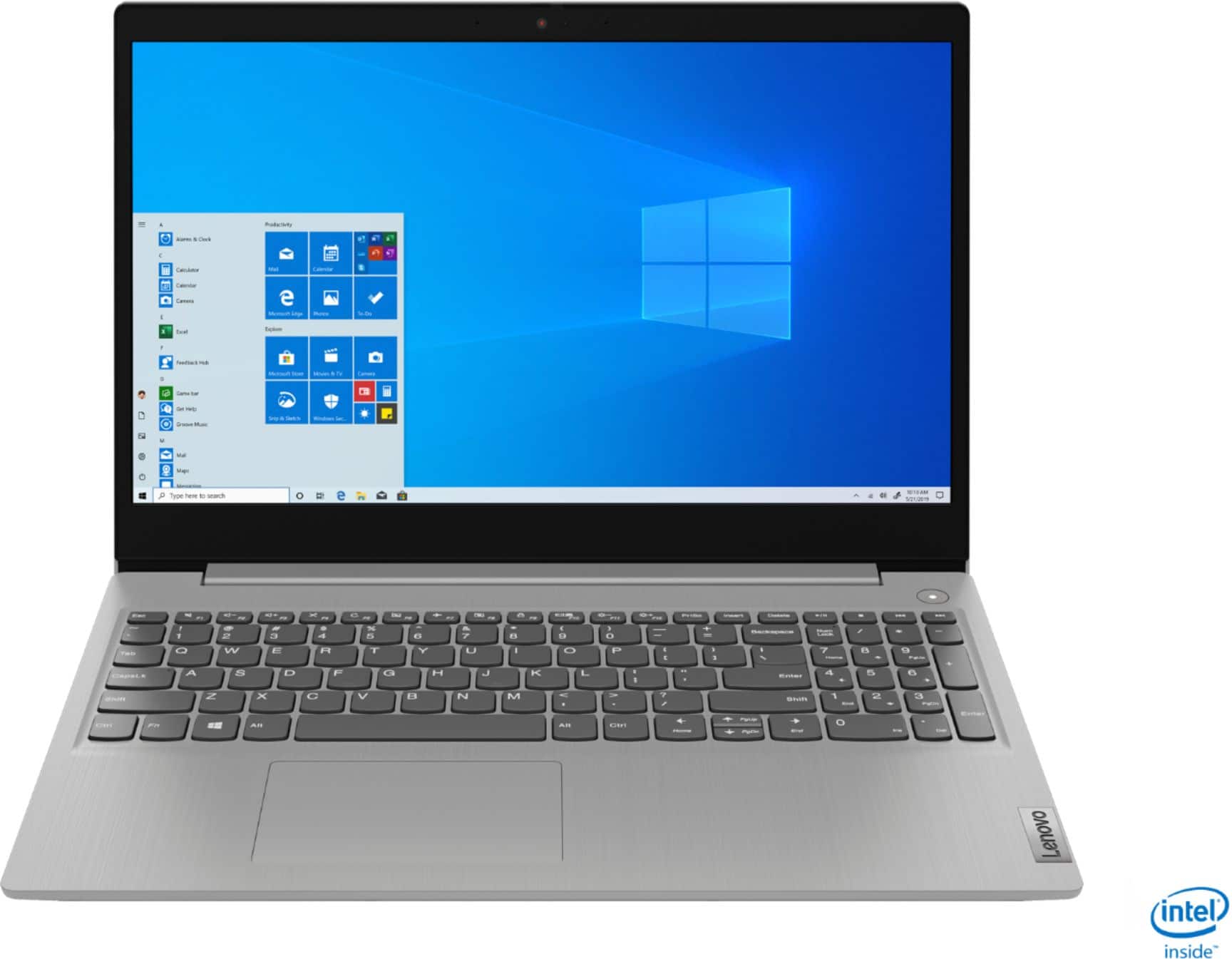
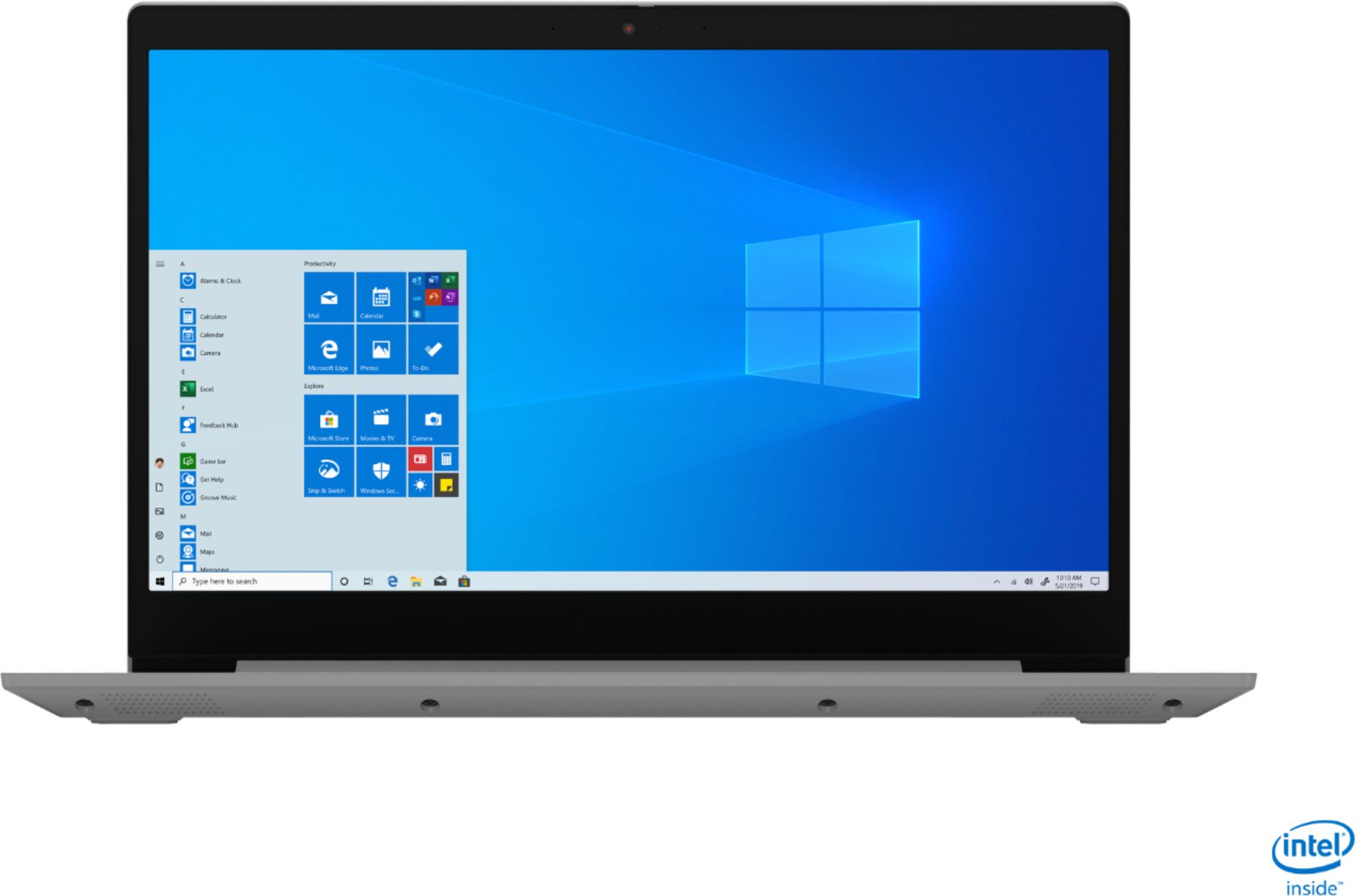
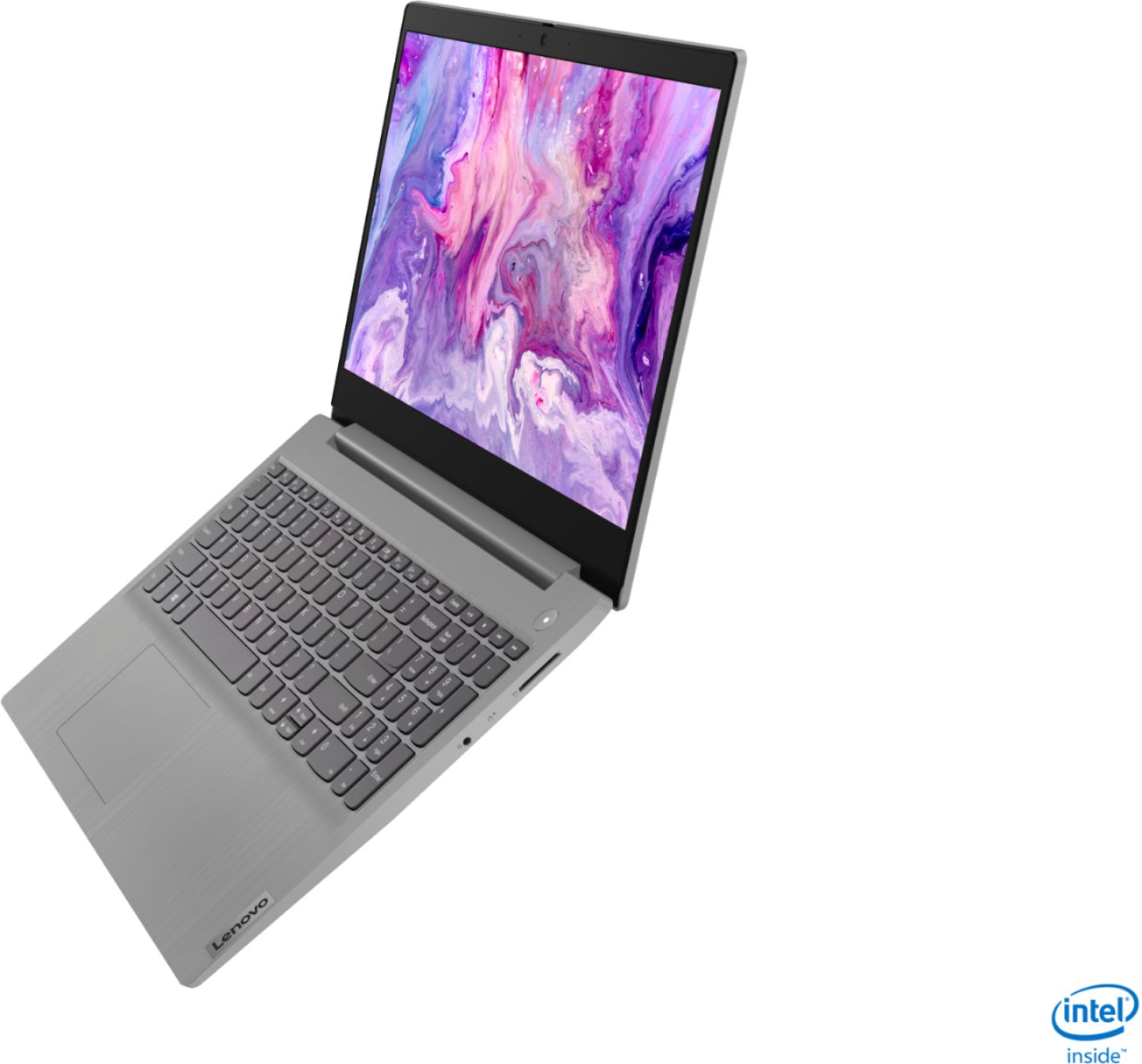
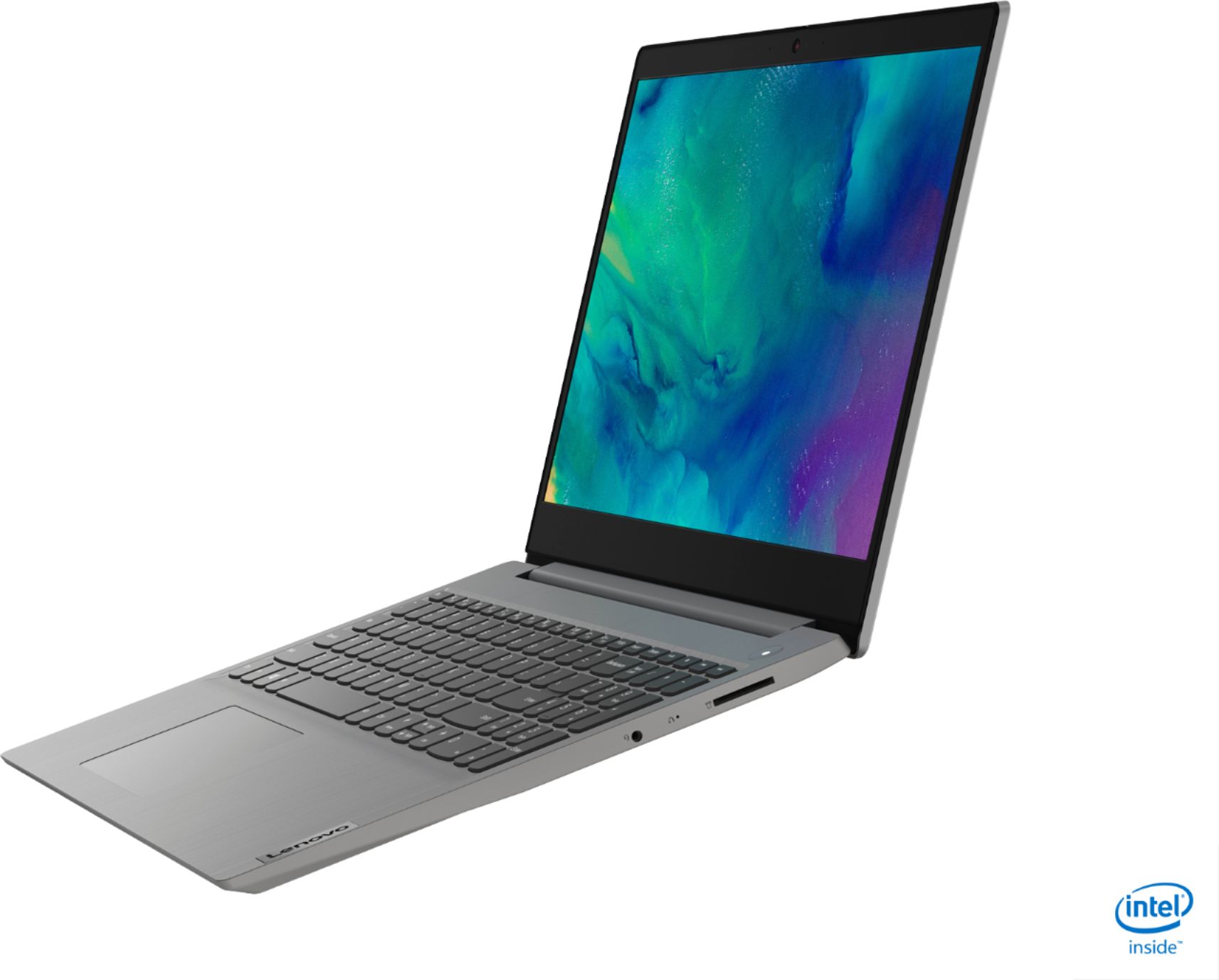
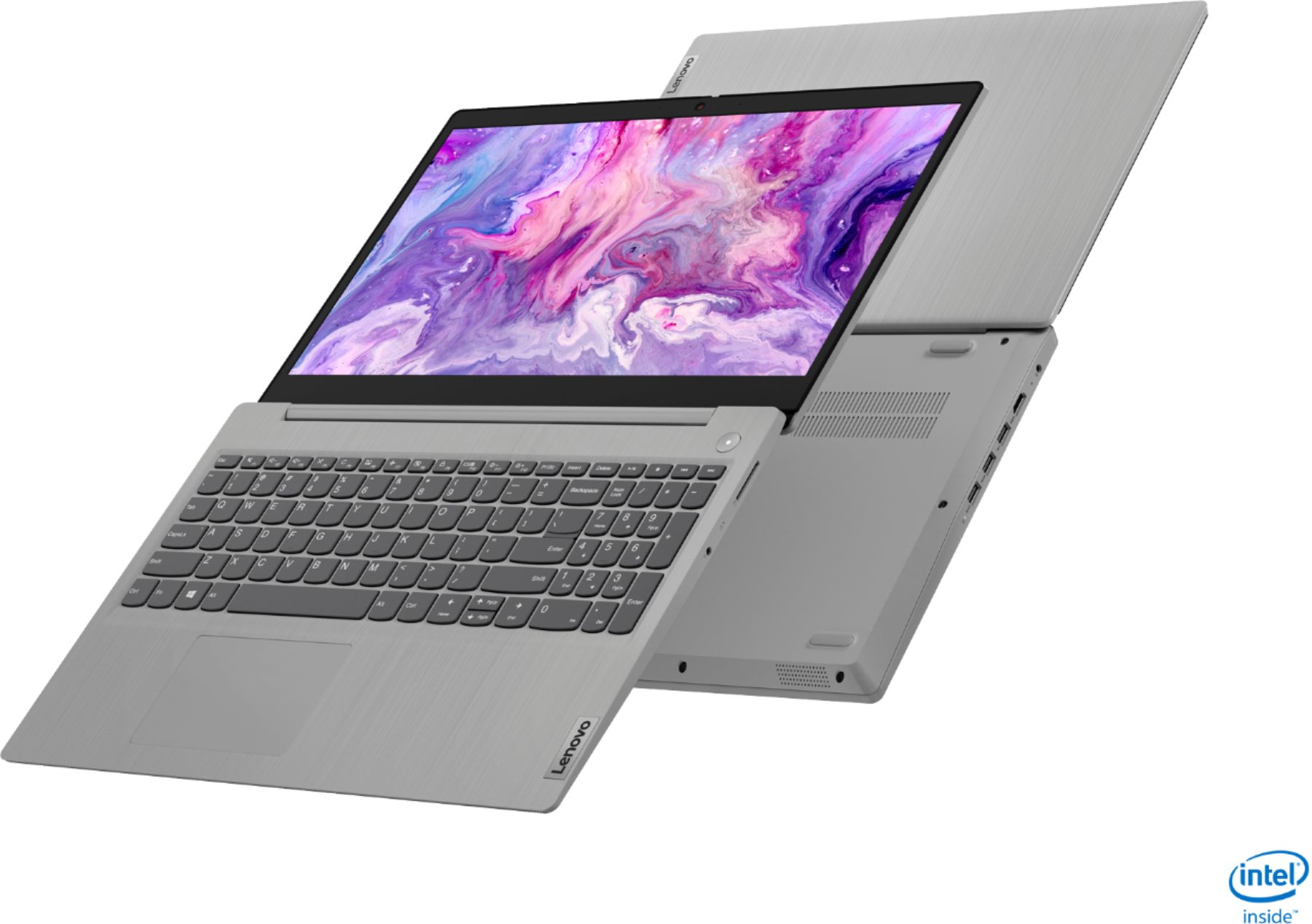
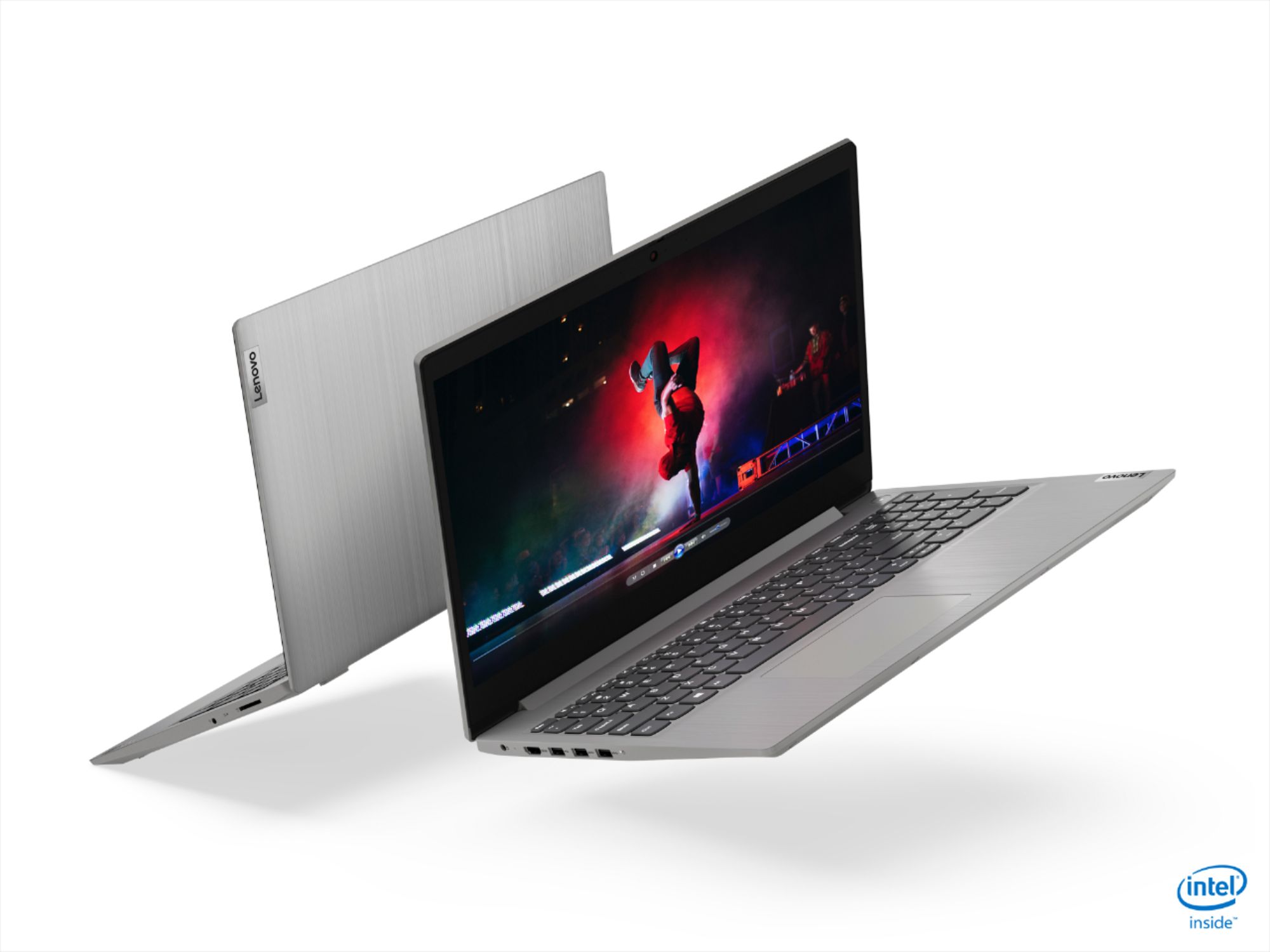
A:AnswerYes. The Lenovo IdeaPad 3 15 Laptop, model number 81WE011UUS, ships with the 10th. Generation, 2-Core/4-Thread Intel Core i3-1005G1 processor, with a base speed of 1.2GHz and a boost speed of up to 3.4GHz.
A:AnswerThat will depend on the editing software you want to use and its requirements and compatibility. The Lenovo IdeaPad 3 15 Laptop, model number 81WE011UUS ships with Windows 10 S-Mode Operating System. We recommend you check with the editing software publisher's web site of the editing software you will be using, for their compatibility with Windows 10 S-Mode 64-bit operating system and the minimum/recommended hardware requirements (Is a Graphics card required, the processor speed and the minimum required system RAM and the minimum available hard drive space) to run their program, then compare those requirements to this system's configuration.
A:AnswerYou can switch out of Windows 10 S-Mode to Windows 10 Home operating system for free. To switch to Windows 10 Pro, you will need to purchase the Windows 10 Pro upgrade.
A:AnswerThere may be lead solder used to build the internal components of the computer and/or the AC adapter/charger for this model. If you do not open the laptop case of the AC adapter/charger case, you will not be exposed to this material.
A:AnswerNot in safe mode. You have to use edge and just go to google.com. If you want to use chrome you will have to remove safe mode but once you do there’s no going back.
A:AnswerYes. You can switch out of Windows 10 S-Mode, purchase the Windows 10 Pro upgrade and install it on the Lenovo IdeaPad 3 15 Laptop, model number 81WE011UUS.
A:AnswerYou can use any web-based email service that is compatible the Windows 10 S-Mode Operating System. This model ships with the new Microsoft Edge Browser which uses the free version of Microsoft Outlook email service.
A:AnswerThis can be done in Windows 10. Here is a link with instructions on how to screen shot and screen record in Windows 10.
https://www.pcmag.com/how-to/how-to-capture-video-clips-in-windows-10
You can also use 3rd party software however This model ships with Windows 10 S-Mode Operating System. Windows 10 S-Mode provides added security by only allowing APPs available (and therefore certified by Microsoft) at the Microsoft Store. If you do not need the added security or you need to install APPs not available at the Microsoft Store, you can switch to standard Windows 10 Home 64-bit Operating System, at no additional cost.
A:AnswerThe computer is 110V. It does ship with a dual voltage AC adapter/charger with a USA compatible wall-side plug. To use outside the USA, you will need to purchase a wall-side plug adapter, compatible with the country the computer will be used in.
A:AnswerHi Annie, The IdeaPad 3 15" laptop model # 81WE011UUS ships with an Intel Core i3 processor with a base speed of 1.2 GHZ and boost clocks of 3.4 GHZ, and 8GB of DDR4. Its a medium use machine that is great for multi-tasking, MS-Office type programs, streaming, light photo editing, and some light gaming. We recommend you check with the game's software publisher's web site for their compatibility with Windows 10 Home (or S-Mode if applicable) 64-bit operating system and the minimum/recommended hardware requirements (Is a Graphics card required, the processor speed and the minimum required system RAM and the minimum available hard drive space) to run their program, then compare those requirements to this system's configuration. This model ships with Windows 10 S-Mode Operating System. Windows 10 S-Mode provides added security by only allowing APPs available (and therefore certified by Microsoft) at the Microsoft Store. If you do not need the added security or you need to install APPs not available at the Microsoft Store, you can switch to standard Windows 10 Home 64-bit Operating System, at no additional cost.
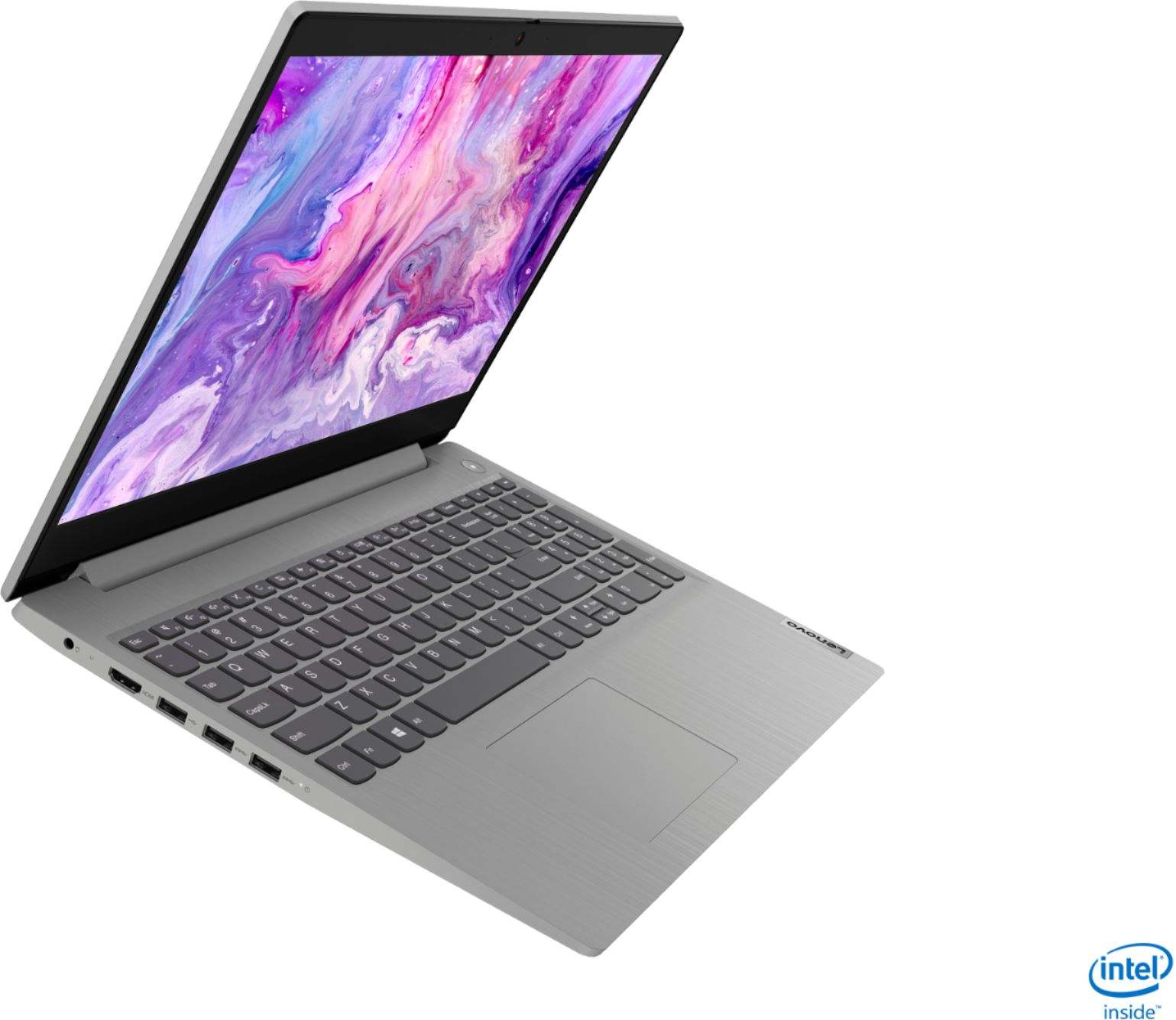
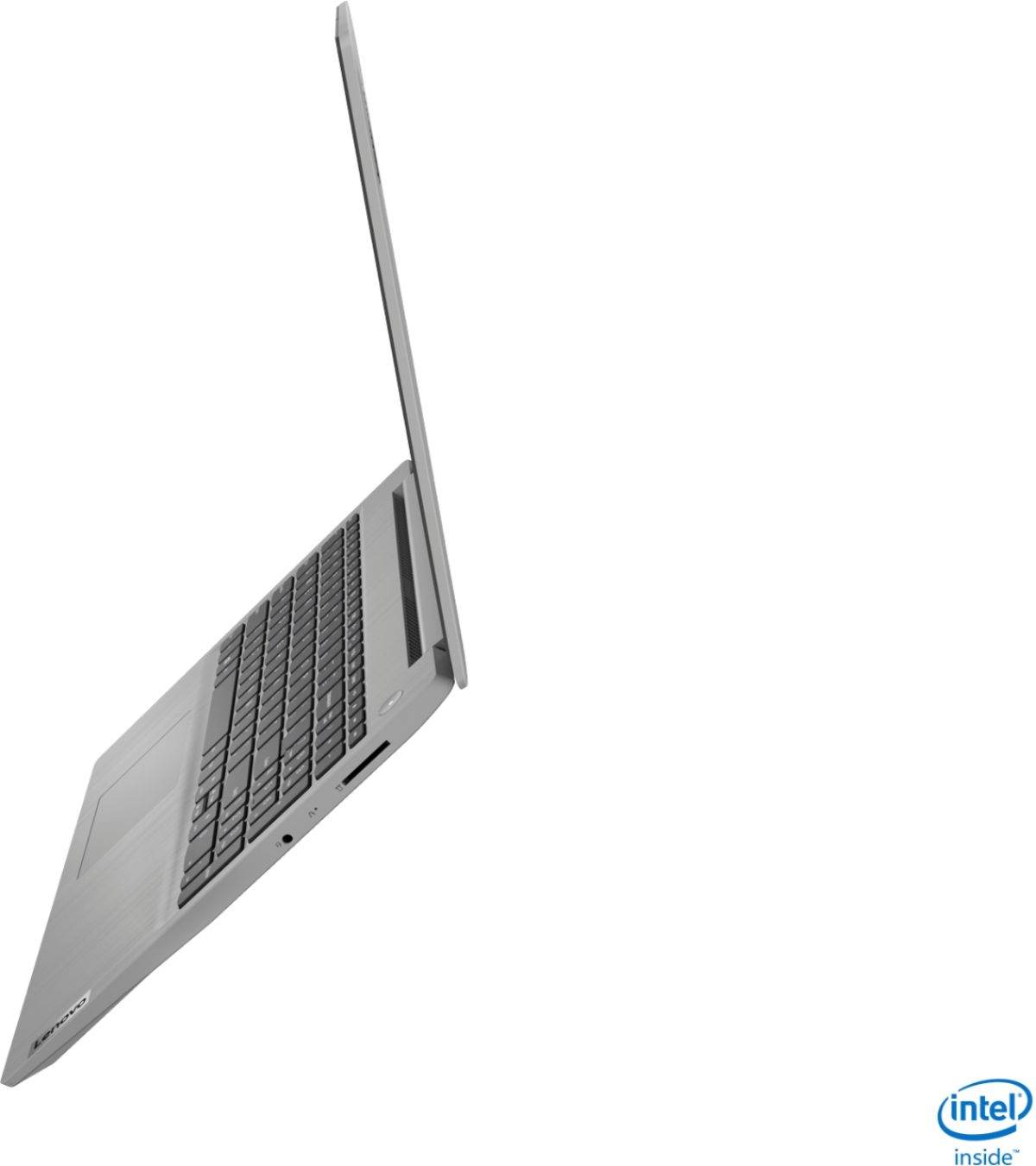
A:AnswerThe Lenovo IdeaPad 3-15 Laptop, model number 81WE011UUS, does not have an optical drive. You can connect an external, USB-based Windows 10 compatible optical drive to this laptop though.