A:AnswerWindows 10 S-Mode provides added security by only allowing APPs available ( and therefore certified by Microsoft) at the Microsoft Store. If you don't need the added security or you need to install APPs not available at the Microsoft Store, you can switch to standard Windows 10 Home 64-bit Operating System, at no additional cost. Windows 10 Home 64-bit Operating System does not require that only APPs available through the Microsoft Store be installed. You can install any Windows 10 Compatible software.
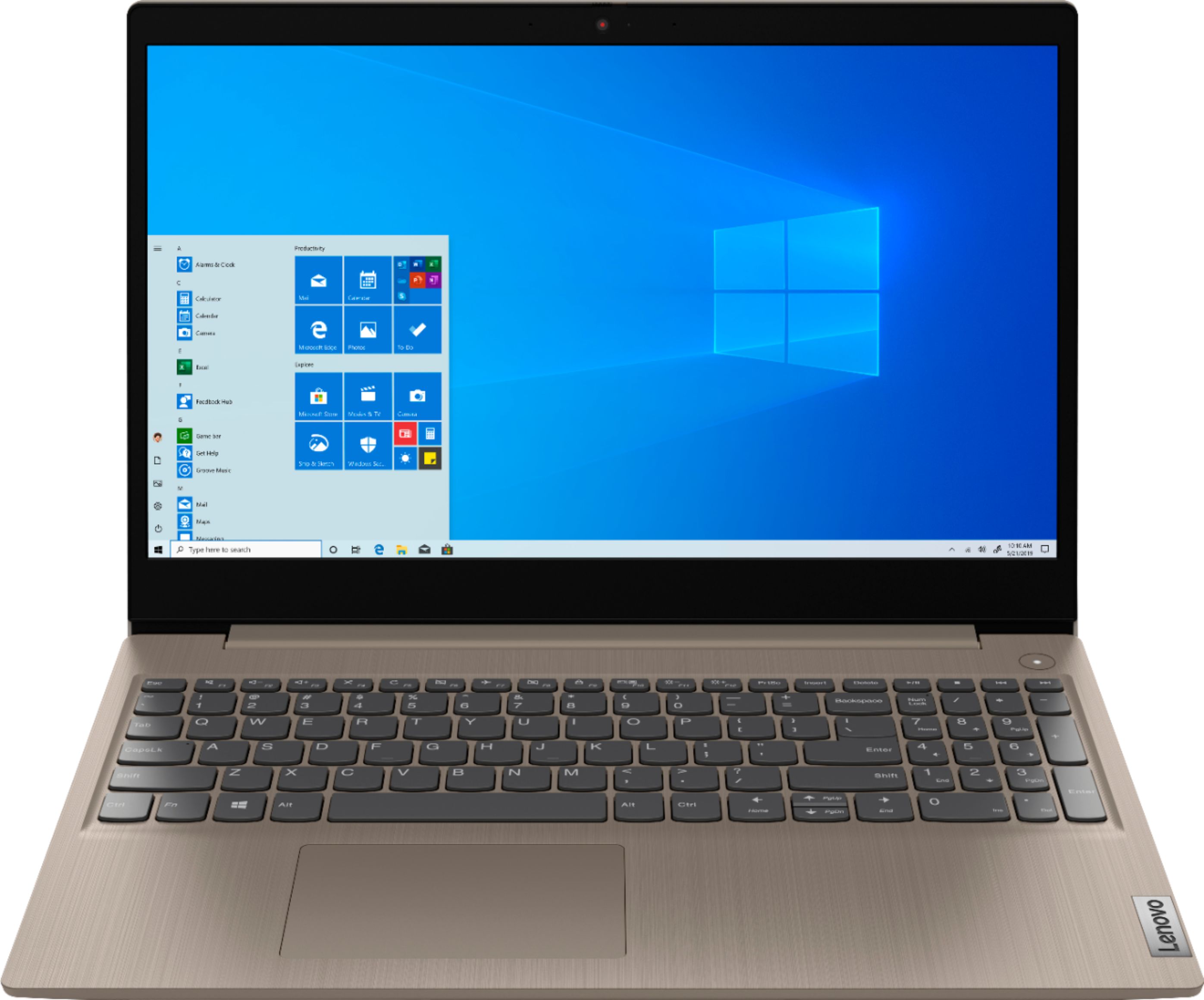
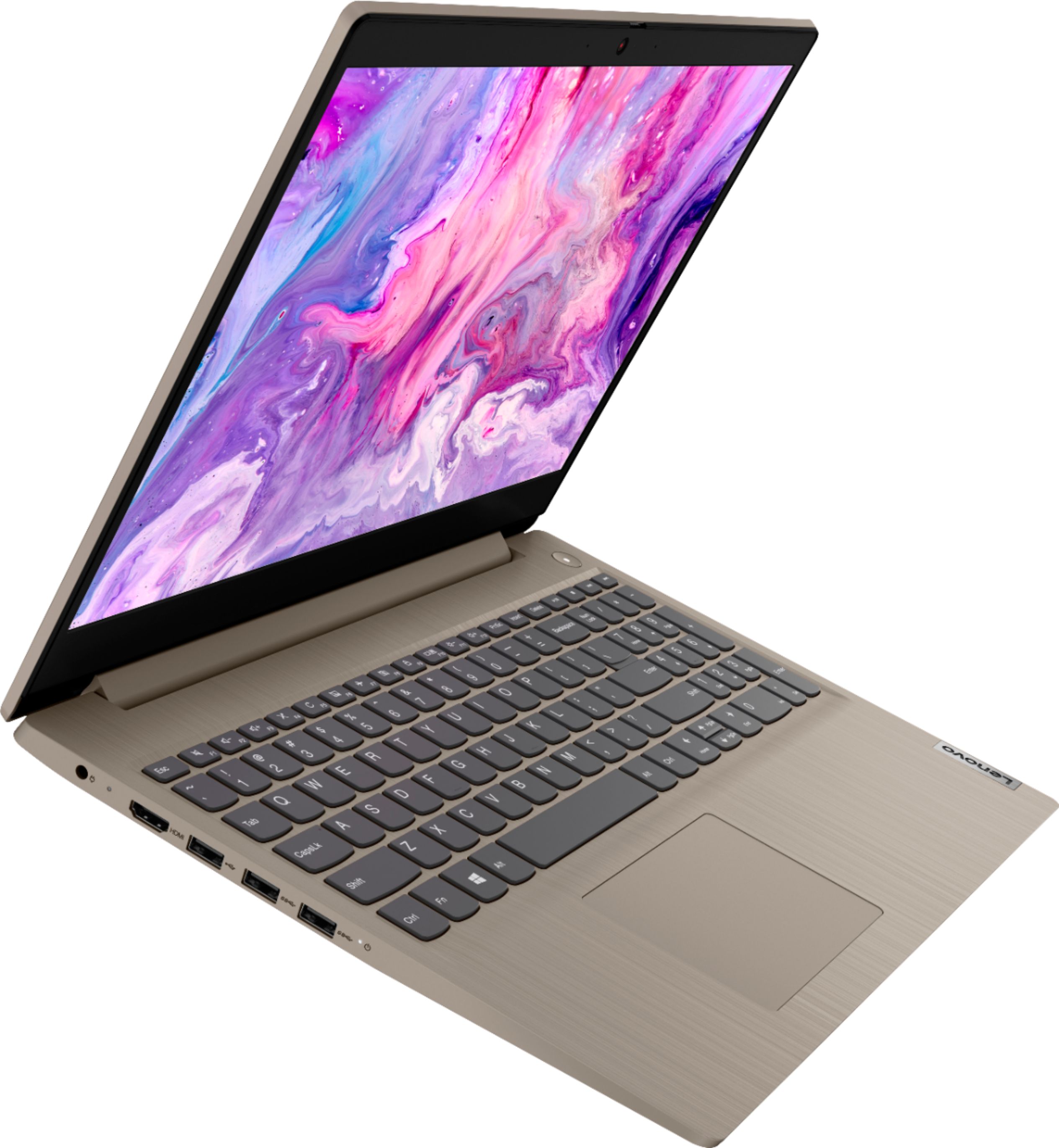
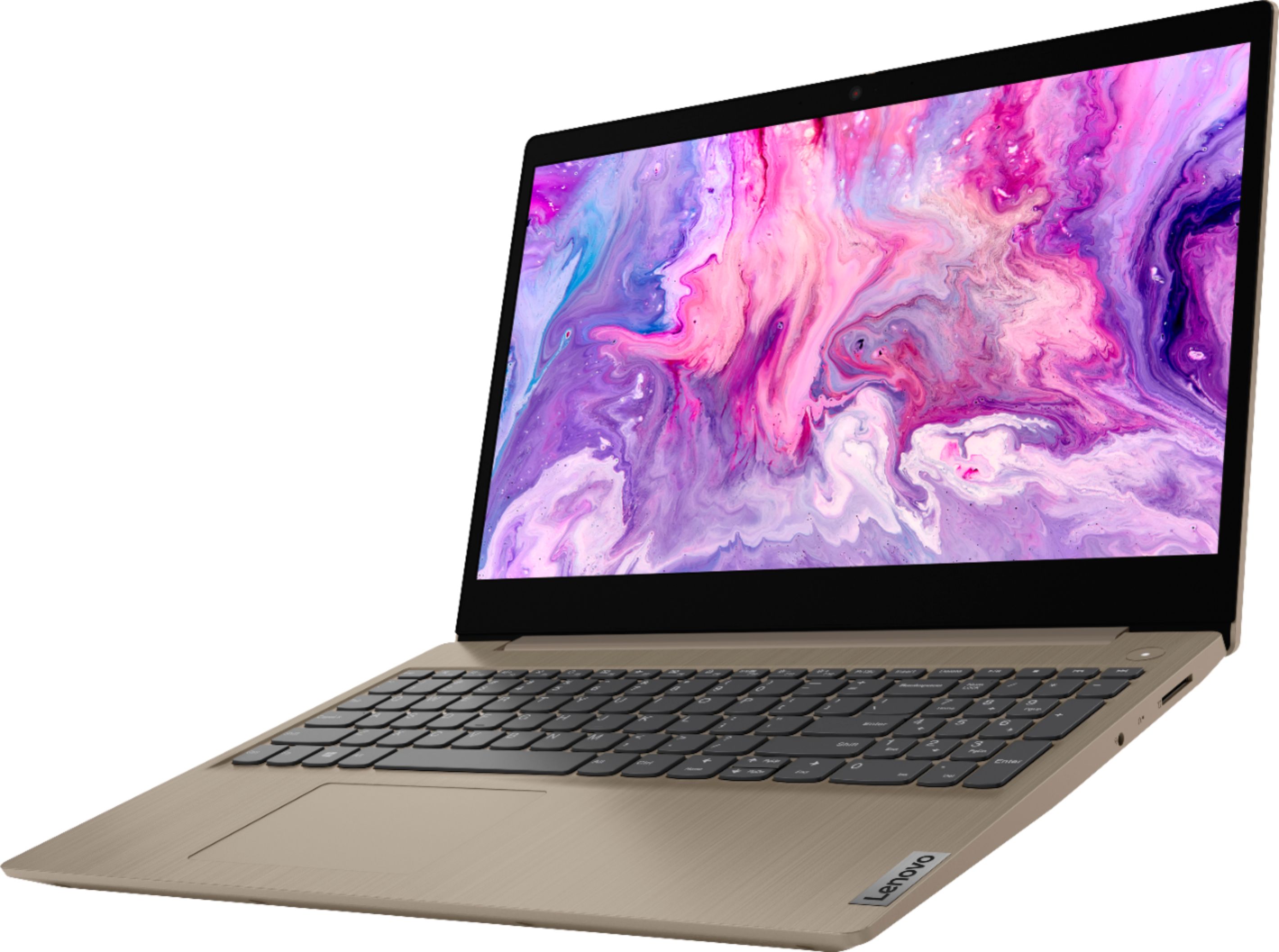
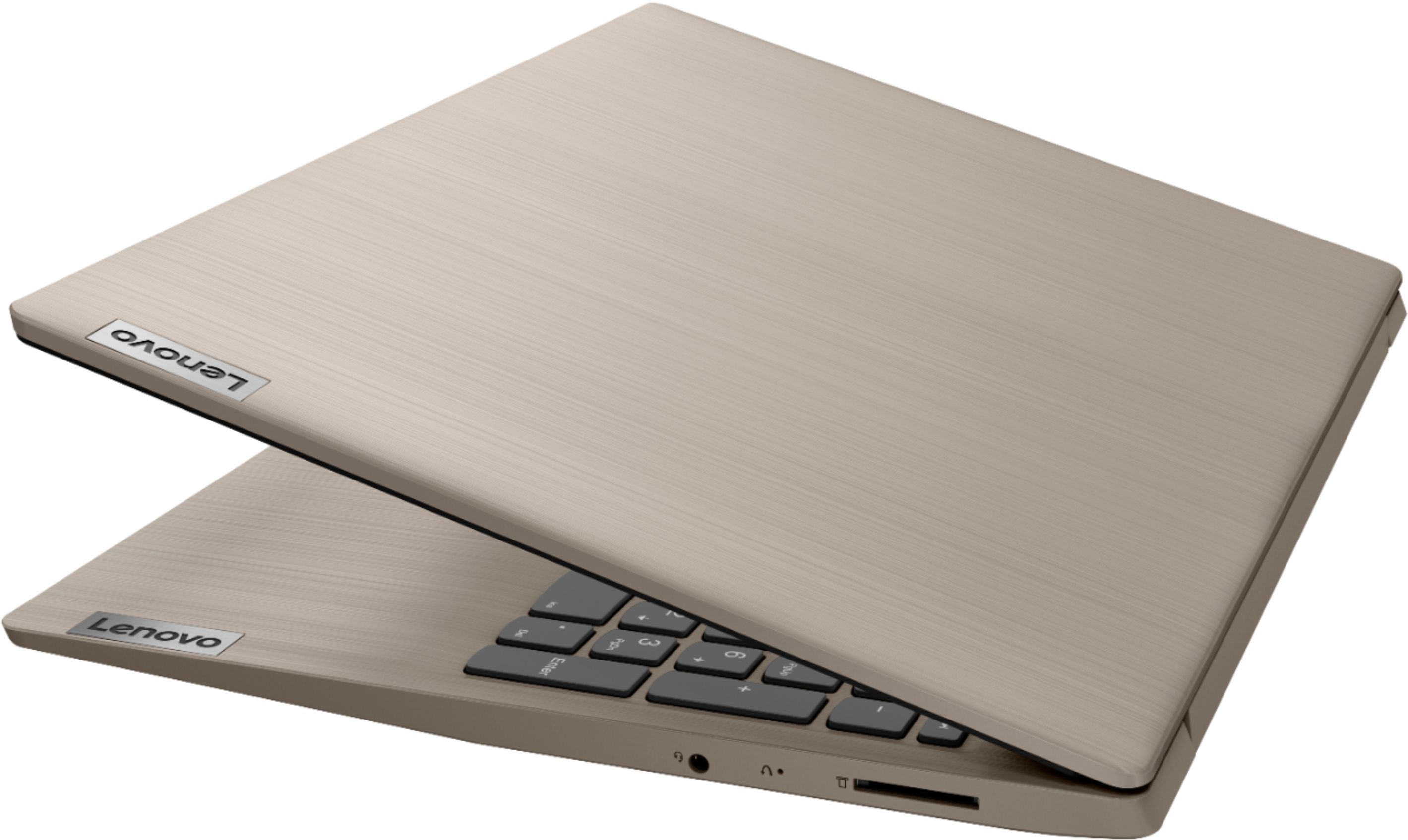
A:AnswerThank will depend on the requirements and compatibility of the specific game. The Lenovo IdeaPad 3 15 model number 81WE00KVUS, ships with Windows 10 S-Mode Operating System. Windows 10 S-Mode provides added security by only allowing APPs available ( and therefore certified by Microsoft) at the Microsoft Store. If you don't need the added security or you need to install APPs not available at the Microsoft Store, you can switch to standard Windows 10 Home 64-bit Operating System, at no additional cost. We recommend you check with the game's software publisher's web site for their compatibility with Windows 10 S-Mode 64-bit operating system and the minimum/recommended hardware requirements (Is a Graphics card required, the processor speed and the minimum required system RAM and the minimum available hard drive space) to run their program, then compare those requirements to this system's configuration.
A:AnswerYes. The Lenovo IdeaPad 3 15 Laptop, model number 81WE00KVUS, ships with Windows Defender turned off. There is a 30-day trial of McAfee Virus Protection software on this model that will automatically activate when Windows 10 is activated for the first time and will protect the laptop for its first 30-days. You do not have to use McAfee. You can uninstall McAfee and turn on Windows Defender, if you choose. If you want to use Windows Defender, first uninstall McAfee: Here is a link to information on uninstalling McAfee from Windows 10: https://service.mcafee.com/webcenter/portal/oracle/webcenter/page/scopedMD/s55728c97_466d_4ddb_952d_05484ea932c6/Page29.jspx?wc.contextURL=%2Fspaces%2Fcp&articleId=TS101331&_afrLoop=1355161020222084&leftWidth=0%25&showFooter=false&showHeader=false&rightWidth=0%25¢erWidth=100%25#!%40%40%3FshowFooter%3Dfalse%26_afrLoop%3D1355161020222084%26articleId%3DTS101331%26leftWidth%3D0%2525%26showHeader%3Dfalse%26wc.contextURL%3D%252Fspaces%252Fcp%26rightWidth%3D0%2525%26centerWidth%3D100%2525%26_adf.ctrl-state%3Dx25crirbo_9
A:AnswerThe Lenovo IdeaPad 3 15 Laptop, model number 81WE00KVUS, ships with a 30-day trial of Microsoft Office 365 included as part of the Windows 10 operating system. In order to keep the program active after the trial period, you will need to purchase a product key. You will not need to download any additional software, just use the product key from the purchased software to activate the installed Microsoft Office Software already on the computer as part of Windows 10 S-Mode Operating System installed on this computer.
A:AnswerThere is a 30-day trial of Microsoft Office 365 included as part of the Windows 10 operating system. In order to keep the program active after the trial period, you will need to purchase a product key. You will not need to download any additional software. There is also a 30-day trial of McAfee Virus Protection Software as well.
A:AnswerLaptop's do not come with a full version of Office pre-installed, they do come with a free trail. You would either need to get Office Home and Student 2019 which is a one time purchase or Office 365 which is a yearly plan. The difference between the two is that with Home and Student you'll have the 2019 version and it will not be upgraded to the newest version when Microsoft releases a new one and it does not include Outlook and One Drive Storage. I personally would recommenced the Home and Student Version.
A:AnswerBe sure you have the latest version of Windows 10 on the computer. Then update all BIOS files and drivers up to that latest version of Windows 10. You can easily accomplish this by scanning the computer with the Lenovo Utility software available on this computer. This system has Lenovo utilities installed to help maintain the health of the device and keep the operating system software up to date. Type "Lenovo Vantage" in the Cortana Search window (if Lenovo Vantage is not installed on your device, you can download the APP and install it now). Select Lenovo Vantage from the list. In the window that opens, click on "Health and Support". In the expanded menu, select "Hardware Scan" In the window that opens, select "Run Quick Tests". This will scan your entire system for errors. Follow any directions that may pop up. If the problem continues after this scan, now click on "System Update". First select Windows update from the menu. Scan your system to be sure you have the latest version of Windows 10. Once that scan is complete, select "Additional Updates". This will scan your device to be sure there are no new BIOS/Driver updates needed. Follow any instructions that may pop up. If you have the latest operating software on your computer and the issue continues, here is a link to tips for fixing a blurry screen image within Windows 10: https://support.microsoft.com/en-us/windows/fix-apps-that-appear-blurry-in-windows-10-e9fe34ab-e7e7-bc6f-6695-cb169b51de0f. If the issue continues, we recommend you contact Lenovo Tech Support for additional help at: 877-453-6686.
A:AnswerThan really will depend on the requirements and compatibility of the specific software you want to use. The Lenovo IdeaPad 3 15 Laptop, model number 81WE00KVUS, ships with Windows 10 S-Mode 64-bit Operating System. Windows 10 S-Mode provides added security by only allowing APPs available ( and therefore certified by Microsoft) at the Microsoft Store. If you don't need the added security or you need to install APPs not available at the Microsoft Store, you can switch to standard Windows 10 Home 64-bit Operating System, at no additional cost. We recommend you check with the specific software publisher's web site for their compatibility with Windows 10 S-Mode 64-bit operating system and the minimum/recommended hardware requirements (Is a Graphics card required, the processor speed and the minimum required system RAM and the minimum available hard drive space) to run their program, then compare those requirements to this system's configuration.
A:AnswerYes. Windows Defender is installed as part of Windows 10. It is deactivated at startup because the 30-day trial of McAfee Virus Protection is setup to automatically activate with the initial Windows 10 activation and run for the 30-day trial. You can uninstall McAfee and start using Windows Defender anytime. Here is a link to information on uninstalling McAfee from Windows 10: https://service.mcafee.com/webcenter/portal/oracle/webcenter/page/scopedMD/s55728c97_466d_4ddb_952d_05484ea932c6/Page29.jspx?wc.contextURL=%2Fspaces%2Fcp&articleId=TS101331&_afrLoop=1355161020222084&leftWidth=0%25&showFooter=false&showHeader=false&rightWidth=0%25¢erWidth=100%25#!%40%40%3FshowFooter%3Dfalse%26_afrLoop%3D1355161020222084%26articleId%3DTS101331%26leftWidth%3D0%2525%26showHeader%3Dfalse%26wc.contextURL%3D%252Fspaces%252Fcp%26rightWidth%3D0%2525%26centerWidth%3D100%2525%26_adf.ctrl-state%3Dx25crirbo_9
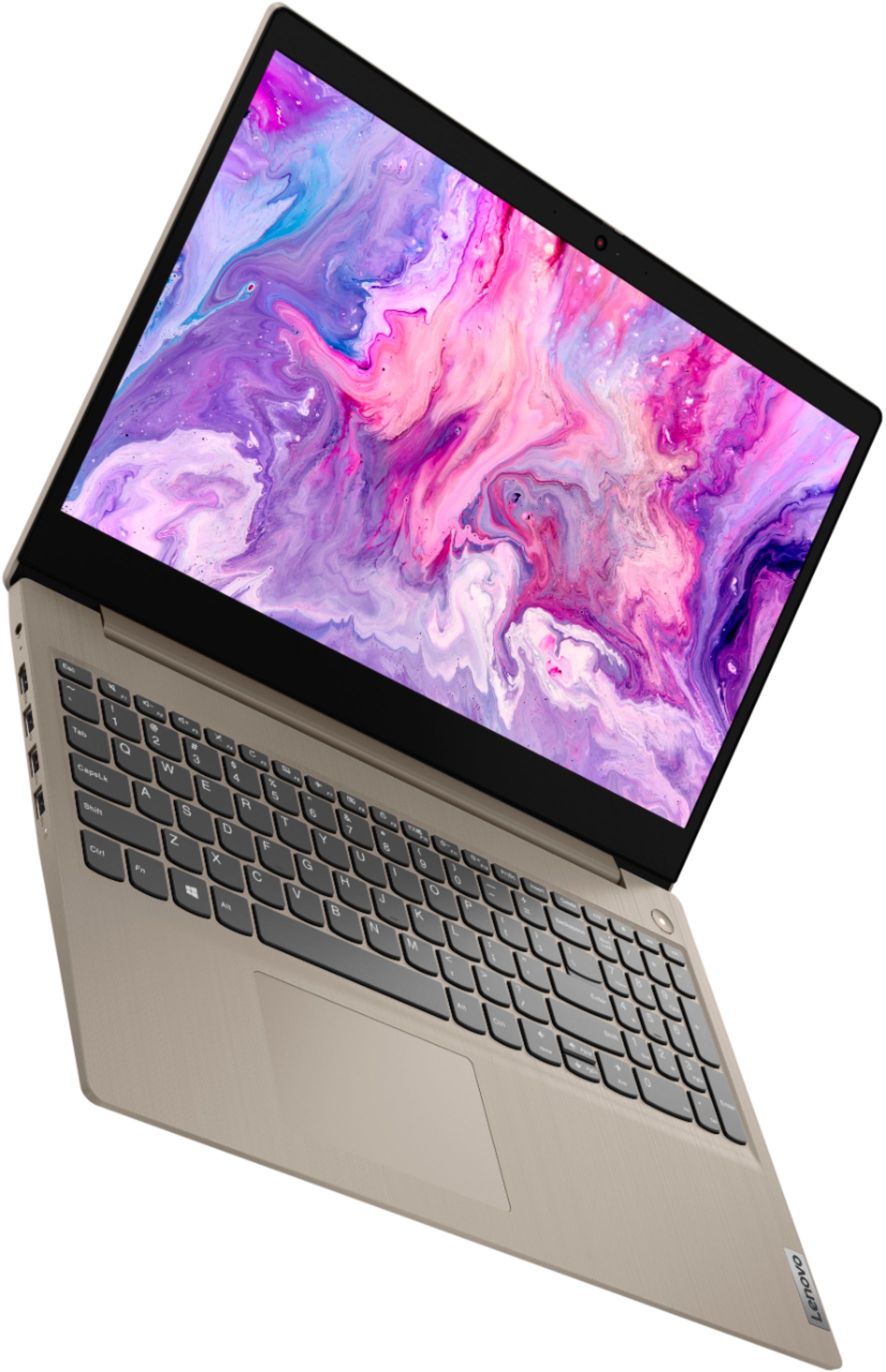
A:AnswerThe Lenovo IdeaPad 3 15 Laptop, model number 81WE00KVUS, ships with a 15.6-Inch (screen size measured diagonally) TN, LCD w/LED Backlight (Anti-glare) screen, with a resolution of 1366 X 768 (HD) and a brightness level of 250 nits. This model ships with Windows 10 S-Mode Operating System. Windows 10 S-Mode provides added security by only allowing APPs available ( and therefore certified by Microsoft) at the Microsoft Store. If you don't need the added security or you need to install APPs not available at the Microsoft Store, you can switch to standard Windows 10 Home 64-bit Operating System, at no additional cost. We recommend you check with the specific streaming service publisher's web site for their compatibility with Windows 10 S-Mode 64-bit operating system and the minimum/recommended hardware requirements (Is a Graphics card required, the processor speed and the minimum required system RAM and the minimum available hard drive space) to run their program, then compare those requirements to this system's configuration.