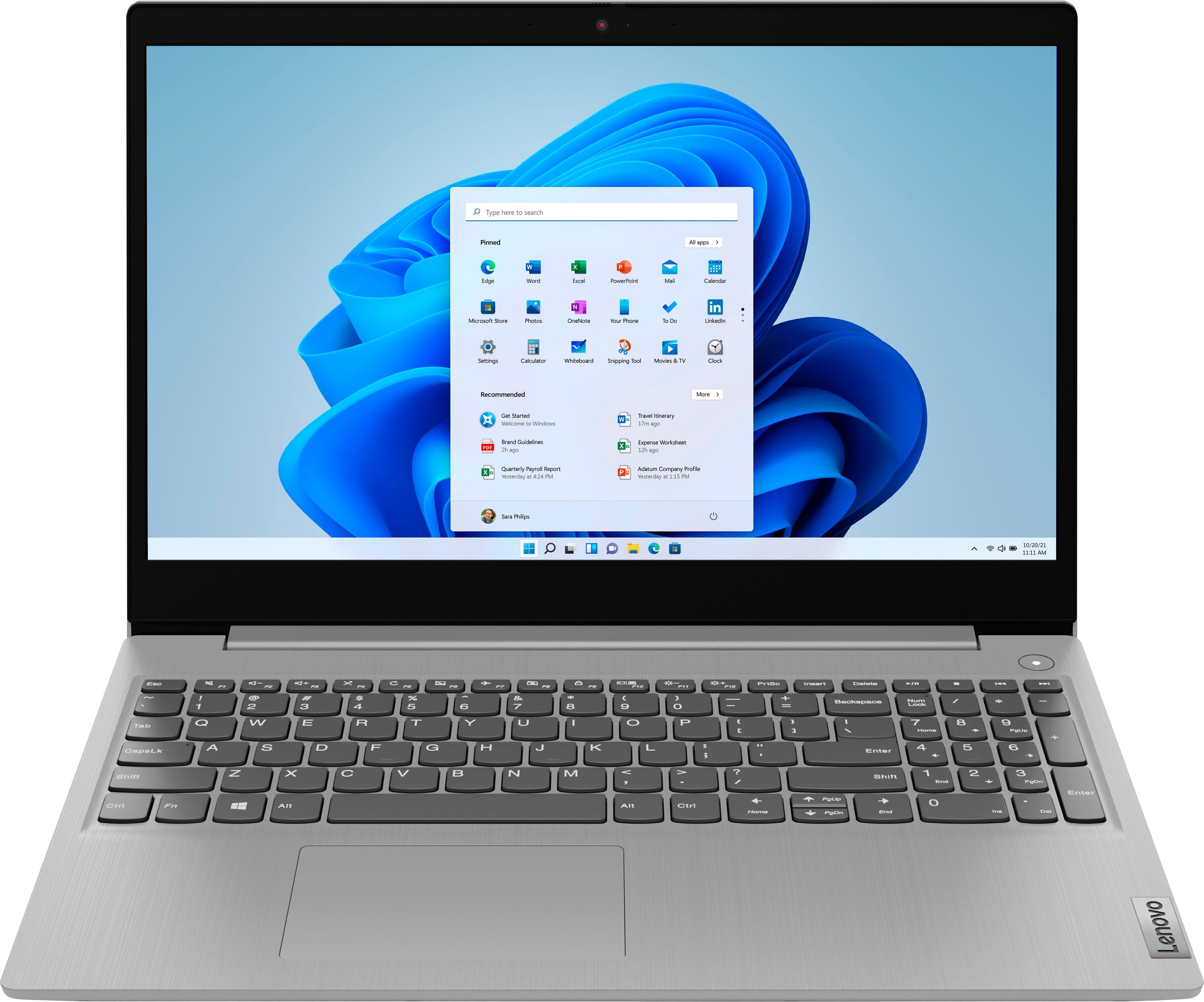
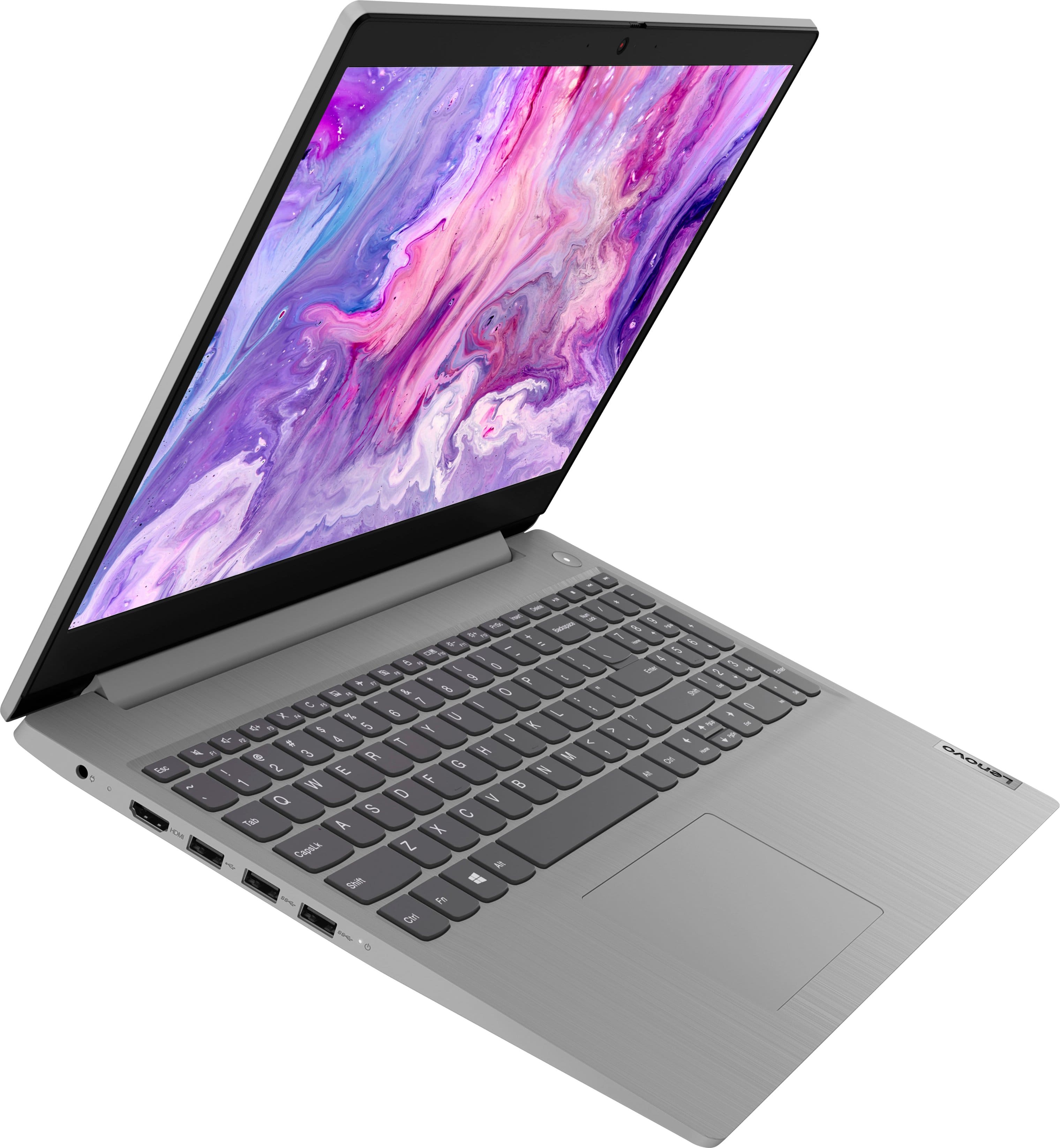
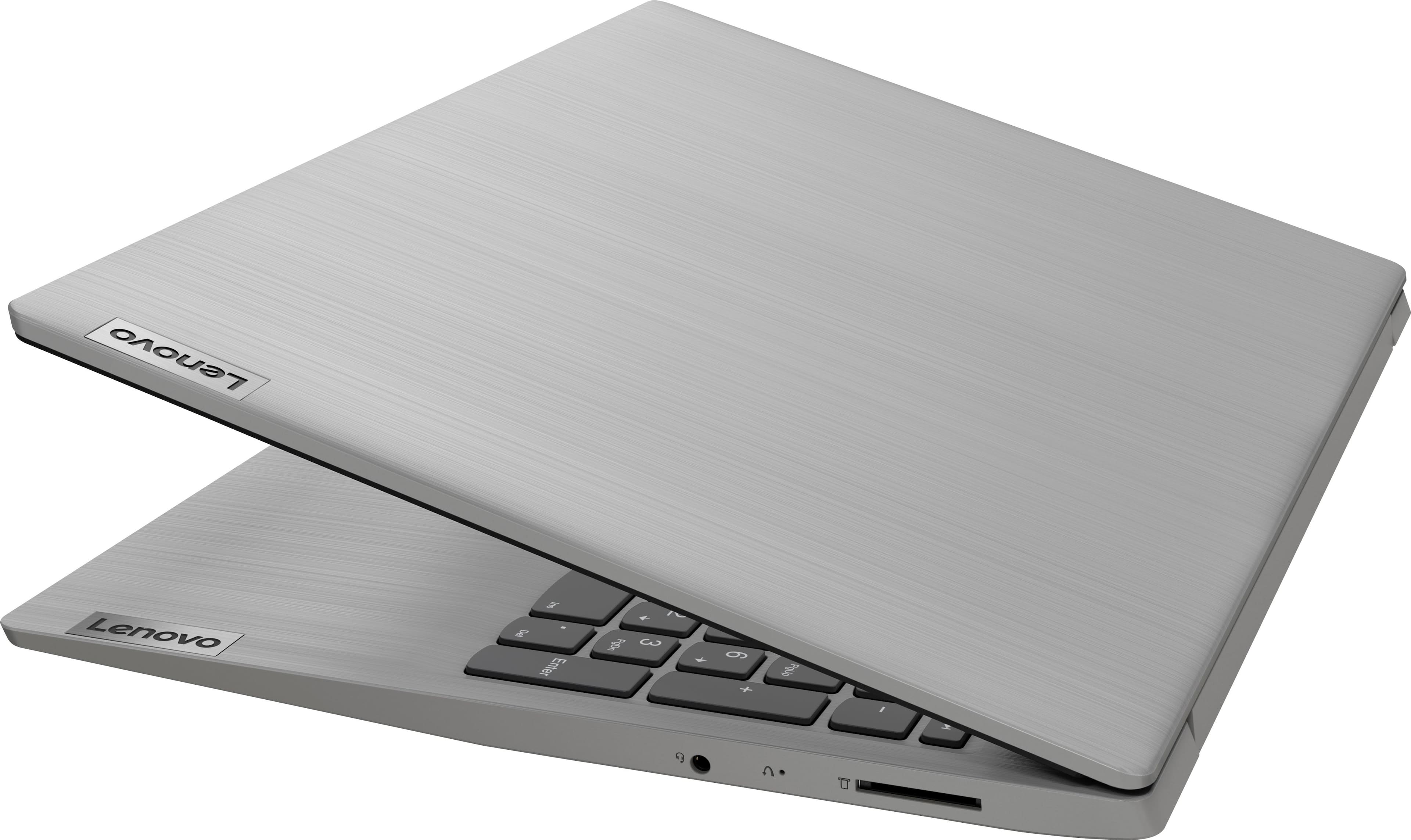
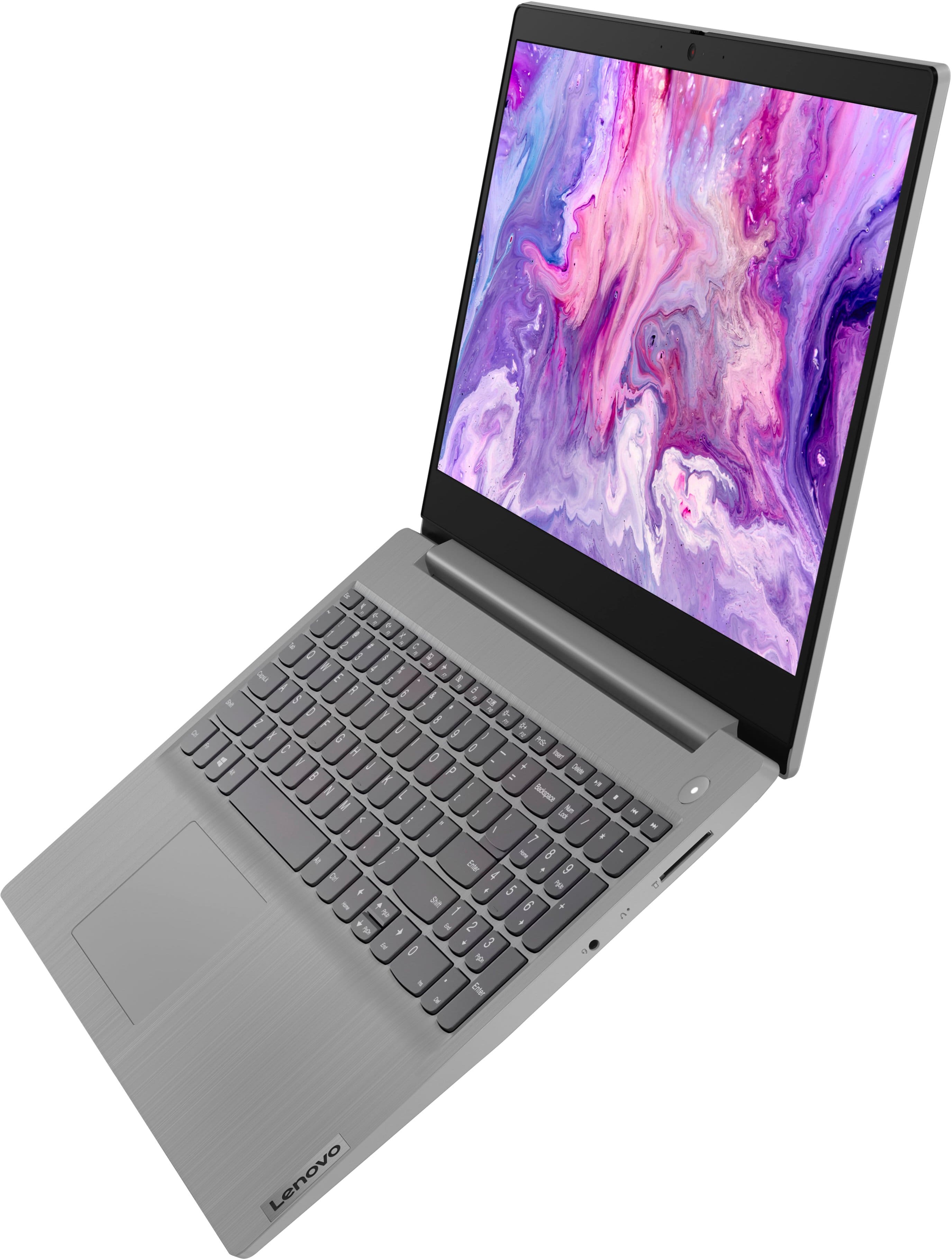
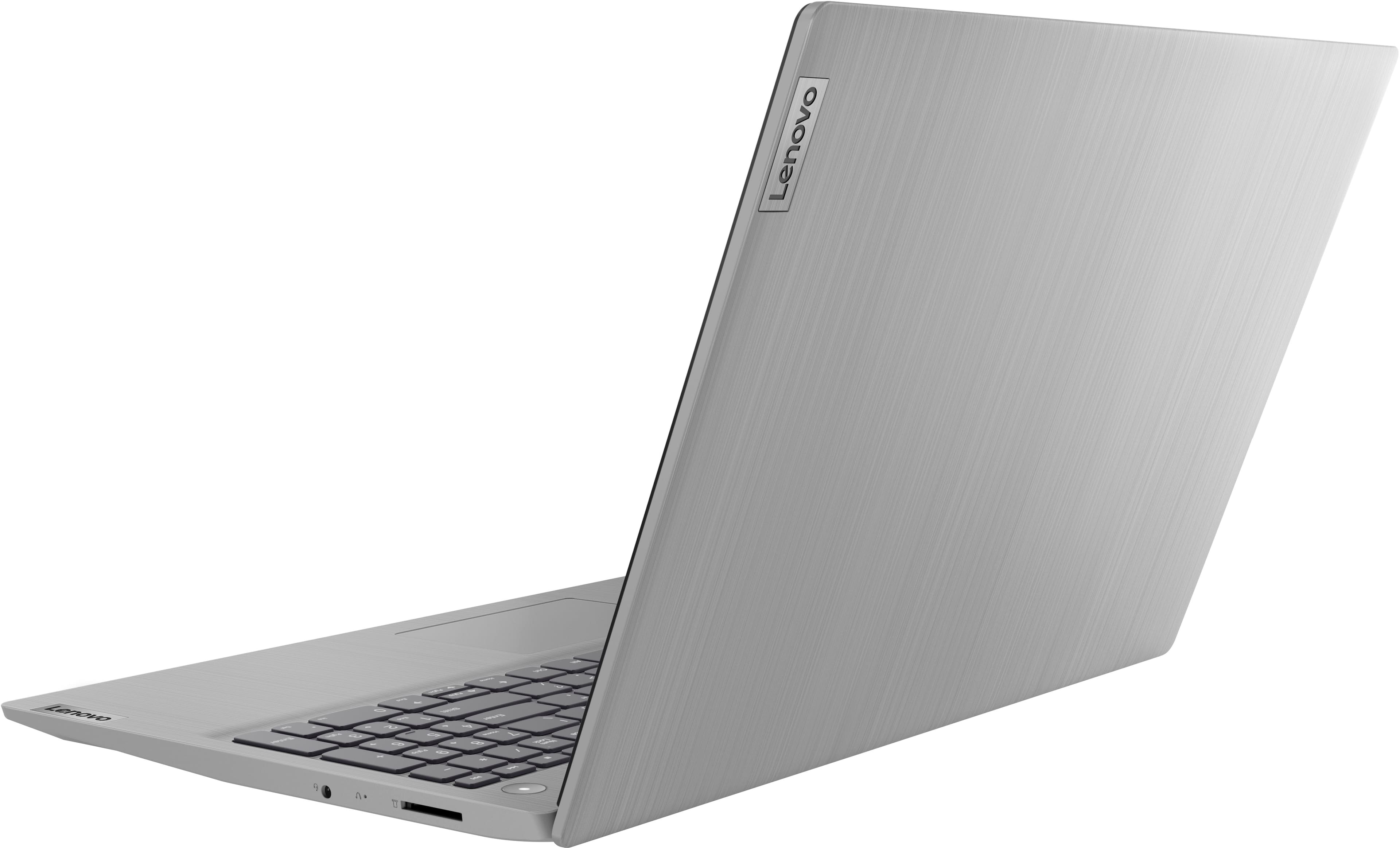
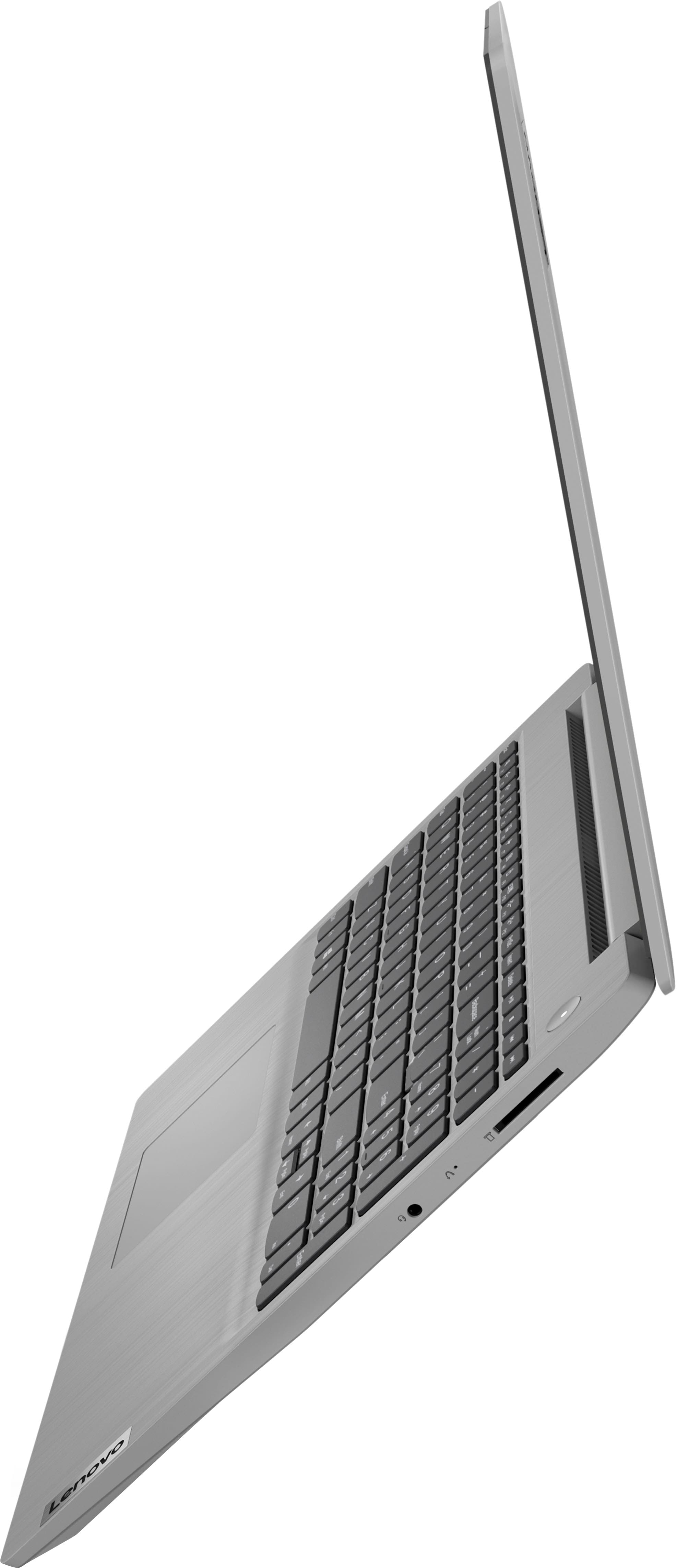
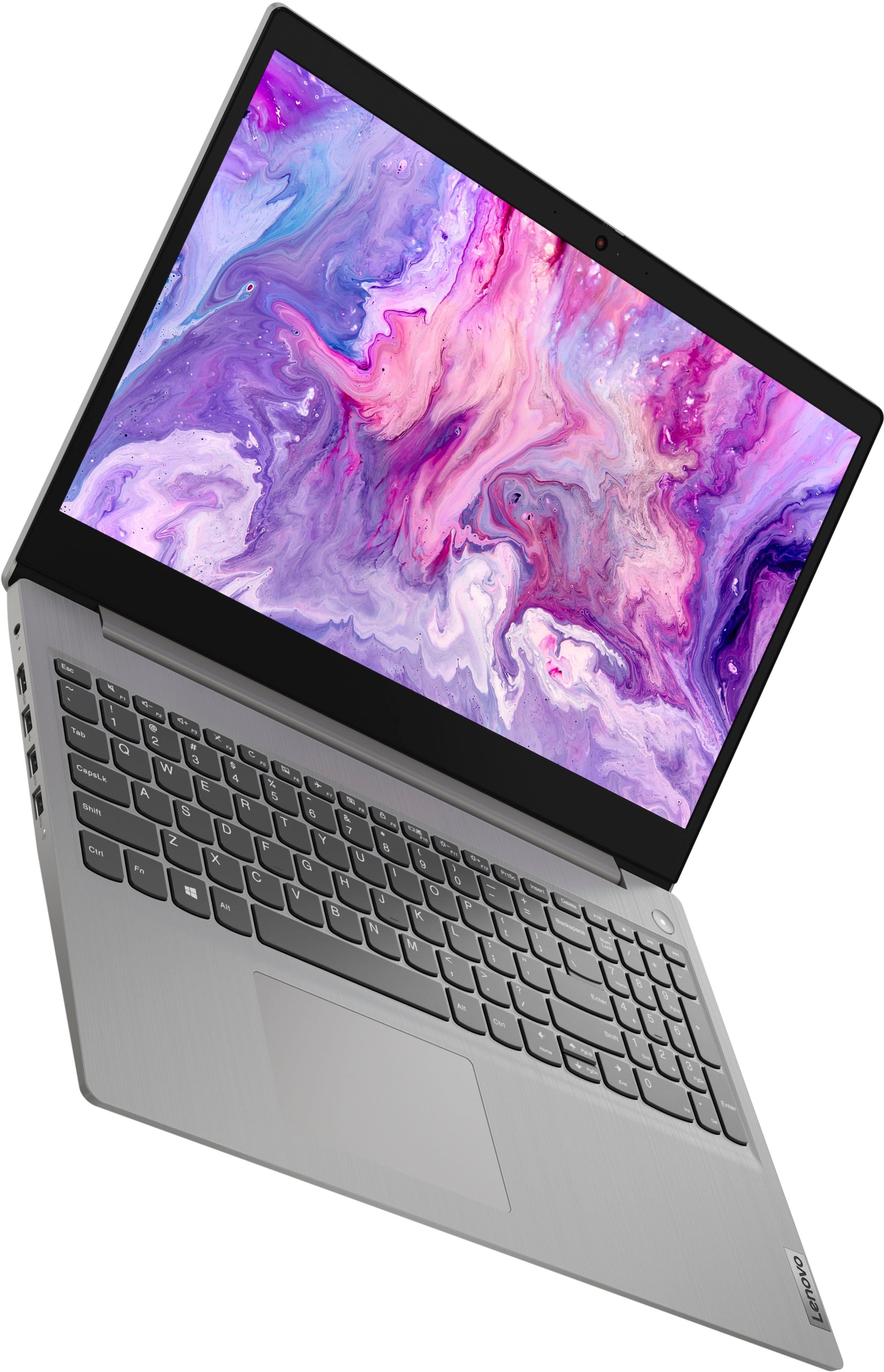
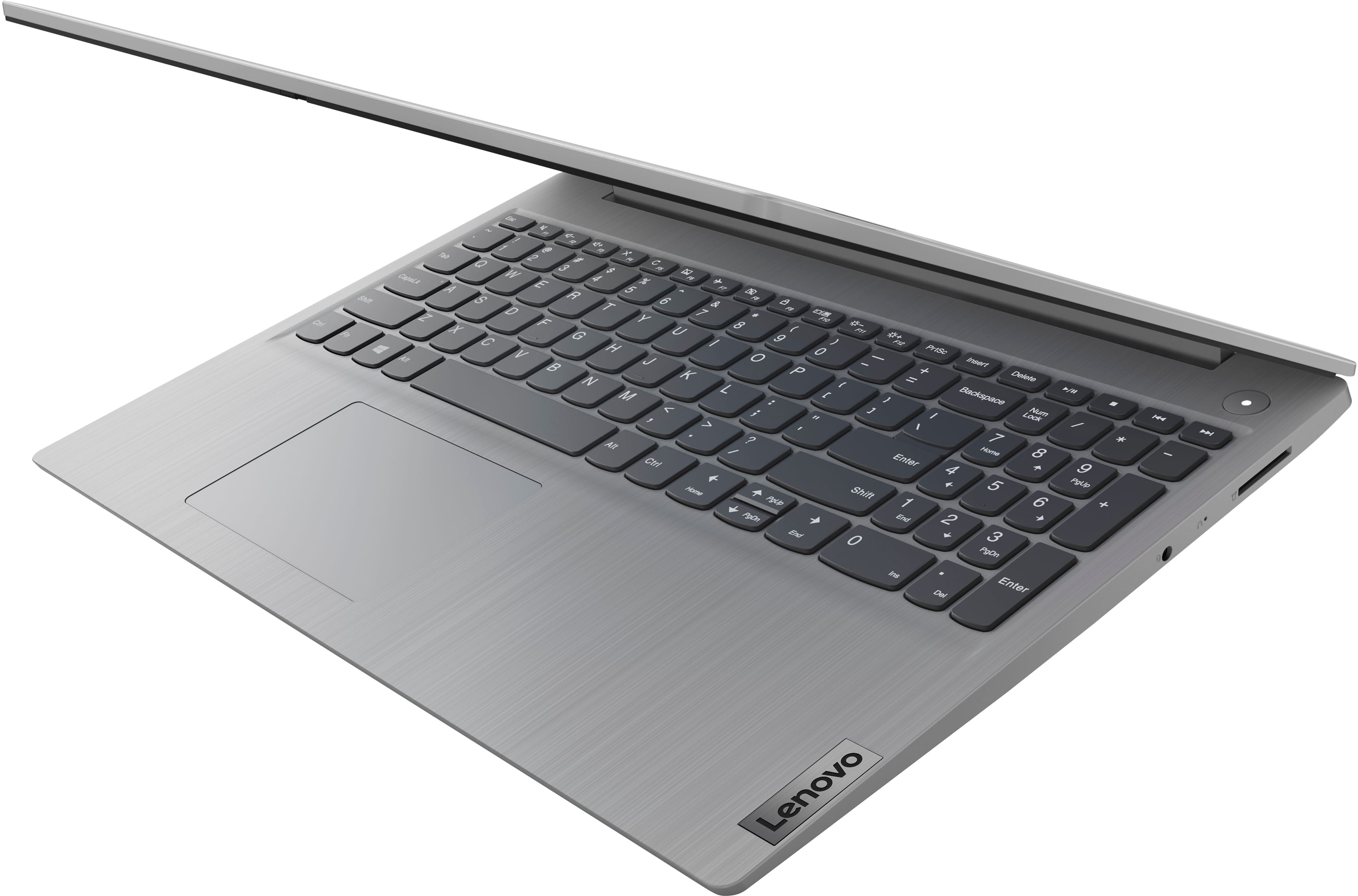
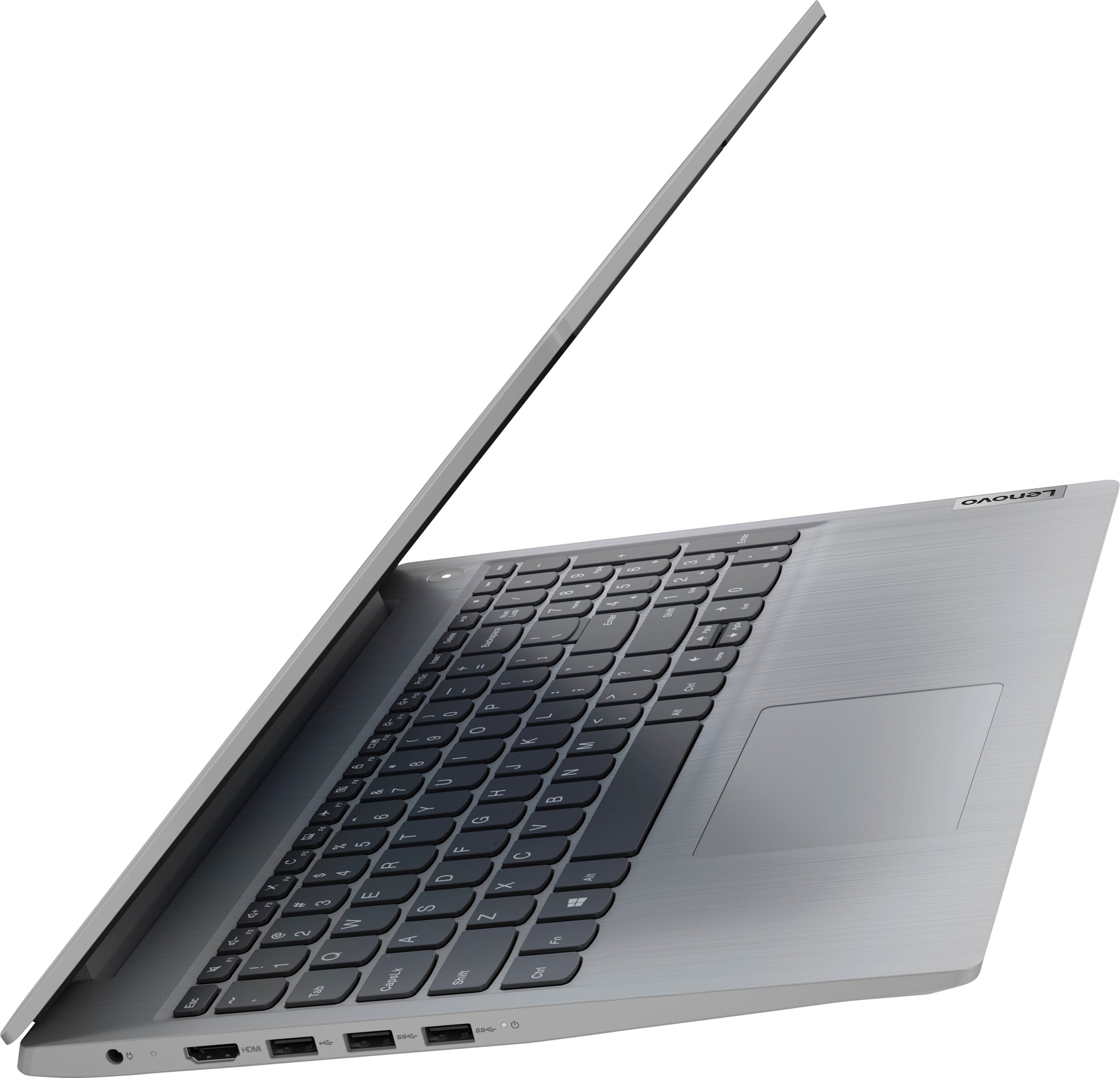
A:AnswerThis Lenovo IdeaPad 3i 15, model number 81X800MCUS, ships with 256GB SSD M.2 2242 PCIe® 3.0x4 NVMe®, and supports up to two drives, 1x 2.5" HDD + 1x M.2 SSD (2.5" HDD up to 1TB, M.2 2242 SSD up to 512GB, M.2 2280 SSD up to 1TB).
A:AnswerThat will depend on the requirements and compatibility of the specific software you plan to use. This Lenovo IdeaPad 3i 15, model number 81X800MCUS, ships with Windows 11 S-Mode, 64-bit Operating System installed. Windows 11 S-Mode provides added security by only allowing APPs available (and therefore certified by Microsoft) at the Microsoft Store. If you don't need the added security or need to install APPs not available at the Microsoft Store, you can switch to standard Windows 11 Home 64-bit Operating System, at no additional cost. We recommend you check with the software creator’s web site for their compatibility with Windows 11 S-Mode 64-bit operating system and the minimum/recommended hardware requirements to run their program, then compare those requirements to this system's configuration.
A:AnswerYes, as long as you have excel (Microsoft office). It will also work with Google sheets
It's not a tablet or a notebook, it's a full function laptop.
A:AnswerThat will depend on the requirements and compatibility of the specific software you plan to use. This ships with the Windows 11 Operating System preinstalled and the specifications are listed on the product’s webpage. We recommend you check the software publisher’s website for their compatibility with the minimum/recommended hardware requirements to run their programs, then compare those requirements to this system's configuration to determine compatibility.
A:AnswerThat will depend on the requirements and compatibility of the specific APP you want to download. This Lenovo IdeaPad 3i 15 Laptop, model number 81X800MCUS, ships with Windows 11 S-Mode, 64-bit Operating System installed. Windows 11 S-Mode provides added security by only allowing APPs available ( and therefore certified by Microsoft) at the Microsoft Store. If you don't need the added security or you need to install APPs not available at the Microsoft Store, you can switch to standard Windows 11 Home 64-bit Operating System, at no additional cost. We recommend you check with the specific APPs software publisher's web site for their compatibility with Windows 11 S-Mode 64-bit operating system and the minimum/recommended hardware requirements (Is a Graphics card required, the processor speed and the minimum required system RAM and the minimum available hard drive space) to run their program, then compare those requirements to this system's configuration. If you choose to switch out of S-Mode for Windows 11 Home: Here is a link to instructions for switching from Windows 11 S-Mode to Windows 11 Home: https://support.microsoft.com/en-us/windows/switching-out-of-s-mode-in-windows-4f56d9be-99ec-6983-119f-031bfb28a307#WindowsVersion=Windows_11
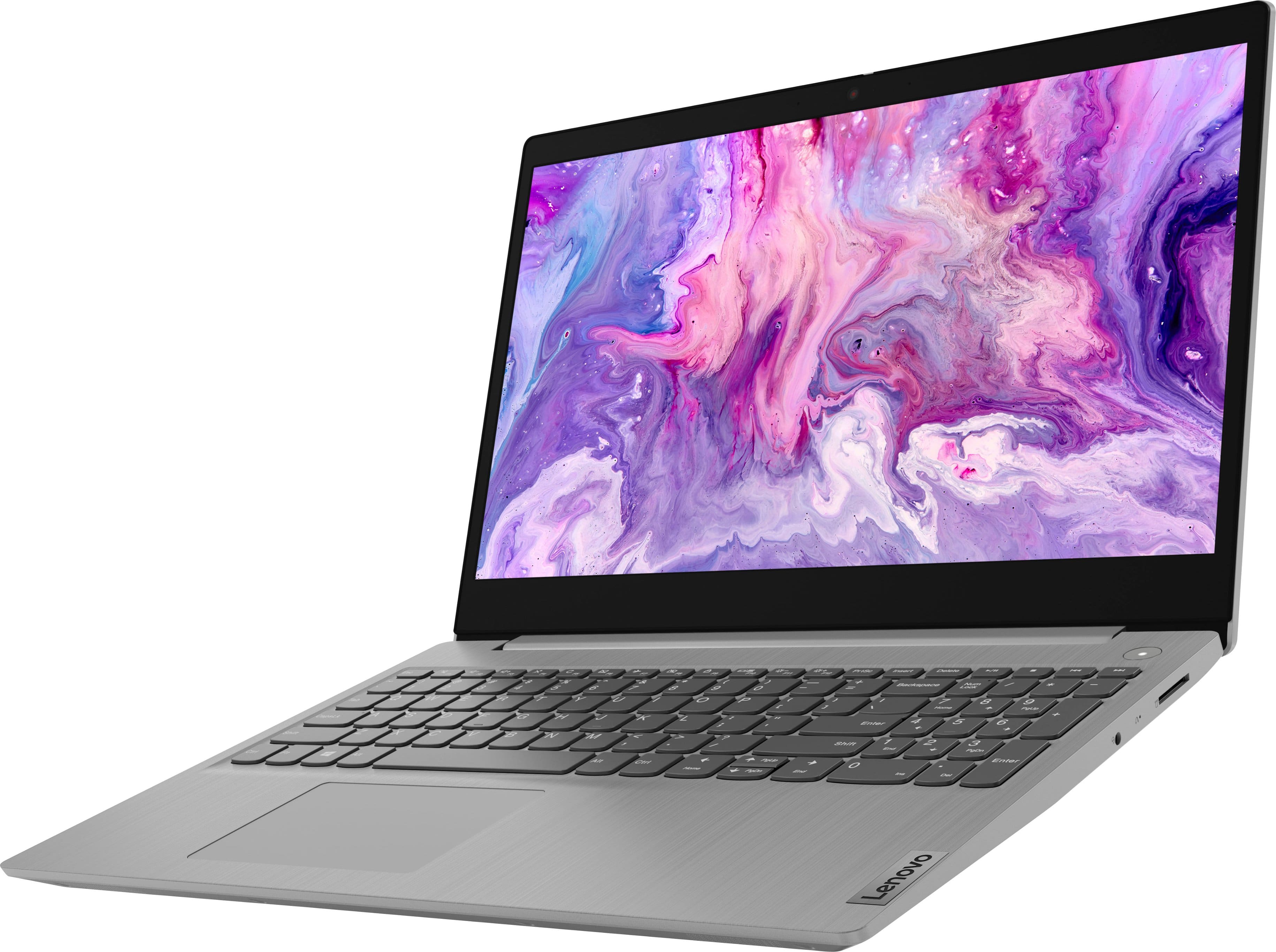
This IdeaPad 3i 15 ships with a 15.6" HD (1366x768) TN 220nits Anti-glare, Touch Display.