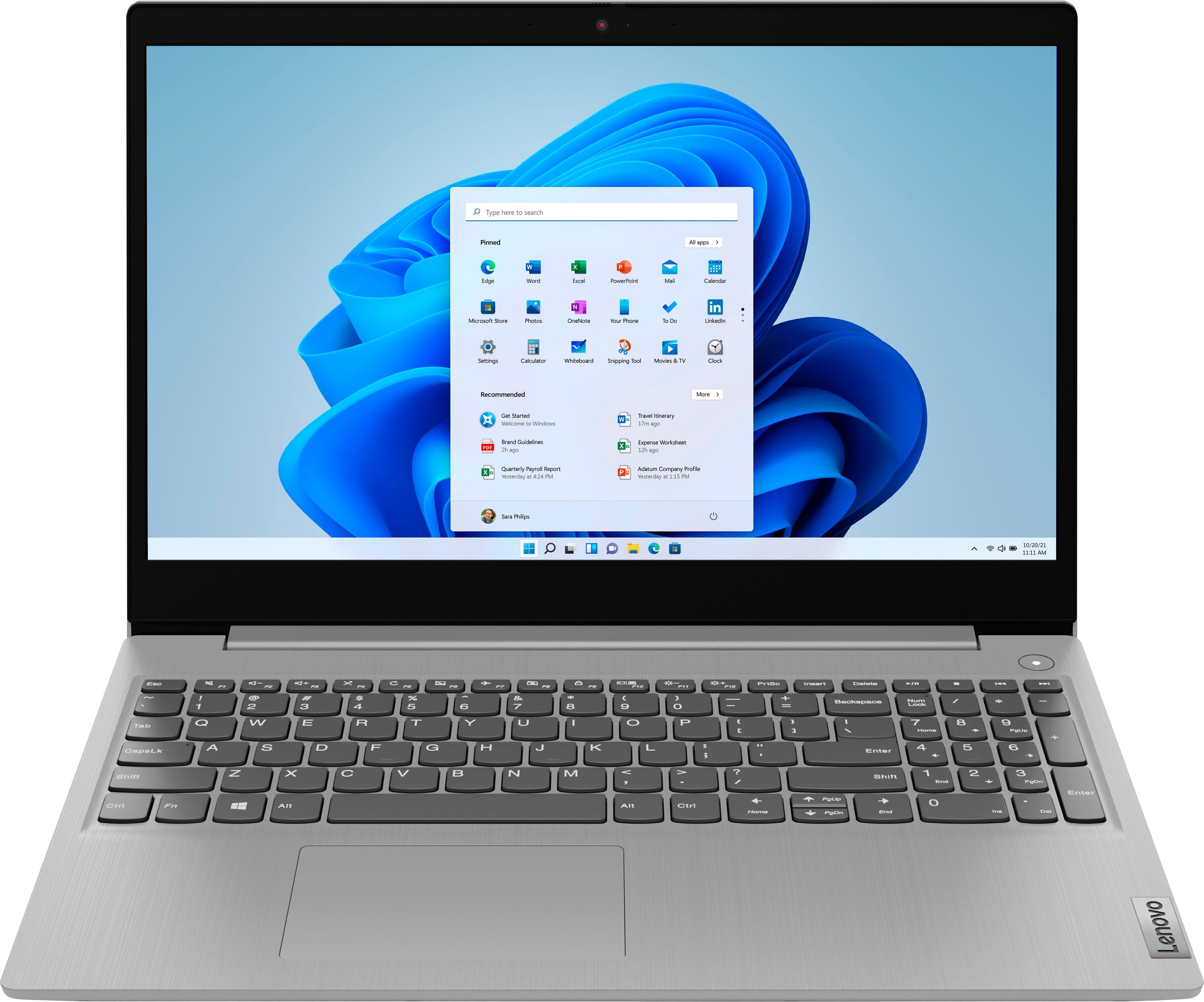
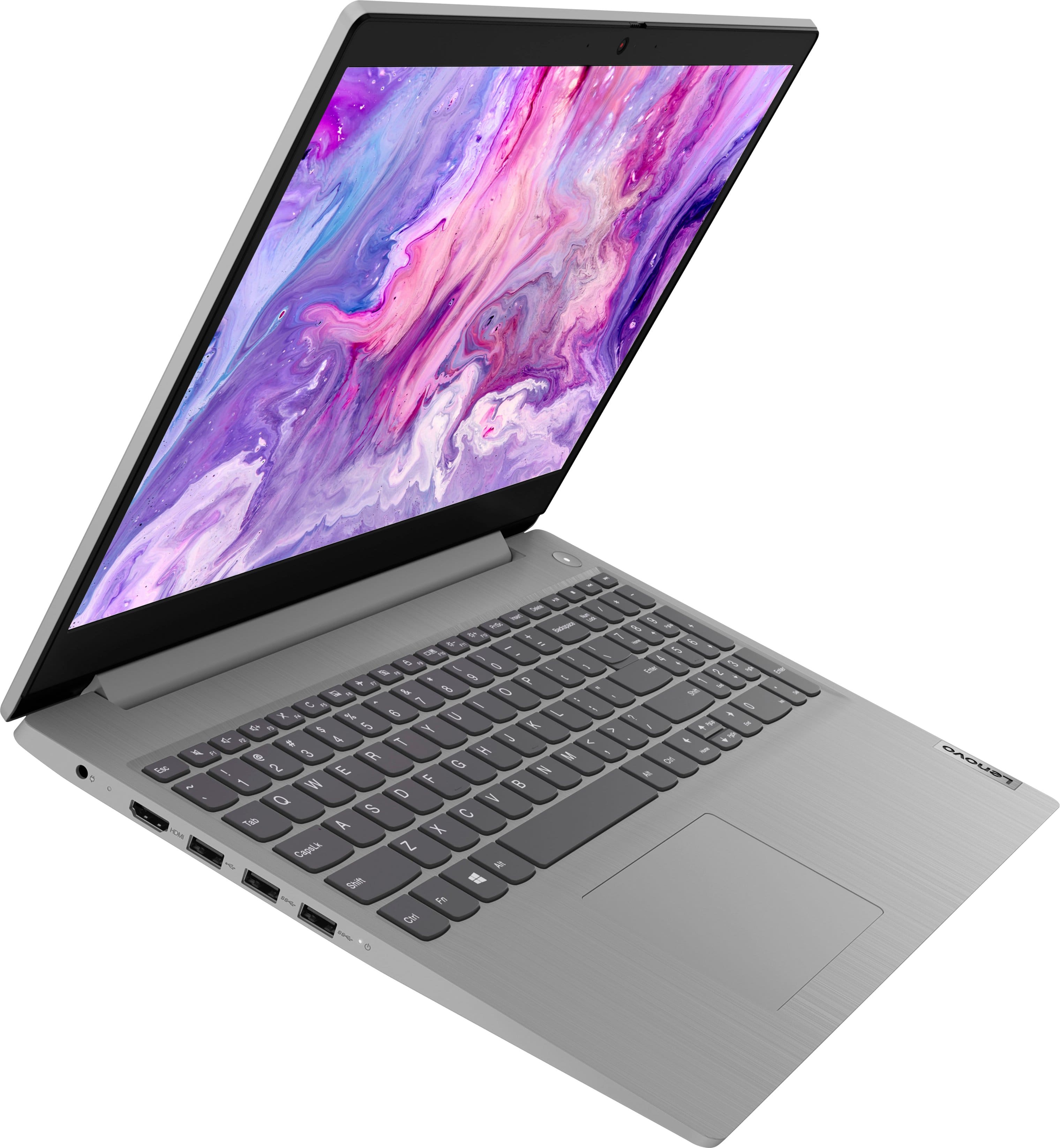
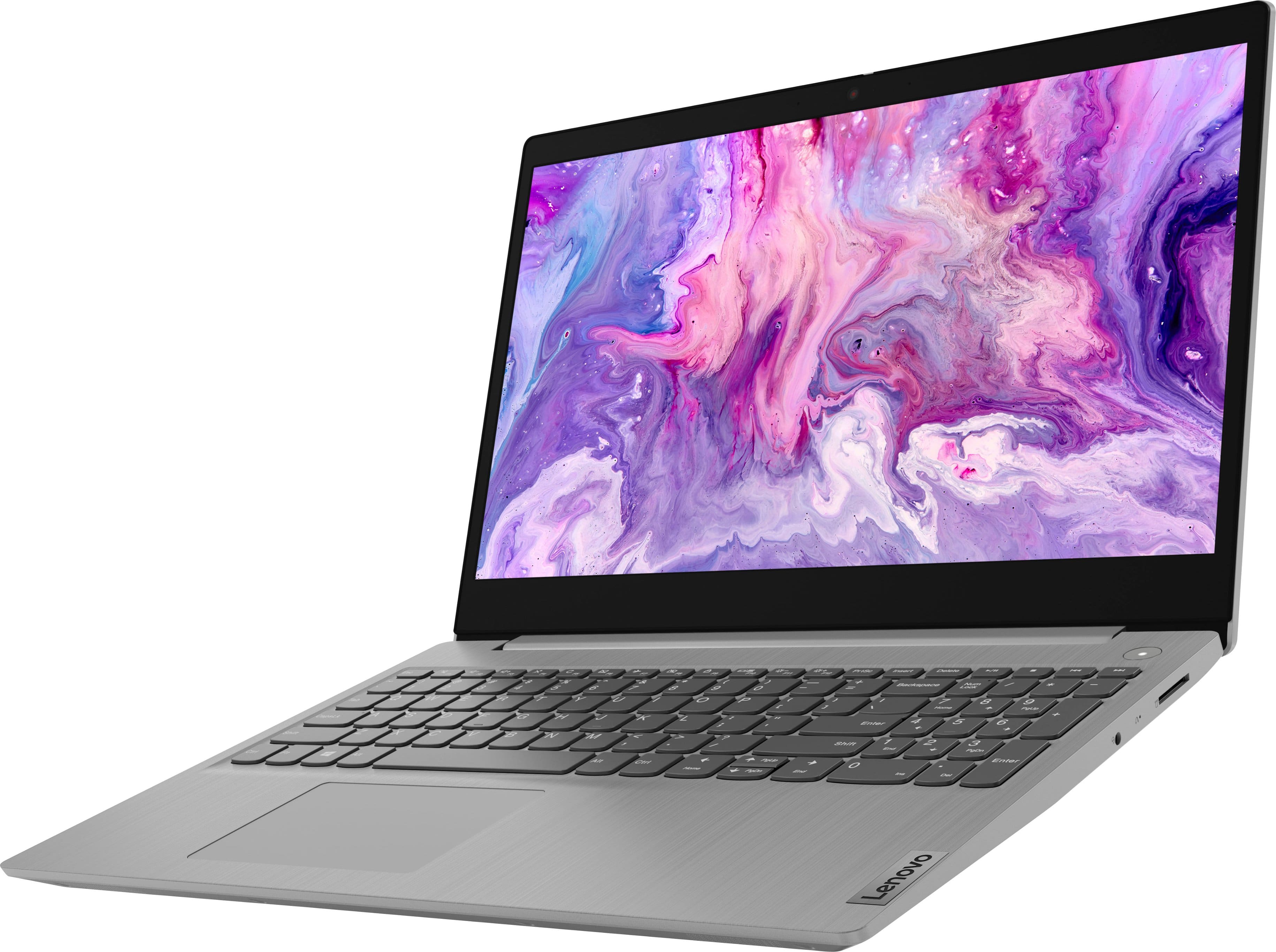
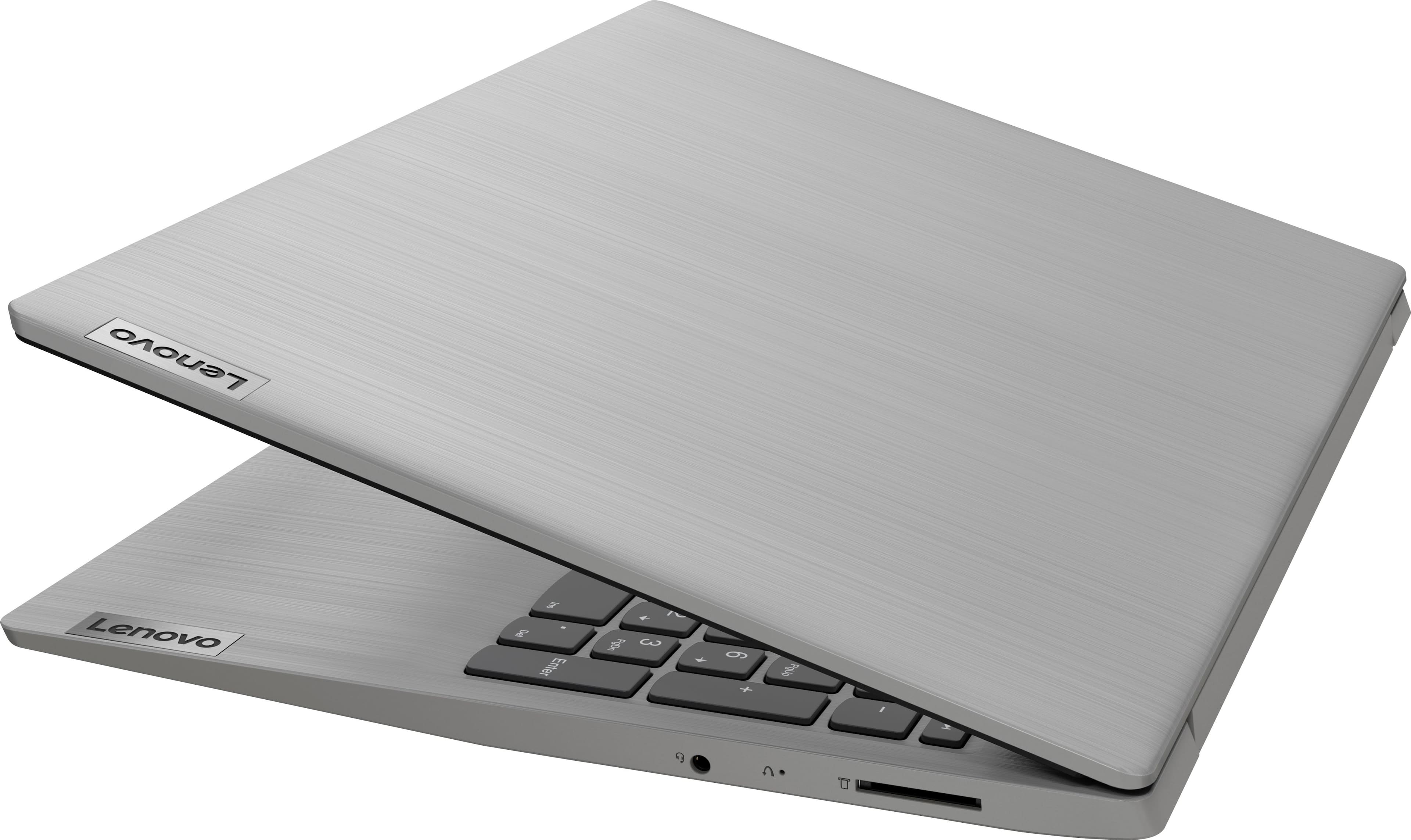
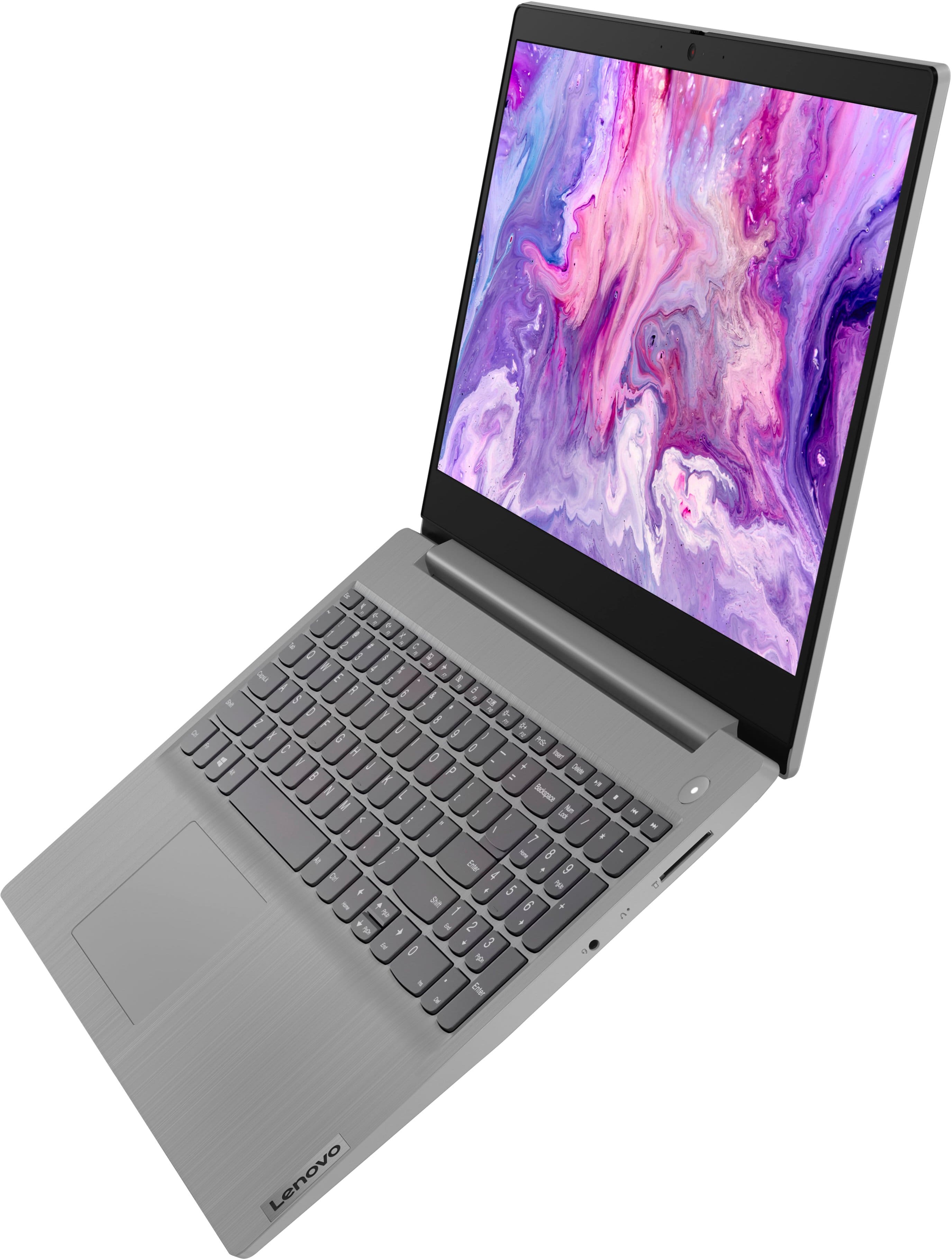
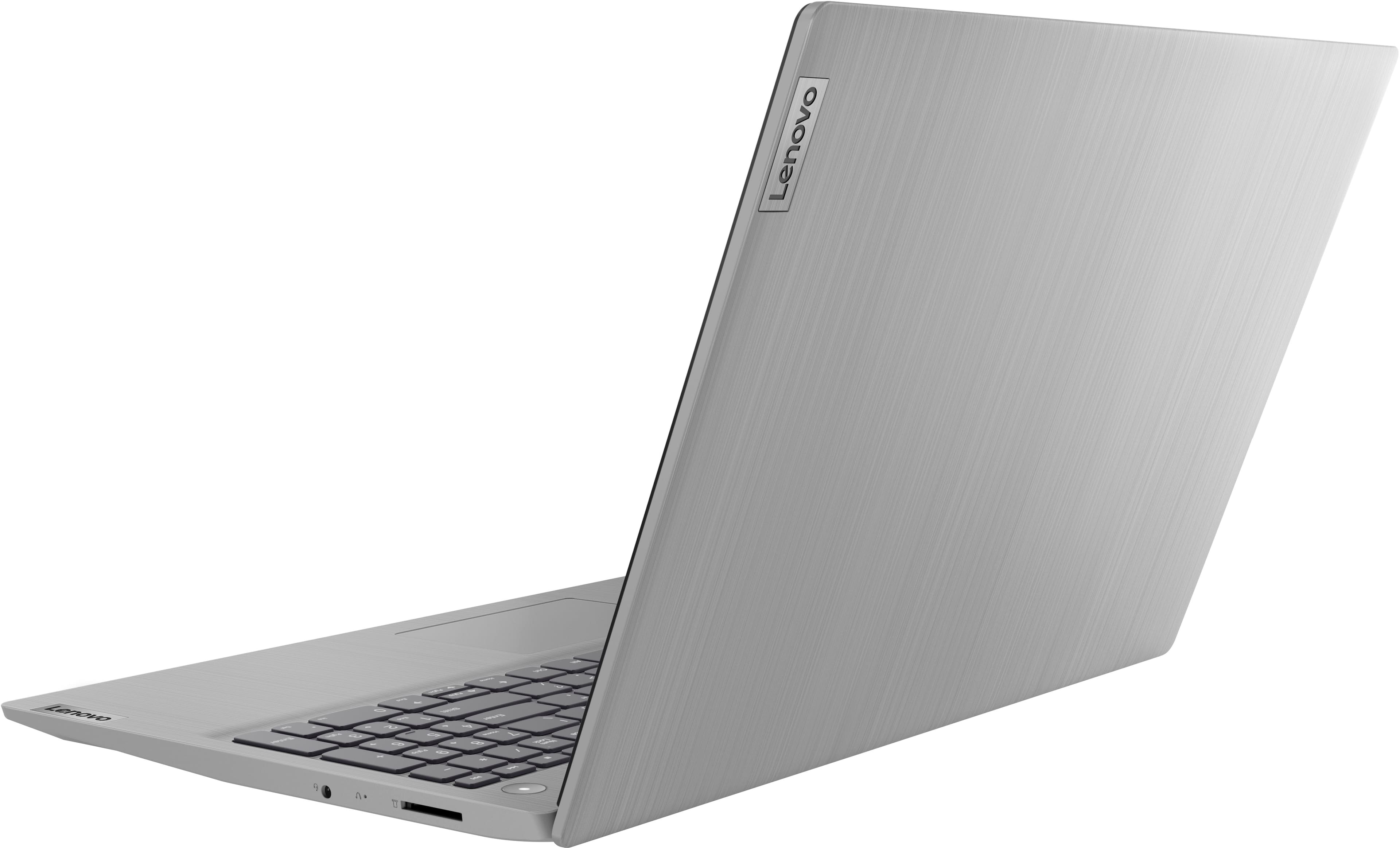
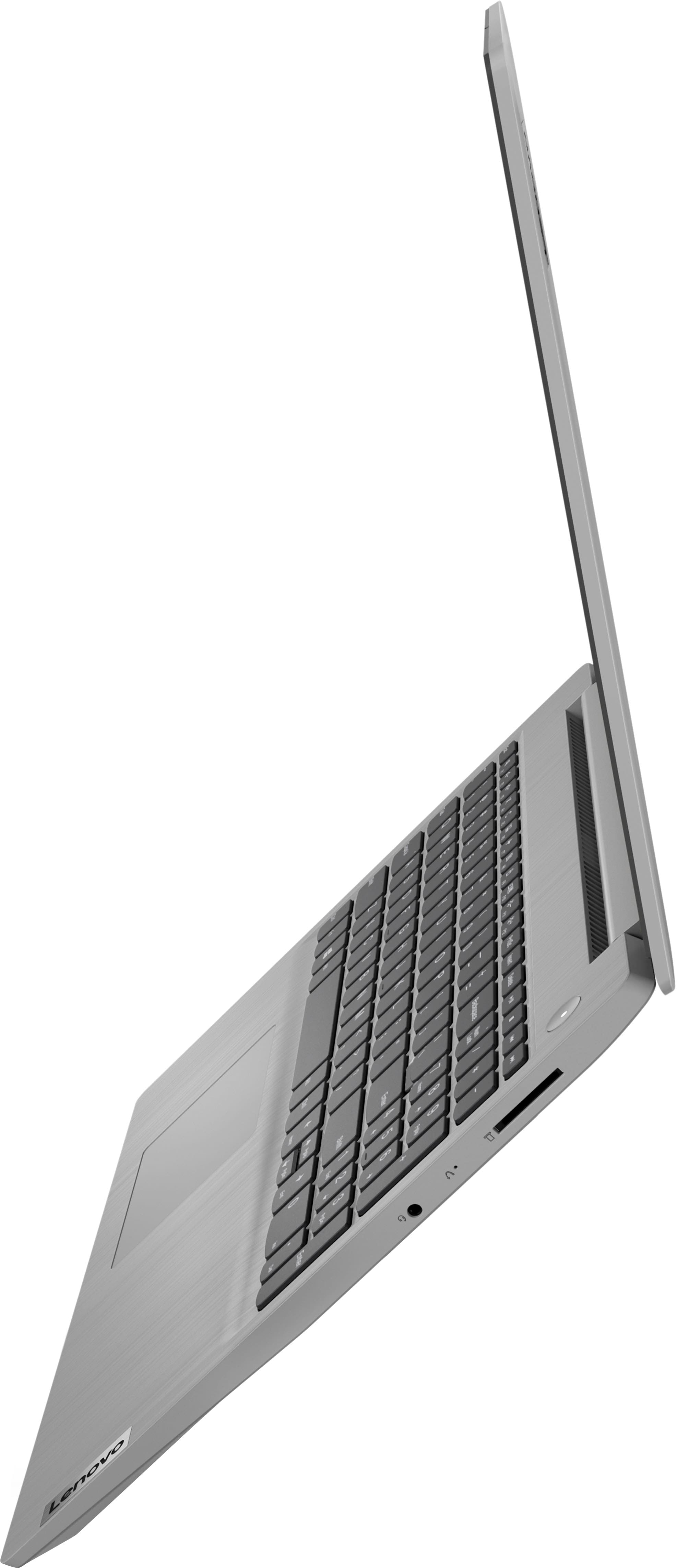
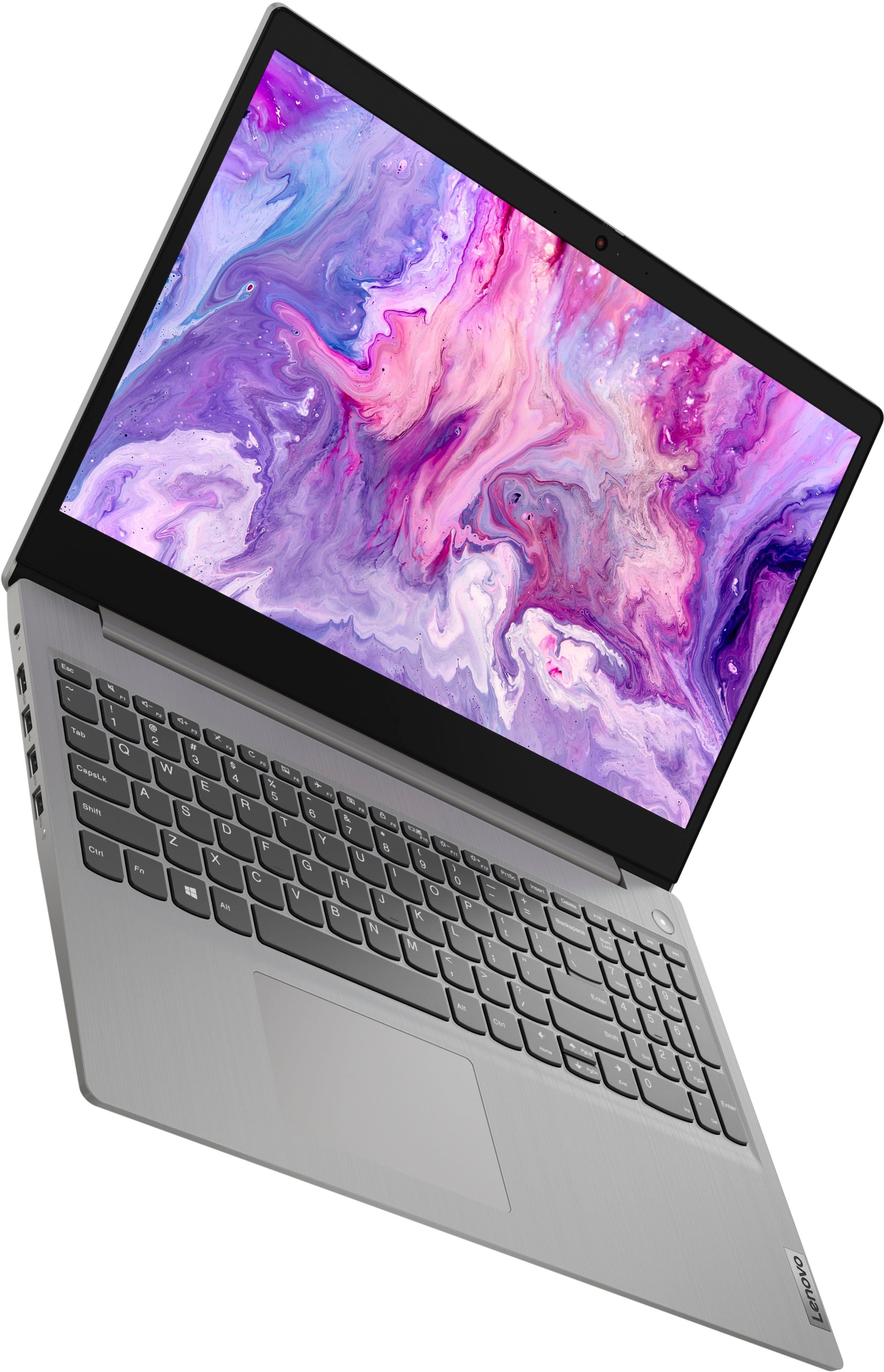
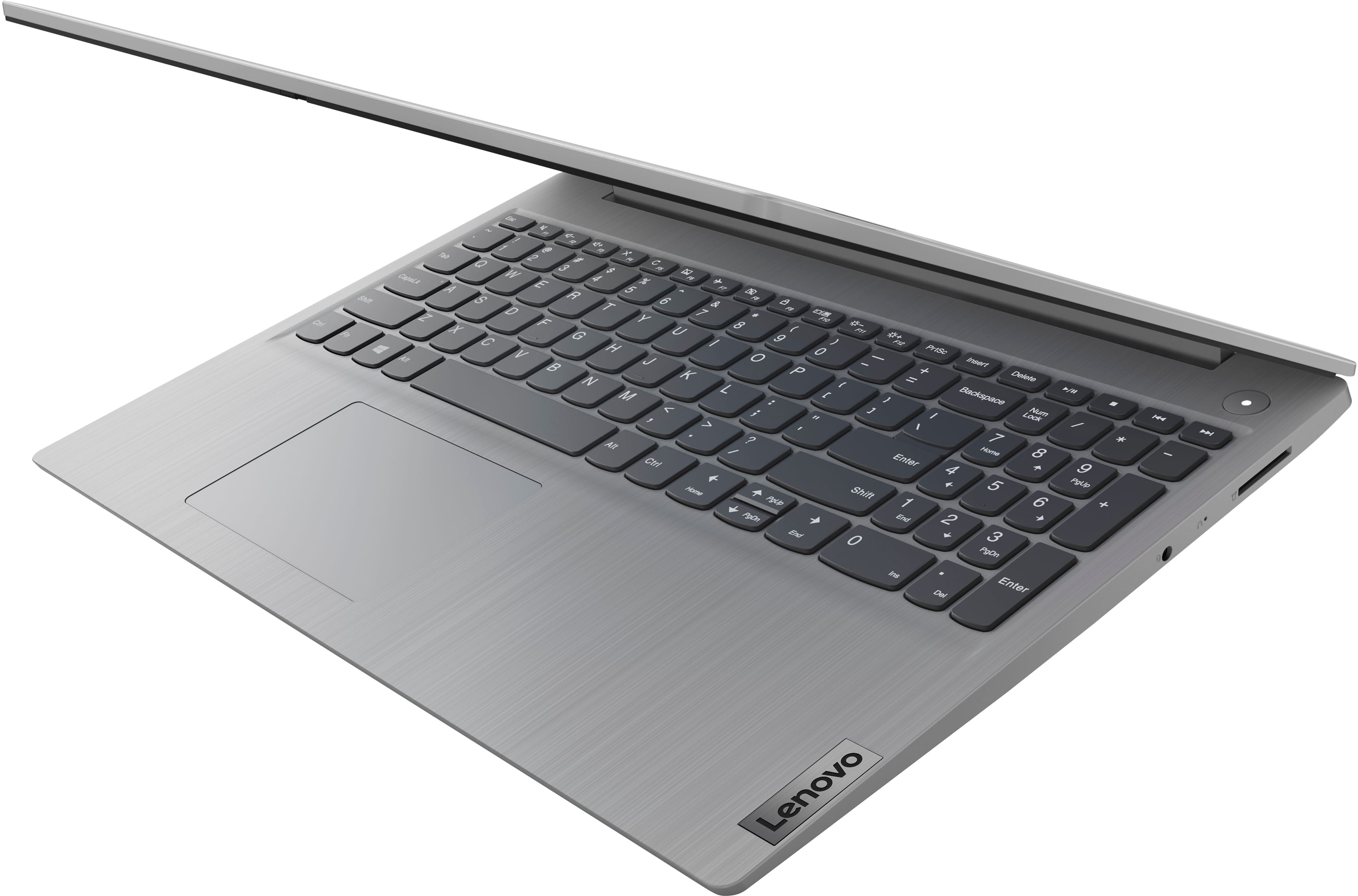
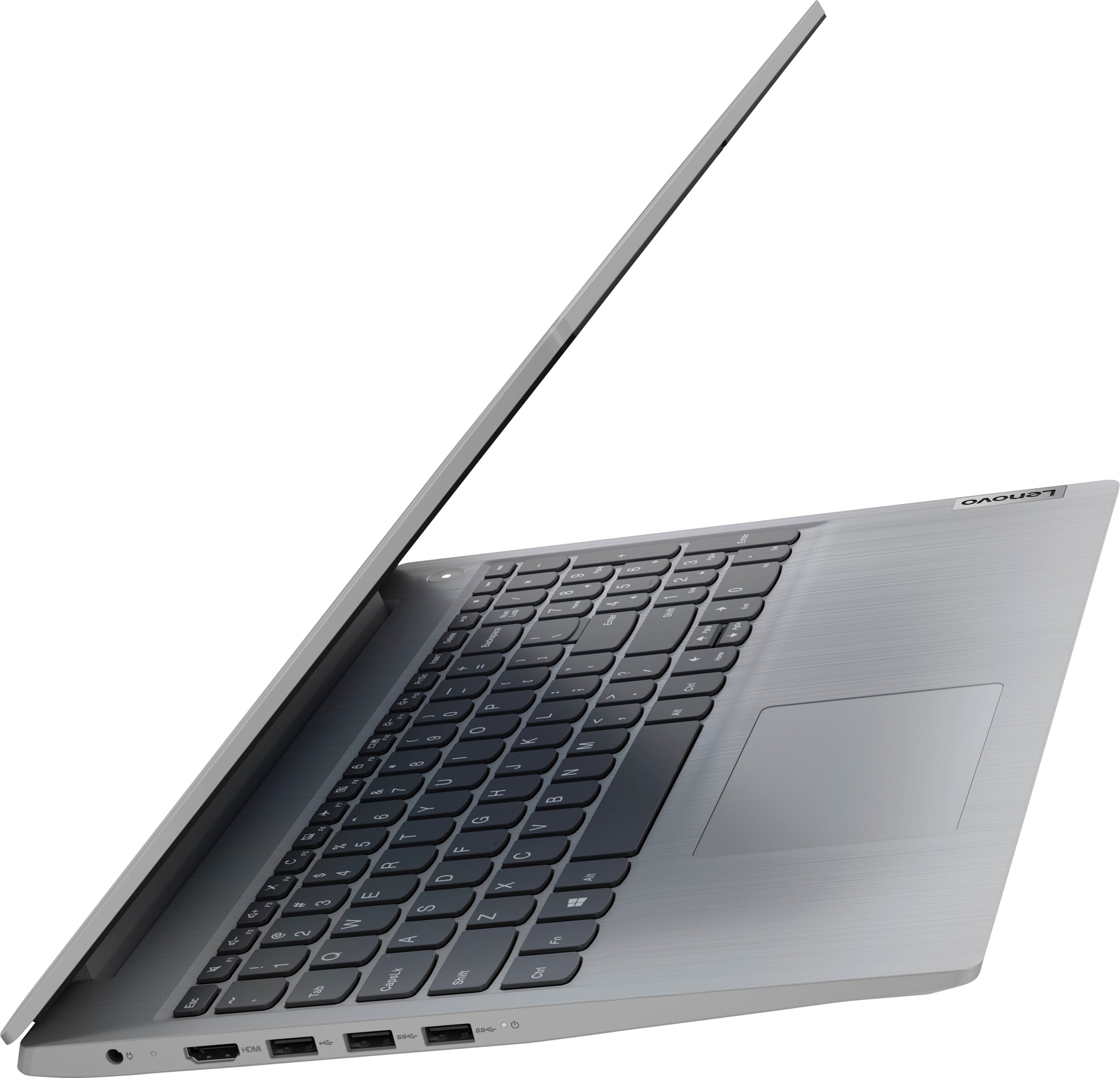
A:AnswerNo. The Lenovo IdeaPad 3i 15 laptop, model number 81X800MCUS, is a traditional laptop configuration. The screen can open to a maximum of approximately 110-degrees.
A:AnswerYes. This Lenovo IdeaPad 3i 15 Laptop, model number 81X800MCUS, ships with a 10-point Multi-touch screen, which is: 15.6 inches (screen size measured diagonally) TN - HD (1366x768) 10-point Multi-touch screen, with a brightness level of 220 nits and has an Anti-glare Coating. This screen provides 67 Percent of the sRGB (45 Percent NTSC) color gamut.
A:AnswerNo. This Lenovo IdeaPad 3i 15 Laptop, model number 81X800MCUS, ships with the Windows 11 S-Mode, 64-bit Operating System installed. Windows 11 S-Mode provides added security by only allowing APPs available ( and therefore certified by Microsoft) at the Microsoft Store. If you don't need the added security or you need to install APPs not available at the Microsoft Store, you can switch to standard Windows 11 Home 64-bit Operating System, at no additional cost.
A:AnswerI don’t believe so, but there are Dell laptops such as the Inspiron 15, which have similar specs and cost that can be installed with windows 10. Hope this helps!
A:AnswerYes. You can use any mouse that is compatible with Windows 11 Operating System. There is a built in touchpad on this Lenovo IdeaPad 3i 15 Laptop that functions as a external mouse would. The external mouse is sold separately.
A:AnswerThis Lenovo IdeaPad 3i 15 Laptop ships with Windows 11 S-Mode, 64-bit Operating System installed which supports the Miracast standard. You can access the Cast menu directly by pressing the Windows + K keys on your keyboard. Windows 11 shows all the nearby wireless displays it detects, that support the Miracast standard. To connect to your TV (if it supports Miracast), click or tap its name from the list.
A:AnswerNo. This Lenovo IdeaPad 3i 15 Laptop, model number 81X800MCUS, ships with a Non-backlit, English Version, standard QWERTY keyboard with 10 Key Numeric Pad included.