A:AnswerHey B,
The IdeaPad Slim 3 Chromebook is scheduled to receive auto updates until June 2033.
Please feel free to reach out to us with any other questions!
A:AnswerHey,
We apologize, as we do not understand what you're asking specifically. If you could please rephrase your question, including more context, we can address your inquiry precisely.
A:AnswerHey PS,
We're sorry to hear this is the case. Based on Google Support content, right clicking on a tab you'd like to duplicate in Chrome should present the option. If this isn't the case, you may need to restart the browser or the Chromebook itself to see if this resolves the matter.
Please feel free to reach out to us with any other questions!
A:AnswerHey,
We're sorry to hear that you ran into this issue with your IdeaPad Slim 3 Chromebook. We strive to provide the best experience possible, so we'd like to work with you to try to improve your experience with your Chromebook. To start, we recommend trying to resolve this by visiting the following Google Support webpage: https://support.google.com/chromebook/answer/6309225?hl=en#zippy=%2Cchromebook-wont-turn-on-or-wont-charge%2Cbattery-wont-charge, with troubleshooting steps to follow if your device won't charge. If after following these steps your issue persists, we then recommend reaching out to Lenovo Support at this number: 877-453-6686, and providing a representative with details of your issue, so that they may help by providing another solution.
Please let us know if you have any other questions!
A:AnswerHey Cara,
Depending on the degree of damage, your system may be repairable. We recommend contacting Lenovo Support or your local Geek Squad to have your system inspected to then determine a course of action. To note, if the worst-case scenario is in play, where you have to replace your Chromebook, thanks to how they operate, you can set up another Chromebook using your recently damaged Chromebook's backup points to restore the new one.
Please feel free to reach out to us with any other questions and share any updates that you may have.
A:AnswerHey,
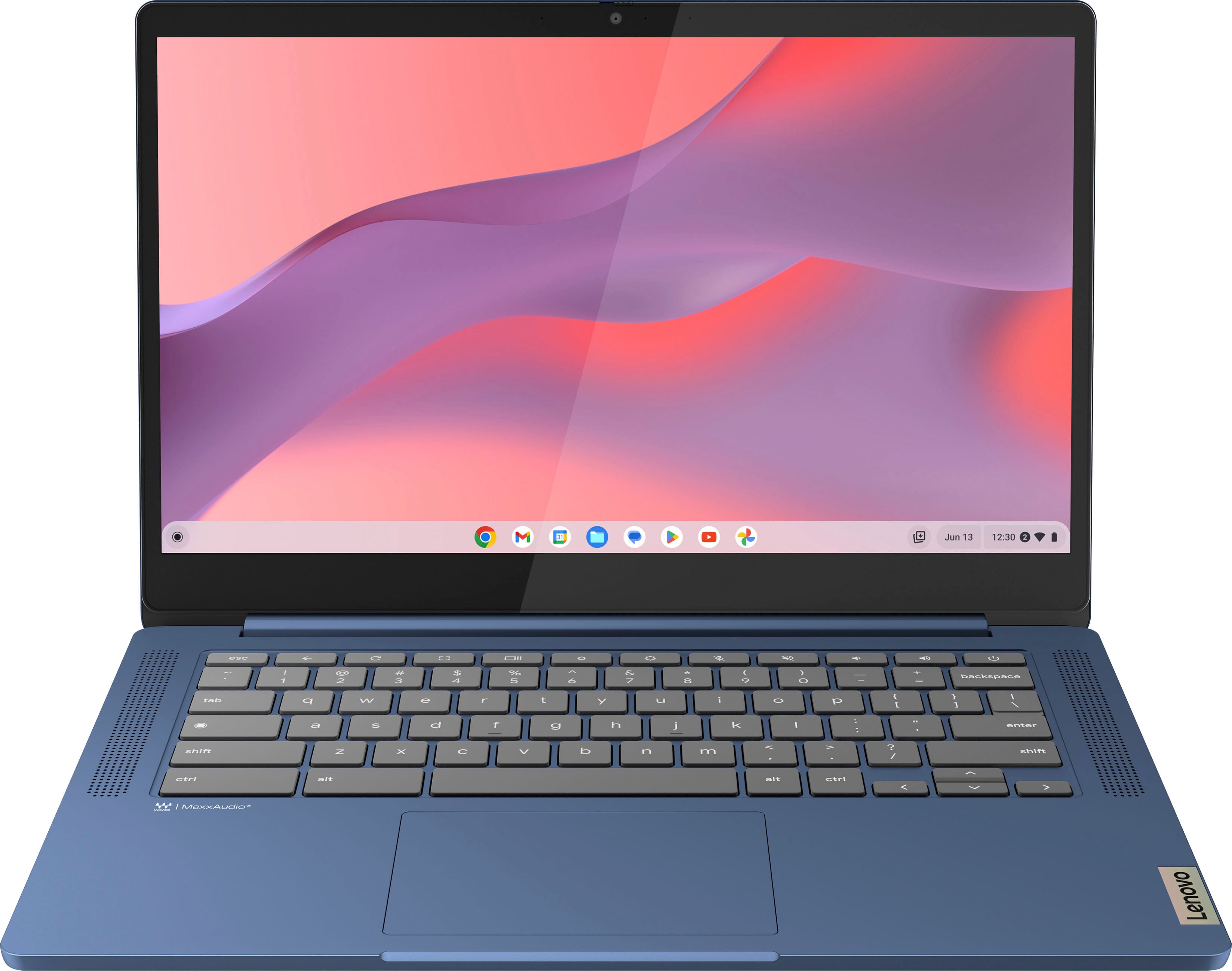
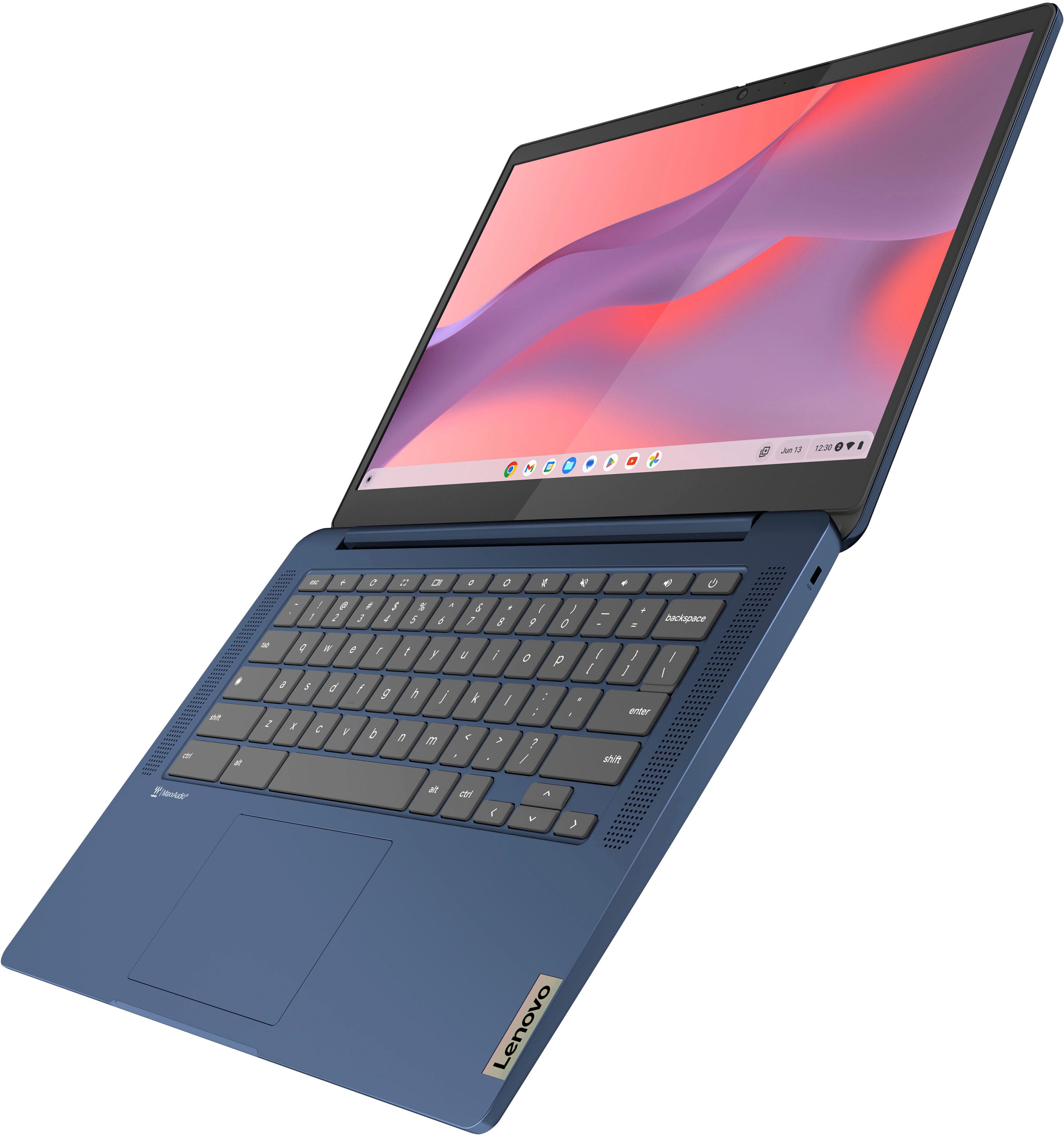
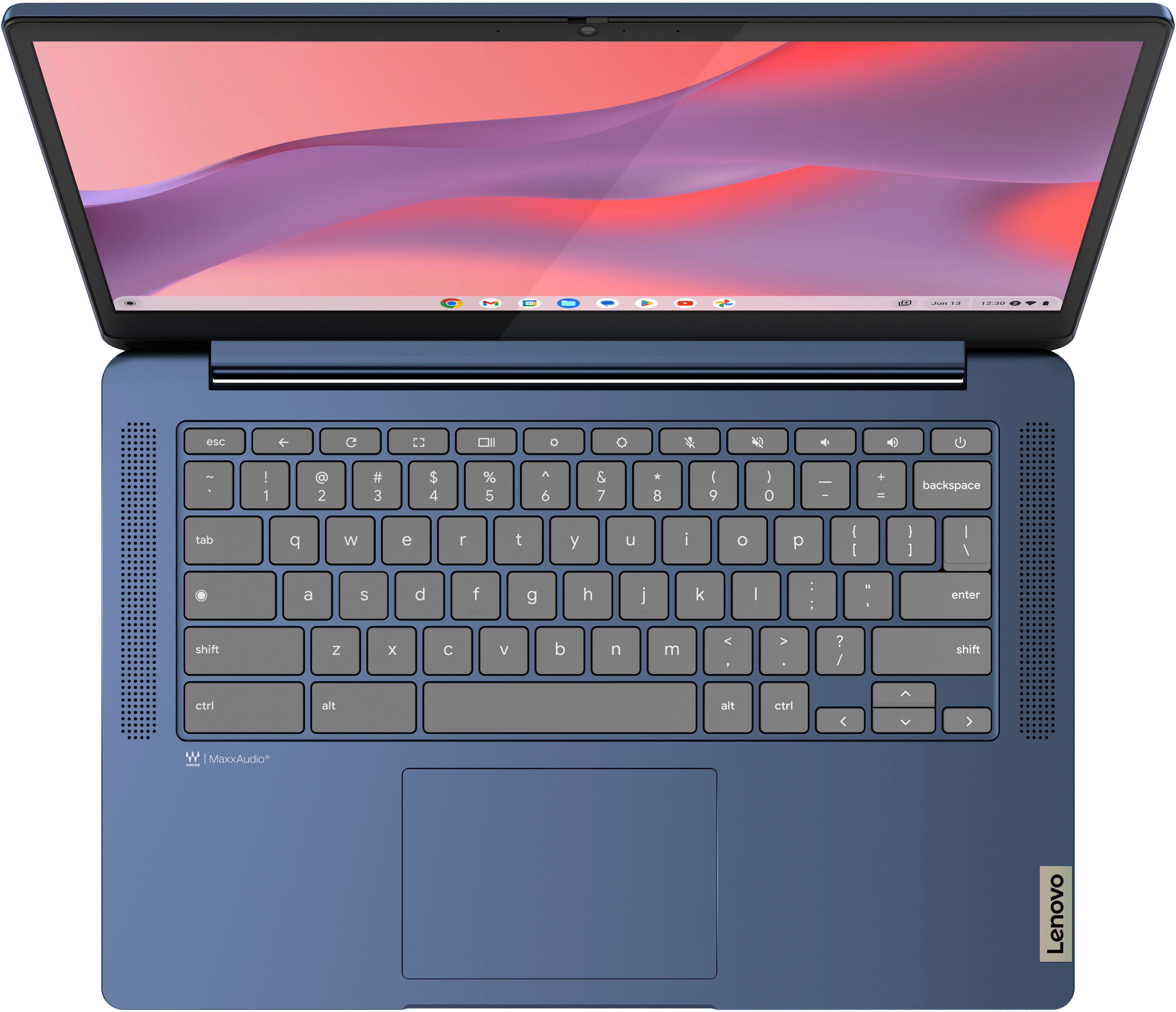
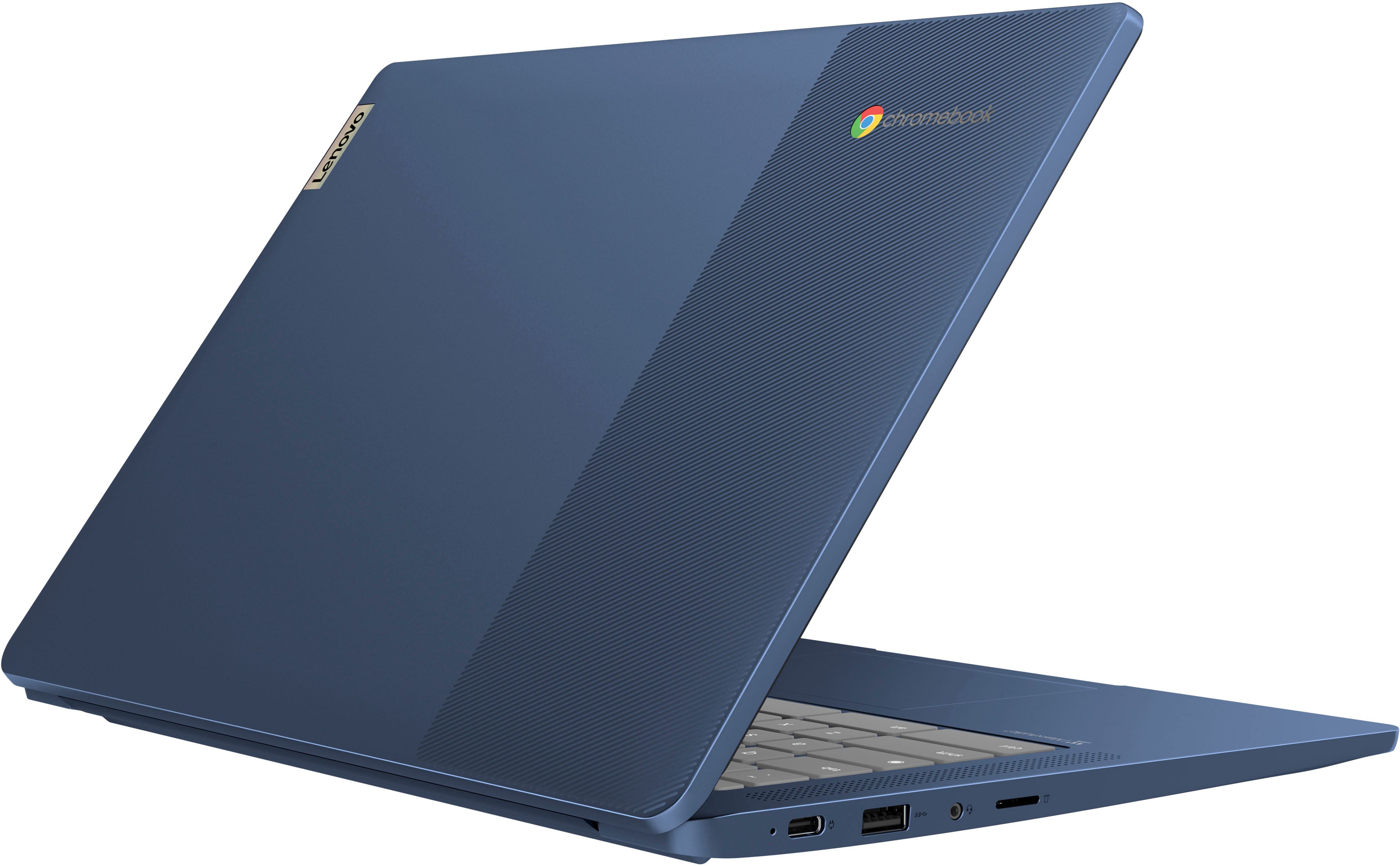
This IdeaPad Slim 3 Chromebook features ChromeOS as its operating system, which is an inherent trait for Chromebook devices. This laptop does not feature Windows 11 operating system.
Please feel free to reach out to us with any other questions!
A:AnswerHey,
The IdeaPad Slim 3 Chromebook is scheduled to receive automatic updates until June 2033.
Please feel free to reach out to us with any other questions!
A:AnswerHey Shelly,
You can use Google Docs offline with this Chromebook for writing and word processing. The app should be preinstalled, but if this is not the case, you can install if from the Google Play Store.
Please feel free to reach out to us with any other questions!
A:AnswerHey SAHD,
This IdeaPad Slim 3 Chromebook released around late 2023, but units of this model continue to be produced.
Please feel free to reach out to us with any other questions!
A:AnswerHey mike1976,
This system comes with various applications preinstalled alongside the ChromeOS operating system, including many of the G-Suite apps. Depending on the seller that you purchase this system from will determine what bundled software options you may see.
Please feel free to reach out to us with any other questions!
A:AnswerHey Thatguy4fun,
If there's a tax preparation app that can be downloaded from the Google Play Store, like TurboTax for example, then this IdeaPad Slim 3 Chromebook should meet your needs.
Please feel free to reach out to us with any other questions!
A:AnswerHey,
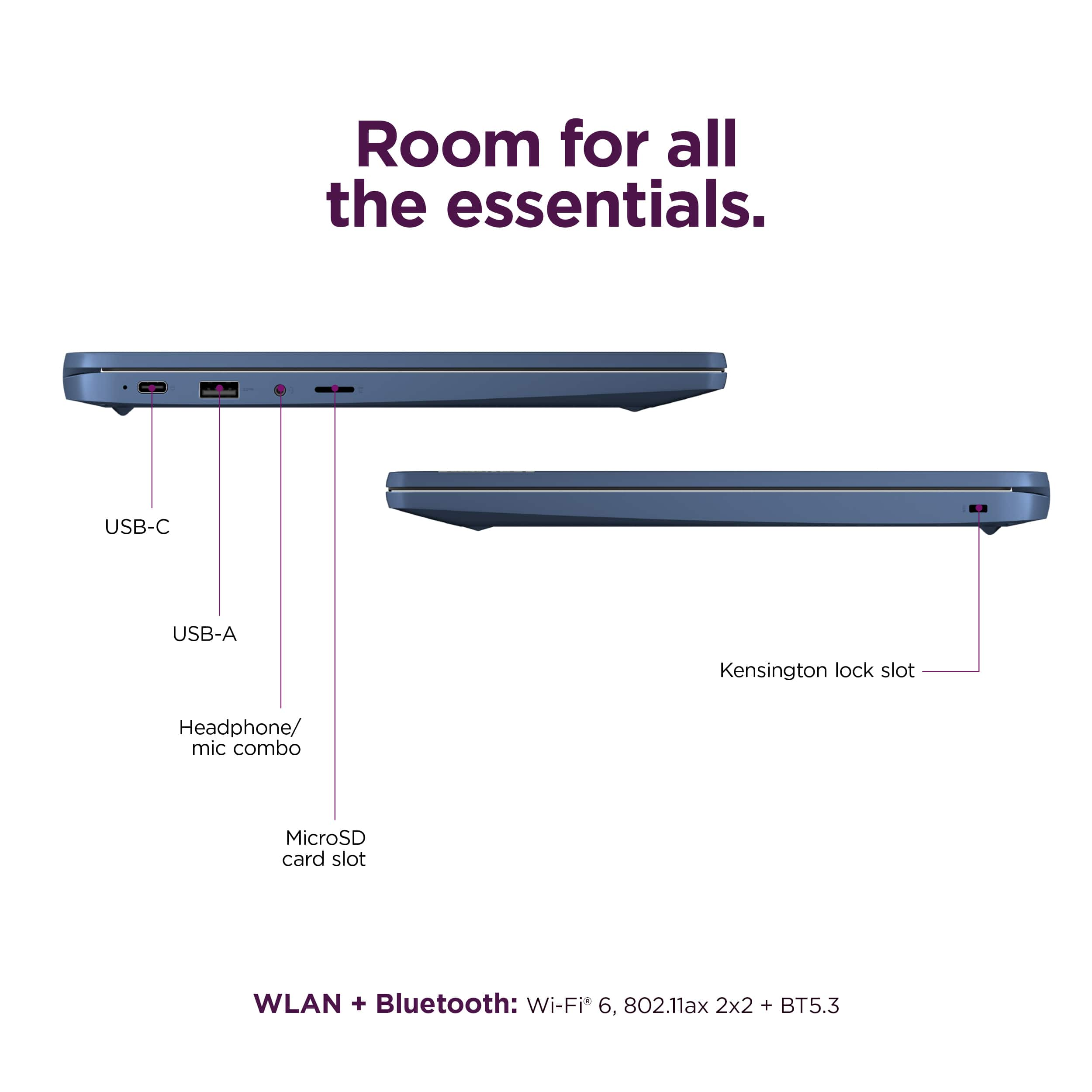
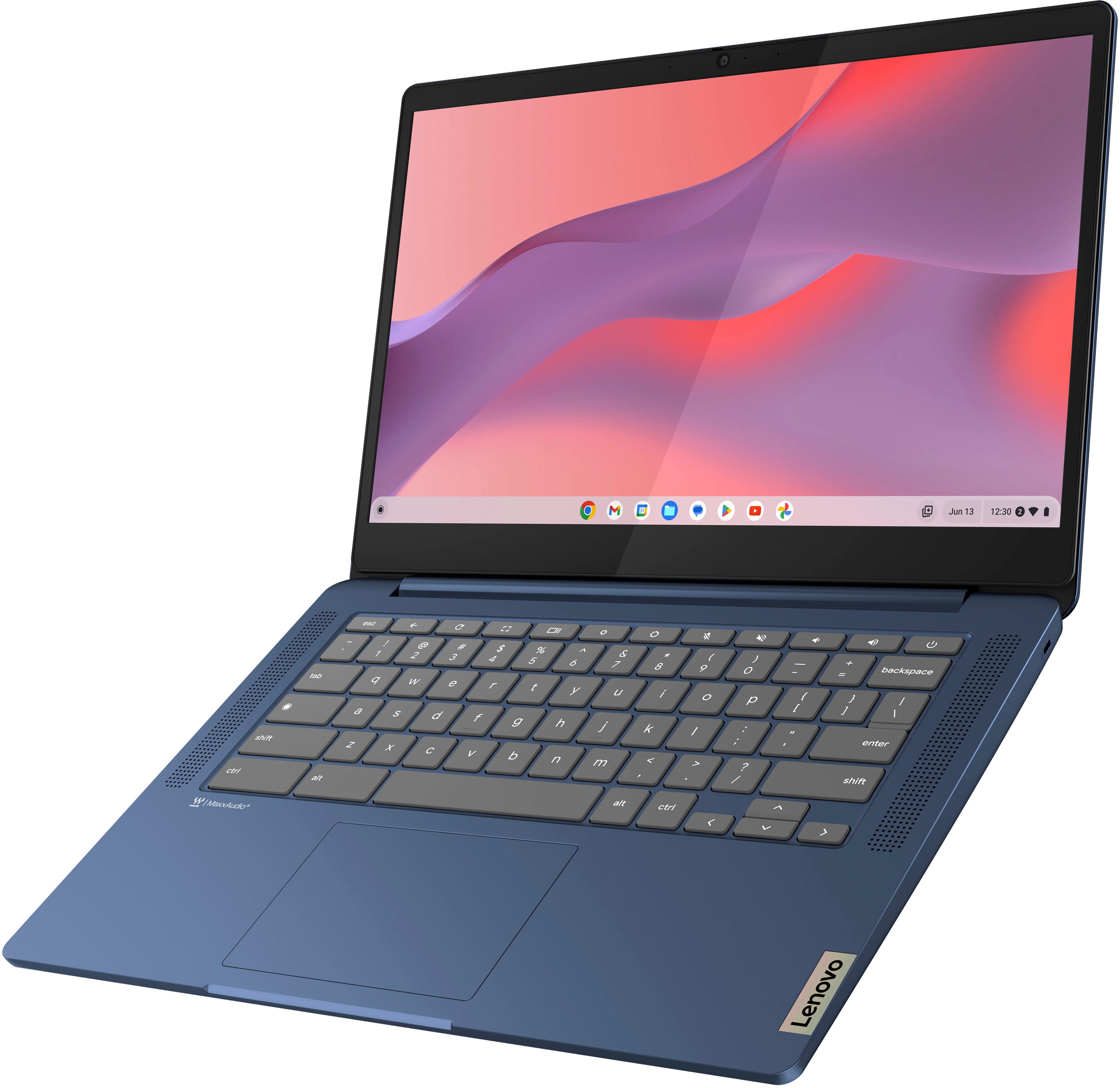
This IdeaPad Slim 3 Chromebook does have Bluetooth connectivity to connect wireless headphones and other Bluetooth enabled devices.
Please feel free to reach out to us with any other questions!