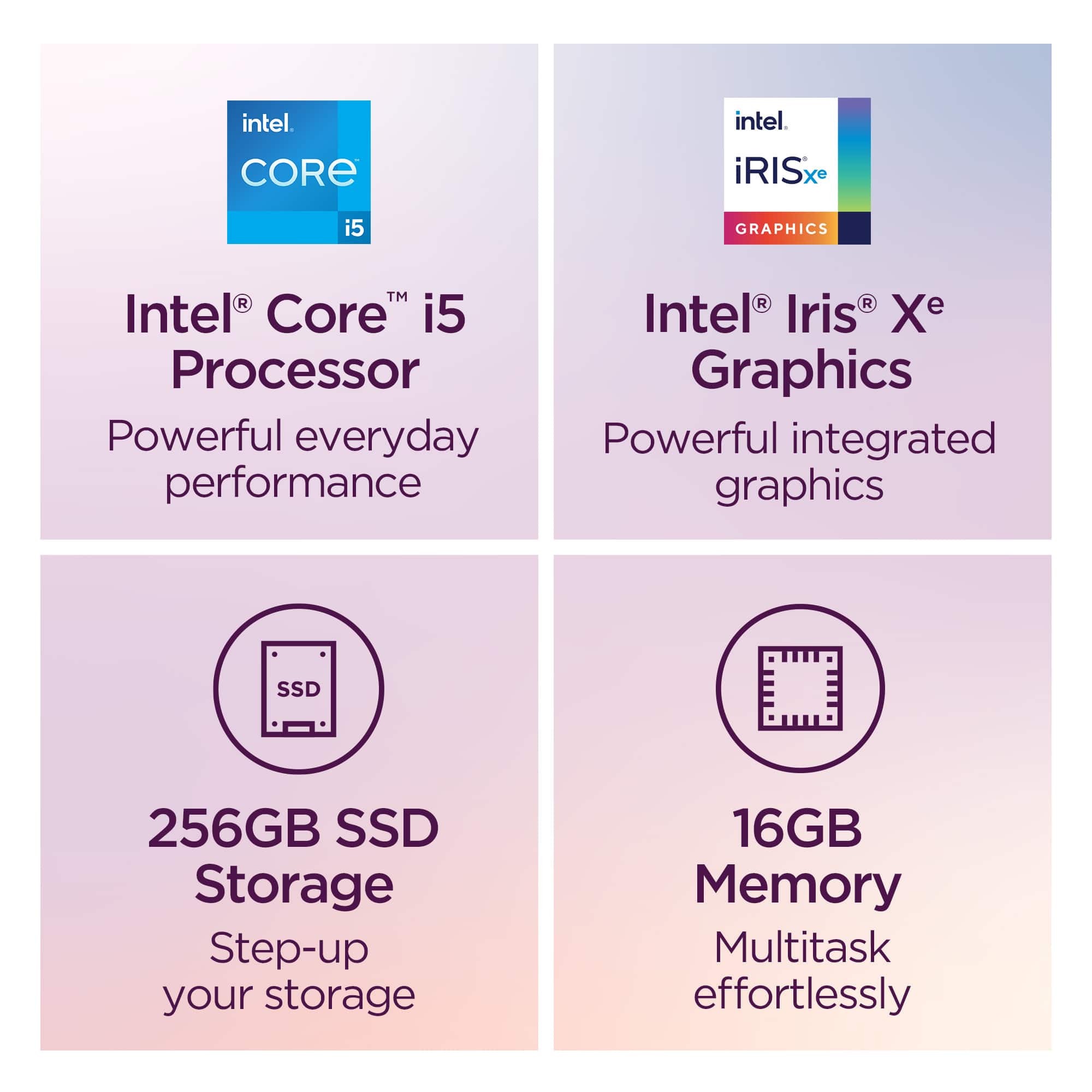
A:AnswerHi Skinny, thanks for your question. This Lenovo IdeaPad Slim 3i features a 256GB M.2 PCIe SSD installed. Please feel free to reach out to us if you have any further questions.
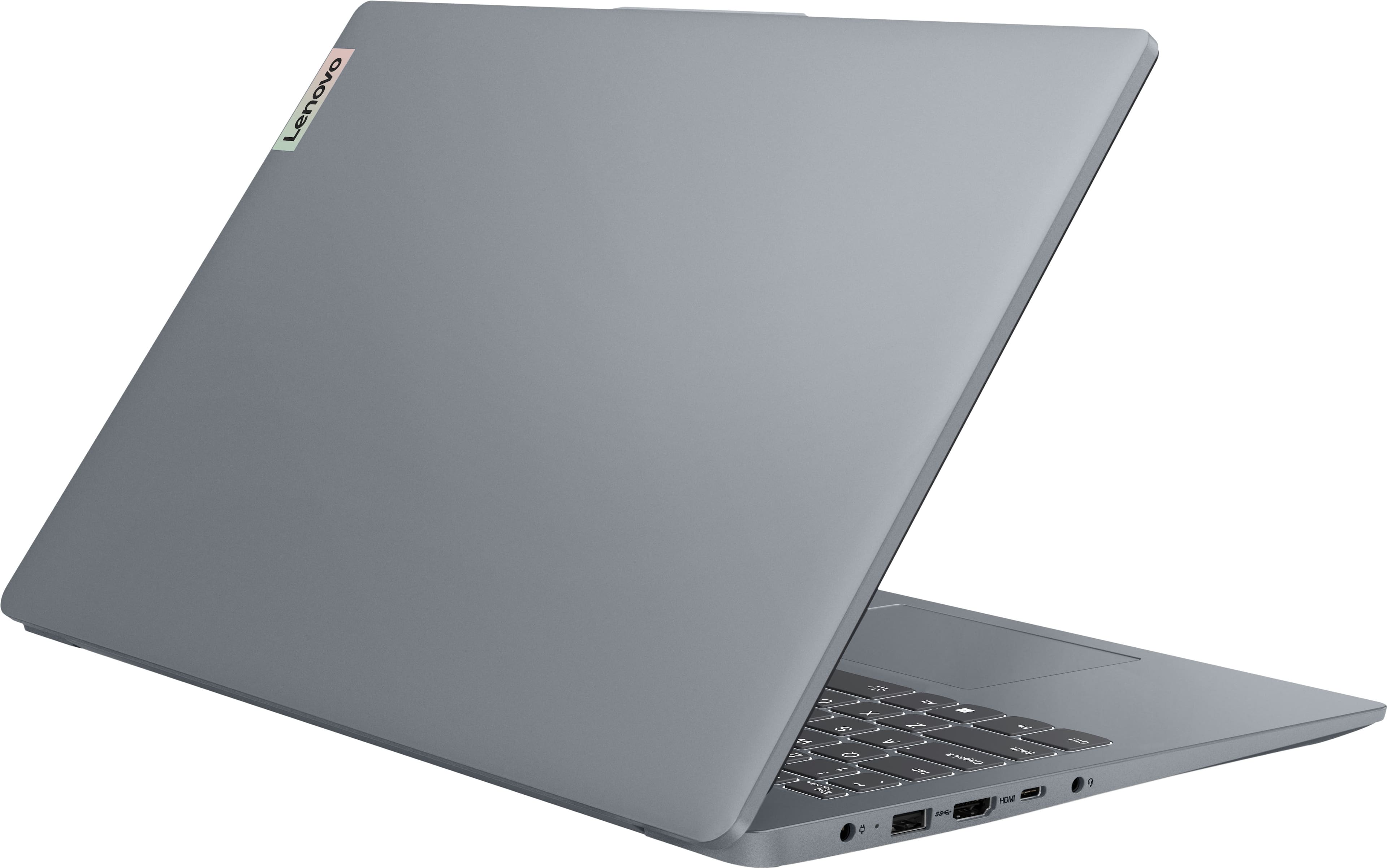
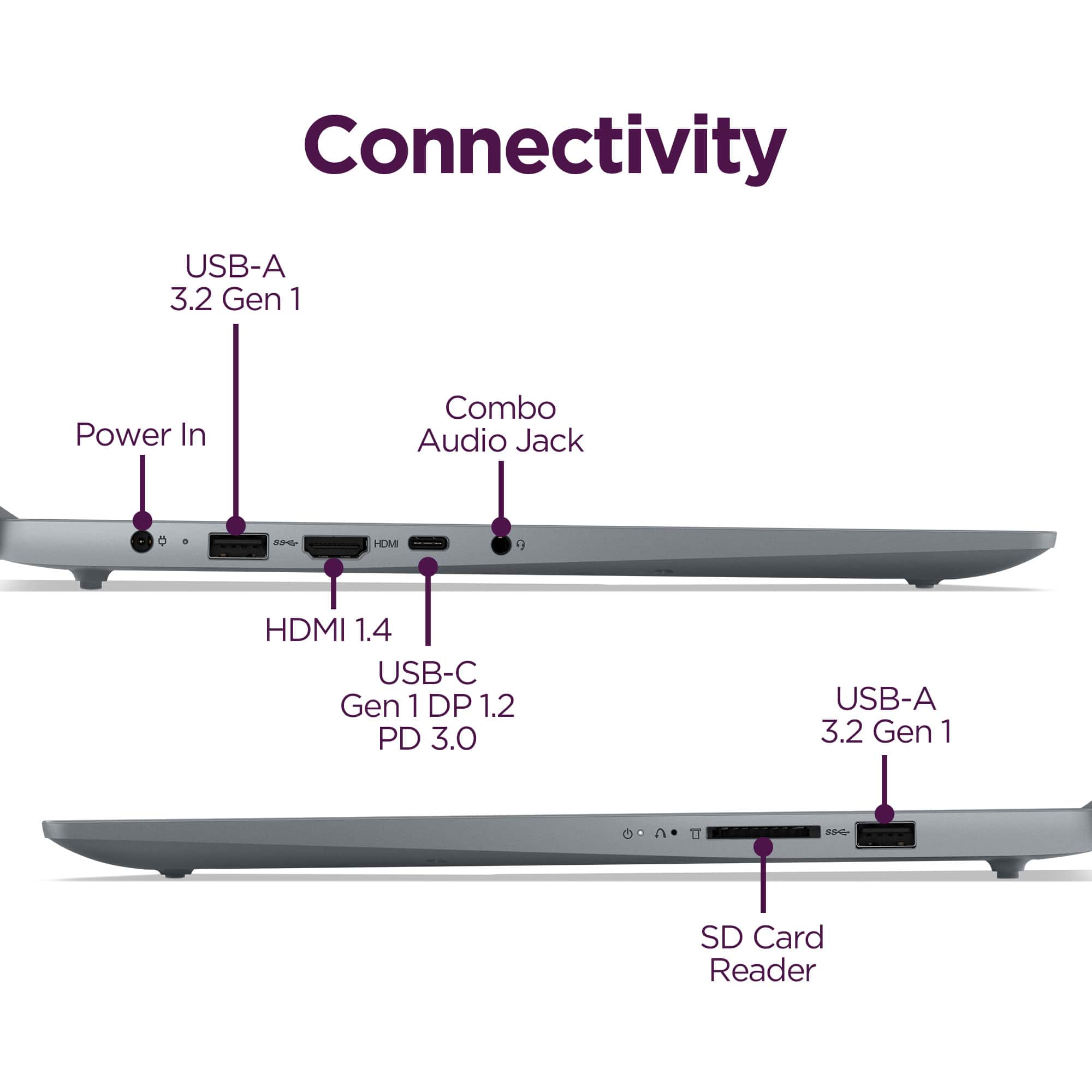
A:AnswerHi Jim, thanks for your question. This Lenovo IdeaPad Slim 3i supports USB-C Power Delivery up to 65W, located on the left-hand side of the device. Out of the box, this IdeaPad Slim 3i comes with a 65W Round tip charger for users. Please don't hesitate to contact us if you have any additional questions.
A:AnswerHey TT323,
Some users consider this to be the case, simply because the system meets their small business needs; however, if you're looking for a laptop that is designed as a "business class" system, we recommend considering our ThinkPad and ThinkBook devices.
Please feel free to reach out to us with any other questions!
A:AnswerHey Beamerb,
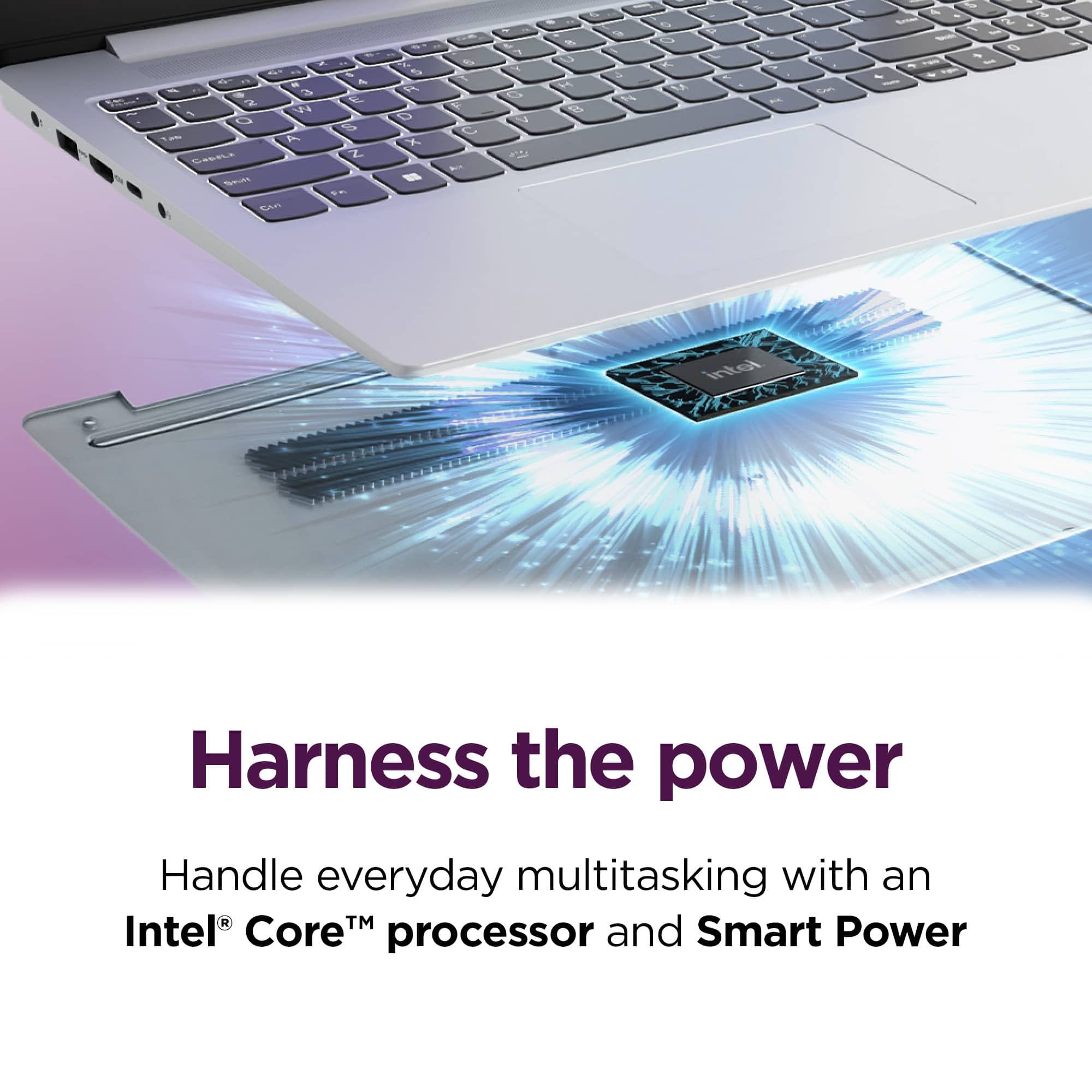
This IdeaPad Slim 3i does not feature a fanless design. The system was designed with air cooling in place, so that it can run effectively without overheating being an area of concern.
Please feel free to reach out to us with any other questions!
A:AnswerYes, it is; it should be able to run Java Minecraft without mods at a considerable framerate, and if you need a higher framerate, lower the graphics quality.
A:AnswerYou realize that those are at least 4 separate questions, don't you?
Streaming video content TO the laptop is basic. Even computers meant for children will do that. This is NOT a child's toy.
Stream games is a different story. The way you do it depends on whether you want to play games via cloud gaming (playing from a remote server) or broadcast yourself playing (like on Twitch or YouTube). Cloud gaming is no problem,, as long as you have a good, steady internet connection (at least 15Mbps).
Streaming from one of your PCs to another is still another story. You wold need something like Steam Remote Play or Moonlight Game Streaming for lower latency. Both computers would need to be on the same network, and the host computer should be connected via Ethernet.
Story #4: Broadcasting Your Gameplay to an Audience--sending gameplay to platforms like Twitch, YouTube, or Kick. You would use broadcasting software like OBS Studio. For this YOU NEED A DEDICATED GPU. Which this is lacking.
So get back to this Q&A when you have some idea of what you are doing





![ESC FLn K 1 F2 d+ 3 x E4 Q- iS 10+ - 1 F1 + 1 . F9 e 1 en 111 H F12 *e - - Delete . .N. ... - I 1 @ 2 # 3 $ 4 % 5 - 6 & 7 . 8 9 I 0 | I + = Backspace Num Lock / + I Tab Cap Lock Q A W S E D R F T G Y H U J I K O L P - : I : - E ] I / Enter 7 noma 4 + 8 5 9 PU 6 + + Shift Z x C V N M < 1 > ? / Shift 1 End 2 3 PUDn Ctrl Fn Alt Alt Ctrl to PUL PpDe End 0 - Del Enter Lenovo](https://pisces.bbystatic.com/image2/BestBuy_US/images/products/d82fb13c-5e42-4c0c-b060-68569fa0b7c1.jpg)