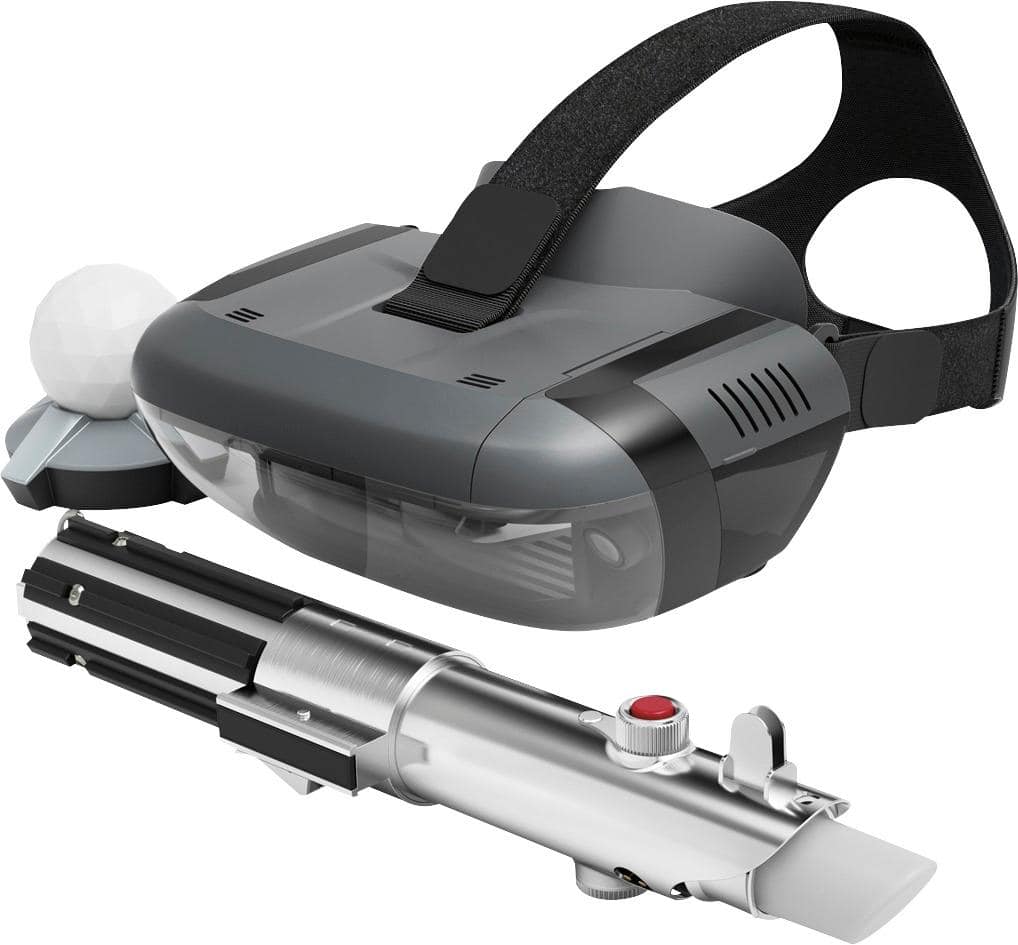
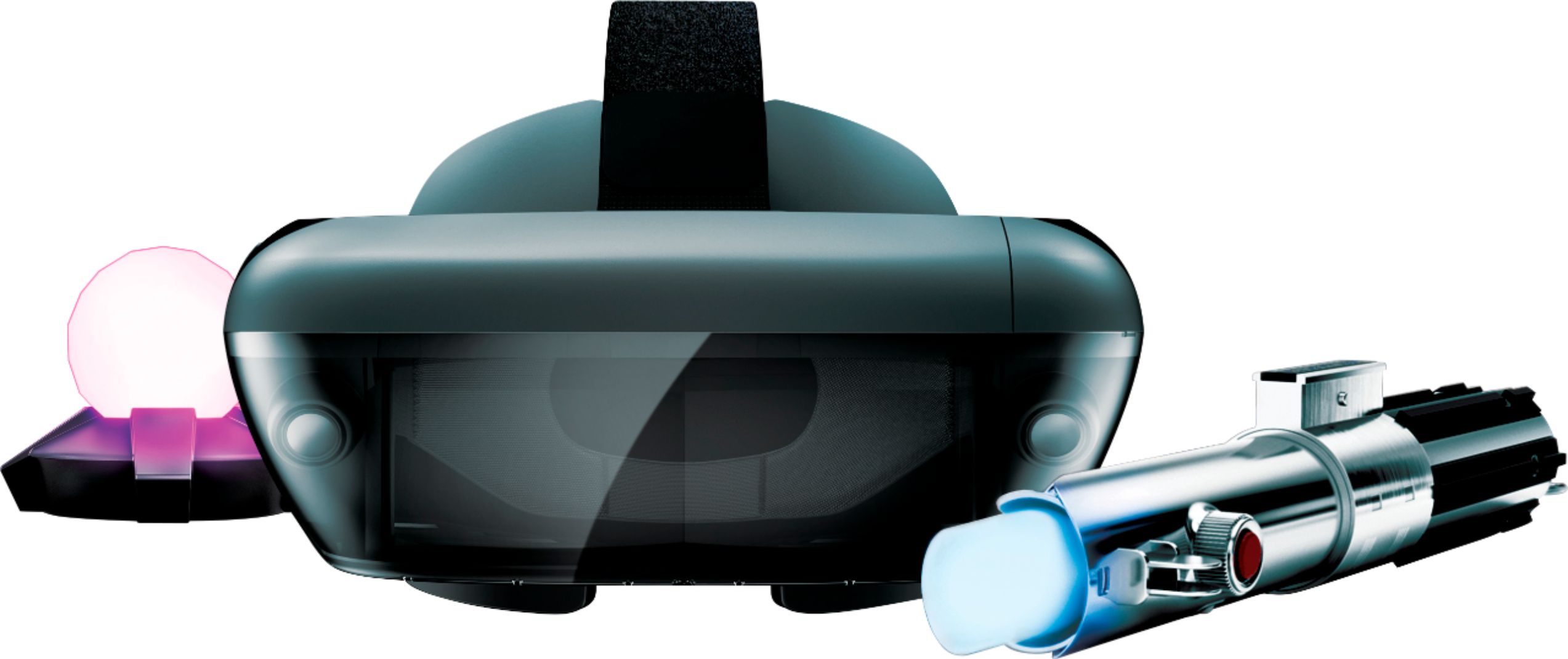
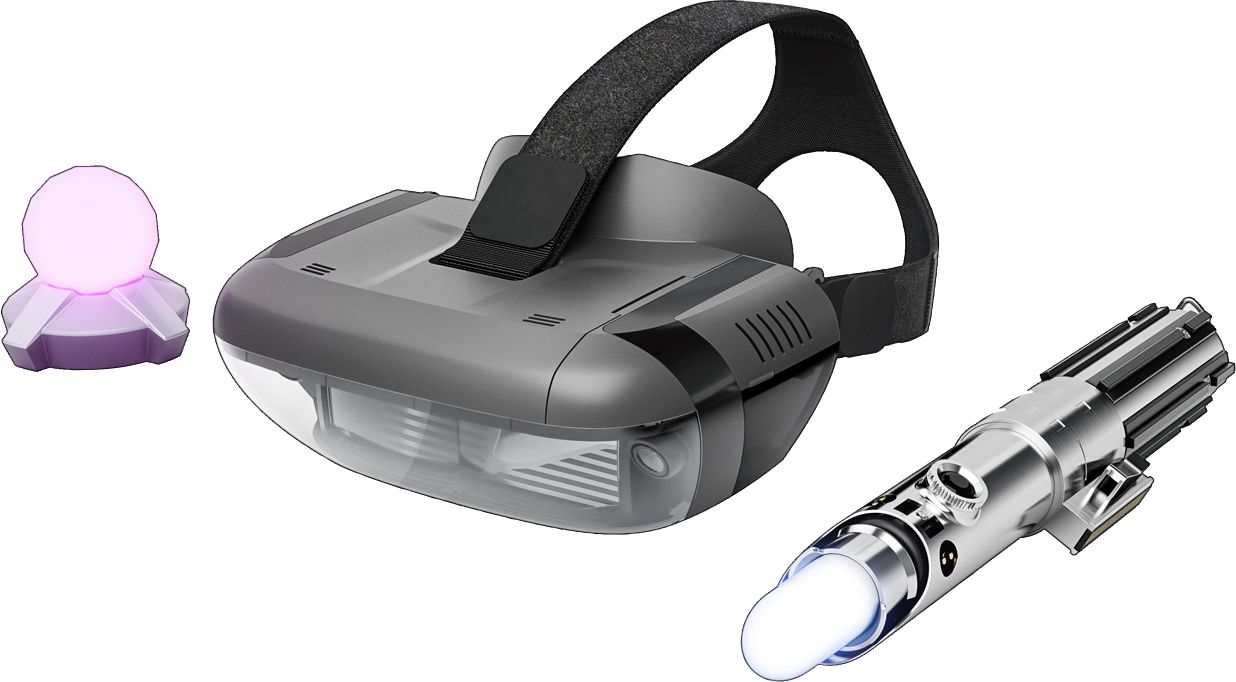
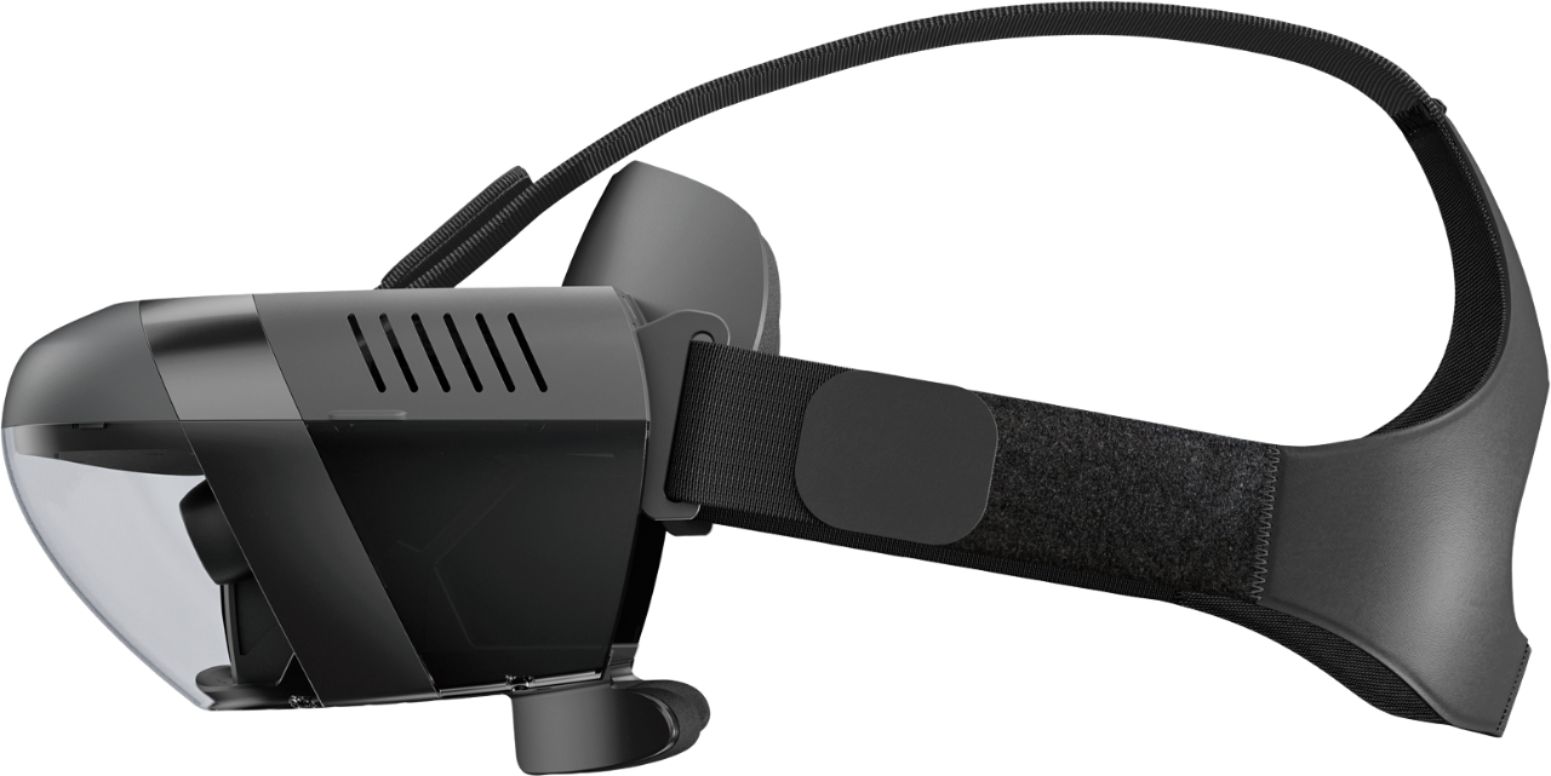
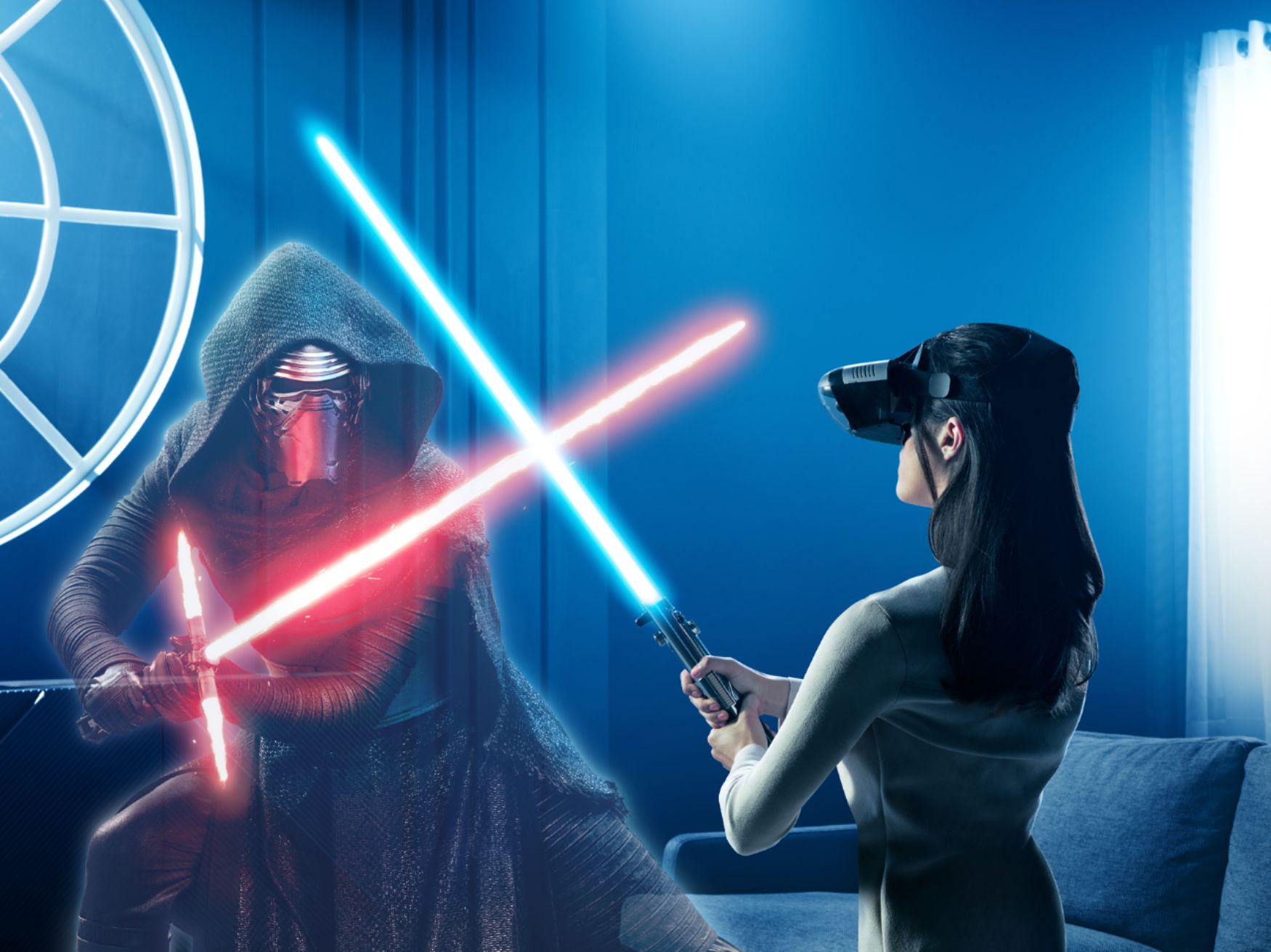
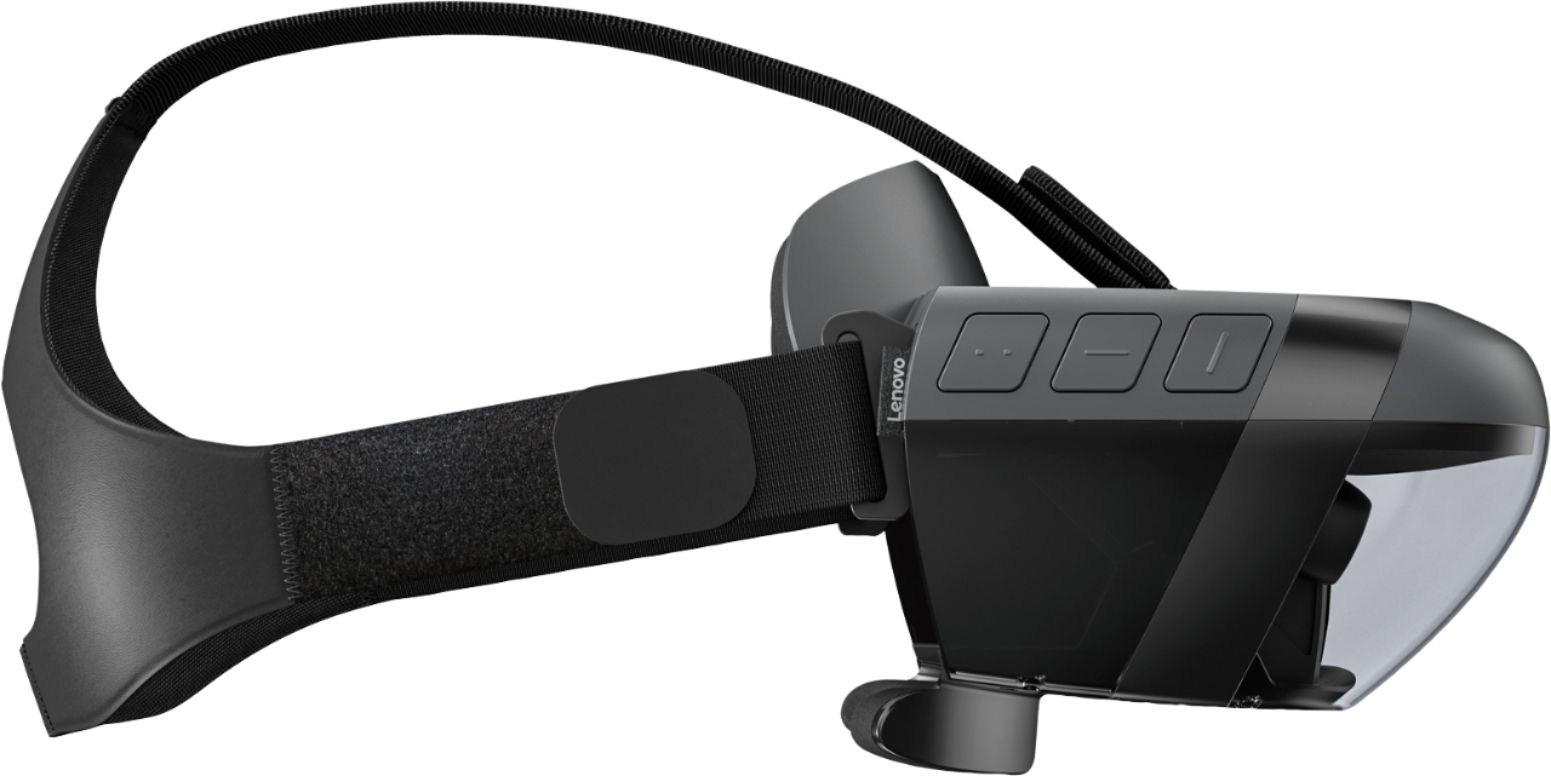
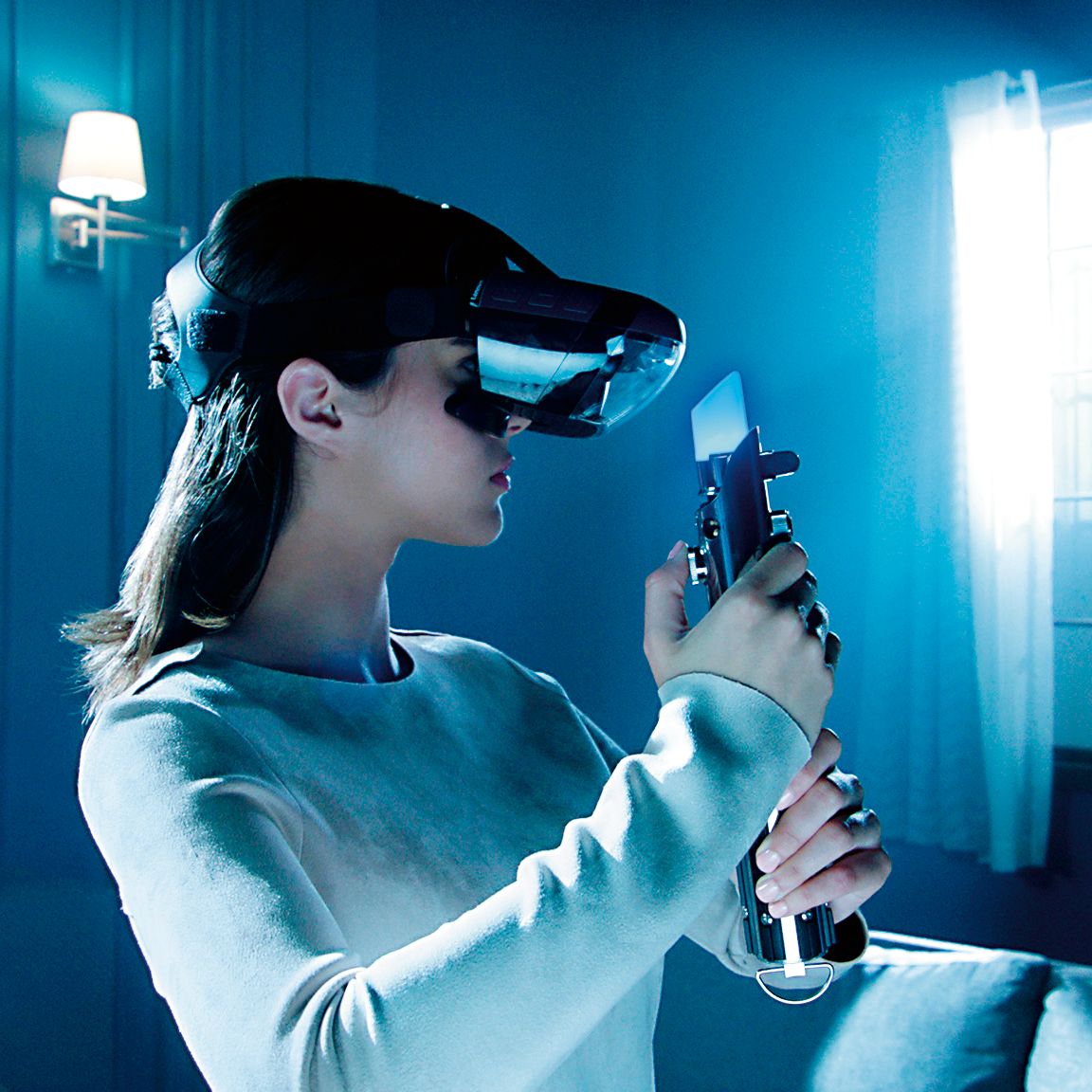
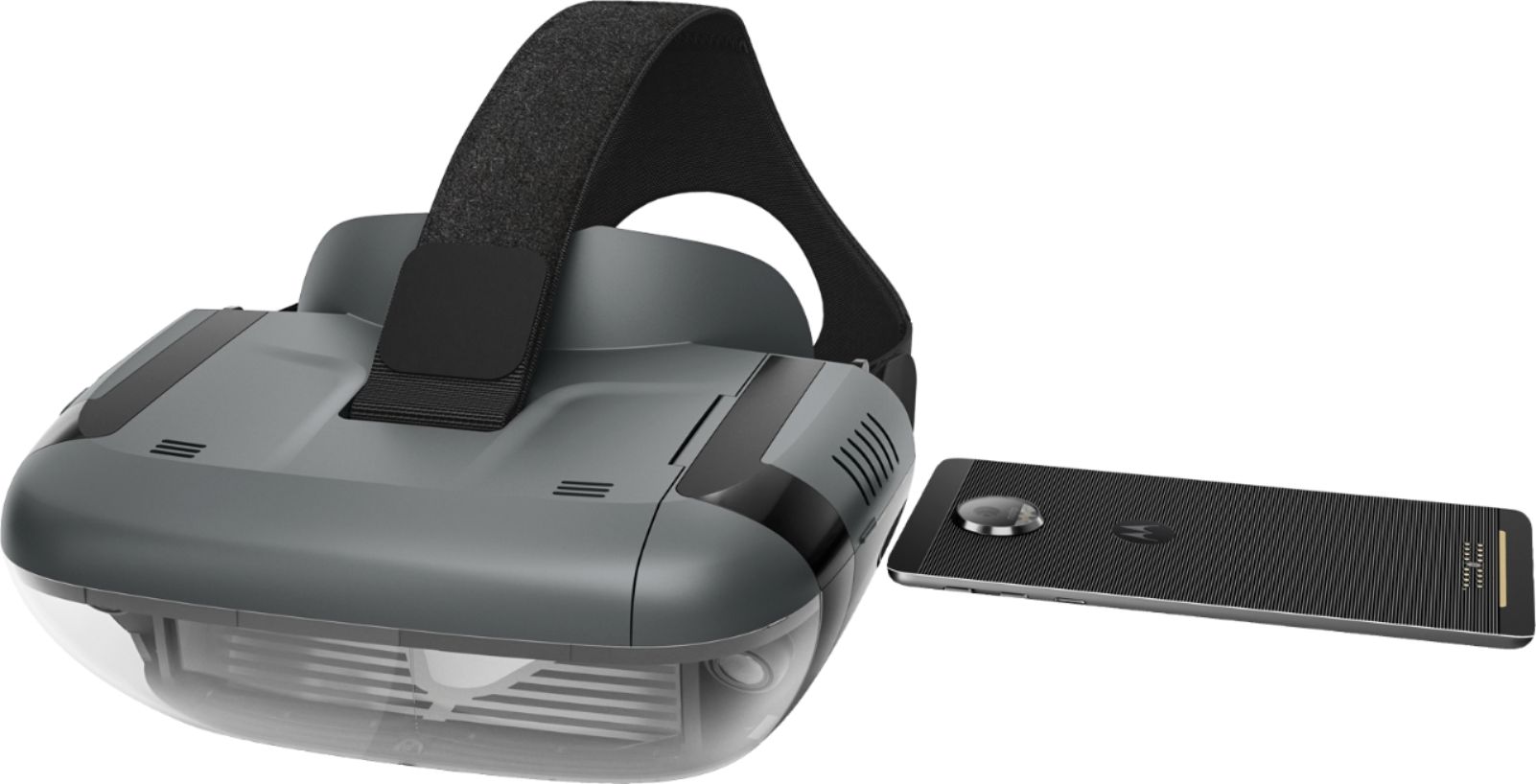
A:AnswerThis package includes an AR headset, not a VR headset. AR, or Augmented reality is technology that layers computer-generated enhancements and graphics on top of an existing reality, making it more reasonable and practical than Virtual eality. An example of AR could be placing IKEA furniture in your house, which is already an app, but utilized for a headset, not a phone.
To find out more about the differences between VR and AR you could do a quick Google search.
A:AnswerKyocera duraforce pro phone is not on the current list of compatible phones. We are in the process of testing and approving other phones. Please keep checking @ jedichallenges.com/compatibility for updates.
A:AnswerI have a Google Pixel 2 XL and it works perfectly. It juuust fits (snuggly, like no spare room whatsoever) in the tray. I've been playing it all week! The performance of the Pixel 2 XL is noticeable and makes for a great experience!
A:AnswerAlthough not an official answer, if you can download the app on your phone and it fits inside the physical dimensions of the holder, it should work. Performance may be sluggish on older phones. Even though it isn't supported, I was able to download and run the app on my iPhone 5.
A:AnswerNo, only certain phones have been tested and are compatible with the device. We are in the process of testing and approving other phones. Please find the updated list of phones at jedichallenges.com/compatibility.
A:AnswerThe Galaxy s8 Plus is not currently on the list of compatible phones. We are in the process of testing and approving other phones. Please keep checking @ jedichallenges.com/compatibility for updates
A:AnswerThe Samsung Galaxy S7 is on the compatible list. You are ready to go! Please find the updated list of phones at jedichallenges.com/compatibility.
A:AnswerThe LG K20 Plus is not on the current list of compatible phones. We are in the process of testing and approving other phones. Please find the updated list of phones at jedichallenges.com/compatibility.
A:AnswerI would recommend first downloading jedi challenge app to your phone. If it says not compatible then don't bother buying this you are out of luck. I have big Galaxy Note 5 fit in thing just fine. You may have to select "phone closest to your configuration" during set up. I also recommend using secondary phone you know an old phone. Otherwise it might become a pain taking your primary phone in and out of the thing. Maybe buy a cheap used phone just for the game. It's fun game. Might be worth something as nostalgic toy one day. This all first generation. I'm willing to bet clunky headset wont be necessary. Everything changes and all this now will look like antiques in future.
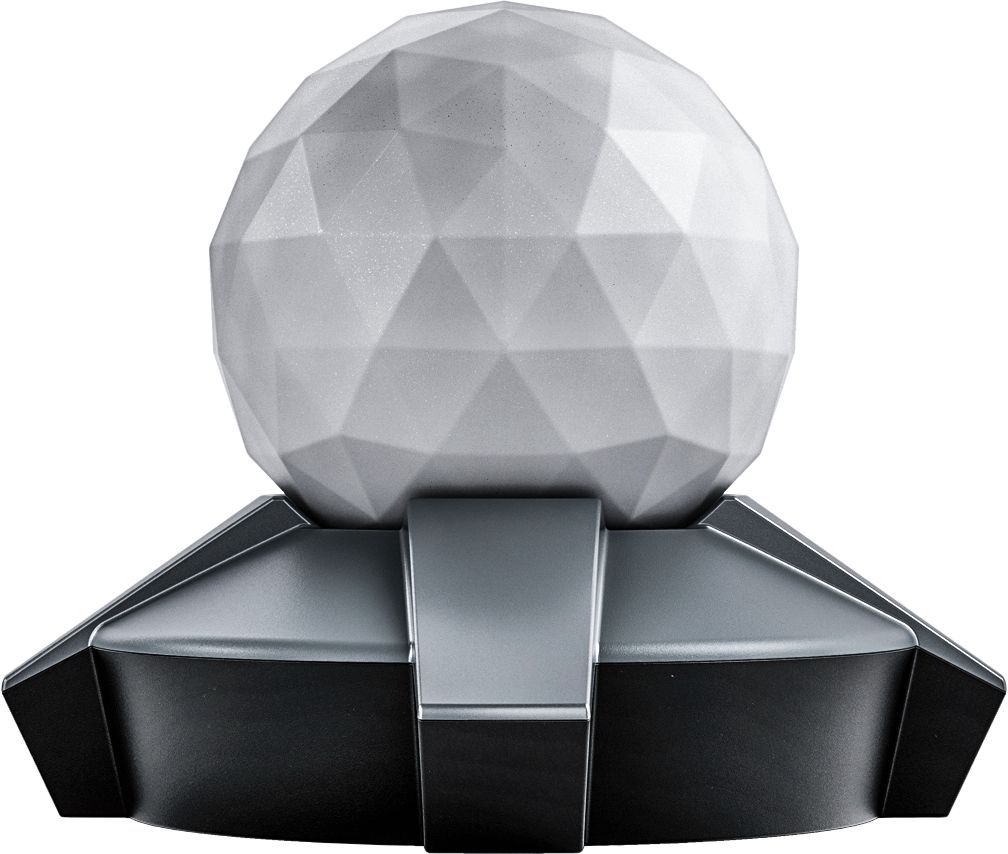
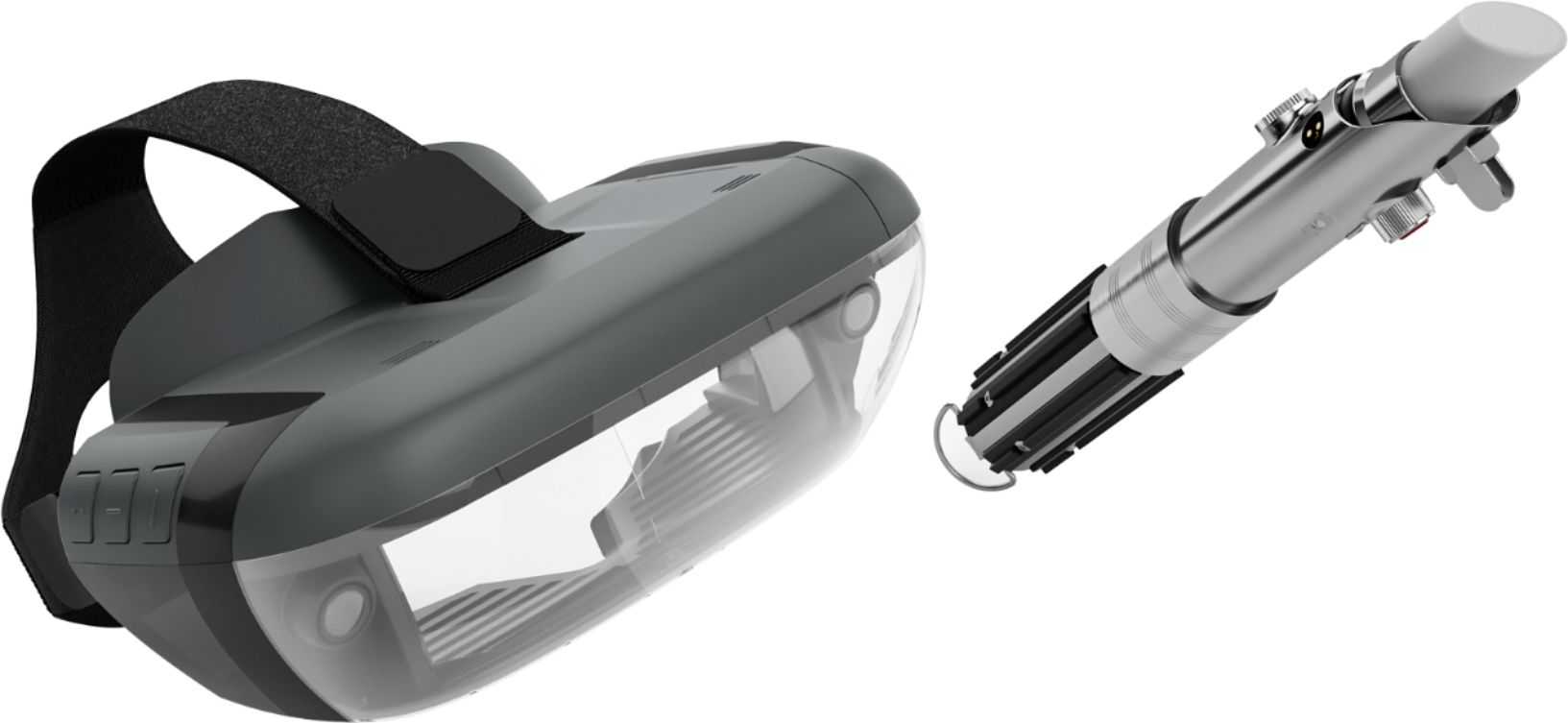
A:AnswerWe are sorry to hear that you are having problems setting up the Star Wars: Jedi Challenges. Please check your phone's Bluetooth setting to make sure it is on.( tap settings, select Bluetooth , tap the switch to ensure it is on ( green). Also make sure the location feature on the phone is turned on too .(tap settings, select location , tap the switch to ensure it is on ( green). Please make sure that the headset is powered up and the cable connected .Please make sure that the compatible phone is out of the headset when setting the system up for the first time. Then, when prompted insert the phone into the tray and then into the headset. It is very important when setting up the system for the first time to use the "app" that is provided to guide you through the entire set up process. This insures that the whole system: headset, phone, tracking beacon and Lightsaber controller, will be synced correctly. If this does not work please contact our support team for a detailed troubleshooting guidance @ : support.lenovo.com/jedichallenges.
A:AnswerThe Samsung S5 is not on the current list of compatible phones. We are in the process of testing and approving other phones. Please find the updated list of phones at jedichallenges.com/compatibility.
A:AnswerAll game content available at time of launch is strictly within the Star Wars universe. Star Wars: Jedi Challenges offers one storyline taking the player through more than 30 challenges across three types of experiences. However, as this is app based, updated experiences and game modes will be available.
A:AnswerThe Samsung Galaxy Note 8 is not on the current list of compatible phones. We are in the process of testing and approving other phones. Please find the updated list of phones at jedichallenges.com/compatibility.