A:AnswerNo. The active/digital pen for this Intel Evo-Certified, Lenovo Yoga 7i 14 is sold separately, like this one: https://www.bestbuy.com/site/wacom-bamboo-ink-smart-stylus-for-windows-ink-2nd-generation-gray/6374981.p?skuId=6374981
A:AnswerI have the Yoga 7i and mine is an i5. I believe it’s Model number 14ITL5.. mine is moss green
I have the 12gb with 512 storage..
it’s been great so far.
A:AnswerThe Intel Evo-Certified, Lenovo Yoga 7i 14 model number 82BH00DQUS, ships with the 11th Gen Intel Core i5-1135G7 processor and also ships with the Firmware TPM 2.0 Security Chip that is required for upgrading to Windows 11. Microsoft is still finalizing the requirements to upgrade from the latest version of Windows 10 to Windows 11 at this time. Here is a link to more information about upgrading to Windows 11: https://docs.microsoft.com/en-us/windows/whats-new/windows-11-requirements
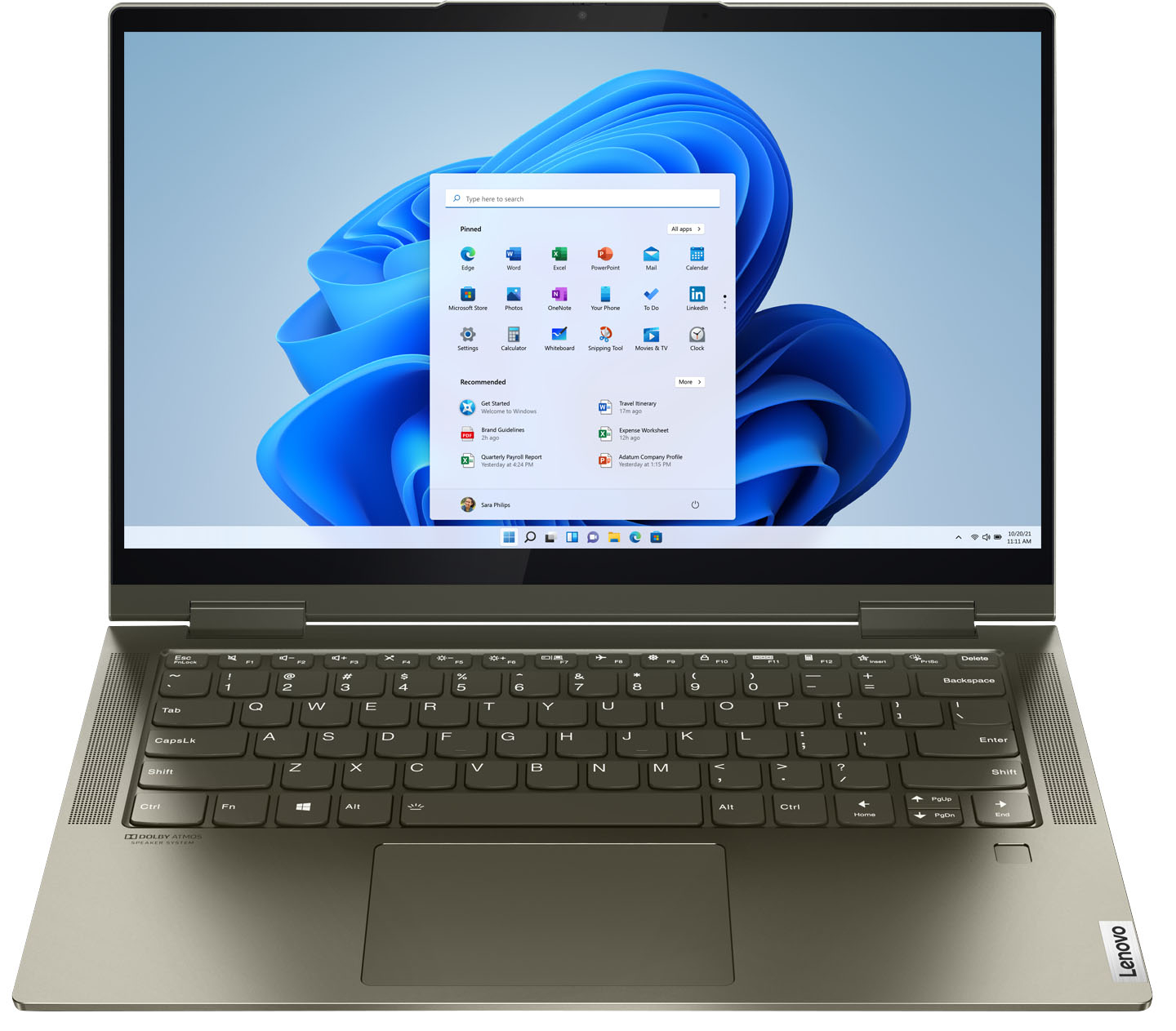
A:AnswerYes. The Intel Evo-Certified, Lenovo Yoga 7i 14 model number 82BH0006US, ships with a backlit keyboard. To activate the backlighting, hold down the Fn Key and at the same time, tap the Spacebar. Once to turn on the backlighting, twice to increase the backlight intensity and three times to turn off the backlighting.
A:AnswerThe Intel Evo-Certified, Lenovo Yoga 7i 14 model number 82BH0006US, ships with a 4CELL_71WH_INTERNAL, Lithium Polymer Battery that within this configuration, has a battery life of up to 13 hours, depending on the work the device is performing.
A:AnswerUmm....of course You have to be 18....unless you have proof of emancipationand then still good luck. But seriously Why even ask this online and wait. This a question for in store customer Service or online Chat @Best Buy.com for purposes of expedience.
A:AnswerThe Intel Evo-Certified, lenovo Yoga 7i 14 model number 82BH0006US, ships with a 4CELL_71WH_INTERNAL, Lithium Polymer Battery, which within this configuration, has a battery life of up to 13 hours, depending on the work the device is performing.
A:AnswerYes. The Intel Evo-Certified, Lenovo Yoga 7i 14 has a backlit keyboard. Just hold down the Fn Key and tap the Spacebar: Once to turn on the backlighting, twice to increase the backlight intensity and three times to turn off the backlighting.
A:AnswerThe Intel Evo-Certified, Lenovo Yoga 7i 14 model number 82BH00DQUS, is a 110V computer. It does ships with a Dual Voltage AC adapter/charger, with a USA compatible wall side plug. To muse outside the USA, you will need to add a compatible wall side plug adapter, compatible with the country that the computer will be used in. This wall side adapter is sold separately.