A:AnswerYou could buy a set at the local big box store. Just buy two of each of the closest sizes and take back the ones that don’t fit. Or perhaps buy a cheap harbor freight set of thread gauges and get an exact. I usually keep a bunch of spare bolts around and if you do the same maybe try some and find one that fits then take it to the hardware store to match it up for the right length?
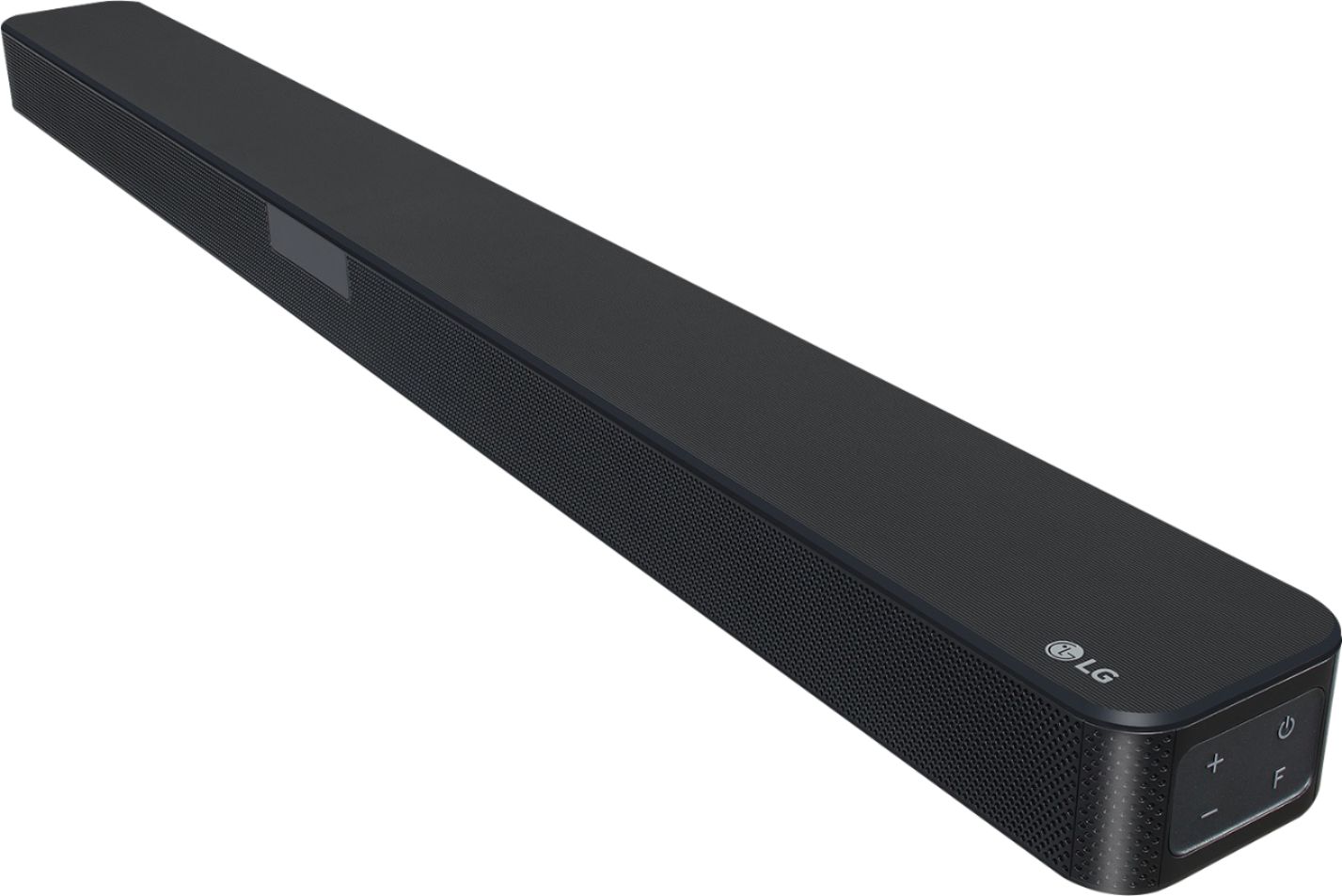
A:AnswerMake sure the headphones are on before starting the pair process. Select the Bluetooth function by pressing F repeatedly on the Soundbar. “BT” appears and then “READY” in display window. Operate the Bluetooth device and perform the pairing operation. Select the “LG SL4Y(XX)”. XX means the last four digits of address. For example, if your unit has a MAC address such as 9C:02:98:4A:F7:08, you will see “LG SL4Y(08)” on your Bluetooth device. y Depending on the Bluetooth device type, some devices have a different pairing way. For details about Bluetooth pairing, refer to your Bluetooth device manual. ^Daphane
A:AnswerIt would not be possible to get sound from the TV to the USB port on the sound bar. As for the converter, It would be recommended to speak with the TV manufacturer for further details on the USB capabilities. ^ Jamal
A:AnswerIf you are hdmi to tv from play station you don't need to do anyting alse. Its just like cable in to tv. Tha sound will come out the sound bar from the tv. Be sure to go into tv sound settings and set it to external speakers. Make sure you use the optical cable supplied with sound bar.
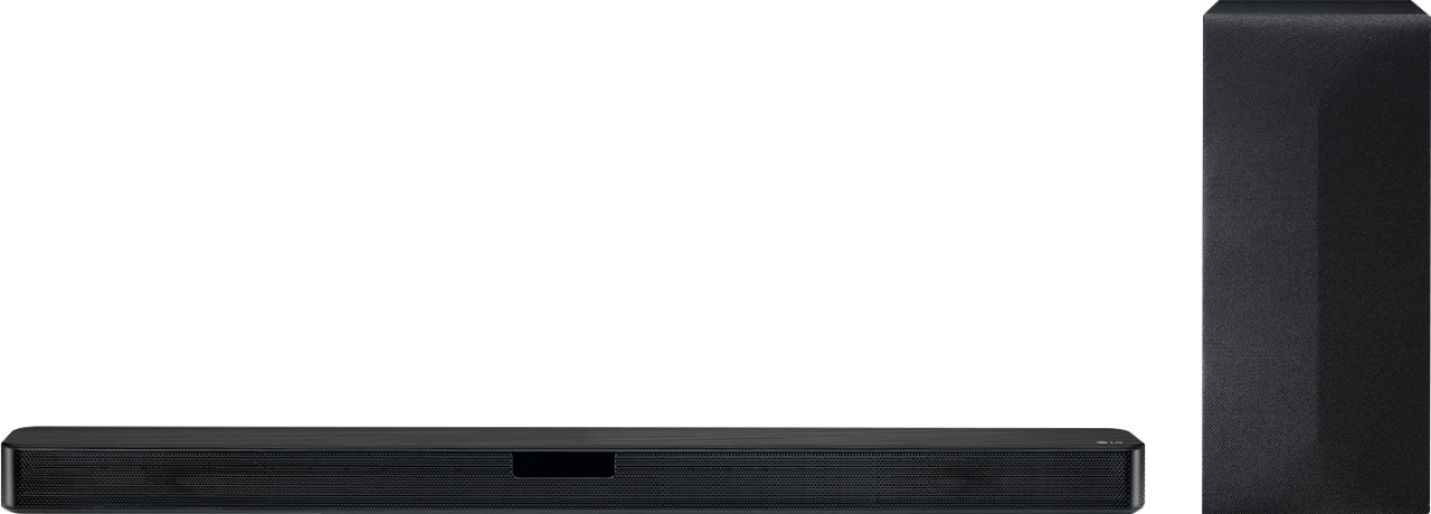
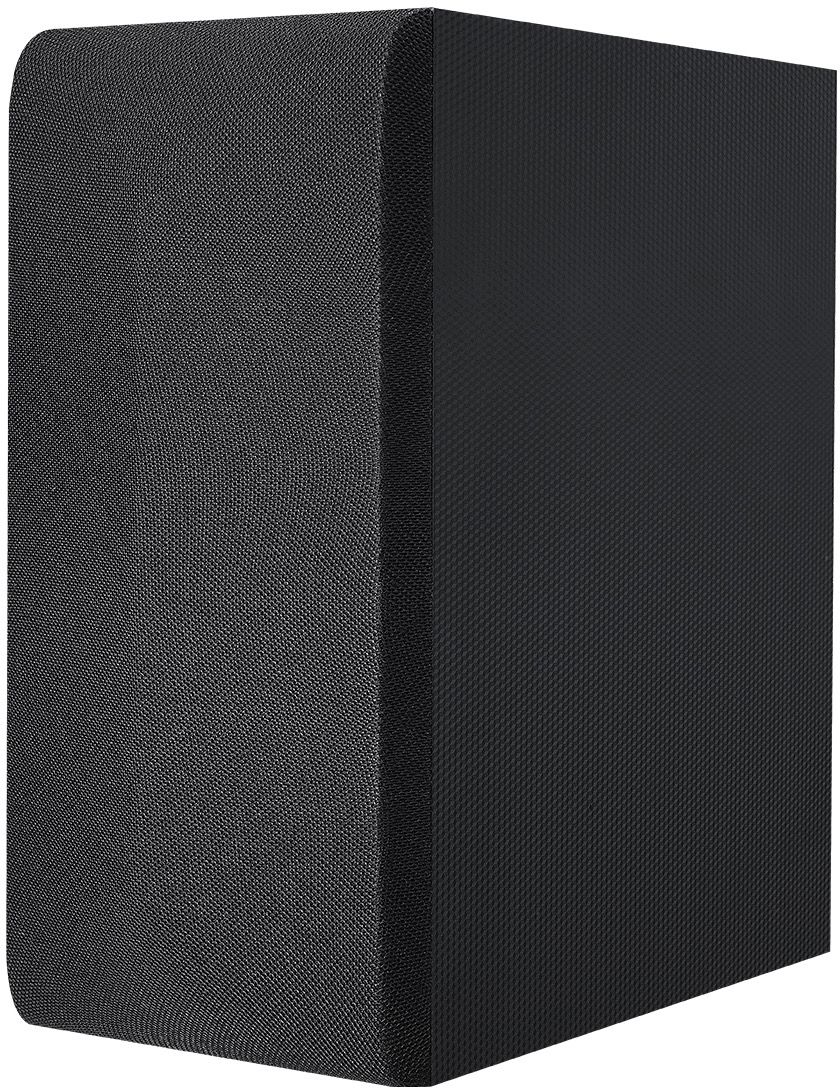
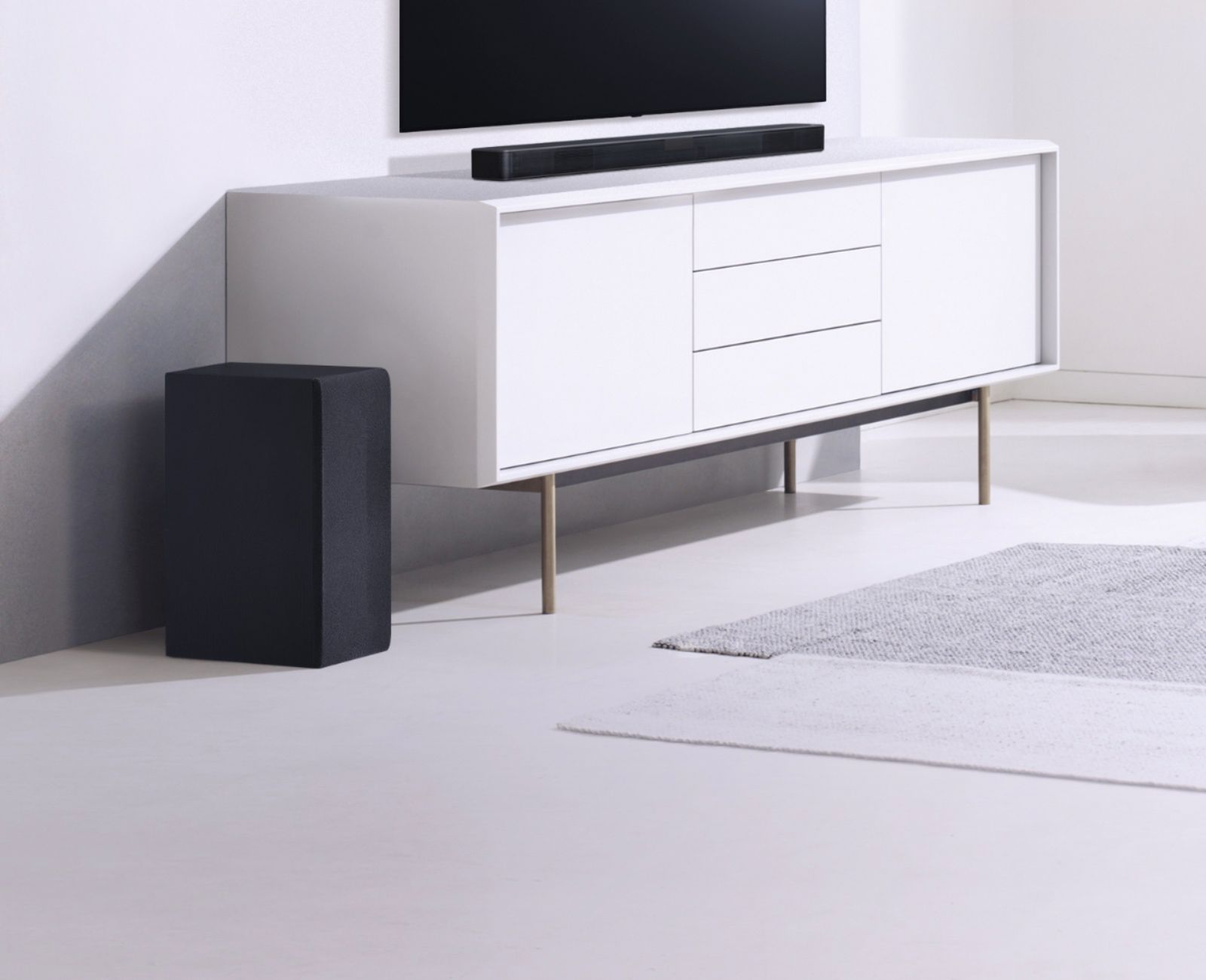
A:AnswerThe LG SL4Y 2.1 Channel 300W Sound Bar w/ Bluetooth Streaming comes with an AC/DC Adapter (Model # DA-50F25), a remote control and batteries for the remote, and an Optical cable as included accessories. If the item is not an 'open box' item and was purchased as a new item, please contact Best Buy for assistance...^IFV
A:AnswerPlease contact our Support Center (800) 243-0000 to inquire about how you can get a replacement remote control for the LG SL4Y 2.1 Channel 300W Sound Bar w/ Bluetooth Streaming...^IFV
A:AnswerIf your older Samsung Smart TV does not have any audio outputs or an Optical Digital Audio Out, then the only way you can connect it to the LG SL4Y 2.1 Channel 300W Sound Bar w/ Bluetooth Streaming is if it supports Bluetooth so you can pair it with the Soundbar to stream audio wirelessly via Bluetooth. If your older TV has the older Analog RCA Stereo Audio Output barrel ports (i.e. Red/White) ports, regrettably, there is no way to connect to the Soundbar...^IFV
A:AnswerPlease reach out to our support team via direct message Twitter or Facebook @LGUSSupport or call at 800-243-0000. Please be sure to provide your contact information, model/serial numbers and date of purchase. ^Daphane
A:AnswerThe LG SL4Y 2.1 Channel 300W Sound Bar w/ Bluetooth Streaming has been available for a while now. It is a 2019 model that was was released in 2019...^IFV
A:AnswerThe LG SL4Y 2.1 Channel 300W Sound Bar w/ Bluetooth Streaming does not have any HDMI ports on it. You can pair it with a Bluetooth enabled TV for a wireless Bluetooth connection or connect it via its Optical Digital Audio In...^IFV
A:AnswerThe LG SL4Y 2.1 Channel 300W Sound Bar w/ Bluetooth Streaming comes with a Limited Manufacturer's Warranty of One (1) Year for Parts and Labor from date of purchase...^IFV