A:AnswerI would start by trying different input cables. Then if that doesn't fix it you can try making sure the unit is isolated from any source of interference. If you are using the 3.5mm port to connect your sound bar to your audio then make sure it is away from any other power cords or devices. You can also try isolating the power to the sound bar and wireless bass unit by plugging them into an outlet separate from the rest of your components. Sometimes too many devices or one rogue device can put funky loads on the power strip or circuit breaker and transfer the funkiness to the sound bar since it's not grounded. If your whole room is on the same breaker try running an extension cord from another room or moving the sound bar to another outlet in another room and trying it out there.
If all of that doesn't work then it may be a blown speaker or a problem with the sound bar internal wiring.
A:AnswerTo my knowledge you cannot add more speakers to this system. I'm pretty sure the Bluetooth only works in one direction allowing you to stream TO the device but not FROM it. Being a 2.1 system it wouldn't do any good to add more speakers anyway as they would just be mirroring the fronts and not act as rear speakers.
A:AnswerShort Answer: Yes.
Long Answer: There are three input types on this unit and they can all be plugged in and switched between. If your sound system can output over Optical Audio (TOSLINK) then go with that, otherwise there is a 3.5mm port on the back that you can couple with an RCA (red/white) to 3.5mm adapter and your sound system should have the corresponding RCA output to hook up to the unit. If you've got some newfangled fancy pants system you might even be able to connect over Bluetooth.
A:AnswerThe manual states that Universal Remote control is limited to Volume Up/Down and Mute if that is what you're trying to accomplish. I'm not sure about your Samsung but my LG television had an option to disable the internal speakers and when I plugged the unit to the television using the optical audio cable I am still able to control the volume level of the sound bar by using my television remote. Your Samsung may be a different beast altogether, but I hope that helped.
A:AnswerI'm no expert, but I would think you could use any brand. Just pay close attention to what outputs your tv has, and what inputs the soundbar has. Using a Vizio soundbar would probably be easier, but I bet anything that has a compatible input would work. Hope this helps
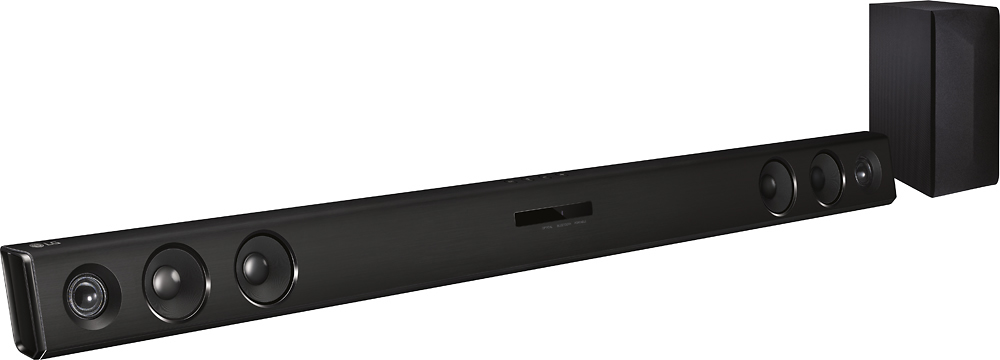
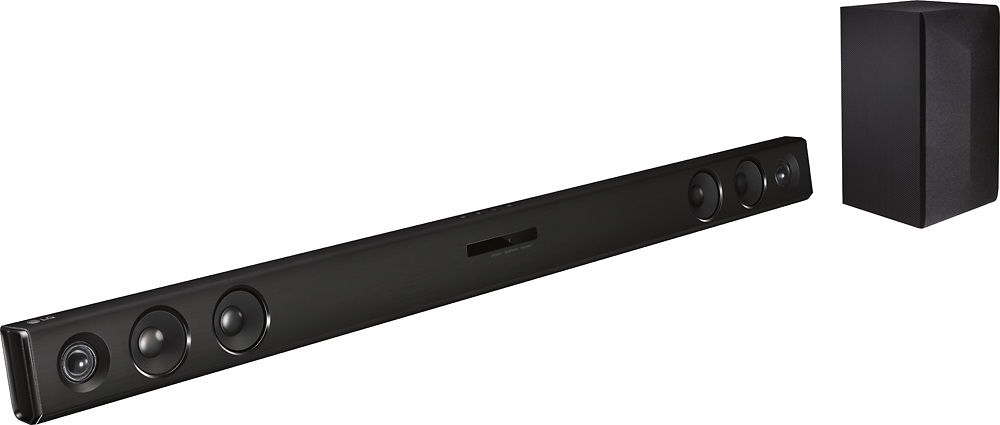
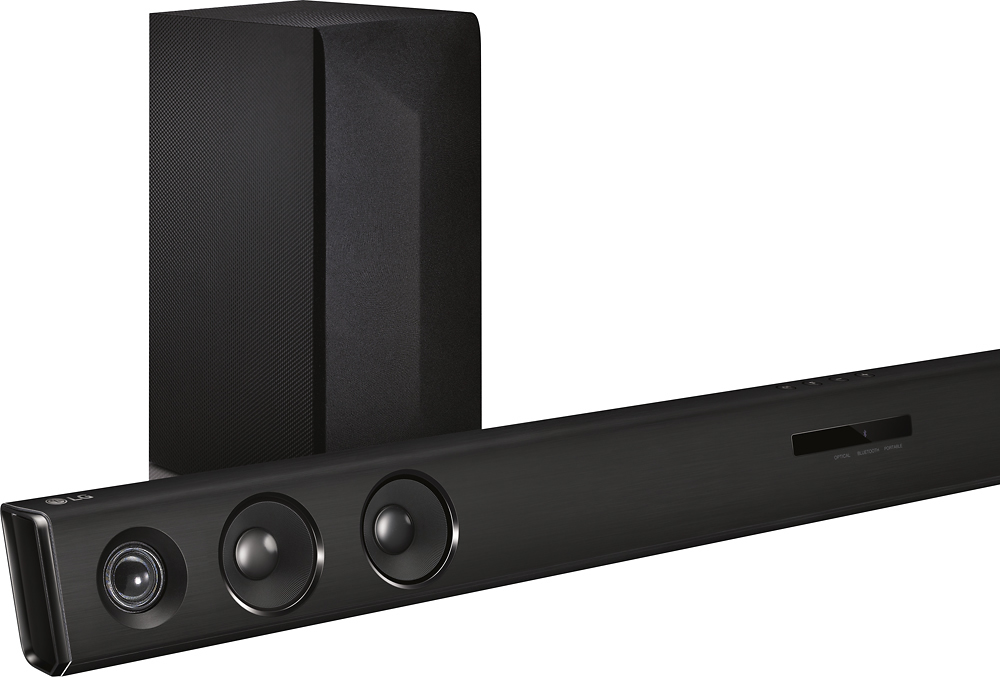
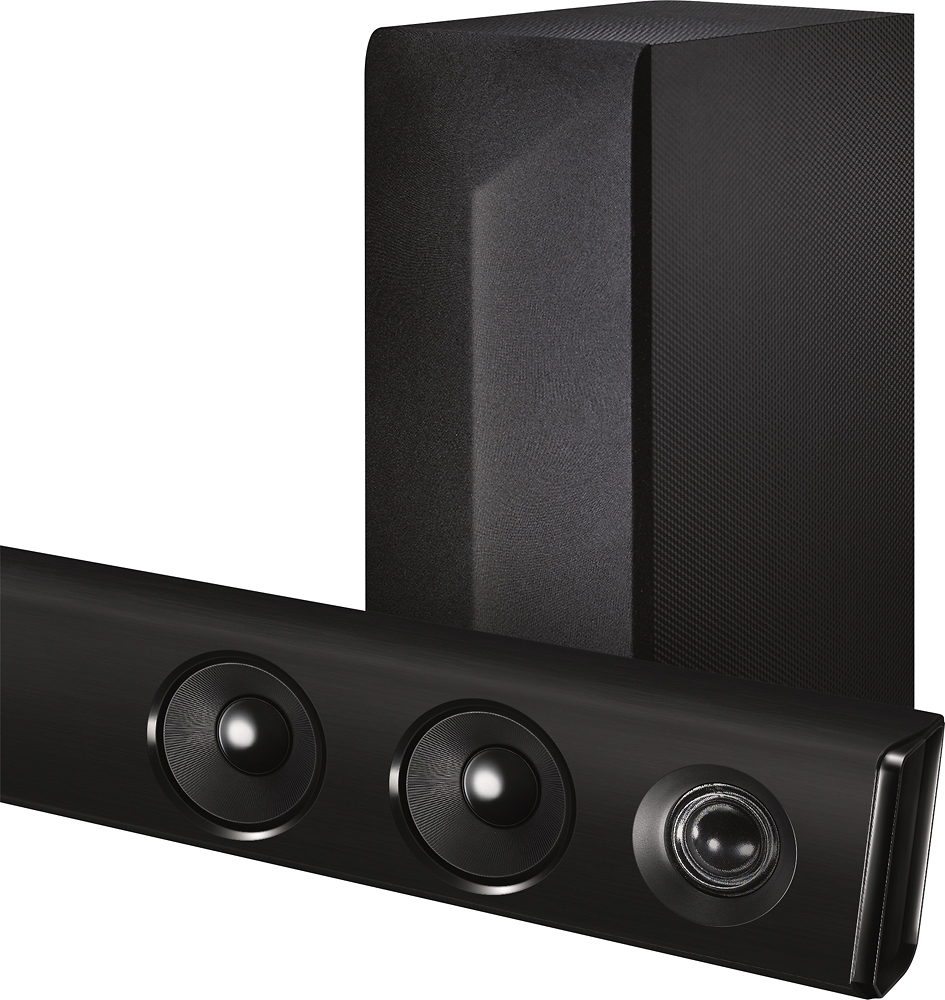
A:AnswerRegrettably, the Subwoofer and the LG - 2.1-Channel Soundbar System with Wireless Subwoofer and Digital Amplifier - Black, Model # SH3K use Bluetooth which operates in the 2.4 GHz band. All Bluetooth devices operate from 2.4 to 2.4835 GHz. To reduce interference with other protocols that use the 2.45 GHz band, the Bluetooth protocol divides the band into 79 channels (each 1 MHz wide) and changes channels up to 1600 times per second. You may want to try moving the Sub away from your extender or try shielding it from the extender...^IFV
A:AnswerFrom what I understand of ARC I would say the answer to your question is no. There is no HDMI connection, ARC or otherwise. What it requires is an optical cable and that you turn off the speakers on the TV if you want the sound out of the sound bar only. If you use the TV sound at the same time as the sound bar you will get (at least on my TV) a sound similar to the old reverb sound that you used to be able to get out of your car radio, i.e. one copy of the sound will be slightly ahead of the other. The effect can be desirable sometimes but is usually irritating.
A:AnswerI was having this issue also turns out when they ran my cable they ran my modem in between my bar and woofer on the paper work it came with is calls out to make sure you have a certain amount of space from the wireless modem and or router as the waves it emits cause the systme to dissconnect i moved the modem away and no more issues
A:Answerthis happens to me but the problem is that the TV controller controls both devices so when you are trying to lower the volume on the tv it lowers it on the bar as well. What i usually do is lower the volume of the tv all the way or mute it and then use the bar controller to control the bar.
A:AnswerThis is a problem with this and a few other models of sound bars. I don't understand why they can't provide the option of traditional stereo analog inputs with so many TVs and monitors out there that do not provide the very recent optical digital protocol.
There is an adapter cable that you can buy with the black/white analog audio connectors on one end and an RCA jack on the other. The black white connectors are plugged into the output audio ports of your TV and the RCA jack applies to the input on the bar for that purpose. I understand you will not get an optimum output from this arrangement, but at least it is a workable plug-n-play solution.
A:AnswerI paid about that much for a refurbished unit - they often have them online in the "outlet" section of the site. I bought a multiple-year geek squad package for it (as I would have had I bought new) and I am really happy with the speaker set and the deal I got. The geek squad purchase mitigated my hesitation about buying refurbished, but we've been using it daily for six months now and it has had zero issues.