A:AnswerI just tried this yesterday and it didn't show up. Perhaps they need to fix the Content Store to make it show up there. Even just searching for HBO there doesn't provide the HBO Max app.
A:AnswerCheck with the store where it was purchased. Best Buy can come to your house to help you, but it is not free. I think it is $99. However, if you can get someone to help you, you can contact LG Customer Service and they will get you set up while it's under the one year warranty.
A:AnswerWas not an issue in my installation. I set it up using the included remote control to recognize my SOHO Router. If the router requires a password to connect, you will have to enter that password into the TV. Our SOHO router has access to both 2G and 5G wireless WAN networks. If your computer can access the Internet (mail, browser) through your router, the TV will also. Using the remote control, press the Gear logo button. Scroll down to "All Settings"." Scroll down to "Network." Select whichever method you want to use, and follow the on-screen prompts.
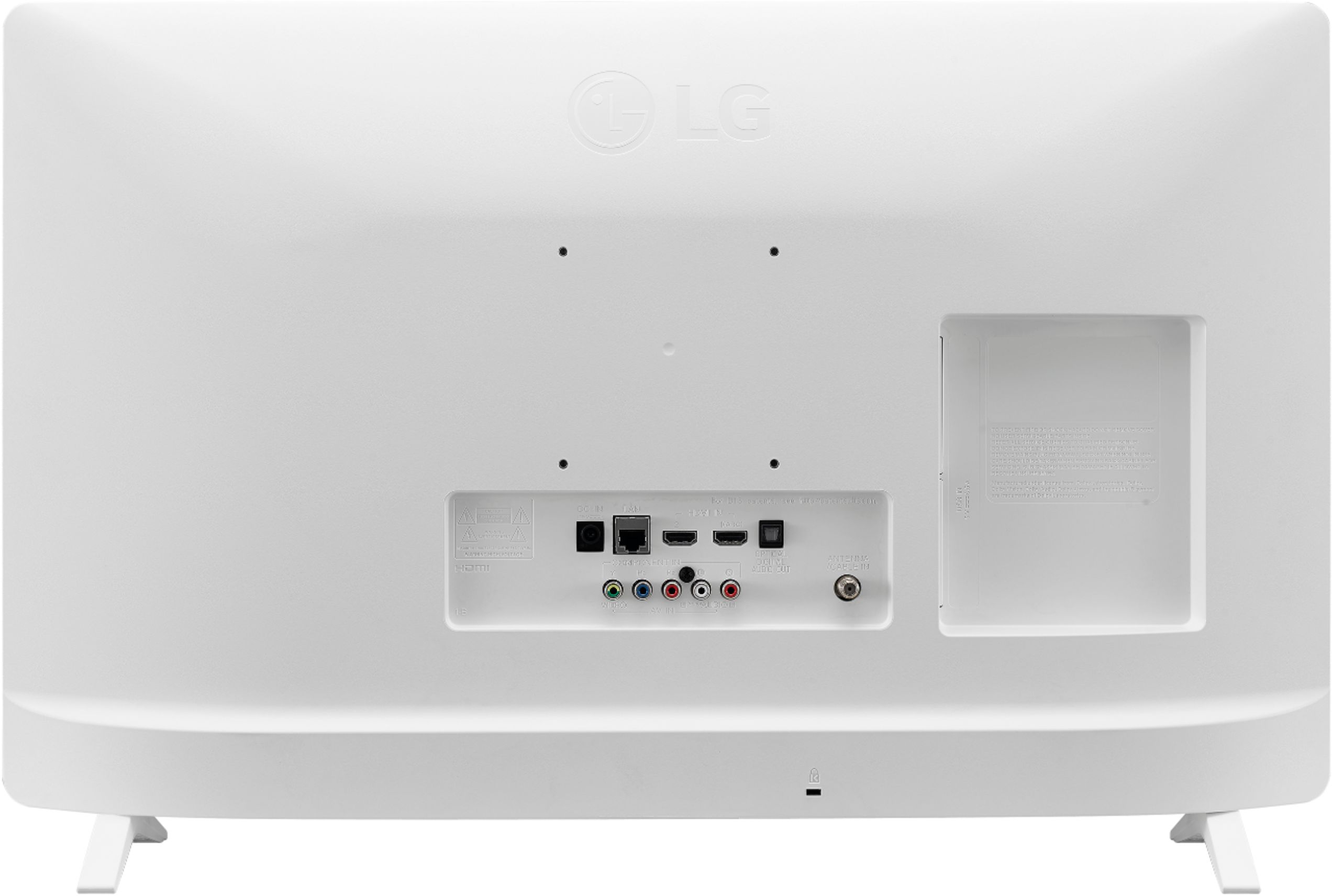
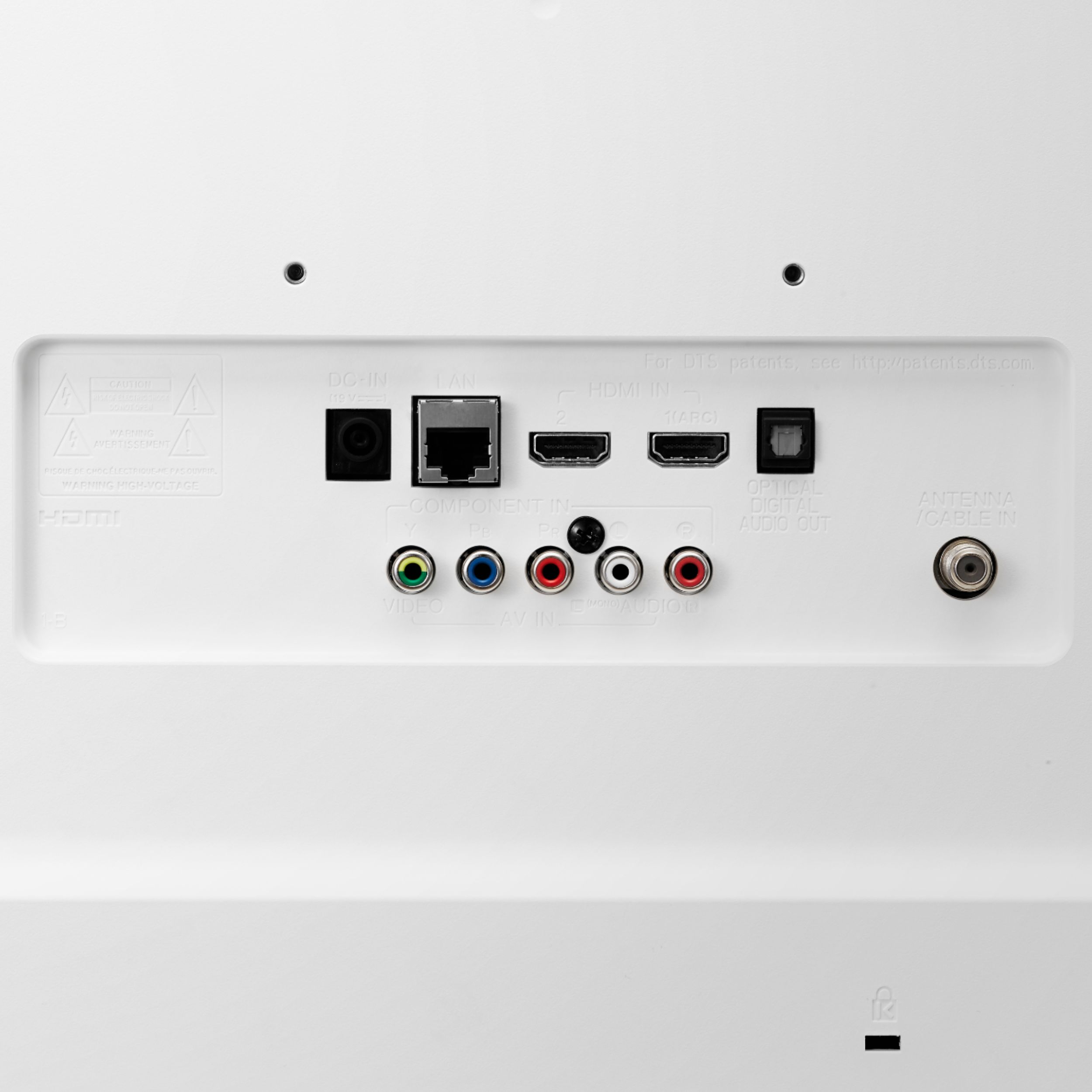
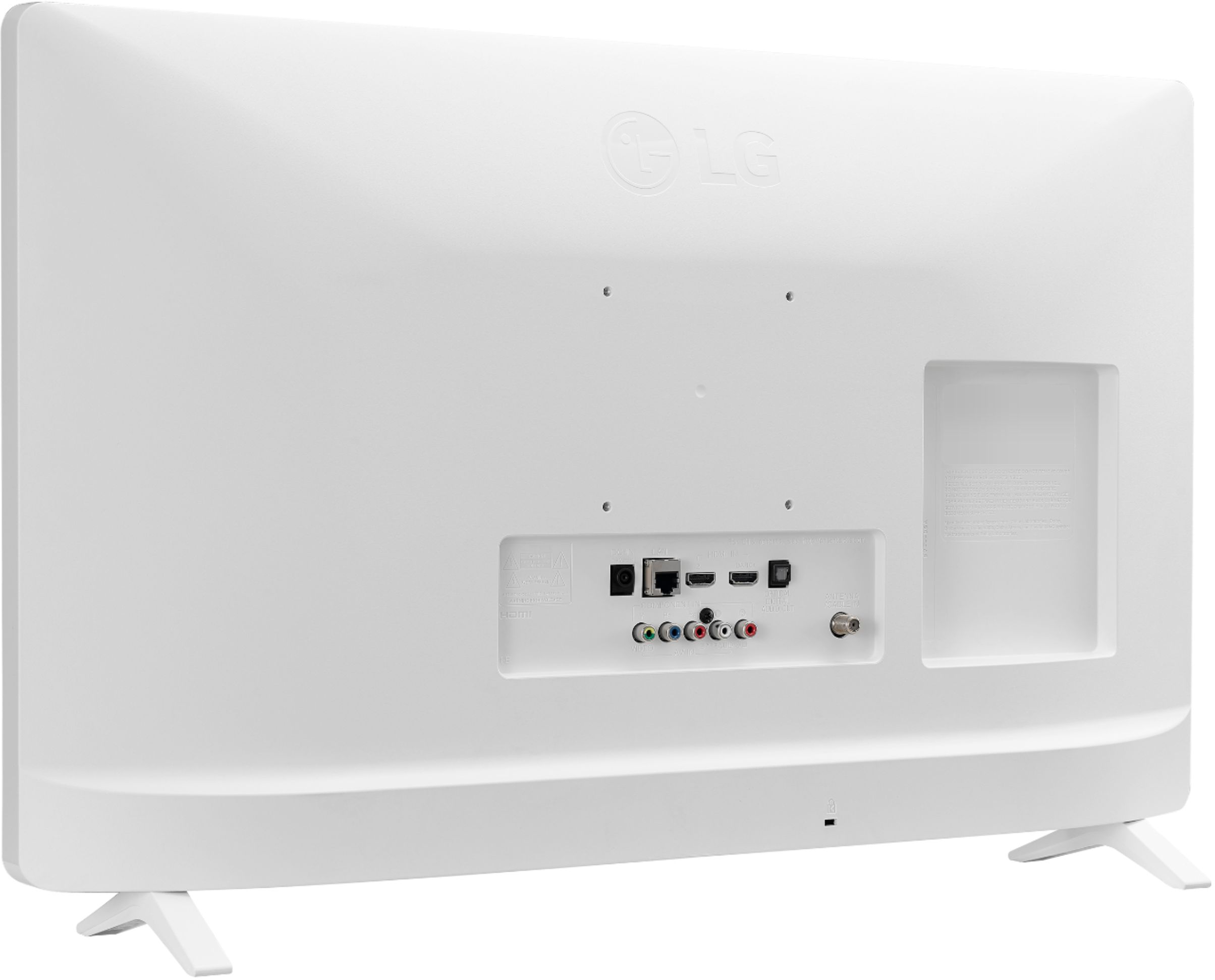
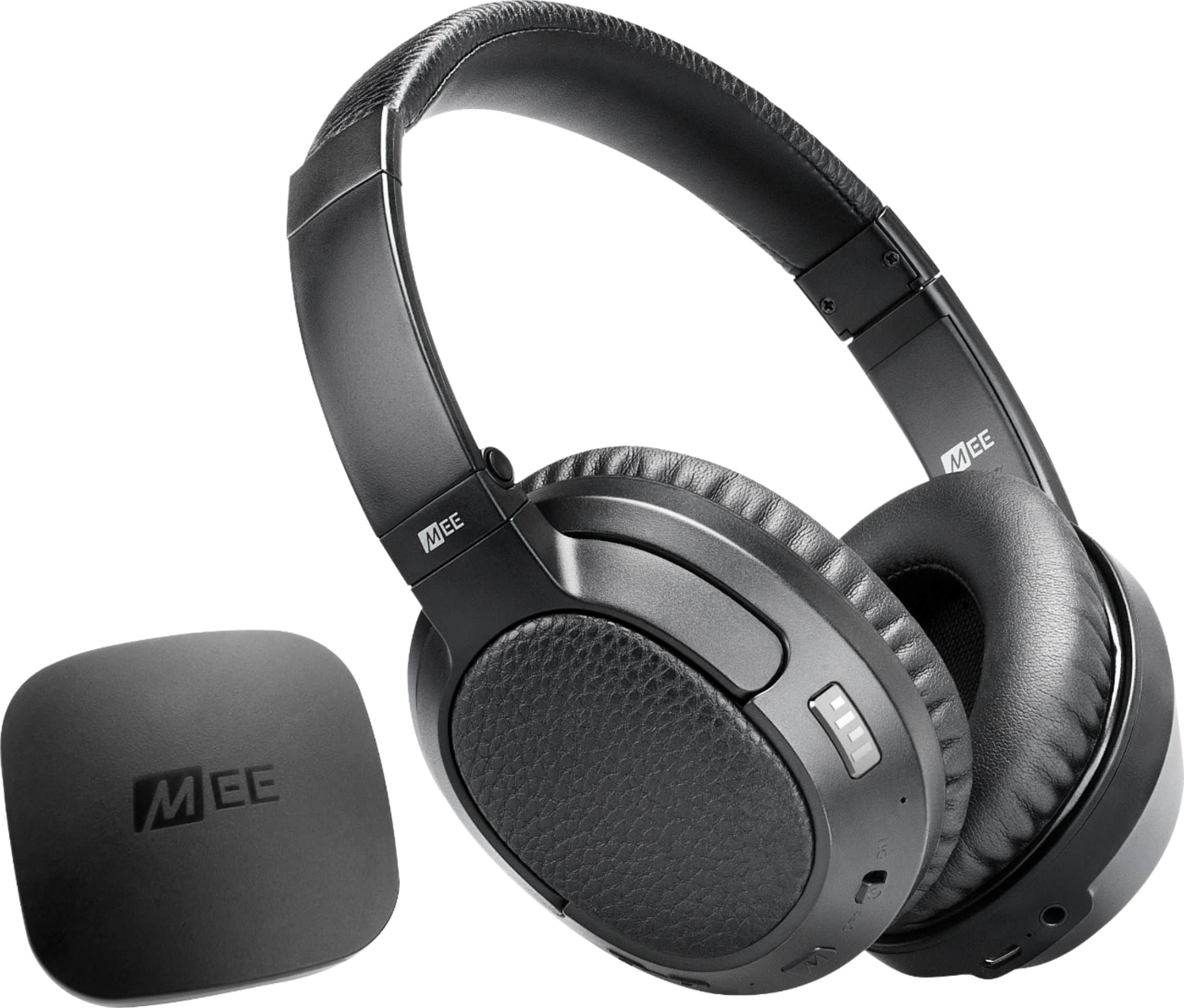
A:AnswerYes, for sound (sounder, headphones). BT is not built-in, but the TV has an Optical signal output. I used an aftermarket BT transmitter from Matrix Cinema, MEEaudio, which I got from Best Buy. I feed the transmitter from the optical TV output. The transmitter connects via BT to both the Matrix Cinema MEEaudio headphones AND my sounder.
A:AnswerThis TV wall mount compatibility of VESA Mount 75 x 75mm. Please seek recommendations/opinions in the LG Community Forum, https://lgcommunity.us.com. The LG Community Forum is a great resource for getting help from other LG customers. ^Daphane
A:AnswerPlease reach out to our support team via private message on Facebook @LGUSSupport and use #VOC in your first message to our social media support team or call at 800-243-0000 to verify. Also, be sure to provide your contact information, model/serial numbers and date of purchase. ^Daphane