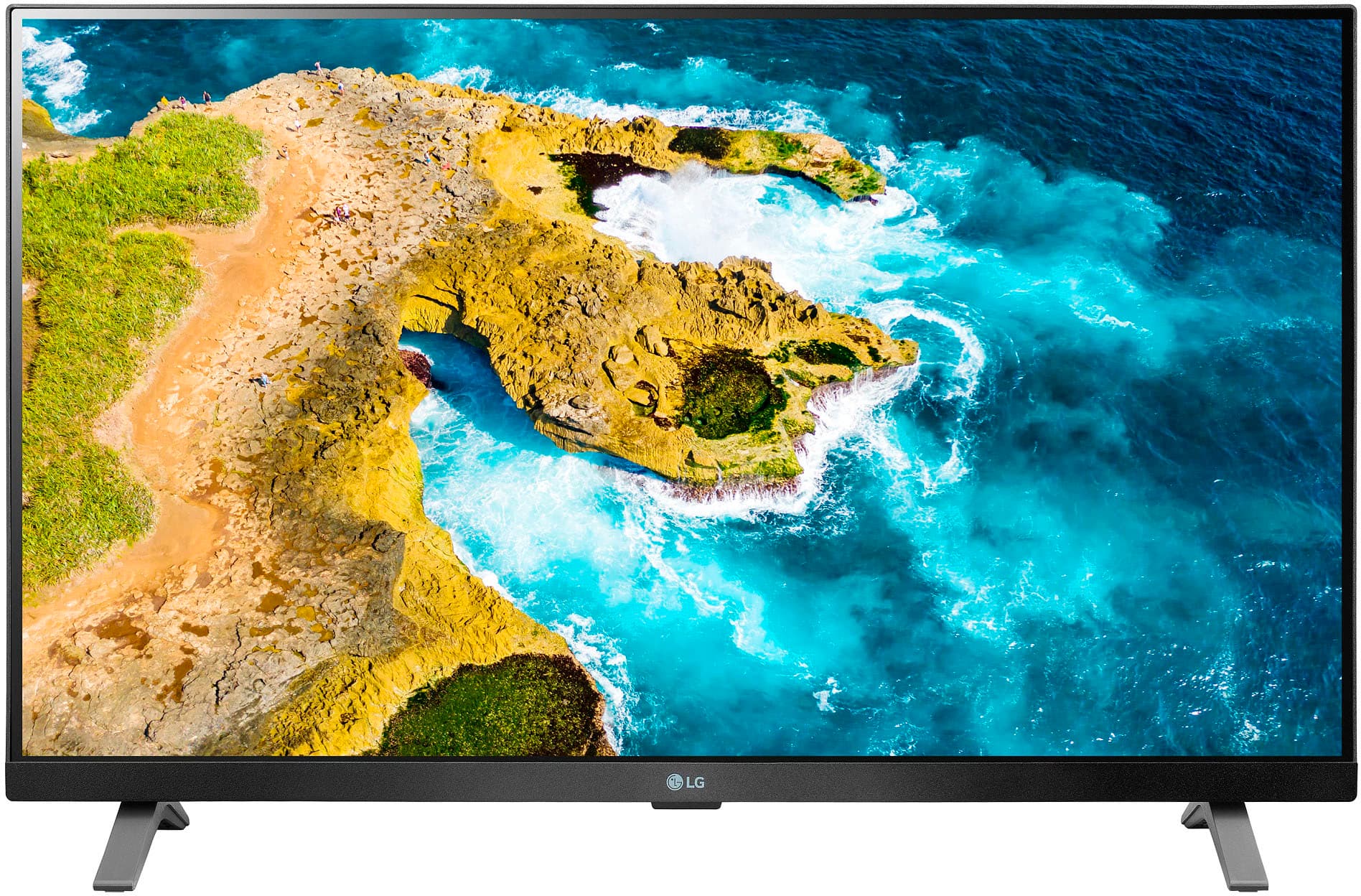
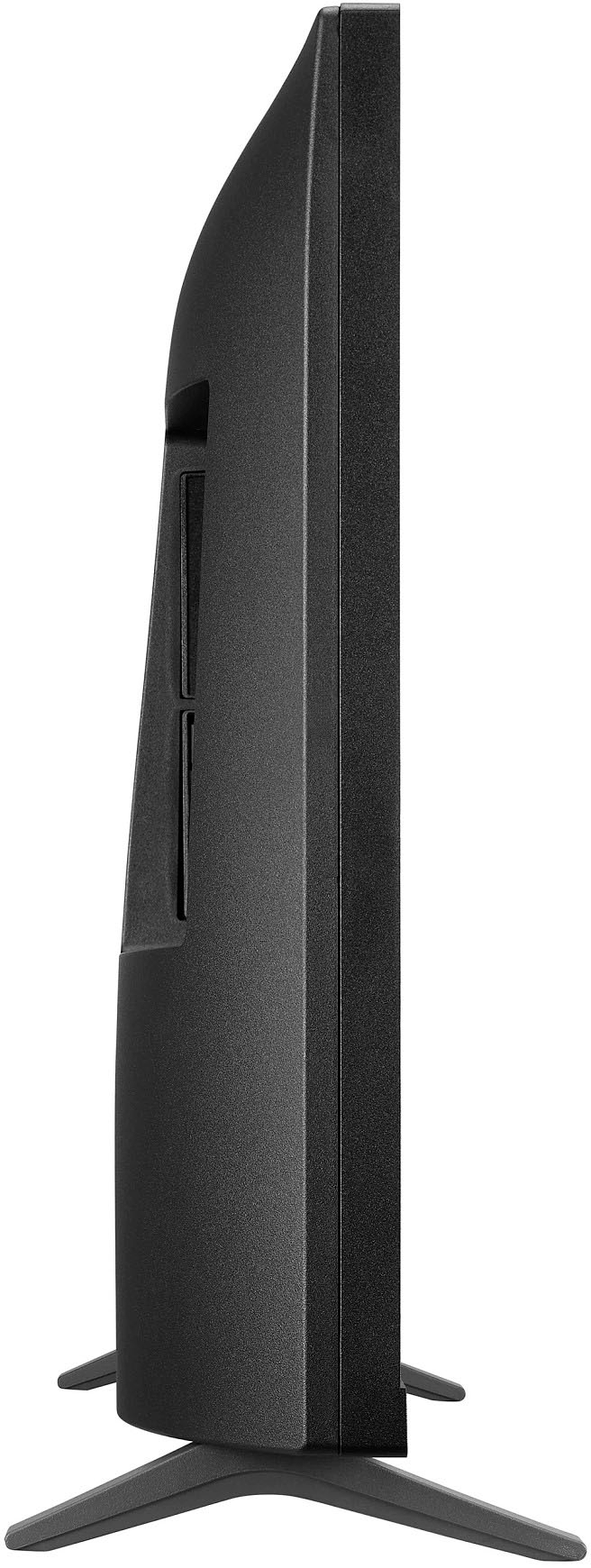
A:AnswerHello there. Thank you for reaching out to us. We understand your inquiry regarding the stand width for the 27LQ625S-PU. Based on the official dimensions provided, when the monitor is used with the stand, the total width is 24.1". The stand depth is 5.9", which provides a stable and compact footprint for your viewing setup.
https://www.bestbuy.com/product/lg-27-class-led-full-hd-smart-tv-with-webos-2022/JJ8VPZ625P
If you have any further questions about its features, please contact us on lgdigitalcare@lg.sprinklrsupport.com, and our team will be more than happy to assist you. —Renzo
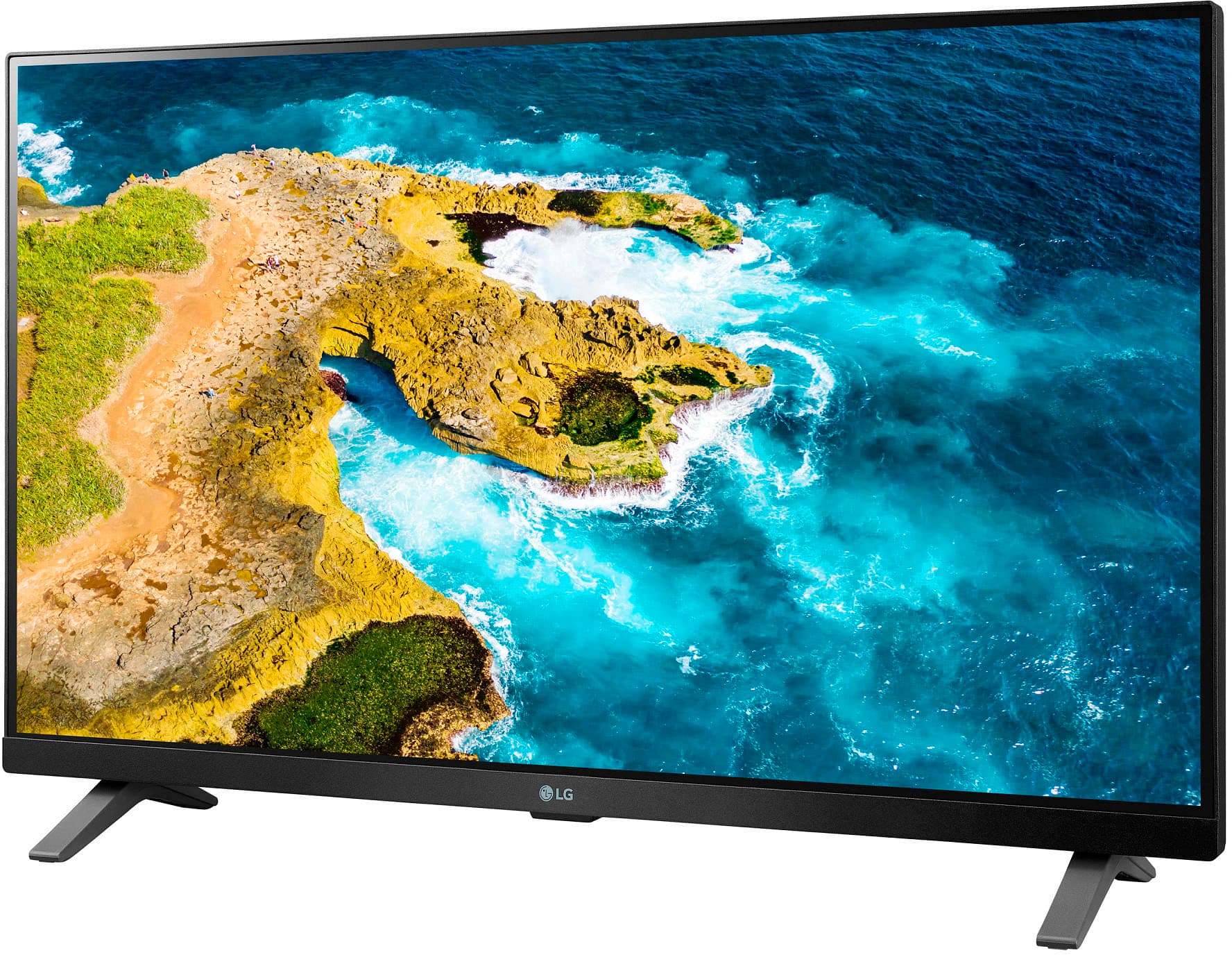
A:AnswerThe stand legs for the LG - 27" Class LED Full HD Smart TV with webOS (2022), Model # 27LQ625S-PU, are fixed so the TV cannot be tilted backward or forward.
The only way the TV can be tilted is if you mount it on a Tilting or Full Motion Wall Mount...^Ivan.
A:AnswerOn the product page for this LG - 27" Class LED Full HD Smart TV with webOS (2022)
Model # 27LQ625S-PU, you can click on 'Specifications' and scroll down to Dimensions' on the page that pops up on the right...^Ivan.
A:AnswerHi there, Rome. Thank you for your inquiry about the 27LQ625S-PU TV. We understand your question about the sleep timer feature. This model does have a sleep timer function, which can be found within the TV's settings menu. To set it, you can navigate to the settings and access the timer options. If you would like further assistance with the steps, please send us a private message on Social Media @LGUSSupport and our team will be more than happy to explore possible solutions.
https://www.bestbuy.com/site/lg-27-class-led-full-hd-smart-tv-with-webos-2022/6506780.p?skuId=6506780
We appreciate your patience. —Renzo
A:AnswerSmart TVs have all the functionality of a traditional television along with smart capabilities and internet connectivity, so you can use the LG 27" Class LED Full HD Smart TV with webOS (2022), Model # 27LQ625S-PU as a standard TV.
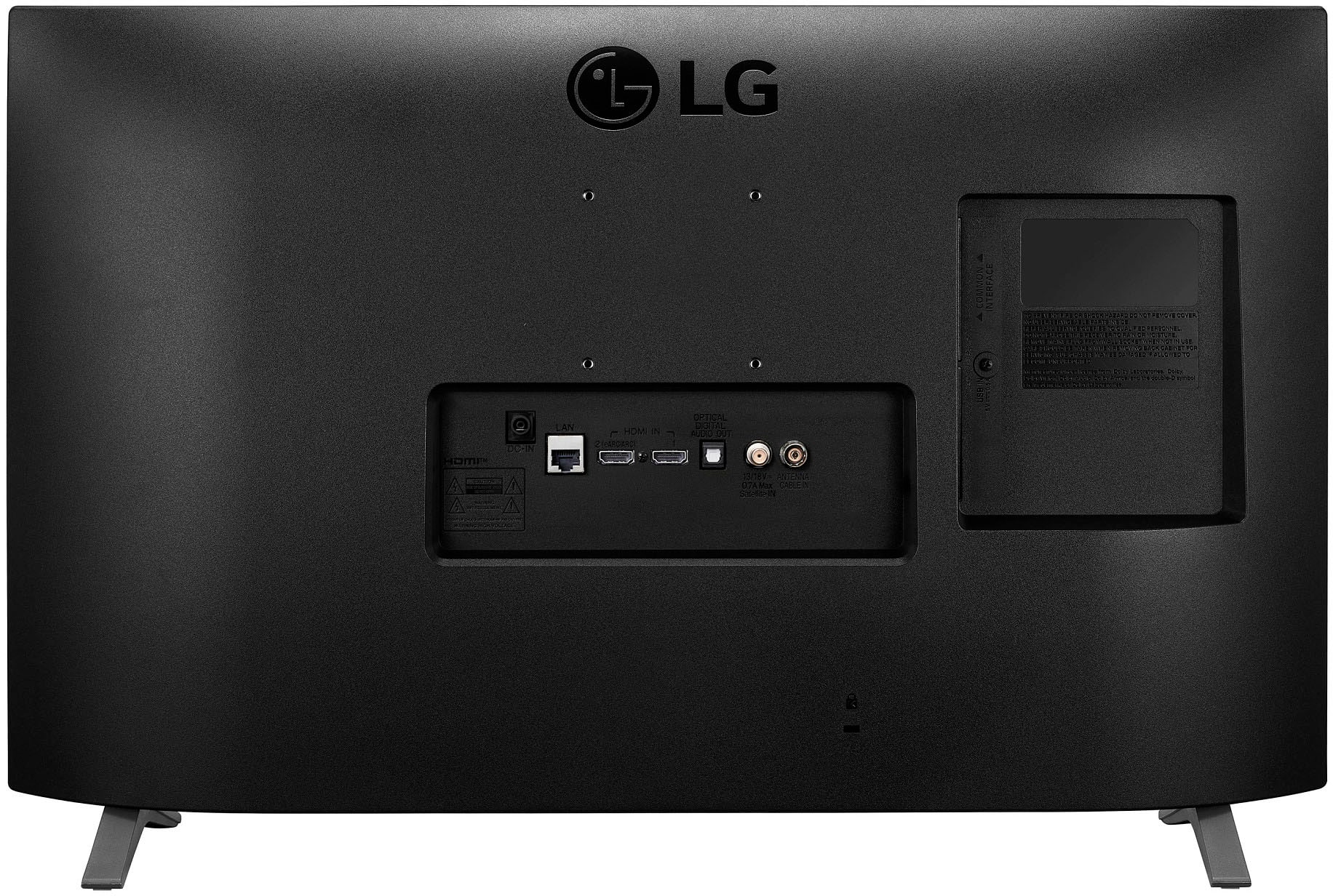
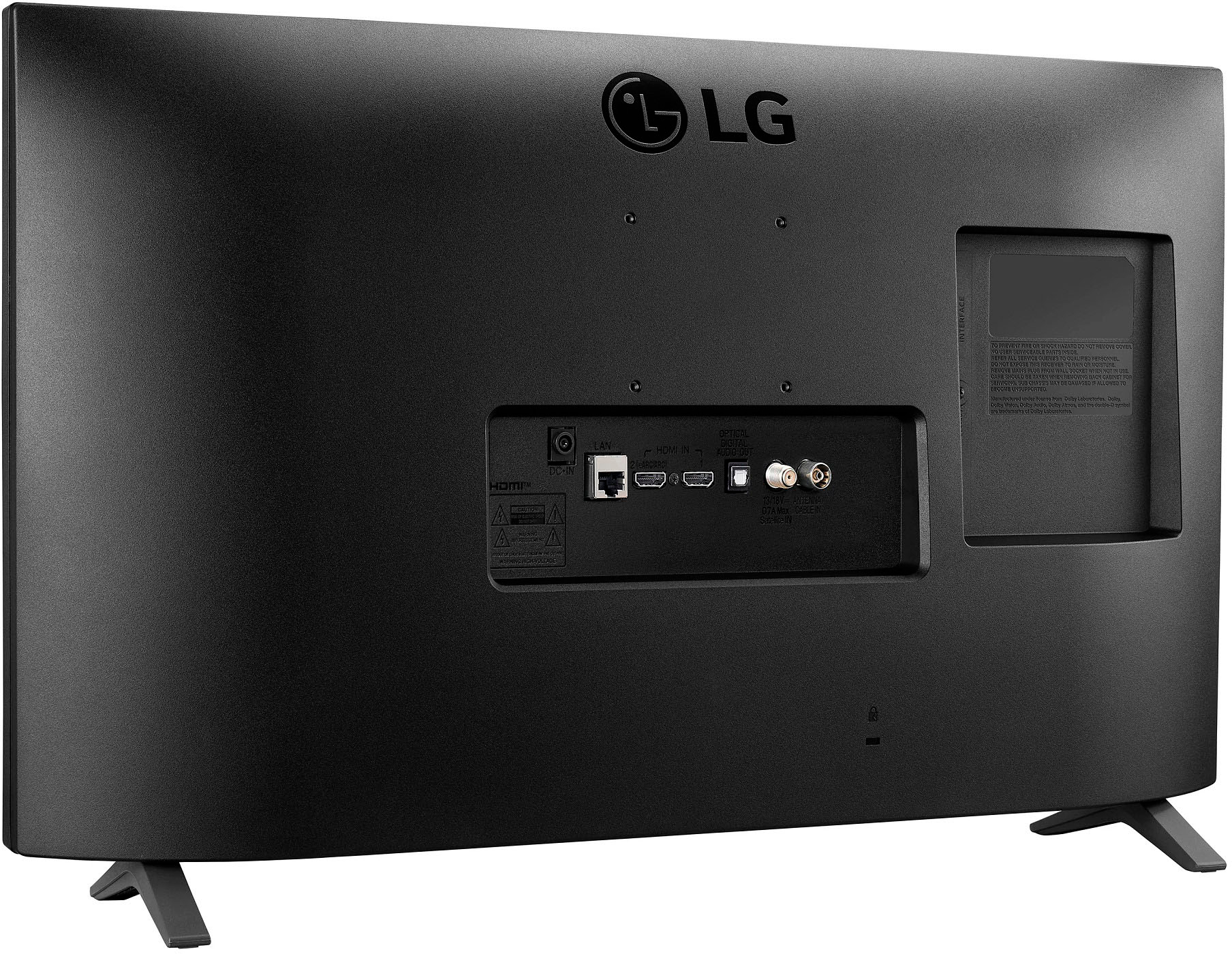
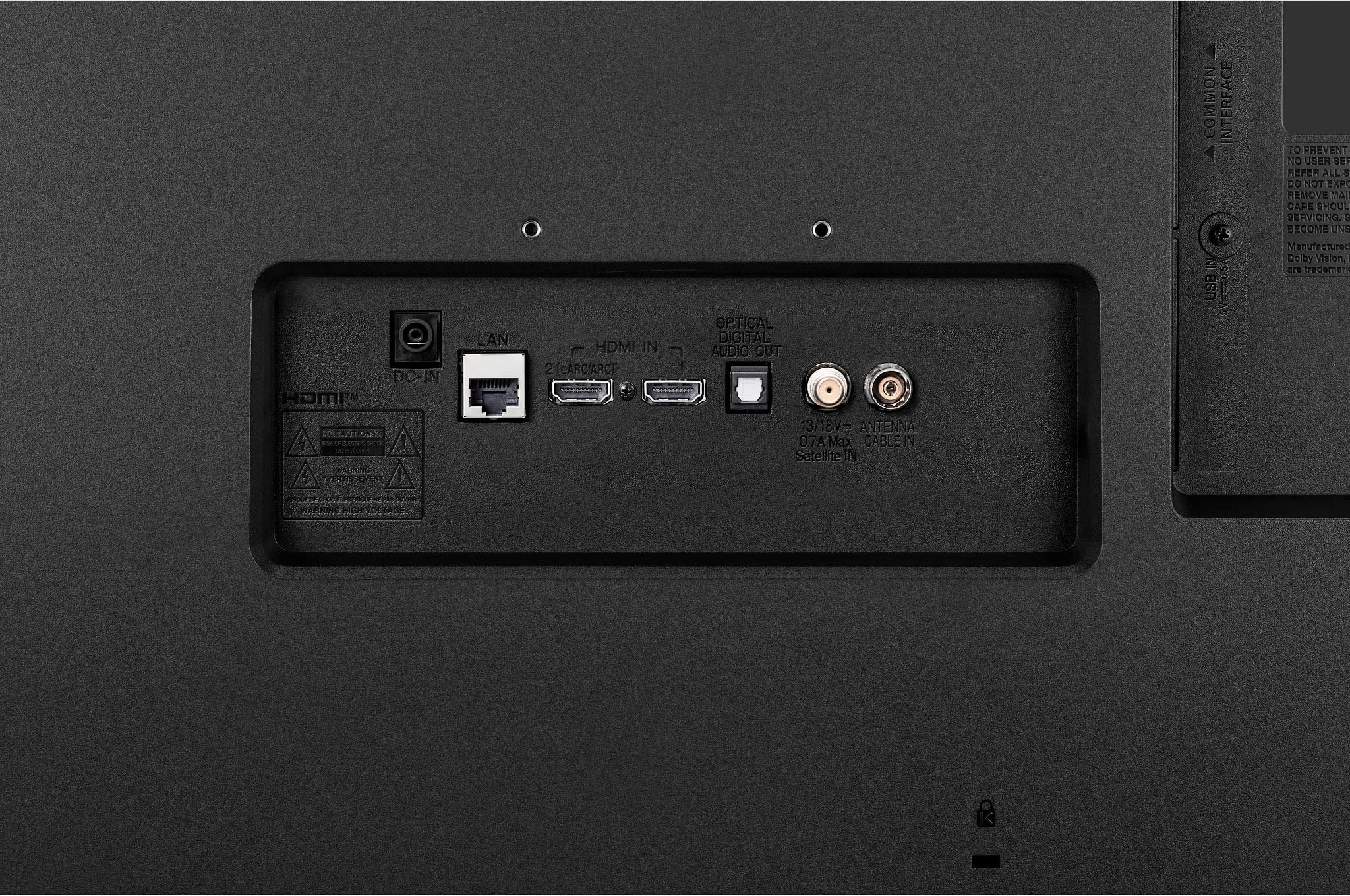
It can receive over-the-air broadcast signals and display programming just like a traditional TV and it has built-in TV tuners that allow you to watch local broadcast stations by just connecting an antenna to the F-Type, 75-Ohm, coaxial connector on the back of the TV labeled 'Antenna/Cable In. You can also subscribe to cable TV or satellite service and connect a set-top box to view cable channels. The process of scanning for channels, browsing channels, and watching live TV is the same as any regular television. So if you don’t intend to connect the TV to Wi-Fi and use the preinstalled streaming services or connected devices, the TV works just fine as a “dumb” TV with broadcast channels.
You also will not be able to receive firmware updates when they become available if you are not connected to the internet...^Ivan.
A:AnswerHi there, thank you for reaching out! We understand your situation regarding connecting a Roku to the 27LQ625S-PU monitor.
While this monitor is equipped with HDMI ports, making it compatible with many devices, including Roku, it does not have webOS Smart TV features. However, you can connect your Roku device directly to the monitor using an HDMI cable. Once connected, you can enjoy streaming content through Roku, but please note that the monitor itself does not have built-in smart TV functionality like a typical LG smart TV.
https://www.lg.com/us/monitors/lg-27lq625s-pu-ips-monitor#pdp_specs
If you have any further questions or need assistance with the setup, please send us a private message on Social Media @LGUSSupport, and our team will be happy to assist you. We appreciate your understanding.
—Renzo
A:AnswerHi, there. We appreciate your interest in the LG TV (27LQ625S-PU) model. While this particular unit cannot receive free cable/satellite channels, it gives you access to free ad-supported streaming apps and content through webOS. But an antenna would be required to get free local over-the-air channels. For more questions or concerns, you can reach out to us on social media at @LGUSSupport. ^Juvy
A:AnswerThank you for reaching us regarding LG Smart TV with webOS. The LG 27LQ625S-PU does not support the Acorn TV app natively, you can still access the service using external devices or by streaming from a mobile device. You can download its owner's manual through this link for more information: https://www.lg.com/us/support/product/lg-27LQ625S-PU.AUS. For additional assistance, please reach out to us on social media @LGUSSupport so we can help you further. ^Cris
A:AnswerHi, Please check using the speedtest as for the download inquiry we don't have that information. As downloading will depend on how fast your internet is. ^Vanessa