Questions & Answers
- Model:
- 27LQ625S-PU
- |
- SKU:
- 6506780
Q: Questionwork w / 12 volt in for car or boat
Asked by aramis.
- A:Answer Hi there, Aramis. Thank you for your inquiry. The LG 27LQ625S monitor requires an external power adapter with an input range of 100-240V AC, which is standard for household power sources. Unfortunately, it does not support a 12V DC input for use in a car or boat directly. To use it in such settings, you would need a suitable power inverter that converts 12V DC (from a car or boat battery) to 100-240V AC to match the monitor's power requirements. Please ensure that the inverter provides sufficient wattage, as the monitor's typical power consumption is around 32W. https://www.lg.com/us/monitors/lg-27lq625s-pu-ips-monitor#pdp_specs We understand your interest in using the monitor in these environments and would be happy to assist further if needed. Please send us a private message on Social Media @LGUSSupport, and our team will help with any additional questions. We appreciate your inquiry! —Renzo
Answered by LG Digital Customer Care

Q: QuestionCan you use wireless headphones? If so, what brand is recommended?
Asked by Garry.
- A:Answer Bluetooth headphones can be used with this 27" LG TV.
Answered by laura9
Q: Questionmpeg4 compatible?
Asked by Tony.
- A:Answer Hello there, Tony. Thank you for reaching out about the LG 27LQ625S-PU monitor. We understand you're wondering if this model is compatible with MPEG-4 format. Yes, the 27LQ625S-PU supports MPEG-4 playback through its USB media player functionality. You can conveniently play videos from USB storage devices in various formats, including MPEG-4, DivX HD, AVI, MKV, and MP4. If you’d like assistance with media playback or any other features, please feel free to send us a message on social media @LGUSSupport. We’d be delighted to assist you further and ensure you get the most out of your monitor. https://www.lg.com/us/monitors/lg-27lq625s-pu-ips-monitor#pdp_specs Enjoy sharing and streaming your content seamlessly! —Renzo
Answered by LG Digital Customer Care

Q: QuestionDoes this tv have Hulu ,paramount and Disney + on it?
Asked by Mimi.
- A:Answer Yes, but I am using a ROKU with it instead of using the built in apps.
Answered by laura9
Q: QuestionDoese this TV allow for streaming with Spectrum TV service?
Asked by Anonymous.
- A:Answer Yes.
Answered by JohnG
Q: Questioncan you watch live tv without cable on this tv
Asked by scotty.
- A:Answer Depends on your steaming provider but the short answer is yes. We have HULU which gives us access to live TV. We've "cut the cable" for our TV viewing.
Answered by JohnG
Q: QuestionIs the LG 27” class tv compatible with the Mount-it MI 393 wall mount. ?
Asked by Anonymous.
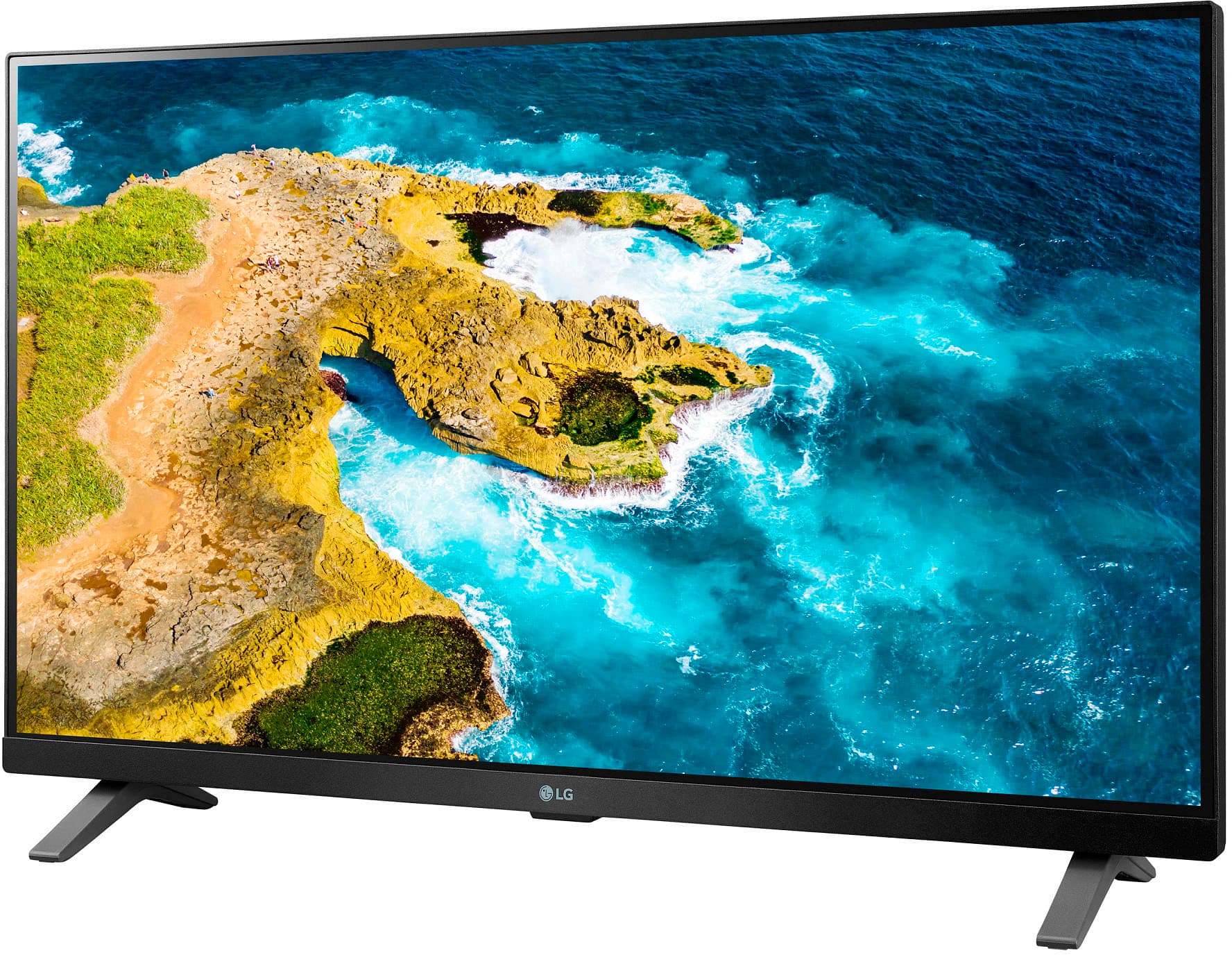
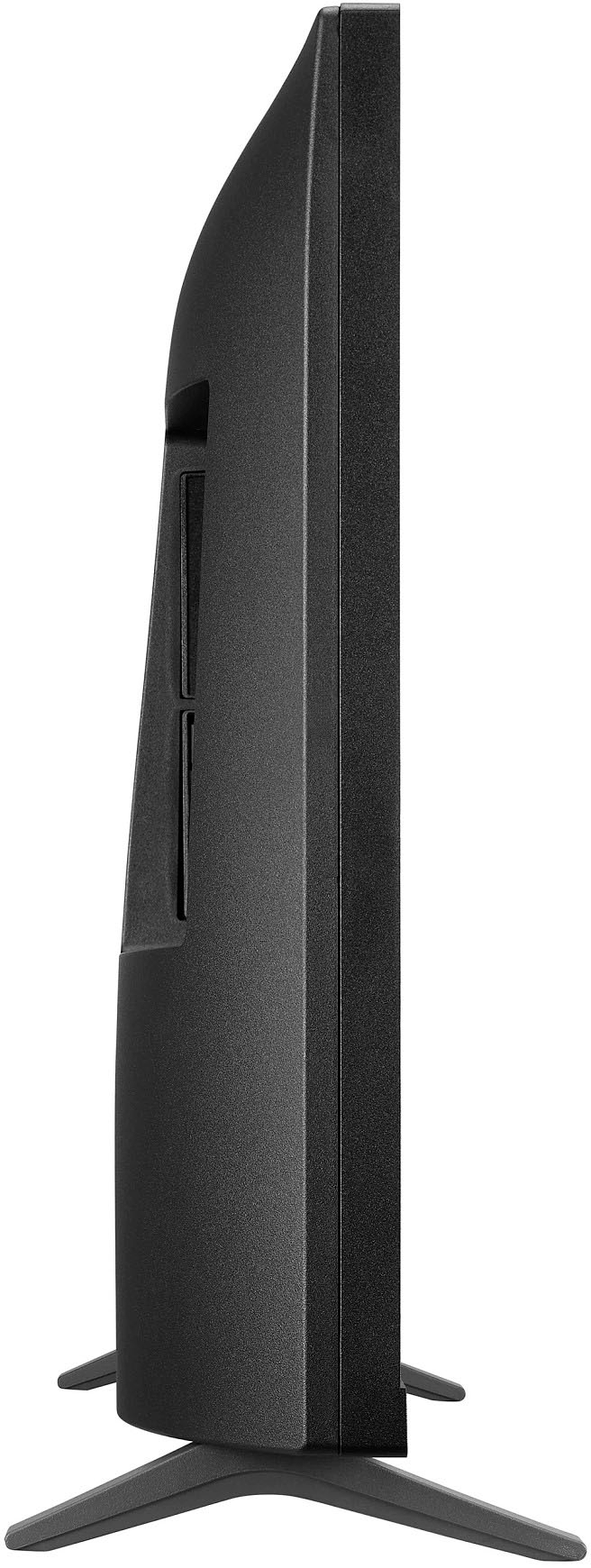
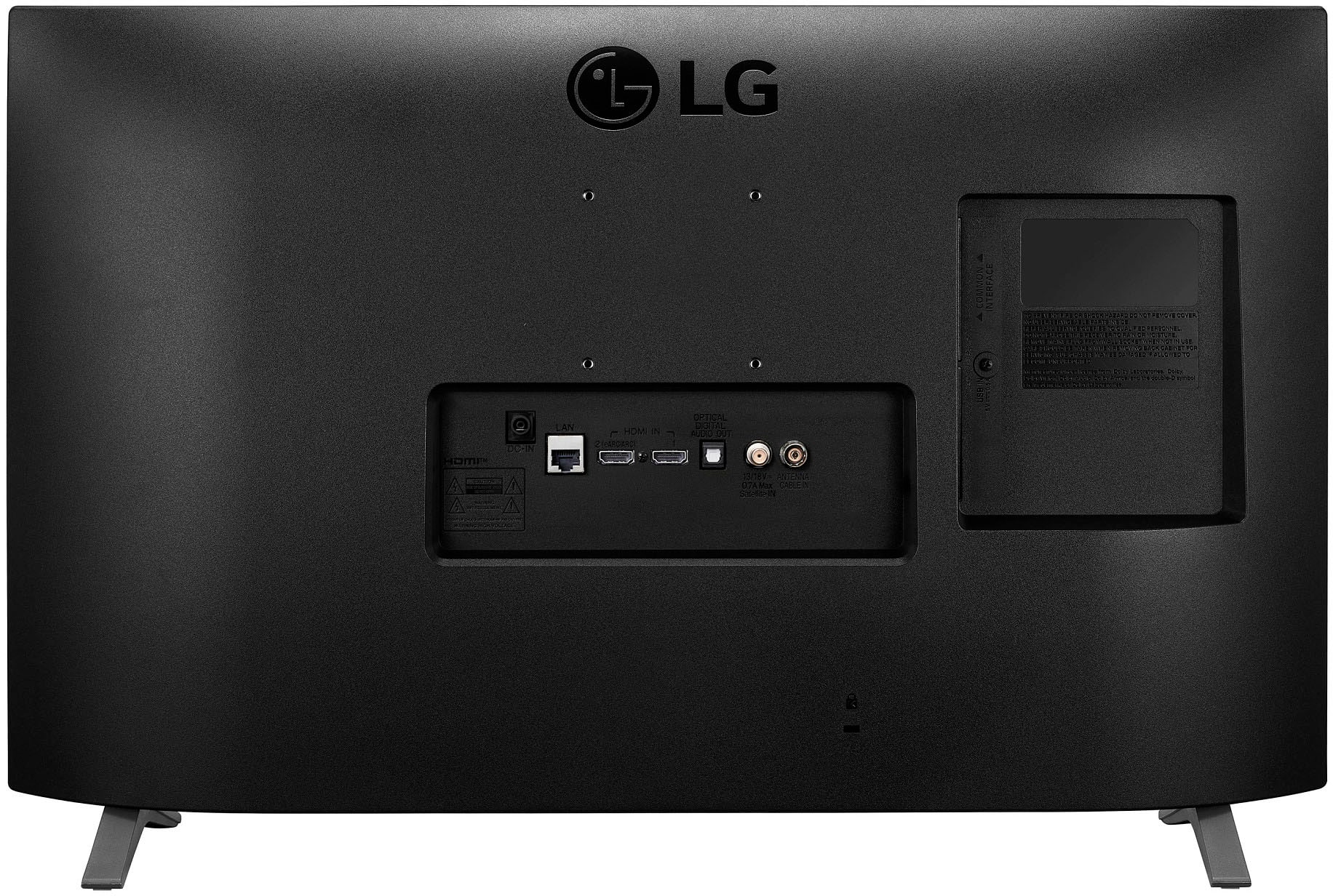
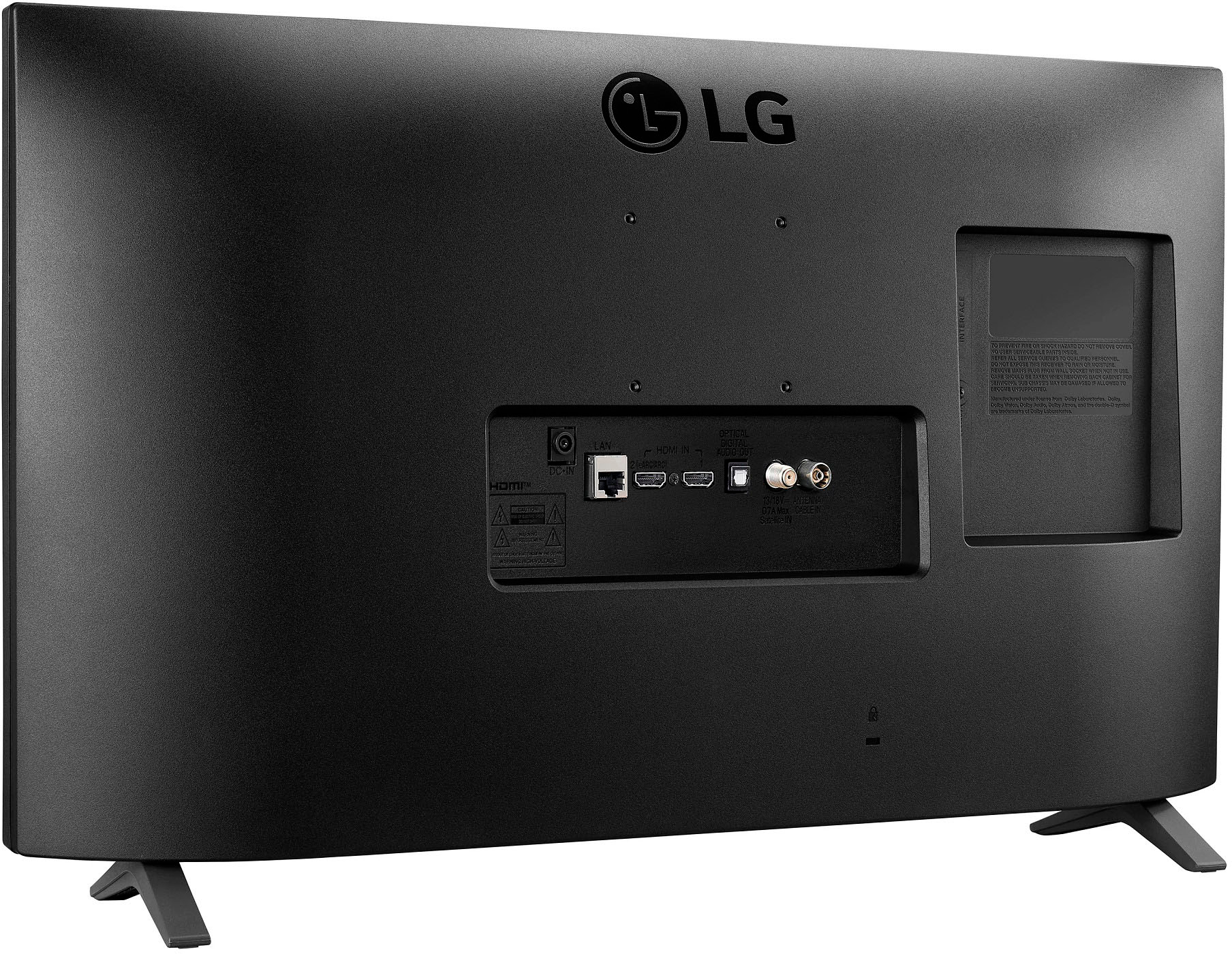
- A:Answer Yes, it should as the TV uses VESA standard 75 x 75 (mm) mounting pattern found on the MI-393 and uses 4 M4 x L10 screws in order to attach.
Answered by MrMartin
Q: QuestionIs this roku and dtv ready?
Asked by Anniem.
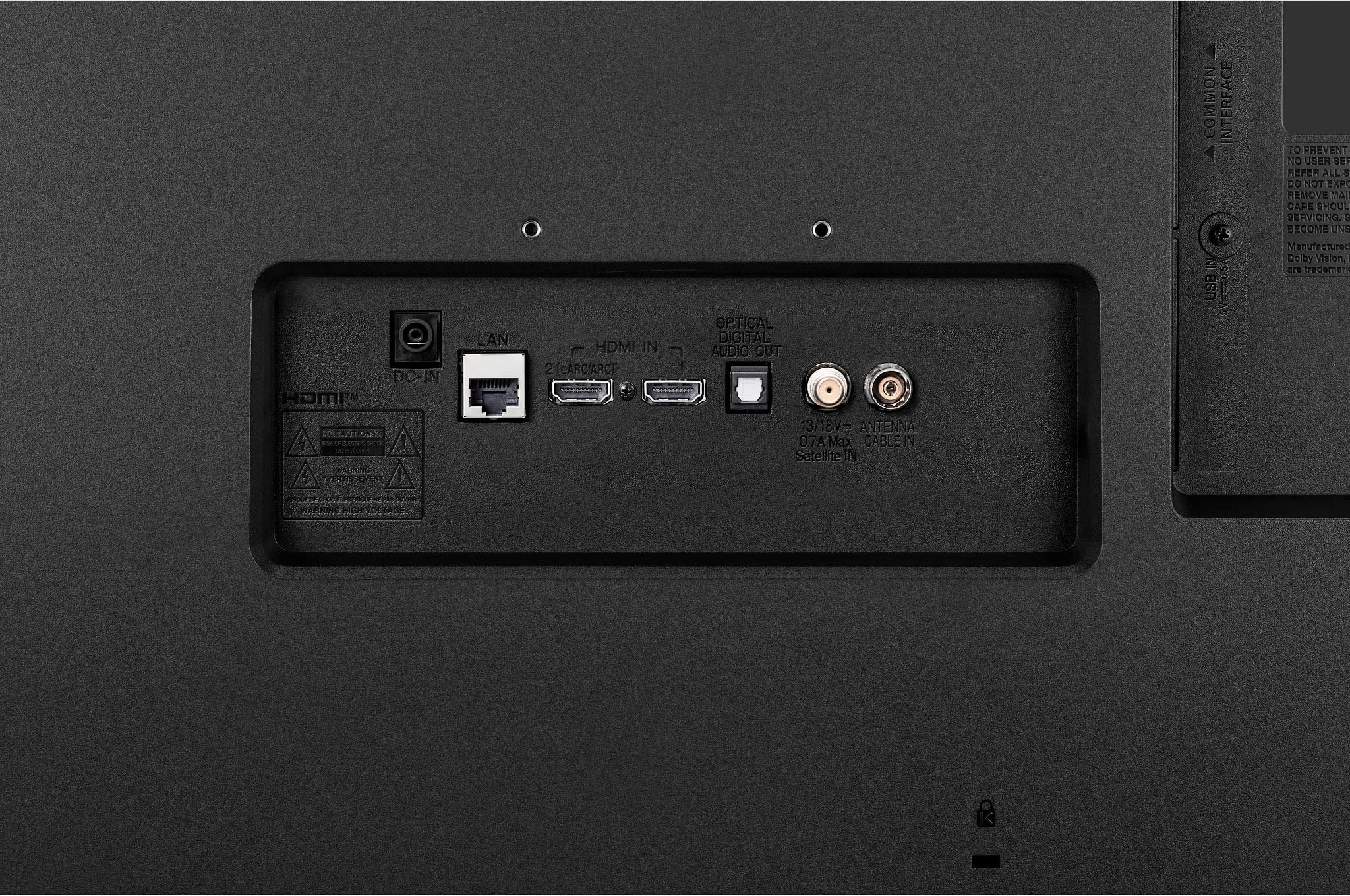
- A:Answer Yes, there are HDMI for Roku. However, I did not connect my Roku on this TV as it had everything on the built in OS.
Answered by JAT30506
Q: QuestionIs this ok for gaming?
Asked by RoryMom.
- A:Answer Hello, Rory! The LG 27LQ625S-PU is a monitor designed with a focus on delivering clear visuals and good color accuracy. While it can be suitable for casual gaming, it may not have the high refresh rates or fast response times that are preferred for more demanding gaming experiences. For a gaming-centric monitor, consider looking for models with higher refresh rates and lower response times. If you need more detailed recommendations, feel free to ask! -Junel
Answered by LG Digital Customer Care

Q: QuestionCan this tv be wall mounted
Asked by Cb12345.
- A:Answer Yes, as it has the VESA standard 75 x 75 (mm) pattern, which is compatible with most VESA wall mounts. Also, in the owner's manual, it states an optional wall mount bracket LSW149 is available.
Answered by MrMartin
Q: Questionis this a roku tv? which year is this? what apps are on it?
Asked by gracceee.
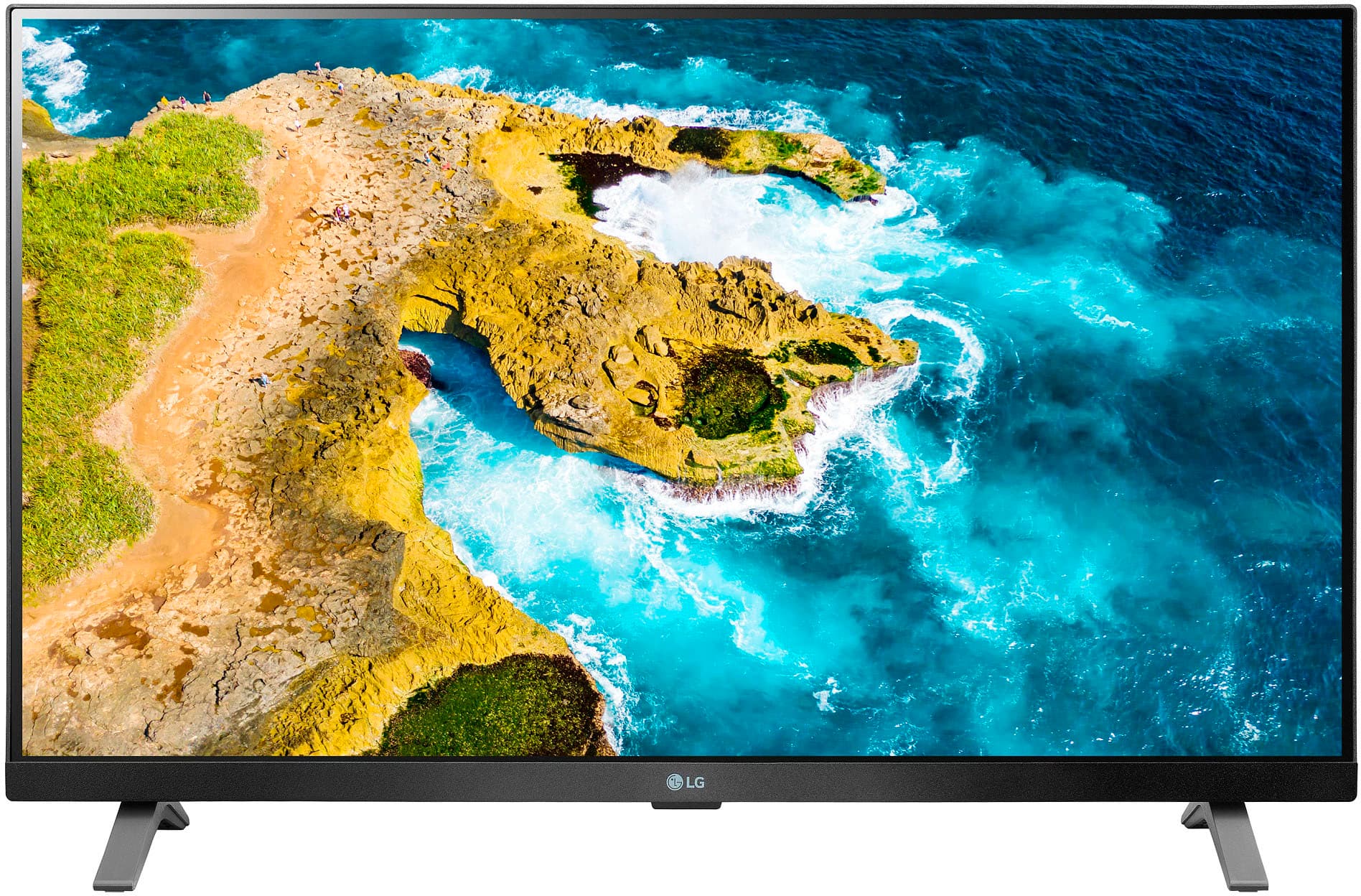
- A:Answer Hi there! The LG TV model 27LQ625S-PU is not a Roku TV; it is an LG Smart TV. This model is part of LG’s lineup for the 2023 year. Regarding apps, LG Smart TVs typically come with a variety of pre-installed apps including popular streaming services like Netflix, Hulu, Disney+, and Amazon Prime Video. You can also access additional apps through the LG Content Store. If you need more detailed information or have specific questions about this TV, please send us a private message on Social Media @LGUSSupport. Our team will be happy to assist you further. We appreciate your patience. —Renzo
Answered by LG Digital Customer Care

Q: QuestionCan you organize the apps to your personal preferences? Can apps be deleted? If so, how do you go about doing it
Asked by Joe.
- A:Answer Hello, Joe. Thank you for reaching out to us. Yes, on the LG TV model 27LQ625S-P, you can organize the apps to your personal preferences and delete apps as needed. To organize or delete apps, follow these steps: 1. Press the Home button on your remote. 2. Navigate to the app you want to move or delete. 3. Press and hold the Select button until a menu appears. 4. Choose "Move" to reposition the app or "Delete" to remove it. If you have any further questions or need assistance, please send us a private message on our social media platform via @LGUSSupport. We appreciate your patience. ^Sam
Answered by LG Digital Customer Care

Q: QuestionIs this a 1080p smart tv? Is compatible with Brightspeed internet &it's wifi system? Thank you
Asked by Anonymous.
- A:Answer Hello there. Thank you for your interest in the LG 27LQ625S-PU TV. This model supports 1080p resolution and is equipped with smart TV capabilities. Regarding compatibility with Brightspeed internet and its WiFi system, we recommend checking the TV's specifications or contacting Brightspeed directly to confirm compatibility details. For more information or assistance, feel free to send us a private message via @LGUSSupport on our social media platform. We're here to help you make the most out of your LG TV experience! ^Sam
Answered by LG Digital Customer Care

Q: QuestionWe have VERIZON FIOS. Will this TV work with that?
Asked by ShortHillsMark.
- A:Answer Hey Mark. Yes, it will since this TV is Wi-Fi compatible. ^Chris
Answered by LG Digital Customer Care

Q: QuestionI live in NYCHA. I have experienced Poor Quality reception due to the fact that my windows face the Parking Lot, and the Metro North Elevation is Directly across from my Apt. Any Suggestions to ensure I have a Quality Experience, with Minimal interferenc?
Asked by Renee.
- A:Answer Hi there Renee. We appreciate you asking us this question. We want to ensure that you get the best quality experience with using your TV in your apartment home! We recommend contacting your cable or internet provider as to why this is happening and some steps on getting this resolved. ^Anthony
Answered by LG Digital Customer Care

Q: QuestionWhat is 4K UHD and How would this benefit me. What am I missing out on if this feature is not included?
Asked by Renee.
- A:Answer Hey Renee! Thank you for your question. 4K UHD, which stands for Ultra High Definition, is a term used to describe a higher resolution format for televisions. It refers to a display resolution of 3840 by 2160 pixels, which is four times the resolution of Full HD (1920x1080 pixels). This means that 4K UHD TVs offer a much sharper and more detailed picture quality compared to traditional Full HD TVs. With 4K UHD, you can expect to see greater clarity, more nuances of light and shadow, and a more immersive viewing experience. - Anthony
Answered by LG Digital Customer Care

Q: QuestionWhat are the length, width and hight
Asked by Tom.
- A:Answer Hello there, Thank you for sharing your experience with the LG model 27LQ625S-PU. We understand that the dimensions may not have met your expectations. Your feedback is valuable to us, and we appreciate your input. To assist you further, we recommend ensuring the unit is placed in a suitable location with ample space, as this can affect perception of size. Please send us a private message on Social Media @LGUSSupport, and our team will gladly explore any additional questions or concerns you may have. Thank you for choosing LG. —Renzo
Answered by LG Digital Customer Care

Q: QuestionHow do I set up the TV stations? I went through it initially, and I don't have some of the stations I should have. Thanks, Frank
Asked by Frank.
- A:Answer Thank you for reaching us regarding LG Smart TV with webOS. To set up TV stations on your LG 27LQ625S-PU monitor: 1. Press the button on the back of the monitor to access the menu. 2. Go to "Channel" or "Settings" and select "Programme Tuning & Settings". 3. The monitor will automatically scan for channels. Wait for it to finish. 4. Once done, you'll see a list of detected channels in the channel menu. 5. You can organize, rename, or skip channels as needed. Note: Make sure your satellite box is properly connected and configured if you're using one. If you're still having issues, try a factory reset of the monitor. You can download its owner's manual through this link for more information: https://www.lg.com/us/support/product/lg-27LQ625S-PU.AUS. For additional assistance, please reach out to us on social media @LGUSSupport so we can help you further. ^Cris
Answered by LG Digital Customer Care

Best-selling TVs
- $329.99$329.99The price was $469.99
- $209.99$209.99The price was $349.99
- $449.99$449.99The price was $649.99
- $179.99$179.99The price was $299.99
- $79.99$79.99The price was $129.99
- Ultimate Deal$139.99$139.99
- Ultimate Deal$109.99$109.99
- $229.99$229.99The price was $249.99
- Ultimate Deal$159.99$159.99
- Ultimate Deal$1,399.99$1,399.99
- $279.99$279.99The price was $449.99
- Ultimate Deal$1,999.99$1,999.99
- $149.99$149.99The price was $199.99
- $99.99$99.99The price was $129.99
- $129.99$129.99The price was $179.99