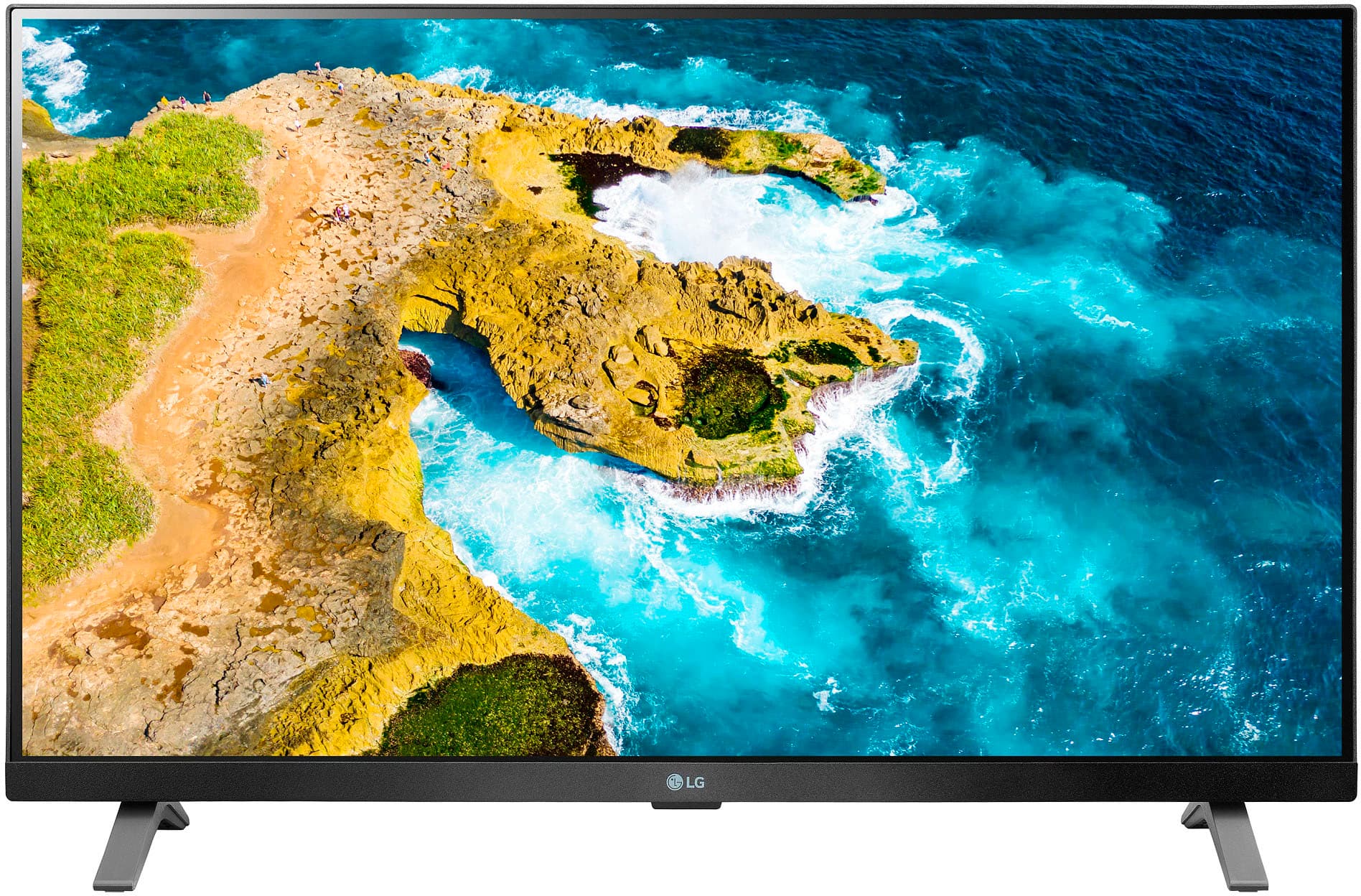
A:AnswerHello, Bruce! Thank you for your inquiry. Yes, you can download the HDHomeRun app on your LG 27LQ625S-PU TV. To install this application, you can visit the following links for detailed instructions: https://www.lg.com/us/support/help-library/lg-tv-how-to-installdelete-apps-on-my-lg-smart-tv-CT10000018-20153096004539 or https://www.lg.com/us/support/help-library/lg-tv-how-to-download-smart-apps-CT10000018-20153174119431 These resources will provide you with the necessary guidance to successfully install the HDHomeRun app on your LG TV, allowing you to enjoy a wide range of movies and TV shows. We hope this helps! -Shae
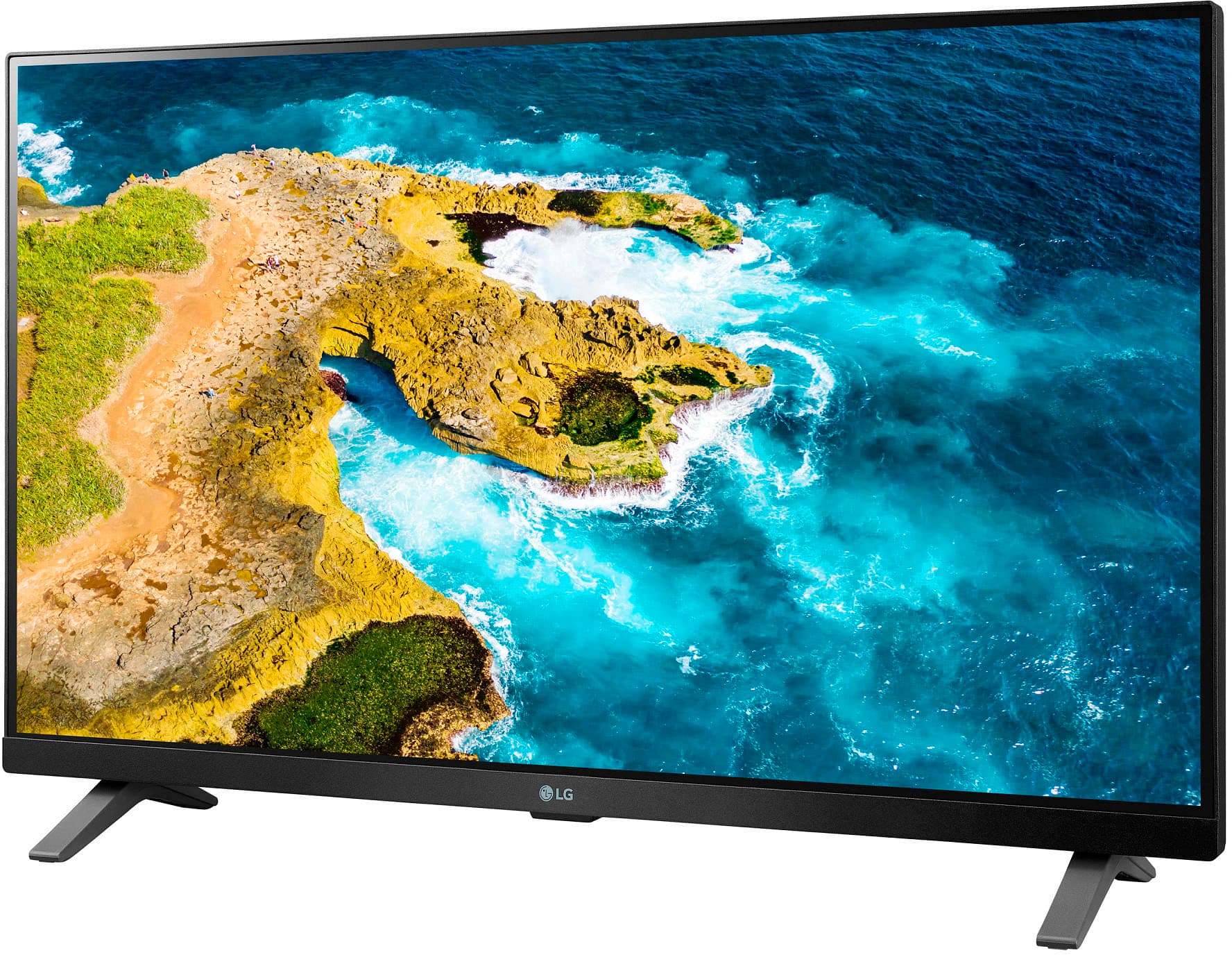
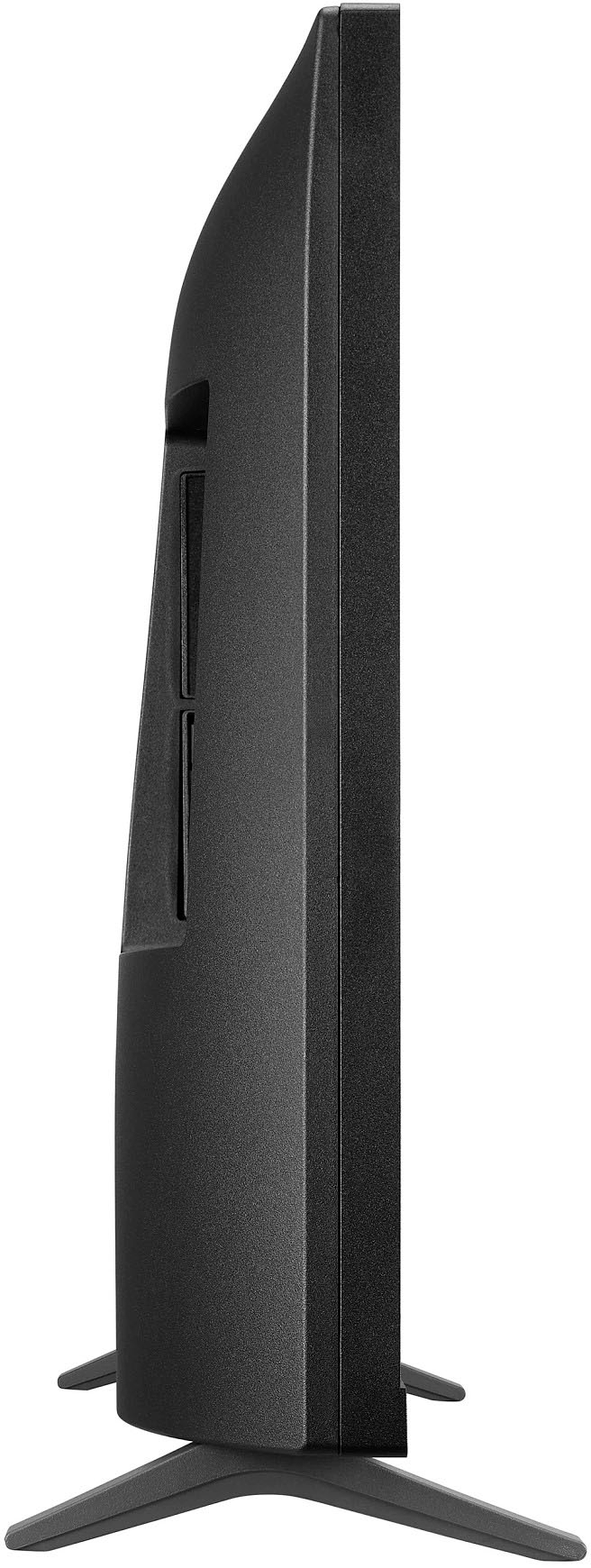
A:AnswerHello there, thank you for your question regarding the 27LQ625S-PU TV. This model is designed with a built-in stand for tabletop use, but it is also wall-mountable. The base may appear wider for stability, ensuring the TV is securely positioned when placed on a table. If you plan to mount it on the wall, make sure to use a compatible VESA mount to ensure a proper fit. If you have any further questions or need assistance with installation options, please send us a private message on Social Media @LGUSSupport. We’re here to help!
—Avril
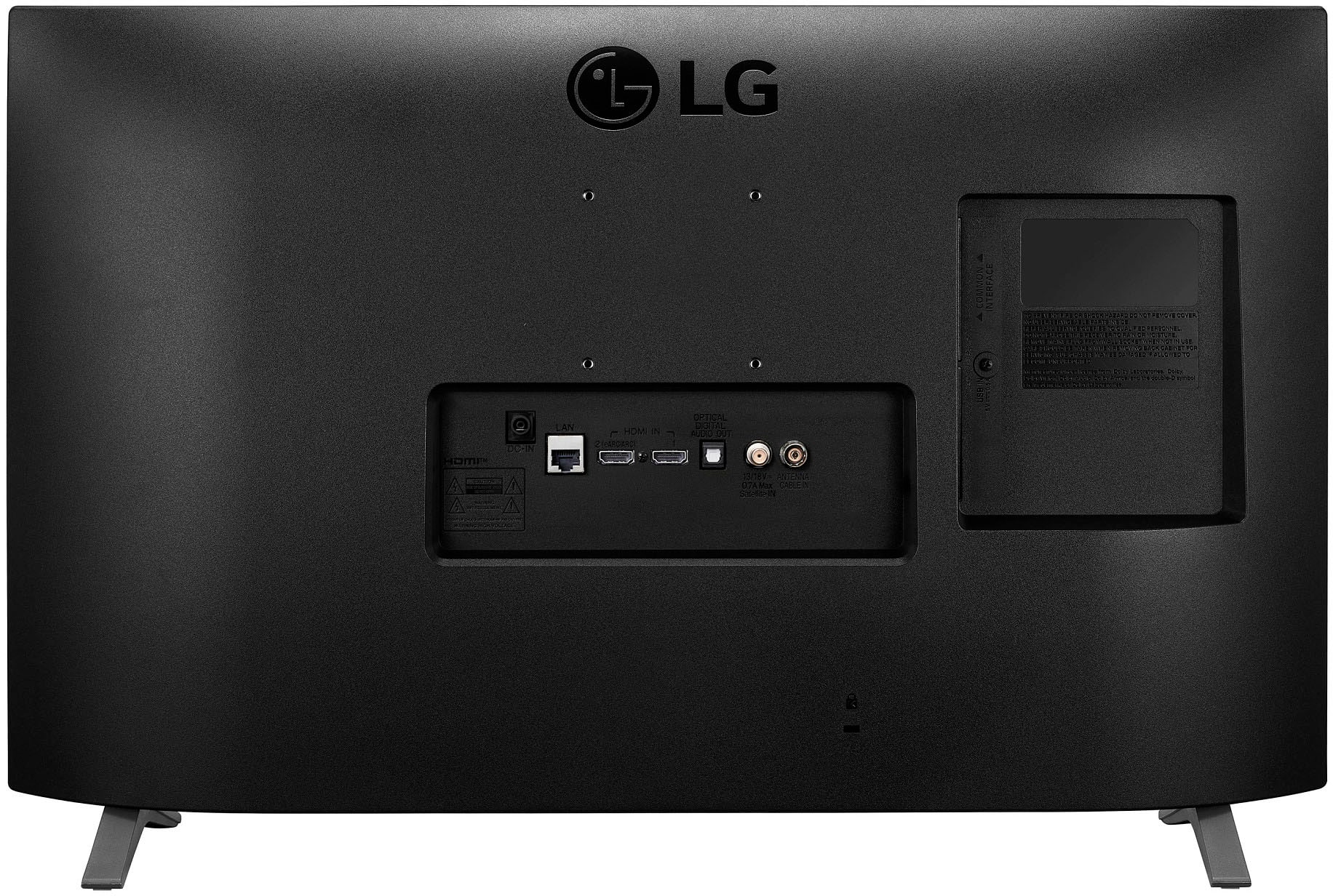
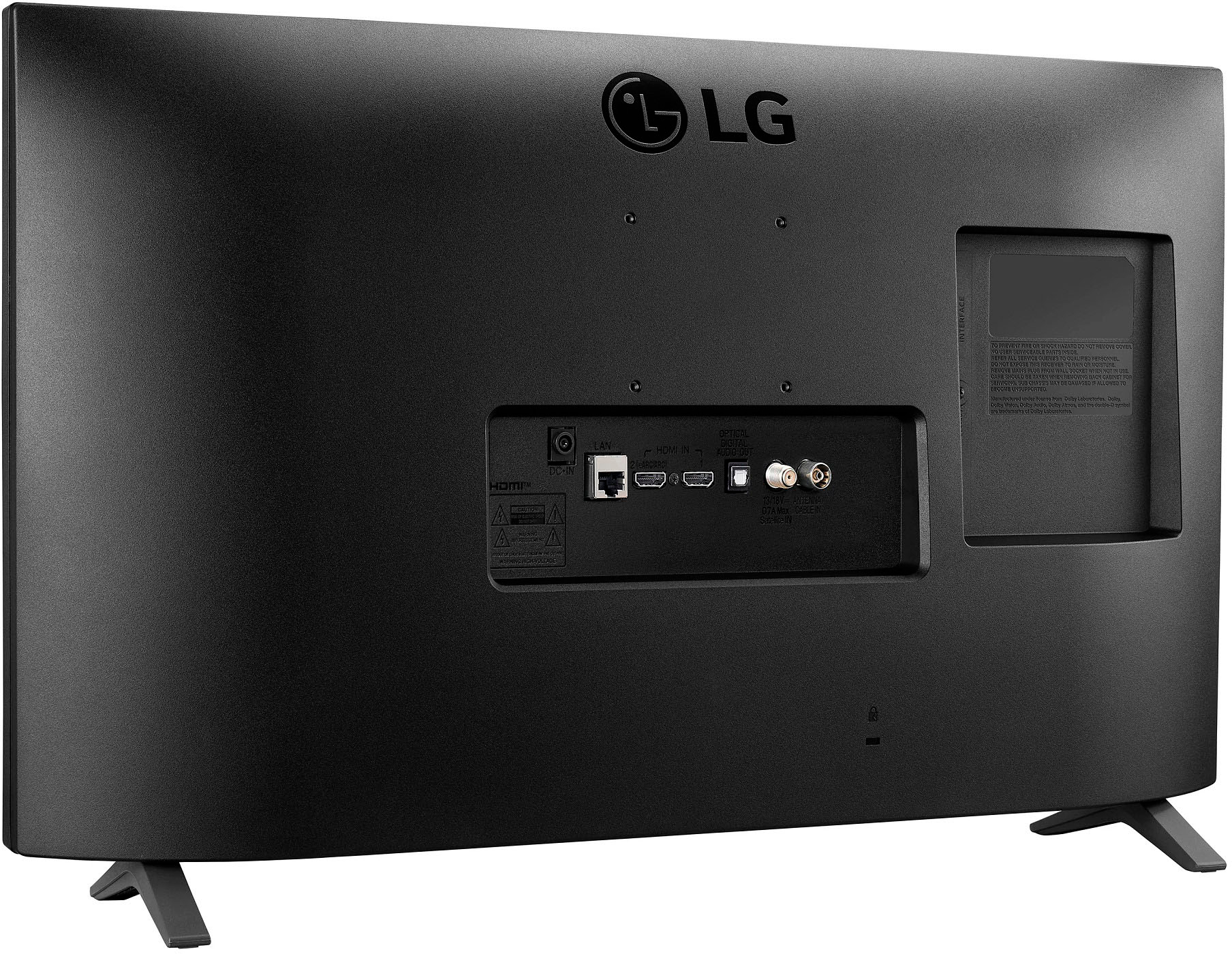
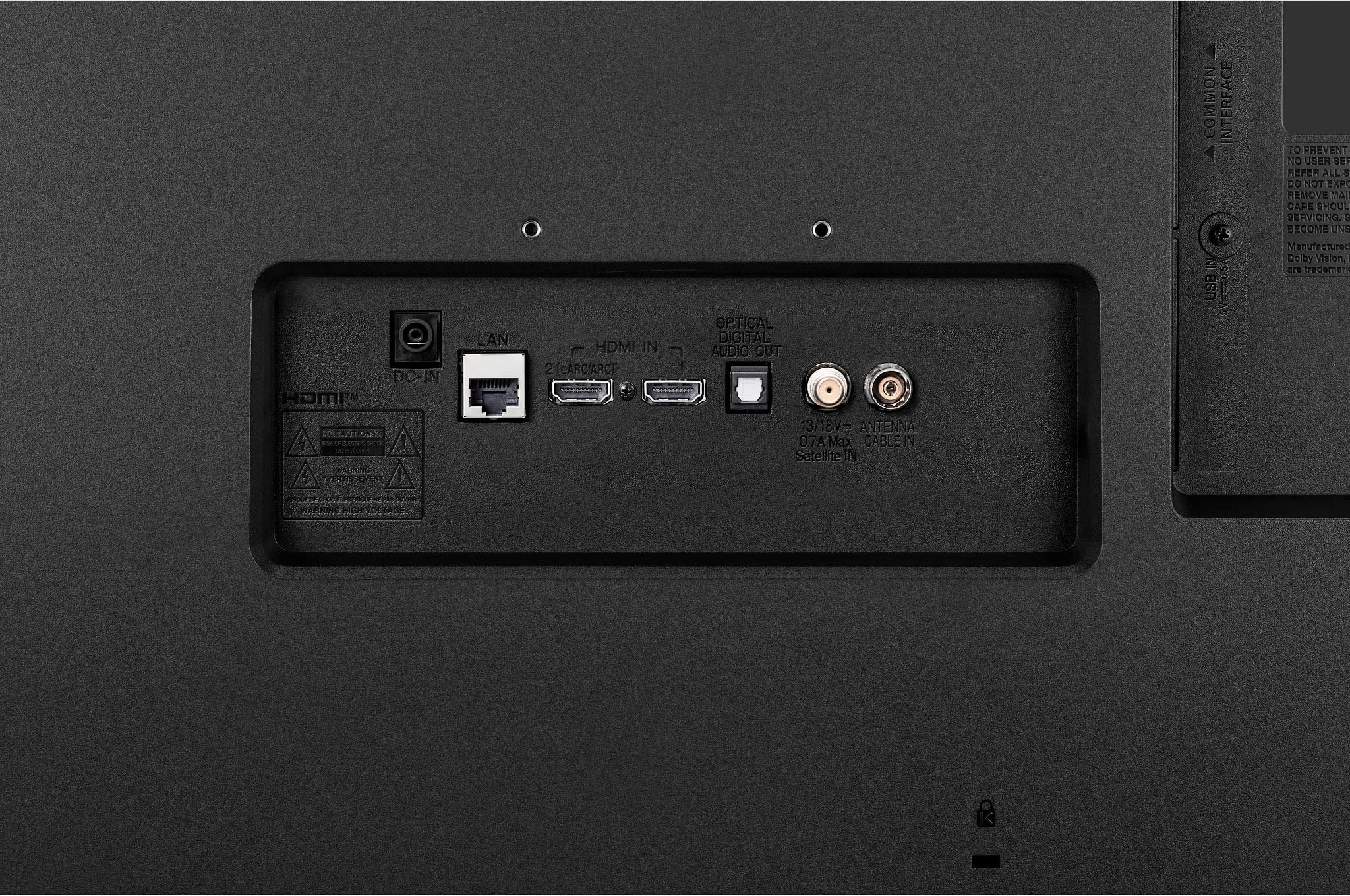
A:AnswerThank you for reaching us regarding LG Smart TV. The LG 27LQ625S-PU does not have a dedicated headphone jack for wired headsets. You can download its owner's manual through this link for more information: https://www.lg.com/us/support/product/lg-27LQ625S-PU.AUS. For additional assistance, please reach out to us on social media @LGUSSupport so we can help you further. ^Cris
A:AnswerThank you for your interest in the LG Monitor (27LQ625S-PU) model. It is common for electronic devices, including TVs, to come with a protective film on the screen that needs to be removed. If issue persist, please reach out to us on social media @LGUSSupport so we can help you further. ^Cris
A:AnswerThank you for reaching us regarding LG Smart TV with webOS. Yes, the LG 27LQ625S-PU is wall mountable. You can download its owner's manual through this link for more information: https://www.lg.com/us/support/product/lg-27LQ625S-PU.AUS. For additional assistance, please reach out to us on social media @LGUSSupport so we can help you further. ^Cris
A:AnswerHello there, Joy. Thank you for your question about the 27LQ625S-PU TV. Yes, this model comes with a remote control included in the package, allowing you to easily navigate through the menu and access your favorite features. If you have any further questions or need assistance, please feel free to send us a private message on social media @LGUSSupport, and our team will be happy to help. We appreciate your time! —Avril
A:AnswerNot sure if this will fully answer you question. I have a firestick plugged into HDMI 1 when I switch it to that port it powers on the firestick. I have a Android tv box pugged into HDMI 2. When I power on the tv the Android box turns on and the TV asks me if I want to switch to this port. Have not tried to program either device further with factory remote.
A:AnswerTheirs is a “hidden” answer to this. Before the geek squad tech left after installing on wall, I had them to program the tv to always used the Roku remote to turn on/off the tv. Don’t remember which remote they used to do this. I think it was the KG remote
A:AnswerThank you for your interest in the LG 27" Full HD IPS LED TV Monitor (27LQ625S-PU) model. The LG 27LQ625S-PU is a TV monitor it does not appear to have a feature that allows the screen aspect to be controlled with the remote. You can download its owner's manual through this link for more information: https://www.lg.com/us/support/product/lg-27LQ625S-PU.AUS. ^Cris
A:AnswerCertainly. You don't need to use the "smart" functions on this or any other Smart TV. Simply connect your desired device to an HDMI port and switch to that input. I use Roku and Nvidia Shield players on all of my Smart TVs. I have never found the TV's internal apps to work any better than an external player.