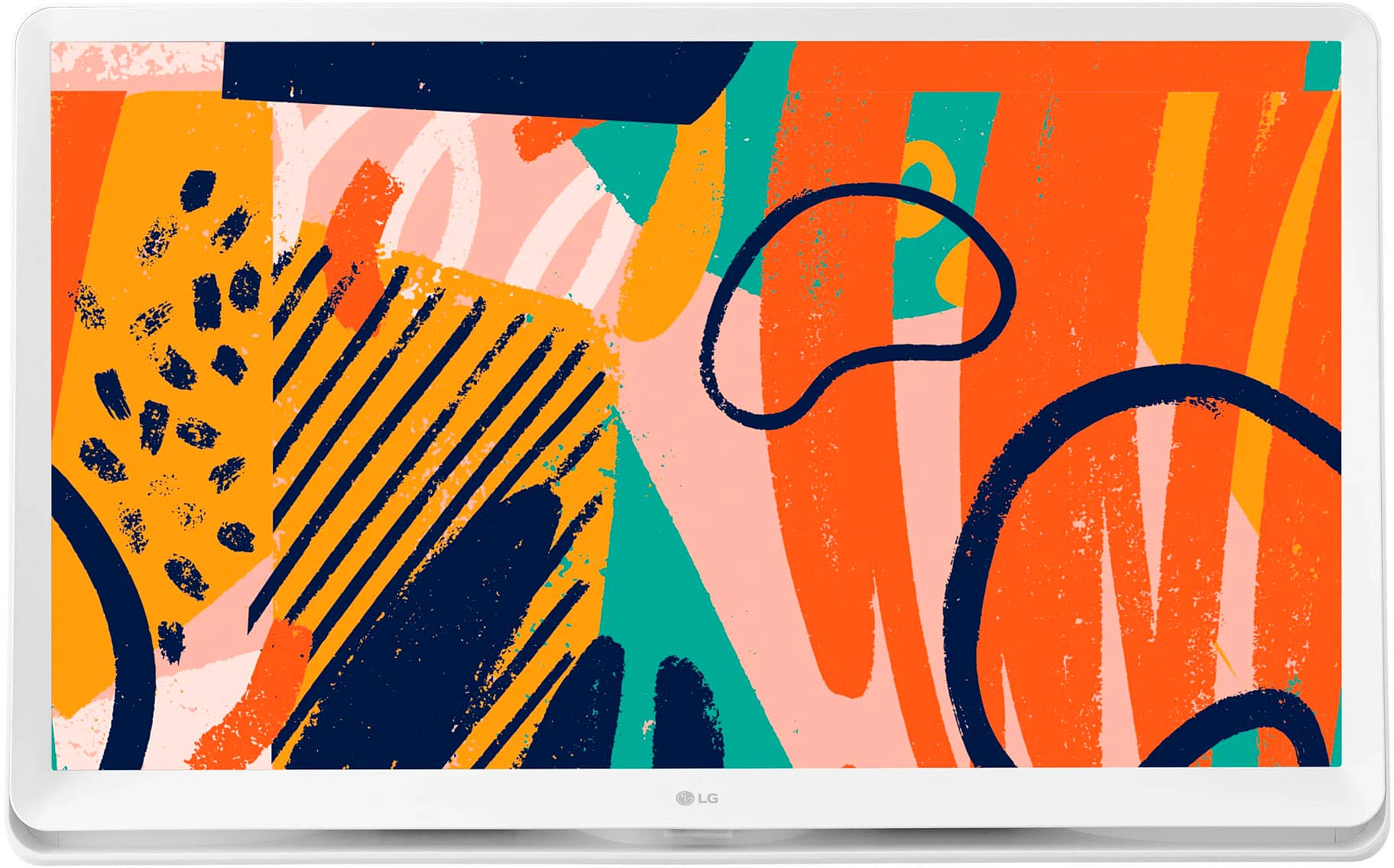
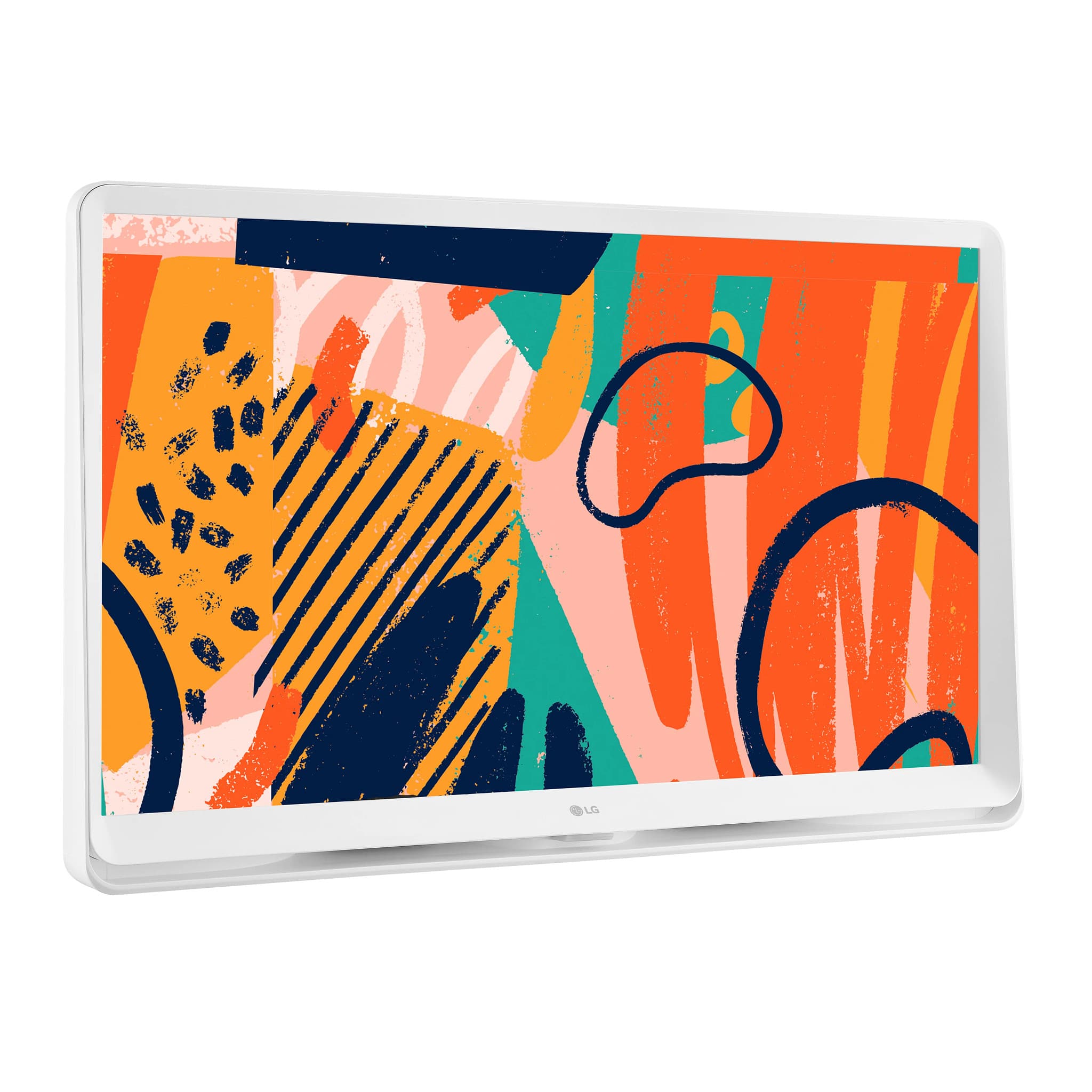
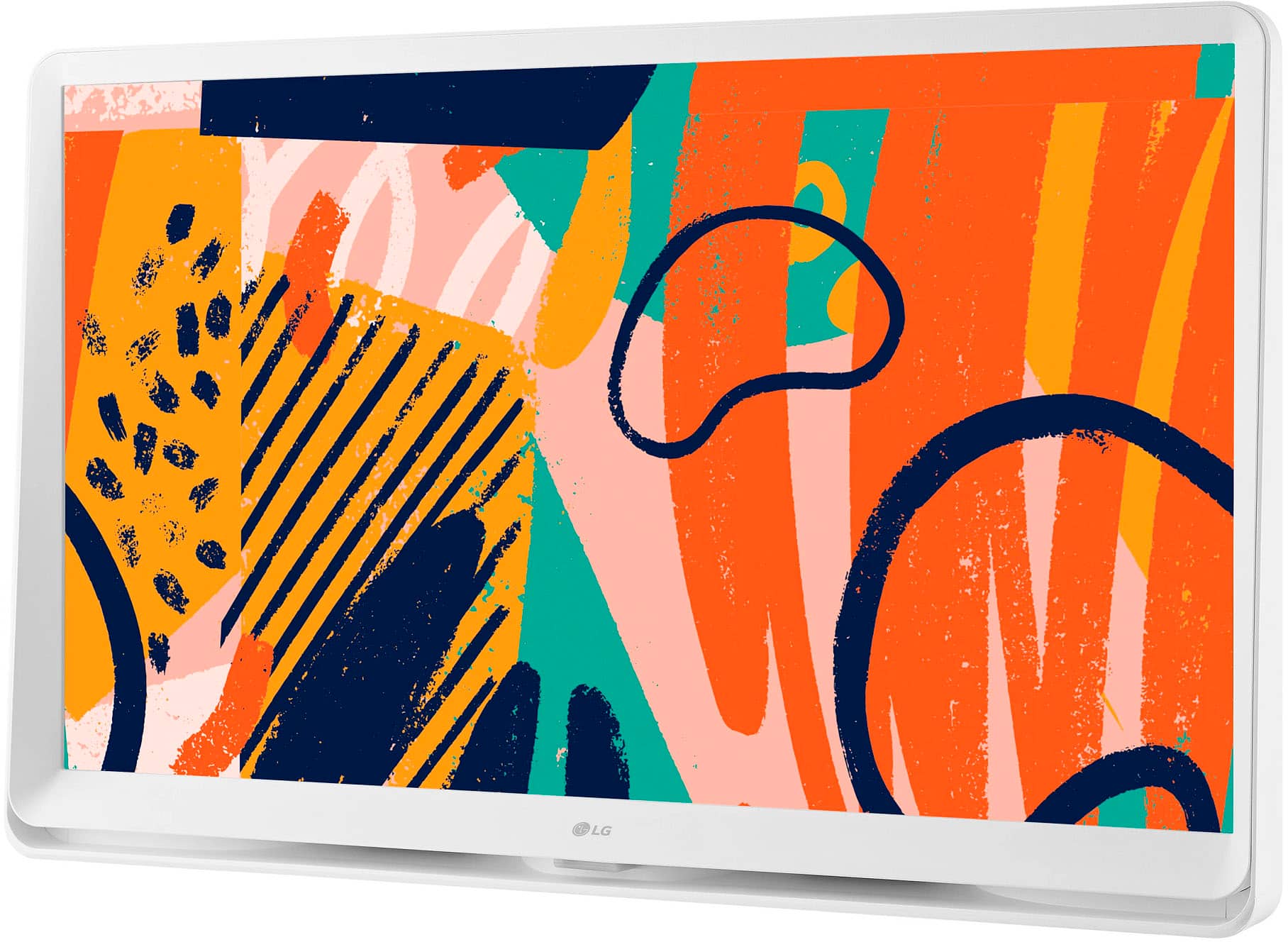
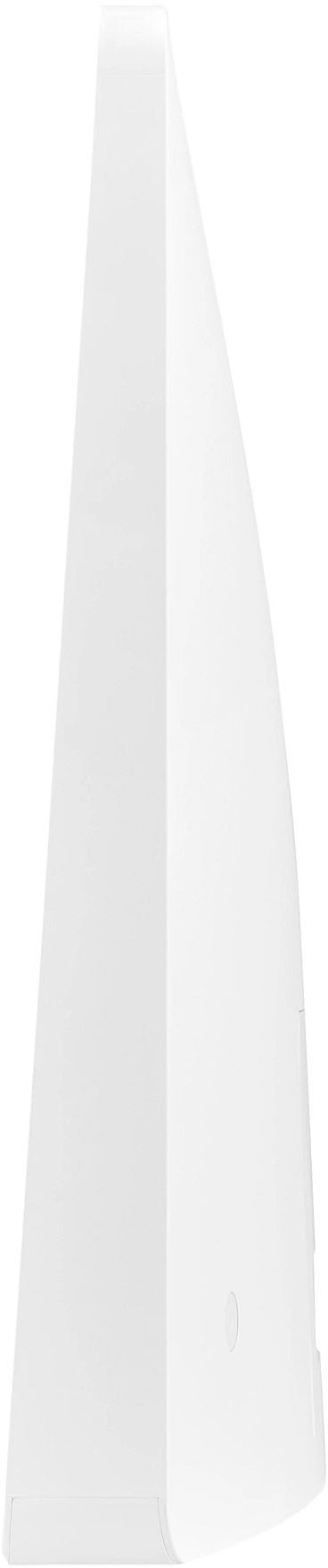
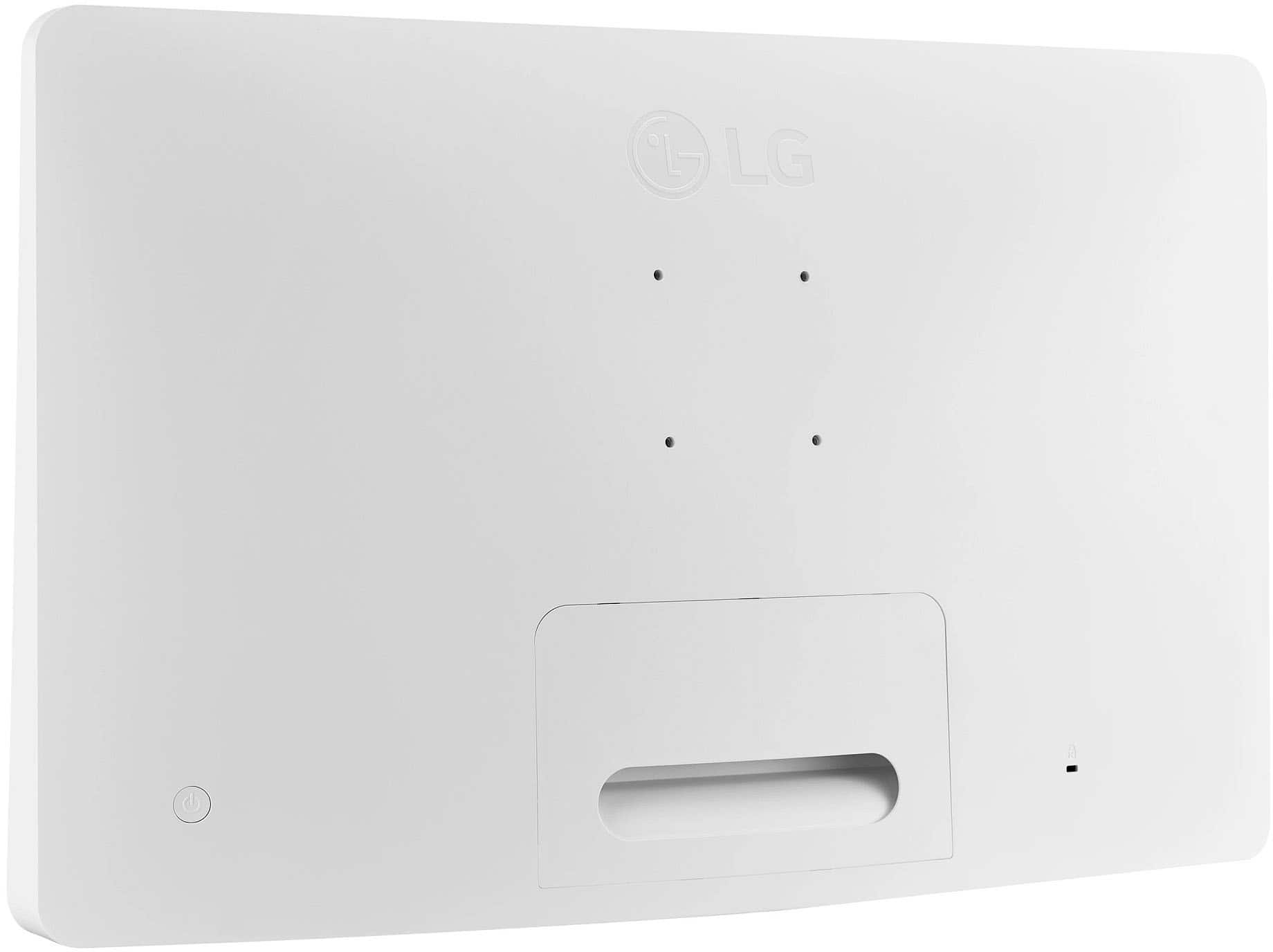
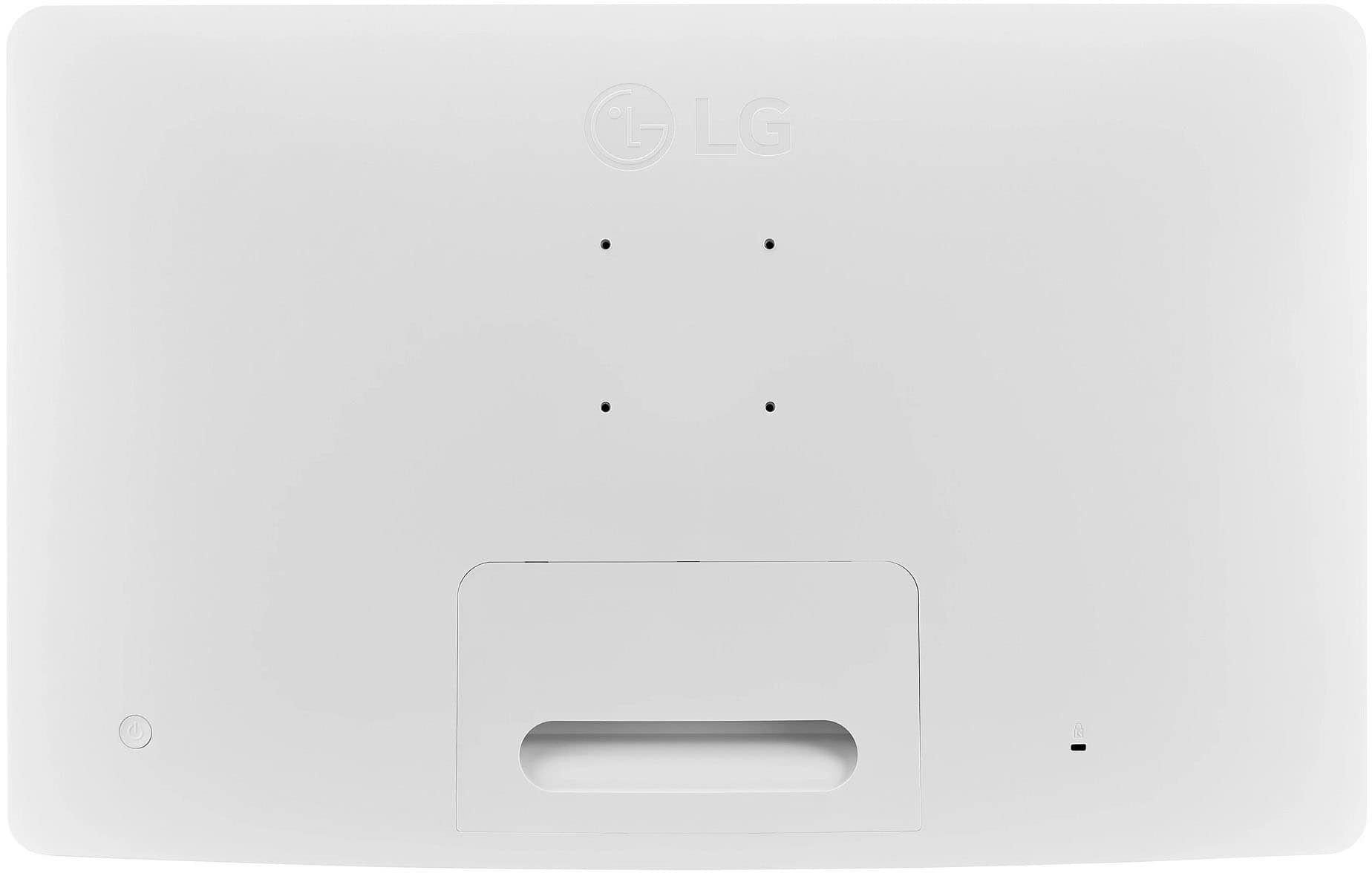
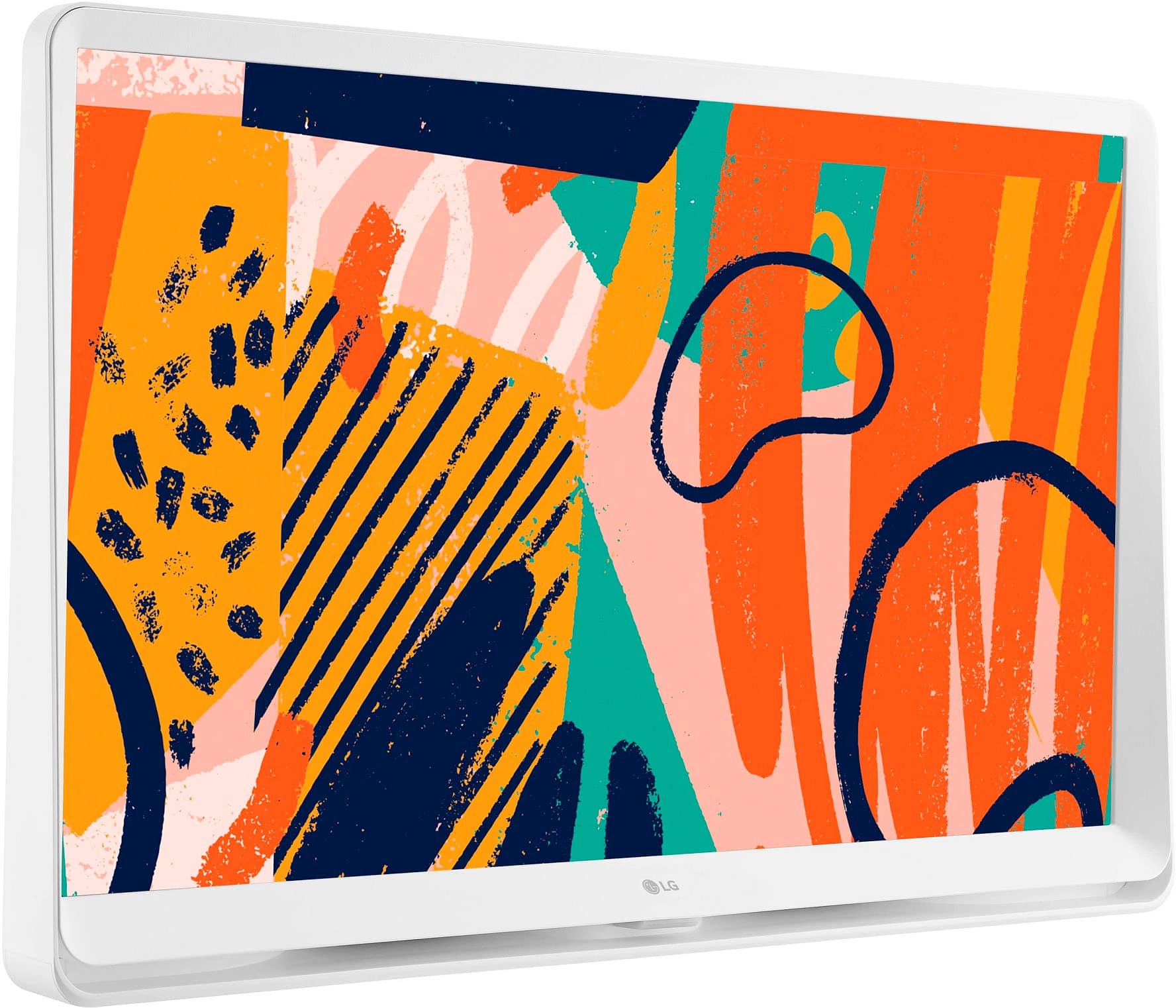
A:AnswerNo, the LG TV does not need a stand. The bottom is wide enough to hold the TV without any problem. I thought at first that it wouldn't stand up. But it holds up the TV just fine.
A:AnswerHi there. Thank you for sharing your experience with us. We understand your inquiry about webOS updates for your LG 27LQ600S-WU TV.
We aim to provide webOS upgrades to certain older LG TVs. While the 27LQ600S-WU is a 2022 model, the specific update schedule for non-OLED/QNED TVs can vary. We recommend checking the software update section on the official LG support page for your model (https://www.lg.com/us/support/product/lg-27LQ600S-WU.AUS) periodically for the most up-to-date information on available software updates.
If you would like further assistance or have more questions, please send us a private message on Social Media @LGUSSupport, and our team will be more than happy to explore possible solutions. We appreciate your patience. —Renzo
A:AnswerHi there. Thank you for sharing your experience with us. We understand your inquiry regarding the 27LQ600S-WU 27″ Class LED Full HD Smart webOS TV with Countertop Design and how to connect external speakers and a DVD/Disc player.
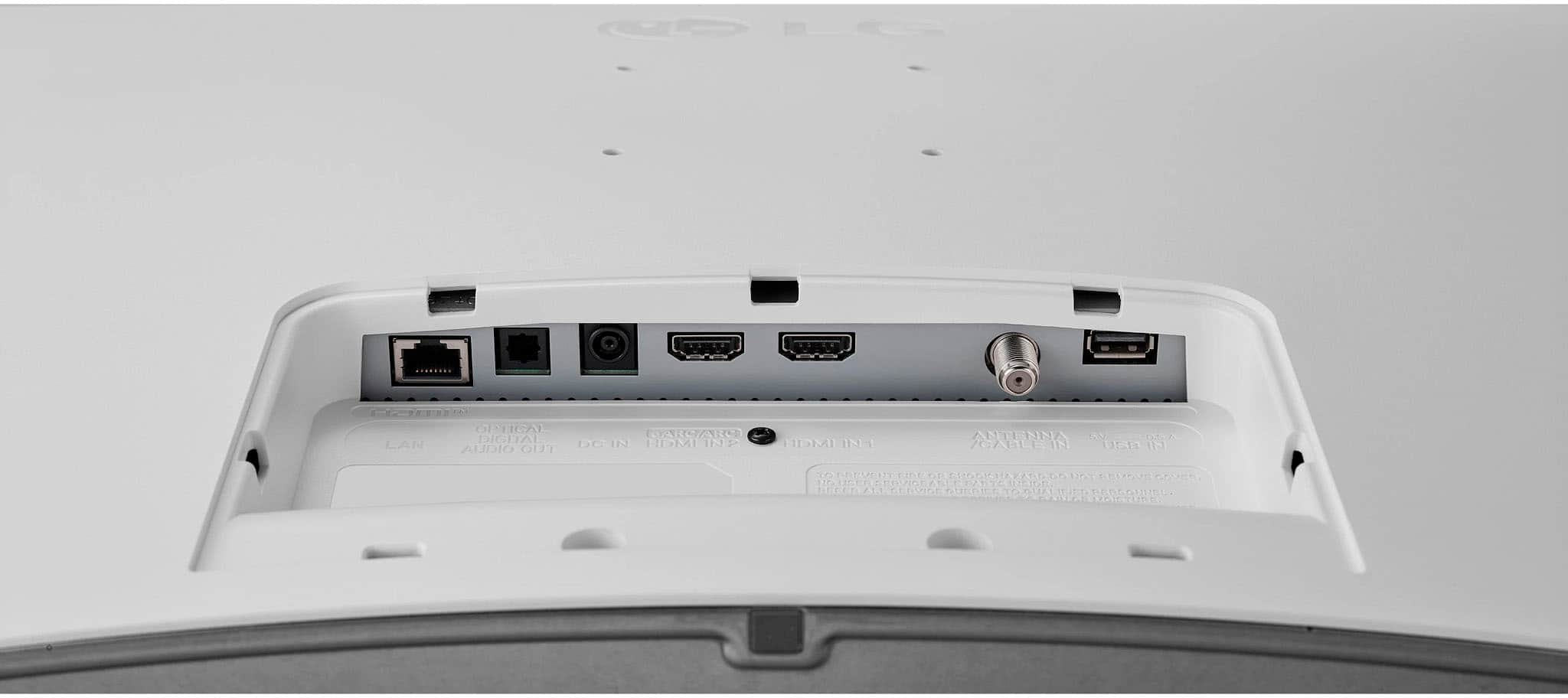
The 27LQ600S-WU features two HDMI® inputs and one HDMI ARC (Audio Return Channel) port. To connect external speakers—such as a soundbar or AV receiver—you can use the HDMI ARC port. If your speakers support HDMI ARC:
First troubleshooting step: Power off both the TV and your soundbar/receiver. Then connect one end of a High-Speed HDMI cable to the TV’s HDMI ARC port and the other end to the HDMI OUT (ARC) on your soundbar/receiver. Turn both devices back on, press the Home button on your Magic Remote, navigate to Settings → All Settings → Sound → Sound Out, and choose HDMI ARC. You should now hear TV audio through your external speakers. If there’s no sound, ensure the HDMI cable is fully seated and that “SIMPLINK” (LG’s ARC control) is enabled under Settings → All Settings → General → SIMPLINK (HDMI-CEC).
If your external speakers only accept analog inputs (RCA or 3.5 mm), you’ll need an HDMI audio extractor or a digital-to-analog converter. Connect the extractor’s HDMI input to one of the TV’s HDMI ports, and run the HDMI ARC audio output from the extractor into your speakers’ analog inputs. Then follow the extractor’s instructions to enable ARC pass-through.
For a DVD or disc player, simply connect the player’s HDMI output into one of the TV’s two HDMI inputs. Once connected:
Second troubleshooting step: Power on the DVD player, then on the TV press Home → Inputs, and select the HDMI port you used. If you see a “No Signal” message, turn both devices off, reseat the HDMI cable, power them back on, and confirm the DVD player is powered up and playing a disc.
If your DVD player only has composite (red/white/yellow) outputs, you’ll require a composite-to-HDMI converter. Plug the DVD’s RCA cables into the converter, connect the converter’s HDMI output to any HDMI input on the TV, then choose that HDMI input on your 27LQ600S-WU.
If you run into any issues with connecting your speakers or DVD/disc player—such as no audio through ARC, no picture from the DVD player, or difficulty with the HDMI ARC settings—please send us a private message on social media @LGUSSupport.
https://www.bestbuy.com/site/lg-27-class-led-full-hd-smart-webos-tv-with-countertop-design-2022/6506776.p?skuId=6506776
We will be more than happy to walk you through additional troubleshooting steps and recommended adapters so you can enjoy your devices on your 27LQ600S-WU. We appreciate your patience and look forward to helping you get everything set up seamlessly. —Renzo
A:AnswerYou cannot use voice commands with the standard remote that comes with the LG 27" Class LED Full HD Smart webOS TV with Countertop Design (2022), Model # 27LQ600S-W.
The TV does not support Intelligent Voice Recognition and the standard remote does not have a built-in microphone that can be used to issue voice commands...^Ivan.
A:AnswerI do not have Alexa, but when I was trying to stream Amazon Prime. It propped up a message saying I could now use Alexia. So I guess it supports Alexia.
A:AnswerIt should be automatic. I have a Samsung in my bedroom and living room. We have AT&T U-Verse, and we all have the same screensaver. I thought it was a Samsung screensaver, but the LG has the same screensaver. So, I think it comes from the cable service.
A:AnswerWe regret to read about the issues that you are experiencing with the LG 27" Class LED Full HD Smart webOS TV with Countertop Design (2022), Model # 27LQ600S-WU not turning.
The TV will have to be inspected to determine why it will not turn on, but it is quite possible that it could have been damaged by a power surge.
Even if the TV is off, if it is still plugged into the outlet when the power returns, a power surge, also known as a voltage spike, which is a sudden and brief increase in electrical voltage that flows through the wiring in your home, can happen for several reasons, including lightning strikes, issues in the electrical grid, or the switching on and off of high-power devices.
Voltage spikes can last from a fraction of a second to a few seconds and often carry significantly higher voltage than what your TV is designed to handle. This surge of excess voltage can overwhelm your TV’s internal components, potentially leading to significant damage.
The TV's internal circuitry, power supply, and microprocessors are vulnerable to these voltage spikes. Excessive power can short-circuit or even burn out these components...^Ivan.
A:AnswerWe have AT&T U-Verse. There was no name for the cable provider. But I chose the HDMI 1 App, and it worked fine, and it connected to my cable provider, AT&T U-verse. Hope that helps.
A:AnswerHi there, Rocky. Thank you for reaching out! We understand your situation with the "No signal" message and the HDMI cable issue. It sounds like the HDMI connection might not be properly secure or is being disrupted when the cable turns off.
As a first step, we recommend double-checking that both ends of your HDMI cable are securely connected to the monitor and external device. If possible, try a different HDMI cable to rule out any issues with the cable itself. You may also want to ensure that the correct input source is selected on your monitor by pressing the "Input" button on the remote to switch between available sources.
https://www.lg.com/us/monitors/lg-27lq600s-w-ips-monitor#pdp_specs
If the issue persists, please send us a private message on Social Media @LGUSSupport, and our team will be more than happy to assist you further. We appreciate your patience, and we’re here to help!
—Renzo
A:AnswerHello, Edward.
You will need to call your specific Best Buy store at Morse Rd., in Columbus to ask about stock availability for the LG 27" Class LED Full HD Smart webOS TV with Countertop Design (2022), Model # 27LQ600S-WU.
Best Buy Customer Support cannot provide stock availability for specific Best Buy stores. However, you can check online at BestBuy.com or visit a Best Buy store near you to see if a product is available.
When you check BestBuy.com online, in the top right corner of the page next to the cart icon it will show the store you are visiting when you open the page. You can click on that store to open a page that shows the address and operating hours of the store.
If that is not the Morse Rd store, click on 'Find another Store', enter the store's ZIP code in the appropriate field, and click update.
You will be redirected to the Morse Rd store where you will find their contact telephone number to call if you want to speak to a customer support representative at that store or enter the model number for the TV in the 'What can we help you find today' field and it will show if the TV is available...^Ivan.