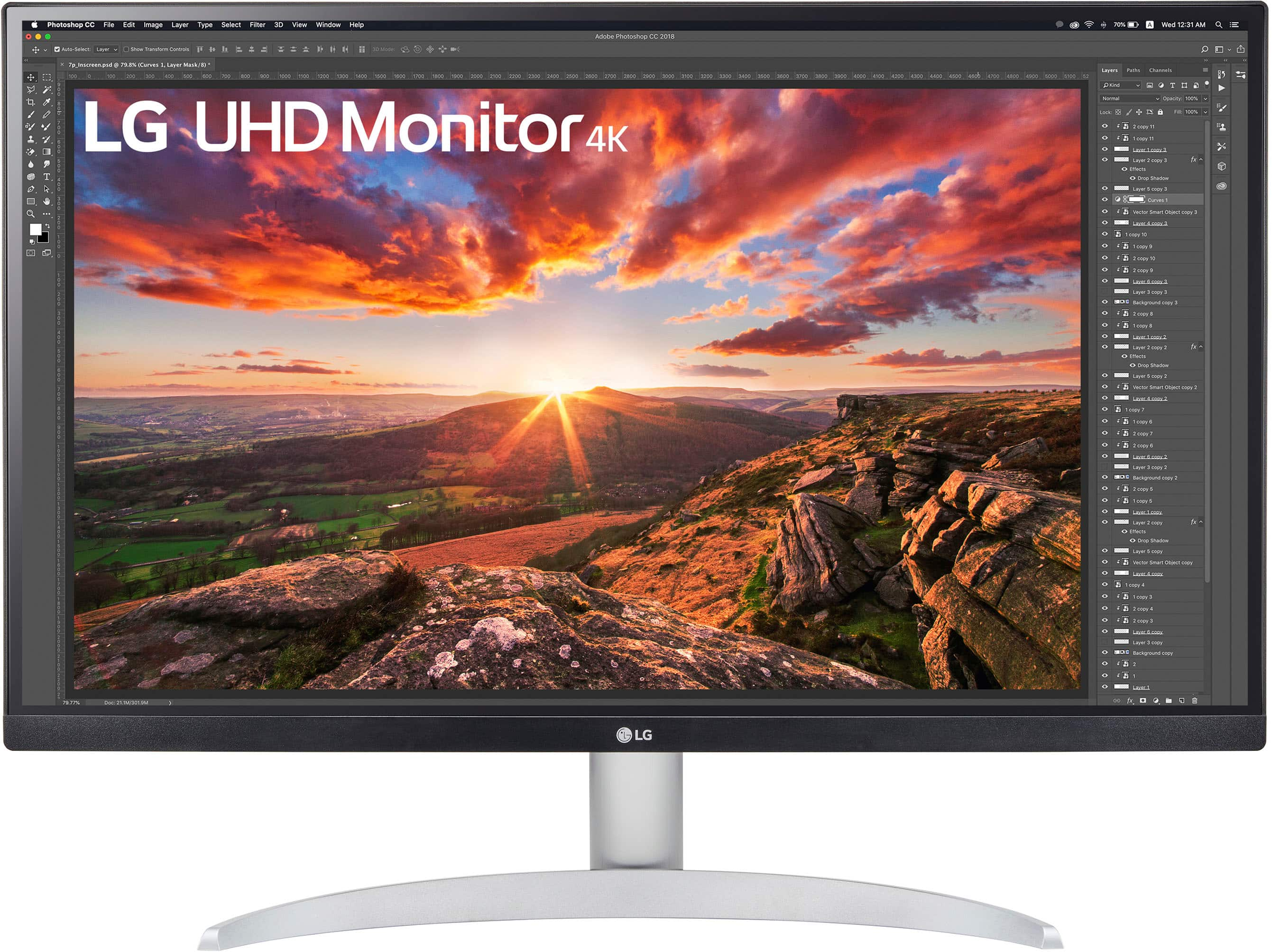
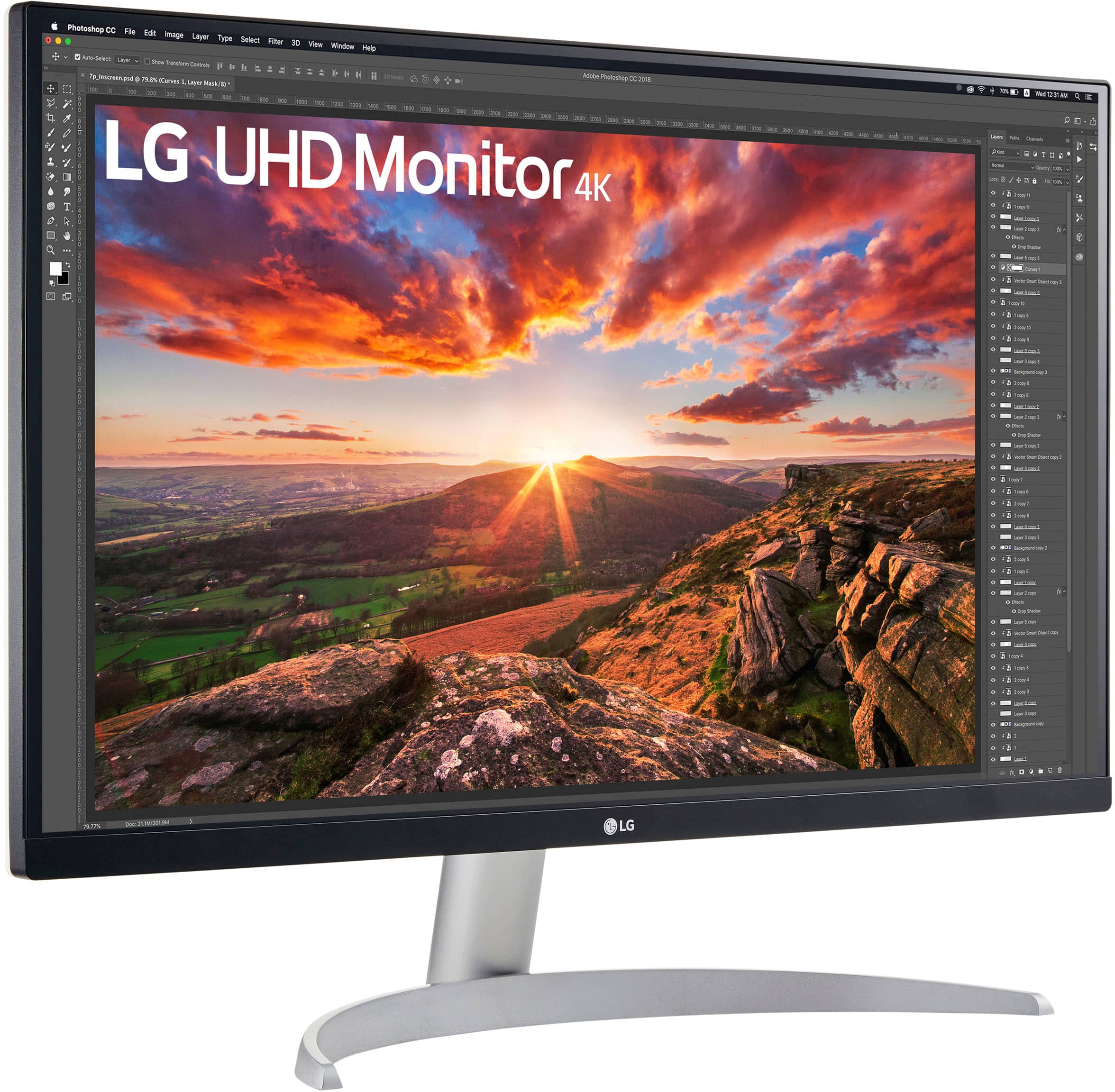
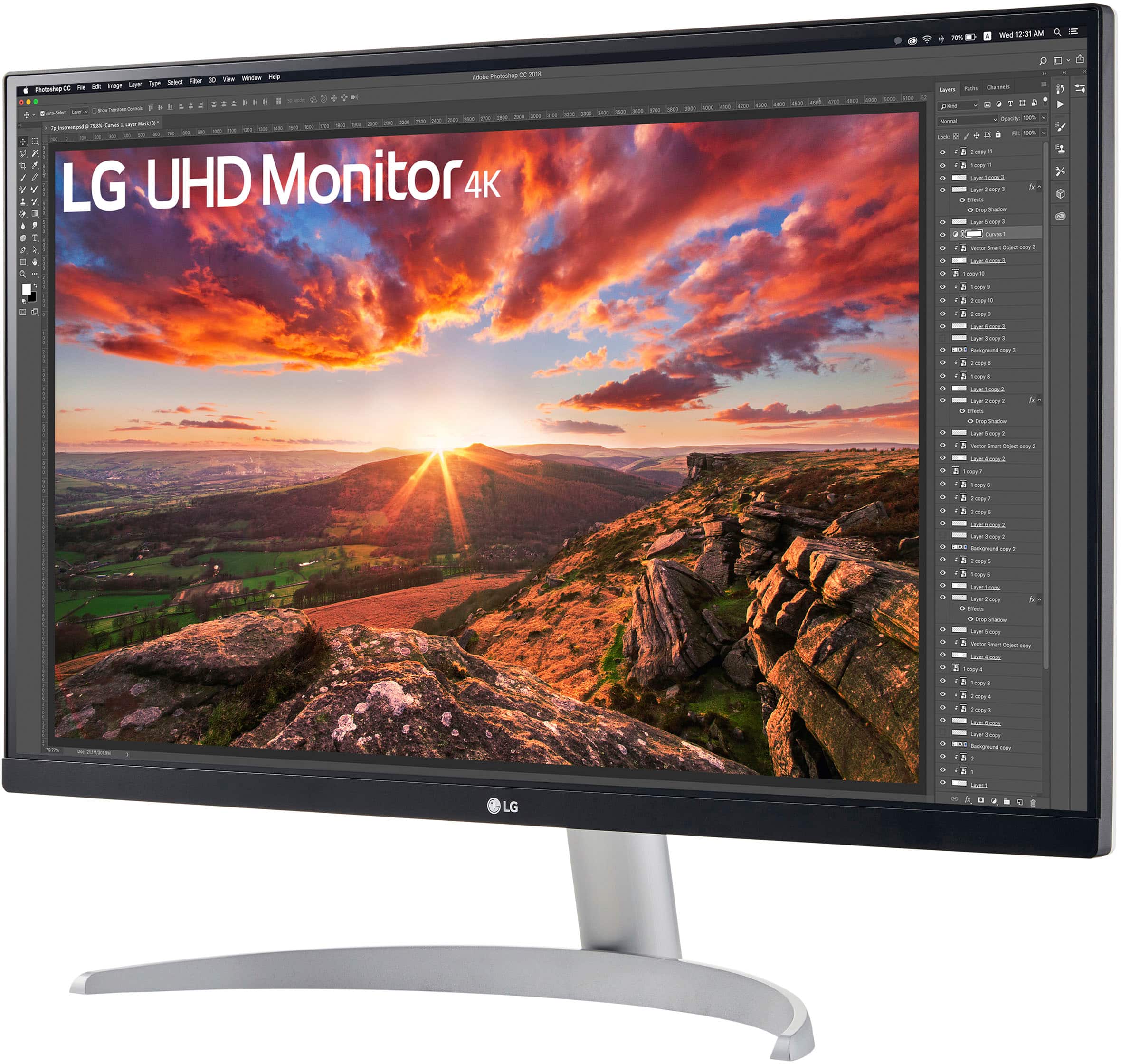
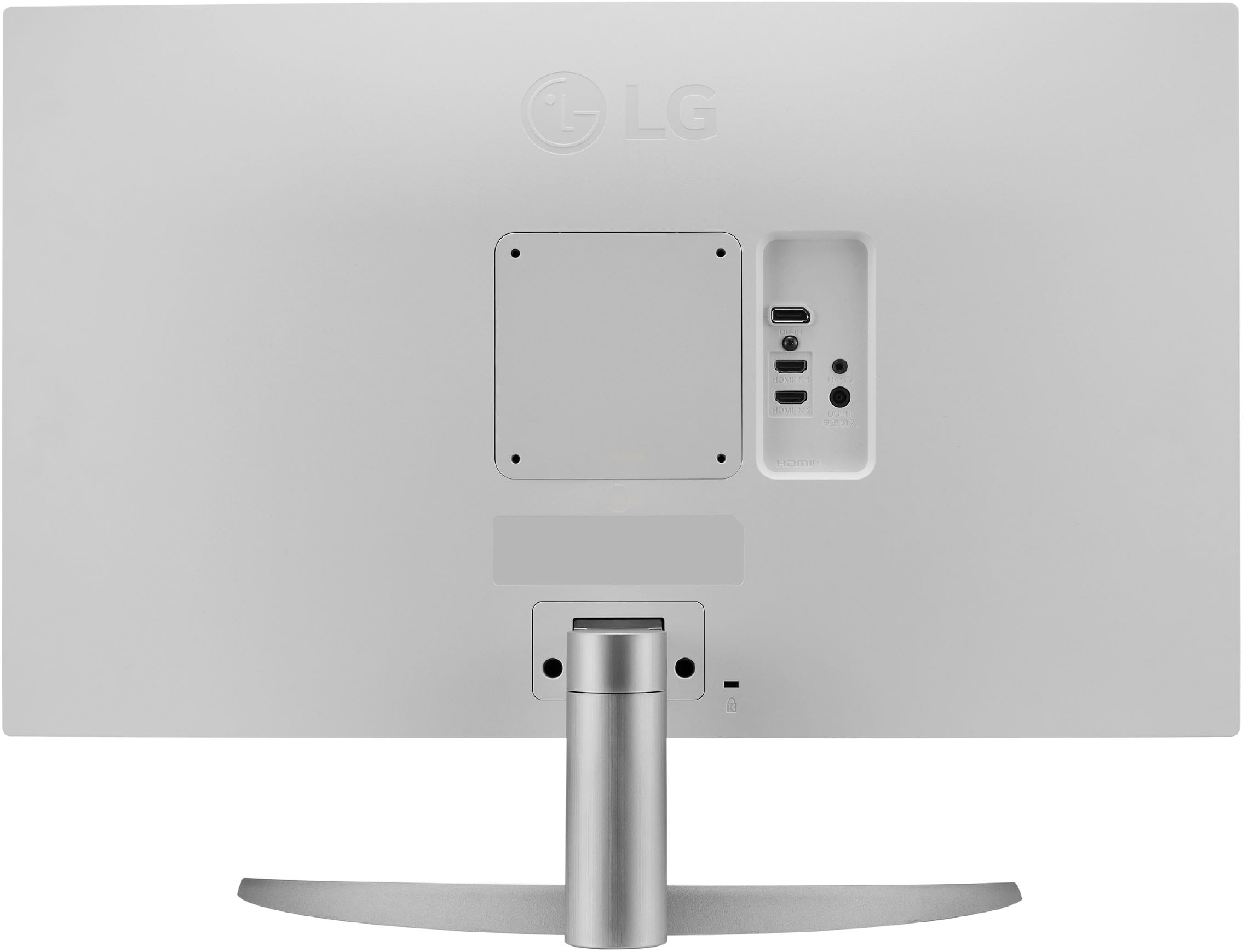
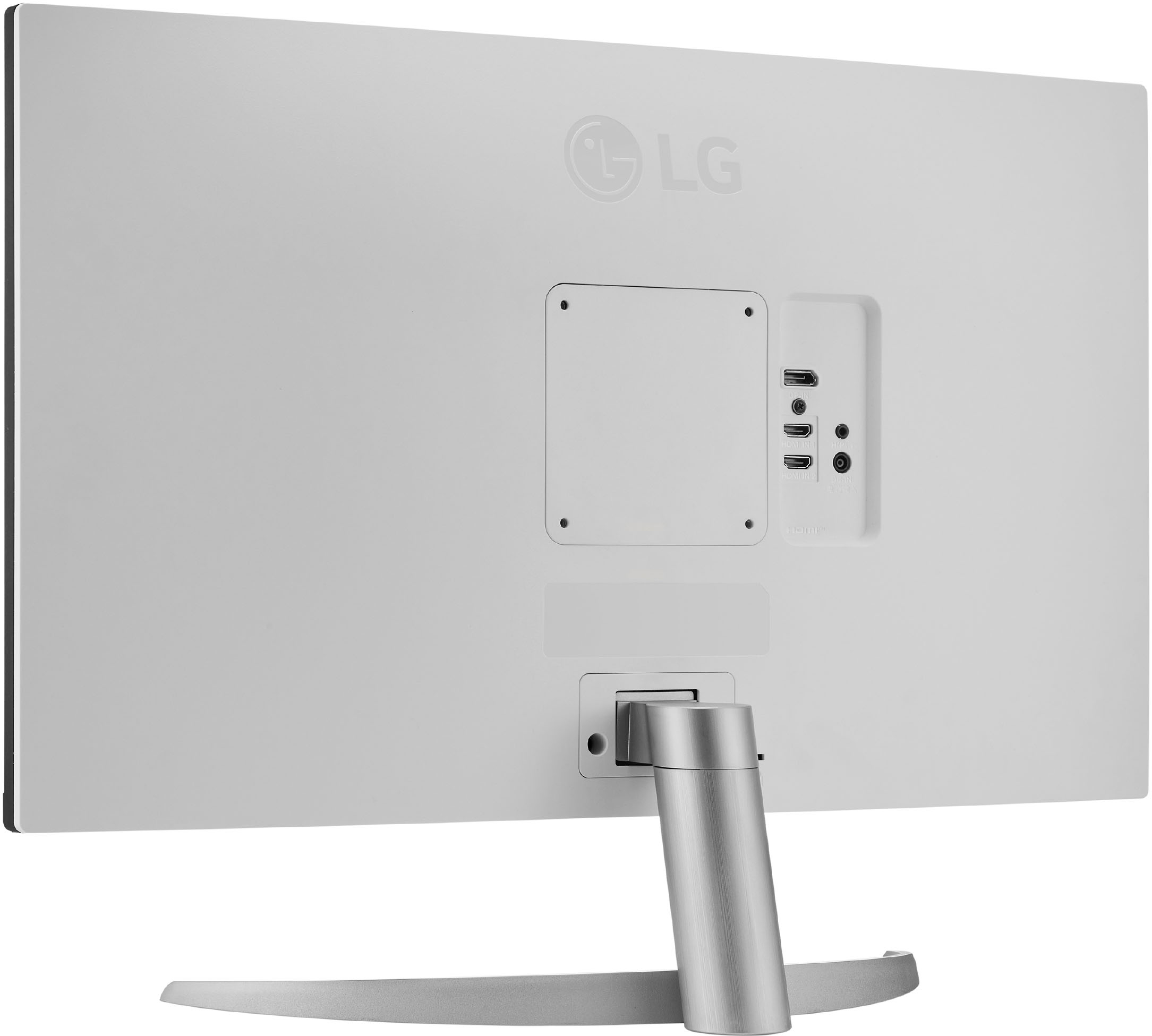
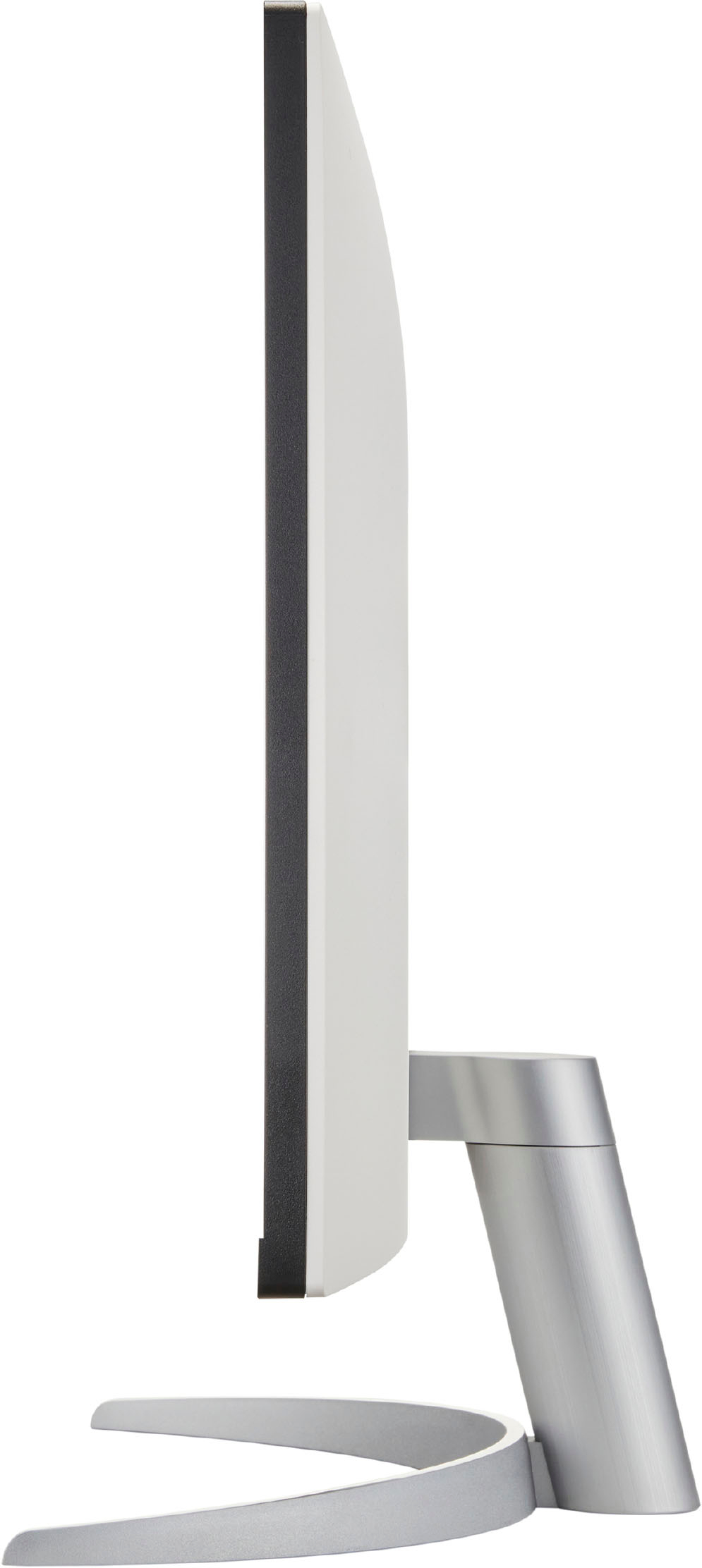
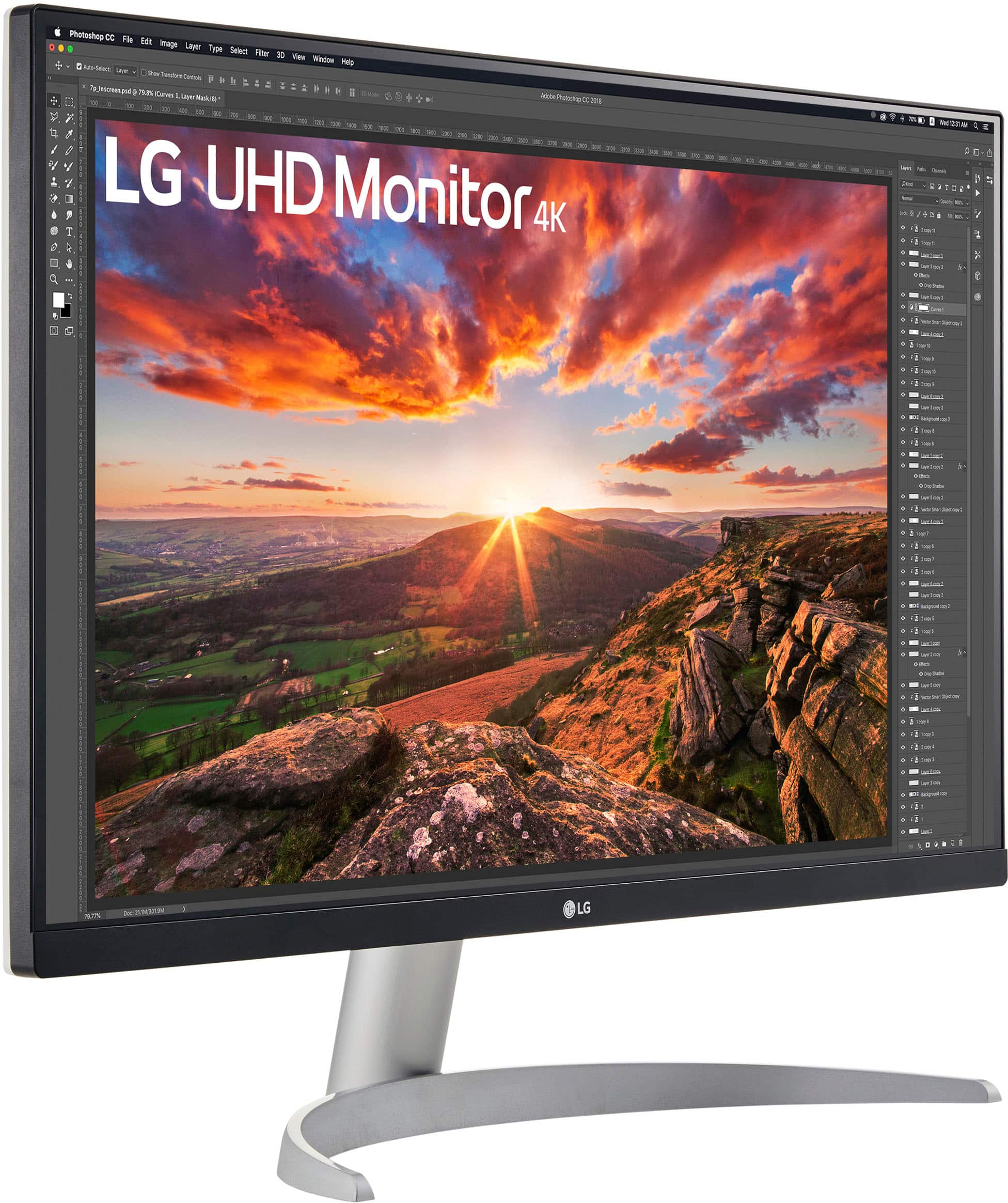
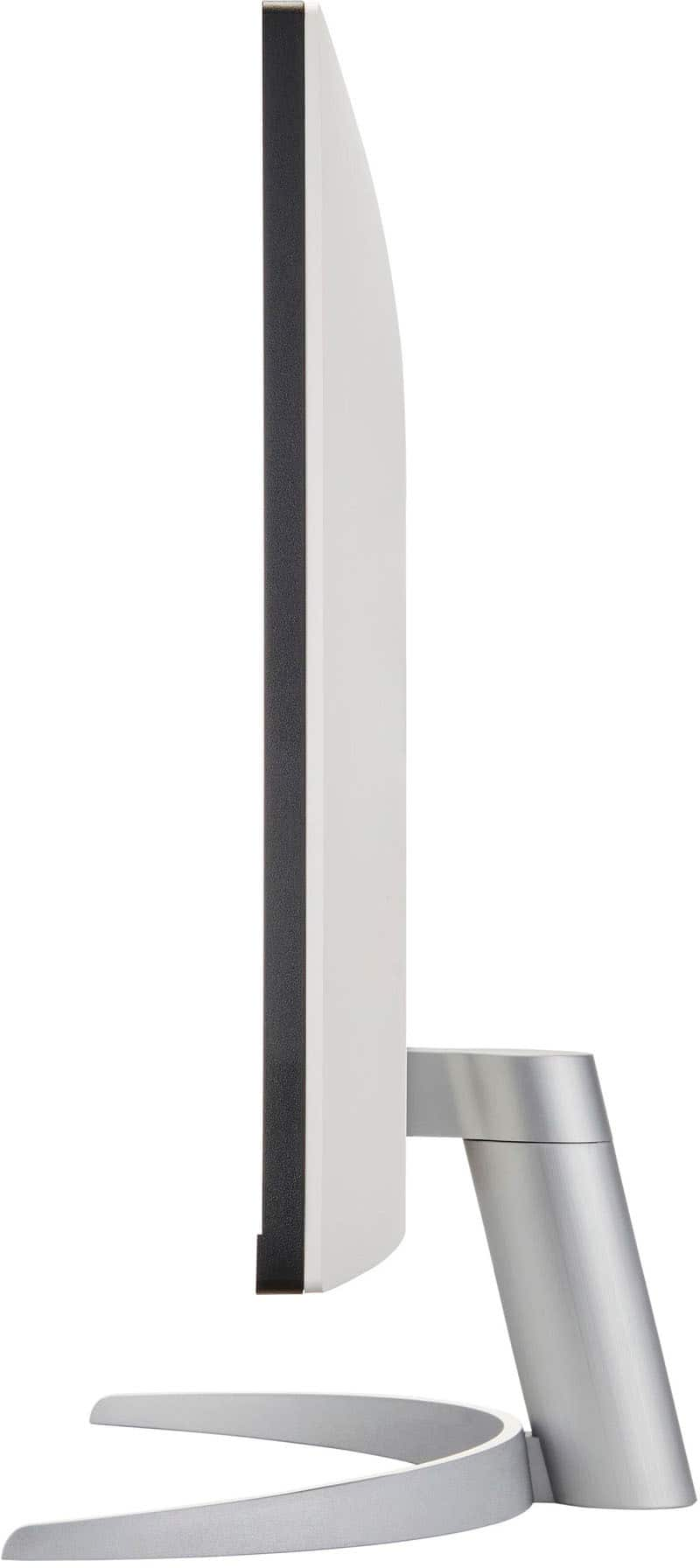
A:AnswerGood question! Yes, this 27” IPS 4K UHD Monitor with VESA DisplayHDR 400 (27UP600-W) has 2 HDMI outputs. To know more about the product, you may check out this link: https://www.lg.com/us/monitors/lg-27up600-w-4k-uhd-monitor ^Jolly
A:AnswerHi, Those extended model numbers are just internal codes. Depending on the product, they tell us things like what country the unit will be sold in, or they may specify a certain retailer. ^Vanessa
A:AnswerThe laptop may not support 60hz at 1920x1080. Or you may have an old HDMI cable. Have you tried connecting your laptop to a TV? This monitor will also go up to TV's version of 4k which is 3840x2160 @ 60hz. It should have no problem running at FHD resolution at 60hz.
A:AnswerHI, Sorry to hear that you are having an issue, you can call our customer service at 1-8000-243-0000 or reach out to our support in Facebook at @LGUSSupport provide the model, date of purchase and issue of the unit. ^Vanessa
A:AnswerHi there, Brent! Thank you for sharing your experience with the 27UP600-W.AUM monitor. What you're describing can sometimes occur with monitors that have power-saving features. Even when turned off, they may still be recognized by Windows as "available" due to their design.
To troubleshoot, you can try checking the monitor settings in the on-screen display menu to see if there’s a power-saving mode you can adjust. If the monitor’s performance meets your expectations otherwise and you’re comfortable with this behavior, it may not be necessary to return it. However, if this is bothersome or if you notice other issues, exchanging or returning it could be a good option.
If you have any more questions or need further assistance, please don’t hesitate to send us a private message on Social Media @LGUSSupport. Our team is here to help you find the best solution for your needs. We appreciate your patience! —Avril
A:AnswerHi, Wall Mount (mm) 100 x 100
Standard screw M4 x L10
Number of screws 4
Wall Mount Plate (Optional) LSW 149
Here's the manual for connectivity https://www.lg.com/us/support/product/lg-27UP600-W.AUS. ^Vanessa
A:AnswerHi, Please check this troubleshooting steps https://www.lg.com/us/support/video-tutorials/monitor-no-power-CT10000018-20150893043202. Let us help you with that! Please send us a private message on Facebook or Twitter using @LGUSSupport and include #VOC, your contact info and we can expedite a resolution for you. Thank you.