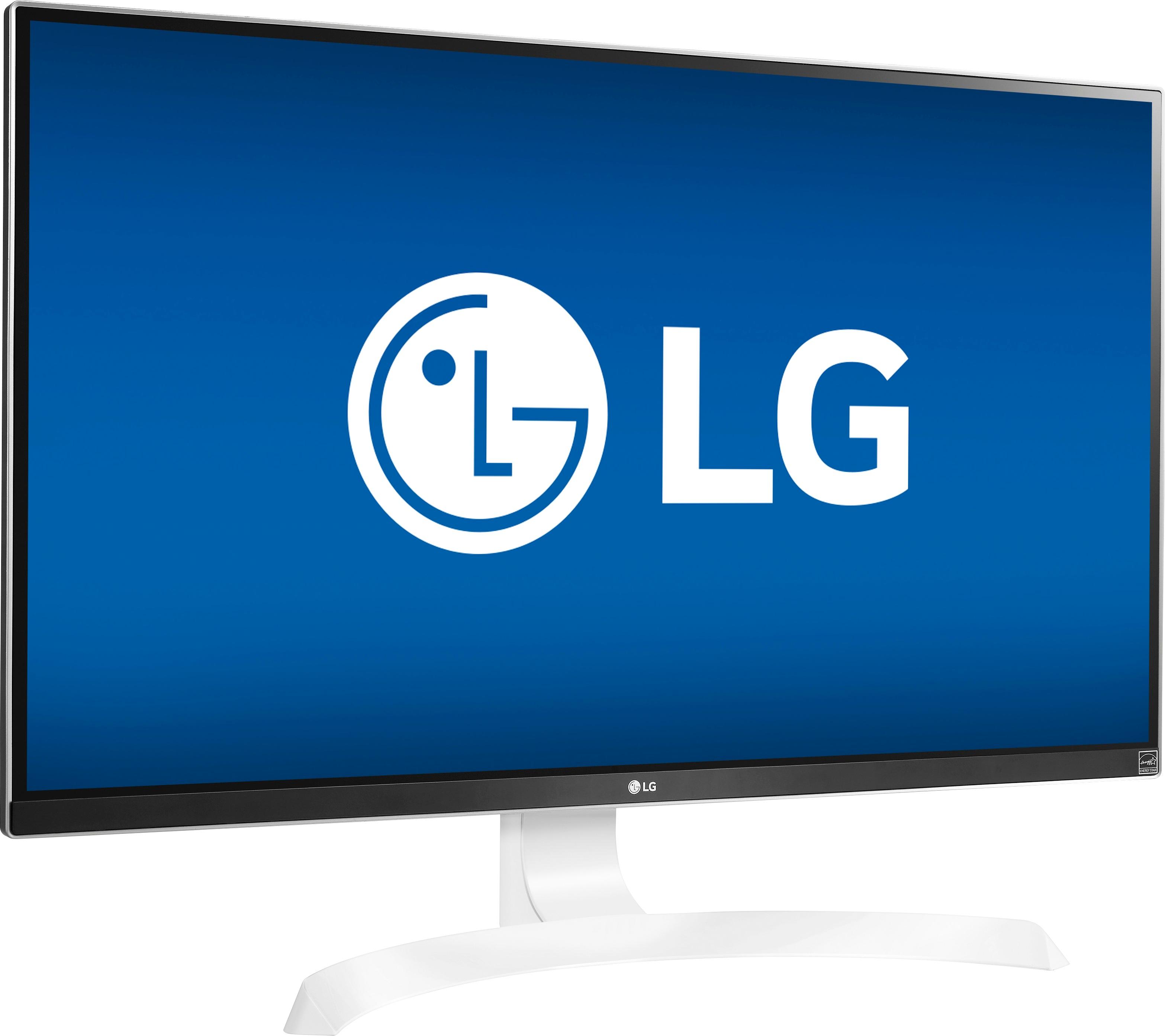
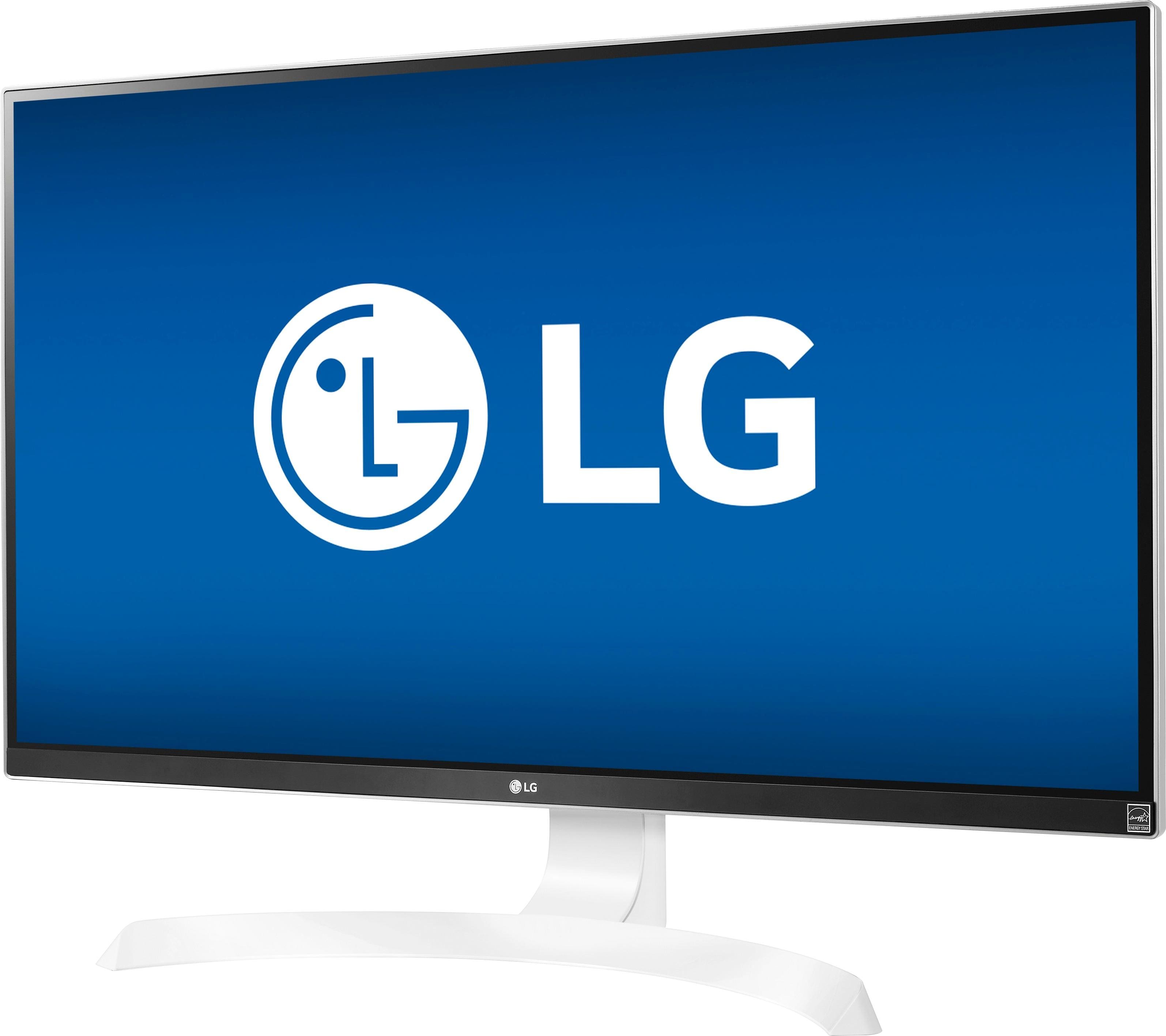
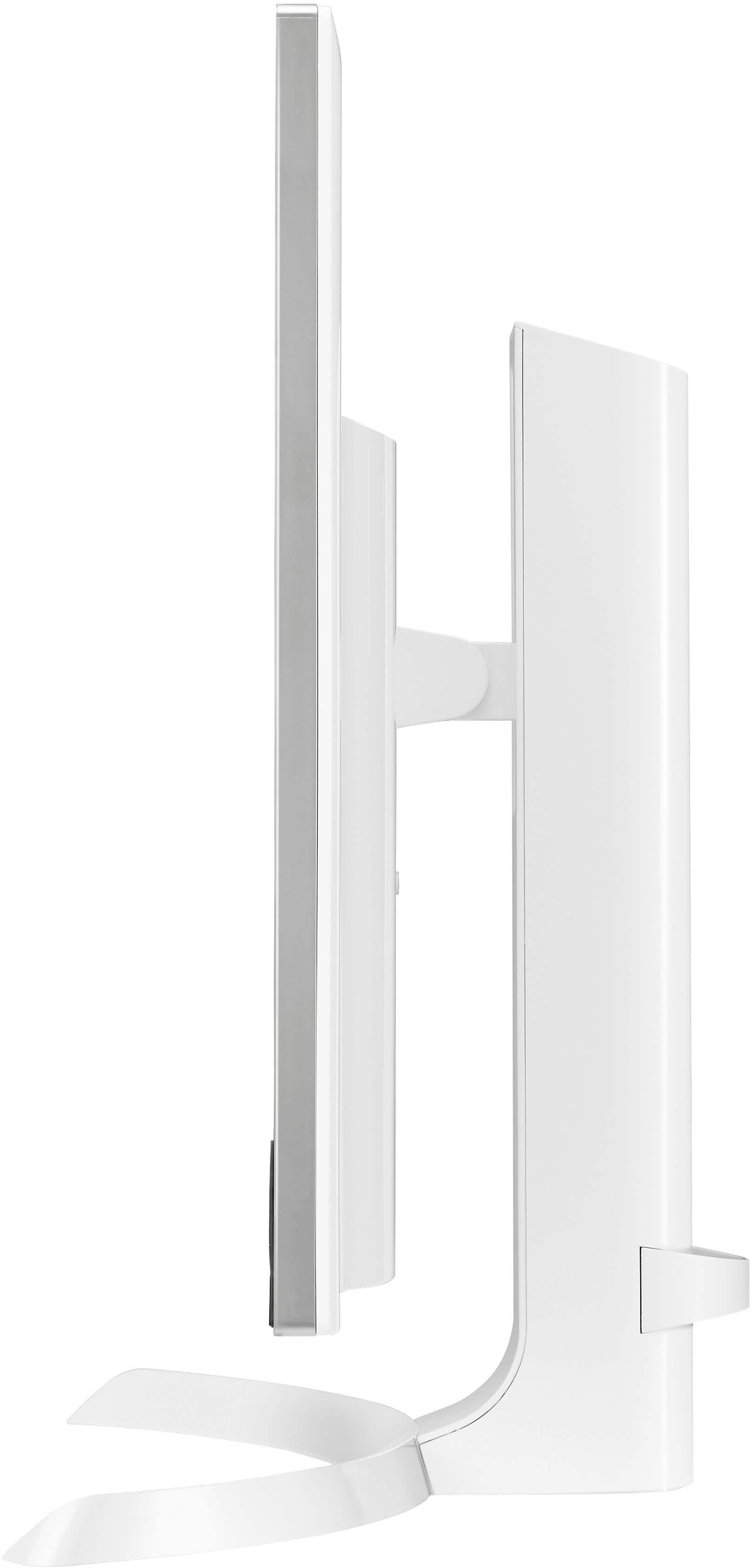
A:AnswerI suggest raising the display height or sitting farther back. After experimenting with my own monitor I believe you are seeing the effects of vertical viewing angle versus the size of the panel. All LCD displays exhibit this behavior to some degree.
A:AnswerAt least on pc right click the apeaker icon bottom right, select play back devices and then make sure default audio device set as the lg monitor
A:AnswerYes, for the most part. For video and general computing, but more complicated for gaming. See below.
Gaming at 4k with a gtx 1070 is possible but depends on a number of factors:
1.) The rest of your hardware specs
2.) The game you are playing - new triple A titles will likely be too demanding.
3.) How high are the settings you are playing on? Sacrificing some settings can help you play at 4k and keep a decent frame rate.
If you want to game at 4k, play current triple A titles, maintain a decent frame rate and play on High settings, you would probably be better off with a GTX 1080 or GTX 1080 ti. Otherwise you may want to save your money and purchase a good 1080p monitor that your GTX 1070 can handle much easier with a great result.
A:AnswerHere's the thing. Freesync technology is only capable of activating with an AMD gpu, not an NVidia card. So if you're asking that if this monitor will "transform" from freesync to gsync, you're dead wrong. Gsync technology is only exclusively with NVidia gpu's, and monitors built in with gsync are far more expensive than freesync monitors, even though that freesync monitors tend to do a better job than gsync. But to answer your question. Yes, you can use an NVidia card on this monitor, you just wont get that stutter free technology on both ends from freesync or gsync from this monitor.
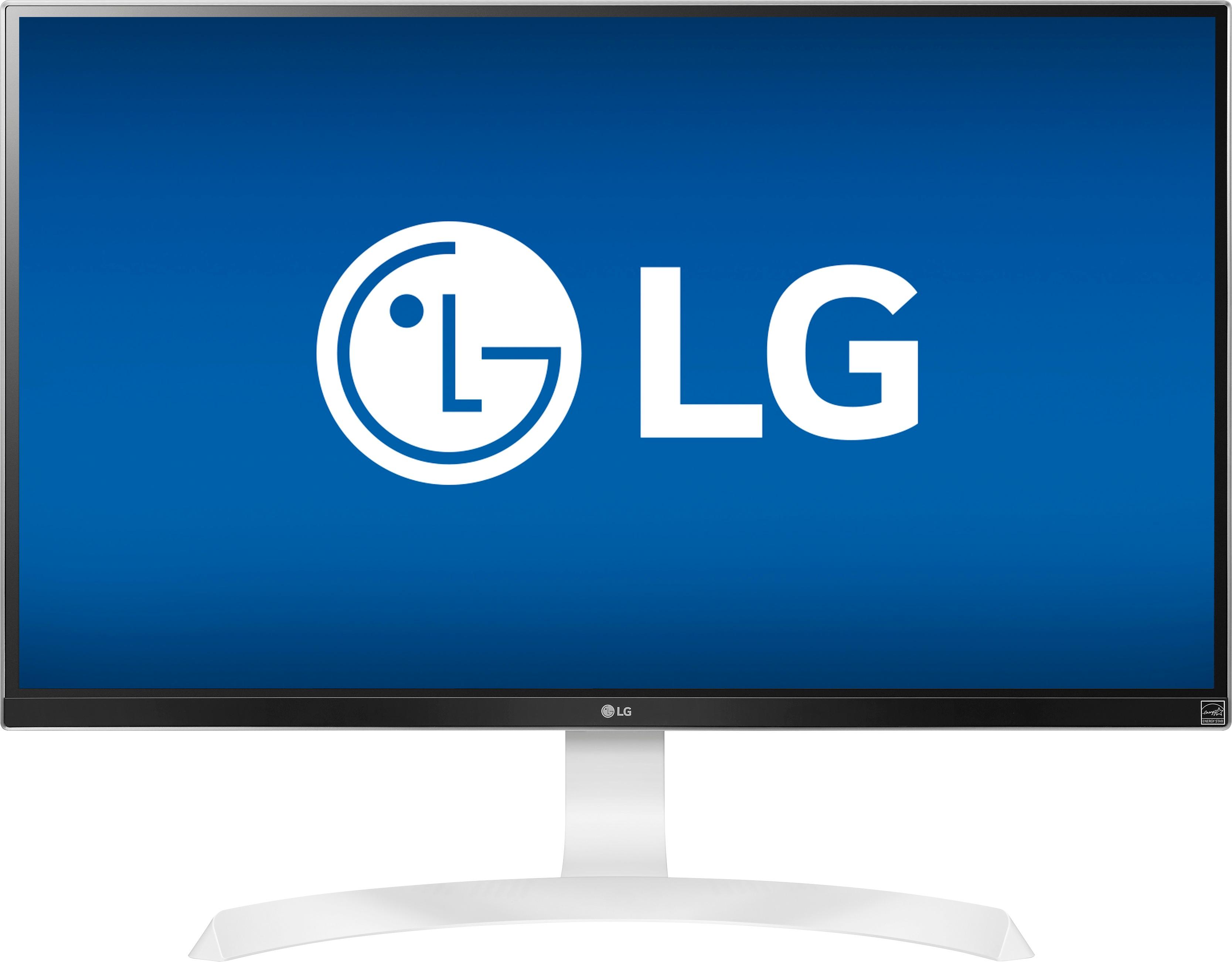
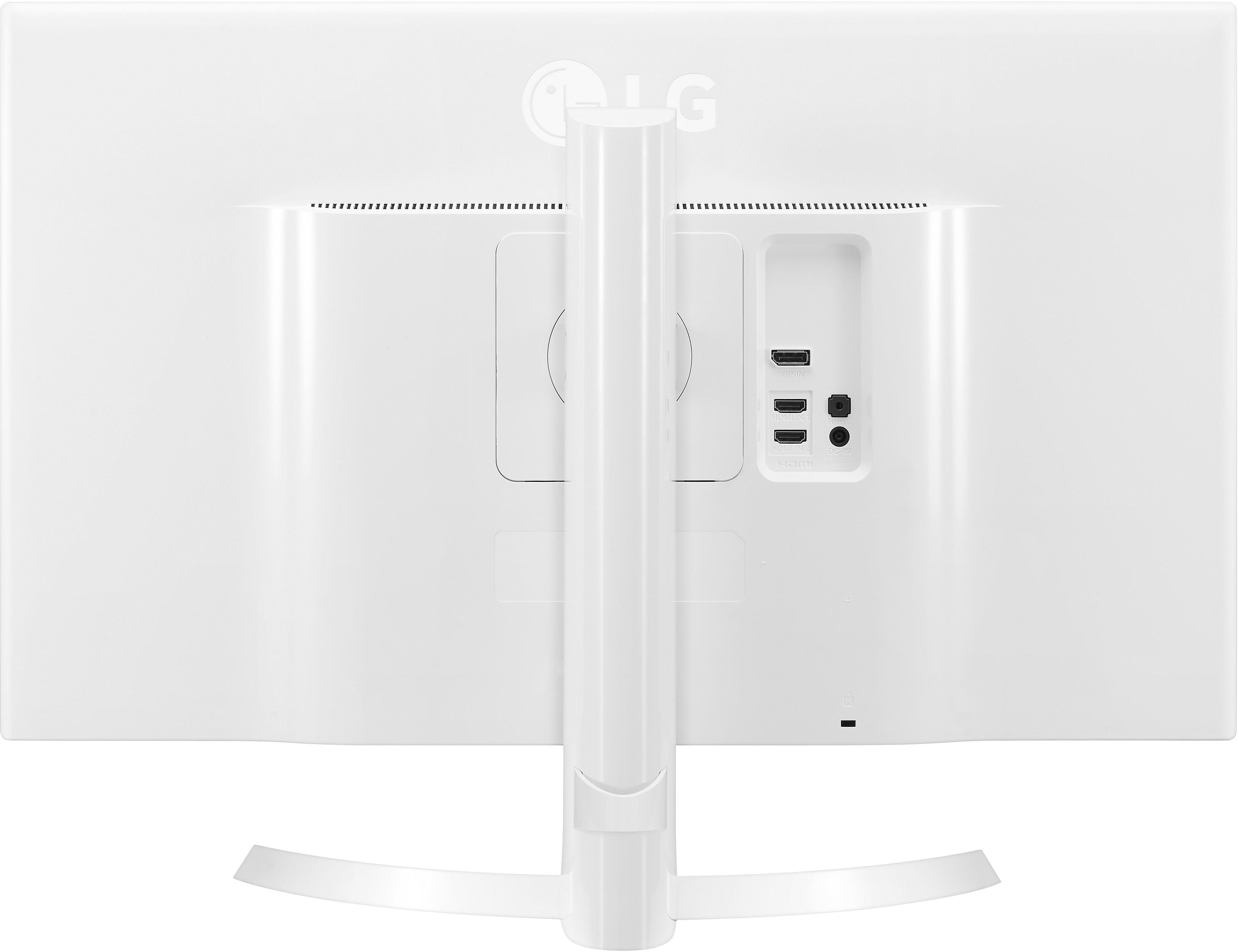
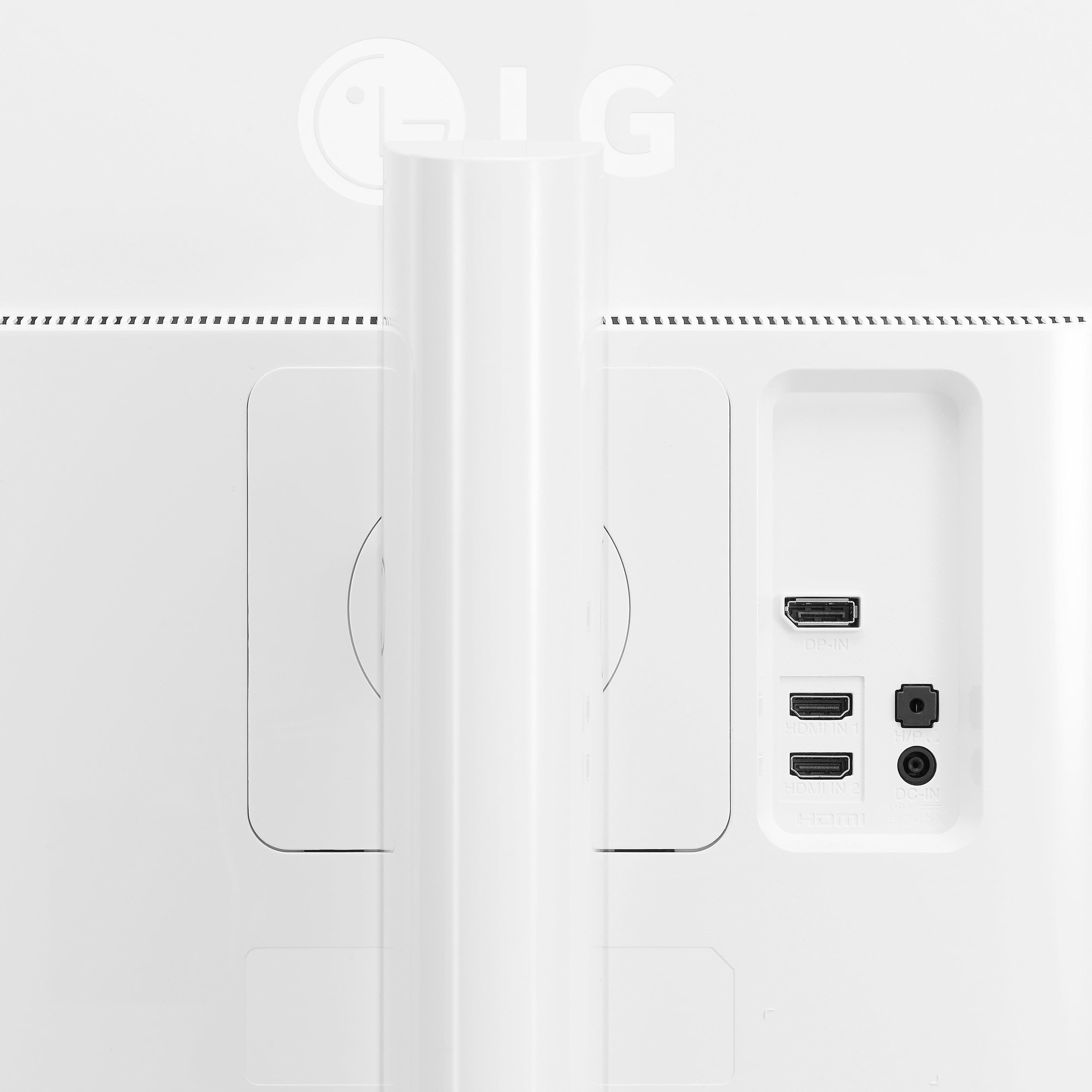
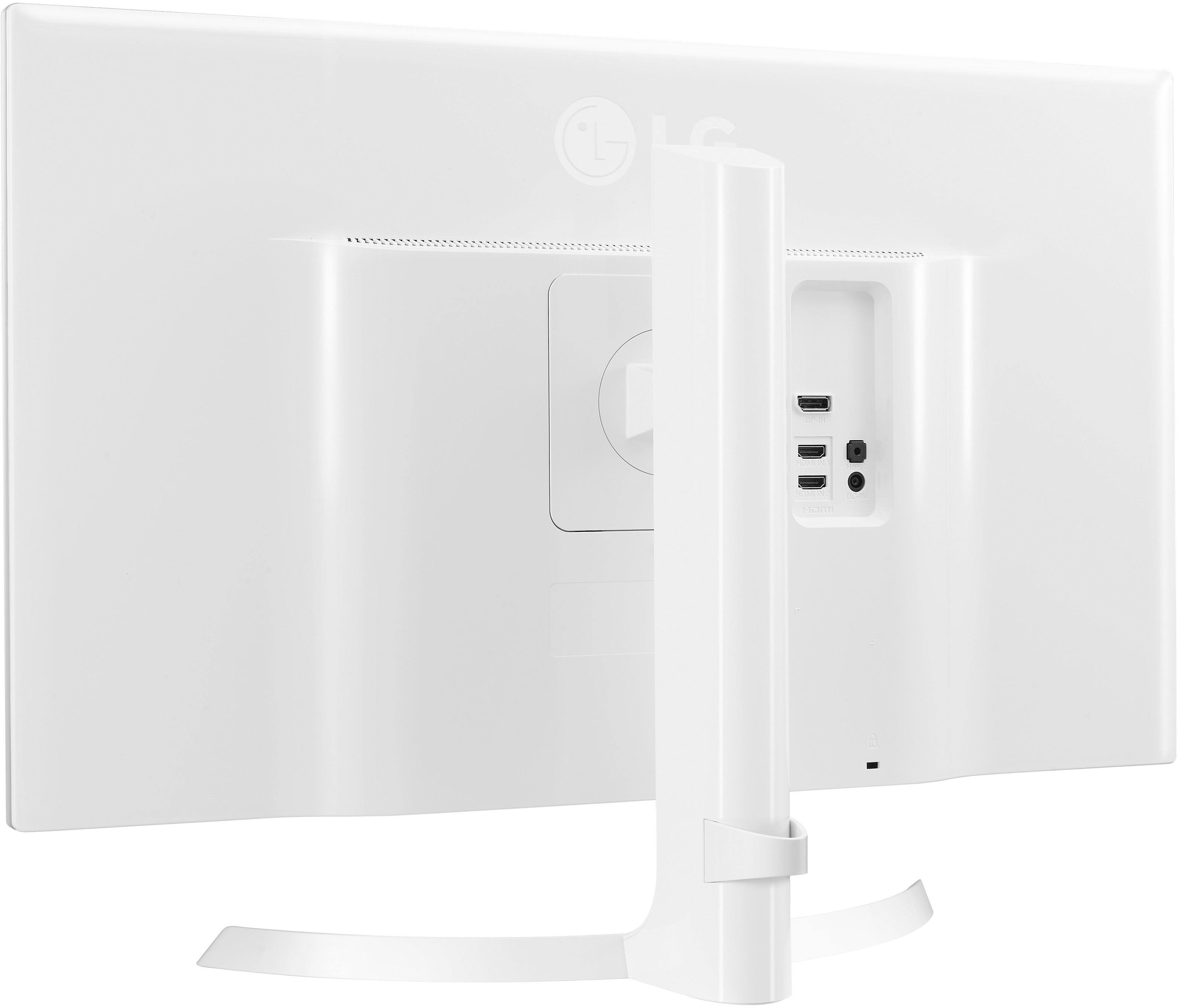
A:AnswerNo, this monitor does not connect to the Internet. You connect to this monitor using a DisplayPort or HDMI cable. There is no wireless adapter built into the monitor nor is there any Ethernet port.
A:AnswerYou can use a GTX 1070 with it. I do myself, but you will not be able to take advantage of the freesync technology because it is designed for AMD chipsets and your GTX 1070 is using a NIVIDIA chipset.
A:AnswerI was able to achieve 4K at 60 Hz using a USB-C to Displayport cable, so I can confirm that the monitor can definitely do 4K at 60 Hz using Mac OS X.
If you are having issues, I would suggest looking at the cables that you are using and seeing if there is another combination.
Also, you need to hold down the option key when selecting 'Scaled' under 'Display Preferences' to see all of the resolutions and refresh rates in Mac OS X.
A:AnswerThe cables are straight cables. If you do not have an hdmi or DisplayPort port on your computer, you will need to purchase an additional 4k-compatible cable. I recommend using DisplayPort for the best image.