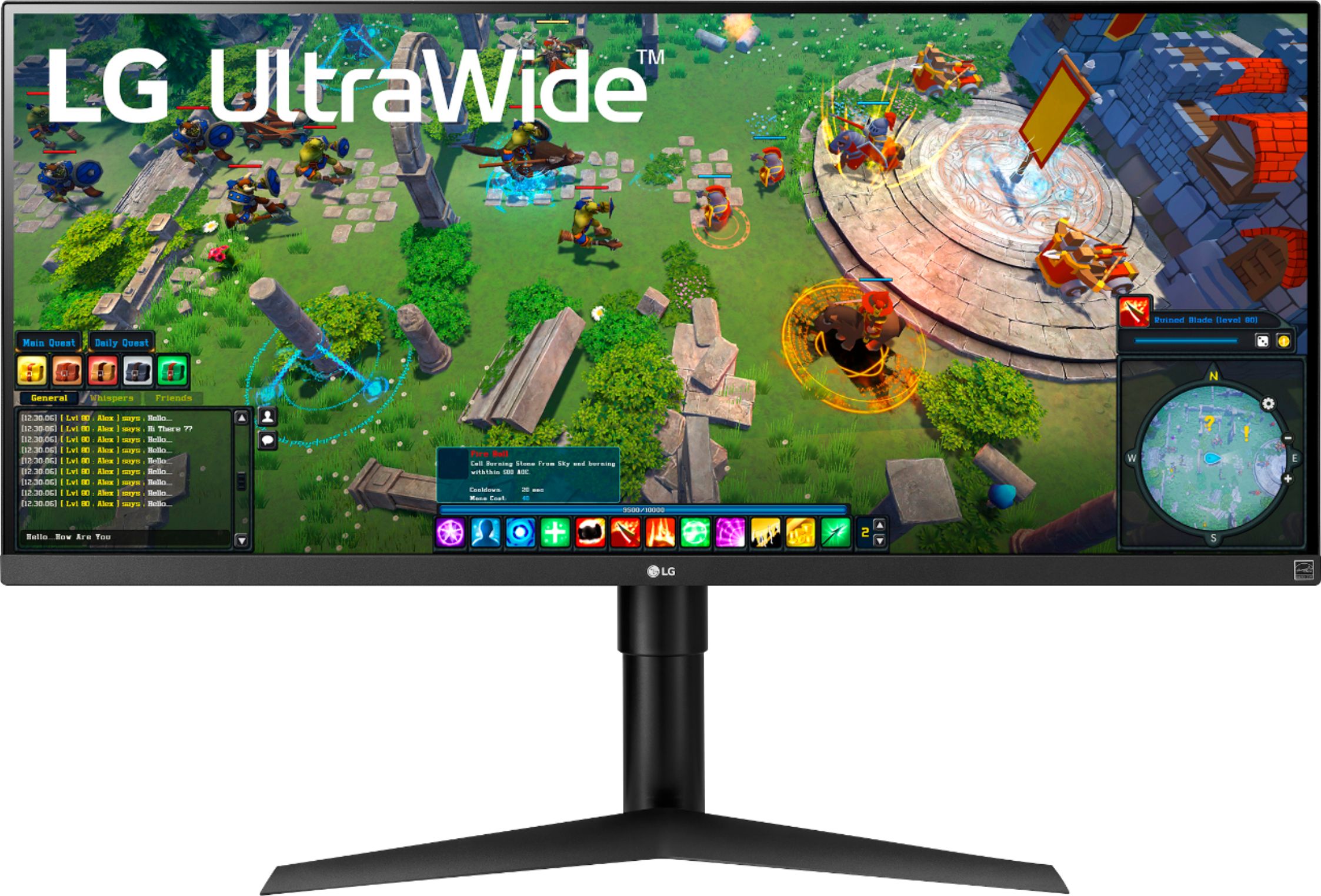
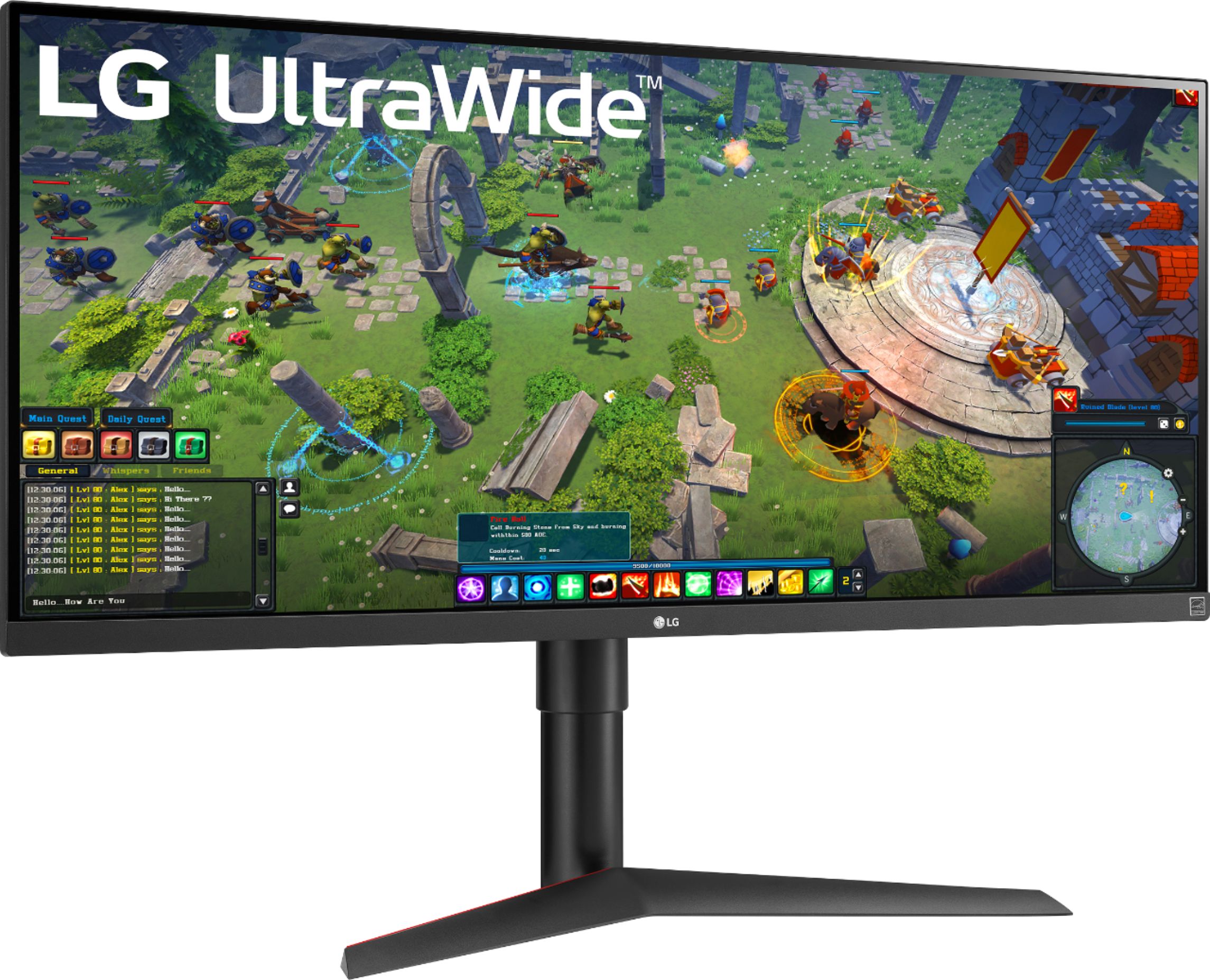
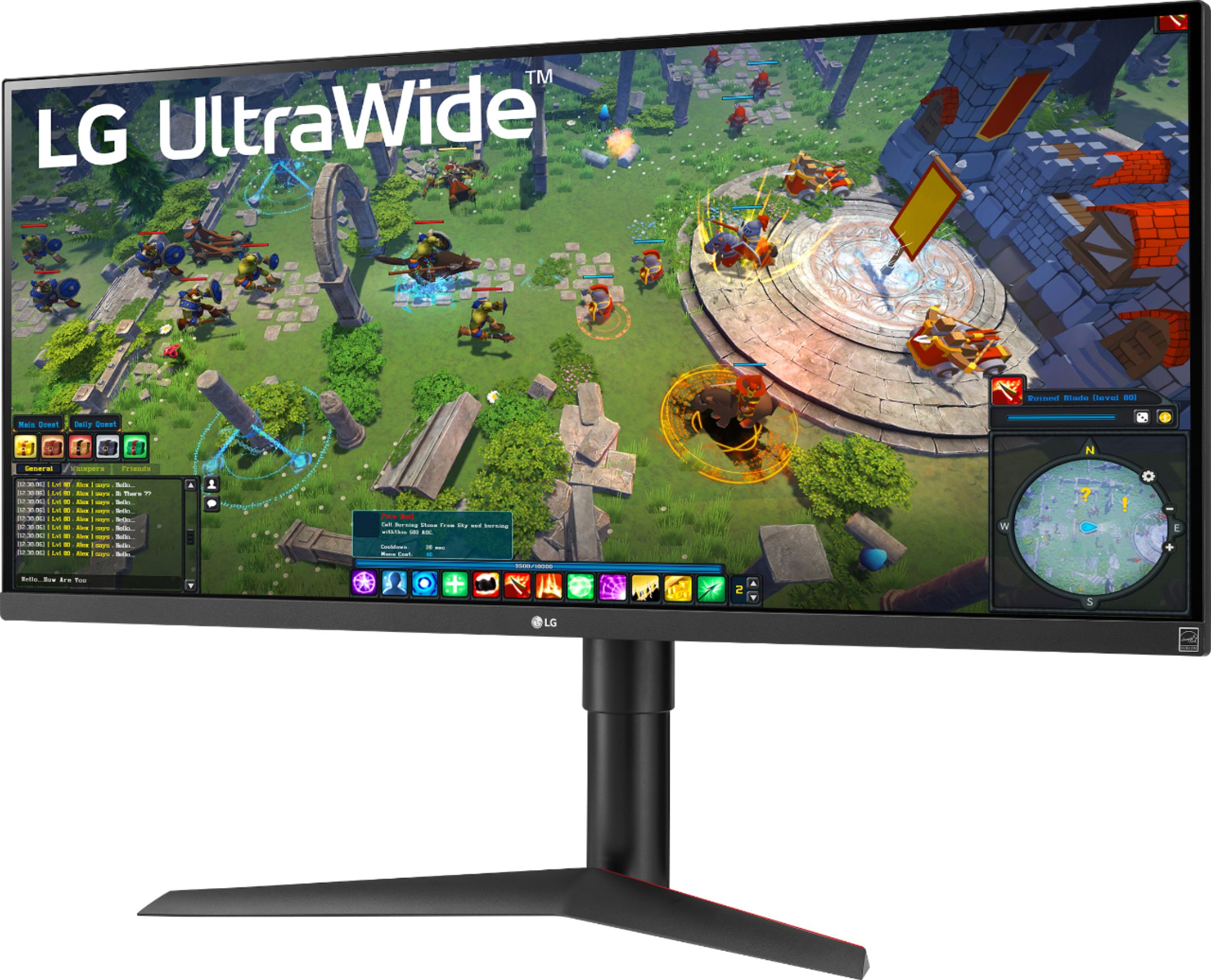
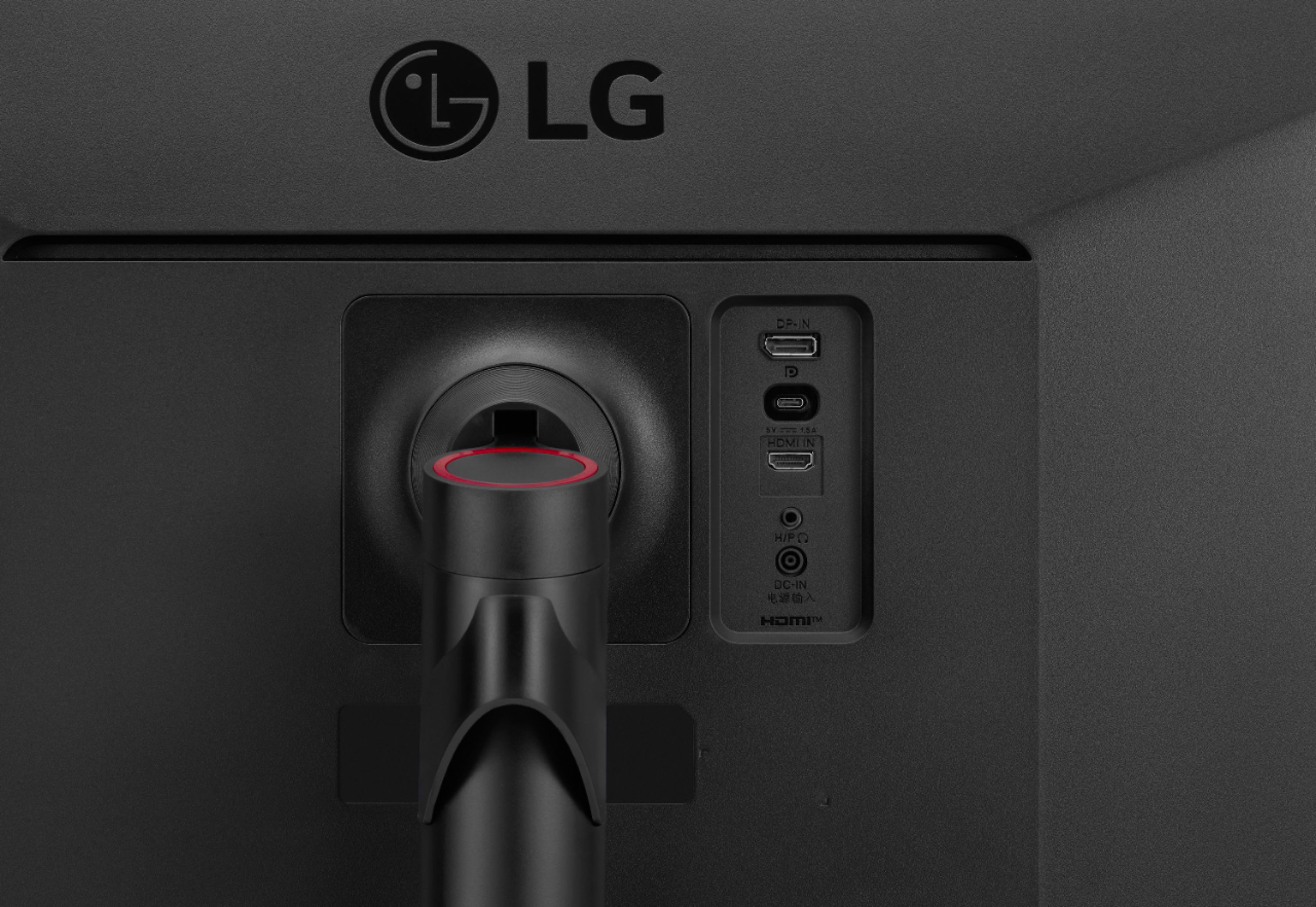
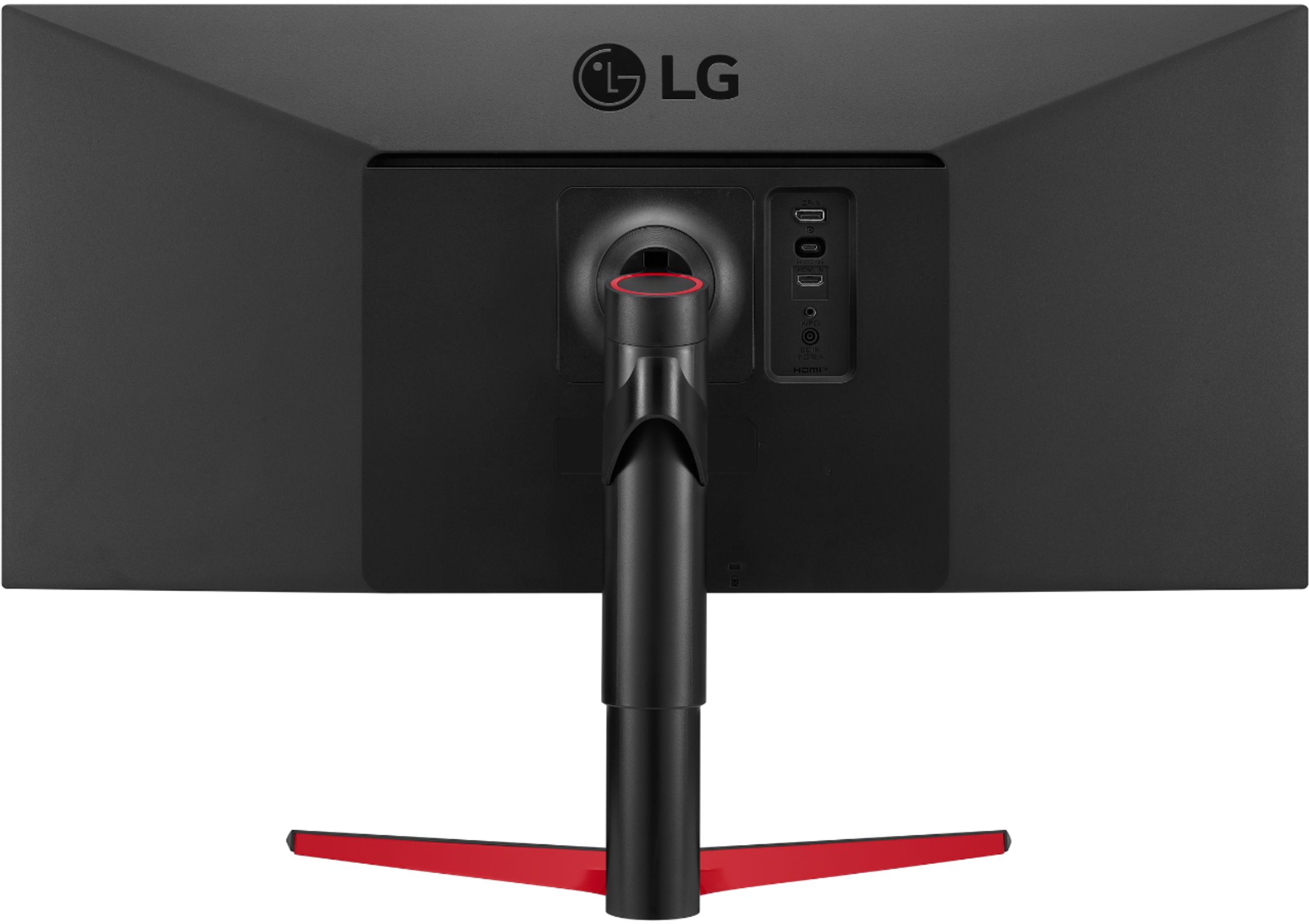
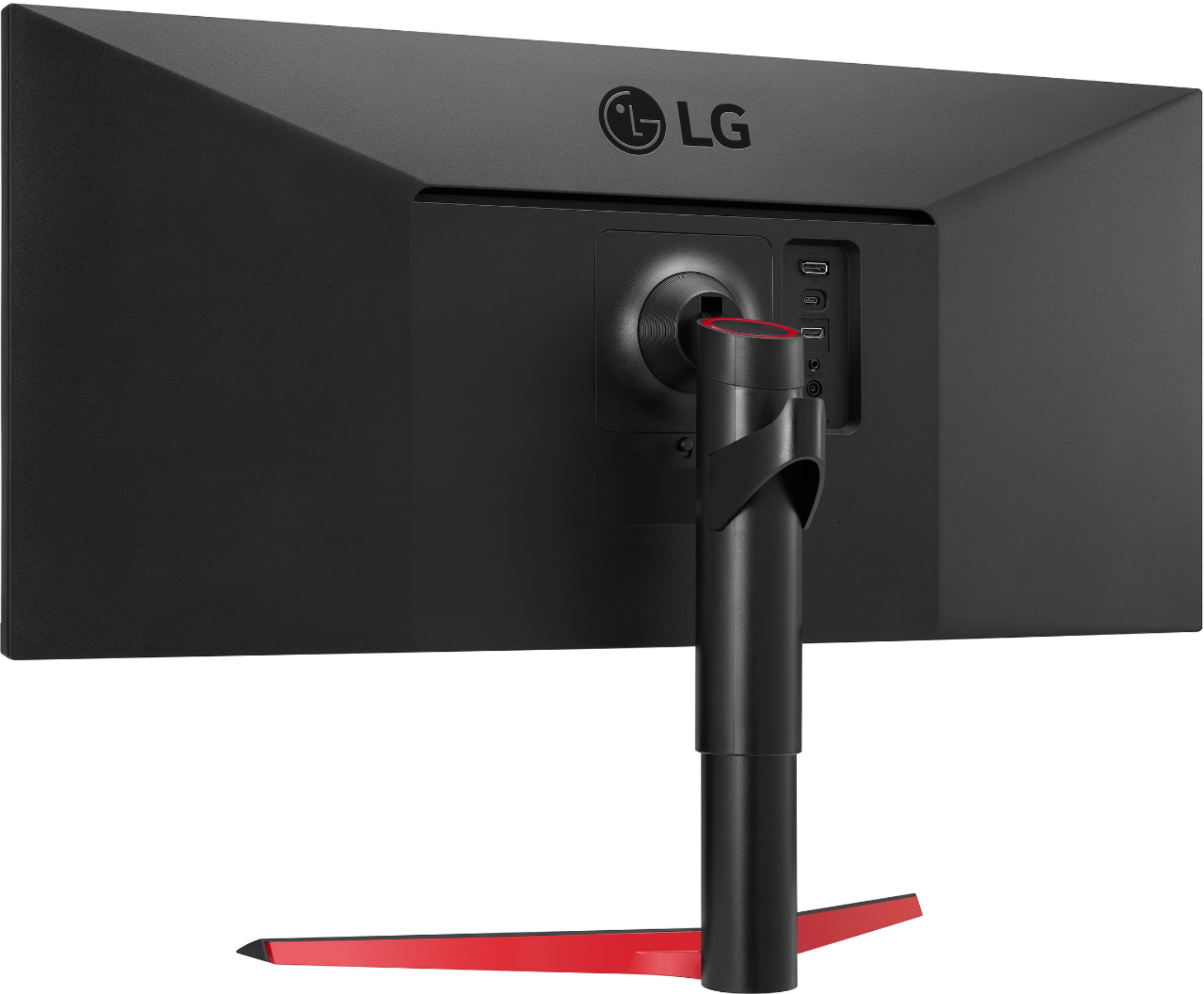
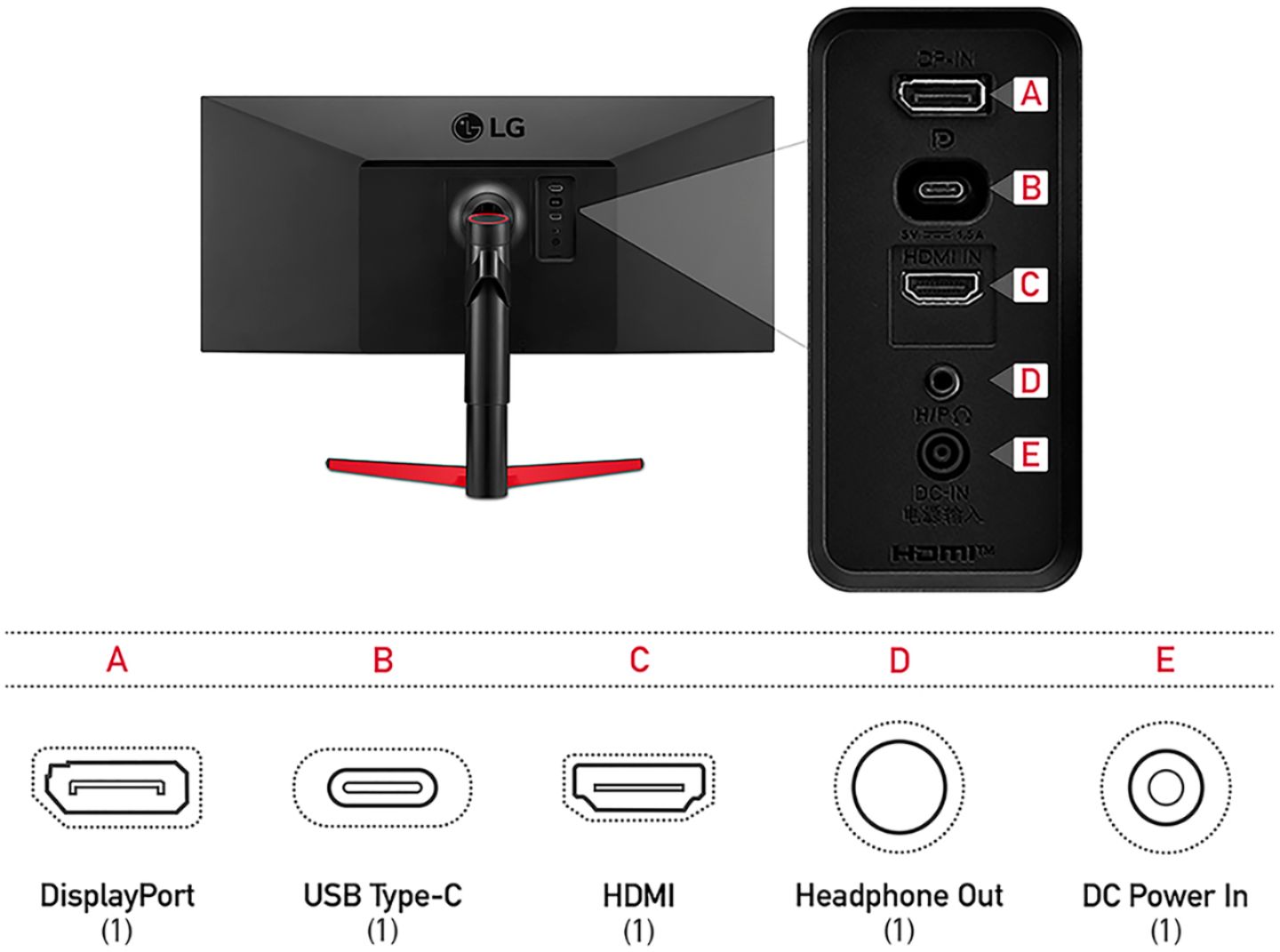
A:AnswerThe USB Type-C™ (DisplayPort Alt Mode) port on this LG 34'' UltraWide FHD HDR FreeSync Monitor with USB Type-C, Model # 34WP65G-B does not support PD (Power Delivery)...^Ivan
A:AnswerHi, this can be attached as this has VESA Wall Mount Standard 100mm x 100mm and we recommend that stand should carry the weight of the unit. ^Vanessa
A:AnswerWall Mount Size is 100 x 100 mm. Use the wall mounting bracket and screws that conform to VESA standards. Damage caused by the use or misuse of inappropriate components will not be covered by the product warranty. ^Daphane
A:AnswerLet us help you with that! Please send us a private message on Facebook or Twitter using @LGUSSupport and include #VOC, your contact info and we can expedite a resolution for you. Thank you. ^Venette
A:AnswerPlease reach out to our support team on Facebook at @LGUSSupport and use #VOC in your first message to our social media support team. Please be sure to provide your name, phone number, address, email, model/serial numbers, and date of purchase and we will be happy to assist you. There are policies and procedures in place to ensure resolutions are consistent and fair. I am confident that we will work to provide an agreeable resolution.^Venette
A:AnswerThis is a Plug and Play monitor (34WP65G-B) and doesn't require drivers. For further assistance, please reach out to our technical support team via private message on Facebook @LGUSSupport and use #VOC in your first message to our social media support team or call at 800-243-0000. ^Daphane
A:AnswerPlease reach out to our support team via private message on Facebook @LGUSSupport and use #VOC in your first message to our social media support team or call at 800-243-0000. Also, be sure to provide your contact information, model/serial numbers and date of purchase. ^Daphane
A:AnswerPlease reach out to our support team via private message on Facebook @LGUSSupport and use #VOC in your first message to our social media support team or call at 800-243-0000. Also, be sure to provide your contact information, model/serial numbers and date of purchase. ^Daphane
A:AnswerPlease reach out to our support team via private message on Facebook @LGUSSupport and use #VOC in your first message to our social media support team or call at 800-243-0000. Also, be sure to provide your contact information, model/serial numbers and date of purchase. ^Daphane
A:Answer, I do not have knowledge to offer a helpful answer. Please reach out to our support team via private message on Facebook @LGUSSupport use #VOC in your first message to our social media support team. You can also try the LG Community Forum at https://lgcommunity.us.com; it is a great resource for getting help from other LG customers. ^Daphane
A:AnswerI think the question is meant the other way around. Does the monitor power your computer?
I believe the answer is no. https://www.lg.com/us/monitors/lg-34wp65g-b-ultrawide-monitor
A:AnswerResponding to LG's answer.
By charge and video, the questioner is asking if the USB C cable will transmit video (of course it will) but also deliver power from the monitor to the laptop to power the laptop without an additional cord from a power source to the laptop.