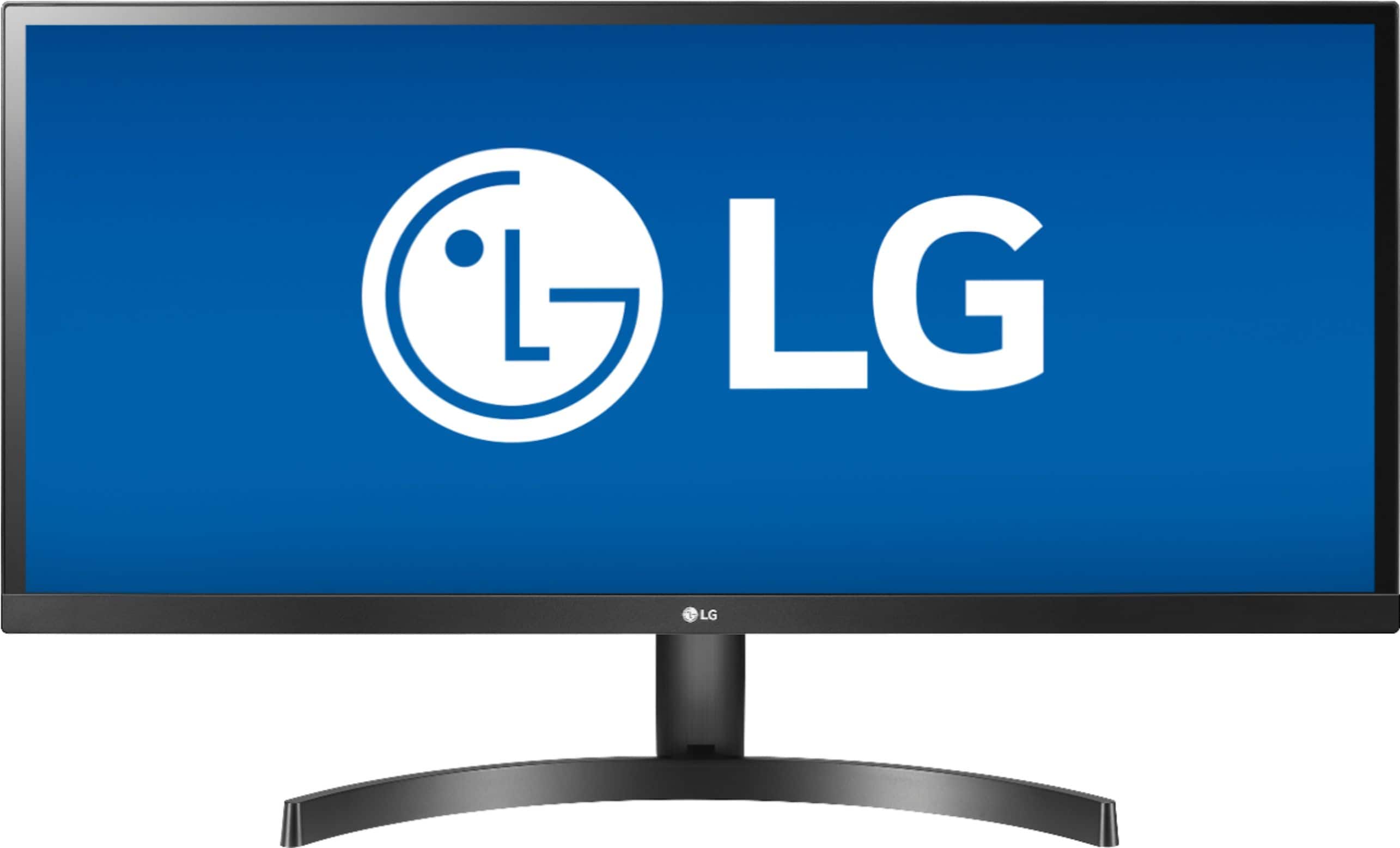
A:AnswerThe LG 34WL500-B 34 Inch 21:9 UltraWide™ 1080p Full HD IPS Monitor with HDR is not an All-in-One monitor. This is just a computer monitor & you would need to connect it to a PC or a Laptop or other devices that can be connected to it ...^IFV
A:AnswerThe LG "OnScreen Control" software that comes in CD with the monitor let you split 2, 3, 4, 6, or 8 screens (see screenshot). Any fyi just with the 2-split screen you end up with two 13 x 15.5 screens side by side. So more splits than that your screen sizes start to shrink a lot.
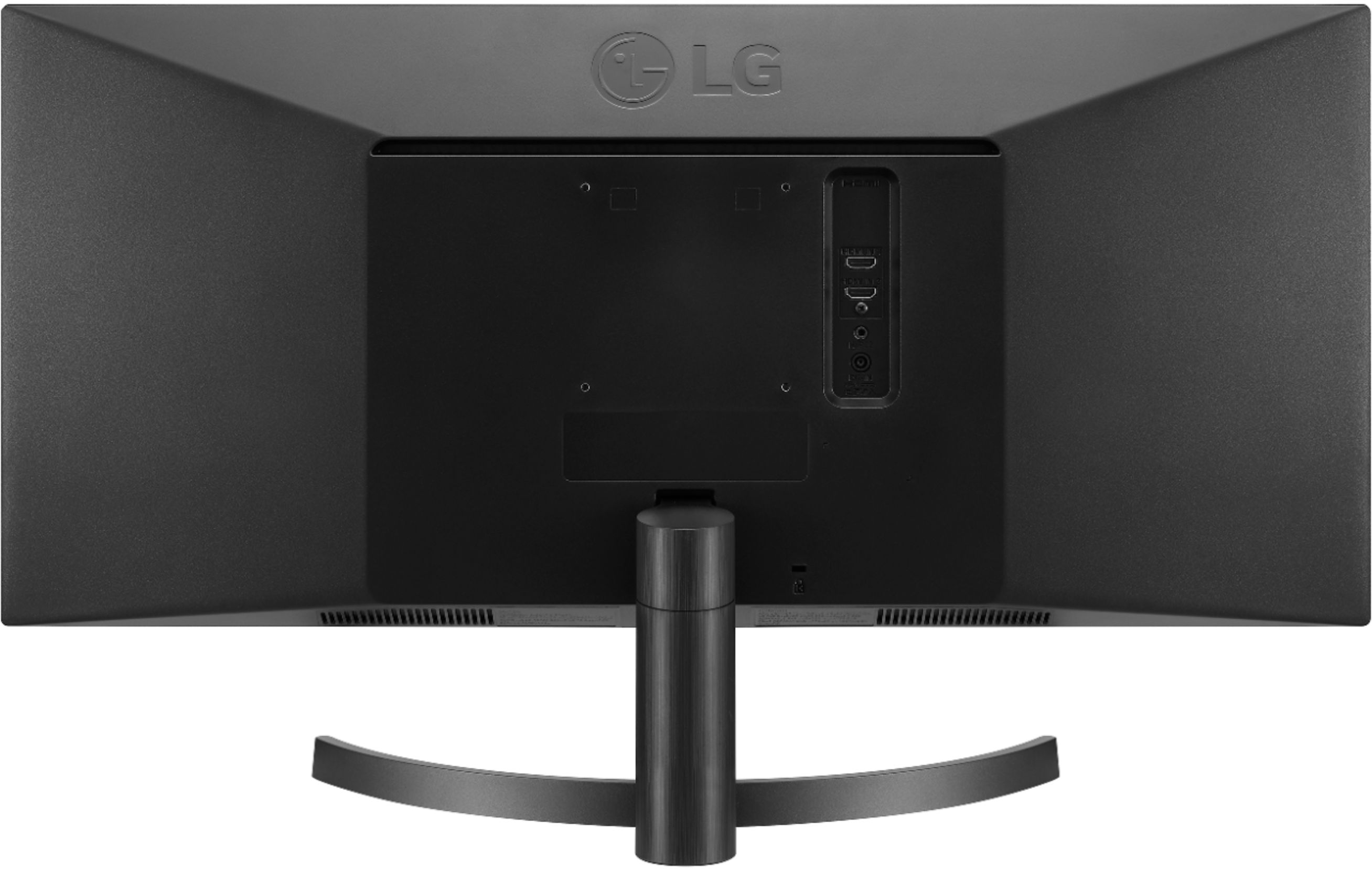
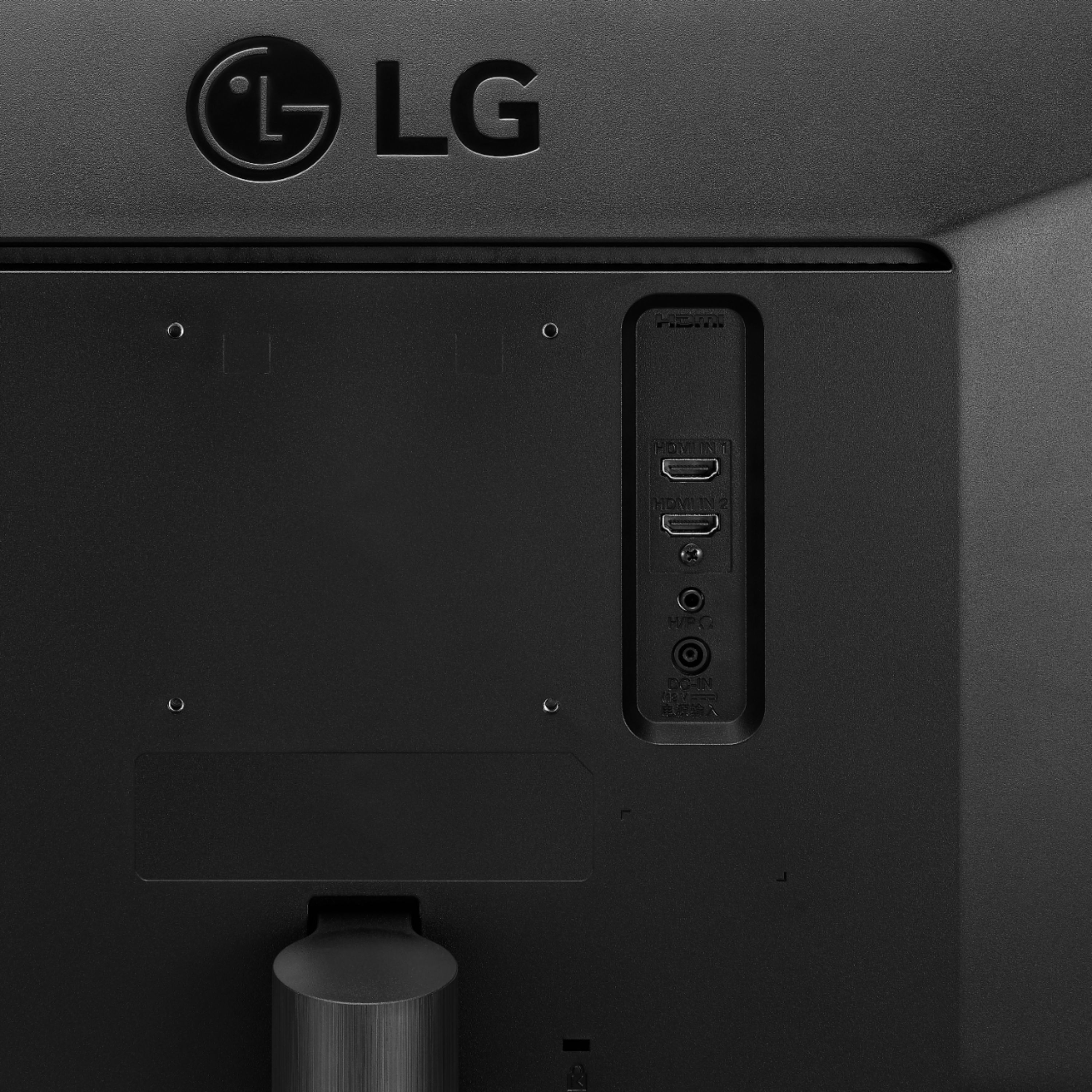
A:AnswerThe LG 34WL500-B 34 Inch 21:9 UltraWide™ 1080p Full HD IPS Monitor with HDR does not have a VGA (15-pin D-Sub) port on it. It only features 2 x HDMI ports for connectivity...^IFV
A:AnswerYes. I also have an MBP and run it in clamshell mode. Just connect the monitor via HDMI to a USB-C hub/adapter and plug that into your Mac. Should be good to go.
A:AnswerThe 34WL500-B features On-Screen Control 2.2 which allows you to take fast, easy control of essential monitor settings including picture, audio and Screen Split with just a few clicks of your mouse. ^CP
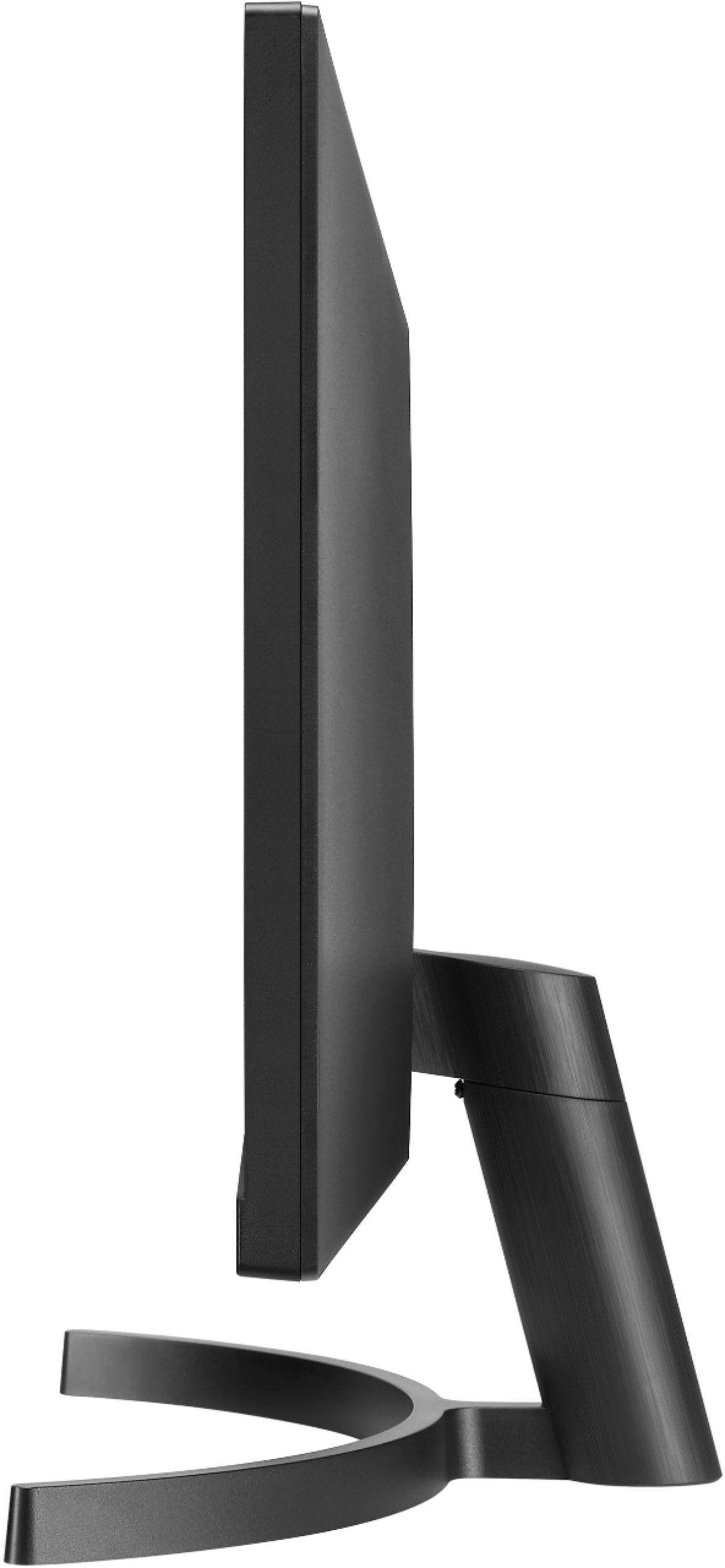
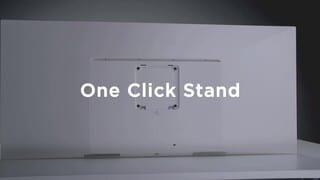
A:AnswerThe LG 34WL500-B 34 Inch 21:9 UltraWide 1080p Full HD IPS Monitor with HDR has an A x B VESA Wall Mount Interface pattern of 100 x 100 mm...^IFV
A:AnswerNo. There's no Blue-Tooth capability within the monitor.
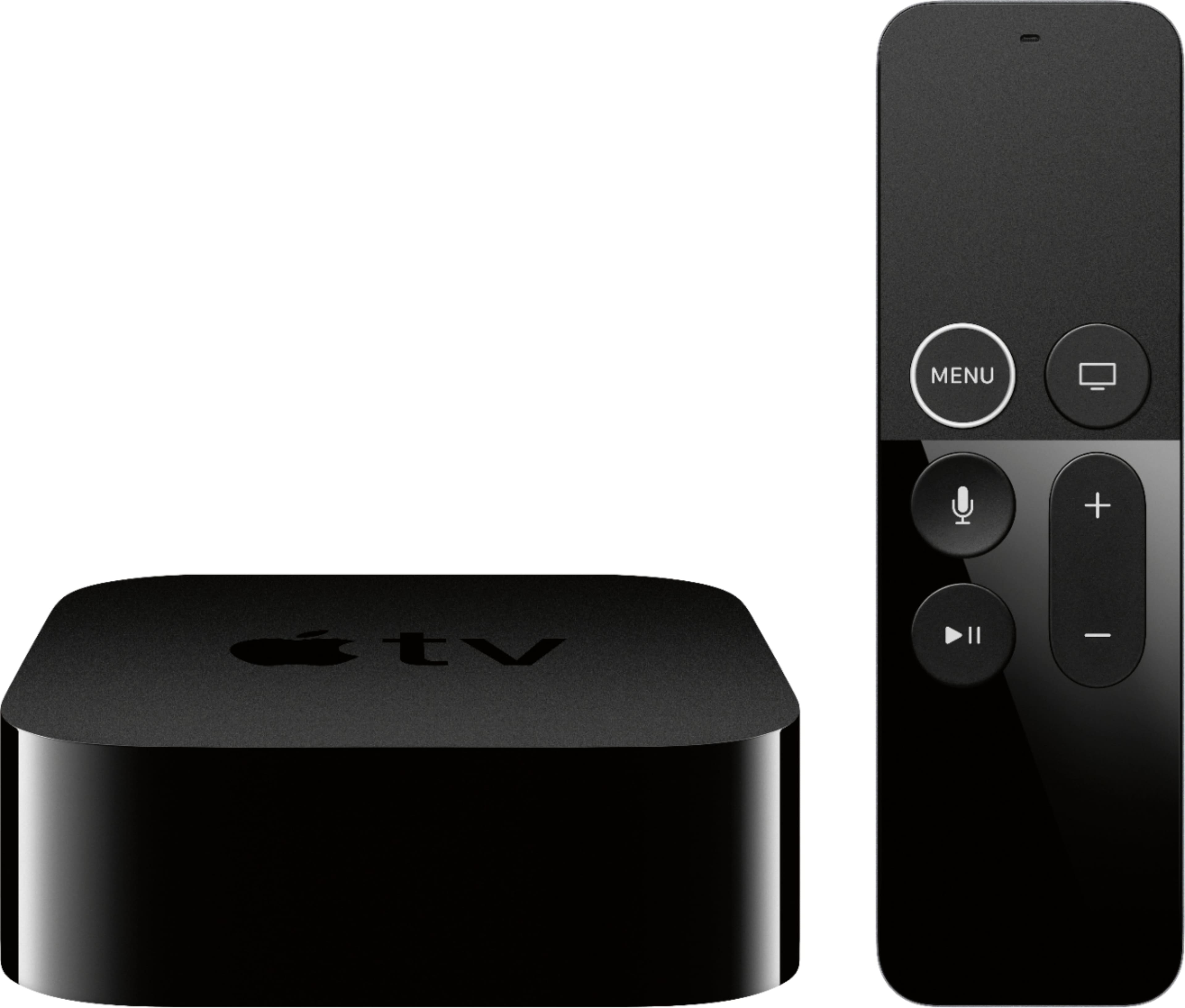
Now if you connect an Apple TV to this monitor then yes (as of tvOS 11). You would be going through the Apple TV as long as the AppleTV is using your iCloud acct.
A:AnswerThis monitor meets the specifications for the wall mount plate or other compatible devices, 100 x 100. A non-VESA standard screw may damage the product and cause the monitor to fall. LG Electronics is not liable for any accidents relating to the use of non-standard screws. ^Daphane
A:AnswerMonitors are pretty generic, so they can be used with just about any computer, and for any purpose, with no issue. The only thing you will need to look out for is the max supported resolution of your device. In your case this should be 1920x1200 for HDMI out, and 2560x1600 for Thunderbolt/MiniDisplay Port out. Since this monitor's resolution is higher than the supported Max using HDMI, you would need to use a thunderbolt/mini Displayport to HDMI cable. Is it a slam dunk that this will work? No, but using mini Displayport to HDMI if you best bet for it to work at it's native resolution.