Outlet EventEnds Oct. 26. Limited quantities. No rainchecks.Shop now

Main Content

Questions & Answers

Your price for this item is $569.99
Clearance
The comparable value price is $599.99
Page Showing 41-60 of 110 questions
  • QuestionWhat is the IP rating of this product

    Asked by Hank.

    • Answer There isn't one. OLED TVs are meant for indoor use, so you won't find IP ratings for, probably, any of them.

      Answered by KlashNYC

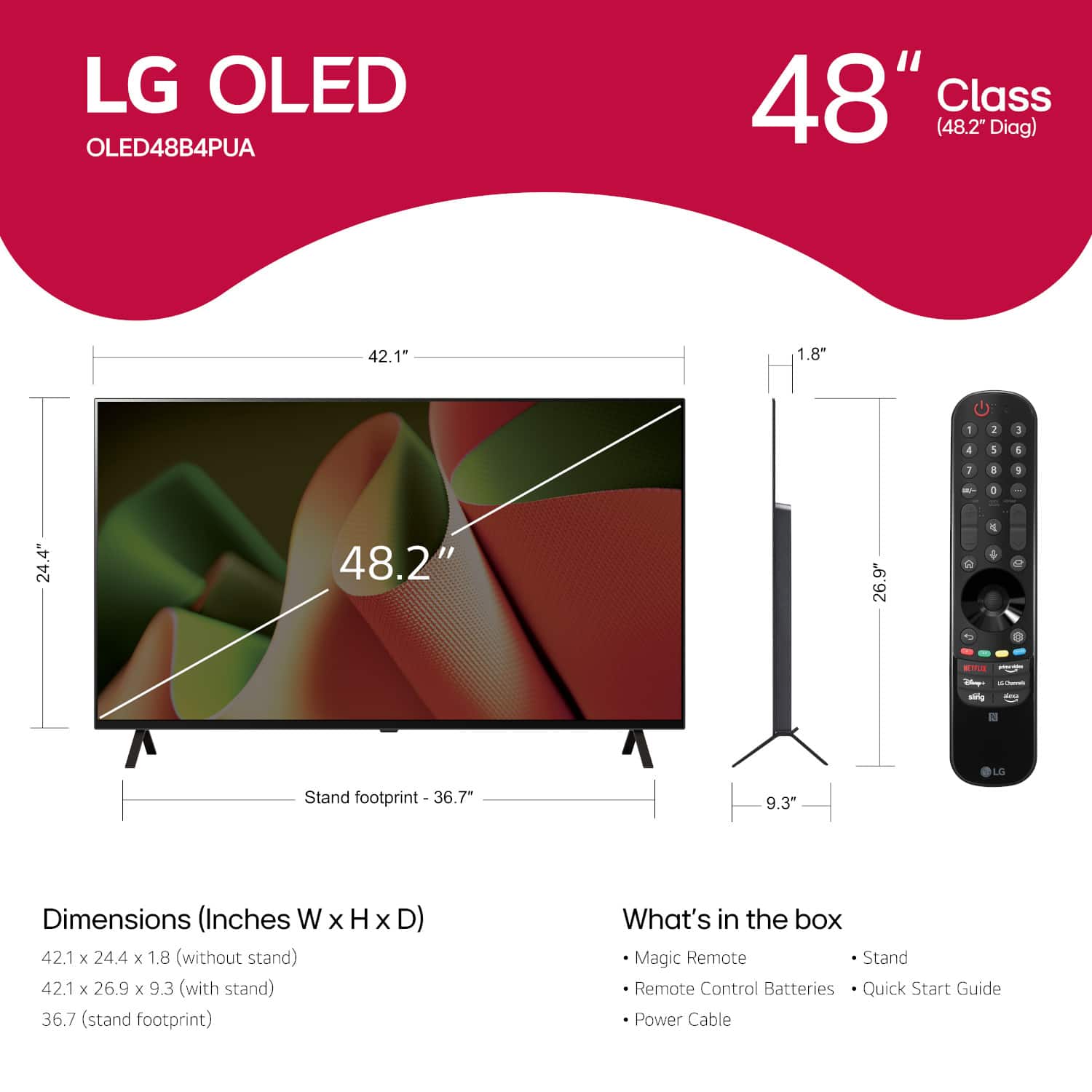
  • Questiondoes the lg 48 inch smart ty come with a center stand for smaller tv stands

    Asked by Anonymous.

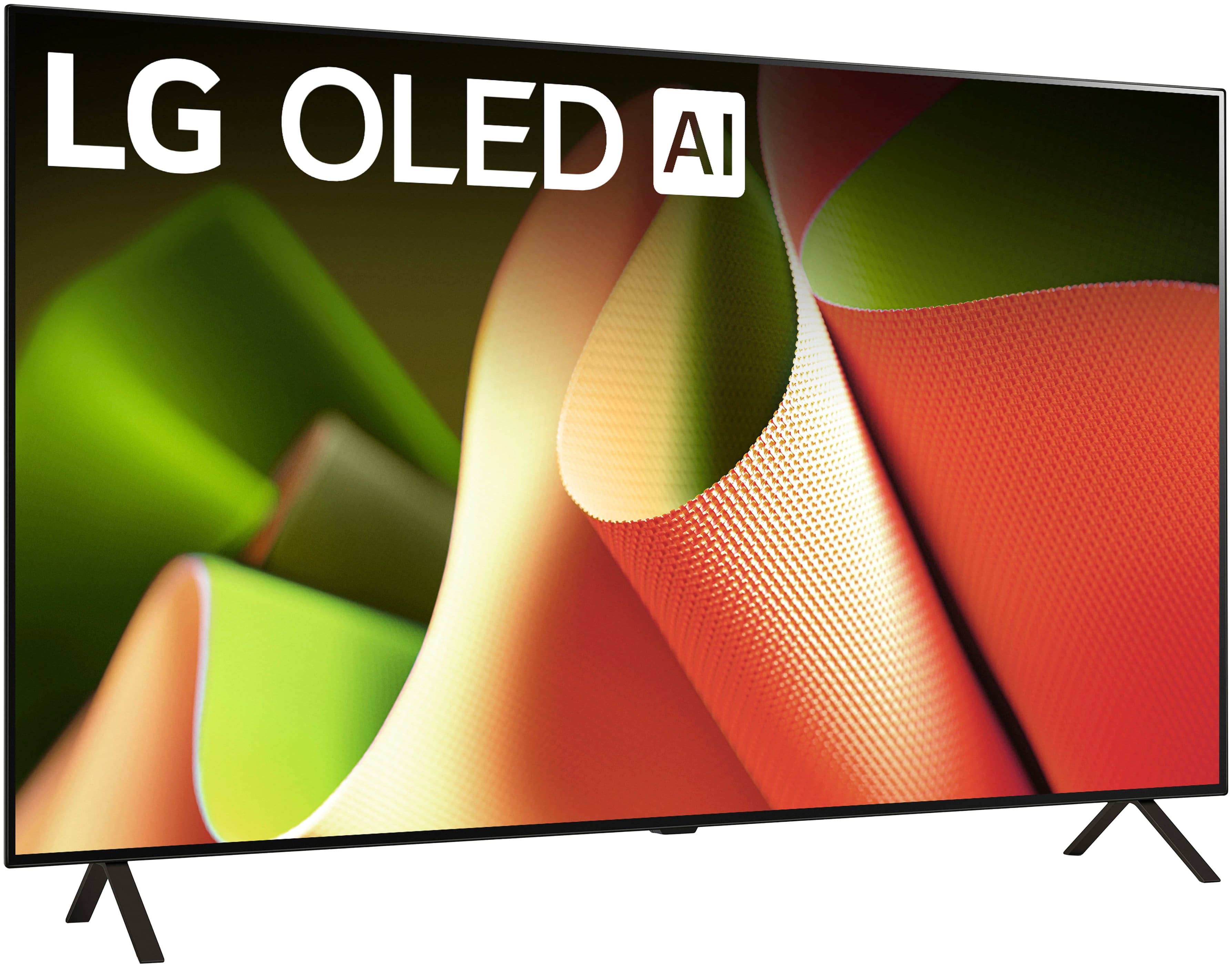
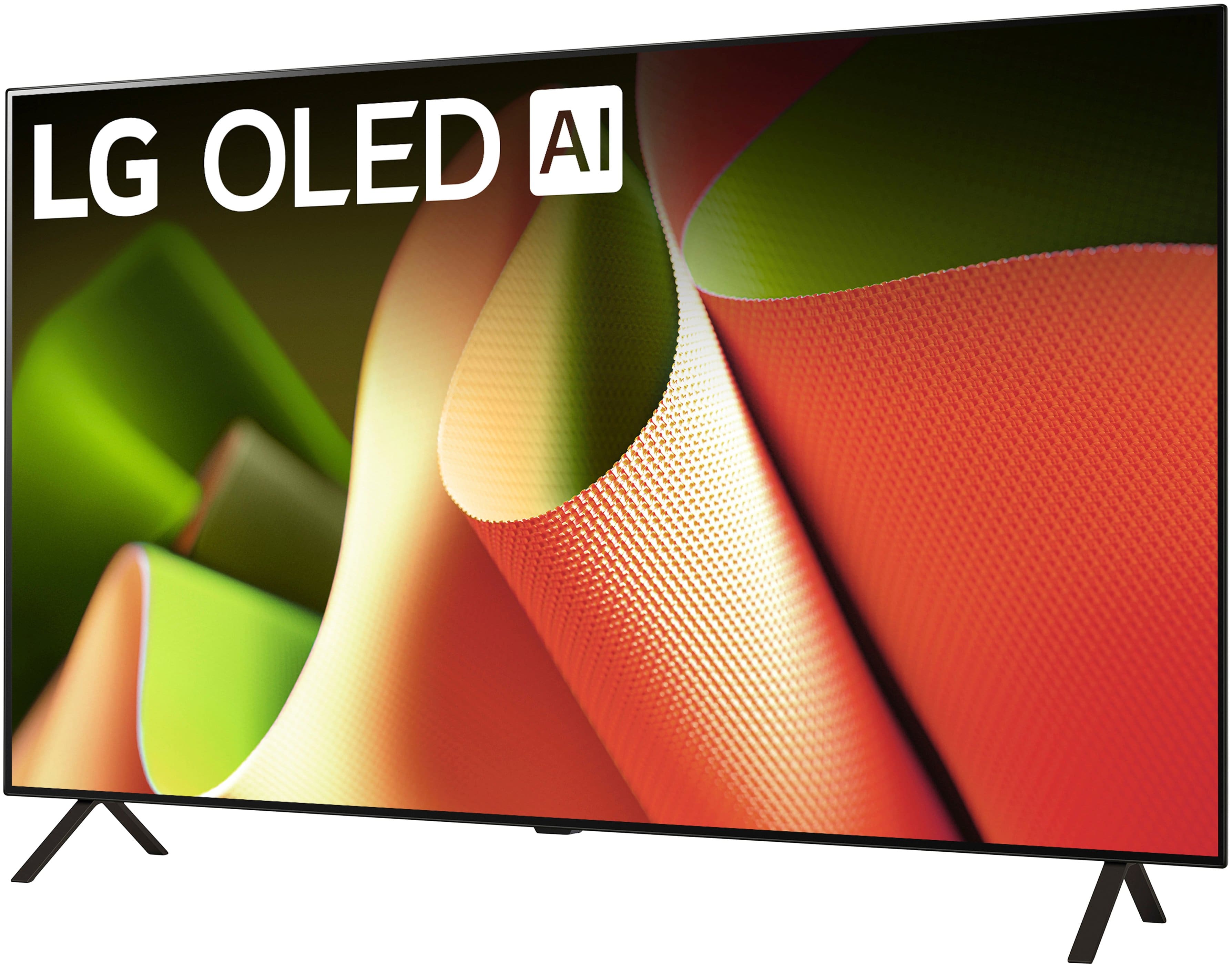
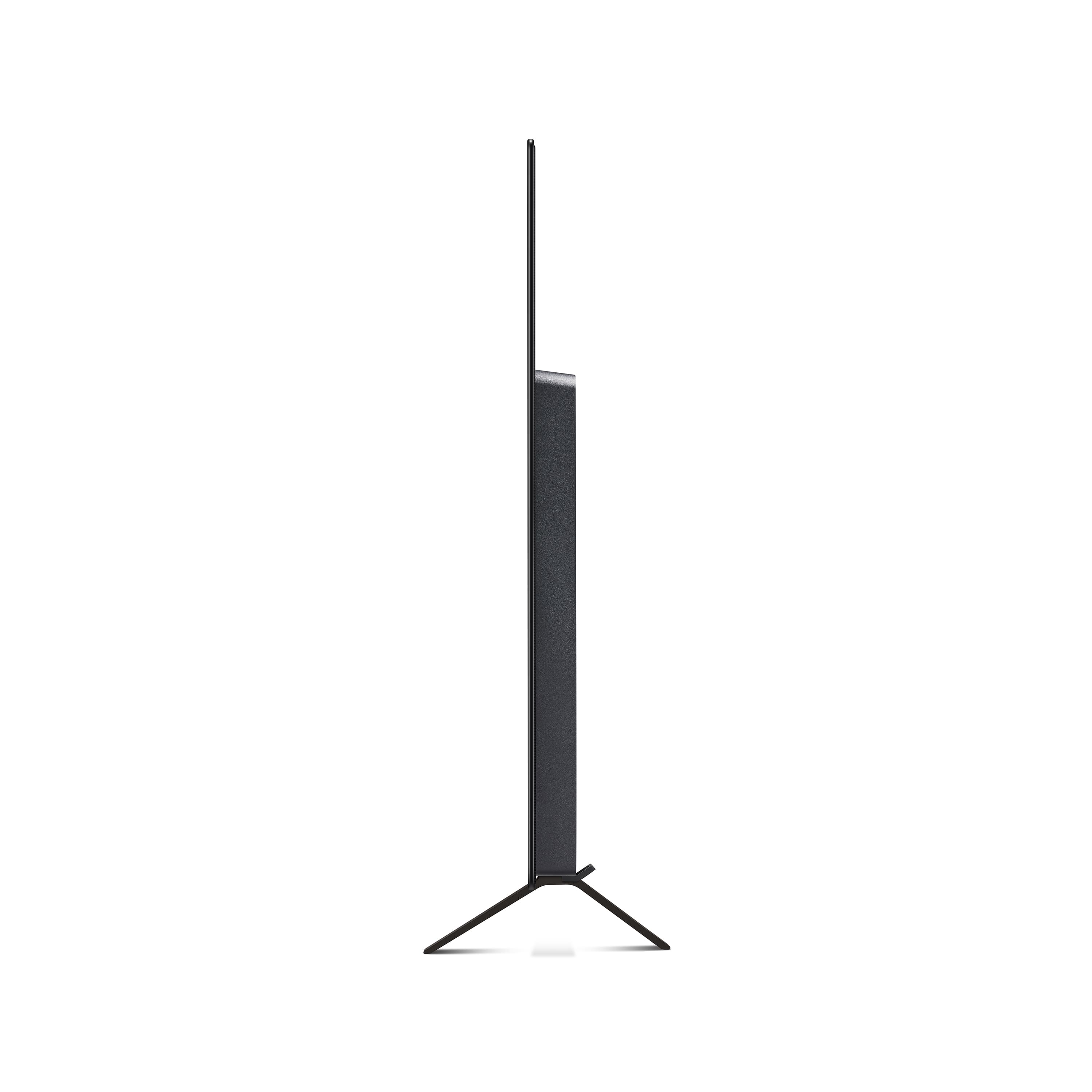
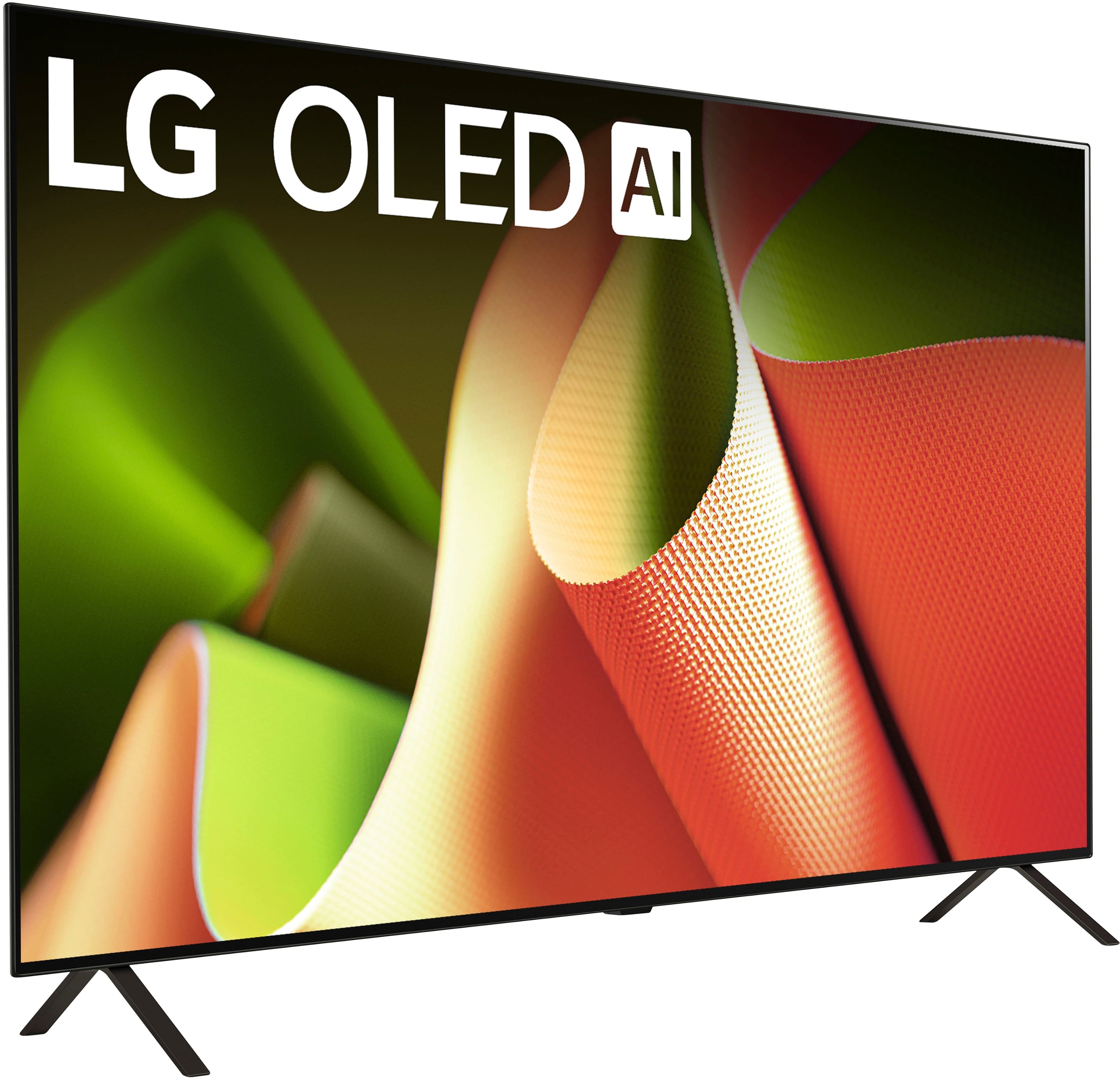
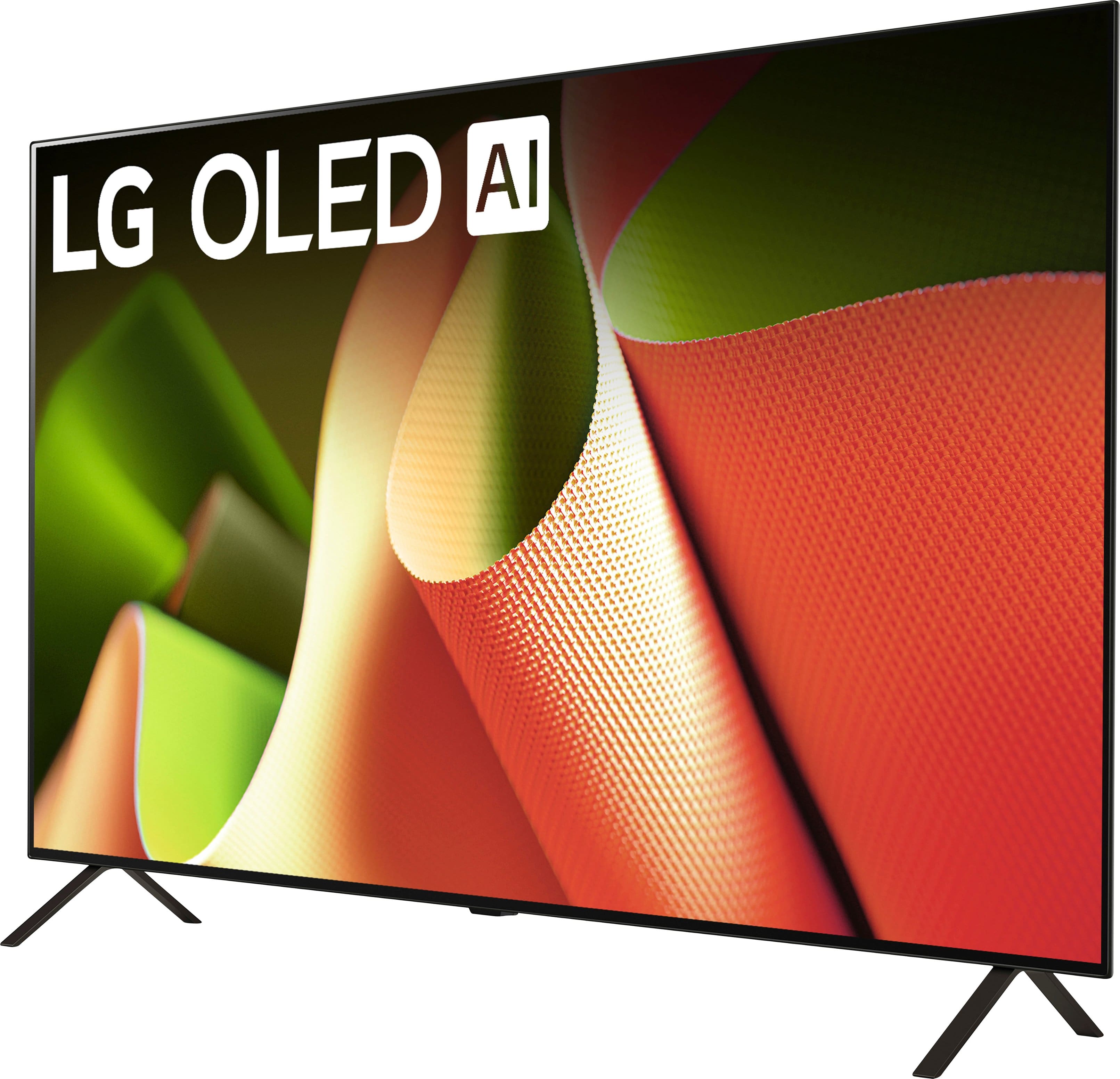
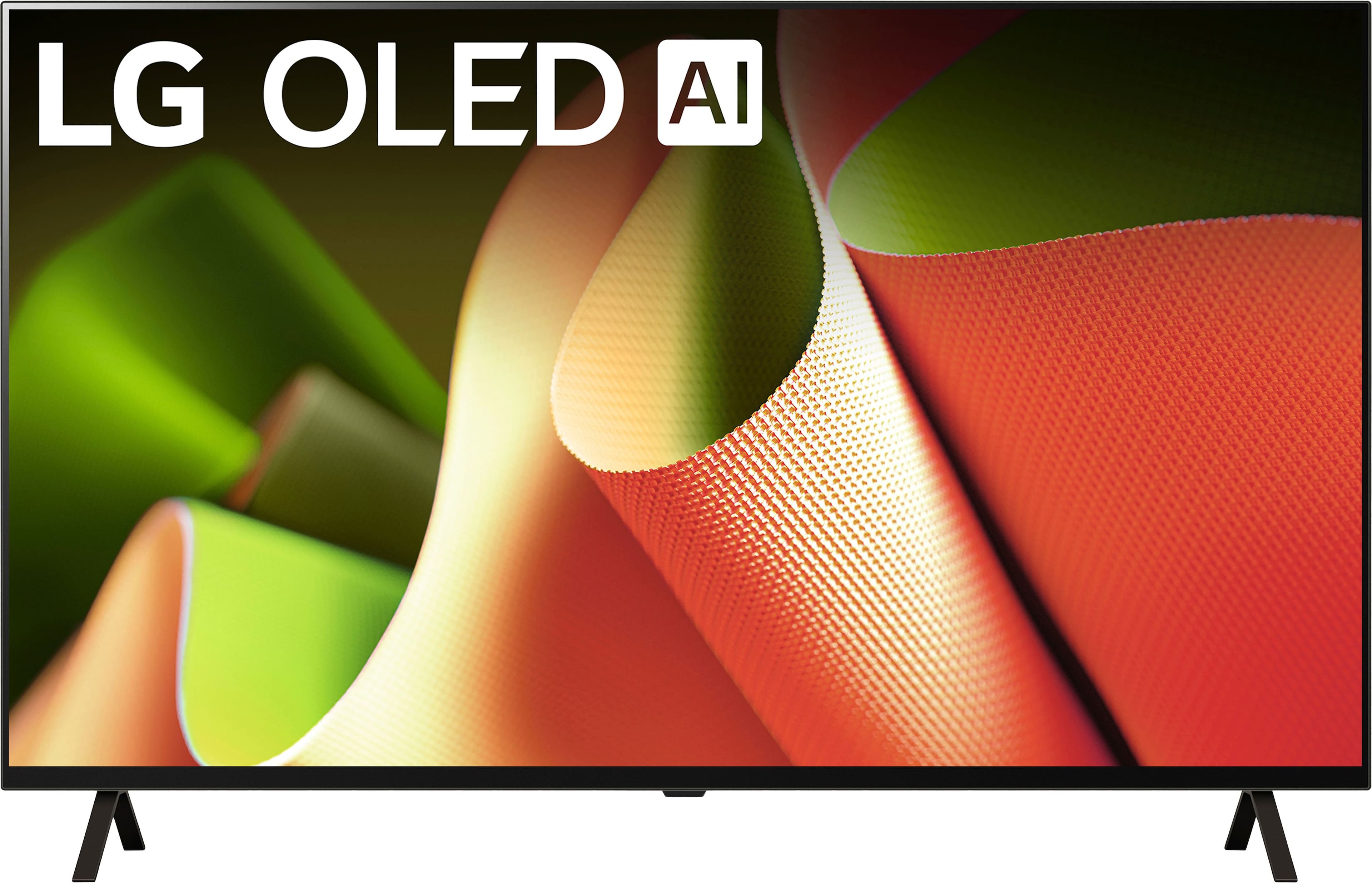
    • Answer no. It has two legs at either end.

      Answered by Thatsmekb

  • QuestionDoes set up require an internet connection?

    Asked by Anonymous.

    • Answer I don't think an internet connection is "absolutely" required. But you will need to connect if you want to use the "smart" features, and get periodic firmware updates.

      Answered by FredS

  • Questionwhich tv has the clearest 3d quality

    Asked by Anonymous.

    • Answer ?

      Answered by Skanzo

  • QuestionI just put together the 48" tv and I think the legs are on wrong. The TV is tilted forward. I'm not sure what I did wrong?

    Asked by Betsey.

    • Answer this for the 48B4 model... there is a right and left part. Look at the stand and it indicates which is right or left. The stand pieces are held in place by 2 screws but you have to slide the stand pieces slightly in to a couple of grooves. When this is done the screws provided will be aligned with the threaded holes going in to the TV. It's easy to miss but not difficult when you look at the parts closely.

      Answered by DonnG

  • Questionwill this tv require a soundbar?

    Asked by Anonymous.

    • Answer The sound works fine with this TV without a sound bar and there are several options with regard to sound quality. For instance, you can set it to lower the sound for background music and noises.

      Answered by WandaC

  • QuestionDoes it come with the needed wall mount if I pay extra for the delivery and mounting?

    Asked by Mragan.

    • Answer It did NOT come with a wall mount. You'd need to purchase this separately.

      Answered by FredS

  • Questionwhat is size of box tv comes in?

    Asked by Bill.

    • Answer The box is just slightly larger than the TV

      Answered by WandaC

  • QuestionDoes this tv give you the option of a wallpaper or a screensaver

    Asked by p28c.

    • Answer The TV does have pre-loaded screensavers, so if you walk away, after a while (you can set how long for them to come on after a certain amount of inactivity), they'll come on. I'm not 100% certain, but I believe you can upload your own photos as screensavers. I haven't looked, but I don't think you can change the background wallpaper. Before I bought mine a few weeks ago, I watched many YouTube videos about this model specifically, and mostly by professional reviewers. You could check them out for more detailed info, and perhaps leave a question in the comments box. A few got back to me pretty quickly.

      Answered by KlashNYC

  • QuestionDoes this TV allow audio output via bluetooth to a hearing aid while simultaneously outputting normal sound through the tv speakers? And, if a sound bar is attached, can audio be output simultaneously to the sound bar and hearing aid?

    Asked by mikshann.

    • Answer Hopefully, this is helpful: Yes, the LG B4 OLED TV does support Auracast. LG has confirmed that Auracast is available in their 2025 OLED TVs, including the B4 series. This feature allows for one-to-many audio broadcasting, enabling multiple users to connect headphones or hearing aids simultaneously for shared listening.
      Answered by KlashNYC

  • QuestionKg 4b oled smart webostv can you connect a ruku device to this TV

    Asked by Huebear.

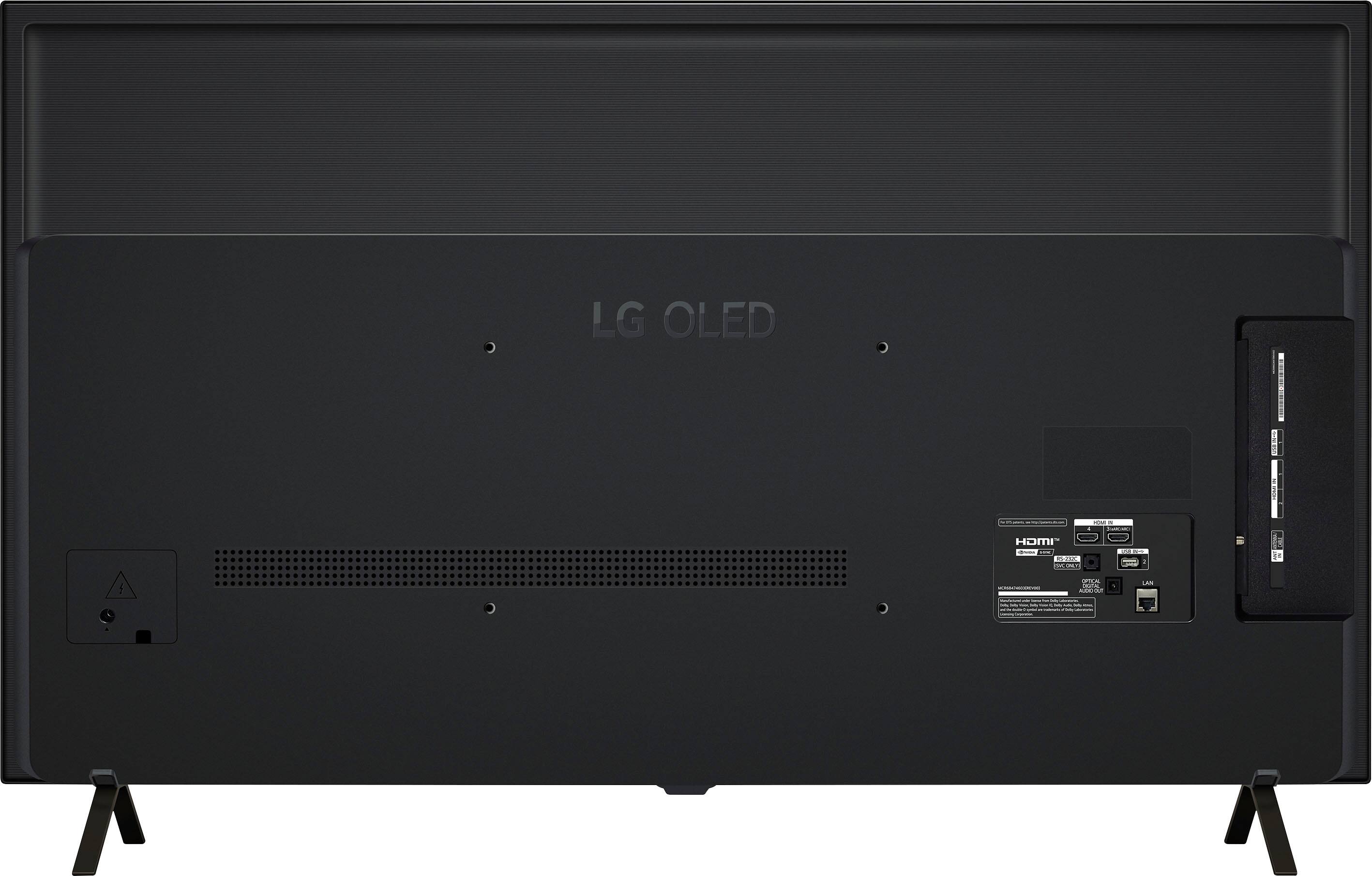
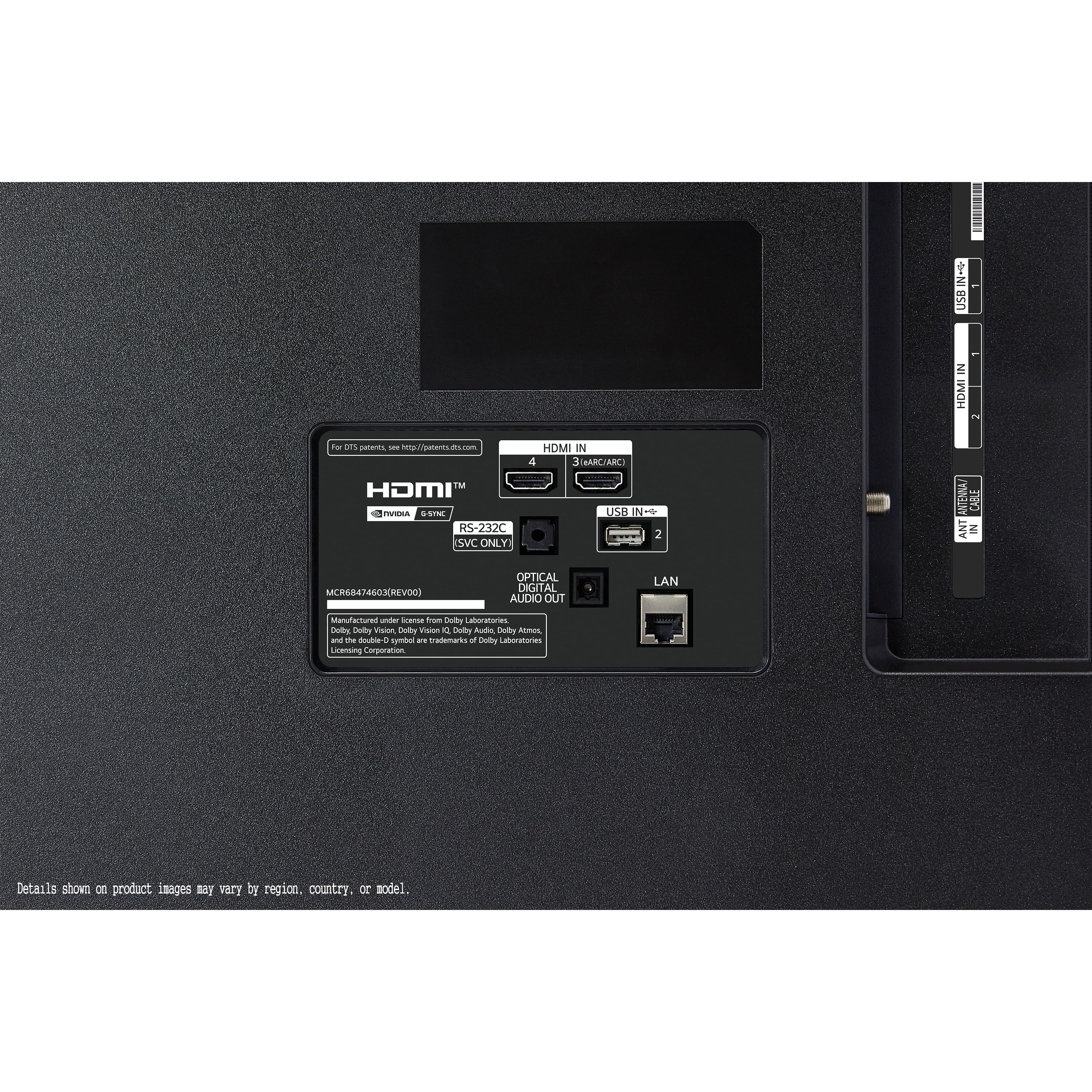
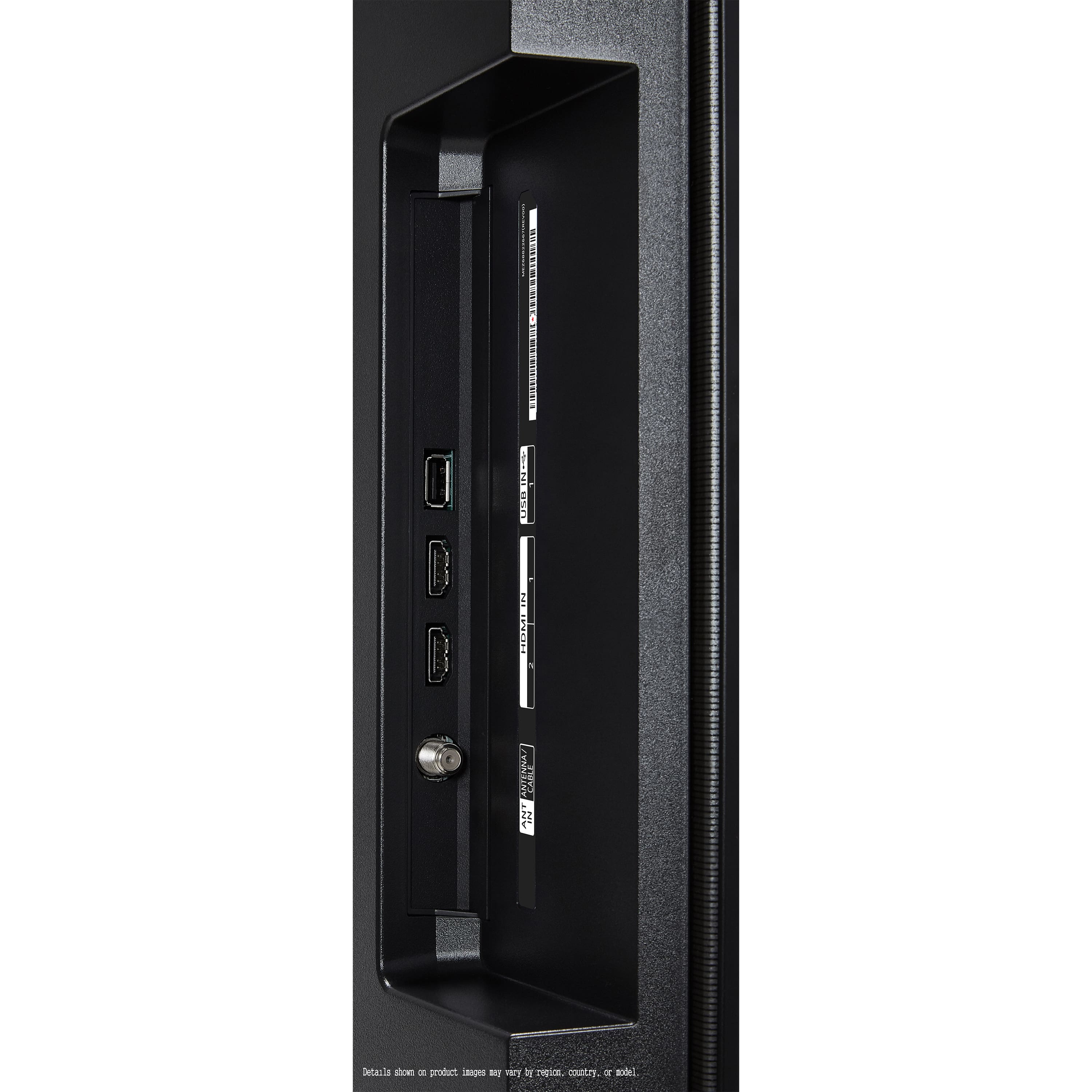
    • Answer This TV has 4 HDMI ports. You should be able to connect a Ruku device.

      Answered by FredS

  • QuestionIs this tv a good option for a bedroom? Specifically regarding adjusting lighting to make to comfortable to fall asleep and it would be nice to have background sound dampening function.

    Asked by Air.

    • Answer Perfect bedroom tv.

      Answered by TimothyH

  • QuestionDoes this TV have a PCM mode in the audio settings

    Asked by Anonymous.

    • Answer Yes, aling with other options for external speakers, like wowcast and bluetooth.

      Answered by MetB

  • QuestionWhat is the adobe colour gamut support like and does it support 99.9% P3 like most other OLEDs?

    Asked by AnonBestbuyuser.

    • Answer ?

      Answered by Skanzo

  • QuestionDoes this TV support auracast?

    Asked by Vettenut.

    • Answer Yes, the LG B4 OLED TV does support Auracast. LG has confirmed that Auracast is available in their 2025 OLED TVs, including the B4 series.

      Answered by KlashNYC

  • QuestionWhat is the backlit configuration?

    Asked by Backlit.

    • Answer No backlight on oled

      Answered by TVguy

  • QuestionDoes this support Google Assistant?

    Asked by Klin.

    • Answer Yes. Google Assistant is built into its operating system.

      Answered by KlashNYC

  • QuestionHi, does this tv have anti reflective screen or adaptive screen for bright light viewing

    Asked by Shirley.

    • Answer ?

      Answered by Skanzo

  • QuestionCan I connect 2 headphones via Bluetooth and listen at the same time?

    Asked by DB.

    • Answer Hello there! We understand your inquiry about connecting two Bluetooth headphones simultaneously to your LG OLED48B4PUA. The OLED48B4PUA is equipped with Bluetooth 5.1, which allows you to pair wireless audio devices such as headphones, soundbars, or speakers. However, this model—like most LG TVs—only supports streaming audio to one Bluetooth device at a time. That said, here’s a quick troubleshooting step to make sure your headphones pair and work correctly: Update Your TV’s Firmware: Before pairing any Bluetooth device, please go to Settings > All Settings > Support > Software Update > Check for Updates. Ensuring your TV is running the latest webOS version can help maintain optimal connectivity. Pairing Your Headphones: Put your primary Bluetooth headphones into pairing mode. On the TV, navigate to Settings > All Settings > Sound > Sound Out > Bluetooth Device List. The TV will scan for nearby devices—select your headphone model when it appears. Once it’s connected, you should hear audio through them. Verifying Single-Device Limit: If you try to pair a second set of headphones using the same steps, you’ll notice that the TV will prompt you to disconnect the first set before connecting another. This is because the OLED48B4PUA does not support dual headphone streaming natively. If you need both listeners to hear audio at once, you can: Use a Bluetooth audio splitter (third-party accessory) plugged into the TV’s Optical (Toslink) audio output or 3.5 mm headphone jack (via adapter). That splitter duplicates the audio signal to two Bluetooth headphones. Alternatively, consider using two pairs of wireless headphones that support a shared connection feature (some headphone brands offer a “Dual Connect” mode through their own app), but this functionality is controlled by the headphone manufacturer rather than the TV itself. If you choose to try a Bluetooth audio splitter, make sure it’s compatible with optical or 3.5 mm outputs and supports low-latency codecs if you’re concerned about audio lag—this can help maintain proper lip-sync with video. https://www.bestbuy.com/site/lg-48-class-b4-series-oled-4k-uhd-smart-webos-tv-2024/6584787.p?skuId=6584787 Should you require further assistance selecting the right accessory or setting up either a splitter or dual-connect headphones, please send us a private message on social media @LGUSSupport. Our team can help verify which external adapters are compatible or suggest other solutions to achieve simultaneous audio for two viewers. We appreciate your patience and look forward to helping you enjoy your OLED48B4PUA to its fullest. —Renzo

      Answered by LG Digital Customer Care

  • QuestionDoes the TV have display port inputs?

    Asked by GabrielD.

    • Answer Hi there! We understand your inquiry about the 48″ Class B4 Series OLED 4K UHD Smart webOS TV (Model OLED48B4PUA) and its connectivity options. This model comes equipped with 4 HDMI 2.1 inputs but does not include a native DisplayPort connection. If you’d like to hook up a device that only offers DisplayPort output, you can use a DisplayPort-to-HDMI adapter—just make sure it supports the resolution and refresh rate you need (for example, 4K at 60 Hz or 120 Hz). Troubleshooting Step: Connect your DisplayPort source to the adapter, then plug the HDMI end into one of the TV’s HDMI 2.1 ports. Power on both devices, press the Input button on your Magic Remote, and select the corresponding HDMI port. If you don’t see a picture, open Settings > All Settings > Picture > HDMI Input Settings and confirm HDMI Ultra HD Deep Color is turned On for that port to ensure full bandwidth. https://www.bestbuy.com/site/lg-48-class-b4-series-oled-4k-uhd-smart-webos-tv-2024/6584787.p?skuId=6584787 If you have any questions setting up your adapter or want to explore other connectivity solutions, please send us a private message on social media @LGUSSupport, and our team will be more than happy to assist you further. We appreciate your patience and look forward to helping you enjoy your new LG OLED TV’s stunning visuals! —Renzo

      Answered by LG Digital Customer Care