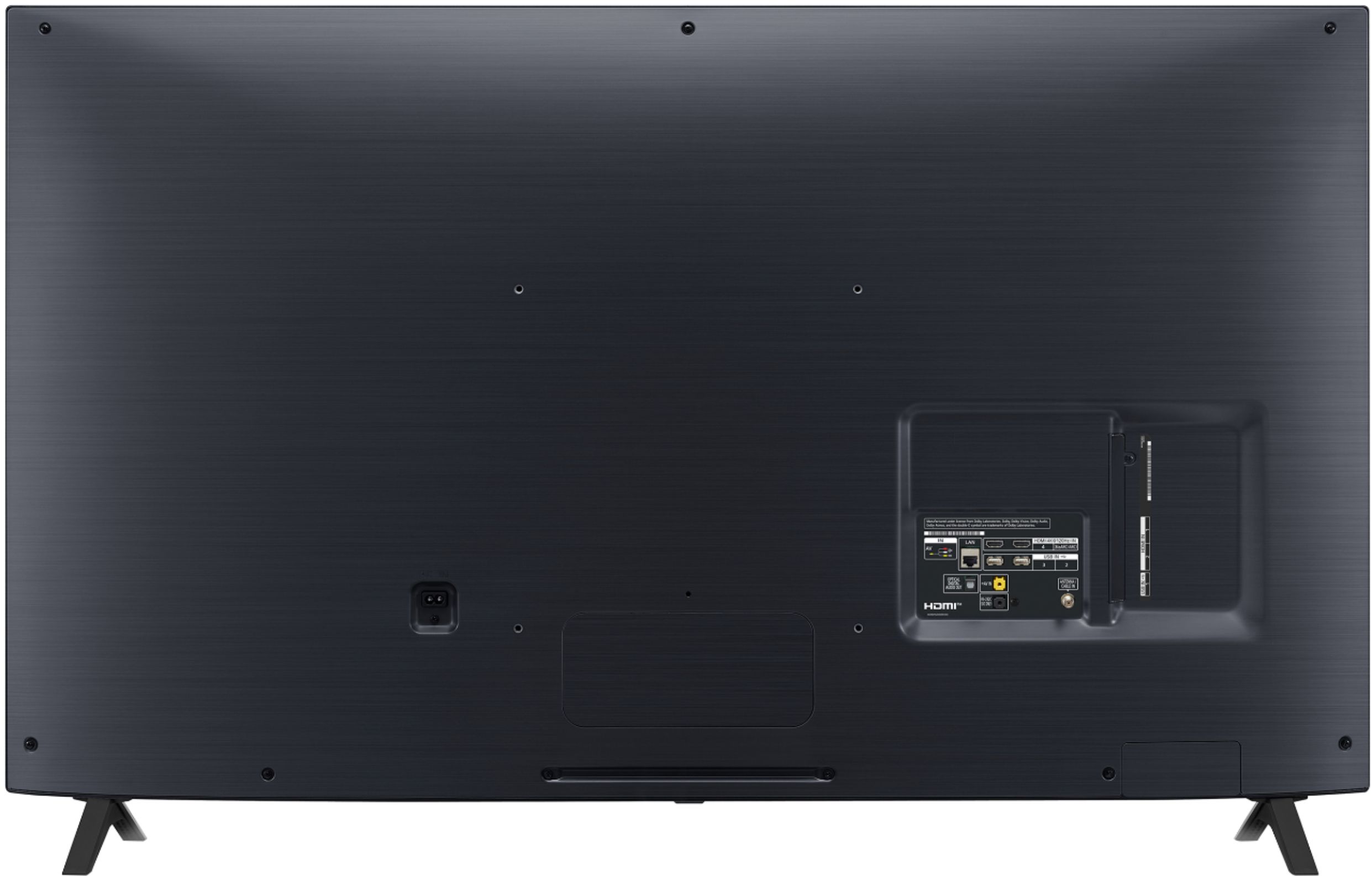
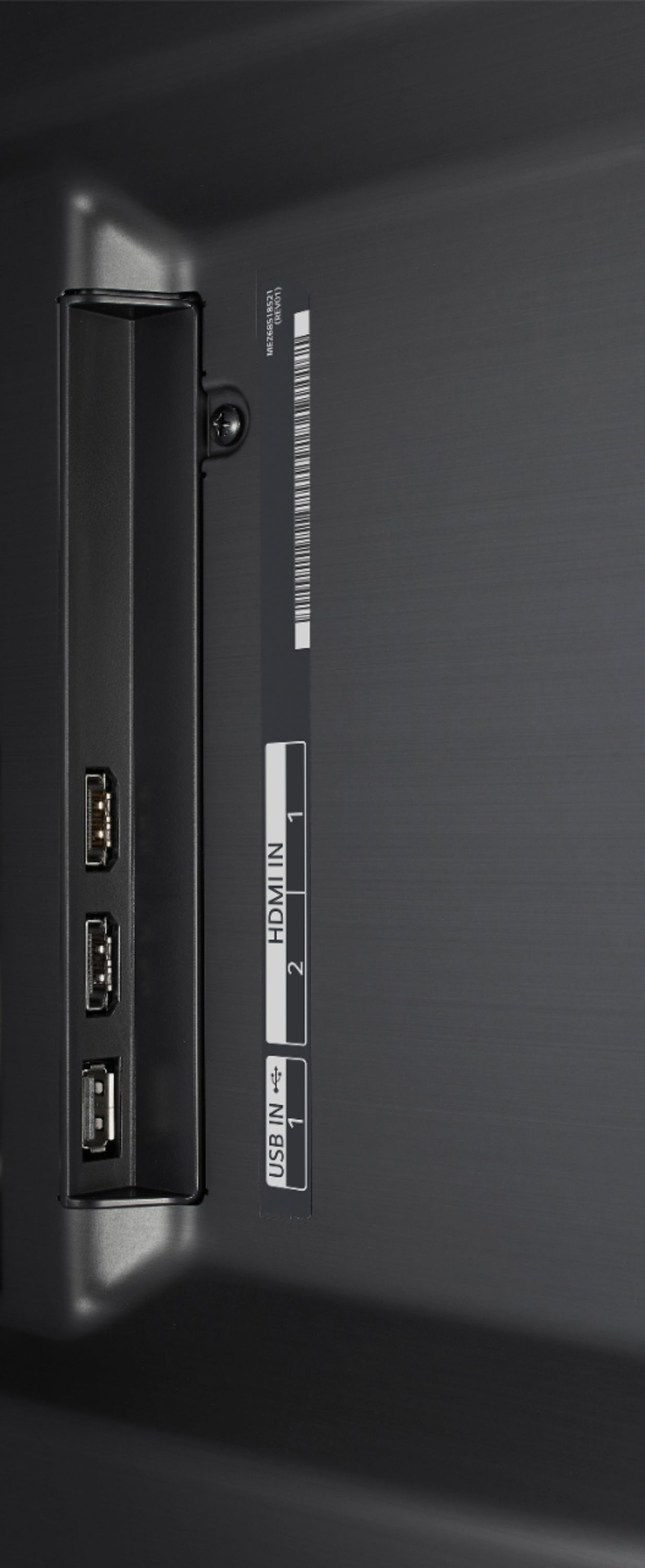
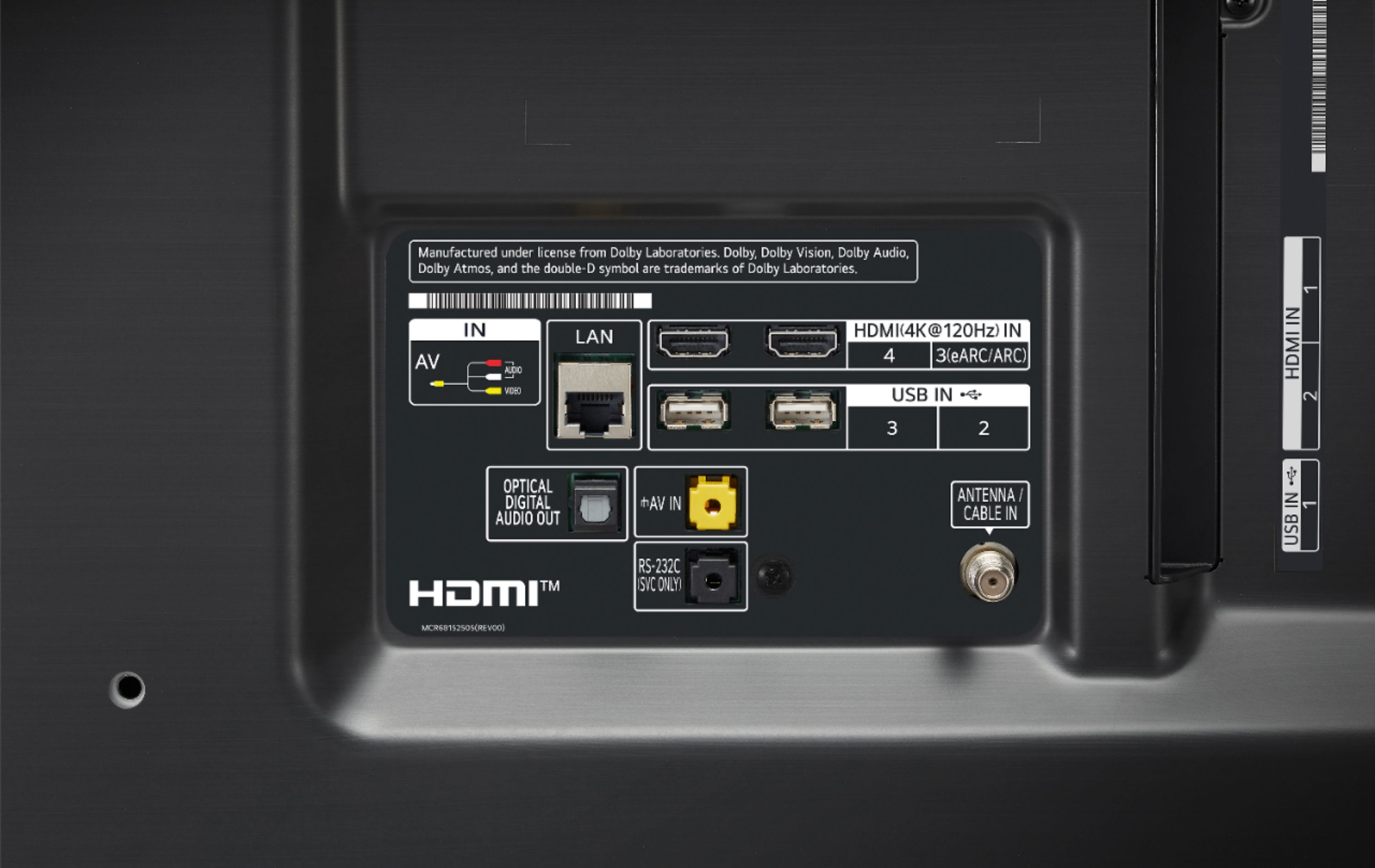
A:AnswerThis TV has a rear connection for RF Connection Input (Antenna/Cable). You can connect Bluetooth headphone and still get audio from the TV internal speakers. The audio will need to be set for Bluetooth + internal TV speakers. ^Daphane
A:AnswerThe LG Nano has a refresh rate of 120HZ which is twice the motion refresh rate for standard televisions. I own two new LG Nano TV's 65' and 49' and have enjoyed baseball, football & basketball with amazing color and clarity. You will have no motion issues with sports of gaming. Suggest a picture setting to "VIVID" and enjoy!
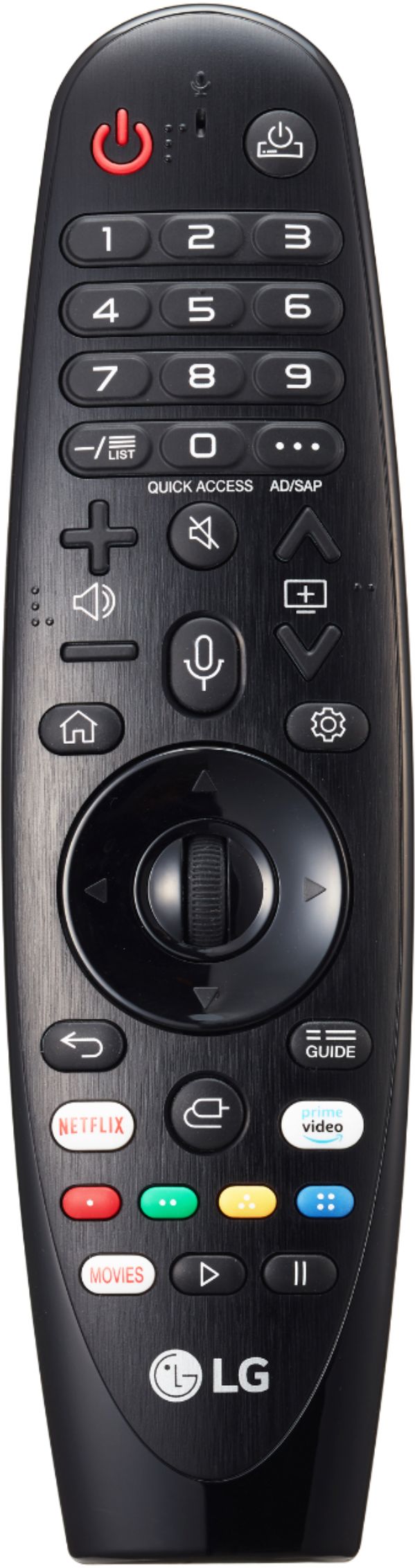
A:AnswerNeither Acorn TV nor PBS are available for download and installation on the LG NanoCell 85 Series 2020 49 inch Class 4K Smart UHD NanoCell TV w/ AI ThinQ® (48.5'' Diag), Model # 49NONA85UNA. There are many ways to watch Acorn TV or OBS on the TV. You can log in to your Acorn TV account from any other compatible device, including Roku, Amazon Fire TV, and via web at www.acorn.tv. The TV has a Full Web Browser. The Amazon Prime Video app is a preinstalled app on the TV and you can subscribe to Acorn TV (or BritBox) through Amazon Prime Video. It gives you all the great Acorn TV shows, except instead of viewing them through the Acorn TV app, you watch them through the Amazon app on the TV. You can can always watch those Acorn TV shows on a laptop or desktop computer by simply going to the Amazon website after you have connected your laptop or PC to the TV. Amazon maintains a list of British TV shows on Amazon Prime. It's also important to mention that if you want to subscribe to Acorn TV (or BritBox) through Amazon, an Amazon Prime or Prime Video account is a prerequisite. If you already have a Prime/Prime Video account, that's no big deal. If you have an Amazon Prime subscription and you don't take advantage of the free (with membership) videos it offers, you're overlooking a quality source of British TV shows. It may not be as comprehensive or easy to navigate as Acorn or BritBox, but it does have a lot of programming you won't find on either. They currently have compiled a list of over 360 British programs free with Amazon Prime. It also gives you access to Amazon Channels, which allows you to use your Amazon account to subscribe to more British-heavy channels like BritBox, Acorn, PBS Masterpiece, and more. The PBS video app is available free of charge on Amazon Fire, Roku, Amazon Fire TV, and Apple TV, which can all be connected to the TV. Current Amazon Prime subscribers can purchase a subscription to any of the PBS-branded on-demand channels directly on Amazon.com or their Amazon device (Fire tablet and Fire TV). PBS Masterpiece, PBS Documentaries and PBS KIDS can be found exclusively on Amazon. Apple TV is a preinstalled app on the TV and PBS Living is also available for subscription directly from Apple TV Channels in the Apple TV app. You can also use the AirPlay 2 on the TV to stream through the PBS Video app which is free on devices...^IFV
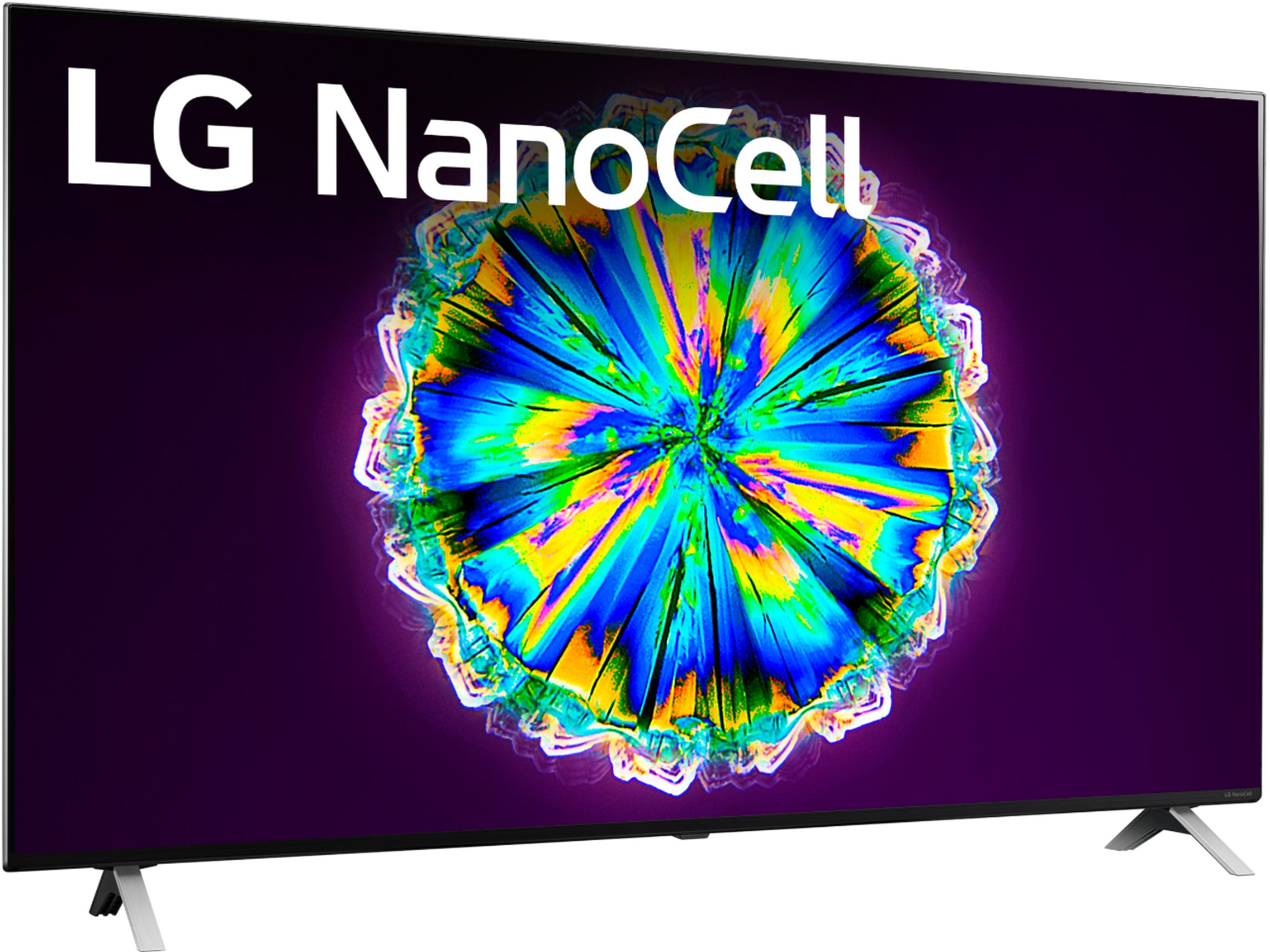
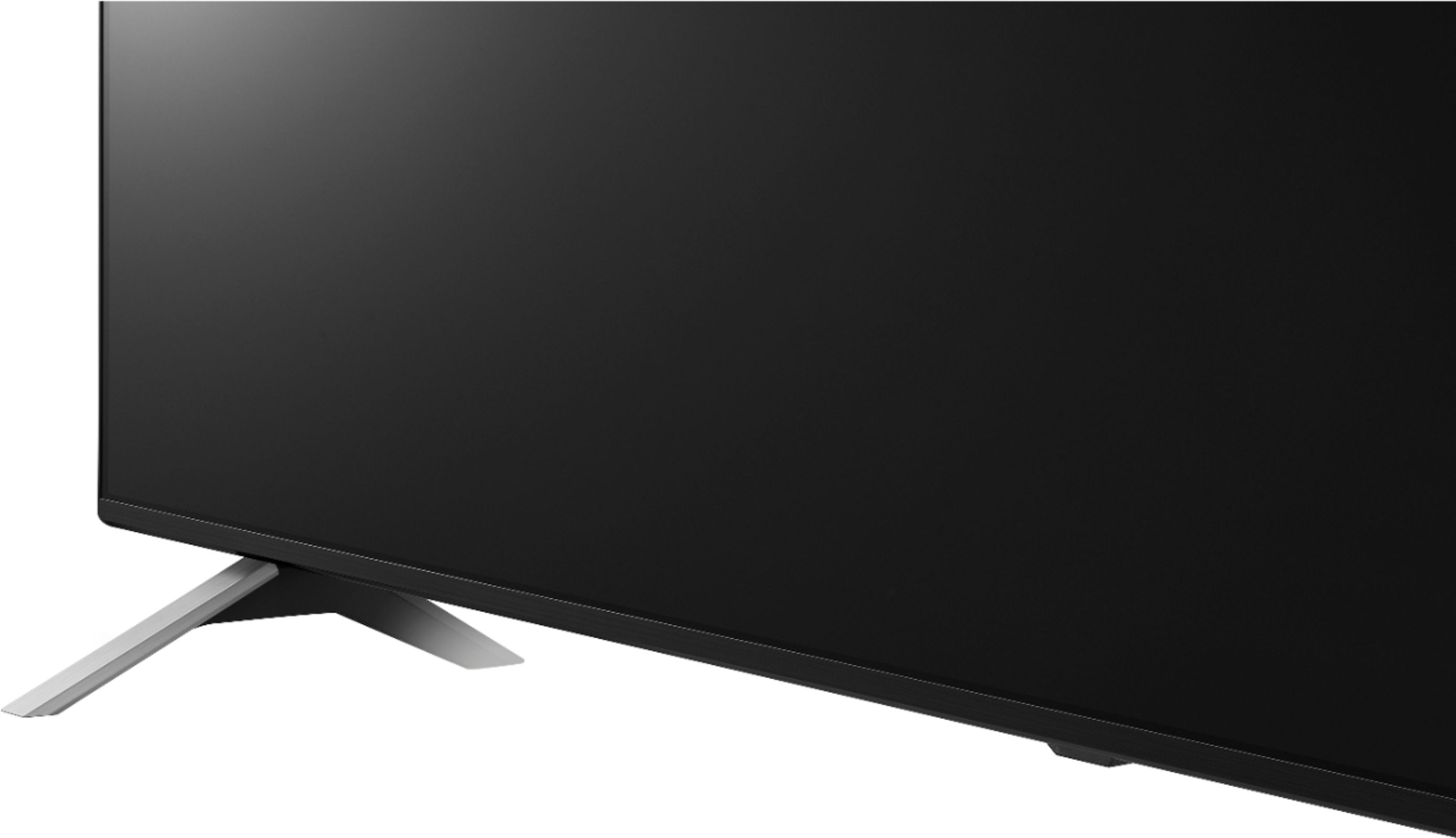
A:AnswerIt only comes with legs but we found a great selection of bases/mounts on-line (including floor mount and table-top mount swivel bases). The TV has "standard" mounting holes in the back.
A:AnswerIn my opinion it looked great but sorta like any other tv because I only watch anime lol , but my father was looking a a new show alien worlds on Netflix and wow looks stunning
A:AnswerThis tv has two ports for 120fps and there is VRR not sure of the input lag but it’s very low one of the reasons I bought it plus the 120fps....check out rrtings.com for lag info
A:AnswerESPN/ESPN+ are not currently available on our webOS platform. However, we are continuously working to add the latest streaming applications. At this time we cannot provide a concrete timeline as to when it may be available. In the meantime, our webOS platform offers over 600 apps including streaming content and games - including over 180 free streaming channels via the LG Channels app. For a complete listing of available apps, please visit https://us.lgappstv.com/main/tvapp. ^Daphane