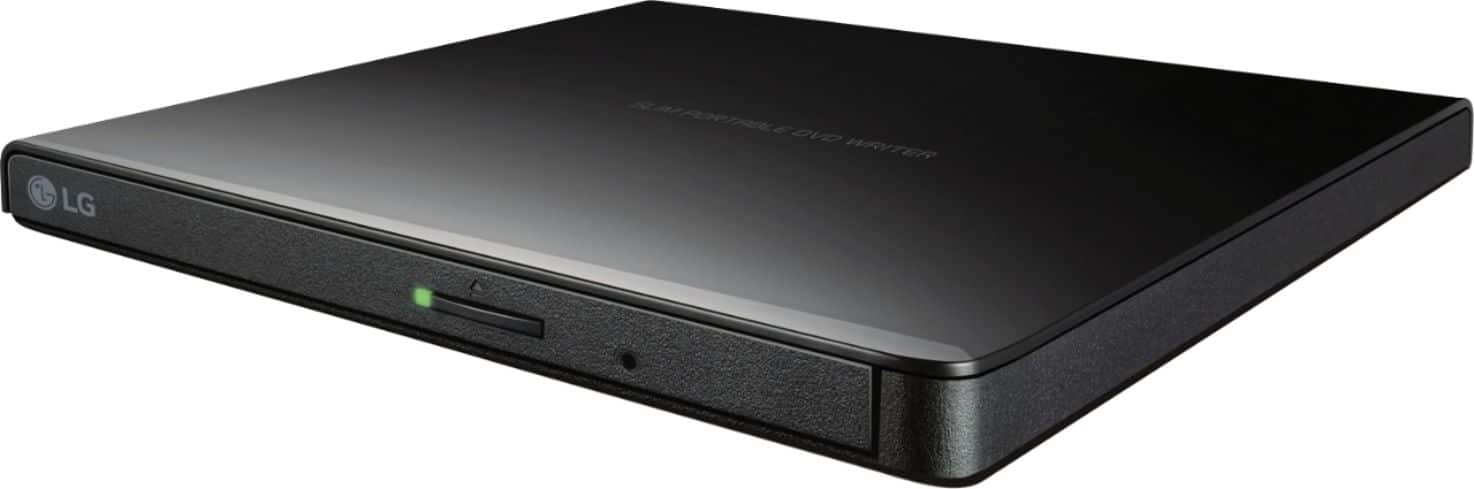
A:AnswerThis drive is compatible with the following operating systems: Windows 8.1, Windows 8, Windows 7, Windows Vista, Windows XP, Windows Server 2008, Windows Server 2003, Mac OS X(10.7.5). It is able to both read and write CD's and DVD's. If you're in need of some guidance with using your disc drive, please give us a call at 800-243-0000 so a specialist can help out. ^CP
A:AnswerThis drive is compatible with the following operating systems: Windows 8.1, Windows 8, Windows 7, Windows Vista, Windows XP, Windows Server 2008, Windows Server 2003, Mac OS X(10.7.5). If you're in need of some guidance with using your disc drive, please give us a call at 800-243-0000 so a specialist can help out. ^CP
A:AnswerIf you mean to pay (Charge) no you don't. If you mean do you have to charge it, NO. It is a USB connection to you computer, it gets it's power from the computer.
A:AnswerThe LG Ultra-Slim Portable DVD Burner & Drive with M-DISC™ Support, Model # GP65NB60 supports reading and writing to DVD±RW, DVD±R, DVD±R (DL), DVD-RAM, CD-R, CD-RW, CD-ROM and CD-DA media discs. If either your mini CDs or mini DVDs are in those formats, you will be able to read and wrote to them. However, the tray in the drive does not support mini discs unless you can find an adapter ring that allows you to place them securely in the tray that only accepts standard 5" discs...^IFV
A:AnswerHello Anonymous,
The LG Ultra Slim Portable DVD Writer should be a plug and play device. Therefore, this item should be compatible with the Chrome OS.
Read more here: https://productforums.google.com/forum/#!topic/chromebook-central/kZlFRVMfAUs;context-place=topicsearchin/chromebook-central/portable$20dvd
Perhaps others can help confirm this as well!
Sincerely,
Brian