A:AnswerHey thanks for the reply, I did not return mine, I figured out that in my case it was something to do with when HDR mode was turned on and after several long hours of use the OSD button becomes unresponsive. If you have the same problem try to toggle off the "use the HDR" setting under display settings, if you turned off the HDR mode seems the OSD button works fine without any issues, I've tested it out and left the monitor on for a couple of days. Overall it was a great IPS monitor and actually was my first IPS panel, hopefully, everything lasts well as time goes on.
A:AnswerI think it comes down to preference for colors, I typically like to tone my colors down. One important thing to note is to keep it on fast response setting and NOT fastest. Fastest actually creates some weird reverse ghosting effect when used with a PS5.
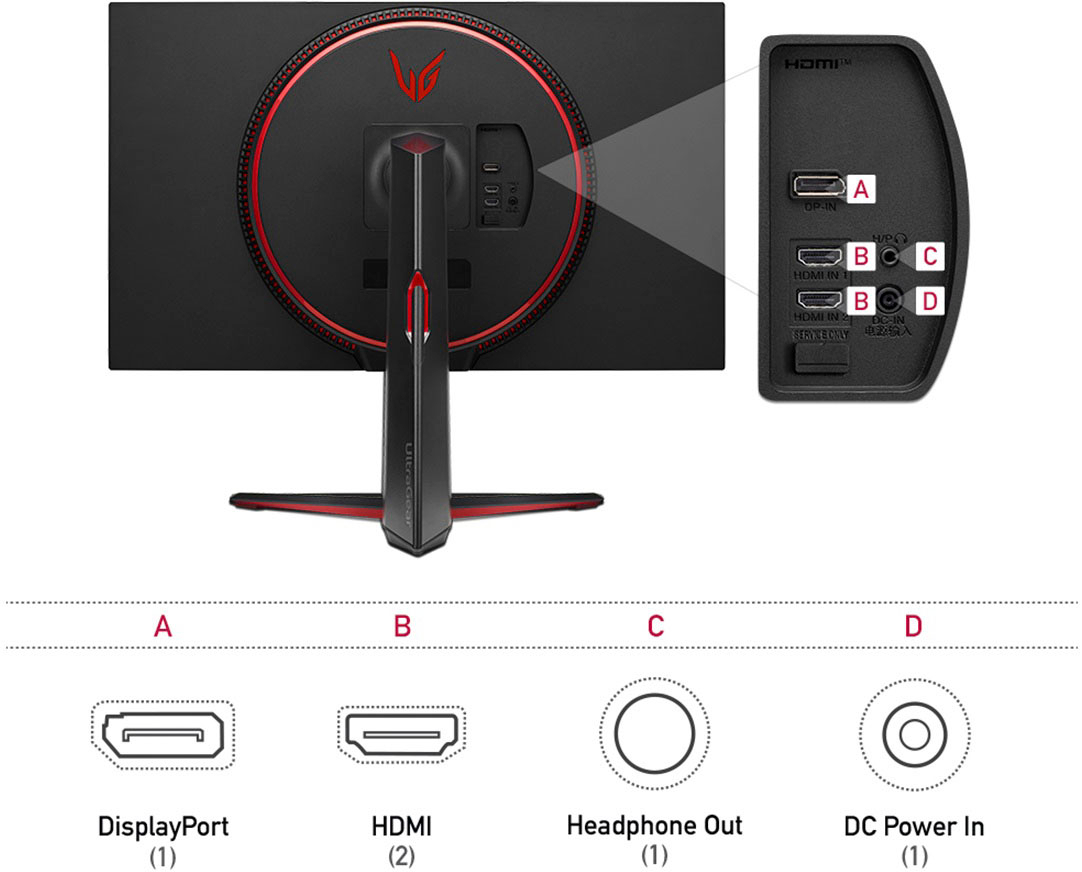
A:AnswerYes, the monitor will support 2560 x 1440 with a vertical frequency of 120z with Free Sync. This monitor does not have HDMI 2.1 and will not support 4K@120Hz. ^Daphane
A:AnswerThis monitor has On Screen Control (OSC) for PIP but not a dual controller feature for PBP. Maximum resolution is 3840 x 2160 @ 60Hz (HDMI)/ 2560 x 1440 @ 165Hz (DisplayPort). ^Daphane
A:AnswerI tried a sound bar, but found it to be too bulky. Then I found a compact sound bar that Bose makes—it’s Bluetooth and works great as my speaker.
A:AnswerMonitor 32GP83B-B has a recommended resolution of 2560 x 1440 @ 144Hz (HDMI) or 2560 x 1440 @ 165Hz (DisplayPort). At a resolution of 2560 x 1440 it should offer 120HZ. This monitor does not have HDMI 2.1 and will not support 4K@120Hz. Please reach out to our technical support team via private message on Facebook @LGUSSupport and use #VOC in your first message to our social media support team or call at 800-243-0000. Also, be sure to provide your contact information, model/serial numbers and date of purchase. ^Daphane
A:AnswerPlease reach out to our support team on Facebook at @LGUSSupport and use #VOC in your first message to our social media support team. Please be sure to provide your name, phone number, address, email, model/serial numbers, and date of purchase and we will be happy to assist you. There are policies and procedures in place to ensure resolutions are consistent and fair. I am confident that we will work to provide an agreeable resolution.^Venette
A:AnswerIf you're using this for a PC, you can go to LG's site and download the manual and the On Screen Control Program that will let you easily change settings using your mouse.
https://www.lg.com/us/support/product/lg-32GP850-B.AUS
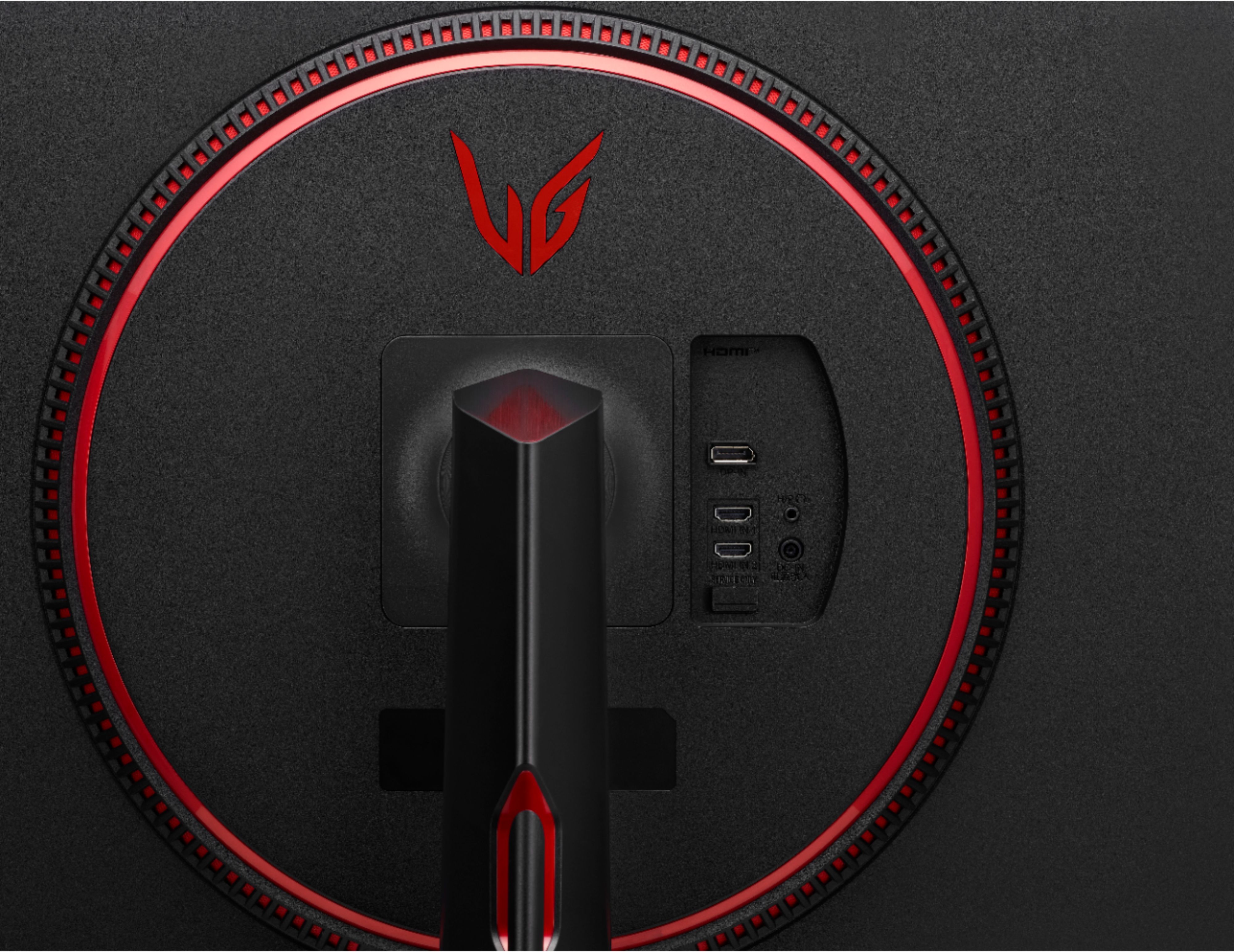
A:AnswerFor monitor 32GP83B-B, the Display Port offers a higher resolution. The recommended resolution is 2560 x 1440 @ 165 Hz (DisplayPort). A standard Display Port cable will work for any Display Port configuration including the new capabilities enabled by Display Port 1.2- 4K and multi-stream capabilities. All standard Display Port cables support RBR, HBR (High Bit Rate), and HBR2 (High Bit Rate 2), which can support 4K at 60Hz, or up to four 1080p displays using multi-stream. ^Daphane