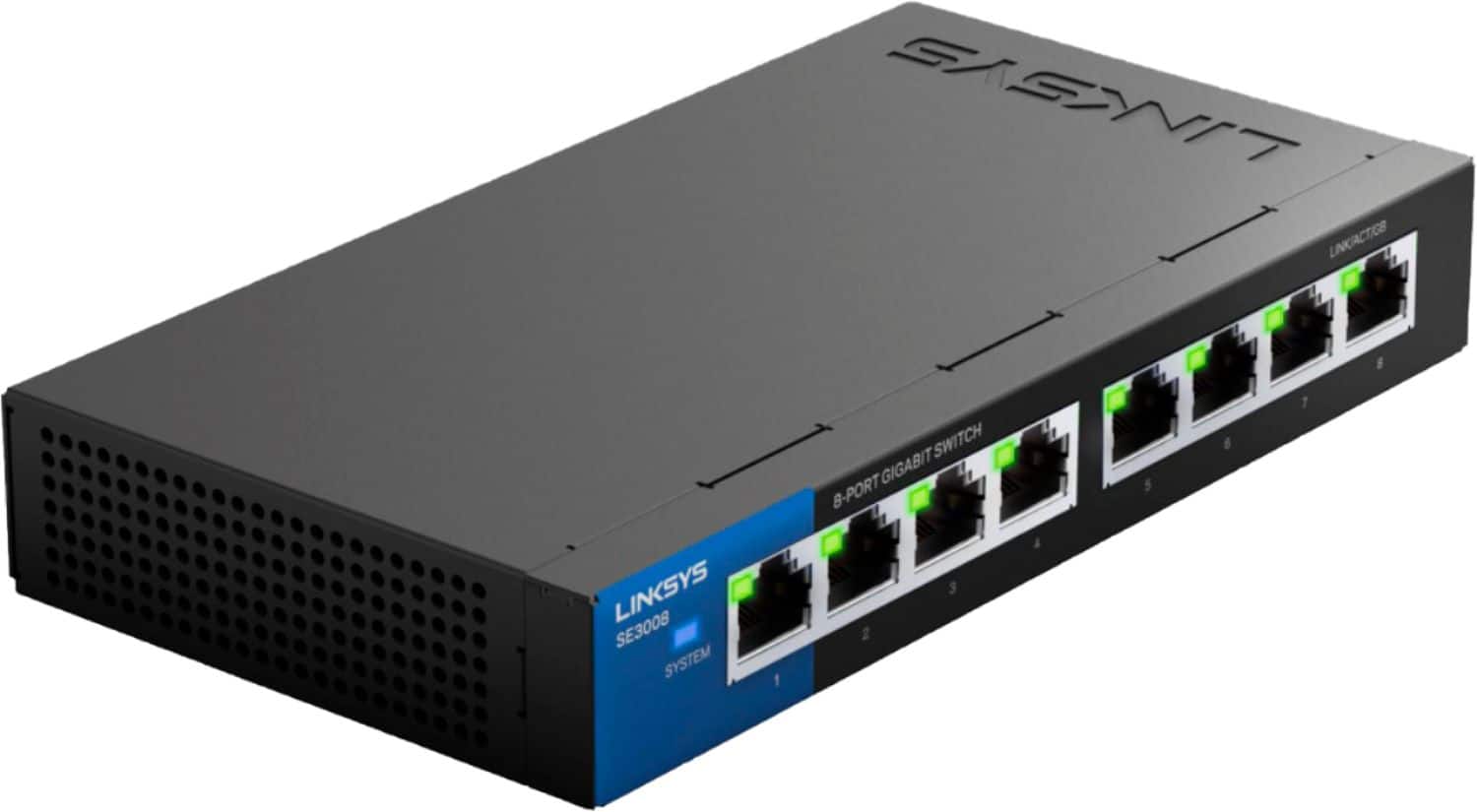
A:Answerit's a switch, an UNMANAGED switch. There is NO login! It is just additional ports for your network to plug in more devices. It doesn't have an IP address or any management at all.
A:Answeryes, can be "stacked". Keep in mind that you will loose 1 port on each switch by connecting them with a patch cord to each other, or another router/switch
A:AnswerStarlink provides a router as the Wide Area Network/WAN Default Gateway/DFGW for your Local Area Network/LAN. The Linksys Gigabit switch is your LAN backbone. So "Yes" you can just plug the LAS side of the Starlink port to the LinkSys Switch. Remember Copper cabling has a max run of 100m (328ft). if your buildings are farther away, you need to use Single Mode Fiber/SMF. SMF max range is 20mi. to do this you will need a switch that has Small Form Pluggable/SMF ports. Then procure a SMF/LC module at each end with LX optics to support 1G transmission (~$50). Good Luck
A:AnswerNo, a switch is a Layer2 802.3 device to distribute the ethernet signal in your network allowing the user to "daisy-chain" the together or to expand the number of switch ports from your providers gateway (Router) device.
A router is a Layer3 store/forward device designed to connect networks together, it acts like a "gateway" between your network and the ISP's network. Most home routers also provide non-routable IP address via DHCP server, Firewall services to hide your IP addresses, and connect your network to the ISP DNS name server.
While you can use a switch without a router. to connect all your local devices, without a "gateway" / router your traffic will never leave your network. - Ich bin ein IT nerd
A:AnswerThese ports at 1G Copper RJ45, you will need a switch that supports 2.5G. With that said 2.5G is an interim port speed, better off going straight to 10G Copper RJ45. You can find low cost 8-Port 10G switch for ~$500. Single Mode Fiber/SMF is Layer1, you can run anything over that, even 10M Ethernet. SMF infrastructure was developed to suppress electrical interference, and longer cable runs, as copper is limited to 300F. SMF is limited to 40km.
A:Answerthis is an unmanaged switch, but you can try to connect your device and from a cmd prompt type arp-a to retrieve all MAC address on the network. if you are the only one on the network the response would be the MAC address of the port, then repeat the process for each port. Alternatively, you could use naggios or solarwinds to map your network.
A:AnswerThe device can handle up to 1GB speeds. It will not slow anything down by itself. The limiting factor is usually the amount of traffic over the internet, where everything has to fight for room in the stream, and often residential customers have to fight with each other for the same thing because ISP's allocate a certain amount of bandwidth to an AREA, not to each user, so if the allocation is 100 GB to the area, and 100 people want 5 each, there is a traffic jam and everyone gets to go slower. Mid-day or late night available bandwidth is usually the best.
A:AnswersiYes, the EA-9500 is a WIFI device with switch ports, simply plug this device into one of the ports (not port1) to expand the ethernet ports available to the 9500