A:AnswerHave iPads, iPhones, Watch, TV and HomePod. Have an Ecobee thermostat and a couple of Wemo devices which keep switching all things apple to 2.4ghz 802.11b. Only problem is I live in a five story apartment complex with congestion that drags down the iPads. I added a second router to get a second WiFi, Netgear R6230. Set the R6230 to router Bypass mode, put the Wemo and Ecobee on that.
IPhone/iPad stays on the Linksys. Linksys assigns NAT addresses to Wifi devices connected to the NG R6230. Works great. iPhones/pads stay on 802.11a at 5ghz. No problems.
A:AnswerHi, George. If the devices that are having issues support WiFi 6, then the E7350 WiFi 6 router might help. However, we cannot guarantee it as we have no idea what’s causing the challenge. Also, the mesh extenders won’t work with the E7350 as it doesn’t support mesh.
Moreover, we’d like to have our Escalation Engineers lend you a hand instead, so they can help you investigate. Just send us an email at LinksysCares@linksys.com with a link to this post as a reference.
A:AnswerHi. We currently don’t have available plain modem on our website, but, we do have several routers available. Check them out from here: https://www.linksys.com/us/c/wireless-routers/
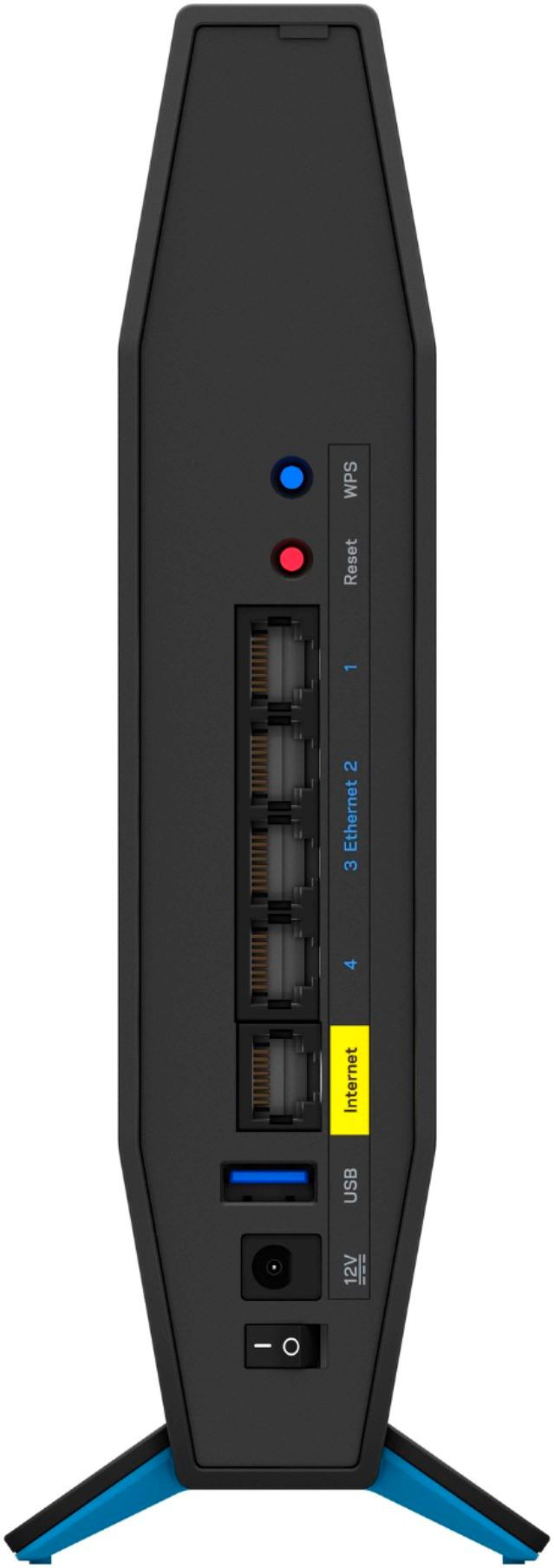
Also, since you only want to use Ethernet connection, you might want to use a network switch too: https://www.linksys.com/us/c/network-switches/?sort=newArrivals&q=%3AsortByProductRank#
A:AnswerHi, Brian. The router supports up to 600Mbps for the 2.4GHz and up to 1200Mbps for the 5GHz. If your internet subscription is over 400Mbps, then the WiFi speed will definitely improve.
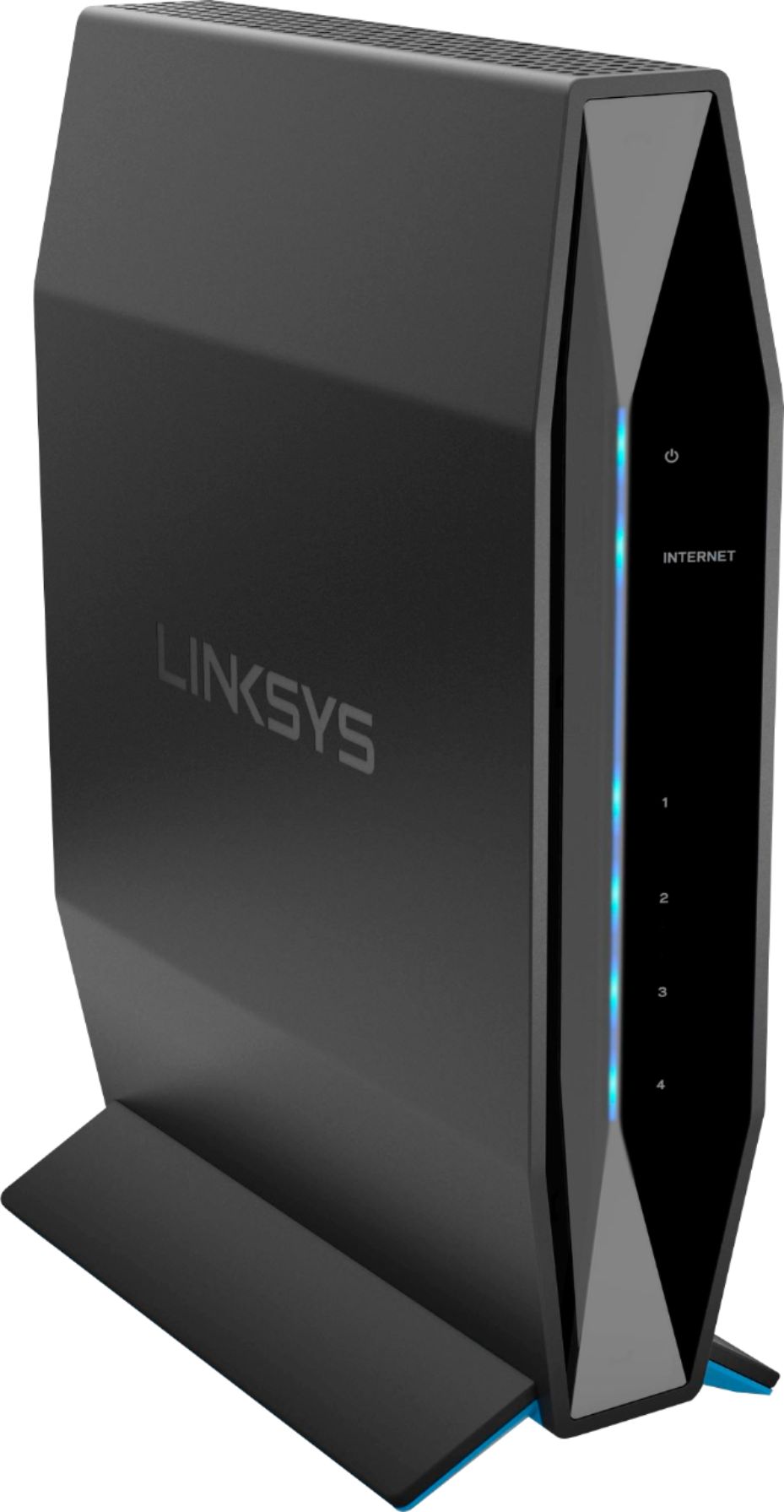
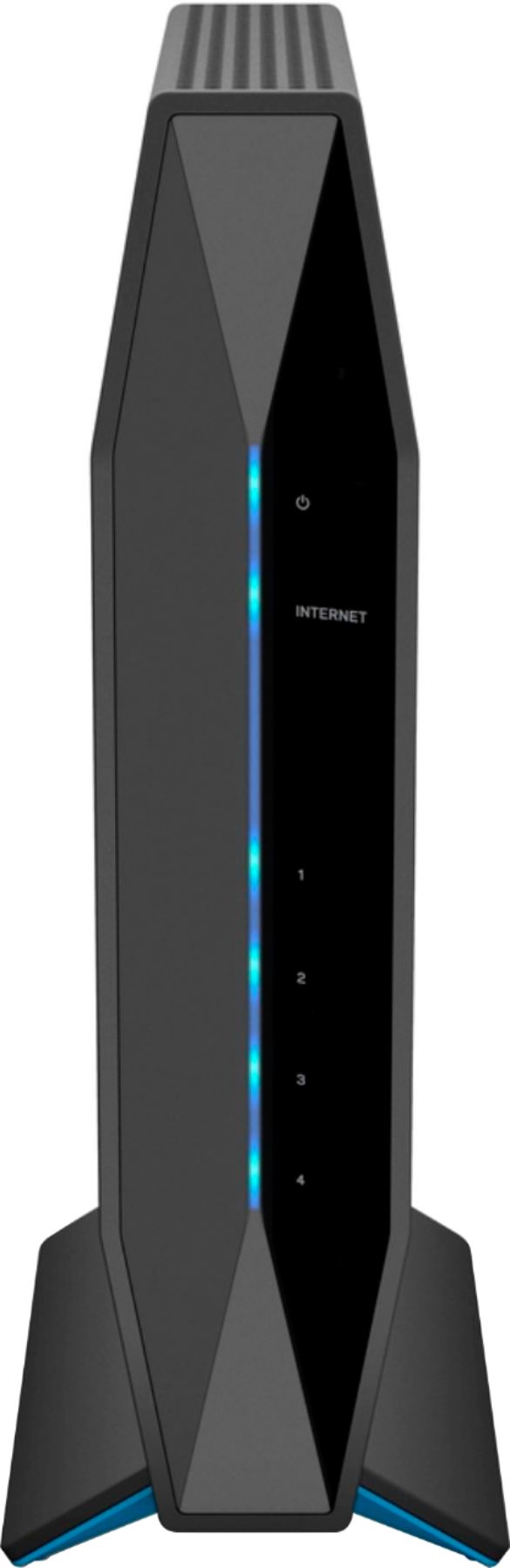
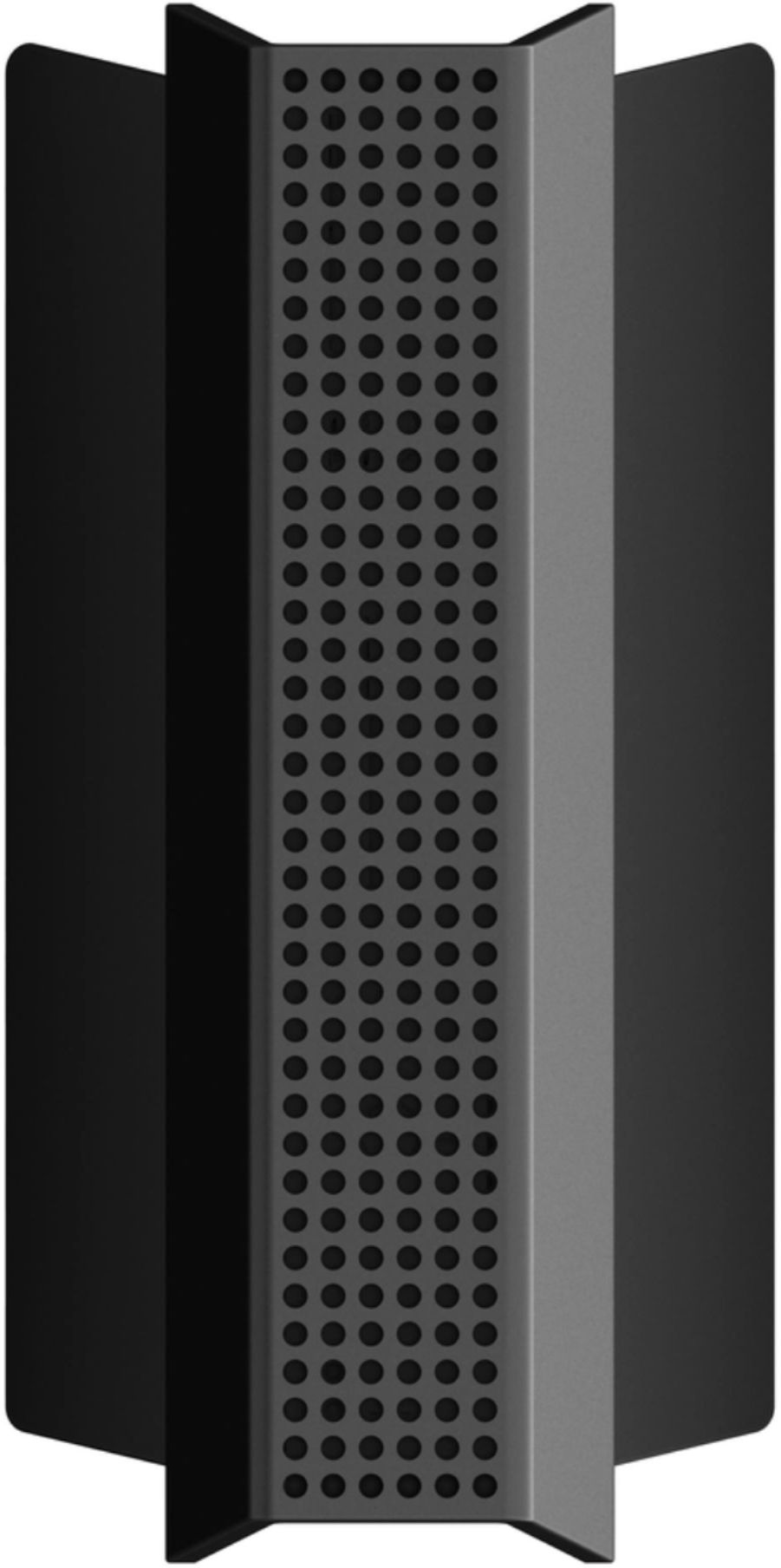
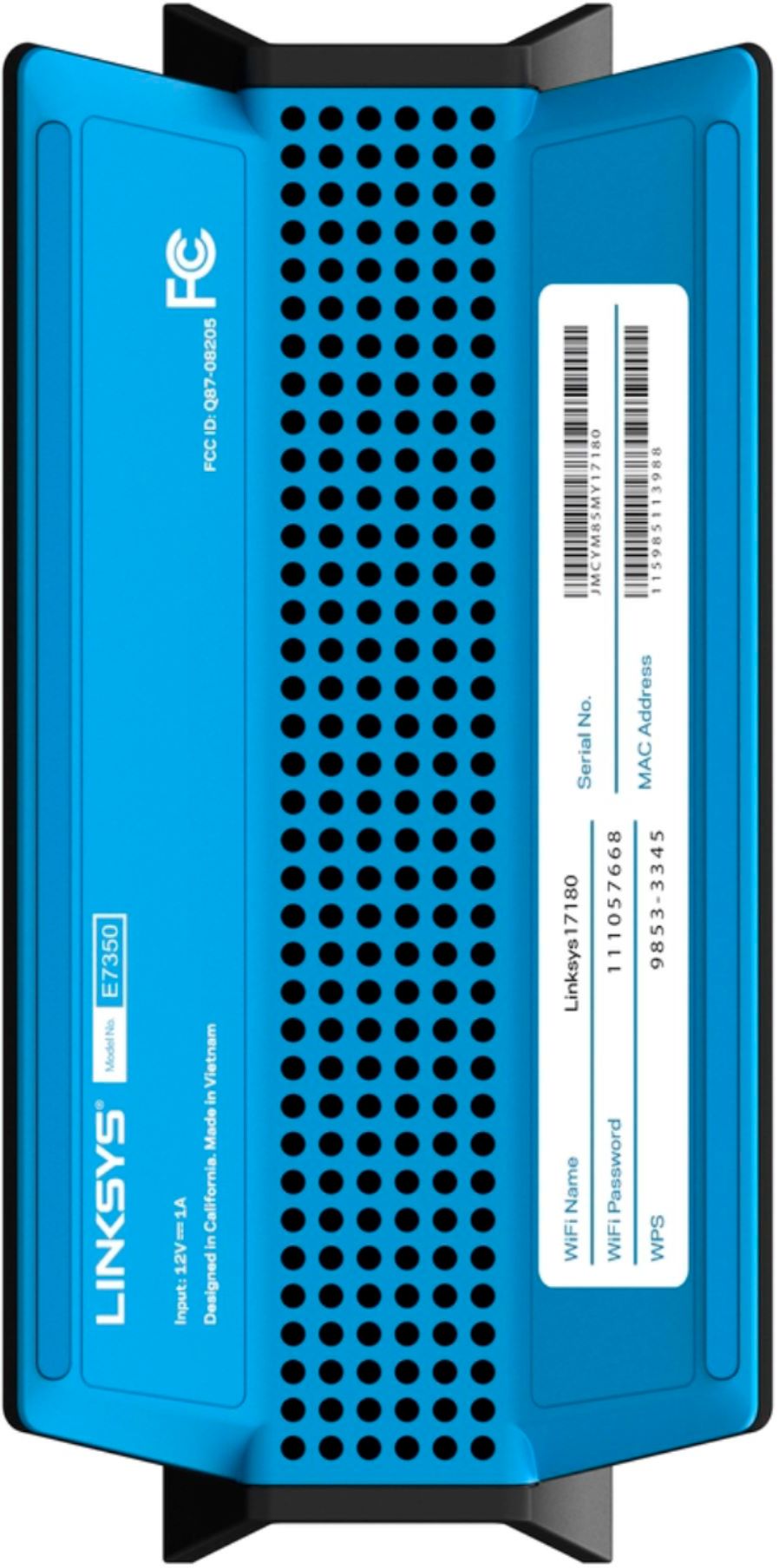
A:AnswerHi, YannaaGzz. The Linksys E7350 WiFi 6 Router covers up to 1,500 square feet and speeds up to 1200 Mbps (5GHz) + 600 Mbps (2.4GHz), and lets you surf, stream, and game.
A:AnswerHi, YannaaGzz. The Linksys E7350 WiFi 6 Router works with any internet service provider but, the router needs to be connected to a modem or modem-router.