A:AnswerYes, Sam. You can block internet access on a specified time using the parental controls. Please reach out to us via our official Facebook, Twitter, or Instagram account, so we can assist you better around this. Just include a link to this post as our reference.
A:AnswerYes, BBTN. The MR7350 router supports bridge mode. Just keep in mind that the other advanced features will not be available with this kind of setup.
A:AnswerHi, Jerry. We'd like to understand more about your desired network setup. Feel free to reach us at LinksysCares@linksys.com so we can provide the best recommendation for you.
A:AnswerHi there. If your Alexa devices have high end technology and you’re subscribed to a Gigabit data plan with Hughesnet, then the Linksys MR7350 router should be able to cater to both as it is running on Wi-Fi 6 technology for more capacity to more devices. It can cover up to 1,700 sq.ft and speed up to 1.8 Gbps for full-strength signal throughout your entire home.
A:AnswerHi, Alex. We totally hear you. Let’s make sure that the router is running on the latest firmware version. Let’s also check if the Ethernet cable is properly connected and using a different Ethernet cable could help to further isolate the issue. Email us at LinksysCares@linksys.com with your contact details and the link to this post should you need our help. Our Escalation Engineers would be glad to further assist you.
A:AnswerHi, fletch. It is recommended to configure the Linksys MR7350 as the main router to experience its full potential. You can then set the existing router as access point as long as it allows. For more details, please get in touch at LinksysCares@linksys.com.
A:AnswerYes, Bill. The Linksys MR7350 can be configured as an access point, and the option should be available in the Linksys App. For further concerns and better assistance, please reach out at LinksysCares@linksys.com.
A:AnswerHi, Chris,
Yes, this router (MR7350) can be configured as bridge mode. Try setting the router through the web UI and make sure that the firmware is updated. Here the link on how to access the router through the UI: https://www.linksys.com/us/support-article?articleNum=274484#q3.
You may also send us an email at LinksysCares@linksys.com with your contact details and the link to this post to assist you further with your concern.
A:AnswerIf my impression that TDS is a DSL copper phone/internet service - the answer is yes. That is my situation and I've had no problems.
I've had to pair this router with an ancient DSL modem because of the old copper wire technology with no upgrade option (only 6mb download). This router is a good with newer technology of equipment. In fact, my Wifi calling feature seems more stable.
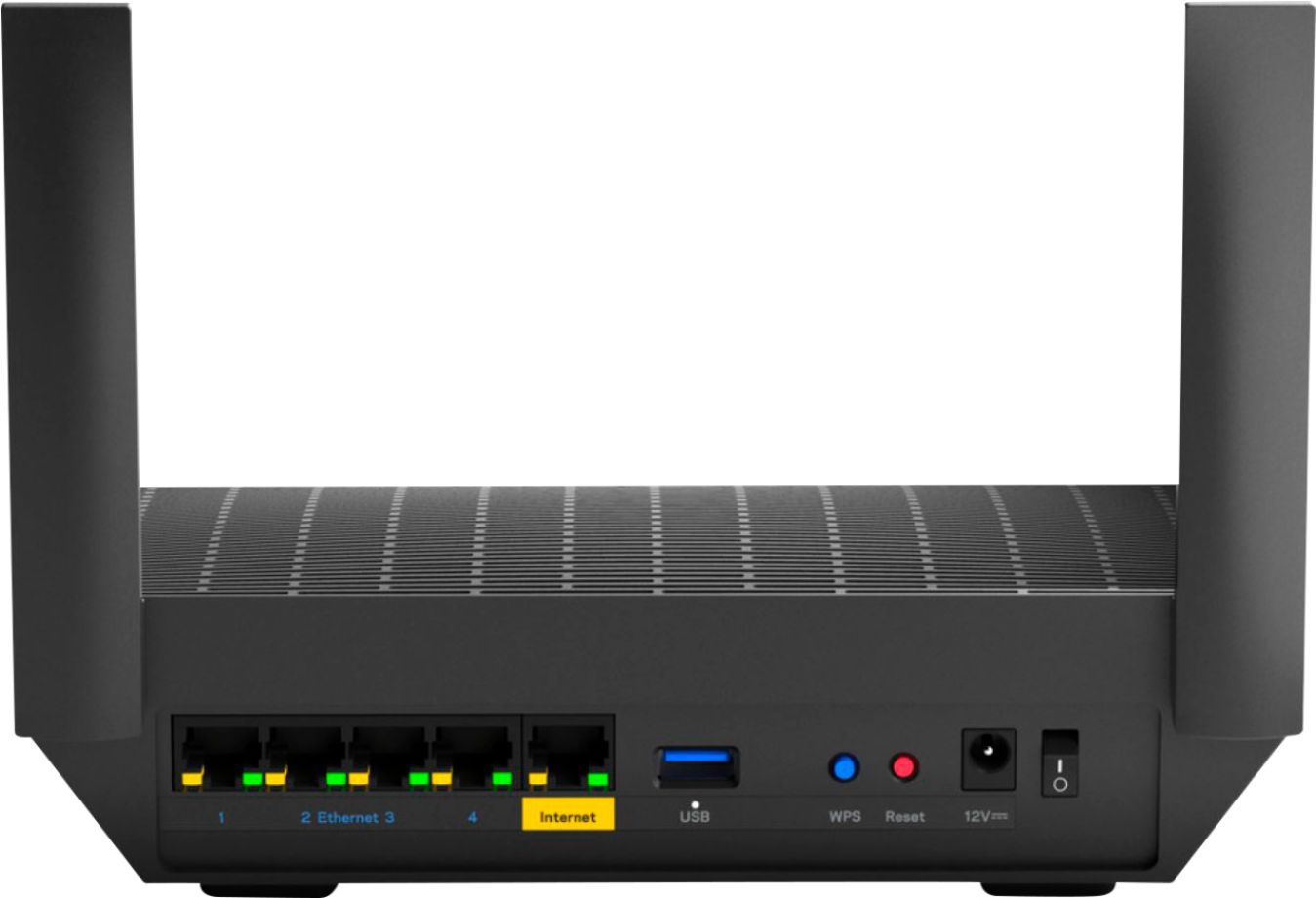
A:AnswerYes and yes. There are holes on the back for wall mount and I am using it as is with no mesh extension because house is under 1500 sq ft so range is great.
A:AnswerHi. The Linksys MR7350 is a router, not a modem. You may need to subscribe with your local ISP to connect to the internet through the modem, and then use the router or our Linksys MR7350 to spread the internet connection throughout your home.